Best Apps for Kids in 2026: 9 Apps Compared

How we put this together: we compare official feature and pricing pages, app store listings, privacy policies and public user reviews. Prices change, so check the provider's site before you pay.
Key takeaways
- Khan Academy Kids and PBS Kids Games are the strongest free starting points for younger children.
- ABCmouse and Lingokids suit families that want a structured path with a paid plan behind it.
- Epic is the best pick for children who will happily read for fun, with a large digital library.
- Prodigy works well for math practice because it wraps questions in a game children want to keep playing.
- YouTube Kids needs the most parental setup, since its value depends heavily on the controls a parent turns on.
Quick comparison
| Name | Who it suits | Starting price | Free option | |
|---|---|---|---|---|
 Khan Academy Kids Khan Academy Kids | Free early learning | Free | Yes | Visit |
 ABCmouse ABCmouse | Structured preschool learning | See website | Free trial | Visit |
 PBS Kids Games PBS Kids Games | Free trusted shows and games | Free | Yes | Visit |
 Duolingo ABC Duolingo ABC | Early reading practice | Free | Yes | Visit |
 Starfall Starfall | Reading and phonics basics | Free | Yes | Visit |
 Epic Epic | Digital reading library | See website | Free trial | Visit |
 Prodigy Math Prodigy Math | Game-based math practice | Free | Yes | Visit |
 YouTube Kids YouTube Kids | Curated video watching | Free | Yes | Visit |
 Lingokids Lingokids | Play-based learning ages 2 to 8 | See website | Free trial | Visit |
The best apps for kids
We looked for apps that teach something real, suit their stated age range, and give parents clear controls over content and spending.
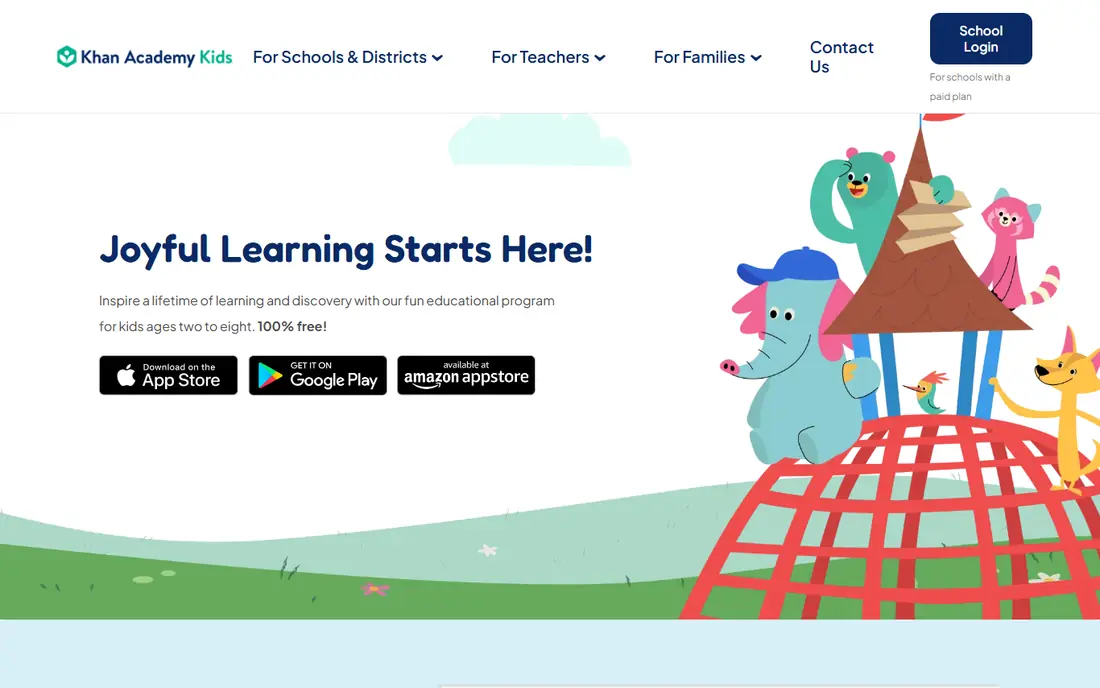
Khan Academy Kids is our pick for most families starting out, and the reason is simple: it is free, it has no ads, and it has no in-app purchases to manage. Children work through reading, early math, logic, and social and emotional topics with friendly characters and short activities. Parents get progress views without paying for a subscription they may forget to cancel. The limit is age range. It is built for ages 2 to 8, so a ten-year-old will find it too young and will need Epic or Prodigy instead. Within its range, though, it is hard to beat. Start here, and only pay for another app if your child needs something this one does not cover.
- Completely free with no ads or in-app purchases
- Covers reading, math, and social skills
- Trusted nonprofit source
- Best for ages 2 to 8, so older children outgrow it
- Fewer game-style rewards than paid rivals
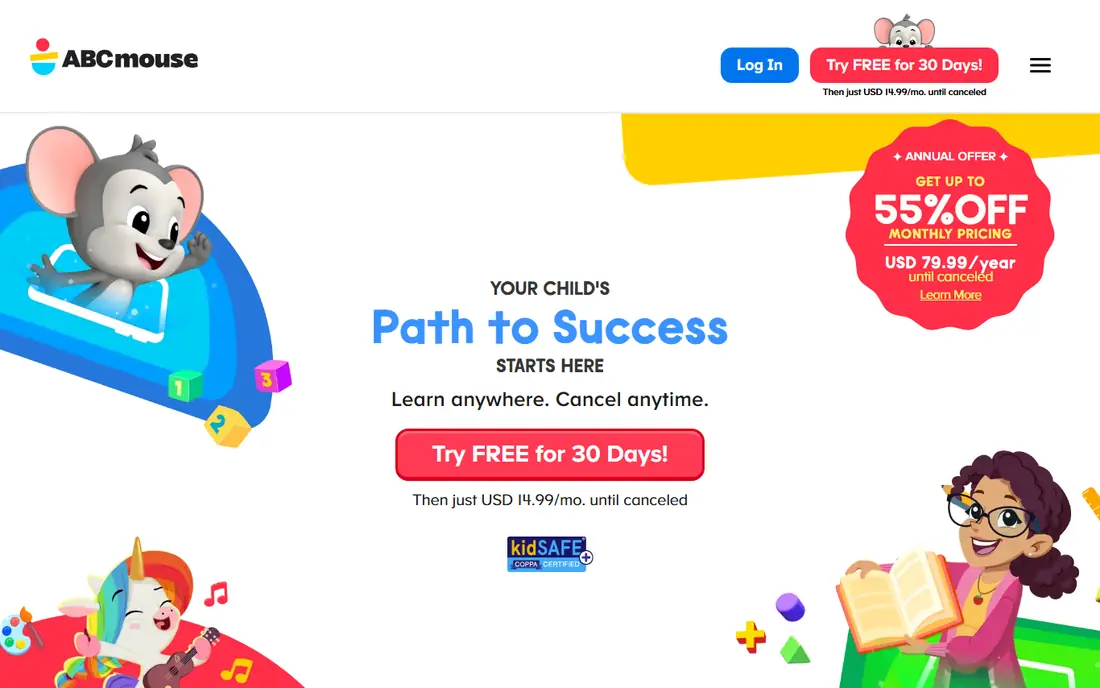
ABCmouse suits families that want structure rather than a loose set of games. Children follow a learning path through reading, math, science, art, and music, with activities that become available as they progress. That sense of moving forward keeps many young children engaged, and parents can see what has been covered. It is a paid app after the trial, so families should check the current price on the site and decide whether the structure is worth it over free options like Khan Academy Kids. For a preschooler who likes routine and clear next steps, ABCmouse earns its cost. For a child who prefers open play, a freer app may fit better.
- Clear step-by-step learning path
- Thousands of activities across subjects
- Progress tracking for parents
- Paid subscription after the trial
- Content is best for younger children rather than older school ages
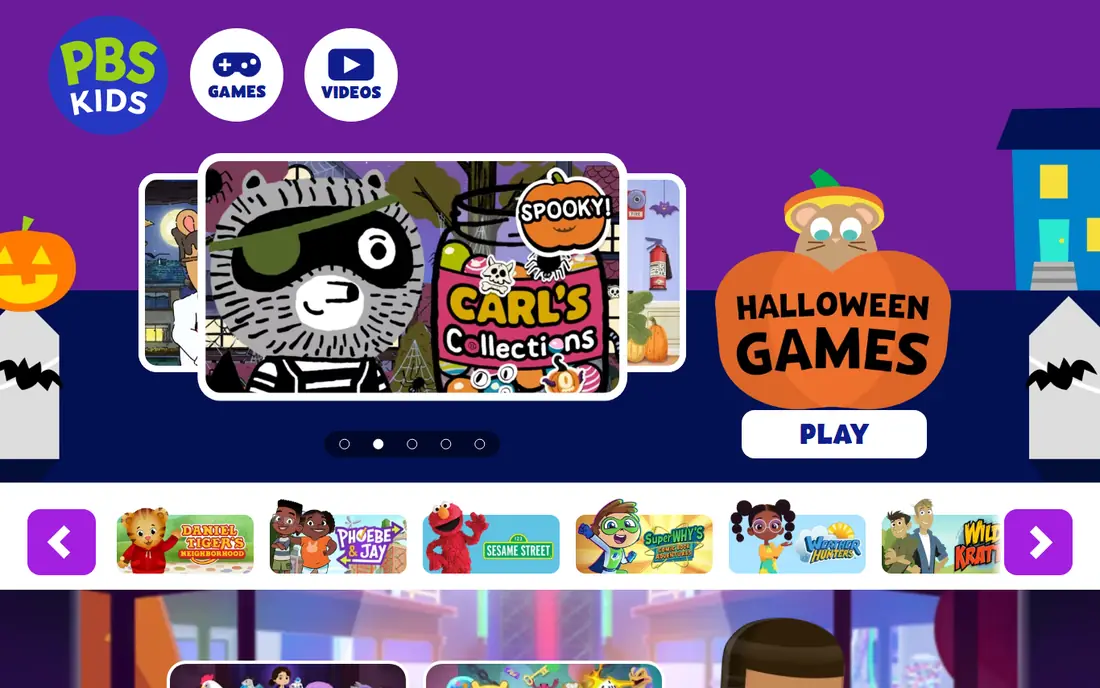
PBS Kids Games turns familiar characters into short learning games, and that familiarity is a real advantage for younger children. A child who watches a PBS Kids show will often try its game without any persuading, and the games cover early reading, math, science, and problem solving in small, friendly doses. There is no subscription and no purchase pressure. Depth is the trade-off. These are short games rather than a full curriculum, so they work best as a supplement to reading, schoolwork, or a structured app. As a free, safe first app for a young child, though, PBS Kids Games is an easy recommendation.
- Free games tied to PBS Kids shows children know
- No subscription needed
- Strong choice for younger viewers
- Learning depth varies by game
- Older children may find it too simple
Duolingo ABC does one job well: it helps young children learn letters, sounds, and early reading through short, playful lessons. The format will feel familiar to anyone who has used Duolingo, with bite-size steps, quick wins, and gentle repetition. Children can work through it in short sessions, which suits early readers better than long lessons. Parents should not expect a whole curriculum here. Duolingo ABC covers reading foundations, not math, science, or writing, so pair it with Khan Academy Kids or PBS Kids Games for broader coverage. As a free reading helper, it is one of the best single-purpose apps on this list.
- Free reading app from the Duolingo team
- Short phonics and letter lessons
- Cheerful design for ages 3 to 8
- Focused on early reading only
- Not a full-subject learning app
Starfall has taught early reading for years, and its strength is focus. Children learn letter sounds, word patterns, and early reading through songs, games, and short stories that build step by step. The simple design is actually a plus for young readers, because there is little to distract from the letters and words themselves. Newer apps look flashier, and children used to bright, fast games may find Starfall plain at first. Parents who care about phonics progress more than polish will still value it, and the free core content makes it easy to try. Check the site for current membership pricing if you want the full library.
- Long-running phonics and reading site
- Free core content
- Simple design that suits early readers
- Design looks dated next to newer apps
- Full membership is paid and prices should be checked on the site
Epic is the closest thing to a library in an app, and for children who love stories it can change how much they read. The library covers picture books, chapter books, nonfiction, videos, and audiobooks, with reading levels that help children find books they can actually finish. Quizzes and badges add a light sense of progress without turning reading into a chore. Home pricing is paid, so check the current plan on the site, and note that many schools offer Epic free for classroom use. The honest caveat is balance: Epic works best when it adds to print reading rather than replacing it entirely. Used that way, it is a strong pick for ages up to about 12.
- Large library of books, videos, and audiobooks
- Reading levels and quizzes
- Popular with schools and families
- Paid for home use after any trial
- Screen reading does not replace print books for every child
Prodigy solves a problem many parents know well: math practice feels like work, so children avoid it. By wrapping math questions in a fantasy game with battles, pets, and rewards, Prodigy gets children to answer far more questions than a worksheet would. Questions adapt to the child's level, and parents and teachers can track progress. The catch is the paid membership, which adds cosmetic extras and bonuses that children will notice and may ask for. The core math game is free, so families can get real value without paying, but parents should set expectations early about what will and will not be bought. For math fluency, it remains one of the most effective free options here.
- Free math game with curriculum-aligned questions
- Children stay engaged through battles and rewards
- Parent and teacher reports
- Paid membership adds extras that children may ask for
- Game can distract from math for some children
YouTube Kids is the app on this list that most needs a parent's attention before a child opens it. Used well, it gives children a large library of shows, songs, and learning videos in an interface built for them, with controls for search, timers, and approved content. Many families use it for music, crafts, and science videos their children love. Used without setup, it is a mixed bag, because video quality varies and recommendations can drift. Parents should turn on the controls that fit their child's age, approve channels where possible, and set time limits. With that setup, YouTube Kids is a useful free tool. Without it, a tighter app like PBS Kids Games is the safer default.
- Free video app built for children
- Parental controls and timers
- Huge range of shows, songs, and learning videos
- Content quality varies
- Needs active parental setup and supervision
- Ads can appear depending on settings
Lingokids rounds out the list for families that want playful learning with a clear structure for ages 2 to 8. Activities, songs, and games cover early language, math, and social skills, and the app is especially popular for children learning English. Parent reports show what children have practiced, which helps families judge whether the subscription is earning its keep. The question for most families is cost. Khan Academy Kids covers a similar age range for free, so Lingokids needs to win on engagement for your particular child to justify paying. Try the free trial with your child, watch whether they return to it willingly, and only subscribe if the answer is yes.
- Play-based activities across subjects
- Strong for early English learning
- Parent progress reports
- Paid plan after the trial
- Some families may prefer a free app for the same age range
How we picked these
We compared official feature pages, pricing pages, app store listings, privacy policies, and public reviews, and we favored apps that are actively maintained, clear about age ranges, and honest about what is free and what is paid. We also weighed parental controls, ads, and in-app purchases, because those details matter as much as learning content for a family app. Prices are listed as See website where a vendor does not publish a clear starting rate on its public pages, so confirm current pricing before subscribing. Parents should check age ratings and privacy settings for any app, set time limits, and review purchases together with their child.
How to choose for your child's age
Age fit matters more than any single feature, so use it as your first filter.
Ages 2 to 5
Start with Khan Academy Kids, PBS Kids Games, or Duolingo ABC, and keep sessions short. At this age, simple activities, songs, and repetition beat complex games. Sit with your child for the first sessions so you can see what they enjoy and where they get stuck.
Ages 6 to 8
Add Starfall for reading, Prodigy for math, and Lingokids if you want a paid structured option. This is the age where a learning path starts to help, because children can follow progress and return to unfinished work. Keep a mix of reading, math, and free play rather than letting one game take over.
Ages 9 to 12
Epic and Prodigy carry this age best, with YouTube Kids as a supervised video option. Older children need books they can choose themselves and math that adapts to schoolwork, not preschool games. Check reading levels together, and let your child pick books within a range you both agree on.
Frequently asked questions
What is the best free app for kids?
Khan Academy Kids is our pick for most families, because it is free, has no ads, and covers reading, math, and social skills for ages 2 to 8. PBS Kids Games is another strong free option, especially for children who love PBS Kids shows. For reading alone, Duolingo ABC is also free and worth adding.
What is the best learning app for a 5-year-old?
Khan Academy Kids and ABCmouse both suit a 5-year-old, with Khan Academy Kids free and ABCmouse offering a structured paid path. Duolingo ABC helps with early reading, and Starfall supports phonics. Try the free options first, then pay only if your child wants the structure a paid app provides.
Is ABCmouse worth paying for?
ABCmouse can be worth it for families that want a clear learning path and progress tracking for a preschooler. It is less clearly worth it if your child is happy with Khan Academy Kids, which covers similar ground for free. Use the free trial, watch how your child responds over a week, and check the current price on the site before subscribing.
Is YouTube Kids safe for children?
YouTube Kids is built for children and offers parental controls, but safety depends on how a parent sets it up. Turn on age-appropriate settings, consider approved content only for younger children, set timers, and check viewing history together. For younger children, PBS Kids Games offers a tighter, simpler alternative.
What is the best app for kids who love reading?
Epic is the best pick for children who love reading, thanks to its large library of books, audiobooks, and videos with reading levels. Starfall suits early readers still learning phonics, while Duolingo ABC helps with letter sounds and first words. Pair Epic with print books so screen reading does not crowd out paper books entirely.
How much screen time should a learning app take?
There is no single number that fits every family, but short, regular sessions work better than long stretches for young children. Many parents use 15 to 30 minutes for a learning app, then switch to play, reading, or outdoor time. Use the app's timers and your device's controls, and review together what your child learned.
Sources we checked (9)

Online Jobs is an independent blog about careers, online work, learning new skills and the tools that help people earn. More about us.
Keep reading
All posts
Best Tools for Virtual Tutoring
Compare the best tools for virtual tutoring, from one-to-one tutor marketplaces to free self-paced learning, with pricing, subjects and honest limits.
Best Study Apps for Young Children
Compare the best study apps for young children in 2026, from Khan Academy Kids and ABCmouse to Reading Eggs, Starfall, Duolingo ABC and PBS Kids, with prices.
Best Study Apps for Kids
Looking for the best study apps for kids? We compare Khan Academy Kids, ABCmouse, Prodigy, IXL and more on age, safety, price and subjects for home learning.