Best Apps for Freelancers in 2026: 8 Apps Compared

How we put this together: we compare official feature and pricing pages, app store listings, privacy policies and public user reviews. Prices change, so check the provider's site before you pay.
Key takeaways
- Wave is the best free starting point for invoicing and basic bookkeeping, while FreshBooks suits freelancers as client numbers grow.
- Toggl Track solves the most common freelancer problem: forgetting to record billable hours accurately.
- Bonsai bundles contracts, proposals, and invoicing for freelancers who want one business tool instead of several.
- Trello, Notion, and Calendly handle projects, notes, and scheduling, and Upwork helps freelancers find clients.
- Start with free plans, then pay only for the tool that saves you time or helps you get paid faster.
Quick comparison
| Name | Who it suits | Starting price | Free option | |
|---|---|---|---|---|
 Wave | Free invoicing and bookkeeping | Free | Yes | Visit |
 FreshBooks | Growing client billing | See website | No | Visit |
 Bonsai | All-in-one freelance business | See website | No | Visit |
 Toggl Track | Billable time tracking | $9 per user per month | Yes | Visit |
 Trello | Simple visual project tracking | $5 per user per month | Yes | Visit |
 Notion | Clients, notes, and projects | $10 per month | Yes | Visit |
 Calendly | Client scheduling | $10 per seat per month | Yes | Visit |
 Upwork | Finding freelance clients | Free | Yes | Visit |
The best apps for freelancers
Freelancers need tools for finding work, tracking time, invoicing, and staying organised, and no single app does all of those jobs well. The list below mixes business tools with a client platform, so you can build a small stack that fits how you actually work. We compared official pricing pages and feature pages, and we focused on free plans, client limits, and payment features, since those details matter most to solo workers.
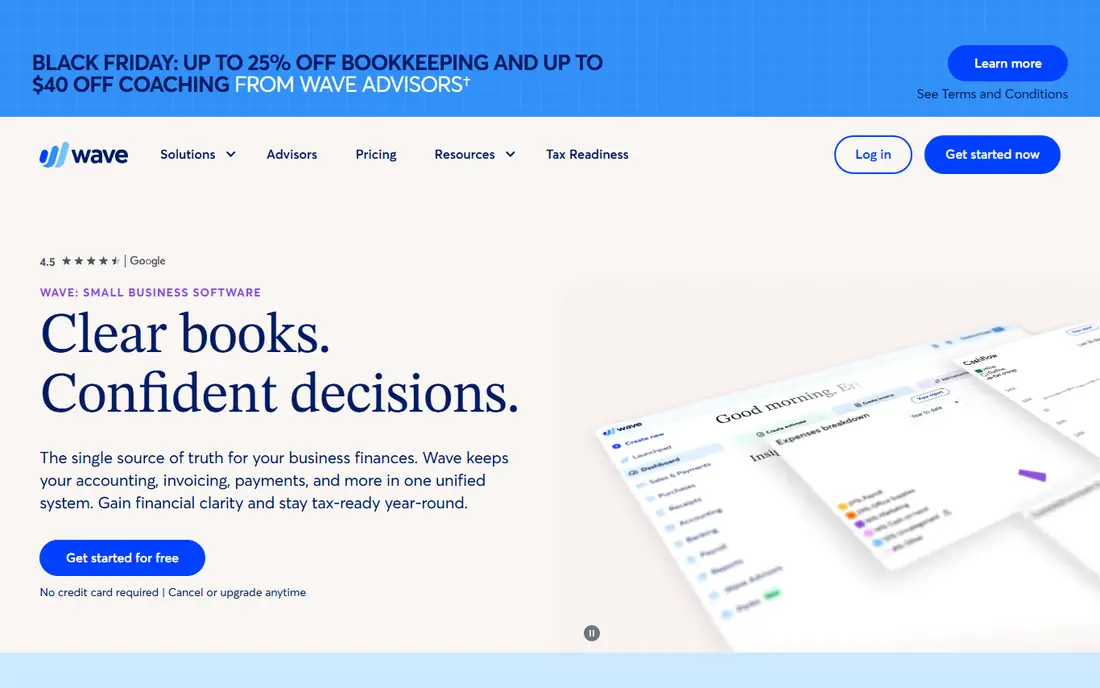
Wave is the best free starting point for freelancer finances. You can send unlimited invoices, track income and expenses, and accept card and bank payments without a monthly fee, though payment processing fees apply per transaction. That combination suits new freelancers who need to look professional from the first invoice without paying for software before they have steady income.
The limits are geography and depth. Wave focuses on US and Canadian businesses, and advanced accounting, payroll, and reporting features are lighter than FreshBooks or QuickBooks. As client numbers and tax complexity grow, many freelancers move to a paid accounting tool. Until then, Wave is a strong, genuinely free foundation.
- Free invoicing and basic accounting
- Easy invoice templates
- Payment processing built in
- US and Canada focus
- Advanced accounting needs a paid plan or another tool
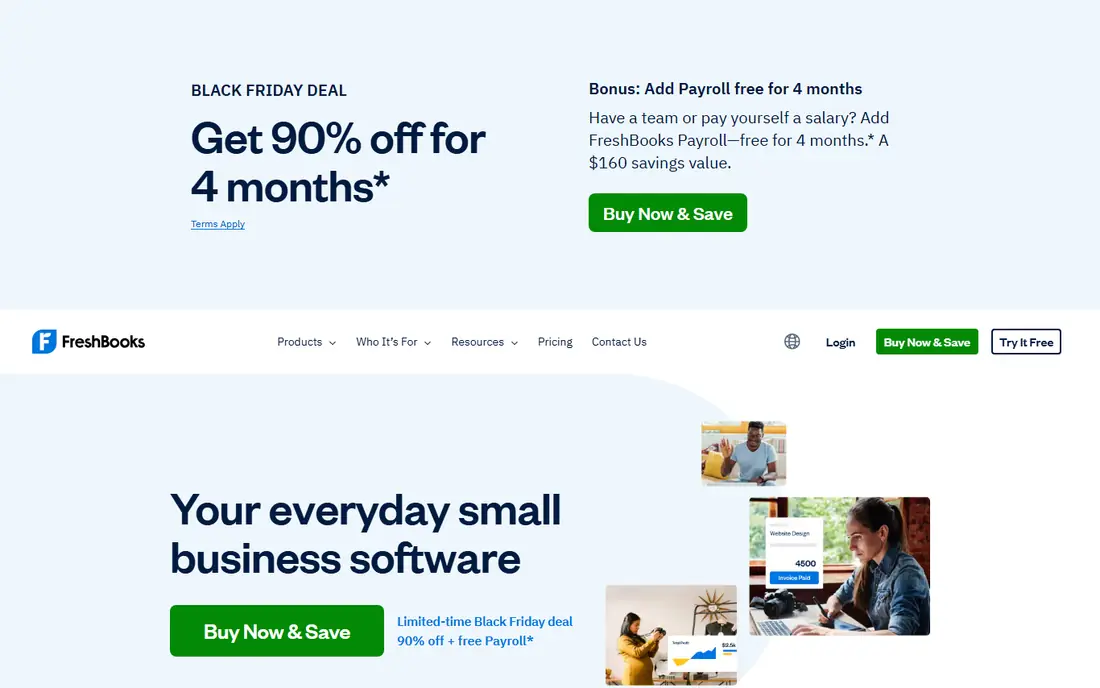
FreshBooks suits freelancers who have outgrown a free tool and want cleaner billing. Invoices look professional, time tracking flows into invoices, expenses and receipts are easy to capture, and clients can pay through a portal without chasing paper cheques. That workflow saves time each month, especially for hourly workers with several active clients.
The catch is client caps on lower plans, so check how many billable clients your plan allows before you subscribe. There is also no permanent free plan, though trials help you test the workflow. If you bill regularly, value polished invoices, and need time tracking tied to billing, FreshBooks is a natural next step after Wave.
- Polished invoicing and time tracking
- Good expense and receipt tools
- Client portal for payments
- Client caps on lower plans
- No permanent free plan
Bonsai is for freelancers who want one tool for the whole business side of freelancing. Proposals, contracts, invoicing, time tracking, and client management live together, so you do not need separate tools for each step from winning work to getting paid. Templates for contracts and proposals help new freelancers avoid common mistakes, and client portals make the process look professional.
You pay from the start, and some features sit on higher tiers, so compare the plan that covers contracts and invoicing together rather than judging by the entry price alone. A trial helps you test if the all-in-one workflow actually saves time for your type of work. If juggling several tools frustrates you, Bonsai can simplify the business side a lot.
- Contracts, proposals, invoicing, and time tracking in one place
- Freelancer-focused templates
- Client portals
- Monthly cost from the start
- Some features need higher tiers
Toggl Track solves a simple but costly freelancer problem: hours that never get recorded. One-click timers on desktop, mobile, and browser make it easy to start timing when work starts, and idle detection catches breaks you forgot to log. Reports show time by client and project, which makes invoicing faster and disputes rarer. The free plan covers solo time tracking well.
The tool still needs discipline, since no tracker can start itself reliably for every task, though reminders and browser tools help. Advanced reporting and team features need a paid plan. If you bill by the hour and often guess at the end of the week, Toggl Track is one of the highest-value tools here.
- Simple one-click timers
- Idle detection and reminders
- Clear reports for clients
- Paid features needed for advanced reporting
- Needs discipline to start timers
Trello keeps freelance projects visible without complexity. Each client or project gets a board, each task gets a card, and cards move from to do to doing to done as work progresses. Checklists, due dates, and attachments cover most solo project needs, and clients can be added to a board for visibility if you want them to see progress.
Complex projects with dependencies, budgets, and reporting will outgrow Trello, and time tracking and billing need other tools. For most solo freelancers, though, Trello is enough for project tracking, and its free plan is generous for personal use. If you want a calm, visual way to track client work, Trello is a good pick.
- Easiest project board to learn
- Cards, checklists, and due dates
- Free plan covers basic boards
- Weak for complex projects and reporting
- Needs add-ons for time and billing
Notion suits freelancers who want clients, notes, content, and projects in one workspace. You can build a client database, track project status, store meeting notes, and plan content without switching apps, and templates help you start quickly. The free plan for personal use is strong, which makes it easy to test before paying.
Flexibility is also the risk. Without a simple structure, a Notion workspace can grow messy, with duplicate pages and unclear databases. Start with one client database, one project board, and one notes area, and add more only when you need it. If you like organising work in documents and databases, Notion is a powerful freelance hub.
- Docs, databases, and tasks in one workspace
- Flexible client and project templates
- Good free plan for personal use
- Can become messy without a simple structure
- Learning curve for databases
Calendly ends the familiar email chain of finding a meeting time. You share a booking link, clients pick a time that fits your availability, and the meeting appears on your calendar with the right time zone handled. That saves time for discovery calls, project check-ins, and coaching sessions, and it looks more professional than asking clients to guess your availability.
The free plan covers one event type, which is enough for a single kind of call, but freelancers with several services will need a paid plan. Team scheduling and advanced routing also need higher tiers. If scheduling emails eat your week, Calendly pays for itself in saved time and fewer missed calls.
- Ends back-and-forth scheduling emails
- Syncs with common calendars
- Simple booking pages for clients
- Free plan allows only one event type
- Paid features needed for team scheduling
Upwork is different from the other tools here: it helps you find work, not just manage it. Clients post jobs across writing, design, development, marketing, and many other fields, and freelancers apply with proposals, build a profile, and collect reviews. Built-in contracts and payment protection reduce the risk of unpaid work compared with informal deals, which matters for new freelancers.
Service fees apply to earnings, and competition is strong in popular categories, so standing out takes a strong profile, targeted proposals, and early reviews. Upwork works best as one channel among several, alongside referrals and direct outreach, rather than as your only source of clients. For finding first clients and building a track record, Upwork is a useful platform.
- Large marketplace of freelance jobs
- Built-in contracts and payment protection
- Good for building a portfolio
- Service fees on earnings
- Competition is strong in popular categories
How we picked these
We compared official pricing pages and feature pages for tools and platforms that freelancers use daily for money, time, clients, projects, scheduling, and finding work. We favoured tools with a clear free or trial route, a solo-friendly price, and different jobs, so readers can build a small stack rather than buying one bloated platform. We did not claim hands-on testing, and we used See website where a current price was not clearly published on the vendor site.
How to build a freelance tool stack without overspending
Start with the money flow. You need a way to invoice, a way to track time if you bill hourly, and a way to get paid, and Wave plus Toggl Track cover those jobs for free for many new freelancers. Add FreshBooks or Bonsai only when client numbers, tax complexity, or contract needs make the free tools feel tight. Paying for a polished tool before you have steady income is a common early mistake.
Next, add one organisation tool, not three. Pick Trello if you like visual boards, or Notion if you like documents and databases, and use it for clients, projects, and notes. Adding both usually creates duplicate work and confusion. Add Calendly when scheduling emails start to cost you real time, since its value is easy to measure in hours saved each week.
Finally, treat client platforms as channels, not as your business. Upwork can bring first clients, but referrals, a simple portfolio site, and direct outreach give you better rates and control over time. Review your tool costs every quarter, cancel tools you have not opened in a month, and keep total software spending in line with income. A lean stack that you actually use beats a large stack that you pay for and ignore.
Frequently asked questions
What are the best apps for freelancers starting out?
Wave for invoicing, Toggl Track for time tracking, Trello for projects, and Calendly for scheduling form a strong free or low-cost starting stack. Add FreshBooks or Bonsai later when client numbers and billing complexity grow.
What is the best tool for freelancers to track time?
Toggl Track is a strong pick for simple, reliable time tracking with reports by client and project. FreshBooks and Bonsai also include time tracking tied to invoicing, which suits freelancers who want billing and tracking in one tool.
What is the best freelance platform for finding work?
Upwork is one of the largest freelance marketplaces, with jobs across many fields and built-in payment protection. Fiverr suits packaged services, while referrals and direct outreach often lead to higher rates over time.
Can freelancers use free apps for invoicing?
Yes, Wave offers free invoicing and basic bookkeeping, and other tools offer free tiers with limits. Free invoicing works well for new freelancers, though payment processing fees still apply when clients pay by card or bank.
How much should freelancers spend on apps?
It depends on income and client volume, but many solo freelancers start at zero to low monthly cost with free plans, then spend more as work grows. Review costs quarterly, keep only tools that save time or help you get paid faster, and avoid duplicate tools for the same job.
Sources we checked (8)

Online Jobs is an independent blog about careers, online work, learning new skills and the tools that help people earn. More about us.
Keep reading
All posts
n8n Alternatives
n8n alternatives compared for 2026, with Zapier, Make, Activepieces, and more, covering visual builders, code steps, self-hosting, and pricing models.

eBay Alternatives
Looking for ebay alternatives? We compared 9 marketplaces for sellers on fees, buyer reach, categories and ease of listing, to help you sell with confidence.

ZoomInfo Alternatives
The best ZoomInfo alternatives in 2026, compared on price, free plans, data coverage, and which tool fits small teams or large sales teams best in detail.