Best Application Detection and Response Tools in 2026: 8 Tools Compared


Runtime protection inside the app · Starting price: See website
How we put this together: we compare official feature and pricing pages, app store listings, privacy policies and public user reviews. Prices change, so check the provider's site before you pay.
Key takeaways
- Application detection and response tools watch your running app from the inside, so they can block attacks that a perimeter firewall only sees as normal traffic.
- Contrast Protect and Datadog Application Security Management suit teams that already instrument their apps and want runtime context with each finding.
- Dynatrace Application Security fits shops that already run Dynatrace for observability and want security in the same agent and dashboard.
- Imperva, Akamai, Fastly, and Wallarm are stronger when most of the risk sits at the edge, in APIs, or in bot traffic rather than inside one app.
- Most of these tools are priced by quote, so a trial with your real traffic matters more than any headline feature list.
Quick comparison
| Name | Who it suits | Starting price | Free option | |
|---|---|---|---|---|
| Contrast Protect | Runtime protection inside the app | See website | Free trial | Visit |
 Datadog Application Security Management | Teams already using Datadog | See website | Free trial | Visit |
 Dynatrace Application Security | Observability teams adding security | See website | Free trial | Visit |
 Imperva Application Security | Edge and API protection at scale | See website | Free trial | Visit |
 Akamai App and API Protector | Large sites with heavy bot traffic | See website | No | Visit |
 Fastly Next-Gen WAF | Fast deployment and API visibility | See website | Free trial | Visit |
 Wallarm | API security and testing | See website | Free trial | Visit |
 Salt Security | API discovery and attack blocking | See website | Free trial | Visit |
The best application detection and response tools
Application detection and response, often shortened to ADR, is about seeing attacks as they happen inside a running application. The tools below either run in the app, sit in front of it, or do both, and the right pick depends on where your team already has visibility.
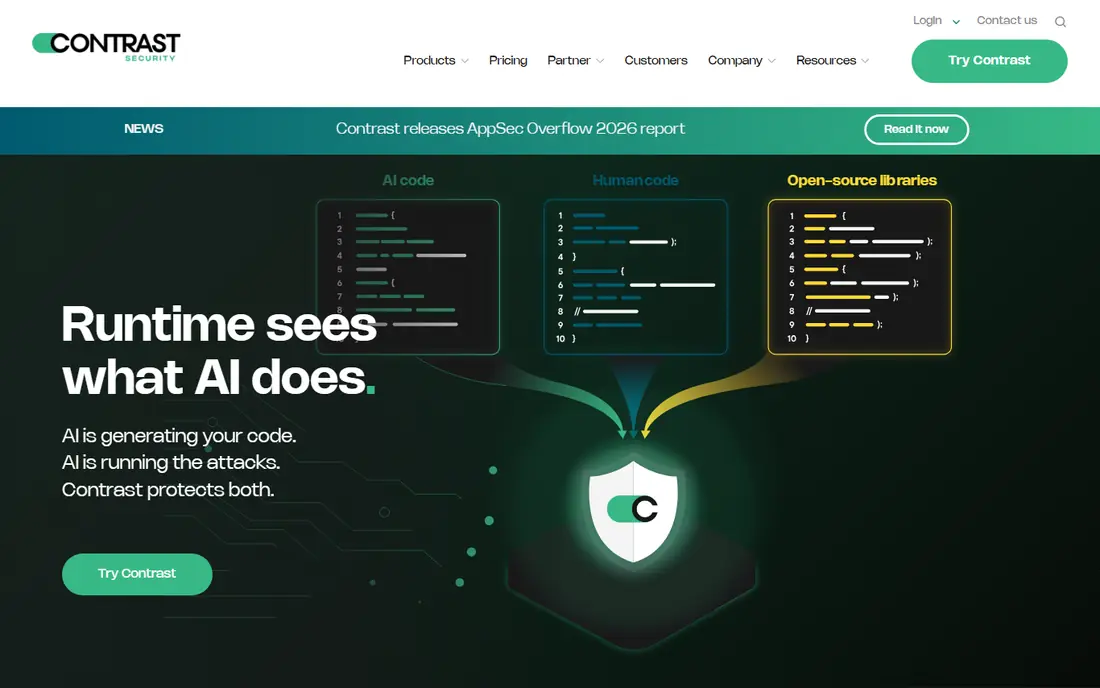
Contrast Protect runs inside the application, so it can tell the difference between a suspicious request and a real exploit against your code. That context cuts down on the vague alerts that edge tools sometimes produce, and it lets the tool block an attack in the app itself rather than relying only on network rules.
The cost is integration work. Each app needs the agent, developers need to be involved, and pricing is quoted rather than published, so budget planning takes a sales conversation. For teams with a small number of important apps, that trade is usually worth it. For a sprawling estate of tiny services, the agent work adds up fast.
- Sees attacks with code context
- Can block without a separate firewall rule
- Covers common web frameworks
- Needs an agent in each app
- Pricing is by quote
- Setup needs developer time
Datadog Application Security Management
Who it suits: Teams already using Datadog
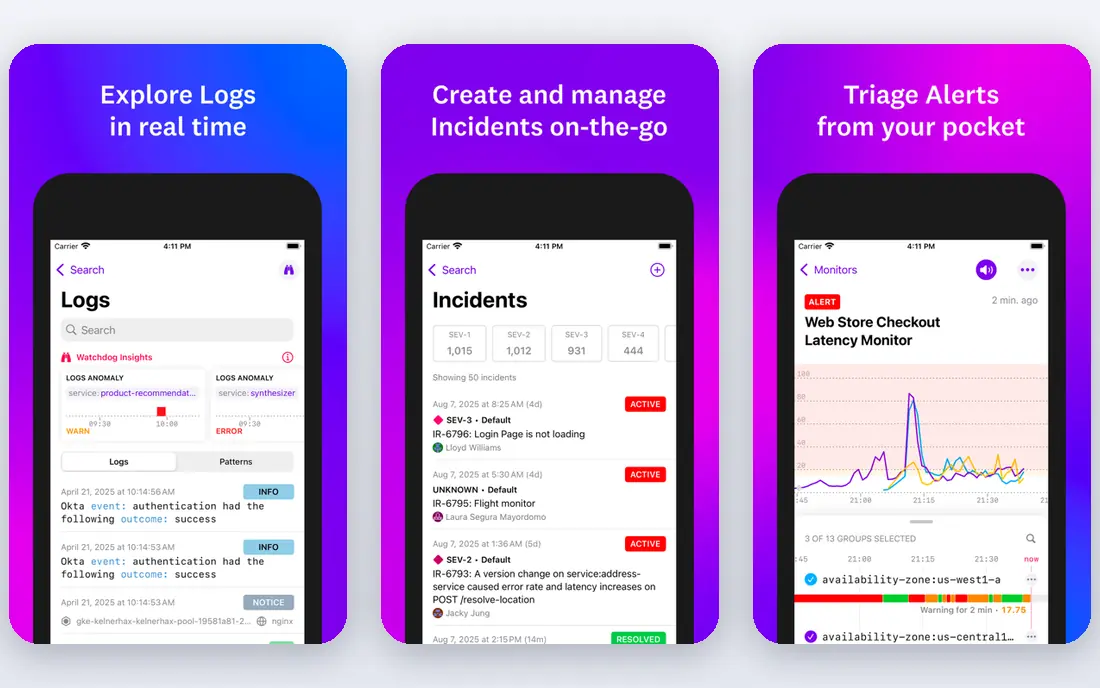
Datadog Application Security Management, often called ASM, adds runtime threat detection to the Datadog agent many teams already run. When an attack is detected, you can jump from the finding to the trace, the logs, and the host, which makes triage much faster than a standalone alert in a separate console.
The main risk is cost creep. Datadog prices by host, feature, and data volume, so turning on ASM across a large fleet needs a careful estimate. If your team already lives in Datadog dashboards, though, the added context is hard to match, and the trial is the right way to see the real bill before you commit.
- Security findings sit beside traces and logs
- Threat detection included
- Broad language support
- Bill grows with hosts and ingested data
- Best value only if you already use Datadog
Dynatrace Application Security
Who it suits: Observability teams adding security
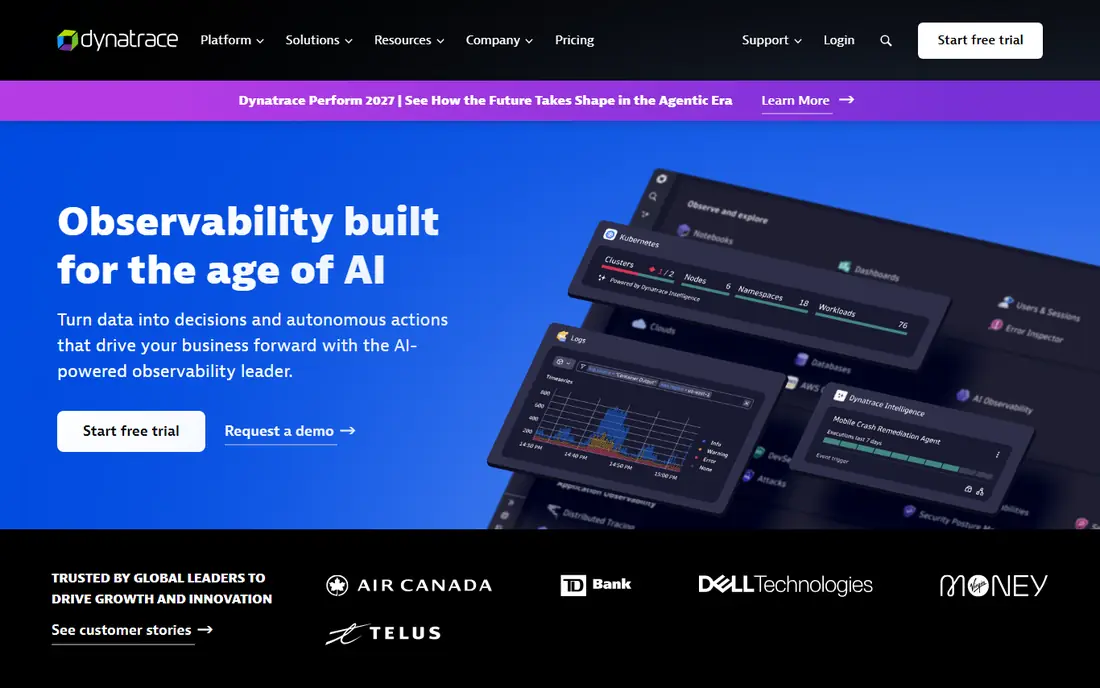
Dynatrace Application Security runs on the same OneAgent that handles performance monitoring, so security findings arrive with service topology, process detail, and code-level context already attached. That single-agent idea appeals to teams that do not want yet another agent on every host.
Dynatrace pricing uses consumption units, which makes a direct comparison with per-host tools awkward. It is also clearly built for larger, complex environments, so a small team may find the platform more than it needs. If Dynatrace is already your observability standard, adding its security module is a natural step.
- One agent for performance and security
- Automatic topology and context
- Vulnerability detail tied to code
- Consumption pricing is hard to compare
- Enterprise focus
- Smaller teams may find it heavy
Imperva Application Security
Who it suits: Edge and API protection at scale
Imperva Application Security combines a web application firewall, bot management, DDoS protection, and API security in one edge platform. It is a good fit when your main risk is internet-facing traffic, rather than a single internal app, because it inspects requests before they reach your servers.
The platform covers a lot, and that breadth is both a strength and a weakness. Expect a tuning period for false positives on complex apps, and expect pricing to come through a quote based on traffic and features. For high-traffic sites that need edge protection plus API controls, it remains a standard shortlist name.
- Strong web application firewall and bot management
- DDoS protection included
- API security features
- Pricing is by quote
- Console can feel broad
- Tuning takes time on large sites
Akamai App and API Protector
Who it suits: Large sites with heavy bot traffic
Akamai App and API Protector runs on Akamai's global edge platform, which gives it scale for DDoS defence and bot management that smaller vendors cannot match. It inspects app and API traffic at the edge, applies adaptive protections, and can slow or block abusive clients before they reach your origin.
This is an enterprise tool in price and process. There is no simple self-serve tier for a hobby project, and implementation usually involves Akamai staff or a partner. For a large public site, a media property, or a commerce platform under constant bot pressure, that scale is the point.
- Global edge network
- Strong bot and abuse controls
- Adaptive security updates
- Enterprise pricing
- Setup is not a quick self-serve job
- Overkill for a single small app
Fastly Next-Gen WAF, formerly Signal Sciences, is known for a deployment that does not force a long professional services project. You place it in front of your app or API, and it starts showing attack traffic with enough detail to act on, including which requests were blocked and why.
It suits teams that want edge protection plus API visibility without rebuilding their stack. Pricing is quoted, so the trial period is the time to measure request volume and check how the bill scales. API-heavy teams should also test how it handles authenticated traffic and unusual payloads before signing.
- Quick to deploy in front of apps and APIs
- Clear attack detail
- Works across clouds
- Pricing is by quote
- Some advanced features sit in higher tiers
- Needs tuning for APIs
Wallarm focuses on APIs, which is where many modern breaches now start. It discovers APIs, including shadow APIs you may not know about, monitors traffic for attacks, and can block malicious requests. It also includes API testing, which helps teams find weak endpoints before attackers do.
That focus is a strength for API-first companies and a limit for teams whose main concern is a traditional web app. If your product is mostly APIs, Wallarm deserves a trial. If you need broad web protection plus bot management, pair it with, or compare it against, one of the edge platforms above.
- API discovery and inventory
- Attack blocking
- API testing features
- API focus means less depth for classic web apps alone
- Pricing is by quote
Salt Security builds an inventory of your APIs by watching real traffic, then learns what normal use looks like for each endpoint. When an attacker probes, scrapes, or abuses an API in a way that breaks that baseline, Salt can flag and block it. That behavioural approach catches attacks that signature rules miss.
As with other enterprise API tools, pricing is quoted and depends on traffic and deployment size. The trial should include your busiest APIs, not just a test endpoint, because the quality of the baseline depends on real traffic. For companies with many public or partner APIs, Salt is a strong finalist.
- Discovers APIs from traffic
- Baselines normal API behaviour
- Blocks abuse in real time
- Pricing is by quote
- Value depends on API traffic volume
- Needs integration with gateways
How we picked these
We compared official product pages, documentation, and pricing pages for tools that detect and respond to attacks on running applications and APIs. We included both in-app runtime tools and edge platforms, because buyers use the term for both, and we noted where pricing is quoted rather than published. We did not claim hands-on testing, and we avoided tools whose current product is only static code scanning, which is a different job.
How to choose the right ADR tool
Start by naming where attacks would hurt most. If the risk is a specific app with sensitive data, an in-app tool like Contrast or Datadog ASM gives you code context and blocking inside that app. If the risk is public traffic, bots, and APIs across many services, an edge platform like Imperva, Akamai, or Fastly covers more ground with less per-app work.
Run a trial on production-like traffic, not a demo app. Check false positives, check how findings link to traces or code, and check who gets paged when a block happens. A tool that blocks good customers is worse than a tool that only alerts, so test blocking in monitor mode first. Finally, get a written pricing estimate based on your host count or request volume, because quote-only pricing can surprise you at renewal.
Also plan who owns the tool day to day. Runtime tools need developer cooperation for agent updates, while edge tools need network or platform owners for rule tuning. If neither team has time to tune it, even the best tool will drift into alert noise. Pick the tool your team will actually maintain, and set a review date to check whether blocks, alerts, and costs still match the plan.
Frequently asked questions
What is application detection and response?
It is security for a running application, rather than for code before release. ADR tools watch live requests and app behaviour, detect attacks in progress, and either alert your team or block the request.
How is ADR different from a web application firewall?
A web application firewall usually sits in front of the app and filters traffic by rules. ADR can also run inside the app, which gives it code and data context, so it can confirm whether an attack actually reached vulnerable code.
Do I need ADR if I already use a firewall?
A firewall helps, but it sees traffic, not app internals. ADR adds runtime context and API behaviour analysis, which is useful for attacks that look like normal requests at the edge, such as business logic abuse or API scraping.
Are these tools suitable for small teams?
Some are, especially if you already use Datadog or Dynatrace, or if you start with a single critical app. Quote-only enterprise tools can be expensive, so small teams should trial one tool, measure cost on real traffic, and expand only if the value is clear.
What should I check during a trial?
Check false positives, blocking accuracy, how findings link to code or traces, and the full cost at your traffic level. Also check agent overhead, data retention, and whether the tool supports your languages and frameworks.
Can ADR tools block attacks automatically?
Many can, but start in monitor mode. Let the tool learn your traffic, review its decisions, and only then turn on blocking for rules you trust. Automatic blocking without tuning risks blocking real users.
Sources we checked (8)

Online Jobs is an independent blog about careers, online work, learning new skills and the tools that help people earn. More about us.
Keep reading
All posts
Surfshark Alternatives
Looking for Surfshark alternatives? We compare 8 VPN services on price, privacy, streaming, and device limits to help you find a VPN that fits your needs.
NordPass Alternatives
We compared NordPass alternatives for families, solo users and teams, checking pricing, free plans, passkeys and sharing, so you can switch safely today.
LLM Tool Integration Security Best Practices
Learn LLM tool integration security best practices for 2026, with eight tools for guardrails, tool scoping, sandboxing, agent governance and audit logging.