Best App to Read Books for Free in 2026: 9 Apps Compared

How we put this together: we compare official feature and pricing pages, app store listings, privacy policies and public user reviews. Prices change, so check the provider's site before you pay.
Key takeaways
- Libby and Hoopla are the best free routes to current books, because they lend ebooks and audiobooks through a public library card at no charge to the reader.
- Project Gutenberg is the best route to classic public domain books, with no library card, no loan limit, and no due date.
- Kindle, Google Play Books, Apple Books, and Kobo all have free sections, but most of their catalogs are paid, so check the price before you start a book.
- Wattpad and Serial Reader suit readers who want free stories in short daily parts, rather than a full published novel in one download.
- A free app is not the same as a free book, so always check whether a title is borrowed, public domain, a free sample, or a paid purchase.
Quick comparison
| Name | Who it suits | Starting price | Free option | |
|---|---|---|---|---|
 Libby Libby | Library ebooks and audiobooks | Free | Yes | Visit |
 Hoopla Hoopla | Library ebooks, audio, and media | Free | Yes | Visit |
 Project Gutenberg Project Gutenberg | Classic public domain books | Free | Yes | Visit |
 Kindle Kindle | Free books plus a huge paid store | Free | Yes | Visit |
 Google Play Books Google Play Books | Free books on Android and web | Free | Yes | Visit |
 Apple Books Apple Books | Free books on Apple devices | Free | Yes | Visit |
 Kobo Kobo | Free books plus a paid store | Free | Yes | Visit |
 Wattpad Wattpad | Free stories from writers | Free | Yes | Visit |
 Serial Reader Serial Reader | Classic books in daily parts | Free | Yes | Visit |
The best app to read books for free
Free reading works in three different ways, and mixing them up leads to surprise charges. Library apps lend you a book for a set time. Public domain apps give you a classic book to keep. Store apps give you a free section inside a much larger paid catalog. The apps below cover all three, with a clear note on which books are actually free in each one.
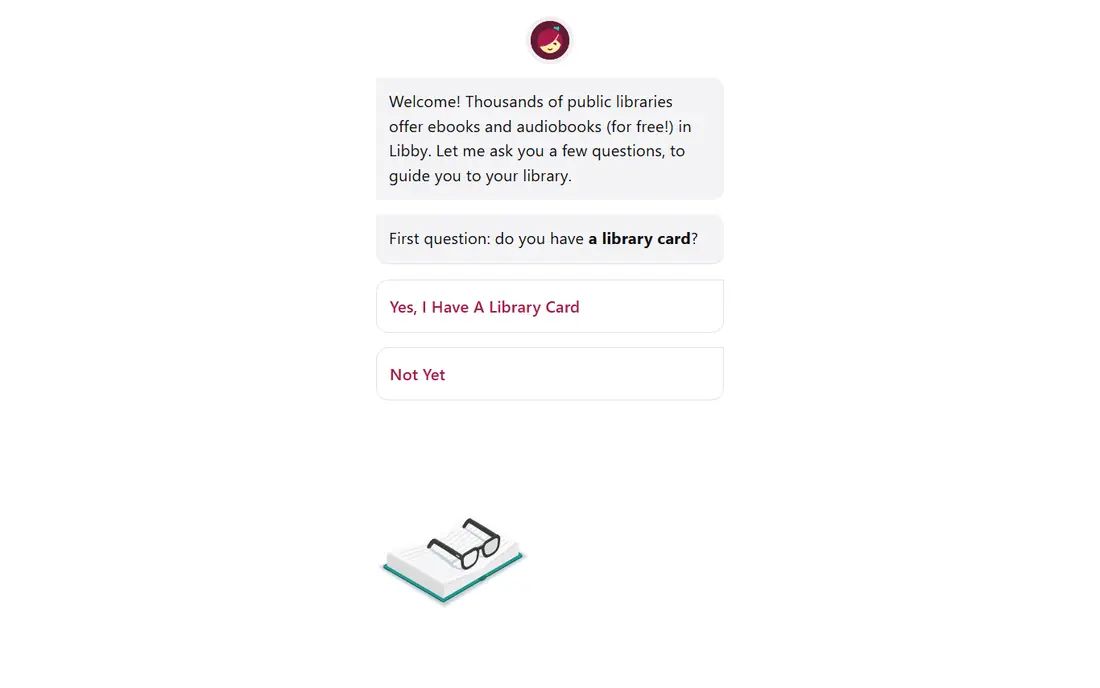
Libby, by OverDrive, is the first app most US readers should try for free current books. Sign in with a library card from a participating public library, browse that library catalog, and borrow ebooks and audiobooks to read or listen in the app. Loans return automatically at the end of the loan period, and you can place holds on titles that are checked out.
The main limit is availability, not price. A new bestseller may have a long hold queue, and each library sets its own loan limits and lending periods. Libby is still the closest free match to a paid ebook store for recent titles, because the books are the same published editions, borrowed rather than bought. If your library offers Libby, start there before you pay for a book.
- Free with a participating public library card
- Ebooks and audiobooks in one app
- Loans, holds, and offline reading built in
- Popular titles often have a wait
- Loan periods and borrow limits vary by library
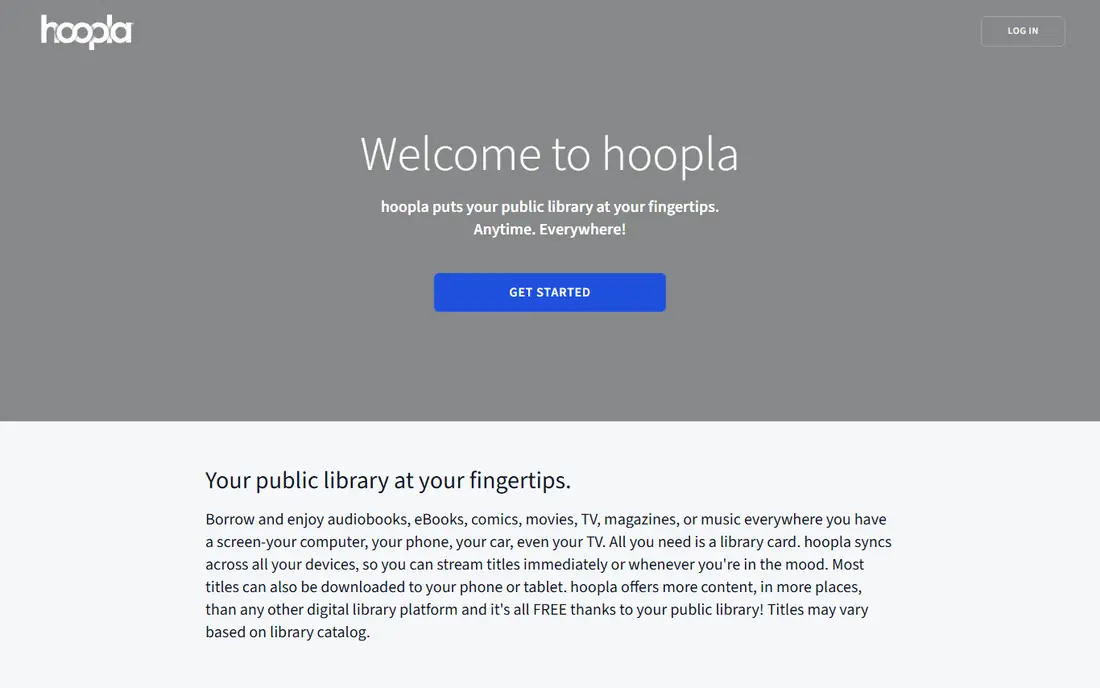
Hoopla works differently from Libby, and that difference matters when you want a book tonight. Most titles on Hoopla are available at once, with no hold queue, because the library pays per borrow rather than buying a set number of copies. You can borrow ebooks and audiobooks, plus comics, music, and video, depending on what your library offers.
The trade-off is a monthly borrow limit set by your library, so a heavy reader can run out of borrows before the month ends. Hoopla also depends on library participation, so check whether your library offers it. Used together, Libby and Hoopla cover different gaps: Libby for a deep catalog with holds, Hoopla for instant access within a monthly limit.
- Free with a participating library card
- No wait lists on most titles
- Ebooks, audiobooks, comics, music, and video in one place
- Monthly borrow limit varies by library
- Not every library offers Hoopla
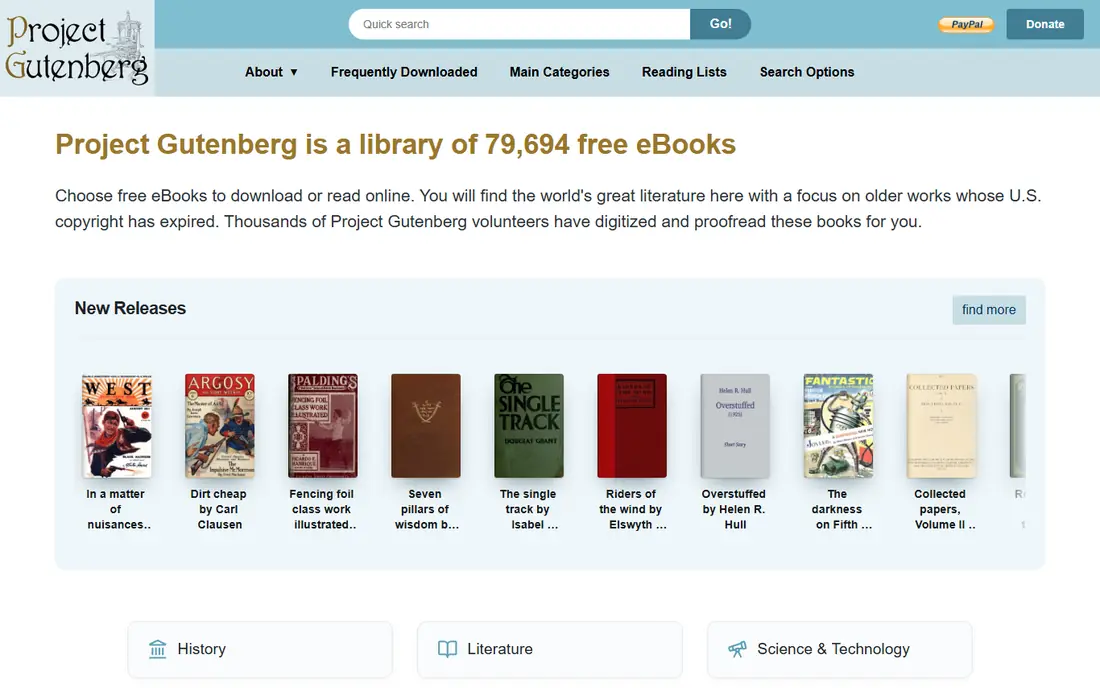
Project Gutenberg offers public domain books that are free to download and keep, with no loan period and no library card. The collection focuses on classic literature, history, and reference works whose copyright has expired, including many books taught in school and quoted in everyday life. You can read in a browser or download a book in formats that work in most reading apps.
The limit is the catalog itself. You will not find a novel published last year here, because recent commercial books are still under copyright. For classics, though, Project Gutenberg is unmatched on price and simplicity. It is the best backup when a library title has a long wait, and the best starting point for a reader building a classic library at no cost.
- Huge public domain collection to keep
- No library card or account needed
- Books in common ebook formats
- No recent commercial titles
- Older texts can have formatting quirks
The Kindle app is free to download, and that fact sometimes confuses new readers. The app costs nothing, but most books in the Kindle store cost money. Amazon does offer a free section, with public domain classics, promotional titles, and some first books in a series offered free to draw readers in. You can also read library books sent to Kindle in some cases, depending on your library.
Treat the free section as a starting point, not as a free library. Always check the price shown on the book page before you tap to buy or download, because a free first book can lead to paid sequels. Kindle fits readers who want one app for both free finds and paid purchases, and who are happy to filter for free titles.
- App itself is free
- Large free section including classics and some first in series titles
- Syncs across devices
- Most popular current titles are paid
- Free section needs careful filtering
Google Play Books works in a similar way to Kindle, with a free app and a store that mixes free and paid books. The free section includes public domain classics and a rotating set of promotional titles, and you can read free samples of paid books before you decide to buy. Reading progress syncs across devices where you are signed in.
The honest catch is the same as with other store apps: the free shelf is small next to the paid catalog. Use the free and sample filters, and set your expectations accordingly. Google Play Books suits Android readers who want a simple place to collect free classics, try samples, and buy only the paid books they really want.
- Free section with classics and promotional titles
- Reading on Android, web, and iOS
- Useful samples before buying
- Most current titles are paid
- Free selection changes over time
Built into iPhone, iPad, and Mac, Apple Books is already on many Apple devices without an extra download. The store includes a free section, with public domain books and featured free titles that change over time, alongside a large paid catalog and audiobooks. Reading and listening controls are simple, and the app handles both ebooks and audiobooks.
The limit is platform and price. Apple Books is not a full library lending app, and most recent titles cost money. It fits Apple users who want a tidy place to read free classics and buy selected paid books, rather than a reader looking for a large free catalog on any device. Check the price on each title page, since a book that looks free in a list may be a sample.
- Built into Apple devices
- Free section with classics and featured free titles
- Clean reading and audiobook playback
- Apple devices only for the full app
- Most current titles are paid
Kobo offers a free reading app with a free ebook section, plus a paid store for current titles. The free section includes public domain classics and promotional titles, and the app syncs with Kobo e-readers for readers who prefer a dedicated device. Free samples let you read the start of a paid book before you commit.
Kobo is not a library app, so it should not be your first stop for a free new release. It works well as a second app: collect free classics here, read samples, and buy paid titles when you want them. Readers outside the United States should also check local store availability, because free and paid selections can differ by country.
- Free app with a free ebook section
- Good for readers who also use a Kobo e-reader
- Samples help before buying
- Most current titles are paid
- Store availability varies by country
On Wattpad, a writing and reading platform, writers publish stories for free, often chapter by chapter. Readers can follow a story, save it to a reading list, and comment as new parts appear. The catalog leans toward romance, fantasy, fan fiction, and young adult stories, and many writers on the platform are unpublished or early in their careers.
That open model is both the appeal and the warning. Quality varies widely, stories can stop mid plot, and editing is often lighter than in a published book. Paid features and coins exist for some extras, but reading itself is free for most stories. Wattpad fits readers who enjoy discovering new writers and serial stories, not readers looking for a specific published novel.
- Large library of free stories to read
- New chapters from writers as they publish
- Community comments and reading lists
- Quality varies a lot by story
- Some stories are unfinished
- Paid options exist for extra features
Serial Reader takes a different approach to free reading: it splits a classic book into short daily parts, delivered in the app each day. That structure helps a busy reader finish a long classic without facing a huge page count at the start. The books are public domain works, so there is no cost and no loan period.
The pace is the main trade-off. A fast reader may want the whole book at once, and Serial Reader is built for one part a day. Some features may sit behind an optional paid upgrade, depending on the app version, so check the app store listing before you buy anything. For a reader who wants a daily reading habit built around classics, Serial Reader is a calm and useful choice.
- Classic books split into short daily readings
- Steady habit for busy readers
- No library card needed
- Only public domain classics
- Daily pace may feel slow for a fast reader
How we picked these
We looked for apps that let a US reader read or listen to books for free in October 2026, through library lending, public domain books, a free store section, or free serial stories. We checked each vendor website and app store listing for the free offer, library requirements, and paid limits. We kept apps that are still available and still offer a real free route, and we left out trial offers that turn into a paid subscription after a short period.
Public reviews and help pages helped us spot common issues, such as hold queues, monthly borrow limits, and confusion between a free app and a free book. We did not count a free sample as a free book, and we did not count a paid catalog as free just because the app download costs nothing. Library availability varies by location, so your library catalog remains the final check.
How to read for free without surprise charges
Start with your library card. Libby and Hoopla give you current books at no charge, and a librarian can help you sign up if your card is not yet linked to an app. Add Project Gutenberg for classics you want to keep, since those books never expire and never need a return. Use store apps for their free sections and samples, and always read the price on the book page before you download.
Check the price, the loan, and the format
Before you start a book, check three things: whether it is free, borrowed, or paid; how long you can keep it; and whether it works on your device. A borrowed book returns on its own, a public domain book stays with you, and a store purchase stays in that store account. Keep a note of due dates for library loans, so a book you are halfway through does not vanish before you finish it.
Build a habit that fits your day
Short daily reading works better for many people than a long session once a month. Serial Reader builds that habit in, while Libby and Hoopla let you read in short bursts on a phone. Audiobooks help too, since you can listen while commuting, cooking, or walking. Pick one app as your main home for free books, and use the others only when your main app does not have the title you want.
Frequently asked questions
What is the best app to read books for free?
Libby is the best overall pick for most US readers, because it lends current ebooks and audiobooks through a public library card. Project Gutenberg is the best pick for classics you want to keep. If you do not have a library card, start with Project Gutenberg and the free sections in Kindle, Google Play Books, Apple Books, or Kobo.
Do I need a library card for Libby and Hoopla?
Yes, both apps need a card from a participating public library. Many libraries let you sign up online, and some offer a digital card for residents. If your library does not offer one of these apps, check whether a nearby library system does, and ask your local library about other free ebook services it supports.
Are books on Project Gutenberg really free?
Yes, Project Gutenberg books are in the public domain in the United States, so they are free to download, read, and keep. The collection focuses on older works whose copyright has expired, which is why you will find classics rather than recent bestsellers. Formats work in most reading apps, and no account is required to download a book.
Is the Kindle app free, and are Kindle books free?
The Kindle app is free to download, but most Kindle books are paid. Amazon offers a free section with classics and promotional titles, and you can read free samples of paid books. Always check the price on the book page, because downloading a paid book by mistake is easy if you do not look at the price first.
What is the best free audiobook app?
Libby and Hoopla are the best free audiobook apps for most readers, because both lend audiobooks through a library card. Libby suits readers who can wait for a popular title, while Hoopla suits readers who want instant access within a monthly borrow limit. Project Gutenberg also offers some audiobook versions through its partner projects, though the selection is smaller.
Can I read free books offline?
Yes, most apps on this list let you download a book for offline reading once you have borrowed or downloaded it. Library loans still expire on schedule, even if they are downloaded, so finish a borrowed book before its due date. Public domain downloads from Project Gutenberg do not expire, so you can keep them on your device as long as you like.
Sources we checked (9)

Online Jobs is an independent blog about careers, online work, learning new skills and the tools that help people earn. More about us.
Keep reading
All posts
Zoom Alternatives
Zoom alternatives compared for 2026: Google Meet, Microsoft Teams, Webex, Jitsi and more for free calls, large meetings and webinars for teams and classrooms.

Workday Alternatives
We compared the best workday alternatives for HR, payroll, and global hiring, from BambooHR and Gusto to Rippling, Deel, and HiBob for growing teams in 2026.

WordPress Alternatives
WordPress alternatives guide: we compare 8 platforms for builders, designers, stores, and publishers to leave WordPress without losing your full site content.