Best App to Learn Chess in 2026: 8 Apps Compared

How we put this together: we compare official feature and pricing pages, app store listings, privacy policies and public user reviews. Prices change, so check the provider's site before you pay.
Key takeaways
- Chess.com is our pick for most beginners, thanks to lessons, puzzles, bots, and a huge playing community.
- Lichess is the best free option, with full lessons, puzzles, and analysis at no cost and no ads.
- Chessable suits players who want structured courses and spaced repetition for openings and endgames.
- Learn Chess with Dr. Wolf is the best coaching-style app for players who want a coach to explain each move.
- ChessKid is the safest choice for children, with a kid-friendly site and lessons designed for young learners.
Quick comparison
| Name | Who it suits | Starting price | Free option | |
|---|---|---|---|---|
 Chess.com | Most beginners | $5 per month | Yes | Visit |
 Lichess | Free learning | Free | Yes | Visit |
 Chessable | Structured courses | Free | Yes | Visit |
 Learn Chess with Dr. Wolf | Coach-led learning | $5.99 per month | Yes | Visit |
 ChessKid | Children | $14 per month | Yes | Visit |
 Aimchess | Personalised training | $13 per month | No | Visit |
 ChessTempo | Tactics training | Free | Yes | Visit |
 DecodeChess | Understanding mistakes | See website | No | Visit |
The best app to learn chess
The best chess app is the one that matches how you learn, whether that is short lessons, daily puzzles, structured courses, or a coach who talks you through games. We compared official feature pages, pricing, lesson libraries, and training tools for the apps below.
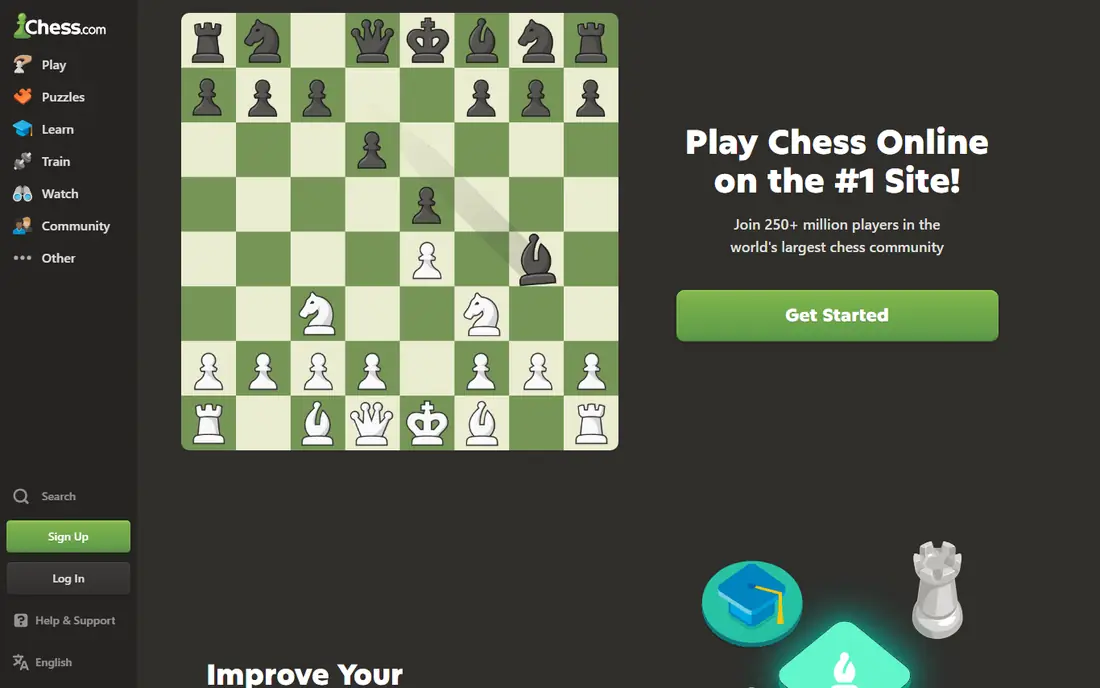
Chess.com is the easiest starting point because it covers every part of learning in one place. Beginners can work through short lessons, practise against bots at different strengths, solve daily puzzles, and then play real games against people at a similar level. Game review explains blunders and missed wins in plain terms, which helps you learn from losses rather than just moving on.
The free plan is enough to learn the rules and play, but serious improvers will want a paid plan for unlimited puzzles and deeper analysis. The site also packs in news, videos, and events that can distract from study. If you want one app that does it all, Chess.com is still the default choice.
- Lessons, puzzles, bots, and game analysis in one app
- Huge community for games at every level
- Apps for web and mobile
- Best analysis and unlimited puzzles sit behind a paid plan
- Free plan limits some lessons
- Interface can feel busy
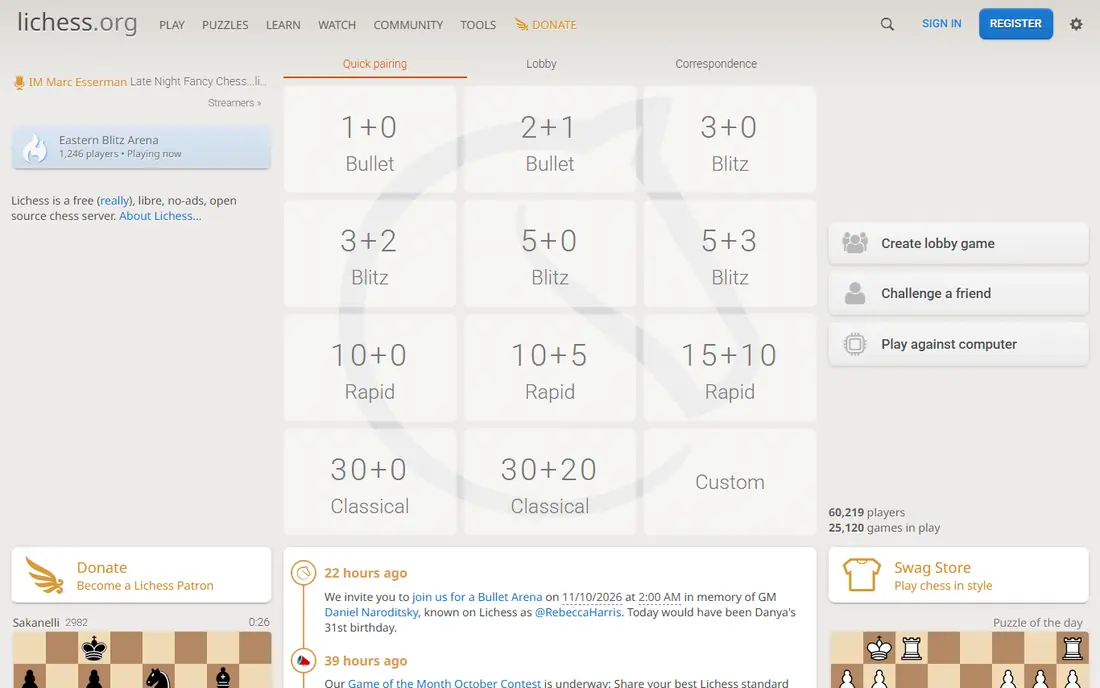
Lichess is remarkable because it charges nothing for tools that other apps put behind a paywall. You get unlimited puzzles, studies, lessons, and computer analysis, plus the ability to play at any time control against a large community. There are no ads, and the site runs as a non-profit, funded by donations.
The trade-off is guidance. Lichess gives you the tools, but it does not hold your hand through a structured course in the same way as Chessable or Dr. Wolf. Absolute beginners may need to pair it with a course or a book to know what to study next. For budget-conscious learners, it is the best value in chess by a wide margin.
- Completely free with no ads
- Unlimited puzzles, lessons, and analysis
- Open-source and community run
- No coach-led courses like Dr. Wolf
- Interface is plainer than Chess.com
- Fewer guided learning paths for absolute beginners
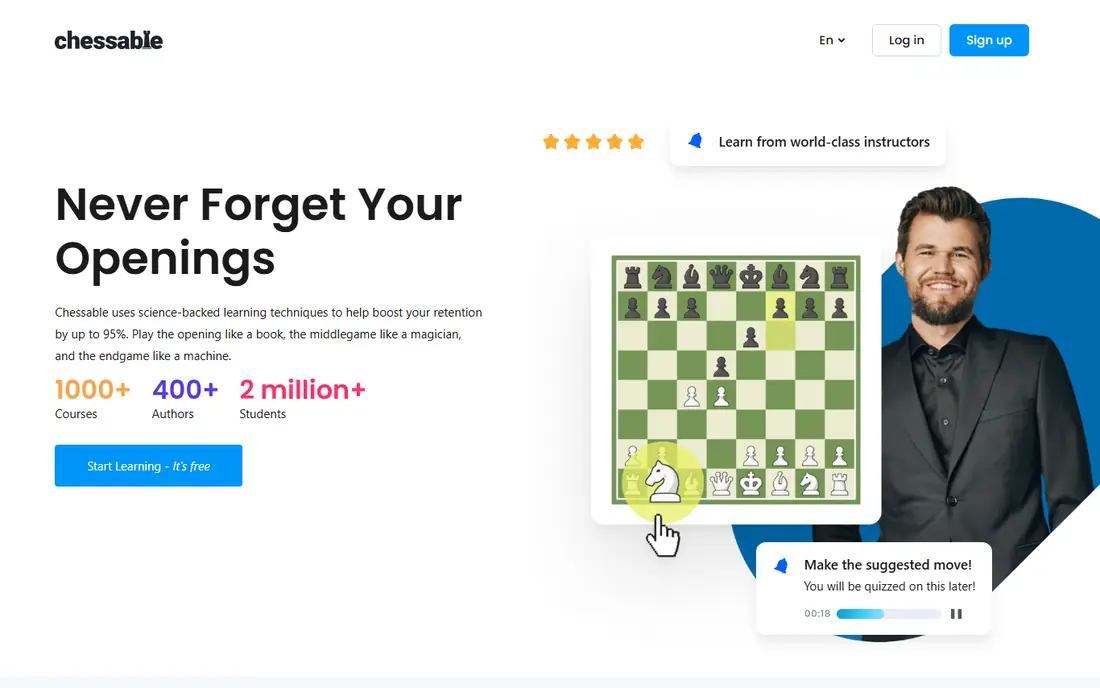
Chessable is built around a simple idea: you remember openings and endgames better if you review them at spaced intervals, rather than reading them once. Its MoveTrainer system schedules reviews, tracks what you know, and builds courses around video lessons, exercises, and practice positions. That structure suits players who already know the rules and want to fix a specific weakness.
The free tier includes free courses and basic training, but the most popular paid courses cost extra, and a PRO subscription adds discounts and features. Chessable is not the best place to just play casual games, so most players pair it with Chess.com or Lichess for play. For opening and endgame study, it is the leader.
- Spaced repetition for openings and endgames
- Courses from strong players and coaches
- Free courses to start with
- Paid courses add up
- Less focus on playing games
- PRO subscription needed for the best discounts and features
Learn Chess with Dr. Wolf feels more like a lesson than an app, because the coach talks through your games and explains why a move works or fails. That running commentary helps beginners who find engine analysis confusing, since the advice is in plain language and tied to the position in front of you. Free lessons and trial coaching sessions let you test the style before paying.
Advanced players will outgrow the coaching fairly quickly, and the app does not offer the same playing community as Chess.com or Lichess. For a beginner or returning player who wants a patient teacher, rather than a puzzle grind, Dr. Wolf is the most personal option in this list.
- A virtual coach explains moves during games
- Structured lessons from basics to strategy
- Free coaching sessions to try first
- Coaching subscription needed for full access
- Less suited to advanced players
- Game variety is narrower than Chess.com
ChessKid is the child-friendly version of Chess.com, with lessons, videos, puzzles, and bots pitched at young learners. Safety controls, a cheerful interface, and a slower pace help children learn without the pressure of adult competitive play. Parents and teachers can track progress and set up classroom groups, which makes it useful for schools and clubs.
Adults should look elsewhere, since the tone and content are clearly for children. The monthly price is also high next to Lichess, though an annual plan lowers the cost. For a child who is starting chess, ChessKid is the safest and most engaging choice.
- Kid-safe site run by Chess.com
- Lessons, puzzles, and bots designed for children
- Classroom tools for teachers and parents
- Monthly price is high compared with free options
- Content is aimed at children, not adults
- Some features need a Gold plan
Aimchess is for players who already play regularly and want to know what is actually costing them points. It studies your games, groups your mistakes by theme, and builds training around those patterns, rather than giving everyone the same puzzle set. That personal focus is why many club players use it alongside a playing site.
Beginners with only a handful of games will get less value, since the system needs data to spot patterns. There is also no permanent free plan, so you pay from the start after a trial. If you play often and feel stuck at the same level, Aimchess gives you a clear training plan.
- Analyses your games to find recurring weaknesses
- Personalised puzzles and lessons
- Clear progress tracking over time
- No free plan beyond a trial
- Needs a game history to work well
- Less useful for absolute beginners with few games
ChessTempo is a tactics specialist, and it does that one job very well. Puzzles are rated, so you train at the right difficulty, and spaced repetition brings back motifs you struggle with until they stick. You can filter by theme, such as forks, pins, or discovered attacks, which makes it easy to fix a specific gap.
It is not a general learning app, since there are no structured courses, coach commentary, or large playing community built in. The interface also feels older than its rivals. For players who want a daily tactics routine that adapts to their level, ChessTempo is a strong, low-cost tool.
- Large rated puzzle database
- Spaced repetition for tactics
- Motif filtering to target weak themes
- Interface is functional rather than polished
- No guided courses
- Game analysis is thinner than Chess.com or Lichess
DecodeChess answers the question every improver asks after a game: why was that move better than mine. Instead of showing only engine lines, it explains the ideas behind moves in words, such as threats, piece activity, and pawn structure. That explanation helps you learn a plan you can reuse, rather than memorising a single line.
It is a review tool, not a complete learning app, so you will still need a place to play and study openings. Pricing is not as simple as a single published figure, so check the site for current plans. Used after games on Chess.com or Lichess, DecodeChess can turn losses into lessons.
- Explains engine moves in plain language
- Useful for reviewing your own games
- Helps bridge the gap between engine lines and human plans
- Pricing requires checking the site
- Narrower focus than a full learning app
- Best used alongside a playing site
How we picked these
We compared official feature pages, pricing, lesson and course libraries, puzzle tools, and coaching features, and we favoured apps that are actively maintained and offer a realistic path for beginners and improvers. We included free, coaching-led, course-based, and tactics-focused options, rather than only the biggest playing sites. We did not claim hands-on testing, and prices vary by billing period, so check the app store listing or vendor page before you subscribe.
How to learn chess faster with an app
Start with the basics in order: how pieces move, basic checkmates, and simple tactics such as forks and pins, before you study openings in depth. Many beginners spend too long on openings they will never reach, while losing games to simple tactics they could fix with daily puzzles. Fifteen minutes of puzzles a day, done consistently, beats a long session once a month.
Next, review your own games, even short ones. Look for one recurring mistake, such as hanging pieces or missing a simple tactic, and train that theme for a week. Apps such as Aimchess and DecodeChess help here, but even a basic game review on Chess.com or Lichess will show the pattern if you look for it.
Finally, play at a pace that lets you think. Fast games are fun, but they teach habits rather than calculation. Mix slower games with puzzles and lessons, and treat losses as study material. Progress in chess is usually slow and uneven, so track your puzzle accuracy and game themes rather than only your rating.
Frequently asked questions
What is the best chess learning app for beginners?
Chess.com is our pick for most beginners, since it combines lessons, puzzles, bots, and play in one app. Lichess is the best free alternative, with unlimited puzzles and analysis at no cost. If you want a coach to explain moves, Learn Chess with Dr. Wolf is the most guided option.
What is the best app to learn chess for free?
Lichess is the best free app to learn chess, since puzzles, lessons, studies, and analysis are all free with no ads. Chess.com and Chessable also offer free plans, but key features sit behind paid plans. Start with Lichess if cost matters, and add a paid app later for courses or coaching.
What is the best chess app for learning openings?
Chessable is the best app for learning openings, thanks to spaced repetition courses that schedule reviews over time. Chess.com also offers opening lessons and a trainer, but Chessable goes deeper on memorisation and course structure. Pick one opening per colour to start, rather than trying to learn many at once.
Are chess apps good for children?
Yes, ChessKid is designed for children, with a safe site, lessons pitched at young learners, and tools for parents and teachers. Chess.com and Lichess also work for older children with supervision, though they are not built for young players in the same way. Choose ChessKid for younger children, and a general app as they grow.
How long does it take to learn chess with an app?
You can learn the rules in a few hours, but steady improvement takes months of regular play and study. Daily puzzles, weekly lessons, and game review will move most beginners faster than playing alone. Set a simple routine you can keep, such as puzzles each morning and two slower games each week.
Sources we checked (8)

Online Jobs is an independent blog about careers, online work, learning new skills and the tools that help people earn. More about us.
Keep reading
All posts
Best Udemy Alternatives
Explore the best Udemy alternatives for 2026, including Coursera, Skillshare, and LinkedIn Learning, with pricing, certificates, and who each platform suits.
Best Tools for Virtual Tutoring
Compare the best tools for virtual tutoring, from one-to-one tutor marketplaces to free self-paced learning, with pricing, subjects and honest limits.

Best Study Apps for Young Children
Compare the best study apps for young children in 2026, from Khan Academy Kids and ABCmouse to Reading Eggs, Starfall, Duolingo ABC and PBS Kids, with prices.