Best App for Team Communication in 2026: 9 Apps Compared

How we put this together: we compare official feature and pricing pages, app store listings, privacy policies and public user reviews. Prices change, so check the provider's site before you pay.
Key takeaways
- Slack remains the most flexible channel-based chat tool, while Microsoft Teams wins for teams already paying for Microsoft 365.
- Google Chat is the simplest choice inside Google Workspace, and Zoom Team Chat suits teams that live in Zoom meetings.
- Free plans differ a lot on message history, storage and meeting limits, so check those limits before you pick.
- Open source options like Zulip, Mattermost and Rocket.Chat give technical teams more control over hosting and data.
Quick comparison
| Name | Who it suits | Starting price | Free option | |
|---|---|---|---|---|
 Slack | Channel-based team chat | $7.25 per month | Yes | Visit |
 Microsoft Teams | Microsoft 365 teams | $4 per month | Yes | Visit |
 Google Chat | Google Workspace teams | See website | No | Visit |
 Zoom Team Chat | Zoom-centred teams | $13.33 per month | Yes | Visit |
 Discord | Voice-first and community teams | Free | Yes | Visit |
 Zulip | Threaded, async-first chat | See website | Yes | Visit |
 Mattermost | Self-hosted team chat | $10 per month | Yes | Visit |
 Chanty | Budget team chat | $3 per month | Yes | Visit |
 Rocket.Chat | Open source team chat | See website | Yes | Visit |
The best app for team communication, compared
A team communication app should make it easy to ask a quick question, share a file, and find the answer later. The apps below do that in different ways, from channel chat to video-first hubs, and the best pick usually depends on the tools your team already uses every day.
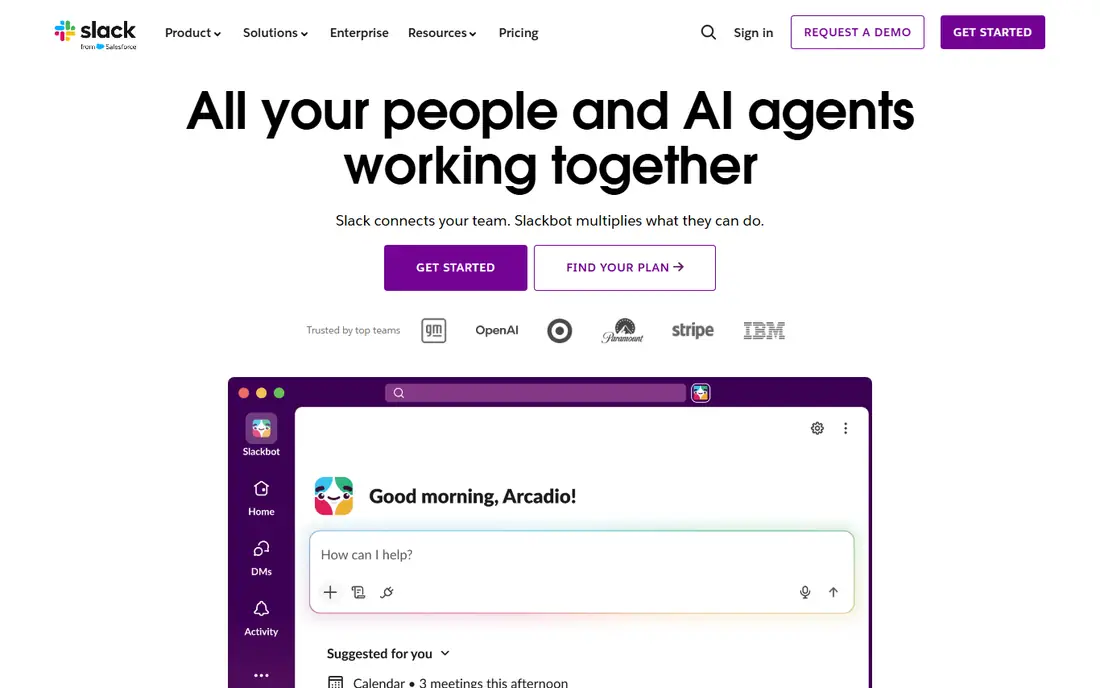
Slack organises work into channels by topic, team or project, with threads to keep replies tidy and direct messages for one-to-one talk. Huddles offer lightweight audio chats, and clips add short async video, which helps distributed teams avoid another full meeting. The integration range is a real strength, linking chat to project tools, code, documents and support systems. The main drawback is the free plan, which keeps only 90 days of message history and limits integrations. Paid plans remove that limit, but per-user pricing can become a major cost at scale. For teams that want the most widely understood chat tool, with the deepest integrations, Slack remains the default choice.
- Channels, threads and search that most teams already know
- Very large app integration range
- Slack Connect for external partners
- Free plan limits message history to 90 days
- Per-user cost adds up for large teams
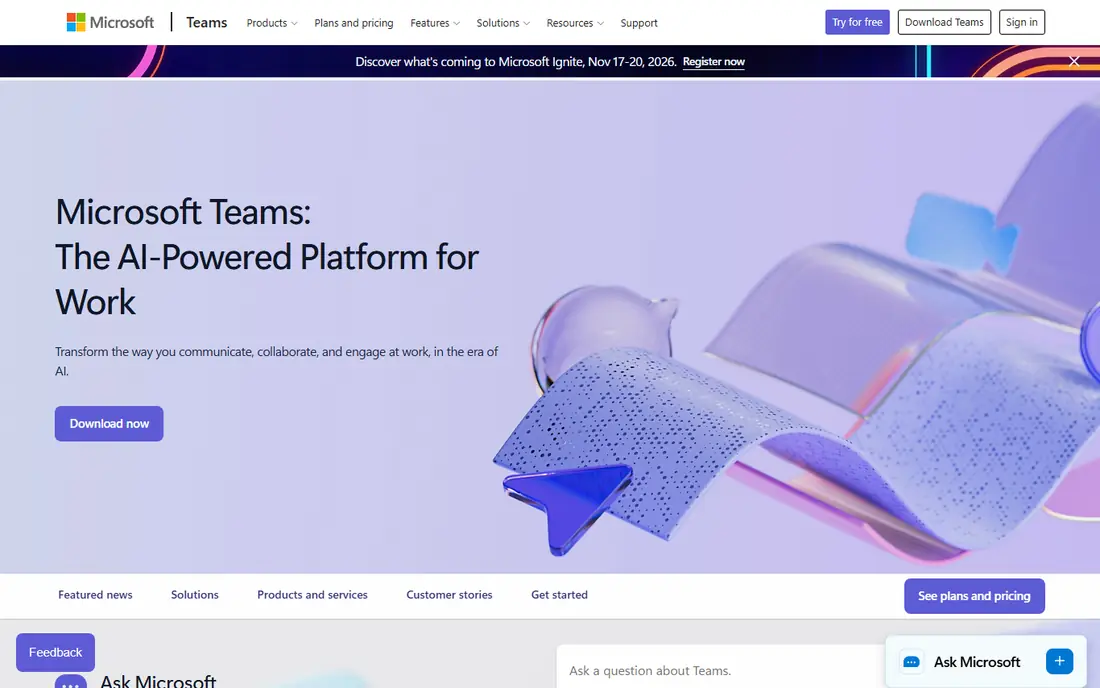
Microsoft Teams brings chat, video meetings, file sharing and Office apps into one place, which is why it wins for organisations already using Microsoft 365. A chat can turn into a meeting in one click, files open in Word, Excel or PowerPoint without leaving the hub, and channels keep team talk beside shared documents. For many companies, Teams is already included in a plan they pay for. The interface can feel crowded, especially for teams that only want simple chat, and some features work best inside the full Microsoft ecosystem. If your team already lives in Outlook, SharePoint and Office, Teams is the most economical and joined-up choice. If you do not use those tools, a lighter chat app may feel easier.
- Chat, meetings, files and Office apps in one hub
- Strong value inside Microsoft 365
- Large meeting capacity on paid plans
- Interface can feel busy
- Best value requires Microsoft 365 commitment
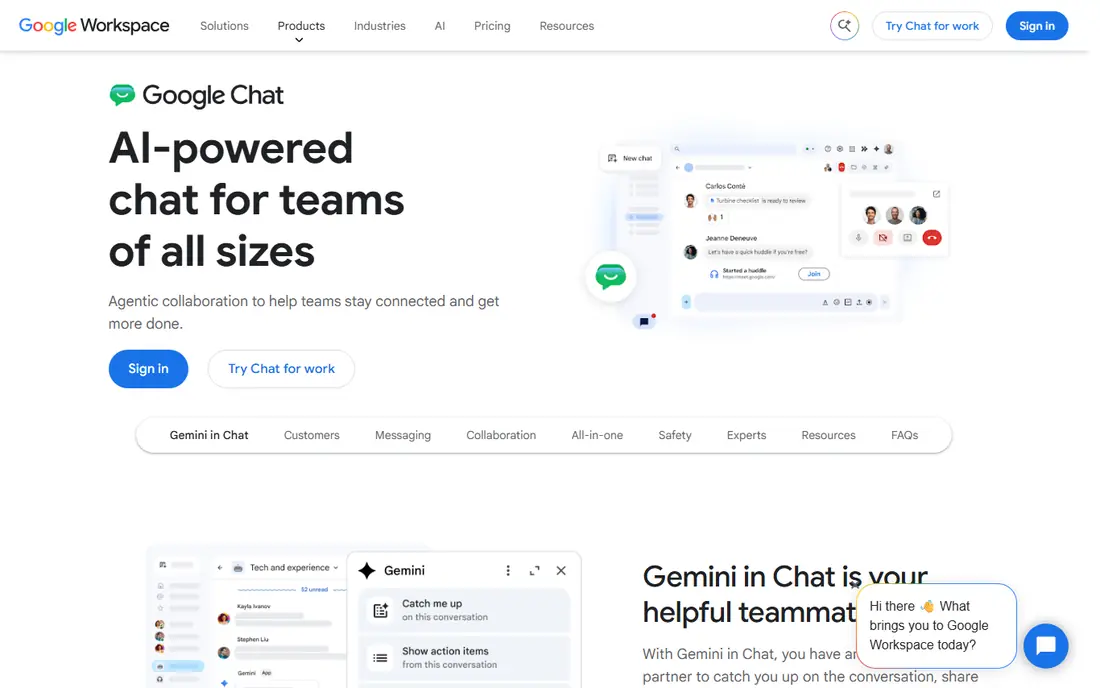
Google Chat is the quiet, practical choice for teams that already use Gmail, Drive and Meet. Chat sits inside Gmail or as its own app, Spaces act as team rooms for projects, and files from Drive can be shared without re-uploading them. That closeness to Google tools keeps daily work simple for Workspace users. The limit is that Google Chat is not sold as a strong standalone product, and its integration range is smaller than Slack. Teams that need deep third-party workflows or external partner channels may find it thin. For a Google Workspace team that wants chat beside email and documents, with no new system to learn, it is a solid and low-friction pick.
- Simple chat inside Gmail and Google Workspace
- Spaces for team rooms
- Easy file sharing from Drive
- No strong standalone free plan
- Fewer integrations than Slack
Zoom Team Chat suits teams that already run most meetings in Zoom. Chat channels and direct messages stay beside meetings, so a conversation can move from text to video without switching apps, and meeting notes and summaries can sit in the same workspace. That link between chat and meetings is its main advantage. The drawback is price and depth. Paid Zoom Workplace plans start higher than Slack or Teams Essentials, and the chat feature set alone is less extensive than Slack for complex workflows. If Zoom is already your meeting hub, adding Team Chat makes sense. If you rarely meet by video, a chat-first tool will give you more for less.
- Persistent chat linked to Zoom meetings
- Easy switch from chat to video
- AI summaries on paid plans
- Higher starting paid price than Slack or Teams
- Chat alone is less rich than Slack
Discord started for gaming communities, but many small teams and creator groups now use it for work. Servers hold text channels and always-on voice channels, so a team can drop into voice without scheduling a call, share screens, and keep a searchable message history for free. Setup is fast, and most people already know how it works. The trade-off is business polish. Discord lacks the admin, compliance and enterprise controls that Slack and Teams offer, and its informal style may not suit formal corporate teams. For small teams, startups, open source groups and community-led projects that value voice and low cost, Discord is a surprisingly strong team communication app.
- Free with unlimited message history
- Voice channels and screen sharing
- Easy server setup
- Less business-focused admin and compliance tooling
- Can feel informal for corporate use
Zulip takes a different approach to chat, organising messages by stream and topic, so a busy channel does not become one long, tangled thread. That structure helps async teams across time zones, where people catch up on a topic hours later and need to follow one conversation at a time. Zulip also offers a self-hosted open source version for teams that want control over data. New users may need a short adjustment period, because Zulip threading feels different from Slack channels. Its integration range is also smaller, though common tools are covered. For distributed teams that suffer from chat overload, Zulip threading can make daily communication calmer and easier to follow.
- Topic-based threading keeps long chats readable
- Open source option
- Good for async teams across time zones
- Interface takes time to learn
- Smaller integration range than Slack
Mattermost is built for technical and security-conscious teams that want to run chat on their own servers. It offers channels, direct messages, threads, file sharing and workflow tools, plus boards for project tracking and playbooks for incident response. That mix suits engineering, defence, healthcare and other teams with strict data rules. The cost is effort. Self-hosting means your team owns updates, backups and security, and cloud plans start at a higher price than some rivals. Teams without technical staff may prefer a fully managed tool. If data control matters more than convenience, Mattermost gives you a serious, open source alternative to Slack.
- Open source and self-hosted deployment
- Channels, boards and playbooks
- Strong security and compliance options
- Self-hosting needs technical care
- Setup is heavier than cloud-only rivals
Chanty is a budget-friendly team chat app that covers the basics well: channels, direct messages, tasks, file sharing and audio or video calls. Its paid plan starts at $3 per user per month, which makes it one of the cheapest paid chat options, and the free plan includes core chat features for small teams getting started. The compromise is ecosystem depth. Chanty has fewer integrations than Slack or Teams, and its video features are simpler than Zoom or Teams. For a small business that wants clean team chat without paying enterprise prices, that trade is often acceptable. Chanty proves that a team does not need the biggest tool to communicate well.
- Low price for small teams
- Simple chat, tasks and file sharing
- Unlimited message history on paid plans
- Fewer integrations than larger rivals
- Video calls are more basic
Rocket.Chat is another open source team communication platform, with channels, direct messages, threads, video calls and omnichannel messaging for support teams. Teams can self-host it for full data control, use a cloud plan for less maintenance, or customise it with apps and integrations. That flexibility appeals to technical teams and organisations with specific workflow needs. As with Mattermost, self-hosting adds work, and the interface is functional rather than as polished as Slack. Teams that want a turnkey, consumer-style chat may prefer Slack or Teams. Teams that want open source control, customisation and no vendor lock-in will find Rocket.Chat a capable and flexible choice.
- Open source with self-hosting or cloud options
- Channels, video and omnichannel features
- Strong customisation
- Setup and maintenance need technical skill
- Interface is less polished than Slack
How we picked these
We compared official feature and pricing pages, app store listings and public reviews for chat and collaboration tools that support team messaging in October 2026. We favoured tools with channels or team rooms, search, file sharing and mobile apps, and we included both mainstream and open source options so different budgets and data needs are covered. Prices shown are starting paid prices where the vendor publishes them, and we used See website where pricing depends on plan, hosting or a quote.
Choosing the best team communication app
Start with the tools your team already pays for. If you use Microsoft 365, Teams is the natural hub. If you use Google Workspace, Google Chat is the simplest add-on. If you use neither, Slack offers the widest choice, while Discord, Chanty or an open source tool may suit a smaller budget.
Set rules for channels and notifications
A chat tool only helps if people can find information and are not interrupted all day. Agree on channel names, when to use threads, when to use direct messages, and when a meeting is better than a long chat. Turn off non-essential notifications, and use status settings so colleagues know when you are focused or away.
Test search, mobile use and history limits
Before you commit, test three things with real work: search for an old decision, use the mobile app on a slow connection, and check how far back message history goes on your plan. Those three tests reveal whether a tool will still help in six months, when the team has grown and old messages matter.
Frequently asked questions
What is the best messaging app for business?
Slack is the most widely used business messaging app, thanks to its channels, search and integrations, while Microsoft Teams is best for Microsoft 365 organisations. Google Chat suits Google Workspace teams, and Zoom Team Chat suits Zoom-heavy teams. The best business messaging app is the one your team will check daily and that links to the tools you already use.
What is the best team communication platform for remote teams?
Remote teams need async chat, video, file sharing and searchable history in one place. Slack, Microsoft Teams and Zoom Team Chat all cover those needs, with different strengths in integrations, Office tools and video. Zulip is also worth a look for async-first remote teams across time zones, because its topic threading keeps catch-up reading manageable.
What is the best group chat software for small teams?
Discord and Chanty are strong low-cost options for small teams, with Discord offering a generous free plan and Chanty offering a cheap paid plan. Slack free is also good for very small teams, as long as the 90-day history limit is acceptable. Pick the tool with the simplest setup for your team, and upgrade only when history or integration limits start to bite.
Is there a best team communication software with a free plan?
Yes, Slack, Microsoft Teams, Zoom Team Chat, Discord, Zulip, Mattermost, Chanty and Rocket.Chat all offer free plans or free self-hosted options. Free plans differ on history, storage, meeting length and integrations, so compare those limits rather than assuming free means the same everywhere. A free plan is a good way to test a tool with a real project.
Should we use Slack or Microsoft Teams?
Use Microsoft Teams if your organisation already pays for Microsoft 365 and uses Outlook, SharePoint and Office daily, because the combined value is hard to beat. Use Slack if you want the widest integration range, a chat-first experience, or you work with many external partners through Slack Connect. Many teams test both with one project team before choosing for the whole company.
Sources we checked (9)

Online Jobs is an independent blog about careers, online work, learning new skills and the tools that help people earn. More about us.
Keep reading
All posts
n8n Alternatives
n8n alternatives compared for 2026, with Zapier, Make, Activepieces, and more, covering visual builders, code steps, self-hosting, and pricing models.

eBay Alternatives
Looking for ebay alternatives? We compared 9 marketplaces for sellers on fees, buyer reach, categories and ease of listing, to help you sell with confidence.

ZoomInfo Alternatives
The best ZoomInfo alternatives in 2026, compared on price, free plans, data coverage, and which tool fits small teams or large sales teams best in detail.