Best App for Picking Up Shifts in 2026: 8 Apps Compared


Hospitality and warehouse shifts in many cities · Starting price: Free
How we put this together: we compare official feature and pricing pages, app store listings, privacy policies and public user reviews. Prices change, so check the provider's site before you pay.
Key takeaways
- Most shift apps are free for workers, so the real cost is time spent on vetting, travel, and waiting for pay, not a subscription fee.
- Pay speed varies widely, from around 30 minutes after a shift on some hospitality apps to weekly pay on W-2 staffing apps.
- Coverage is the biggest limit, since even large apps only operate in selected cities, so checking your city first saves wasted signups.
- Workers who run two or three apps at once usually see more shifts, because no single app covers every industry and schedule.
- W-2 apps suit workers who want tax withholding and benefits, while 1099 apps suit workers who want maximum choice over which shifts to accept.
Quick comparison
| Name | Who it suits | Starting price | Free option | |
|---|---|---|---|---|
| Instawork | Hospitality and warehouse shifts in many cities | Free | Yes | Visit |
 Wonolo | Simple same day warehouse and event shifts | Free | Yes | Visit |
 Qwick | Hospitality professionals who want fast pay | Free | Yes | Visit |
 Bluecrew | Workers who want W-2 employment and benefits | Free | Yes | Visit |
 Veryable | Manufacturing and warehouse work with bid pricing | Free | Yes | Visit |
 GigSmart | Broad coverage across all 50 states | Free | Yes | Visit |
 Indeed Flex | Multi industry shifts backed by Indeed | Free | Yes | Visit |
 Upshift | Hospitality and events with a path to longer placements | Free | Yes | Visit |
The best apps for picking up shifts
Shift apps turn spare days into paid work, but they differ in industry focus, pay timing, and how much screening they require before the first shift. We compared the leading options on coverage, worker status, pay speed, and ease of getting started, so you can pick the one that fits your city and your schedule.
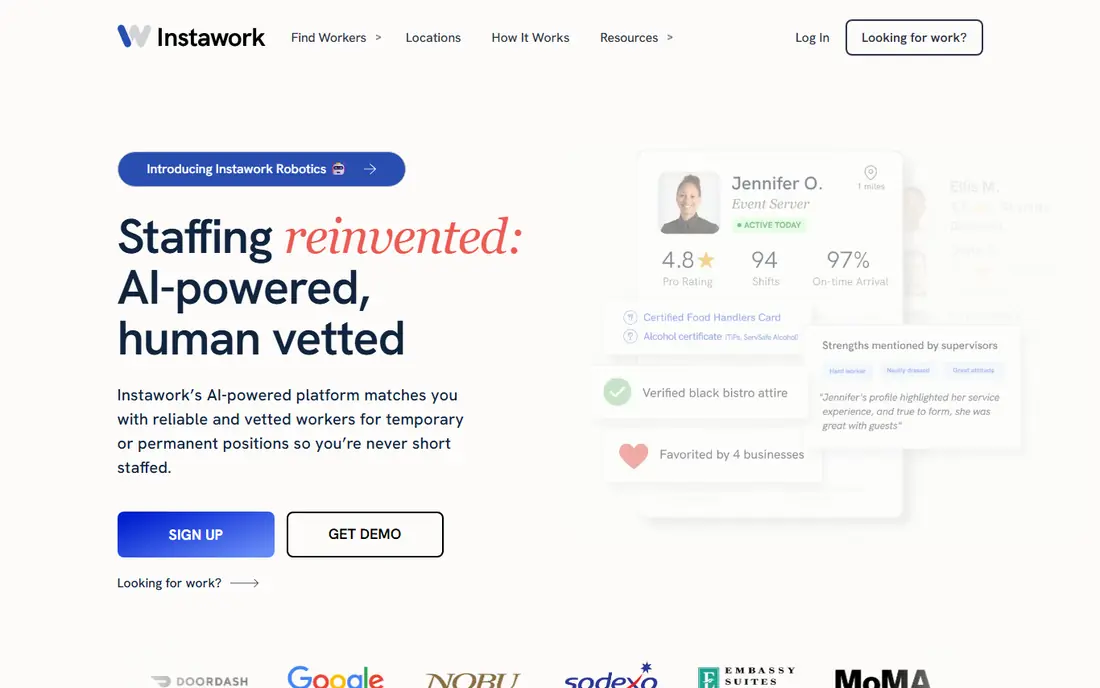
Instawork is a sensible first download for most shift workers. It covers hospitality, warehouse, food service, and retail, and its homepage confirms that workers see the hourly rate before booking and pay nothing to use the platform. Businesses book through the same system, which helps explain why shift volume stays higher in large metro areas than in smaller towns. The trade off is the front loaded screening. Instawork checks skills and background details before approval, and reliable workers earn better access over time through performance tiers. That can feel slow on day one, but it also means fewer no shows and steadier repeat work once you are established. Check whether your city is covered before you spend time on the full profile, and treat instant pay as a convenience with a fee rather than the default.
- Free for workers
- Operates in many US and Canadian cities
- Daily and instant pay options on eligible shifts
- Clear hourly rate shown before booking
- Vetting can be stricter than simpler apps
- Instant pay may carry a fee
- Shift volume varies by city
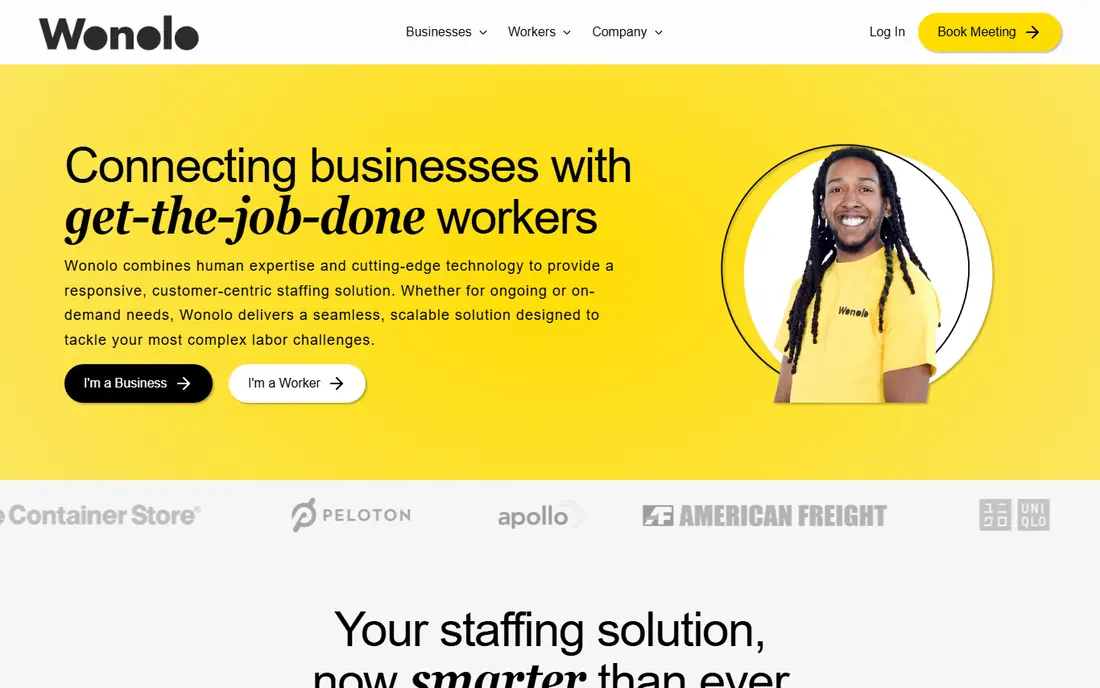
Wonolo keeps the process short. You sign up, complete the background check, and pick shifts from a list that shows pay, hours, and job details before you commit. That directness suits warehouse, general labor, and event work, where workers want to know exactly what the day involves without a long application for each role. The catch is consistency. Wonolo rewards workers who show up on time and penalizes repeated no shows, with reports of accounts closing after three strikes. Support can also be slow when a shift goes wrong. If you are dependable and live in a covered metro, Wonolo is one of the easiest ways to fill gaps in a week. If your city has thin coverage, pair it with a broader app.
- Free for workers
- No interview in the usual sense
- Clear pay and hours shown upfront
- Badges reward reliable workers
- Coverage is metro limited
- Pay typically takes one to five business days
- A strict no show policy can end an account
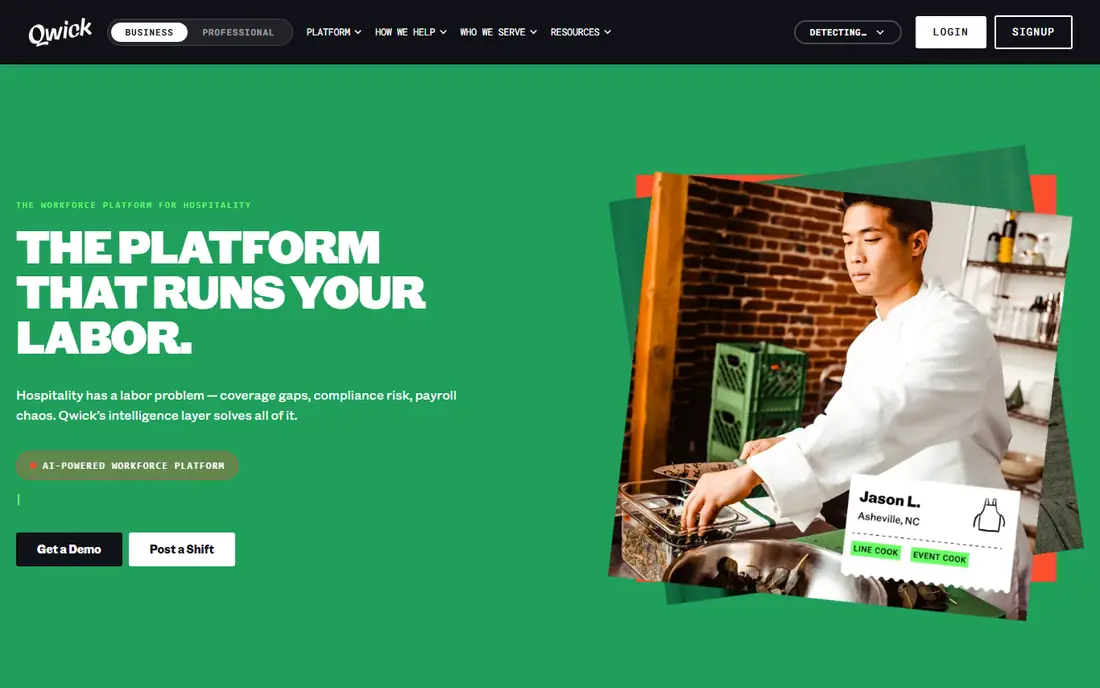
Qwick is built for people who already work in restaurants, bars, and hotels. Because it only serves food and beverage, the shifts tend to match experienced servers, bartenders, cooks, and baristas, and businesses post with the expectation that workers can step in with little training. That focus is its strength and its limit in one package. Pay speed is the headline reason to try it. Eligible workers can receive pay soon after a shift ends, which helps when bills fall between weekly pay cycles. Instant options may still carry a fee, so read the pay screen before choosing it. If you lack hospitality experience or live outside its cities, Qwick will not help much, but experienced hospitality workers in covered cities should put it near the top of the list.
- Free for workers
- Pay can arrive around 30 minutes after a shift
- Focused on food and beverage roles
- Shift details are clear upfront
- Requires hospitality experience, often a year or more
- Food and beverage only
- Coverage is limited to selected cities
Bluecrew takes a different path from most shift apps by employing workers directly as W-2 staff rather than treating everyone as an independent contractor. That matters if you prefer taxes withheld from each paycheck, workers compensation coverage, and access to benefits that contractor apps do not provide. The roles lean toward warehouse, logistics, delivery, and customer service work. The price of that structure is speed. Pay usually runs weekly, and onboarding involves more steps than a simple sign up and go app. Workers who value benefits and a steadier employment relationship will find that trade worth making. Workers who need cash the same day should pair Bluecrew with a faster paying app for urgent weeks, and use Bluecrew for the steadier base of shifts.
- Free for workers
- W-2 employment with tax withholding
- Access to benefits such as health coverage and paid time off on eligible plans
- Warehouse and delivery roles
- Weekly pay is the norm rather than instant pay
- Fewer industries than generalist apps
- Screening and onboarding take longer
Veryable stands out for its bid system. On some shifts, workers can bid their hourly rate within a range, which gives experienced operators a way to price their skill instead of accepting a single posted rate. That suits manufacturing, logistics, and warehouse workers who know what their time is worth and want more control than a fixed rate board provides. The rest of the experience is practical rather than flashy. Pay often arrives the next day, and the work is physical and shift based. The limits are clear too. Veryable does not cover hospitality or office work, and it operates as a contractor platform, so benefits and tax withholding work differently from a W-2 app. For industrial workers in covered cities, it deserves a place alongside a generalist app.
- Free for workers
- Next day pay in many cases
- Bid system lets workers set their price for some shifts
- Strong in manufacturing and logistics
- Contractor only model
- Coverage is metro limited
- Instant pay carries a fee
- Industrial focus excludes hospitality and retail workers
GigSmart is the pick when coverage matters most. While rivals focus on selected metros, GigSmart lists work across all 50 states, spanning construction, customer service, warehouse, and other hourly roles. That breadth makes it useful for workers outside major cities, where the bigger name apps may show few or no shifts at all. The honest catch is fees. Published comparisons note a per hour charge for workers on GigSmart, unlike most rivals that charge workers nothing. That fee eats into the headline hourly rate, so compare the net rate, not just the posted rate, before accepting a shift. If you live in a smaller market, the extra choice may still be worth it. If you live in a large city with several free apps, check GigSmart shifts against those apps first.
- Free to join for workers
- Operates across all 50 states
- Covers many industries beyond warehouse work
- Same day pay options exist
- Charges workers a fee per hour worked in published comparisons
- Shift quality varies by market
- Instant pay may carry a percentage fee
Indeed Flex combines the reach of Indeed with a staffing model that hires workers as W-2 employees. That gives workers tax withholding and a more formal employment relationship, while still offering shifts across hospitality, warehouse, retail, and other hourly sectors. The app based onboarding includes an interview stage, which takes longer than apps with no interview at all. Pay is a mixed picture. Eligible workers can access part of their pay the same day at no extra fee in published comparisons, with the balance paid weekly. That is a useful middle ground between instant pay fees and a full weekly wait. Workers who already use Indeed for job searches will find the brand familiar, but the real test is shift volume in your city, so check local listings before relying on it alone.
- Free for workers
- W-2 employment model
- Backed by Indeed
- Same day access to part of pay on eligible shifts
- Multiple industries
- Weekly pay for the remaining balance
- Onboarding includes an interview step
- Coverage varies by city
Upshift pre vets its workers and focuses on hospitality, events, and manufacturing, with an eye toward longer placements rather than one off gigs alone. That makes it a good fit for workers who want shift work now and a possible longer role later, without starting a separate job search. Employers also tend to treat Upshift workers as a vetted pool, which can mean steadier repeat bookings. The downside is pay timing. Upshift pays weekly, with no instant pay option listed in published comparisons, so it is a poor choice for same day cash needs. Screening is also more selective than entry level apps. If you can pass vetting and can wait for weekly pay, Upshift offers a steadier route. If you need money today, use it alongside a faster paying app rather than instead of one.
- Free for workers
- W-2 employment
- Pre vetted worker pool
- Focus on longer placements and temp to hire paths
- Hospitality and manufacturing roles
- No instant pay option in published comparisons
- Weekly pay
- Screening is selective
- Coverage is limited to selected cities
How we picked these
We started with apps that genuinely let workers pick up individual shifts, not general job boards or freelance marketplaces, and we checked official homepages to confirm each app still operates and matches its stated industry focus. We compared coverage, worker status, pay speed, fees charged to workers, and entry requirements using vendor pages, app store listings, and published comparisons from 2026. We favored apps with clear pay information shown before booking and with a real presence in more than one city, and we left out apps that only serve businesses or that require a long term contract to see any shifts. Prices and pay timing change by city and by shift, so we treat vendor pages as the final word and mark anything we could not verify as needing a check before you accept work.
What to check before you accept a shift
Coverage in your city
Open each app and search your zip code or city before completing a long profile. An app with strong national marketing may have almost no shifts where you live, while a smaller app may be busy locally. Signing up for two or three apps and comparing real listings for a week gives a clearer picture than any national ranking.
Pay speed and fees
Read the pay screen carefully. Standard pay, instant pay, and same day partial pay are different products, and instant options often carry a percentage fee or a flat fee. A shift that pays a dollar more per hour can still net less if the instant fee is high, so compare net pay for the pay speed you actually need.
Worker status and taxes
W-2 apps withhold taxes and may offer benefits, while 1099 apps leave tax handling to you and usually pay a higher headline rate to reflect that. Neither model is better for everyone. Keep records of every shift, save a share of 1099 income for taxes, and check whether an app offers injury coverage or paid time off before you depend on it full time.
Reliability and ratings
Most shift apps use ratings and attendance records to decide who sees the best shifts first. A single no show can hurt access for weeks, and repeated no shows can close an account on stricter platforms. Only accept shifts you can actually work, set travel time aside, and cancel early through the app if plans change rather than simply not showing up.
Frequently asked questions
What is the best app for finding part time jobs?
The best app for finding part time jobs depends on whether you want regular part time hours or single shifts. For single shifts, Instawork and Wonolo give the most flexible choice in covered cities. For regular part time roles with set weekly hours, a general job board or employer site often works better, since shift apps are built around short term cover rather than fixed schedules.
What are the best temp job apps?
The best temp job apps in this list are Instawork, Indeed Flex, Bluecrew, and Upshift, because they cover temp and temp to hire work across several industries. Instawork suits short hospitality and warehouse cover, while Bluecrew and Indeed Flex add W-2 employment. Upshift suits workers who want temp work that could turn into a longer placement.
What are the best staffing apps?
The best staffing apps balance shift volume, pay speed, and worker protections. Instawork leads on volume in large cities, Qwick leads on pay speed for hospitality, and Bluecrew leads on employment benefits. The right staffing app is the one with steady shifts in your city and a pay model you can live with, not the one with the largest national footprint.
What are the best side job apps?
The best side job apps are the ones that let you work around a main job without minimum hour commitments. Wonolo, GigSmart, and Veryable all let workers pick individual shifts, which fits evenings and weekends. Check that evening and weekend shifts actually exist in your area, since some markets only post weekday daytime work.
What is the best app for side jobs?
The best app for side jobs is usually the one with the most shifts that fit your free hours, rather than a single national winner. Start with Instawork for breadth, add Qwick if you work in hospitality, and add GigSmart if you live outside a major metro. Running two apps at once usually beats relying on one.
What are the best day labor apps?
The best day labor apps are Wonolo, GigSmart, and Veryable, because they post single day warehouse, event, and general labor work that workers can accept quickly. Day labor through an app differs from informal day labor because pay rates, hours, and job details are shown before you accept, and pay runs through the platform. Always confirm the meeting point, dress code, and required ID before travel.
Sources we checked (8)

Online Jobs is an independent blog about careers, online work, learning new skills and the tools that help people earn. More about us.
Keep reading
All posts
n8n Alternatives
n8n alternatives compared for 2026, with Zapier, Make, Activepieces, and more, covering visual builders, code steps, self-hosting, and pricing models.

eBay Alternatives
Looking for ebay alternatives? We compared 9 marketplaces for sellers on fees, buyer reach, categories and ease of listing, to help you sell with confidence.

ZoomInfo Alternatives
The best ZoomInfo alternatives in 2026, compared on price, free plans, data coverage, and which tool fits small teams or large sales teams best in detail.