Best App for Penny Stocks in 2026: 9 Products Compared

How we put this together: we compare official feature and pricing pages, app store listings, privacy policies and public user reviews. Prices change, so check the provider's site before you pay.
Key takeaways
- Penny stocks are low-priced shares, often under 5 dollars, and they tend to be volatile and hard to trade in size.
- OTC access varies a lot by broker, so check whether the exact stocks you want are tradable before you open an account.
- Zero commission does not mean zero cost, because spreads, fees, and transfer charges still apply.
- Position size and research matter more than app design when the underlying stock is thinly traded.
Quick comparison
| Name | Who it suits | Starting price | Free option | |
|---|---|---|---|---|
 Webull | Active traders who want charts and OTC access | Free | Yes | Visit |
 Robinhood | Beginners who want a simple app | Free | Yes | Visit |
 Fidelity | Research-first traders with OTC interest | Free | Yes | Visit |
 Charles Schwab | Traders who want a full-service broker | Free | Yes | Visit |
 E*TRADE | Traders who want Power E*TRADE tools | Free | Yes | Visit |
 Interactive Brokers | Experienced traders who want wide access | Free | Yes | Visit |
 moomoo | Data-heavy traders who want screening | Free | Yes | Visit |
 SoFi Invest | Beginners who bank with SoFi | Free | Yes | Visit |
 Public | Social learners who want simple trading | Free | Yes | Visit |
The best app for penny stocks
Low-priced stocks attract traders looking for large percentage moves, but they also carry wide spreads, low liquidity, and sharp reversals. We compared brokers that offer low-priced and OTC stock access on tools, fees, and account basics.
This article is not financial advice. Trading penny stocks carries risk, including the risk of losing some or all of your investment. Past price moves do not predict future results. Do your own research and consider speaking to a qualified financial adviser before trading.
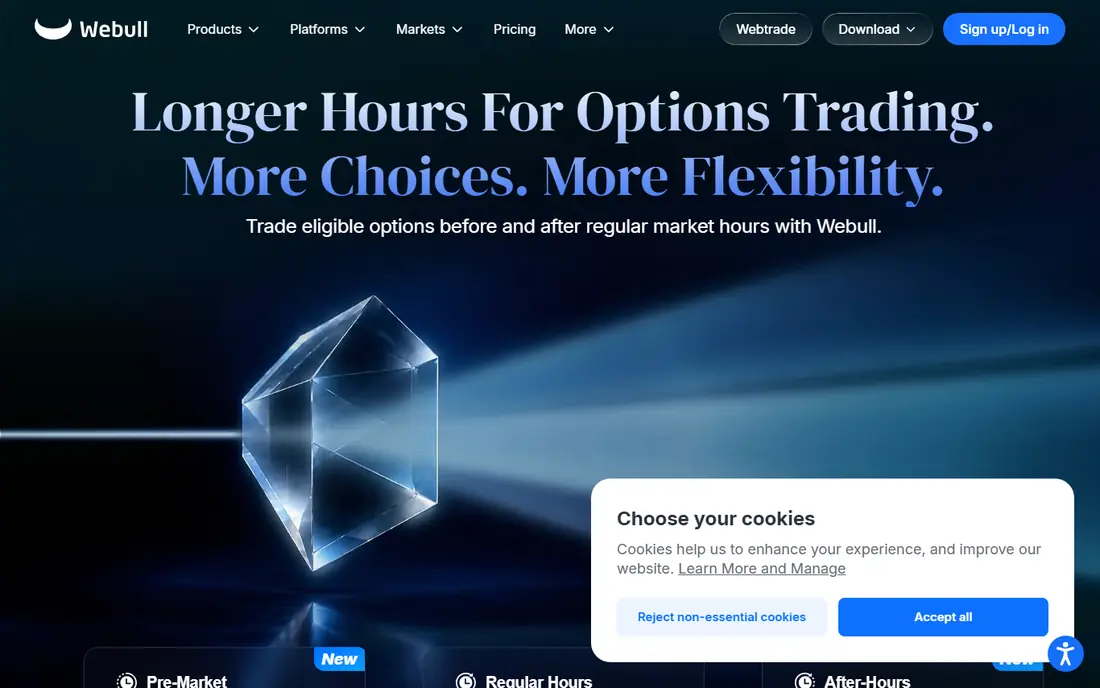
Webull fits active traders who want detailed charts and a desktop-class feel on a phone. The app gives you screening, chart tools, and extended-hours information in one place, which helps when you track low-priced stocks closely.
It suits traders who already know order types and want to set limit orders quickly. OTC coverage is a plus for this category, though eligibility still varies by security, so check your list first.
The catch is complexity and exit cost. The interface packs in a lot, and the transfer-out fee matters if you later move your account elsewhere. Before you subscribe, check the vendor pricing page for the current plan, because prices and plan inclusions change, and confirm that the features you need sit on the plan you will actually buy. A short trial with your own data or daily routine will tell you more than a feature list alone.
- No commission on eligible stocks
- Strong charting
- OTC coverage
- Platform can feel complex for beginners
- Transfer-out fee applies
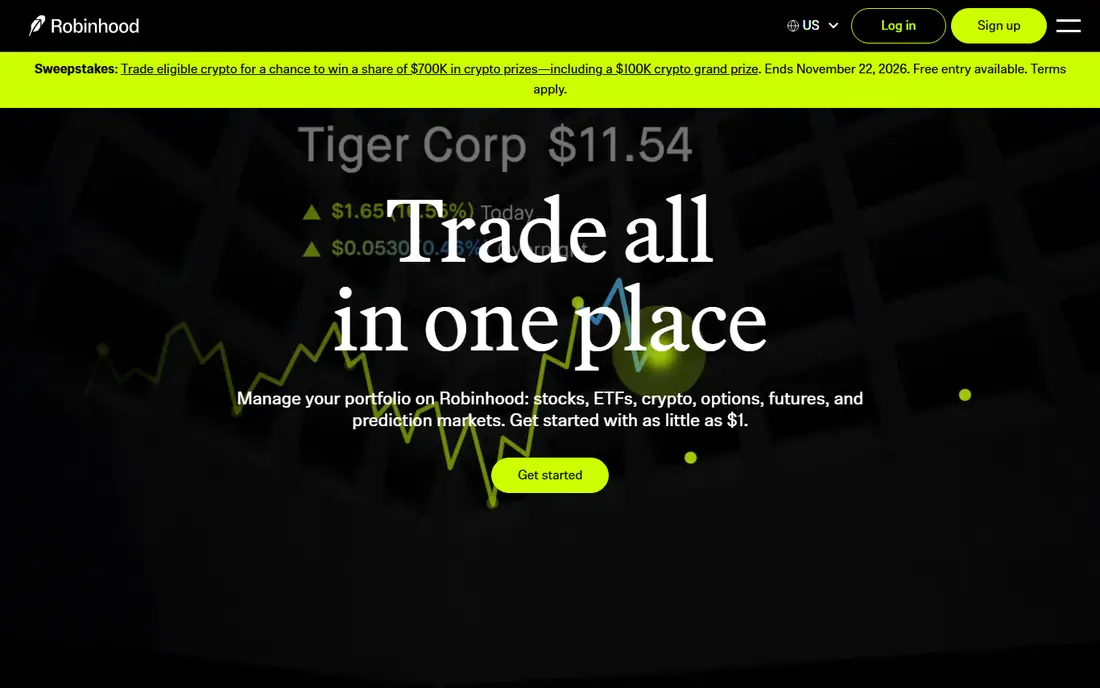
Robinhood fits beginners who want a simple app for listed low-priced stocks. Order entry is plain, the interface is clean, and you can start with small amounts.
It suits traders who value ease over depth, and who mainly trade listed stocks rather than a wide OTC list. The app keeps the basics visible and hides advanced settings until you look for them.
The catch is access and depth. Some OTC securities are not available, and advanced charting is thinner than on trader-focused platforms, so check both before you rely on it alone. Before you subscribe, check the vendor pricing page for the current plan, because prices and plan inclusions change, and confirm that the features you need sit on the plan you will actually buy. A short trial with your own data or daily routine will tell you more than a feature list alone.
- Simple app design
- No commission on eligible stocks
- Fractional shares
- Fewer advanced tools
- Some OTC stocks are restricted
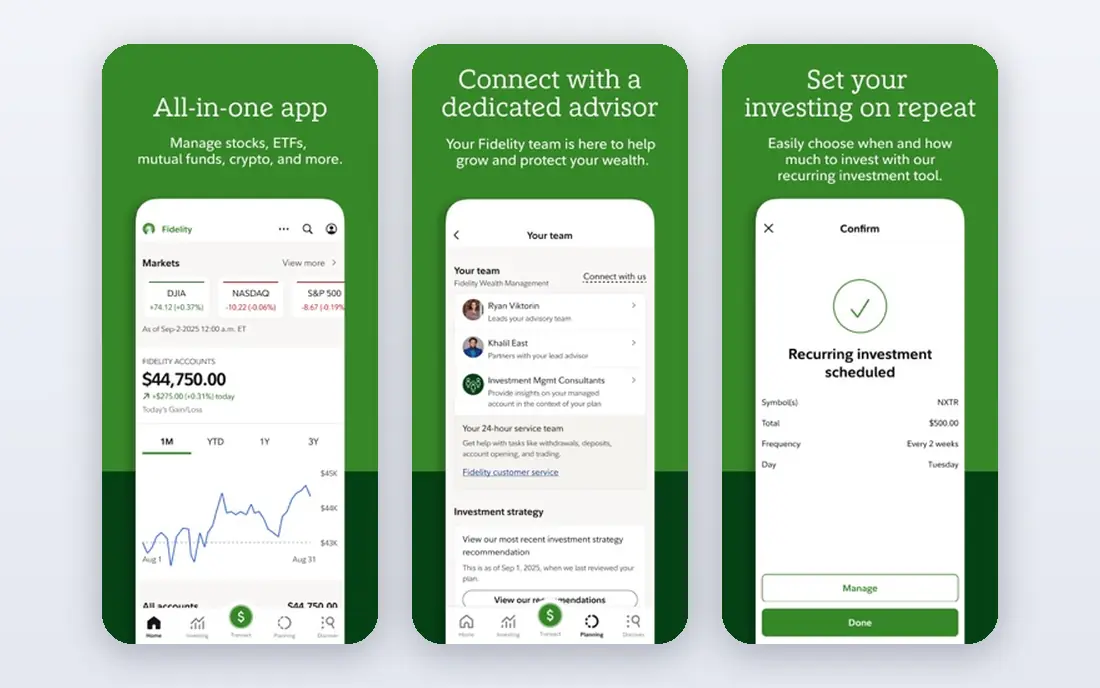
Fidelity fits traders who want research alongside trading, with a large research library and screeners. Eligible OTC stocks can be traded online, which makes it a practical choice for this category.
It suits patient traders who read filings and news before acting, rather than traders who only chase price moves. The account has no minimum to open, and the research tools help you check a company before you buy.
The catch is pace. The platform is less flashy than trader apps, and some OTC securities still need checks, so do not assume every ticker will trade online. Before you subscribe, check the vendor pricing page for the current plan, because prices and plan inclusions change, and confirm that the features you need sit on the plan you will actually buy. A short trial with your own data or daily routine will tell you more than a feature list alone.
- No commission on eligible online trades
- Strong research
- OTC access for eligible stocks
- Interface can feel dated
- Some OTC trades need extra checks
Charles Schwab fits traders who want a full-service broker behind a trading app. Research is broad, account options are wide, and thinkorswim adds depth for traders who want advanced charting.
It suits traders who may later need retirement accounts, banking, or advice alongside a brokerage account. That breadth makes it a long-term home rather than a single-purpose trading app.
The catch is learning curve. The toolset is large, so beginners should start with the basic app and add advanced tools only when they need them. Before you subscribe, check the vendor pricing page for the current plan, because prices and plan inclusions change, and confirm that the features you need sit on the plan you will actually buy. A short trial with your own data or daily routine will tell you more than a feature list alone.
- No commission on eligible online trades
- Broad research
- Thinkorswim tools
- Platform depth can overwhelm beginners
- Some fees apply elsewhere
ETRADE fits traders who want a middle ground between a simple app and a pro platform. Power ETRADE adds charting and options tools, while the main app keeps everyday trading simple.
It suits traders who plan to grow into more advanced tools over time. You can start with basic stock orders and move to deeper analysis without changing broker.
The catch is that the best tools sit on the fuller platform, not always in the mobile app. Check which features you will actually use on your phone. Before you subscribe, check the vendor pricing page for the current plan, because prices and plan inclusions change, and confirm that the features you need sit on the plan you will actually buy. A short trial with your own data or daily routine will tell you more than a feature list alone.
- No commission on eligible trades
- Power E*TRADE platform
- Research library
- Some advanced features need the desktop platform
- Transfer fees apply
Interactive Brokers
Who it suits: Experienced traders who want wide access
Interactive Brokers fits experienced traders who want wide market access and advanced order types. The platform supports many markets and order forms, which matters when you manage risk in volatile stocks.
It suits traders who already understand margin, order types, and fees, and who want control over execution. The Lite pricing tier keeps eligible stock trades commission-free for many users.
The catch is complexity. New traders can feel lost in settings and menus, so start small and learn one feature at a time. Before you subscribe, check the vendor pricing page for the current plan, because prices and plan inclusions change, and confirm that the features you need sit on the plan you will actually buy. A short trial with your own data or daily routine will tell you more than a feature list alone.
- Wide market access
- Low-cost Lite pricing
- Advanced order types
- Complex platform
- Interface is demanding for beginners
moomoo fits traders who like data, screening, and community discussion in one app. The screener helps you filter low-priced stocks by volume, price, and other factors before you look closer.
It suits traders who spend time on research and want many data points on one screen. Charts, news, and filings sit close to the order ticket, which speeds up checks.
The catch is noise. A data-rich app can tempt you to trade more often, so keep your risk rules in writing and check them before each order. Before you subscribe, check the vendor pricing page for the current plan, because prices and plan inclusions change, and confirm that the features you need sit on the plan you will actually buy. A short trial with your own data or daily routine will tell you more than a feature list alone.
- No commission on eligible trades
- Rich market data
- Screening tools
- Data depth can overwhelm new users
- Some features are app-only
SoFi Invest fits beginners who already use SoFi banking and want investing under the same login. The app is simple, order entry is plain, and the learning material is aimed at new investors.
It suits long-term investors who occasionally trade low-priced listed stocks, rather than dedicated OTC traders. The simplicity helps if you find trader platforms distracting.
The catch is access. OTC coverage is limited compared with brokers built for active trading, so verify your tickers before you open an account. Before you subscribe, check the vendor pricing page for the current plan, because prices and plan inclusions change, and confirm that the features you need sit on the plan you will actually buy. A short trial with your own data or daily routine will tell you more than a feature list alone.
- Simple investing app
- No commission on eligible trades
- Banking under one login
- OTC access is limited
- Fewer advanced trading tools
Public fits learners who want simple trading with discussion and context around stocks. The app keeps order entry plain and lets you follow other investors and company news.
It suits beginners who want to learn by watching how others research, while keeping trades small. The interface avoids the dense charts that can overwhelm new traders.
The catch is depth. If you need wide OTC access or advanced screening, you may need a second broker for that part of your trading. Before you subscribe, check the vendor pricing page for the current plan, because prices and plan inclusions change, and confirm that the features you need sit on the plan you will actually buy. A short trial with your own data or daily routine will tell you more than a feature list alone.
- Simple app
- No commission on eligible trades
- Community discussion
- OTC coverage is narrower
- Advanced tools are limited
How we picked these
We compared brokers that allow trading in low-priced listed stocks, with OTC coverage noted where it is a known limit. We checked each vendor fee schedule and product pages for commission, account minimum, and OTC access, and we focused on tools that help with screening, orders, and risk control. We did not test trades with real money, and fees and eligibility can change, so check the vendor page before you open an account.
How to choose a penny stock app
Start with access, not the app design. Make a short list of the stocks you actually want to trade, then check whether each broker allows them, including OTC stocks if that is your focus. Some brokers restrict certain OTC securities, and that restriction matters more than any chart feature.
Next, study costs beyond the headline commission. Many brokers charge no commission on listed stocks, but OTC trades, transfers, and margin can carry separate charges. Read the fee schedule for OTC trades, account transfers, and any account fees before you fund the account.
Then test the tools you will use on volatile days. A good screener, clear order types, and fast order entry help, but no tool removes risk. Limit orders matter here, because market orders in thin stocks can fill at prices far from the last quoted price.
Finally, set strict risk rules before you trade. Decide the maximum loss per trade, keep position sizes small relative to your account, and avoid trading on tips alone. Read company filings and news, and be ready for days when you cannot exit quickly at a price you like.
Frequently asked questions
What counts as a penny stock?
The term usually means a stock trading under 5 dollars per share, though some definitions use a lower threshold. Many penny stocks trade over the counter rather than on a major exchange, which affects liquidity and disclosure. Always check where a stock trades and what filings are available.
Can I trade OTC stocks on every app?
No, OTC access varies by broker, and some brokers restrict certain OTC securities or require phone orders for some of them. Check the broker help pages for OTC eligibility before you assume a stock is tradable. If OTC access is central to your plan, that check should come first.
Is zero commission really free?
Zero commission means no separate commission on eligible trades, but you still face spreads, regulatory fees, and possible charges for OTC trades or transfers. The spread is often the largest cost in thin stocks, so use limit orders and compare the bid and ask before you trade.
How much should I risk on one penny stock trade?
There is no safe amount that fits every trader, but many experienced traders keep single-trade risk small relative to account size. Decide your maximum loss in advance, use a limit order, and do not add to a losing trade to chase a recovery. If a loss would hurt your finances, the position is too large.
Do these apps give stock tips?
Brokers provide research, screeners, and news, but that material is not a promise that a stock will rise. Treat any tip, forum post, or social media claim as unverified until you check filings, financials, and trading volume yourself. Independent research is part of the work.
Sources we checked (9)

Online Jobs is an independent blog about careers, online work, learning new skills and the tools that help people earn. More about us.
Keep reading
All posts
n8n Alternatives
n8n alternatives compared for 2026, with Zapier, Make, Activepieces, and more, covering visual builders, code steps, self-hosting, and pricing models.

iPhone Alternatives
Looking for iPhone alternatives in 2026? Compare 9 Android phones from Samsung, Google, OnePlus, and more, with cameras, battery life, and honest trade-offs.

eBay Alternatives
Looking for ebay alternatives? We compared 9 marketplaces for sellers on fees, buyer reach, categories and ease of listing, to help you sell with confidence.