Best API Integration Platform in 2026: 9 Products Compared

How we put this together: we compare official feature and pricing pages, app store listings, privacy policies and public user reviews. Prices change, so check the provider's site before you pay.
Key takeaways
- Zapier and Make are the fastest starts for no-code app automation, with free plans for small volumes.
- Workato, Boomi, and MuleSoft suit enterprise integration, with stronger governance, API management, and hybrid options.
- n8n is the standout for developers who want code control and self-hosting.
- Price by tasks, executions, or credits, not just the monthly fee, and test your heaviest workflow before you commit.
Quick comparison
| Name | Who it suits | Starting price | Free option | |
|---|---|---|---|---|
 Zapier | no-code app automation | Free | Yes | Visit |
 Make | visual workflow automation | Free | Yes | Visit |
 Workato | enterprise automation | See website | Free trial | Visit |
 MuleSoft Anypoint | enterprise API-led integration | See website | No | Visit |
 Boomi | hybrid enterprise integration | See website | Free trial | Visit |
 SnapLogic | enterprise data and app integration | See website | Free trial | Visit |
 Celigo | ERP and ecommerce integration | See website | Free trial | Visit |
 Jitterbit | mid-market iPaaS and APIs | See website | Free trial | Visit |
 n8n | developer-friendly automation | Free | Yes | Visit |
The best api integration platform
API integration platforms connect apps, databases, and services without building every link by hand. Some suit simple no-code workflows, while others suit enterprise API management, governance, and high-volume data flows.
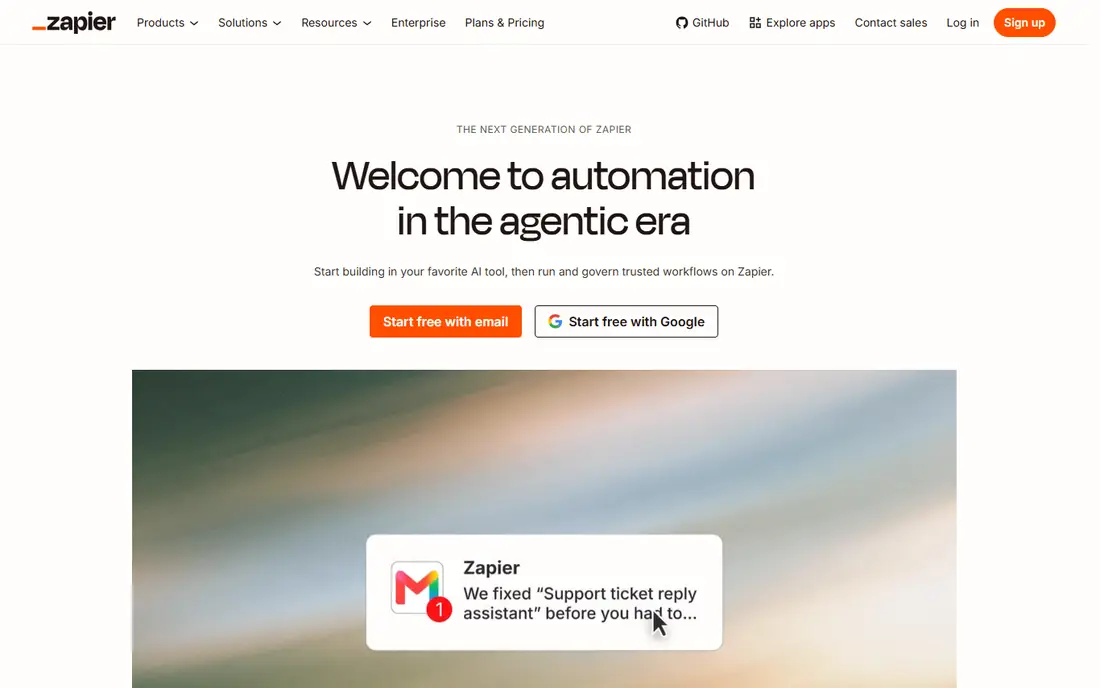
Zapier is still the easiest way to connect common SaaS apps without code. It suits small teams automating routine work between apps such as CRM, email, and sheets. You build workflows from triggers and actions, and the large catalogue means most popular apps connect in minutes rather than days.
The catch is task-based pricing can rise fast. Check the current plan limits and export options before you move data in, and run a small pilot with real records first. Start with the smallest plan that covers your core workflow, then upgrade only when a limit gets in the way.
- Very large app catalogue
- Easy multi-step workflows
- Strong AI and agent features
- Task-based pricing can rise fast
- Complex logic is harder than in code tools
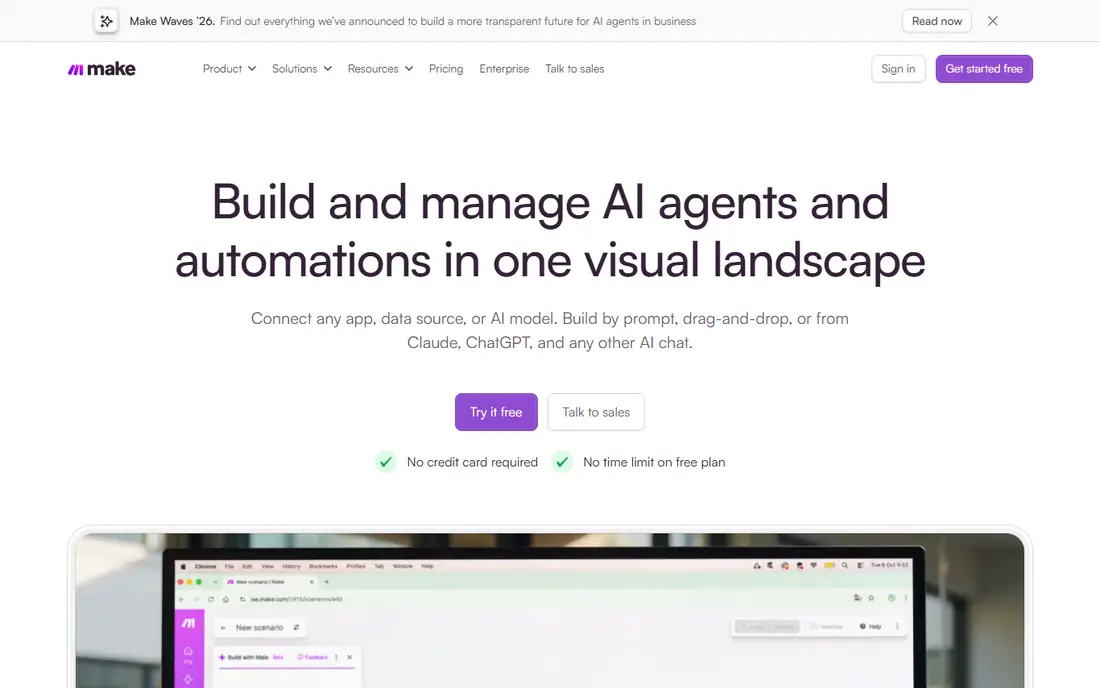
Make appeals to users who want more control than a simple trigger-action tool. It suits teams building visual, multi-step workflows on a budget. Scenarios show data flow step by step, with routers, filters, and iterators that handle branching logic better than a flat list of steps.
The catch is learning curve for complex scenarios. Read the plan limits for seats, storage, and usage before you commit, and test it with a small real workload first. Start with the smallest plan that covers your core workflow, then upgrade only when a limit gets in the way.
- Visual scenario builder
- Flexible data handling
- Good value at low volumes
- Learning curve for complex scenarios
- Some apps have fewer actions
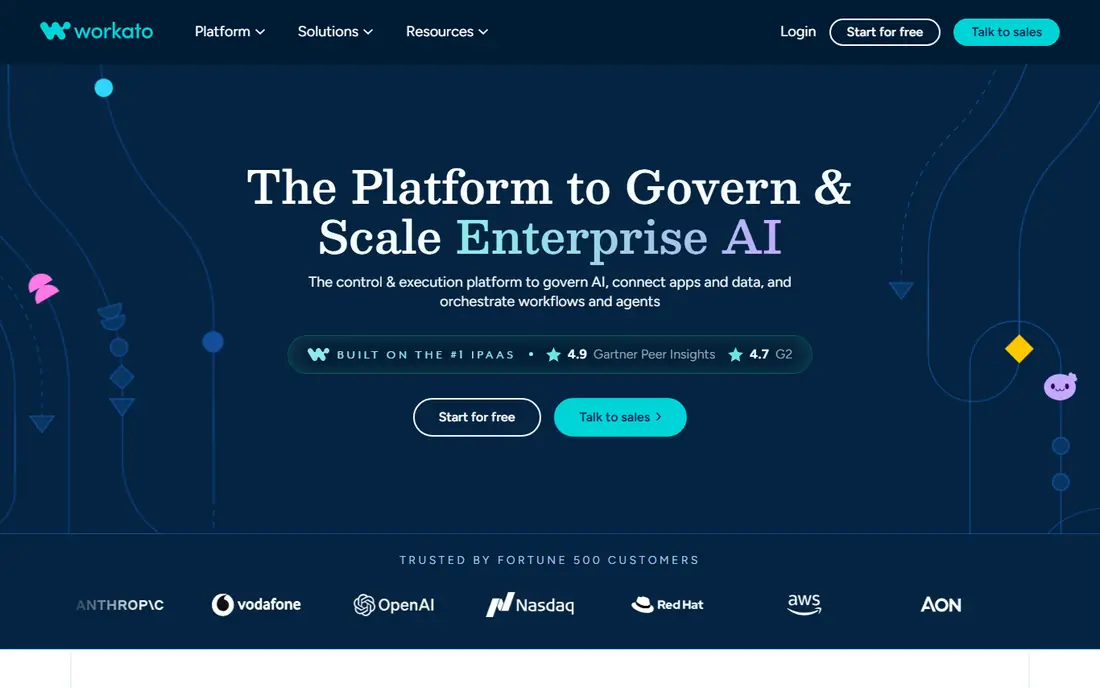
Workato sits between simple automation and full enterprise integration. It suits mid-market and enterprise teams automating business processes. Recipes connect apps, databases, and APIs with error handling and governance, and the platform scales to high volumes across departments.
The catch is quote-based pricing. Confirm what is included at your plan level, how exports work, and what happens if you need to leave later. Start with the smallest plan that covers your core workflow, then upgrade only when a limit gets in the way.
- Strong enterprise connectors
- Recipe-based automation
- AI agent features
- Quote-based pricing
- Overkill for simple personal workflows
MuleSoft Anypoint is the enterprise standard for API-led integration. It suits large organisations with complex systems, APIs, and governance needs. It supports API design, management, and integration in one platform, with connectors for major systems and strong monitoring for production use.
The catch is enterprise cost and skills needed. Check the current plan limits and export options before you move data in, and run a small pilot with real records first. Start with the smallest plan that covers your core workflow, then upgrade only when a limit gets in the way.
- API-led design
- Strong API management
- Hybrid and on-prem options
- Enterprise cost and skills needed
- Long setup for small projects
Boomi is a long-standing enterprise iPaaS with hybrid strengths. It suits enterprises that need cloud and on-prem integration together. Its runtime model suits companies with systems that cannot all move to the cloud, and its mapping tools handle data transformation for ERP and CRM flows.
The catch is pricing can be complex. Read the plan limits for seats, storage, and usage before you commit, and test it with a small real workload first. Start with the smallest plan that covers your core workflow, then upgrade only when a limit gets in the way.
- Hybrid cloud and on-prem runtimes
- Broad connector library
- Agent features
- Pricing can be complex
- Smaller teams may find it heavy
SnapLogic is built for high-volume data and application pipelines. It suits data and integration teams moving large or complex data flows. Snaps provide prebuilt connectors and transformations, and pipelines can run in cloud or hybrid setups with monitoring for production workloads.
The catch is quote-based pricing. Confirm what is included at your plan level, how exports work, and what happens if you need to leave later. Start with the smallest plan that covers your core workflow, then upgrade only when a limit gets in the way.
- Visual pipeline builder
- Strong data integration
- AI-assisted building
- Quote-based pricing
- Enterprise focus means higher entry cost
Celigo is a strong pick when NetSuite, Salesforce, or ecommerce is at the centre. It suits mid-market teams integrating ERP, CRM, and online stores. Its prebuilt integration apps shorten setup for common flows such as order-to-cash, while custom flows still support APIs and webhooks.
The catch is quote-based for many plans. Check the current plan limits and export options before you move data in, and run a small pilot with real records first. Start with the smallest plan that covers your core workflow, then upgrade only when a limit gets in the way.
- Prebuilt apps for NetSuite and Salesforce
- Flat endpoint pricing model
- Good for commerce
- Quote-based for many plans
- Narrower focus than general iPaaS tools
Jitterbit covers integration, API publishing, and automation in one platform. It suits mid-market companies with hybrid systems and partner data flows. You can design integrations visually, publish APIs, and manage them with monitoring, which suits teams that need more than simple app automation.
The catch is annual quote pricing. Read the plan limits for seats, storage, and usage before you commit, and test it with a small real workload first. Start with the smallest plan that covers your core workflow, then upgrade only when a limit gets in the way.
- API management plus integration
- Good for hybrid and EDI work
- Visual design
- Annual quote pricing
- Learning curve for advanced flows
n8n gives developers control without giving up a visual builder. It suits technical teams that want open, flexible automation. Workflows can mix visual nodes with code, connect to APIs via HTTP, and run on your own server, which helps when data control or custom logic matters.
The catch is cloud pricing is per execution. Confirm what is included at your plan level, how exports work, and what happens if you need to leave later. Start with the smallest plan that covers your core workflow, then upgrade only when a limit gets in the way.
- Self-hosted free option
- Code nodes for JavaScript and Python
- AI agent nodes
- Cloud pricing is per execution
- Self-hosting needs maintenance
How we picked these
We compared official feature pages, pricing pages, and documentation for each platform, and checked that each one is still offered in October 2026. We weighted connector coverage, API management, data transformation, error handling, monitoring, security, and whether a free plan or trial lets you test real workflows.
We also read public user reviews to spot pricing traps, especially task and execution limits, and to check setup effort. We did not claim hands-on testing of every platform, and prices shown here are starting points only, so check the vendor pricing page before you buy.
How to choose an API integration platform
The wrong platform usually fails on pricing model or governance, not on connector count. Test your real workflows, including errors and volume spikes, before you sign.
Map your systems and data flows first
List source and target systems, data volumes, and how often data must sync. Real-time sync, scheduled batches, and event-driven flows need different tools. A simple automation tool may be enough for a few app links, while ERP and API work needs an iPaaS.
Check API and error handling
Confirm support for REST, webhooks, authentication methods, retries, and rate limits. Good error logs and alerts matter when a flow fails at night. Test what happens when an API returns an error or a record is malformed, not just the happy path.
Price your heaviest workflow
Tasks, executions, and credits are counted differently, so a cheap plan can become costly at volume. Estimate your monthly runs, including retries and loops, and check overage rates. A self-hosted option may be cheaper at high volume if you can maintain it.
Check security and governance
Look for role-based access, audit logs, secret handling, and data residency options where needed. Enterprise teams also need versioning and deployment controls. If you handle regulated data, confirm compliance features before you build on the platform.
Frequently asked questions
What is the best API integration platform?
Zapier and Make suit most small-team automation, while Workato, Boomi, and MuleSoft suit enterprise integration. n8n suits developers who want code control and self-hosting. The best pick depends on volume, governance, and whether you need full API management.
What is the best integration platform for APIs?
MuleSoft Anypoint and Jitterbit are strong for API design, publishing, and management, while Boomi and SnapLogic suit broader data and app integration. For simple API calls inside workflows, Zapier, Make, and n8n also support HTTP and webhooks.
Is there a free API integration tool?
Yes. Zapier, Make, and n8n offer free plans or a free self-hosted option with limits. Free plans usually cap tasks, executions, or credits, so they suit testing and small workflows rather than high-volume production use.
How much do API integration platforms cost?
Costs range from free for small volumes to quote-based enterprise pricing for large platforms. The total depends on how tasks or executions are counted, how many apps you connect, and whether you need premium connectors or support. Always price your actual workflow, not the headline plan.
Do I need an iPaaS or just automation software?
You need an iPaaS when you have many systems, high volumes, hybrid systems, or strict governance needs. Simple automation software is enough when you connect a few SaaS apps with straightforward workflows. Start simple and move up only when limits appear.
Can integration platforms replace custom code?
They can replace much routine integration code, especially for common apps and standard data flows. Custom code is still useful for unusual APIs, complex transformations, or very high performance needs. Many teams use a platform for most flows and code for the exceptions.
Sources we checked (9)

Online Jobs is an independent blog about careers, online work, learning new skills and the tools that help people earn. More about us.
Keep reading
All posts
Replit Alternatives
Replit alternatives for 2026 compared: browser coding, AI app builders and team workspaces, with free plans, limits and honest trade-offs for developers.
Docker Alternatives
Compare Docker alternatives for 2026, with Podman, Rancher Desktop, OrbStack, containerd, Colima, Finch, Portainer and Kubernetes on cost, fit and licensing.
Custom AI Agent Tools Best Practices
Learn custom ai agent tools best practices with tools for building custom AI agents, from frameworks to low-code builders, plus safety and testing notes.