Best Antivirus Software for PC in 2026: 9 Products Compared


Strong all-round protection for Windows PCs · Starting price: $29.99 per year (first year)
How we put this together: we compare official feature and pricing pages, app store listings, privacy policies and public user reviews. Prices change, so check the provider's site before you pay.
Key takeaways
- Bitdefender and Norton suit most PC owners who want strong protection plus useful extras, while Microsoft Defender is a solid free starting point on Windows.
- First-year prices are often much lower than renewal prices, so check the renewal figure before you buy.
- Free antivirus usually covers basic scanning, but real-time protection, ransomware tools, and VPN access tend to sit behind paid plans.
- A lighter product matters on an older PC, so use a trial period to check speed before you commit for a year.
Quick comparison
| Name | Who it suits | Starting price | Free option | |
|---|---|---|---|---|
| Bitdefender Antivirus Plus | Strong all-round protection for Windows PCs | $29.99 per year (first year) | Free trial (30 days) | Visit |
 Norton AntiVirus Plus Norton AntiVirus Plus | Scam protection and a virus removal promise | $29.99 per year (first year) | Free trial (30 days) | Visit |
 McAfee Total Protection McAfee Total Protection | Households with several devices | $29.99 per year (first year) | Free trial | Visit |
 Malwarebytes Premium Malwarebytes Premium | Simple, focused malware protection | $44.99 per year | Yes | Visit |
 Avast Premium Security Avast Premium Security | A strong free antivirus with a paid upgrade path | Free | Yes | Visit |
 Kaspersky Standard Kaspersky Standard | Good value with a light touch on system speed | $52.99 per year (first year) | Free trial | Visit |
 ESET HOME Security Essential ESET HOME Security Essential | Older or slower PCs | $49.99 per year | Free trial (30 days) | Visit |
 Microsoft Defender Microsoft Defender | Built-in protection at no extra cost | Free | Yes | Visit |
 TotalAV Antivirus Pro TotalAV Antivirus Pro | A low first-year price for basic cover | $19 per year (first year) | Yes | Visit |
The best antivirus software for PC
We looked at protection features, device coverage, ease of use, and pricing, with a focus on what a normal PC owner actually needs day to day. Plain disclaimer: no antivirus product can block every threat, so keep Windows updated and treat unexpected links and attachments with care.
Bitdefender Antivirus Plus
Who it suits: Strong all-round protection for Windows PCs
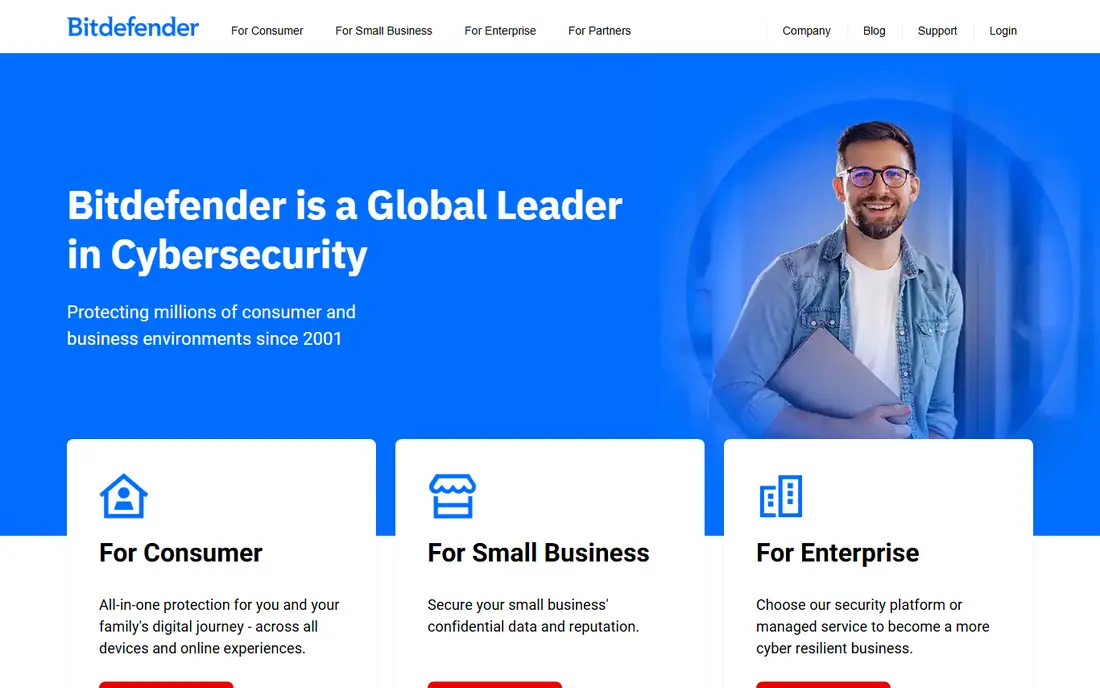
For many PC owners, Bitdefender Antivirus Plus is the easiest recommendation to make. It covers the core job well, with real-time scanning, ransomware protection, and web protection that blocks many phishing pages before they can do harm. The interface stays out of the way, which matters if you do not want to manage security settings every week.
The main catch is the price path. The first year is often discounted, and the renewal price is higher, so set a reminder before renewal and compare again at that point. This tier is also Windows only, so Mac owners need a different Bitdefender plan. If you want one PC covered well, without a long list of extras you may never open, this is a sensible place to start.
- Strong malware and ransomware protection
- Includes phishing protection and a limited VPN
- Runs quietly in the background
- Windows only at this tier
- Renewal price is higher than the first-year price
Norton AntiVirus Plus
Who it suits: Scam protection and a virus removal promise
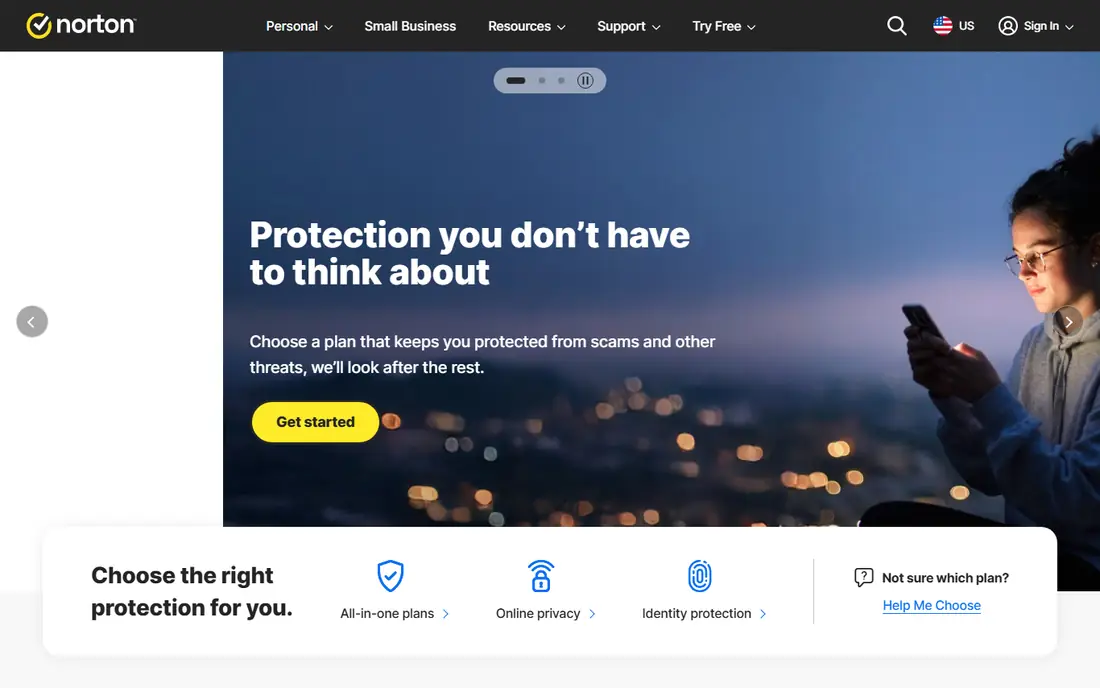
Norton has built its recent plans around scams as much as viruses, and that focus fits how most attacks now arrive. The AntiVirus Plus plan includes scam protection for online threats, texts, and deepfake video, plus a password manager and 2 GB of cloud backup. That combination suits someone who worries more about a convincing fake message than about a classic virus download.
The trade-off is coverage. This entry plan covers one device, so a household with several PCs will need a higher tier. The renewal price is also double the first-year price in the figures we checked, which is common in this market but still worth noting. If you want one device protected and you value human help when something goes wrong, Norton is a strong pick.
- AI scam protection and deepfake alerts
- Password manager included
- Virus removal help with a refund promise if a virus cannot be removed
- Covers one device at this tier
- Renewal price rises to $59.99 per year
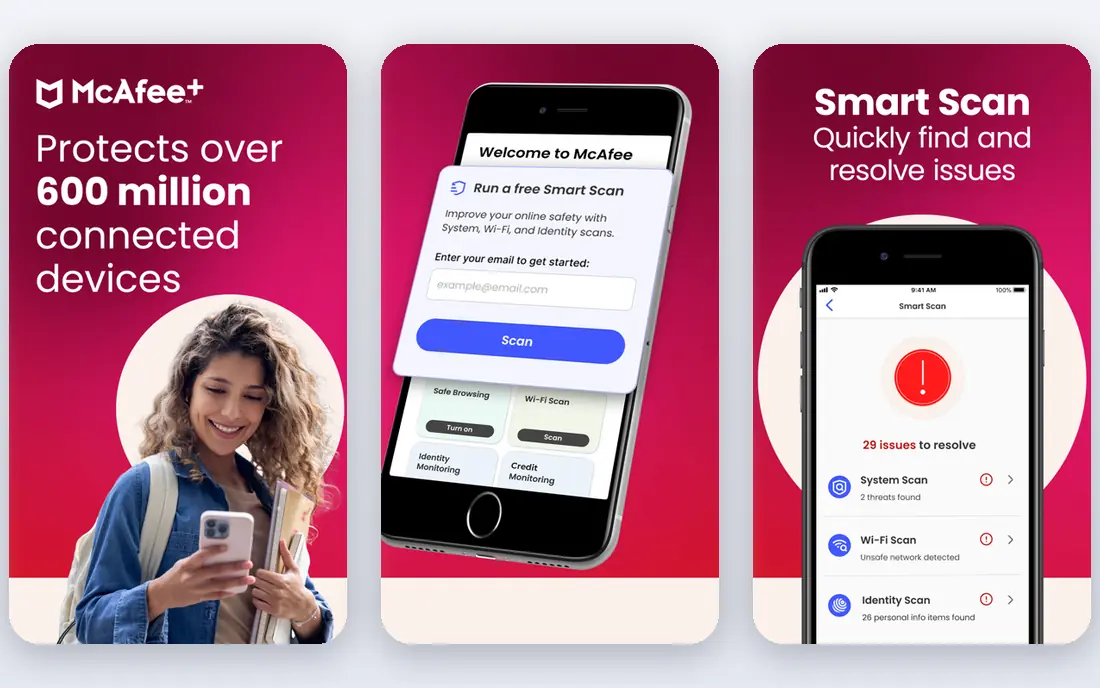
McAfee makes most sense when you want one subscription for the whole house. Total Protection covers multiple device types, and the higher tiers add a VPN, parental controls, and identity monitoring. The safe browsing extension and file shredder are practical extras, not just marketing lines, because they address everyday risks like unsafe downloads and old files left on a shared PC.
The downside is clarity. McAfee has changed plan names over time, and the difference between Basic, Plus, Premium, and Advanced is not obvious at a glance. Read the device count and VPN limit before you pay, and check the renewal price in your account after checkout. For a family that wants broad coverage from one vendor, the breadth still makes it worth a look.
- Covers Windows, Mac, Android, and iOS
- Includes firewall, password manager, and safe browsing tools
- Higher tiers add VPN and parental controls
- Plan names and tiers can be confusing
- Renewal prices are much higher than first-year prices
Malwarebytes takes a different approach from the big suites. It keeps the interface simple and focuses on finding and removing malware, ransomware, and malicious websites, without piling on tools you may not need. That simplicity is a real strength if you have ever opened a security app and felt lost in menus and toggles.
The free version is useful, but it only scans when you start a scan yourself. Real-time protection requires the paid plan, which is the point of paying here. You also do not get the wide bundle of extras found in Norton or McAfee, such as parental controls. If you want a second opinion scanner for free, or a clean paid product that stays out of the way, Malwarebytes fits well.
- Clear, simple interface
- Strong at finding and removing malware
- Free version works as an on-demand scanner
- Fewer extras than full suites
- No parental controls or password manager at this level
Avast Premium Security
Who it suits: A strong free antivirus with a paid upgrade path
Avast is best known for its free antivirus, and that free version remains a reasonable choice for a PC owner on a tight budget. It covers core malware protection, and the paid Premium Security plan adds a firewall, ransomware protection, and tools for safer banking and shopping. Paid plans can cover up to 10 devices, which helps in a larger household.
The honest weakness is the upselling. Free users often see prompts to upgrade, and that can wear thin over time. Avast is also now part of the same parent group as Norton, so shoppers who want a fully independent vendor may prefer another name on this list. If cost is the main barrier, start with the free version and upgrade only if you want the extra shields.
- Free antivirus covers core protection
- Paid plan adds firewall, ransomware shield, and webcam protection
- Covers up to 10 devices on paid plans
- Paid upsell prompts can be frequent
- Renewal pricing needs checking before you renew
Kaspersky Standard
Who it suits: Good value with a light touch on system speed
Kaspersky Standard is the entry paid plan in its current range, and it covers the essentials without forcing you into the most expensive bundle. You get real-time antivirus, online payment protection, and performance tools, across Windows, Mac, Android, and iOS. In independent lab tests over recent years, Kaspersky has often scored well for detection, and the app tends to feel light during normal use.
There are two points to weigh. First, there is no permanent free plan here, so you need a trial or a paid plan to use it. Second, some US shoppers prefer a vendor based elsewhere, given past US government concerns about Kaspersky. That is a personal judgment call, and it is worth reading current official guidance if it matters to you. On features and price alone, Standard is competitive.
- Real-time antivirus and online payment protection
- Performance tools included
- Covers Windows, Mac, Android, and iOS
- No free plan at this level
- Some shoppers have concerns about the vendor's country of origin
ESET has a long reputation for light, fast protection, and Essential keeps that focus. It includes real-time antivirus, anti-phishing, safe banking and browsing, and a firewall, without adding a large bundle of extras. On an older laptop, that restraint can make a real difference to how the machine feels during a scan or a normal workday.
The trade-off is polish for beginners. ESET gives you more settings than some rivals, which advanced users like, but new users may find the menus less friendly than Bitdefender or Norton. The VPN and identity protection tools also sit on higher tiers. If your PC is slow, or you like control over settings, ESET is worth trying during its 30-day trial.
- Small system footprint and fast scans
- Anti-phishing and safe banking tools
- Clear settings for advanced users
- Interface feels technical for beginners
- Higher tiers are needed for VPN and identity tools
Every Windows 10 and 11 PC already includes Microsoft Defender, and for many people that is enough. It provides real-time antivirus, a firewall, and ransomware protection tools, all kept up to date through Windows Update. There is nothing to buy, nothing to renew, and no extra app asking you to upgrade.
Paid suites add extras that Defender does not bundle, such as a VPN, a password manager, identity monitoring, or cross-platform cover for Mac and phones. Defender also scores well in some lab tests and less well in others, depending on the round. If you browse carefully, keep Windows updated, and do not need those extras, Defender is a legitimate choice, not just a placeholder.
- Built into Windows with no extra install
- Solid core antivirus and firewall
- No renewal price or upsell prompts
- Fewer extras than paid suites
- Parental controls and VPN need separate tools
TotalAV Antivirus Pro
Who it suits: A low first-year price for basic cover
TotalAV appeals first on price. The Antivirus Pro plan is often listed at $19 for the first year, which undercuts most rivals, and it includes real-time protection, phishing and ransomware protection, and cleanup tools. The interface is simple, and the free version lets you run a scan before you pay anything.
The catch is the renewal. That $19 first year renews at $99 per year in the figures we checked, which changes the value completely in year two. Higher tiers are also needed for a VPN and a password vault. TotalAV can still make sense as a cheap first year while you test it, but only if you diary the renewal date and are ready to cancel or switch if the renewal price does not suit you.
- Low first-year price
- Simple interface
- Includes real-time protection, phishing protection, and system cleanup tools
- Renewal price rises sharply to $99 per year
- VPN and password tools need higher tiers
How we picked these
We checked each vendor's own product and pricing pages, plus app store listings where relevant, and compared core protection, device coverage, free options, and renewal pricing. We favored products that are widely available for Windows PCs in October 2026, that cover real-time protection on paid plans, and that have a clear free trial or free tier where one is claimed. We left out products with no clear current consumer plan, and we did not count first-year discounts as the long-term price.
What to check before you pay
Start with the renewal price, not the headline price. Most antivirus vendors discount the first year, then charge a higher rate from year two, and that second figure is what you will actually pay if you stay. Check how many devices the plan covers, and whether that count includes phones as well as PCs, because a one-device plan can become expensive in a household.
Think about how you use your PC. If you mainly browse, email, and shop, core antivirus plus phishing protection may be enough. If you bank online, share a PC with children, or travel with a laptop, a firewall, parental controls, or a VPN may matter more. Use the trial period to test speed on your own machine, especially during a full scan, and check that scheduled scans do not clash with work hours.
Free versus paid in plain terms
Free antivirus usually scans on demand and blocks known malware, but it often lacks real-time web protection, ransomware shields, and support. Paid plans add those layers, plus extras that vary by vendor. If you choose free, keep Windows updated, use a separate password manager, and be extra careful with email links and downloads.
One product or two
Running two real-time antivirus products at once can cause conflicts and slowdowns, so pick one main product. It is fine to use a free on-demand scanner as a second opinion from time to time, as long as its real-time protection is off. If a scan finds something you do not understand, use the vendor's support pages before deleting system files.
Frequently asked questions
What is the best antivirus software for PC?
There is no single best product for every PC, because needs differ by device count, budget, and how much extra help you want. Bitdefender Antivirus Plus and Norton AntiVirus Plus are strong starting points for most owners, while Microsoft Defender is a solid free option on Windows. Use a trial to check speed and ease of use on your own machine before you commit.
Is free antivirus enough?
Free antivirus can be enough for careful users who keep Windows updated and avoid risky downloads, but it usually lacks real-time web protection and ransomware tools. Paid plans add those layers and often include support. If you bank online or share a PC, paid protection is usually worth the cost.
Do I need antivirus if I have Windows Defender?
Windows Defender provides core antivirus and firewall protection built into Windows, and many people use it with no extra product. You may still want a paid suite if you need a VPN, a password manager, parental controls, or cover for Mac and mobile devices. Defender plus good browsing habits is a reasonable baseline.
Why does the price rise after the first year?
Most vendors discount the first year to win new customers, then charge the standard renewal price from year two. That renewal price is shown on the vendor's site, often in smaller text near the offer. Compare renewal prices across vendors, and set a reminder a week before renewal so you can cancel or switch.
Can antivirus slow down my PC?
Any security software uses some system resources, and a full scan is more noticeable than background protection. Light products such as ESET and Bitdefender tend to feel less heavy during normal use, but results vary by machine. Schedule full scans for times when you are not working, and test a trial on your own PC.
Is Kaspersky safe to use in the US?
Kaspersky is a real, long-running security vendor with strong lab results, but US government agencies have raised concerns about it in the past, and some shoppers prefer other vendors for that reason. Read current official guidance and your employer's rules if you use a work device. If that concern matters to you, pick Bitdefender, Norton, or ESET instead.
Sources we checked (9)

Online Jobs is an independent blog about careers, online work, learning new skills and the tools that help people earn. More about us.
Keep reading
All posts
Surfshark Alternatives
Looking for Surfshark alternatives? We compare 8 VPN services on price, privacy, streaming, and device limits to help you find a VPN that fits your needs.
NordPass Alternatives
We compared NordPass alternatives for families, solo users and teams, checking pricing, free plans, passkeys and sharing, so you can switch safely today.
Best background check app
We compared the best background check app options in 2026 for employers, landlords and individuals, with published prices, coverage and compliance notes.