Best animation software for beginners in 2026: 8 tools compared

How we put this together: we compare official feature and pricing pages, app store listings, privacy policies and public user reviews. Prices change, so check the provider's site before you pay.
Key takeaways
- Blender, Krita, Pencil2D, OpenToonz, and Synfig Studio are free, so beginners can learn real animation skills before paying anything.
- Pencil2D is the simplest start for frame-by-frame drawing, while Krita suits beginners who already draw and paint digitally.
- Adobe Animate and Toon Boom Harmony are the paid 2D standards, with trials that let you test the workflow before subscribing.
- Animaker suits beginners who want template-based videos fast, rather than hand-drawn animation skills.
Quick comparison
| Name | Who it suits | Starting price | Free option | |
|---|---|---|---|---|
 Pencil2D | Simple frame-by-frame drawing | Free | Yes | Visit |
 Krita | Drawing and animation together | Free | Yes | Visit |
 Blender | Free 2D and 3D animation | Free | Yes | Visit |
 OpenToonz | Studio-style 2D, free | Free | Yes | Visit |
 Synfig Studio | Vector tweening | Free | Yes | Visit |
 Adobe Animate | Vector and web animation | See website | Free trial | Visit |
 Toon Boom Harmony | Professional 2D pipeline | See website | Free trial | Visit |
 Animaker | Template animated videos | Free | Yes | Visit |
The best animation software for beginners
Beginner animation software should let you draw, move, and export a short clip without a steep setup. These eight cover hand-drawn animation, vector tweening, 3D, professional 2D, and template video, so you can match the tool to the style you want to learn.
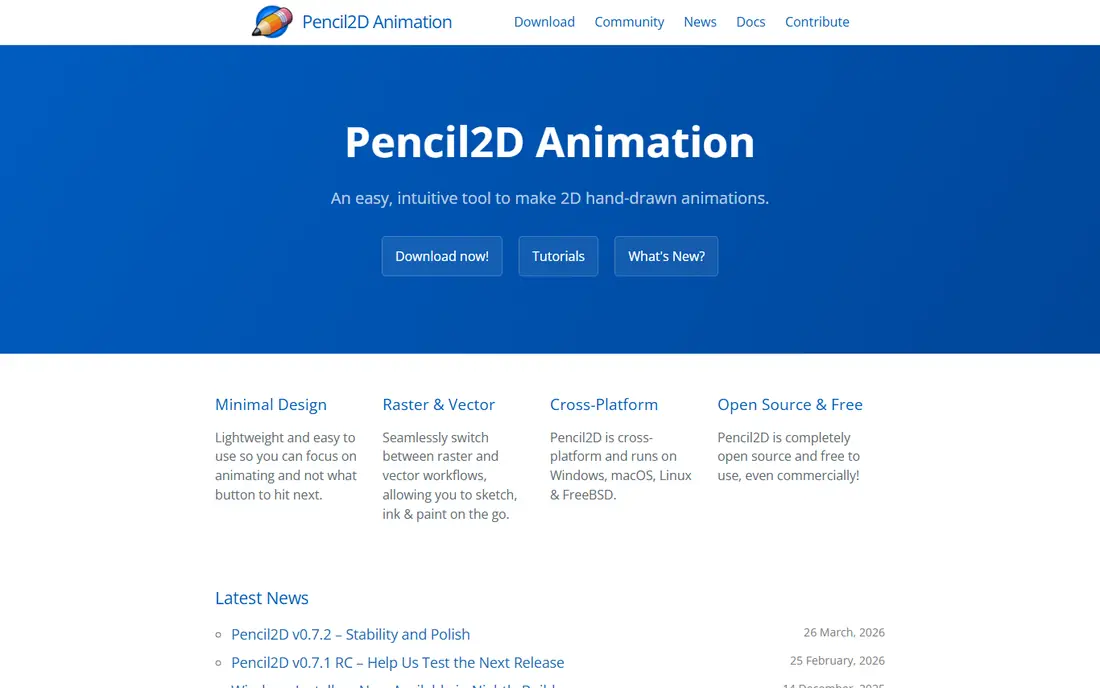
Pencil2D is our top pick for a true beginner who wants to learn animation by drawing. You draw a frame, add the next frame, and use onion skinning to see the previous drawing faintly behind the new one, which makes movement far easier to judge. There are no timelines full of extra panels to learn first, so a first walk cycle or bouncing ball is within reach in a single session. The simplicity is also the limit. Pencil2D does not offer the rigging, effects, or compositing depth of larger tools, so longer or more polished projects will need another app. Use it to learn timing, spacing, and basic drawing for animation, then move to Krita, OpenToonz, or Toon Boom when you want more control.
- Very simple interface
- Bitmap and vector drawing
- Onion skinning for frame-by-frame work
- Fewer effects and rigging tools than larger apps
- Best for short, simple projects
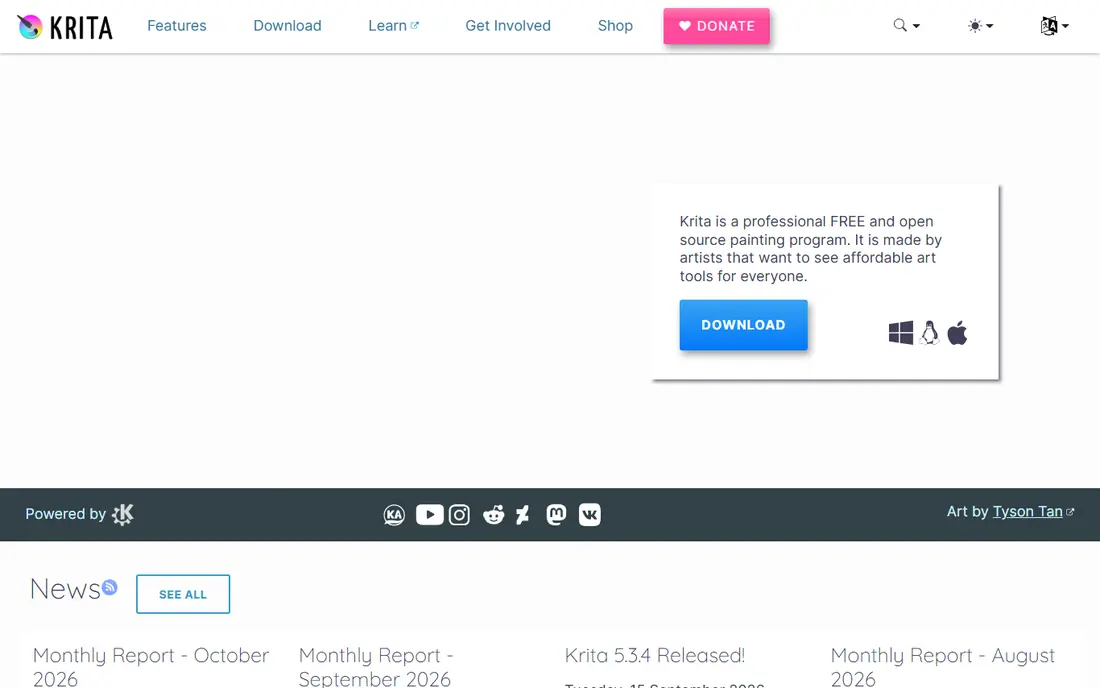
Krita suits beginners who already enjoy digital drawing and want to animate their own art. Its brushes, layers, and colour tools are strong for illustration, and the animation timeline adds onion skinning, frame management, and export to video, so you can move from a character design to a short animated clip in one program. That single-workflow path is a real advantage for artists who do not want to learn a separate drawing tool. Krita is not a full animation studio, so rigging, complex camera moves, and long production pipelines are weaker here than in Toon Boom or Blender. File sizes can also grow quickly on longer projects. If your goal is hand-drawn shorts, animated illustrations, or social clips from your own art, Krita gives you a free, capable starting point.
- Strong brushes and painting tools
- Animation timeline with onion skinning
- Free and open source
- Animation is an add-on to a painting app, not a full studio pipeline
- Large projects need care with file handling
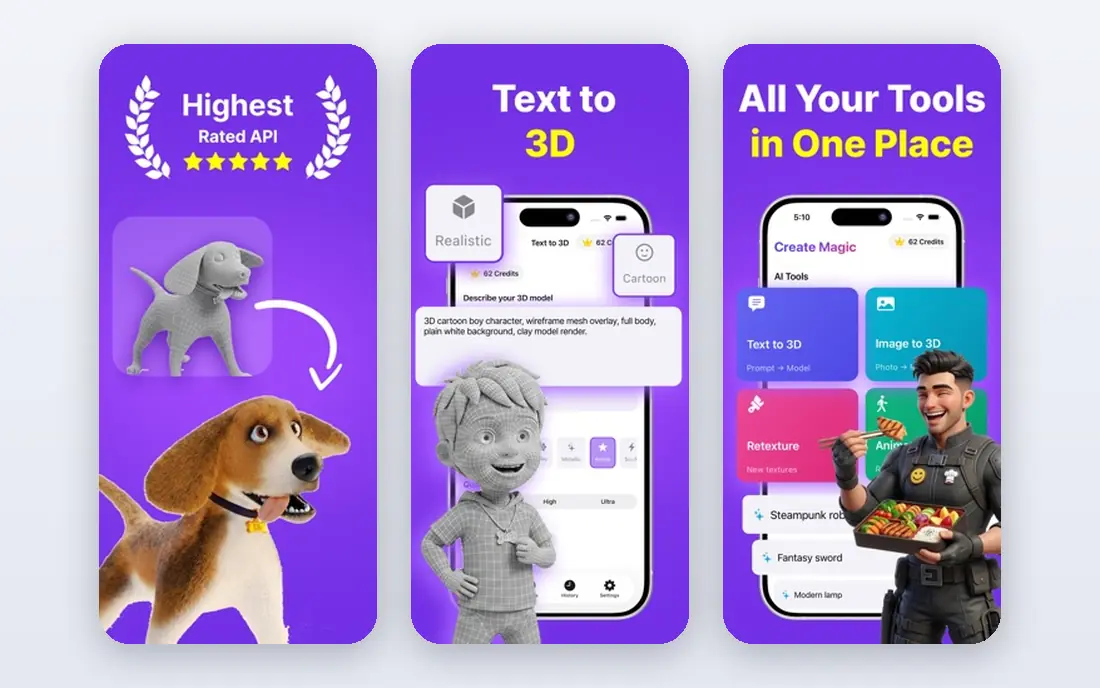
Blender is the most powerful free option on this list, and the most demanding. Grease Pencil lets you draw 2D animation inside a 3D viewport, with layers, onion skinning, and camera moves, while the 3D tools cover modelling, rigging, lighting, and rendering for full animated films. Beginners who stick with it gain skills that transfer to studio work, and the community tutorials are extensive. That power comes with a learning curve. The interface has many panels, and a first project takes longer to set up than in Pencil2D or Krita. Start with Grease Pencil basics and short clips, follow one beginner tutorial series, and do not try to learn modelling, rigging, and rendering at the same time. Blender rewards patience, but it is not the fastest route to a first finished animation.
- Free and open source
- Grease Pencil for 2D in a 3D space
- Full 3D modelling, rigging, and rendering
- Steep learning curve
- The interface can overwhelm a first-time animator
OpenToonz gives beginners free access to a studio-style 2D pipeline, with tools for scanning drawings, effects, compositing, and camera work. It is the open-source version of software used in professional animation, so the skills you learn here map to real production workflows. If you want to understand how a 2D studio organises scenes, levels, and effects, OpenToonz teaches that structure at no cost. The interface is less friendly than Pencil2D or Krita, and the first setup can confuse new users, with terms and panels borrowed from studio work. Use tutorials aimed at beginners, start with a short scene, and keep your first project small. OpenToonz fits patient beginners who want a professional-style 2D workflow without paying for Toon Boom yet.
- Free and open source
- Studio-style scanning, effects, and compositing
- Used in professional 2D production
- Interface feels dated and complex for beginners
- Setup takes more time than simpler apps
Synfig Studio suits beginners who like vector art and want movement without drawing every frame. You set key poses, and the software fills in the frames between them, a process called tweening, which makes smooth motion faster to produce. Bone rigging lets you move a character's limbs from a skeleton, so a walk cycle or arm wave takes fewer drawings than frame-by-frame work. The trade-off is a different learning curve. Bones, parameters, and vector controls take time to understand, and the drawing tools are less pleasant than Krita for freehand art. Synfig works best when you import or draw simple vector characters and focus on motion, timing, and camera moves, rather than detailed illustration.
- Free vector animation with automatic tweening
- Bone rigging for characters
- No need to draw every frame
- Learning curve for bones and parameters
- Drawing tools are weaker than Krita
Adobe Animate is a strong paid choice for beginners who want vector animation for web, apps, and interactive content. You can draw with vectors, rig characters, add audio, and export for web and video, all in a timeline that will feel familiar if you have used other Adobe tools. That web focus makes it useful for banners, explainer clips, and interactive stories, not just cartoons. Pricing is by subscription, so check the current single-app or Creative Cloud price on Adobe's site before committing, and use the trial to test export options for your project. Animate is less focused on traditional hand-drawn film pipelines than Toon Boom, so film-style animators may prefer that route. For web and interactive beginners, Animate is a clear, professional standard.
- Vector animation with strong web export
- Timeline and rigging tools
- Fits Adobe Creative Cloud workflows
- Subscription pricing
- Less suited to long, hand-drawn film production than Toon Boom
Toon Boom Harmony is the professional 2D standard used for television and film animation, and its Essentials tier gives beginners a route into that pipeline. It supports both hand-drawn frame-by-frame work and rigged character animation, with compositing, camera moves, and effects that go well beyond beginner apps. If you aim to work in 2D animation professionally, learning Harmony early is a direct investment in employable skills. The cost and complexity are the barriers. Pricing is by subscription, with tiers that add features, so check the official pricing page for the Essentials tier and trial length. Beginners should start with one workflow, either frame-by-frame or rigged, and a short project, rather than trying to learn the full pipeline at once. Harmony fits serious beginners who know they want 2D animation as a craft.
- Industry-standard 2D pipeline
- Frame-by-frame and rigged animation
- Strong compositing and camera tools
- Subscription pricing
- Steep learning curve for full features
Animaker takes a different route: instead of drawing, you pick templates, characters, and scenes, then add text, voice, and music to make an explainer or social video. That makes it the fastest option here for a business, school, or social clip, and it runs in a browser, so no install is needed. Beginners who need a video this week, rather than animation skills over months, will get the most from it. The catch is originality. Template videos can look similar to other Animaker videos, and the free plan has limits on quality, length, or branding depending on the current terms, so check the pricing page before publishing. Use Animaker for fast, clear videos, and use Pencil2D, Krita, or Blender when you want to learn animation itself.
- Templates, characters, and scenes for fast videos
- No drawing needed
- Browser-based
- Template look can feel generic
- Free plan includes limits and branding on some exports
How we picked these
We checked official product pages, pricing pages, and documentation for each tool, looking at drawing tools, timeline and rigging features, export options, platform support, and free access. We also read public reviews and beginner guides to spot recurring learning-curve issues and trial limits. We did not claim hands-on testing, and we used See website where pricing was tiered or subscription-based.
What to check before you pick animation software
Start with the style you want to make. Hand-drawn shorts suit Pencil2D, Krita, or OpenToonz, vector and web clips suit Adobe Animate or Synfig, 3D or mixed 2D and 3D suits Blender, and fast template videos suit Animaker. Check your computer: Blender and Toon Boom need more power and storage than Pencil2D or a browser tool. Test export early, since a tool that cannot export the video format you need will waste a finished project. Finally, pick one tool and one short project, because finishing a ten-second clip teaches more than starting five tools.
Frequently asked questions
What is the best free animation software for beginners?
Pencil2D is the simplest free start for frame-by-frame drawing, while Krita is best if you also want strong painting tools. Blender is the most powerful free option, but its learning curve is steeper. Start with Pencil2D or Krita for a first clip, then move to Blender or OpenToonz when you want more depth.
What is the best animation app for beginners on a tablet?
Krita and Blender run on desktop systems, while tablet animators often use drawing apps with animation features. For beginners, check the app store listing for your exact tablet, since animation support varies. Pencil2D and Krita suit desktop beginners, and Animaker works in a browser on most devices.
Is Blender good for beginners?
Blender is free and very capable, including Grease Pencil for 2D animation, but it is not the easiest first tool. Beginners who follow a structured tutorial series and start with short Grease Pencil clips do well. If you want a first animation this weekend, start with Pencil2D or Krita instead.
Do I need to know how to draw to animate?
It helps for hand-drawn animation, but it is not required for all styles. Template tools like Animaker need no drawing, and rigged or vector animation can start from simple shapes. Drawing practice will still improve character animation over time, so combine a tool with basic sketching practice.
What is the best beginner animation software for YouTube videos?
For hand-drawn or 3D YouTube shorts, Krita and Blender are strong free choices. For explainer videos with characters and voiceover, Animaker is faster, since templates and scenes speed up production. Pick based on if you want to learn animation or publish a video quickly.
Can beginners use Toon Boom Harmony?
Yes, with the Essentials tier and trial, but expect a learning curve. Start with one workflow, such as rigged characters or frame-by-frame drawing, and a short project. Beginners who want professional 2D skills will benefit, while casual makers may prefer a free tool first.
Sources we checked (8)

Online Jobs is an independent blog about careers, online work, learning new skills and the tools that help people earn. More about us.
Keep reading
All posts
n8n Alternatives
n8n alternatives compared for 2026, with Zapier, Make, Activepieces, and more, covering visual builders, code steps, self-hosting, and pricing models.

eBay Alternatives
Looking for ebay alternatives? We compared 9 marketplaces for sellers on fees, buyer reach, categories and ease of listing, to help you sell with confidence.

ZoomInfo Alternatives
The best ZoomInfo alternatives in 2026, compared on price, free plans, data coverage, and which tool fits small teams or large sales teams best in detail.