Home / Digital asset management
Best Alternatives to Brandfolder in 2026: 9 Tools Compared

How we put this together: we compare official feature and pricing pages, app store listings, privacy policies and public user reviews. Prices change, so check the provider's site before you pay.
Key takeaways
- Bynder and Canto suit marketing teams that need strong organisation, search, and brand control in one place.
- Frontify and Acquia DAM suit larger teams that need brand guidelines, portals, and stricter approval steps.
- Cloudinary stands out when stored assets also need to be resized, optimised, and delivered to websites and apps.
- Filecamp and Kontainer give smaller teams a simpler and lower-cost way to share approved assets.
- Quote-based pricing is common here, so ask for a price based on users, storage, and the features you will actually use.
Quick comparison
| Name | Who it suits | Starting price | Free option | |
|---|---|---|---|---|
 Bynder | Brand control at scale | See website | No | Visit |
 Canto | Search and everyday use | See website | No | Visit |
 Frontify | Brand guidelines and portals | See website | No | Visit |
 Acquia DAM | Enterprise asset control | See website | No | Visit |
 MediaValet | Marketing team adoption | See website | No | Visit |
 Cloudinary | Media delivery and transformation | Free | Yes | Visit |
 Aprimo | Structured marketing workflows | See website | No | Visit |
 Filecamp | Simple low-cost sharing | See website | Free trial | Visit |
 Kontainer | Small team asset libraries | See website | Free trial | Visit |
The best alternatives to Brandfolder
Brandfolder is known for easy asset sharing and brand portals, but teams switch for clearer pricing, deeper delivery tools, or stricter workflows. The tools below cover that full range, from simple libraries to enterprise platforms.
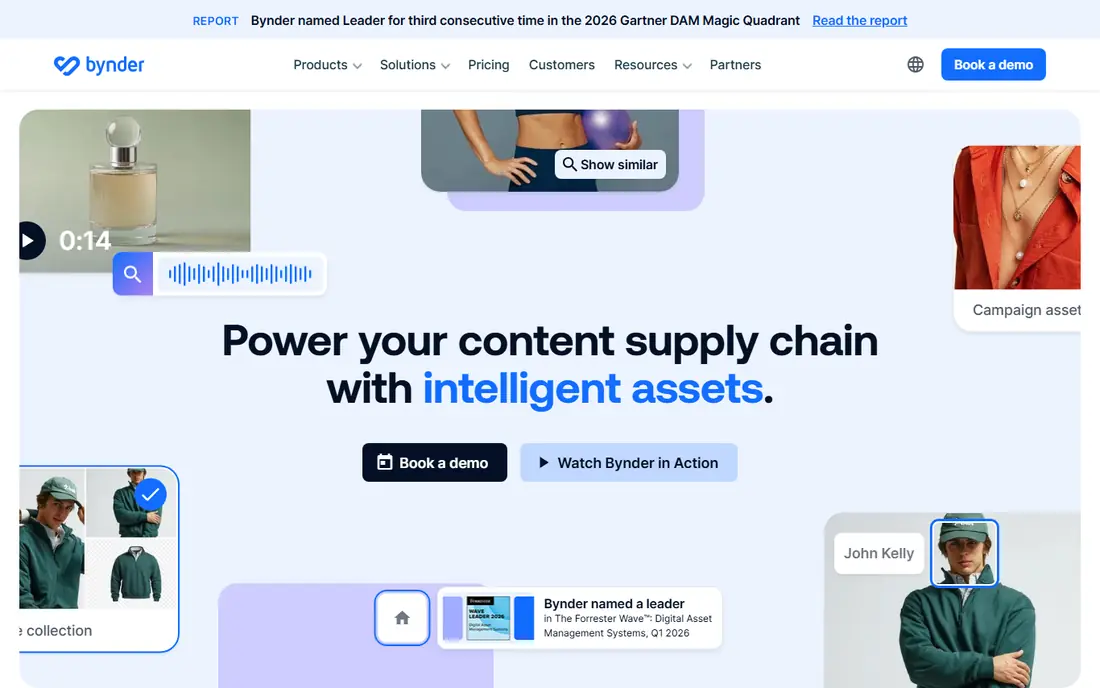
Bynder is a good first stop for teams that want one trusted place for logos, photos, videos, and templates. Its brand guidelines and portal tools help staff, partners, and agencies use the current version instead of an old file saved on a local drive. Search, filters, and collections keep large libraries usable as they grow. The trade-off is complexity and cost. Smaller teams may find the platform larger than they need, and published pricing is not a simple monthly figure. For a mid-size or large brand team, though, the control over who can view, download, and share each asset is a clear benefit.
- Strong brand guidelines and portals
- Flexible permissions
- Wide integration options
- Pricing is quote-based
- Setup can take time for large libraries
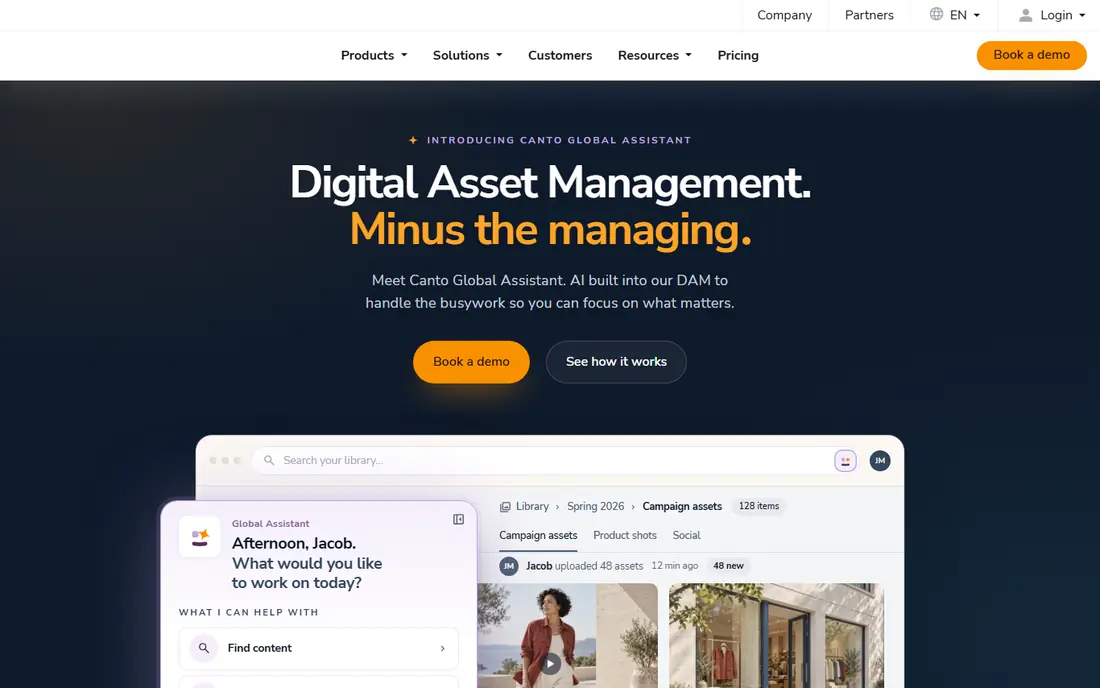
Canto puts search at the centre of the product, which matters once a library passes a few thousand files. Teams can tag assets, save searches, and share collections without sending large attachments by email. The visual layout also helps non-technical staff find what they need without training. Canto is less focused on full brand guideline publishing than Frontify or Bynder. That is fine for many marketing teams, where speed of retrieval matters more than a formal brand site. Ask about storage limits and user counts before signing, since both affect the quote.
- Fast search and tagging
- Visual library layout
- Useful sharing links
- Pricing is quote-based
- Some advanced features sit on higher plans
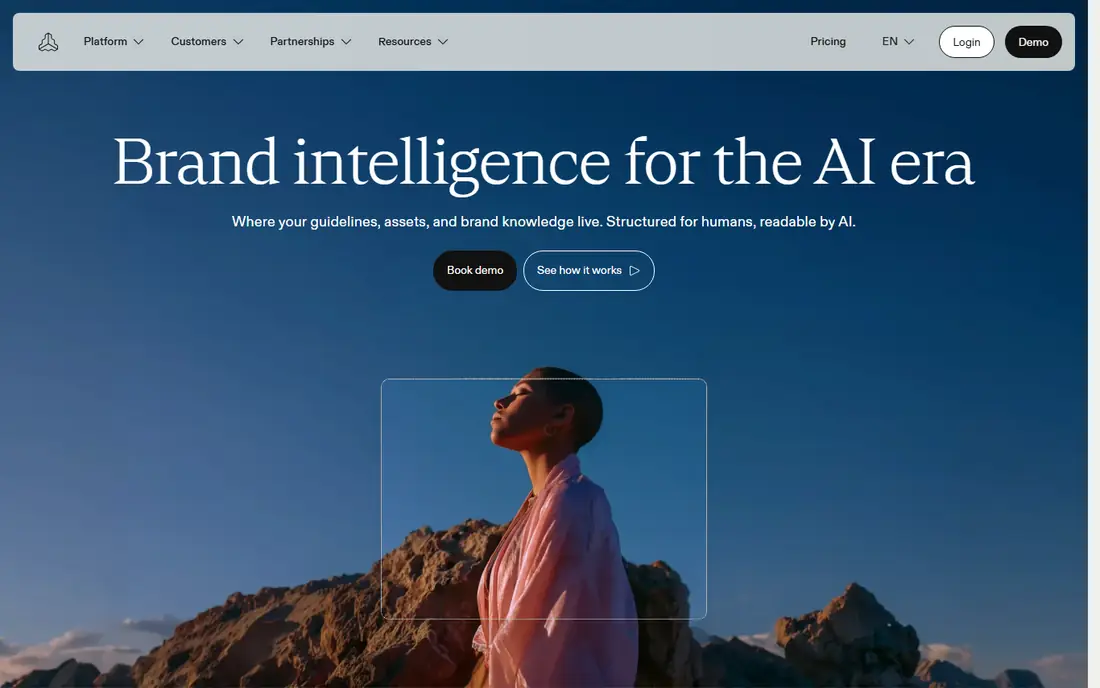
Frontify works well when the job is not just storage, but explanation. Teams can publish brand guidelines, show correct logo use, and link each rule to the approved asset itself. That link between guidance and files cuts down on off-brand work from partners and new staff. The platform also supports templates and portals for agencies, franchisees, and local teams. Its main drawback is scope: a team that only needs a shared folder will pay for more structure than it uses. For brand-led organisations, that structure is the point.
- Clear brand guideline pages
- Strong portals
- Good template tools
- Pricing is quote-based
- May be more than a small team needs
Acquia DAM, formerly Widen, is built for large organisations with many users, regions, and content types. Metadata, rights information, and expiry dates help teams manage assets that must not be used after a licence ends. Integration with wider content and marketing systems is a further strength. This is not a light tool. Teams should expect a longer setup period and a sales-led quote. In return, they get a platform that can support strict governance and high volumes. It suits enterprises more than a five-person marketing team.
- Strong enterprise permissions
- Deep metadata
- Wide content system links
- Pricing is quote-based
- Implementation can be a project in itself
MediaValet aims to be easy for a whole marketing department to adopt, not just the DAM owner. Branded portals let external partners download approved files without seeing the full internal library. Search and AI-assisted tagging help teams keep new uploads findable. Teams already using Microsoft tools may find the integration story appealing. As with most enterprise DAM tools, the price depends on the package, so compare the included storage and user seats with your real headcount. A short trial with your own files is worth more than a polished sales demo.
- Easy sharing and portals
- Strong search
- Microsoft ecosystem links
- Pricing is quote-based
- Feature depth varies by plan
Cloudinary is different from most tools on this list because it is both a DAM and a media delivery platform. Teams can store an original image or video, then request resized, cropped, and format-changed versions through a link. That is useful for websites, apps, and online stores that need many sizes of the same asset. Developers tend to like the control, while pure marketing teams may need help at setup. The free plan lets small teams test the core service before paying. Watch delivery and transformation usage, since that is where larger bills come from.
- Image and video transformation
- Fast delivery
- Free plan to start
- More technical than a simple library
- Costs rise with heavy delivery use
Aprimo combines asset management with planning, workflow, and approval tools. That makes it a fit for teams that produce a high volume of content and need a clear path from brief to approved file. Review steps, version history, and rights data sit close to the asset itself. Smaller teams may find the platform broad for their needs. Larger marketing operations, by contrast, often value the way Aprimo links a campaign plan to the files that support it. Expect a guided sales process and a quote based on modules and users.
- Workflow and approval tools
- Strong content planning
- Enterprise controls
- Pricing is quote-based
- Setup suits larger teams
Filecamp is a practical choice for teams that want a branded library without an enterprise project. Uploads, folders, tags, and share links cover most day-to-day needs. Clients and partners can browse and download approved files without needing a full account in many setups. The limits show up at scale. Filecamp does not try to match the workflow depth of Aprimo or Acquia DAM. For agencies, studios, and small marketing teams, that simpler scope is often a benefit, since staff can start using it in days rather than weeks.
- Simple setup
- Clear pricing for small teams
- Easy client sharing
- Fewer enterprise workflow tools
- Smaller integration range
Kontainer focuses on ease of use for small and mid-size teams. Assets get clean pages, clear download options, and simple sharing controls. Staff who only need to find a logo or a product photo will not need much training to get started. Kontainer is not the strongest pick for a global enterprise with complex approval chains. For a growing brand that needs a tidy, searchable library at a fair price, it is a sensible shortlist option. Test it with your real folder structure before committing.
- Easy to learn
- Clean asset pages
- Good value for smaller teams
- Less suited to very large enterprise programmes
- Fewer advanced workflow options
How we picked these
We checked vendor feature pages, pricing pages, and public product descriptions for each tool, and we kept only platforms that are live and sold as digital asset management products in October 2026. We looked for a clear fit with Brandfolder use cases: storing assets, controlling access, sharing with partners, and keeping brand material current. We also weighed ease of use, search quality, workflow depth, and pricing transparency, and we mixed large enterprise platforms with simpler tools for smaller teams.
What to check before you switch
A DAM switch fails most often on migration and permissions, not on the demo. Start by listing who needs to view, download, edit, and approve assets, then test those exact roles in a trial. Check how your current folder names, tags, and metadata will carry over, and ask what happens to old share links.
Count the real cost
Quote-based tools can look similar until you add users, storage, and delivery use. Ask for a price that includes your expected user count, your storage total, and any video delivery or transformation use. Also ask about renewal terms, so a first-year price does not become a surprise in year two.
Test search with your own files
Upload a messy sample set, not a tidy demo set. Search for a product name, a campaign name, and a file type, and see how fast a new team member finds the right file. If search needs perfect tags to work, budget time for tagging or choose a tool with stronger automatic tagging.
Frequently asked questions
What is the best alternative to Brandfolder?
There is no single best pick for every team. Bynder and Canto suit most marketing teams, Frontify suits brand-led teams, and Cloudinary suits teams that also need media delivery. Choose based on team size, approval needs, and how assets will be used after they are stored.
Are Brandfolder alternatives free?
Most enterprise DAM tools use quote-based pricing and do not offer a free plan. Cloudinary offers a free plan, while Filecamp and Kontainer offer trials. Free plans usually limit storage, users, or delivery use, so check the limits before relying on them.
What should a small team choose instead of Brandfolder?
Filecamp and Kontainer are good starting points for smaller teams. They offer simple libraries, sharing links, and branded pages without a long setup. Cloudinary is also worth testing if your team needs many image and video sizes for web use.
How hard is it to migrate from Brandfolder?
Migration effort depends on library size, tags, and permissions. A small library with clear folders can move quickly, while a large library with custom metadata needs a migration plan. Ask the new vendor about bulk upload, metadata import, and whether old share links can be redirected.
Do these tools support brand guidelines?
Frontify and Bynder offer the strongest brand guideline and portal features in this list. Canto, MediaValet, and Acquia DAM also support branded sharing, but with different depth. If guidelines are central to your work, test that feature first rather than treating it as an add-on.
Sources we checked (9)

Online Jobs is an independent blog about careers, online work, learning new skills and the tools that help people earn. More about us.
Keep reading
All posts
n8n Alternatives
n8n alternatives compared for 2026, with Zapier, Make, Activepieces, and more, covering visual builders, code steps, self-hosting, and pricing models.

iPhone Alternatives
Looking for iPhone alternatives in 2026? Compare 9 Android phones from Samsung, Google, OnePlus, and more, with cameras, battery life, and honest trade-offs.

eBay Alternatives
Looking for ebay alternatives? We compared 9 marketplaces for sellers on fees, buyer reach, categories and ease of listing, to help you sell with confidence.