Best AI Writing Software for Research Papers in 2026: 9 Tools Compared

How we put this together: we compare official feature and pricing pages, app store listings, privacy policies and public user reviews. Prices change, so check the provider's site before you pay.
Key takeaways
- Elicit is our pick for screening and extracting data from many papers, while SciSpace suits reading and questioning single papers in depth.
- Consensus suits asking a research question and getting cited summaries, but it does not replace a full systematic review.
- Paperpal and Grammarly suit language, grammar and manuscript readiness, while Jenni AI suits drafting with citations beside you.
- ResearchRabbit and Scite suit discovery and citation checking, not drafting, so pair them with a writing tool.
- AI-generated text needs checking against sources, and academic integrity policies vary by university, journal and course, so check your rules before submitting AI-assisted work.
Quick comparison
| Name | Who it suits | Starting price | Free option | |
|---|---|---|---|---|
 Elicit Elicit | Screening and extraction | Free | Yes | Visit |
 SciSpace SciSpace | Reading and questioning papers | Free | Yes | Visit |
 Consensus Consensus | Cited answers to questions | Free | Yes | Visit |
 Paperpal Paperpal | Language and manuscript checks | Free | Yes | Visit |
 Jenni AI Jenni AI | Drafting with citations | Free | Yes | Visit |
 QuillBot QuillBot | Paraphrasing and grammar | Free | Yes | Visit |
 Grammarly Grammarly | Grammar and clarity | Free | Yes | Visit |
 ResearchRabbit ResearchRabbit | Discovering related papers | Free | Yes | Visit |
 Scite Scite | Checking how papers are cited | Free | Yes | Visit |
The best ai writing software for research papers
We compared official feature pages, pricing pages and public reviews to find the best ai tool for writing research papers for different stages of research. The list covers literature search, reading, drafting and editing, and it treats AI output as a draft to check, not as verified research. AI-generated text needs checking against sources, and academic integrity policies vary, so use these tools to support your own work, not to replace it.
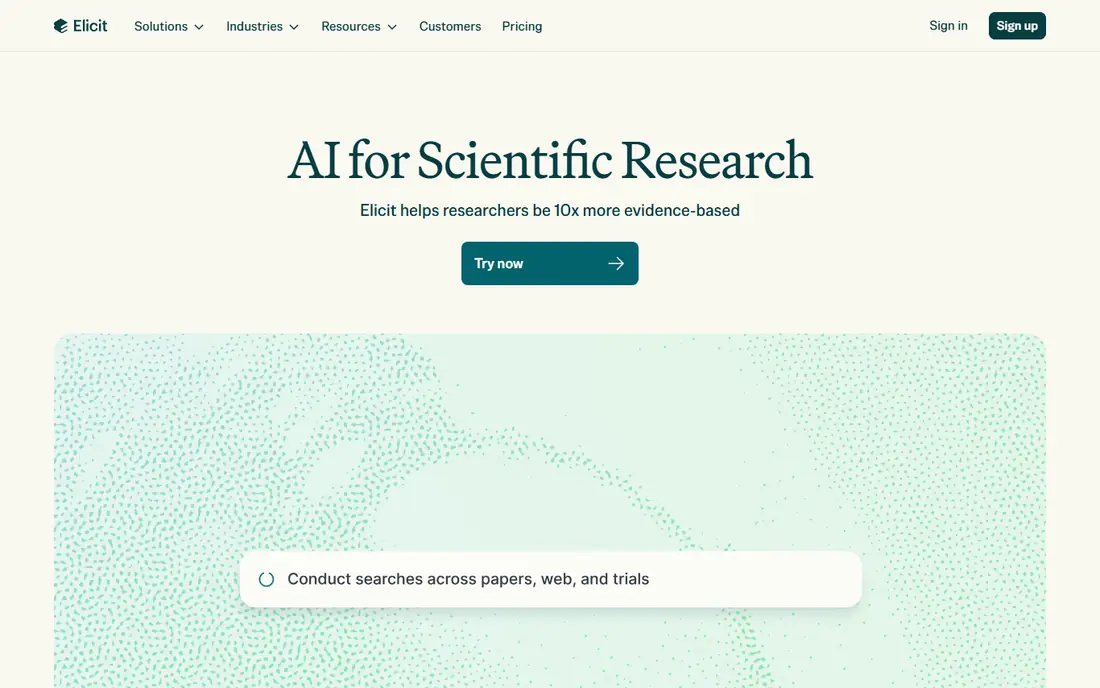
Elicit fits researchers who need to screen many papers and pull out comparable data. You can search, filter and build extraction tables with columns for study design, sample, outcomes and other fields, which helps for literature reviews and systematic reviews.
The free tier includes limited extraction columns in comparisons, while Pro is listed at $49 per month, with enterprise pricing above it. Check the vendor pricing page for current column limits and paper counts, since review workflows vary by plan.
The honest catch is price jump. There is no mid-priced tier between free and Pro in recent comparisons, so light users may pay for more than they need, while heavy reviewers will find Pro's screening capacity worth it. For a single paper, SciSpace or Consensus may be faster.
- Structured extraction tables from many papers
- Screening workflows for reviews
- Exports to CSV and reference formats
- No mid-priced paid tier between free and Pro in comparisons
- Drafting tools are thinner than Jenni AI
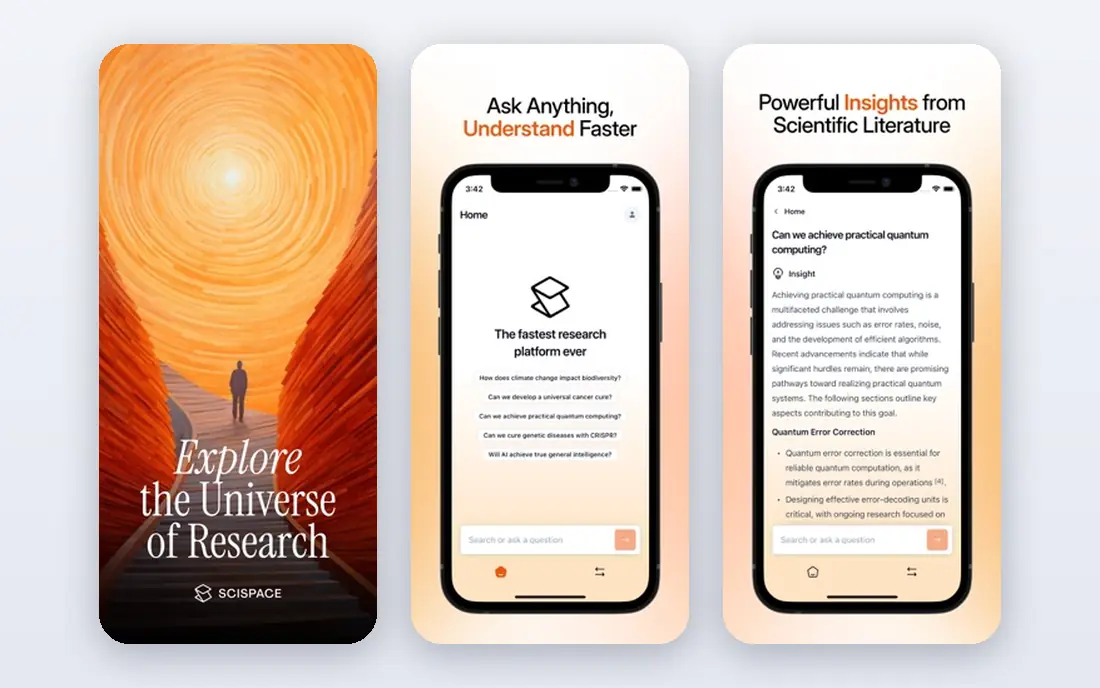
SciSpace fits researchers who spend most time reading single papers closely. You can upload a PDF, ask questions about methods or results, get explanations of dense passages, and extract data into tables for comparison.
The free plan includes limited credits and extraction columns in comparisons, while Premium is listed at $12 per month and Advanced at $70 per month in some guides. Check the vendor pricing page for current credit allowances, since they decide how far the free plan goes.
The catch is credit limits. Heavy reading, extraction and writing in one month can exhaust a free or Premium allowance fast, so budget credits for your most important papers first. For broad screening across hundreds of papers, Elicit may be more efficient.
- Chat with PDFs and explain difficult passages
- Data extractor for many papers
- Reference management in paid plans
- Free credits run out quickly on heavy use
- Advanced plans are expensive for solo researchers
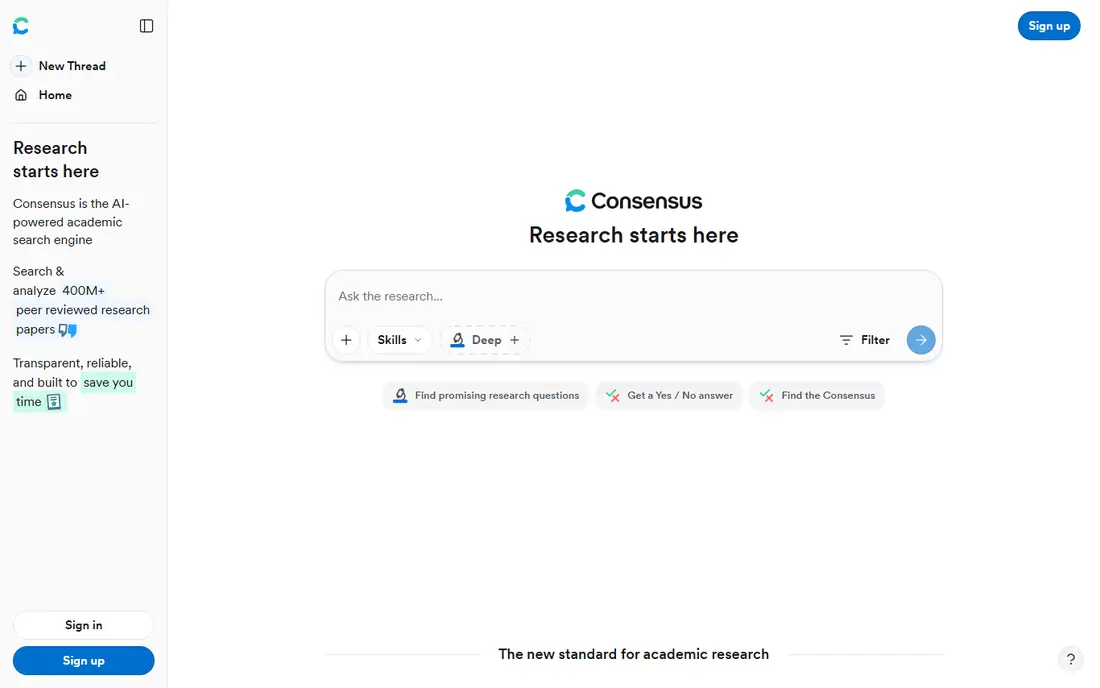
Consensus fits researchers who start with a question, such as whether an intervention works, and want a cited summary of what papers say. It searches scholarly literature, summarises findings with citations, and shows a meter for agreement or disagreement where enough studies exist. That question-first design makes it fast for scoping a topic before a deeper review.
The free plan includes unlimited paper searches with limited Pro messages, Deep Reviews and Study Snapshots per month in recent guides, while Pro is listed at $20 per month and Deep at $65 per month in one 2026 review. Check the vendor pricing page for current monthly allowances and student discounts.
The catch is method. Consensus helps with preliminary exploration, but it should not replace a registered protocol, database-specific search strategies, duplicate screening and quality appraisal for a systematic review. Use it to scope, then run a proper review method for publishable work.
- Cited evidence summaries for research questions
- Consensus Meter for agreement in the literature
- Free searches
- Not a full systematic review tool
- Deep Review limits on free and Pro plans
Paperpal fits researchers who have a draft and need to polish it for submission. It offers language suggestions tuned for academic writing, checks for grammar and consistency, and includes plagiarism and manuscript readiness tools on paid plans. That submission focus suits authors preparing a paper for a journal, especially non-native English writers.
The free plan includes limited language suggestions per month in comparisons, while Prime is listed around $8.10 per month on annual billing in one guide. Check the vendor pricing page for current Prime pricing and check limits, since they vary by billing period.
The catch is that Paperpal polishes more than it drafts. If you need help generating a first draft or structuring a literature review, Jenni AI or Elicit will help more. Use Paperpal near the end of writing, when language and readiness matter most.
- Academic language suggestions
- Plagiarism and manuscript readiness checks
- Word and web add-ins
- Free plan limits suggestions and checks per month
- Drafting depth is thinner than Jenni AI
Jenni AI fits writers who want AI help inside the draft itself. As you write, it suggests continuations, helps rewrite passages, and lets you chat about sources beside the editor, with a citation library for papers you plan to cite. That in-editor help makes it a strong pick for the question of which ai tool is best for research paper writing when drafting is the bottleneck.
The free plan is limited in comparisons to 10 autocompletes per day, 3 AI edits and 5 AI chat messages, while Plus is listed at $12 per month and Pro at $29 per month. Check the vendor pricing page for current daily and monthly limits.
The catch is that Jenni AI helps you write, but it does not verify your claims. Every AI-suggested sentence, citation and paraphrase needs checking against the original source before submission, and your institution may require disclosure of AI assistance. Treat Jenni output as a draft, never as verified research.
- Autocomplete and AI edits while drafting
- Citation library and chat beside the editor
- Clear free limits
- Free plan limits autocompletes, edits and chat per day
- Unlimited use needs the Pro plan
QuillBot fits writers who need to rephrase, summarise or tighten academic text. Its paraphraser offers different modes, its summariser condenses long passages, and its grammar checker catches errors in drafts. That toolkit suits students and researchers revising a literature review or tightening a discussion section.
The free plan covers basic paraphrasing and grammar with limits, while Premium is a paid upgrade on the vendor pricing page. Check current free limits and Premium price on the vendor page, since they change and vary by region.
The catch is meaning. Paraphrasing can subtly change a claim, especially with technical terms, so always compare the paraphrase with the original and keep the citation with the idea, not just the wording. QuillBot helps with style, but it does not check whether a paraphrased claim is still true.
- Paraphraser with tone and mode options
- Grammar checker and summariser
- Browser and Word integrations
- Paraphrasing needs careful checking for meaning change
- Premium features need a paid plan
Grammarly fits any researcher who wants cleaner, clearer academic prose. It checks grammar, punctuation, clarity and tone across browsers and documents, and its paid plans add plagiarism detection and fuller suggestions. That breadth makes it useful from first draft to final proofread, even though it is not a literature tool.
The free plan covers basic grammar and spelling, while Premium is a paid upgrade on the vendor pricing page. Check the current Premium price and whether your institution offers Grammarly through a site licence before paying personally.
The catch is scope. Grammarly improves language, but it does not search literature, extract data or manage citations like Elicit, SciSpace or Jenni AI. Pair it with a research tool: use a research app to find and check sources, then Grammarly to polish the writing.
- Strong grammar, clarity and tone checks
- Works across browser, Word and docs
- Plagiarism checker on paid plans
- Not a research search tool
- Academic citation help is thinner than Paperpal or Jenni AI
ResearchRabbit fits researchers who have a few key papers and want to find more. Add seed papers to a collection, and it surfaces related papers, authors and citation networks in a visual map, helping you spot clusters and gaps in a field. That discovery help is valuable at the start of a literature review, when you do not yet know the full field.
The service is free for researchers according to its vendor pages, with no paid writing tier to compare. That makes it a low-risk addition to any research workflow, especially beside Elicit or SciSpace.
The catch is that ResearchRabbit discovers, it does not draft or verify. You still need to read the papers it finds, check their quality, and write your own synthesis. Use it for exploration, then move to a writing tool for drafting.
- Visual discovery of related papers and authors
- Citation network exploration
- Free for researchers in vendor descriptions
- Not a writing or drafting tool
- Needs seed papers to work well
Scite fits researchers who want to check a claim before citing it. Instead of counting citations alone, it classifies how later papers cite a study, showing supporting, mentioning or disputing context where available. That context helps you avoid citing a paper whose findings were later challenged, and it strengthens a literature review.
The free plan covers basic use, while Premium starts around $10 per month in library guides, with institutional licences above it. Check the vendor pricing page for current Premium price and limits.
The catch is coverage. Scite's classification depends on available citation statements, so newer papers, niche fields and preprints may have thinner context. Use Scite as a check beside reading the paper itself, not as a replacement for reading.
- Shows whether later papers support or dispute a claim
- Citation context for checking claims
- Reference manager integrations
- Premium features need a paid plan
- Coverage varies by field and paper age
How we picked these
We compared official feature pages, pricing pages and public reviews, and favoured tools that cover a distinct stage: search, reading, drafting, editing, discovery or citation checking. We did not treat AI output as verified research, and we favoured tools that show sources, citations or extraction tables you can check. Prices change often, so where a price was not confirmed on the vendor page at the time of writing, we marked it as See website and described the plan structure instead.
What to check before you pick an AI research writing tool
Start with your stage. Literature search, reading, drafting and editing point to different tools, and the best ai tools for writing research papers are usually a pair, not a single app. Pick a search or reading tool first, then add a drafting or editing tool for the writing stage.
Check sources for every AI claim
AI tools can invent citations, misstate findings and paraphrase a claim into something the original paper did not say. Open the original paper, check the page or section, and confirm the claim, sample and result before you cite it. If a tool cannot show you the source, do not cite its output.
Check your academic integrity rules first
Academic integrity policies vary by university, journal, course and publisher, and some require disclosure of AI assistance while others restrict it for certain assessments. Check your institution and target journal rules before you submit AI-assisted work, and keep a record of what the tool did: search, summarise, draft or edit. When in doubt, ask your supervisor or editor, and disclose assistance where required.
Check citation and reference handling
A good research writing tool should export citations in a format your reference manager accepts, such as RIS or BibTeX, and keep citations linked to ideas in your draft. Test export with one paper before a large project, and check that author names, years and DOIs survive the export. A tool that loses citation data will cost you time at submission.
Frequently asked questions
What is the best ai tool for writing research papers?
The best ai tool for writing research papers depends on stage: Elicit is best for screening and extraction, SciSpace is best for reading papers closely, and Jenni AI is best for drafting with citations beside you. Paperpal and Grammarly are best for polishing, while Consensus is best for cited answers to a question. Most researchers benefit from a pair of tools, not one alone.
Which ai tool is best for research paper writing and literature reviews?
Elicit and SciSpace are strong for literature reviews: Elicit for screening many papers into extraction tables, and SciSpace for reading and questioning individual papers. ResearchRabbit helps discover related papers, and Scite helps check how papers were cited. For a systematic review, follow a registered protocol and proper screening methods, and use AI tools to support, not replace, that method.
Can I use AI to write my research paper?
You can use AI to help with searching, summarising, drafting and editing, but AI-generated text needs checking against sources, and academic integrity policies vary by institution and journal. Many policies require disclosure of AI assistance and forbid presenting AI output as your own verified research. Check your rules, verify every claim and citation, and keep AI help to a supporting role.
Do AI research tools cite real papers?
Tools such as Elicit, SciSpace, Consensus and Scite are built around real scholarly papers and show citations you can open. Even so, AI summaries can misstate findings, and some general chat tools can invent citations. Always open the original paper and confirm the claim before citing it, especially for methods, results and numbers.
What is the best free ai tool for research papers?
Elicit, SciSpace, Consensus, Jenni AI, Paperpal, QuillBot, Grammarly, ResearchRabbit and Scite all offer free plans or free tiers, with limits on credits, messages or checks. ResearchRabbit is free for discovery, while the others limit heavy use. Try free tiers on a real paper first, then pay only for the stage that bottlenecks your work.
How do I avoid plagiarism when using AI writing tools?
Keep citations with ideas, paraphrase in your own words after reading the source, and check paraphrases for meaning change. Use plagiarism checks where available, such as in Paperpal or Grammarly paid plans, and disclose AI assistance where your institution or journal requires it. Never copy AI output that restates a source without a citation, and never present AI-generated text as verified research.
Sources we checked (9)

Online Jobs is an independent blog about careers, online work, learning new skills and the tools that help people earn. More about us.
Keep reading
All posts
Zoom Alternatives
Zoom alternatives compared for 2026: Google Meet, Microsoft Teams, Webex, Jitsi and more for free calls, large meetings and webinars for teams and classrooms.

Top Rated Poster Maker Software
Top rated poster maker software compared for 2026: Canva, Adobe Express, VistaCreate, PosterMyWall and more for events, sales and classrooms for US users.

Surfshark Alternatives
Looking for Surfshark alternatives? We compare 8 VPN services on price, privacy, streaming, and device limits to help you find a VPN that fits your needs.