Best AI Web Design Tools in 2026: 8 Products Compared

How we put this together: we compare official feature and pricing pages, app store listings, privacy policies and public user reviews. Prices change, so check the provider's site before you pay.
Key takeaways
- Wix and Squarespace suit people who want a guided build with a large set of built-in features, while Framer and Webflow give more control over layout and detail.
- Hostinger and Durable are the fastest routes to a simple business site, with hosting and basic business tools kept close to the builder.
- 10Web is the clear pick in this list for a site that stays on WordPress, which matters if you plan to move hosts or add WordPress plugins later.
- Free plans are useful for testing a layout, but a custom domain and the removal of platform branding usually sit on a paid plan.
- The best test is a real draft: build the home page, edit the text, add a contact form, and check the result on a phone before you pay.
Quick comparison
| Name | Who it suits | Starting price | Free option | |
|---|---|---|---|---|
 Wix | All-round small business sites | See website | Yes | Visit |
 Framer | Design-led marketing sites | See website | Yes | Visit |
 Durable | Fast local business sites | See website | Yes | Visit |
 10Web | AI-built WordPress sites | See website | Free trial | Visit |
 Hostinger | Low-cost sites with hosting | See website | Free trial | Visit |
 Squarespace | Polished brand and portfolio sites | See website | Free trial | Visit |
 Webflow | Structured sites that may grow | See website | Yes | Visit |
 Jimdo | Simple sites for solo businesses | See website | Yes | Visit |
The best ai web design tools
We compared builders that generate a site from a prompt or a short set of answers, then let you edit the result. The list below favours tools that are still offered in 2026, cover the full build from draft to publish, and state their pricing in public.
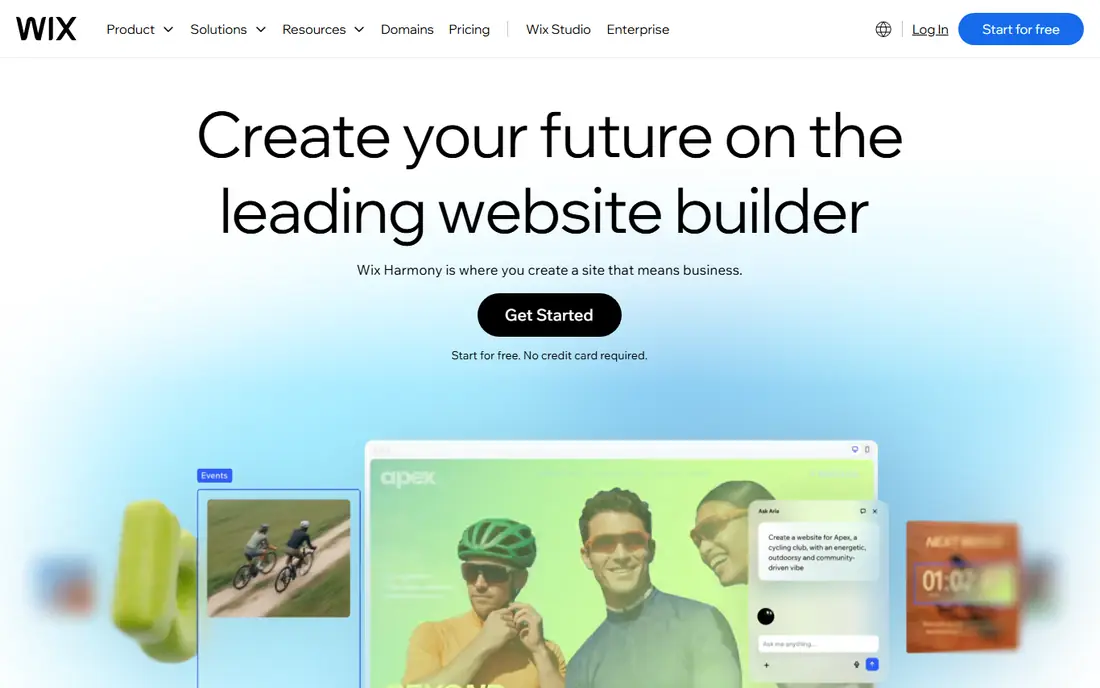
Wix starts with questions about your business, then builds pages, copy, and images that you can change in its editor. That combination is helpful because the AI draft is only a starting point, and the editor lets you fix headings, swap sections, and add bookings, stores, or forms without starting again. For a small business that needs several kinds of pages, this depth is a real advantage.
The catch is choice. Wix offers a large set of tools and templates, so a first-time builder can spend time deciding between similar features. A free plan lets you test the build, but you should check the current plan page for domain, branding, and commerce limits before you publish a business site.
- Conversational AI builder
- Wide app and feature range
- Full editor after generation
- Many options can feel busy at first
- Moving a site away from Wix is limited
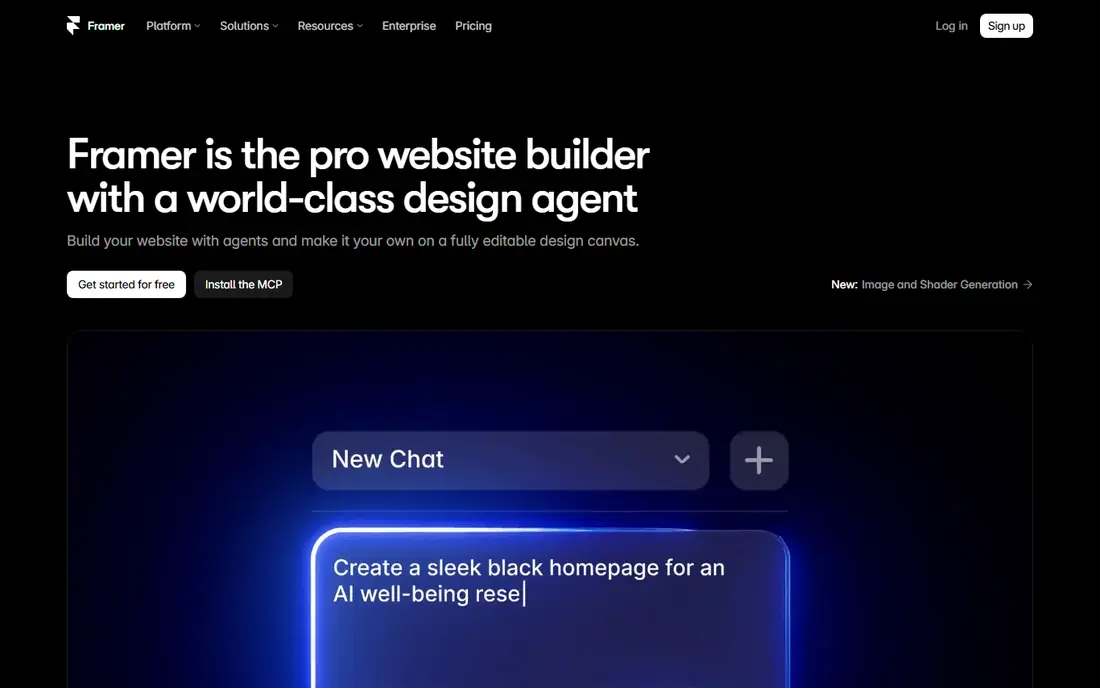
Framer appeals most to people who care about how a site looks and moves. Its AI tools can generate pages and sections, and its canvas gives fine control over spacing, type, and interaction. That makes it a good fit for portfolios, startups, and agencies that want a modern marketing site rather than a basic brochure page.
For a shop with many products, Framer is less complete than a commerce-first builder, so check its current store features before committing. For a marketing site, though, the balance of AI generation and manual polish is strong, and the free plan is a fair way to test whether the editor suits you.
- Strong layout and animation controls
- Clean published sites
- Useful free starting point
- Less suited to a full online store
- Learning curve for advanced layout work
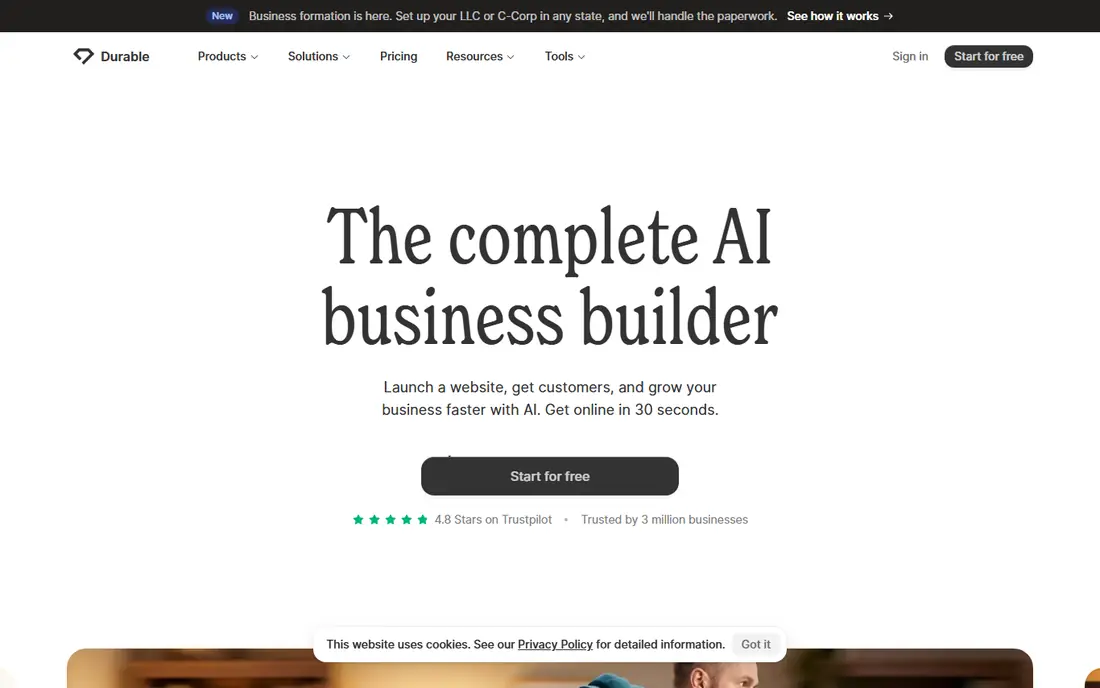
Durable is built around speed for service businesses. You enter a business name and a few details, and it returns a site with services, contact details, and a booking or contact route. It also adds tools such as invoicing and customer management on some plans, which keeps routine admin in one place.
That speed comes with a trade-off in design control. You can change text and images, but you will not get the same fine layout freedom as Framer or Webflow. If your main goal is to be found, explain your services, and take enquiries quickly, that trade-off is often worth it.
- Very fast first draft
- Built-in business tools
- Simple editing
- Less design freedom than canvas builders
- Commerce features are limited
10Web generates a WordPress site from a prompt, a URL, or a document, then hosts it for you. The value here is ownership and flexibility. Because the site is WordPress, you can add plugins, change themes, and move the site to another host if your needs change, subject to the usual WordPress migration steps.
WordPress also brings upkeep. Updates, plugin choices, and backups need attention, even when hosting is managed. For users who already know WordPress, or who want that exit route, 10Web is a sensible bridge between AI generation and a familiar platform.
- Builds on real WordPress
- Managed hosting included
- Editable with common page tools
- WordPress care still matters
- Paid plans are needed for a live custom site
Hostinger bundles its AI builder with hosting, which keeps the total bill simple for a first site. You describe the site, get a draft with copy and images, and can then edit sections and add AI-written text or a logo. For a side project, a local service page, or a simple brochure site, that bundle is hard to beat on price.
Check the renewal price and term before you buy, because headline prices for hosting often depend on a longer commitment. Also test the draft on a phone, since a low-cost build is only good value if visitors can read it and contact you without friction.
- Low entry cost
- Hosting and domain tools in one plan
- Simple AI generation
- Best prices often need longer terms
- Design polish varies by template
Squarespace has long been a pick for visual brands, and its Blueprint AI tool builds a multi-page site from your answers about style and goals. Templates are consistent, type and image handling is tidy, and commerce, bookings, and blogging are built in rather than added through many separate apps.
The main limit is flexibility for highly custom structures. If you need unusual layouts or deep third-party integrations, Webflow or WordPress may fit better. For a portfolio, restaurant, studio, or small store that needs to look considered from day one, Squarespace remains a strong, low-fuss choice.
- Refined templates
- Blueprint AI for multi-page builds
- Built-in commerce and scheduling
- No permanent free plan
- Less flexibility for complex custom layouts
Webflow sits between a simple builder and a design tool. Its AI features can start a site, and its editor then lets you control layout, styles, and content structure in detail. Content collections make it practical for blogs, directories, and larger marketing sites where the same layout repeats with new entries.
That power takes time to learn. Beginners can still publish a simple site, but getting full value from Webflow means learning its box model, classes, and collection settings. Teams that plan to grow a site over time, and who want design control without writing code, will get the most from it.
- Precise layout control
- Content collections for larger sites
- AI site building tools
- Steeper learning curve
- Commerce and team features sit on higher plans
Jimdo is a good fit when you want a small site live with little fuss. Its AI-assisted setup asks about your business and builds a starting site, and you can add a store, bookings, or legal pages as needed. The editor stays simpler than Wix or Webflow, which helps if you do not want to learn a large tool.
The trade-off is range. Jimdo covers common small-business needs well, but it does not match the app range of Wix or the layout control of Framer. For a solo business, a freelancer page, or a first store with a modest catalogue, that simpler scope is often enough.
- Quick setup for small sites
- Built-in store and booking options
- Clear pricing pages
- Smaller feature range than Wix
- Design options are more guided
How we picked these
We checked official product pages, pricing pages, and app listings for each builder, and we kept only tools that offer AI generation as part of a live product in 2026. We compared what each tool generates, how much you can edit after generation, whether hosting and a domain are included, and what sits behind a paid plan. We also read public help pages and user reviews to spot common limits, such as renewal pricing, store limits, and export limits, and we left out tools that only generate code or images without a publishing path.
What to check before you choose
Picking an AI builder is less about the first draft and more about the site you will live with in six months. The draft will look good in a demo. Editing, publishing, and updating are where the differences show.
Match the builder to the job
A one-page service site, a portfolio, a blog, and a store are different jobs. A fast builder suits the first, a design tool suits the second, a content system suits the third, and a commerce builder suits the fourth. Write down the pages and features you must have, then check each one on the vendor site before you pay.
Test editing, not just generation
Generate a draft, then try real edits. Change a headline, replace an image, add a page, and move a section. If those steps feel slow or confusing, the tool will slow every later update. Also check mobile layout, since many visitors will first see the site on a phone.
Read the pricing terms
Look at the monthly price, the billing term, the renewal price, and what the plan includes for domains, email, storage, and commerce fees. A low first-year price can rise at renewal, and a plan that looks cheap can cost more once you add a store or remove branding. When a price could not be verified from the vendor page at the time of writing, we list it as See website.
Plan for growth and exit
Ask how you would add pages, connect a domain, export content, or move hosts. WordPress-based tools give a clearer exit route. Closed builders can still be the right pick, but you should choose them knowing that moving later may mean rebuilding pages.
Frequently asked questions
Which ai web design tool is best?
There is no single best tool for every site. Wix suits most small businesses, Framer suits design-led marketing sites, 10Web suits WordPress users, and Durable suits a fast local business launch. Start from your pages, your store needs, and your comfort with editing, then test two drafts.
What is the best ai web design tool for beginners?
Wix and Jimdo are among the easiest starting points, because they ask guided questions and keep editing in one place. Durable is also simple for a service business. If you want more design control later, Framer and Webflow are worth learning, but they take more time at first.
Are there free ai web design tools?
Yes, several builders in this list offer a free plan or a free trial. Free plans usually use a platform subdomain and show platform branding, and a custom domain needs a paid plan. Use the free tier to test the editor and the mobile result before you commit.
Can AI build a complete website?
AI can build a useful first draft with pages, copy, and images, but you should still review every page. Check facts, prices, contact details, and service descriptions, and rewrite copy that sounds generic. The best results come from a clear prompt followed by careful human editing.
Is WordPress better than a closed builder?
WordPress gives more control over plugins, hosting, and migration, which matters for larger or longer-lived sites. A closed builder can be simpler to run, with hosting, security, and updates handled for you. Choose WordPress through 10Web if control and exit options matter most, and choose a closed builder if low upkeep matters most.
How much does an AI website builder cost?
Costs vary by plan, billing term, and features such as commerce, bookings, and extra storage. Entry plans are often low, but domain renewal, email, and store fees can add to the total. Check the vendor pricing page for the plan you need, including the renewal price, before you buy.
Sources we checked (8)

Online Jobs is an independent blog about careers, online work, learning new skills and the tools that help people earn. More about us.
Keep reading
All posts
WordPress Alternatives
WordPress alternatives guide: we compare 8 platforms for builders, designers, stores, and publishers to leave WordPress without losing your full site content.

n8n Alternatives
n8n alternatives compared for 2026, with Zapier, Make, Activepieces, and more, covering visual builders, code steps, self-hosting, and pricing models.

eBay Alternatives
Looking for ebay alternatives? We compared 9 marketplaces for sellers on fees, buyer reach, categories and ease of listing, to help you sell with confidence.