WordPress Alternatives in 2026: 8 Products Compared

How we put this together: we compare official feature and pricing pages, app store listings, privacy policies and public user reviews. Prices change, so check the provider's site before you pay.
Key takeaways
- Wix is our pick for most people leaving WordPress, because it covers hosting, design, blogging, and apps in one hosted system.
- Squarespace suits design-led small businesses and portfolios that want polished templates and one bill.
- Webflow suits designers and agencies who want visual control plus a real CMS, without managing WordPress plugins.
- Ghost is the strongest pick for newsletters and paid publishing, with memberships built in.
- Shopify, Framer, Drupal, and Joomla cover stores, fast marketing sites, complex developer sites, and self-hosted CMS needs.
Quick comparison
| Name | Who it suits | Starting price | Free option | |
|---|---|---|---|---|
 Wix Wix | Most WordPress switchers | Free | Yes | Visit |
 Squarespace Squarespace | Design-led small sites | See website | Free trial | Visit |
 Webflow Webflow | Designer and agency sites | Free | Yes | Visit |
 Ghost Ghost | Newsletters and publishing | See website | Free trial | Visit |
 Shopify Shopify | Online stores | See website | Free trial | Visit |
 Framer Framer | Fast marketing sites | Free | Yes | Visit |
 Drupal Drupal | Complex developer sites | Free | Yes | Visit |
 Joomla Joomla | Self-hosted CMS sites | Free | Yes | Visit |
The best wordpress alternatives
We compared official feature pages, pricing pages, documentation, privacy policies, and public reviews for each platform. We focused on platforms that are still active in 2026 and that can replace WordPress for a real site, not just a landing page. Prices change often, so check the vendor pricing page before you commit, especially for annual versus monthly billing.
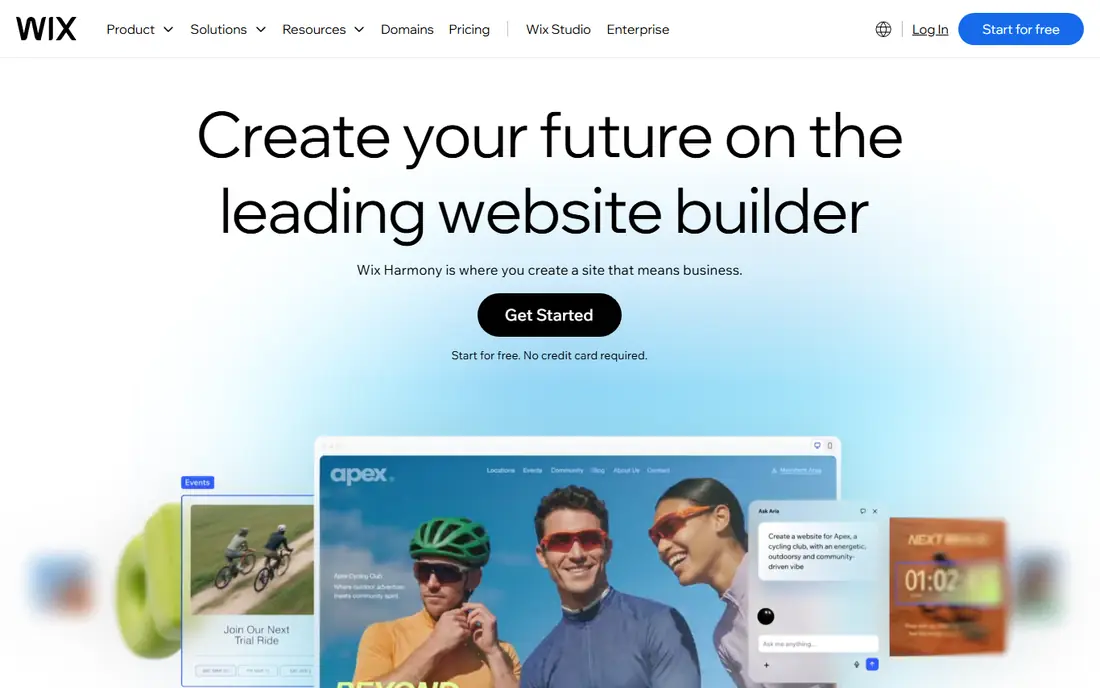
Wix is the easiest WordPress alternative for most small businesses, portfolios, and blogs. Hosting, security, backups, and updates are handled by Wix, so you do not need to manage plugins, themes, or server updates. The editor lets you move elements by drag and drop, and the AI builder can create a starting site from a few questions, which you can then edit by hand.
The platform also covers blogging, ecommerce, bookings, and email marketing, with an app market for extra features. That breadth means many WordPress sites can move to Wix without losing core functions. The main limits are template switching and scale, since changing a template after publishing often means rebuilding, and sites with many hundreds of pages may need a more flexible CMS. For a typical business site, Wix is a strong, low-maintenance pick.
- Hosted setup with no plugin maintenance
- Drag-and-drop editor and AI builder
- Large template library and app market
- Template switching after publishing needs rebuilding
- Very large sites can hit platform limits
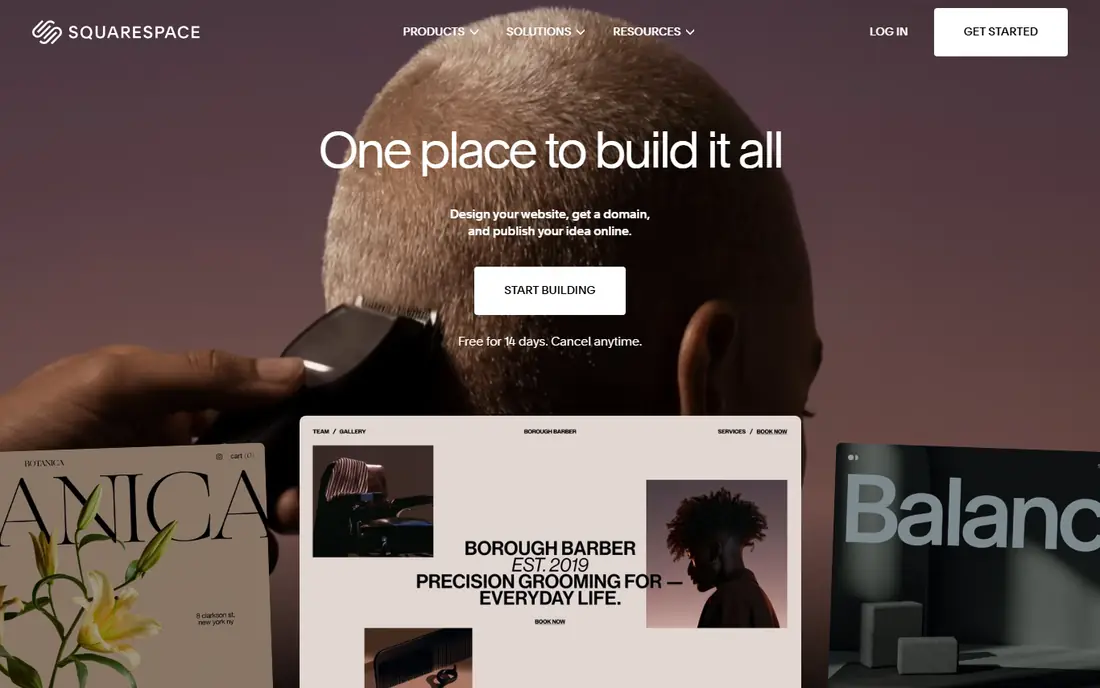
Squarespace suits people who want a site that looks good with less design work. Templates are polished, typography and image handling are strong, and blogging, portfolios, and small stores work well in one system. Built-in analytics and scheduling tools help service businesses that take appointments or sell services, without adding many plugins.
The trade-off is flexibility. Squarespace has fewer third-party extensions than WordPress or Wix, and deep custom design needs more work than in Webflow. If you want a clean, professional site and you do not need a large plugin library, Squarespace is a good choice. If you need many custom integrations, compare Wix or a developer CMS first.
- Polished templates and strong blogging
- Built-in analytics and scheduling
- One bill for site, store, and domain
- Fewer third-party apps than Wix or WordPress
- Design customisation is more limited than Webflow
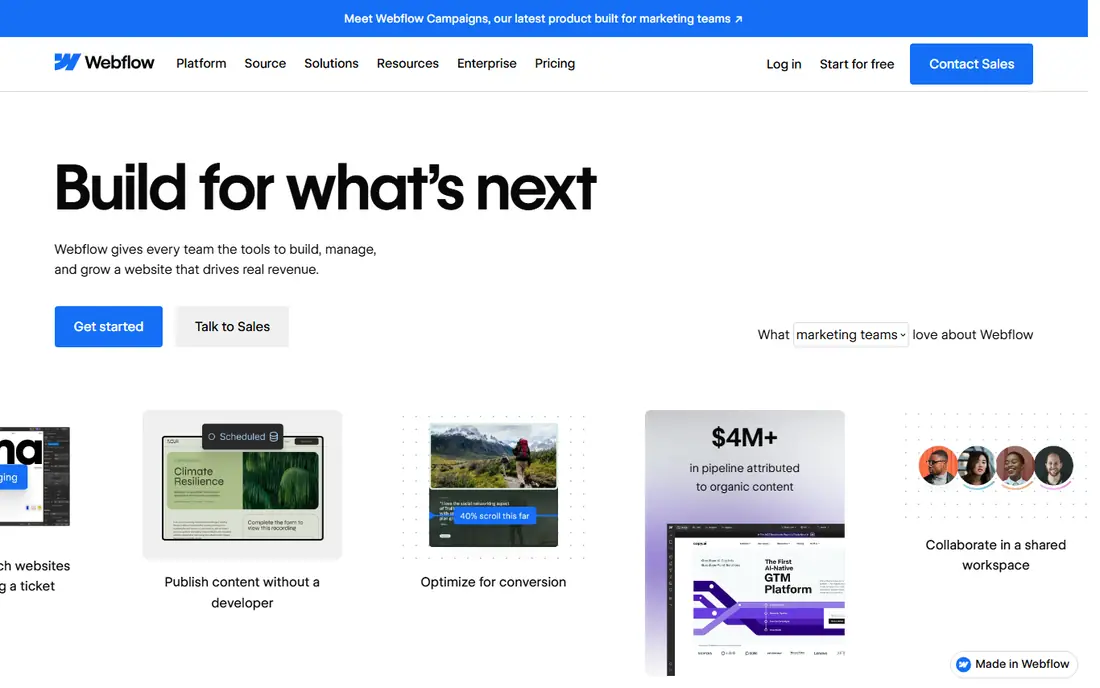
Webflow is built for designers and agencies who want control without hand-coding every page. You design visually, control layout and style at a detailed level, and use a CMS with collections for blogs, portfolios, and case studies. Hosting is managed, so you do not need to maintain a server or a plugin stack, and the code output is cleaner than many drag-and-drop builders.
The learning curve is real. Webflow rewards time spent learning layout, classes, and CMS structure, and it can feel slow at first if you only need a simple site. Higher plans are needed for larger CMS limits and team features, so check pricing for your content volume. If design control matters and you have time to learn the tool, Webflow is the strongest designer alternative to WordPress.
- Visual CSS-level design control
- Real CMS with collections
- Managed hosting and clean code output
- Learning curve is steeper than Wix or Squarespace
- Higher plans needed for larger CMS and team features
Ghost is the best WordPress alternative for writers, newsletters, and paid publications. It offers a clean editor, built-in memberships, paid subscriptions, and email newsletters, without needing a stack of plugins. That focus makes it easier to run a publication, since the core features you need are part of the platform, not add-ons that can break on update.
The limit is scope. Ghost is not trying to be a general business site builder or a full ecommerce platform, so complex stores or booking systems may need other tools. Hosted plans also scale with members, so check pricing as your audience grows. If publishing and memberships are your main goal, Ghost is a focused, fast pick.
- Fast publishing with memberships and newsletters built in
- Clean writing experience
- Self-hosting option for developers
- Less suited to complex business sites or large stores
- Hosted plans scale with member count
Shopify is the clear pick if your site is mainly a store. It handles products, inventory, payments, shipping, discounts, and customer accounts in one system, with a large app store for extra features. Multichannel selling lets you sell on your site, social channels, and marketplaces from one dashboard, which helps growing stores.
The cost and focus are the trade-offs. Shopify costs more than a basic builder, and its blogging and general content tools are less strong than WordPress or Ghost. If ecommerce is secondary to content, a builder plus a simple store may be cheaper. If selling is the main job, Shopify is the most complete store platform in this list.
- Full ecommerce stack with payments and inventory
- Large app store
- Multichannel selling across web and social
- Monthly cost is higher than a simple builder
- Content and blogging are less strong than WordPress or Ghost
Framer suits designers and startups who need a fast, polished marketing site. You can start from a template or an AI draft, adjust design visually, and publish quickly, with strong animation and layout tools. That speed helps for launches, portfolios, and campaign pages where design quality matters and content volume is modest.
The limit is scale for content-heavy sites. Large blogs, memberships, or complex stores are better served by Ghost, Shopify, or Webflow, depending on the job. Framer also has a smaller app ecosystem than larger builders, so check integrations before you commit. If you need a beautiful marketing site fast, Framer is a strong, modern alternative.
- Fast, design-led site building
- Useful AI and template options
- Good for portfolios and marketing pages
- Less suited to large blogs or complex CMS needs
- Smaller app ecosystem than Wix or Shopify
Drupal is a free, open-source CMS for teams with developers who need complex sites. It handles detailed content types, user permissions, multilingual content, and large, structured sites better than most hosted builders. That power suits universities, government sites, large publishers, and enterprises with strict content and access rules.
The cost is time and skill. You need hosting, updates, security, and development help, much like WordPress, though Drupal offers different strengths for complex data and permissions. If you have a development team and need a flexible, self-hosted CMS, Drupal is a strong WordPress alternative. If you want a hosted, low-maintenance site, choose Wix, Squarespace, or Webflow instead.
- Free open-source CMS
- Strong for complex content structures and permissions
- Large developer ecosystem
- Needs developer skills and hosting
- Setup and maintenance take more time than hosted builders
Joomla is another free, open-source CMS for people who want to self-host and keep control of their site. It offers built-in features for user management, multilingual content, and content structure, with a large extension library for extra functions. That balance suits small to medium sites that need more structure than a simple builder, but less complexity than Drupal.
The trade-off is maintenance and community size. You still need hosting, updates, and backups, and the community is smaller than WordPress, so help and extensions can be harder to find. If you like self-hosting and want a CMS with more built-in structure, Joomla is a practical alternative. If you want no maintenance, a hosted builder is a better fit.
- Free open-source CMS
- More built-in structure than WordPress in some areas
- Large extension library
- Needs hosting and maintenance
- Smaller community than WordPress
- Learning curve for new users
How we picked these
We compared official feature pages, pricing pages, documentation, privacy policies, and public reviews for each platform. We looked for platforms that are still active in 2026, that can replace WordPress for a real use case, and that cover different needs, from hosted builders to developer CMS tools. We did not claim hands-on testing, and we did not rank by a single review score.
We favoured a mix of hosted builders, publishing platforms, store platforms, and open-source CMS tools, because WordPress users leave for different reasons. Some want less maintenance, some want better design control, some want newsletters, and some want a store. Where a price could not be confirmed on the vendor site, we wrote See website rather than guessing a monthly figure.
What to check before you switch from WordPress
Start with why you want to leave WordPress. If maintenance and plugin updates are the problem, a hosted builder such as Wix or Squarespace will help most. If design control is the problem, Webflow or Framer may suit you better. If newsletters are the goal, Ghost is more focused than a general builder. Naming the problem first prevents a switch that solves the wrong issue.
Content, SEO, and redirects
Audit your current content, including posts, pages, images, and custom fields, and check what each alternative can import. Plan redirects from old URLs to new URLs, so search traffic and bookmarks do not break. Check SEO controls for titles, descriptions, and sitemaps on the new platform, and keep your domain and email setup in mind during the move.
Cost, limits, and ownership
Compare monthly cost, member or product limits, storage, and bandwidth on the official pricing page, not just the starting price. Check whether you can export your content later, and what happens to your domain if you leave. A low starting price can rise with members, products, or CMS items, so model cost for your expected size in a year, not just today.
Design, integrations, and support
List the integrations you must keep, such as email marketing, bookings, payments, or analytics, and check each one on the new platform. Test the editor with a real page, not just a demo template, and check support routes and response times. A platform that looks good in a template can feel slow in daily use, so try a trial with your own content before you move a live site.
Frequently asked questions
What are the best WordPress alternatives?
Wix is best for most switchers, Squarespace for design-led sites, Webflow for designers, Ghost for newsletters, and Shopify for stores. Drupal and Joomla suit developer teams that want a self-hosted CMS, while Framer suits fast marketing sites. Pick by your main job, not by popularity, since each platform solves a different WordPress pain point.
What is the best free WordPress alternative?
Wix, Webflow, and Framer offer free plans for testing and simple sites, while Drupal and Joomla offer free open-source software, with hosting costs extra. Free plans often limit custom domains, storage, or CMS items, so check the plan page before you build a full site. For a simple site, a free plan is a good way to test the editor before you pay.
What is the best WordPress alternative for developers?
Drupal is the strongest developer CMS pick for complex, structured sites, with strong permissions and content modelling. Webflow suits designers who want visual control plus a CMS, without server maintenance. For headless or custom frontend work, check the platform documentation for API and CMS features, since developer needs vary by project.
Is Ghost a good alternative to WordPress?
Yes, Ghost is a strong alternative for blogging, newsletters, and paid memberships, with those features built in rather than added by plugins. It is less suited to complex business sites or large stores, so check your full site needs before you switch. If publishing is your main job, Ghost offers a faster, cleaner workflow than WordPress for many writers.
Can I move my WordPress content to another platform?
In many cases, yes, but the ease depends on your content type and the new platform. Most builders offer import tools for posts and pages, while custom fields, forms, and plugin data may need manual work. Export a backup of your WordPress site first, test the import on a trial site, and plan redirects before you point your domain to the new platform.
Should I choose a hosted builder or a self-hosted CMS?
Choose a hosted builder if you want less maintenance, managed security, and faster setup, and you accept platform limits. Choose a self-hosted CMS such as Drupal or Joomla if you need full control, complex content structures, and you have developer help for hosting and updates. Your tolerance for maintenance is often the deciding factor, more than design alone.
Sources we checked (8)

Online Jobs is an independent blog about careers, online work, learning new skills and the tools that help people earn. More about us.
Keep reading
All posts
Zoom Alternatives
Zoom alternatives compared for 2026: Google Meet, Microsoft Teams, Webex, Jitsi and more for free calls, large meetings and webinars for teams and classrooms.

Workday Alternatives
We compared the best workday alternatives for HR, payroll, and global hiring, from BambooHR and Gusto to Rippling, Deel, and HiBob for growing teams in 2026.

Who Is the Best Company to Get Travel Insurance
Compare the best travel insurance companies, including World Nomads, Allianz Travel, SafetyWing and AXA, with coverage types, limits and who each suits.