Best AI Trading Apps in 2026: 10 Apps Compared


Active day traders using AI scans · Starting price: See website
How we put this together: we compare official feature and pricing pages, app store listings, privacy policies and public user reviews. Prices change, so check the provider's site before you pay.
Key takeaways
- Trade Ideas suits day traders, TrendSpider suits chart based swing traders, and Tickeron suits pattern traders.
- Danelfin and Magnifi are easier research starting points for beginners than advanced scanners.
- Composer, StockHero and Alpaca cover automated and API trading, but all need testing and risk limits.
- No AI tool guarantees profits, and paper trading should come before live trading.
Quick comparison
| Name | Who it suits | Starting price | Free option | |
|---|---|---|---|---|
| Trade Ideas | Active day traders using AI scans | See website | Free trial | Visit |
 TrendSpider TrendSpider | Chart based swing traders | See website | Free trial | Visit |
 Tickeron Tickeron | Pattern recognition and AI agents | See website | Free trial | Visit |
 Composer Composer | Systematic ETF and stock strategies | Free | Yes | Visit |
 Danelfin Danelfin | Investors who want AI stock scores | Free | Yes | Visit |
 StockHero StockHero | Bot builders without coding | See website | Free trial | Visit |
 Kavout Kavout | Portfolio AI and stock ranking | See website | Free trial | Visit |
 Magnifi Magnifi | Beginners wanting AI assisted investing | See website | Free trial | Visit |
 Alpaca Alpaca | Developers and API traders | See website | Yes | Visit |
 TradingView TradingView | Charting with AI screening features | See website | Free trial | Visit |
The best AI trading apps
AI trading apps can scan markets, rank stocks, test strategies and automate rules faster than manual research. They cannot remove risk, and no signal guarantees a profit. This is not financial advice, and trading carries risk, including loss of capital. The ten apps below cover scanning, charting, scoring, bots and API trading, so you can match the tool to your style and experience.
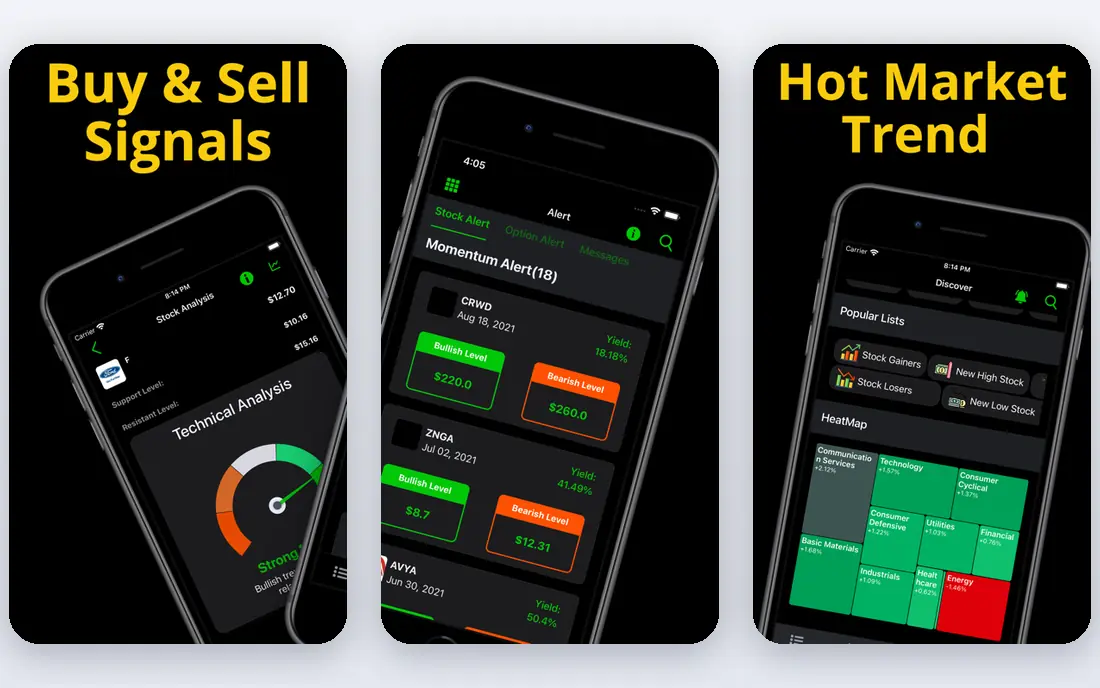
For day traders, Trade Ideas makes a clear case because its Holly AI ideas and scanning speed. In practice, that means you can scan US stocks in real time, review AI generated ideas, and test ideas in simulated trading before risking capital
On the other side, the cost and learning curve are high for beginners If that limit does not affect your plans, Trade Ideas remains a strong choice for day traders.
- Holly AI trade ideas
- Real time scanning
- Simulated trading
- Price is high for casual users
- Interface takes time to learn
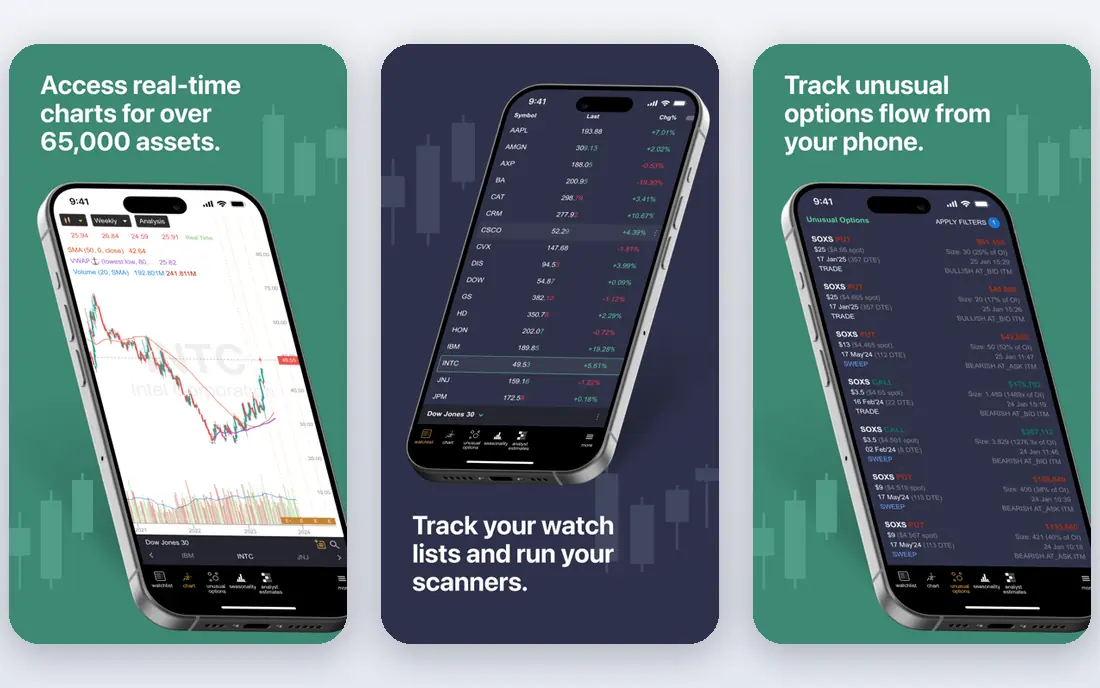
TrendSpider suits swing traders who want automated chart analysis. In practice, that means you can load a chart, let the tool mark trendlines and patterns, and backtest a strategy before using it live
On the other side, it rewards chart knowledge, so beginners need learning time If that limit does not affect your plans, TrendSpider remains a strong choice for swing traders.
- Automated trendlines and patterns
- Backtesting
- Multi timeframe charts
- Chart knowledge helps a lot
- Mobile app is more limited than desktop
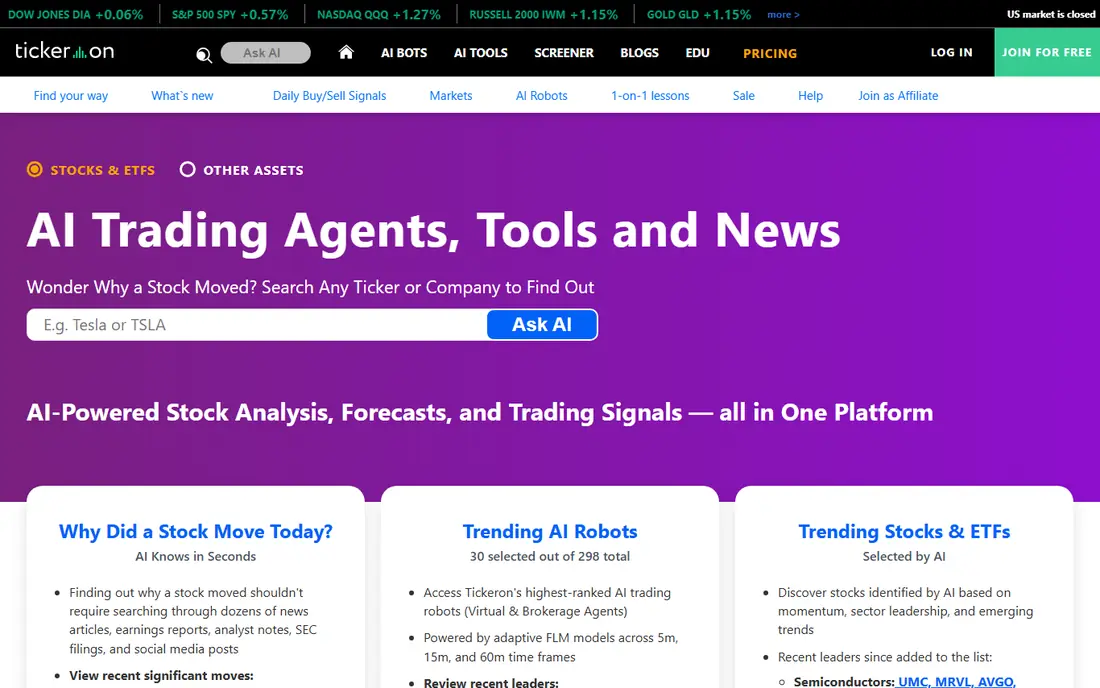
If AI pattern signals is the priority, Tickeron deserves a close look. In practice, that means you can review pattern signals, build an AI agent without code, and monitor ideas with alerts
On the other side, pattern signals are not guarantees If that limit does not affect your plans, Tickeron remains a strong choice for pattern traders.
- Pattern recognition with confidence notes
- AI agents without coding
- Wide asset coverage
- Price is high for solo users
- Pattern accuracy varies by market
Think of Composer as the option for systematic investors that keeps rules based strategies without coding front and centre. In practice, that means you can build a strategy from logic blocks, backtest it, and set automated rebalancing where supported
On the other side, rules need careful testing before live use If that limit does not affect your plans, Composer remains a strong choice for systematic investors.
- No code strategy builder
- Automated rebalancing
- Backtesting
- Strategy building still needs market knowledge
- Automated trading carries risk
Among the options here, Danelfin stands out for long term investors thanks to its daily AI scoring system. In practice, that means you can check AI scores, compare stocks, and use the score as one input alongside your own research
On the other side, the scoring method is not fully open If that limit does not affect your plans, Danelfin remains a strong choice for long term investors.
- AI scores for many US stocks
- Fundamental and technical inputs
- Free tier
- Scores are not fully transparent
- Free tier data is limited
Bot users will find StockHero a practical fit when no code trading bots matters most. In practice, that means you can pick or build a bot, backtest it, and run it with risk limits you set
On the other side, bots need monitoring and do not remove risk If that limit does not affect your plans, StockHero remains a strong choice for bot users.
- No code bot marketplace
- Backtesting
- Exchange connections in many cases
- Bot performance varies
- Trading bots carry risk and need monitoring
Choosing Kavout makes sense when AI ranked portfolios is more important than having every extra feature. In practice, that means you can review AI ranked stocks, build a portfolio view, and compare rankings with your own criteria
On the other side, full pricing is less clear upfront If that limit does not affect your plans, Kavout remains a strong choice for portfolio investors.
- AI ranking models
- Portfolio tools
- Research data
- Pricing and full features need a sales check in some cases
- US focus
The appeal of Magnifi is straightforward for beginners: its plain language assistant. In practice, that means you can ask investing questions, review suggested research, and build a watchlist before deciding
On the other side, it does not replace independent research If that limit does not affect your plans, Magnifi remains a strong choice for beginners.
- AI assistant for investing questions
- Portfolio tools
- Simple explanations
- Assistant answers are research aids, not advice
- Coverage varies
We put Alpaca near the top for developers because its trading API and paper trading. In practice, that means you can use the API to place trades, test with paper trading, and build your own rules
On the other side, it needs coding skill to use well If that limit does not affect your plans, Alpaca remains a strong choice for developers.
- API trading for stocks and crypto in supported regions
- Paper trading
- API use needs coding skill
- Not a simple app for casual traders
For anyone weighing charting plus screening in one place, TradingView offers a direct route to getting started. In practice, that means you can chart many markets, screen with AI assisted tools, and share ideas with the community
On the other side, total cost rises with data add-ons If that limit does not affect your plans, TradingView remains a strong choice for chart traders.
- Strong charting
- Community indicators
- AI screener features on some plans
- Exchange data fees can add cost
- AI features vary by plan
How we picked these
We compared official feature pages, pricing pages, app store listings, privacy policies and public reviews for each option. We looked for a clear fit for a real user, a concrete strength that holds up on the vendor site, and an honest limit that could change a buying decision. We did not claim hands-on testing we did not do, and where a price or limit was not clearly published on the vendor site we wrote See website instead of guessing. Prices and free plan terms change, so the vendor page is the final check before you buy.
How to choose an AI trading app
Start with the job, not the feature list
Write down the one job you need done this month, the budget you can sustain, and the time you can spend on setup. A tool that covers that job well is a better buy than a wider tool you never fully learn. Check whether the free plan covers that job, or only gives a preview of it.
Check the total cost and the exit route
Look beyond the headline price to add-ons, transaction fees, storage limits and renewal terms. Also check how you export your work or move your store, videos or data if you later switch. A clear export route and plain pricing terms are good signs, and vague terms are a reason to pause.
Test with a small, real project
Use a trial or free plan for one real task, not a demo file. Note how long the task takes, where you get stuck, and whether support answers help. That short test tells you more than a long feature list, and it keeps the cost of a wrong choice low.
Paper trade before live trading
Use paper trading or a small test period to see how signals, costs and drawdowns behave in real market conditions. Set a maximum loss per trade and a total risk limit before you switch to live money, and review results weekly.
Disclaimer
This guide is for general information only and is not financial advice. Trading carries risk, including loss of capital. Check fees, data costs and broker terms on each vendor site before trading.
Frequently asked questions
What is the best ai trading app for beginners?
Magnifi and Danelfin are easier starting points for beginners because they explain scores and research in simpler terms. TrendSpider and Trade Ideas suit traders who already read charts. Beginners should paper trade first and avoid risking money on signals they do not understand.
What is the best ai trading platform for day traders?
Trade Ideas suits active day traders because of its real time scanning and Holly AI ideas. TrendSpider suits swing traders who focus on charts, while Tickeron suits pattern traders. All three carry cost and learning time, so test a trial first.
What are the best ai trading apps for automated strategies?
Composer suits rules based ETF and stock strategies without coding, StockHero suits no code bots, and Alpaca suits developers who want an API. Automated trading still carries risk, and bots need monitoring, limits and regular review.
Do AI trading tools guarantee profits?
No. AI tools can speed up research, scanning and backtesting, but they cannot guarantee future returns. Backtests use past data, markets change, and a signal that worked before may fail later. Use position limits and never trade money you cannot afford to lose.
Is this financial advice?
No. This guide is for general information only and is not financial advice. Trading carries risk, including loss of capital, and you should consider independent advice and your own risk tolerance before trading.
How should beginners test an AI trading app?
Start with a free tier or trial, use paper trading where offered, and track how signals perform over weeks, not days. Compare costs, data fees and ease of use, and only move to live trading with small amounts after you understand the tool.
Sources we checked (10)

Online Jobs is an independent blog about careers, online work, learning new skills and the tools that help people earn. More about us.
Keep reading
All posts
Best Trading Apps for Beginners
Compare the best trading app for beginners, with $0 stock commissions, fractional shares, education, paper trading and account types explained in 2026 now.
Best Trading App
We compared the best trading apps for beginners and active traders on fees, tools, accounts and ease of use, so you can pick a platform that fits your plan.
Best Tax Software
Compare the best tax software in 2026 for simple returns, investors, freelancers, and preparers, with free options, state fees, and honest limits for filing.