Best AI Tools for Website Design in 2026: 8 Tools Compared

How we put this together: we compare official feature and pricing pages, app store listings, privacy policies and public user reviews. Prices change, so check the provider's site before you pay.
Key takeaways
- Wix gives most small businesses the widest mix of AI drafting, manual editing, bookings and selling tools in one account.
- Framer is the pick when visual control matters more than a large app ecosystem, while Durable is the fastest route to a simple service site.
- Hostinger offers the lowest advertised starting price, but its headline rate depends on a long upfront term and a higher renewal price.
- 10Web is the clear choice for people who want a WordPress site, since the other hosted builders keep the site on their own platform.
- Check AI credit limits, page limits and renewal prices before you pay, because those limits shape the real cost after month one.
Quick comparison
| Name | Who it suits | Starting price | Free option | |
|---|---|---|---|---|
 Wix | All-round small business sites | $17 per month | Yes | Visit |
 Framer | Design-led marketing sites | $10 per month | Yes | Visit |
 Durable | Fast service business sites | $22 per month | Yes | Visit |
 10Web | AI-built WordPress sites | $10 per month | Free trial | Visit |
 Hostinger | Low-cost hosted sites | $2.99 per month | No | Visit |
 Jimdo | Simple beginner sites | $11 per month | Yes | Visit |
 Squarespace | Polished brand and portfolio sites | $19 per month | Free trial | Visit |
 Webflow | Designer-controlled larger sites | See website | Yes | Visit |
The best AI tools for website design
We compared official feature pages, pricing pages and app store listings for the best ai website design tools, and we focused on what happens after the first draft appears. A good AI builder should give you usable copy, sensible pages and a way to fix mistakes without starting again. The eight tools below cover that range, from guided questionnaires to visual canvas editing and WordPress generation.
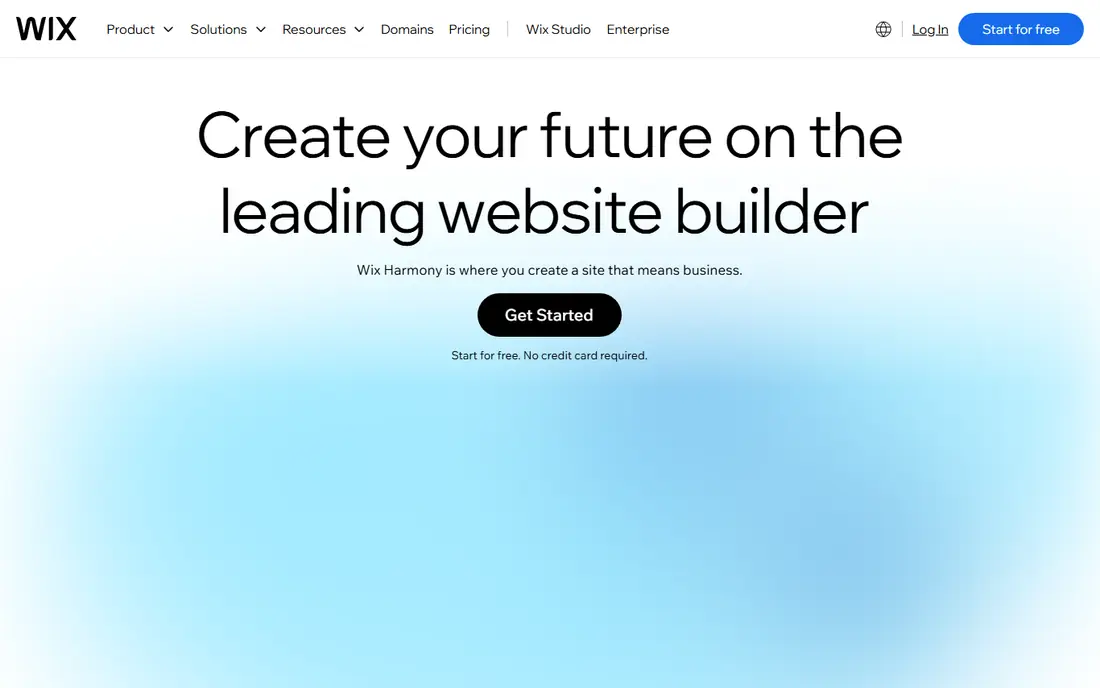
Wix suits people who want one account for the site, bookings, payments and marketing, rather than a set of separate tools. Its AI builder asks about the business and builds a full draft, including pages, copy and images, and the manual editor then lets you move sections, change layouts and add apps. That combination matters because AI copy almost always needs checking, and Wix gives you room to rewrite, replace images and reshape pages without losing the structure.
The catch is lock-in and plan steps. A free plan lets you build and publish on a Wix subdomain, but a custom domain needs a paid plan, with Light listed at $17 per month on annual billing. Selling features grow as you move up the plans, so price the plan that covers checkout, bookings or member areas, not just the cheapest plan that publishes a page.
- Wide app and selling tools
- Conversational AI setup
- Strong manual editor after generation
- Sites stay on Wix hosting
- Higher plans are needed for full selling features
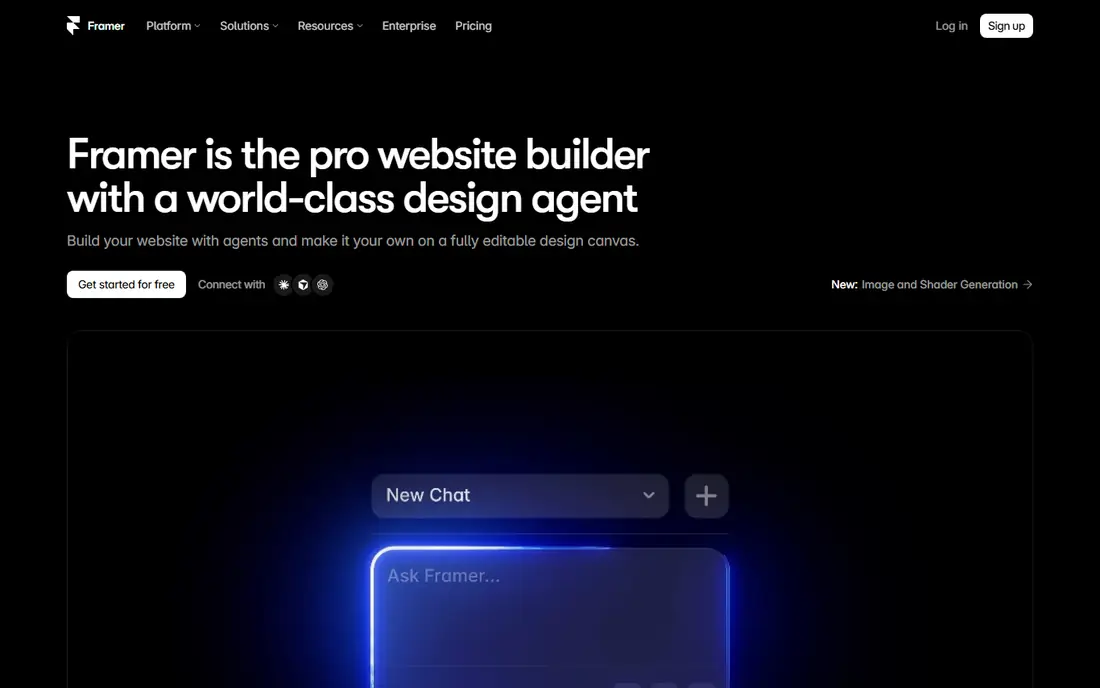
Framer is our pick for a marketing site where spacing, type and motion matter as much as the words. Its AI tools can generate pages and rewrite copy, but the real strength is the canvas editor, which gives designers far more control than a questionnaire builder. If you already know what good layout looks like, Framer helps you reach it faster, and the published result tends to look closer to a studio-built site.
Beginners should expect a learning curve, and costs multiply when you run several sites because each site needs its own plan. Basic is listed at $10 per month on annual billing, and the free plan is best treated as a way to test the editor and publish a simple idea on a Framer domain. Check page, CMS and AI credit limits against the site you plan to build, since those limits change sharply between plans.
- Precise visual editing
- Modern layouts
- Free plan for trying ideas
- Pricing is per site
- AI credits limit how much generation you can do each month
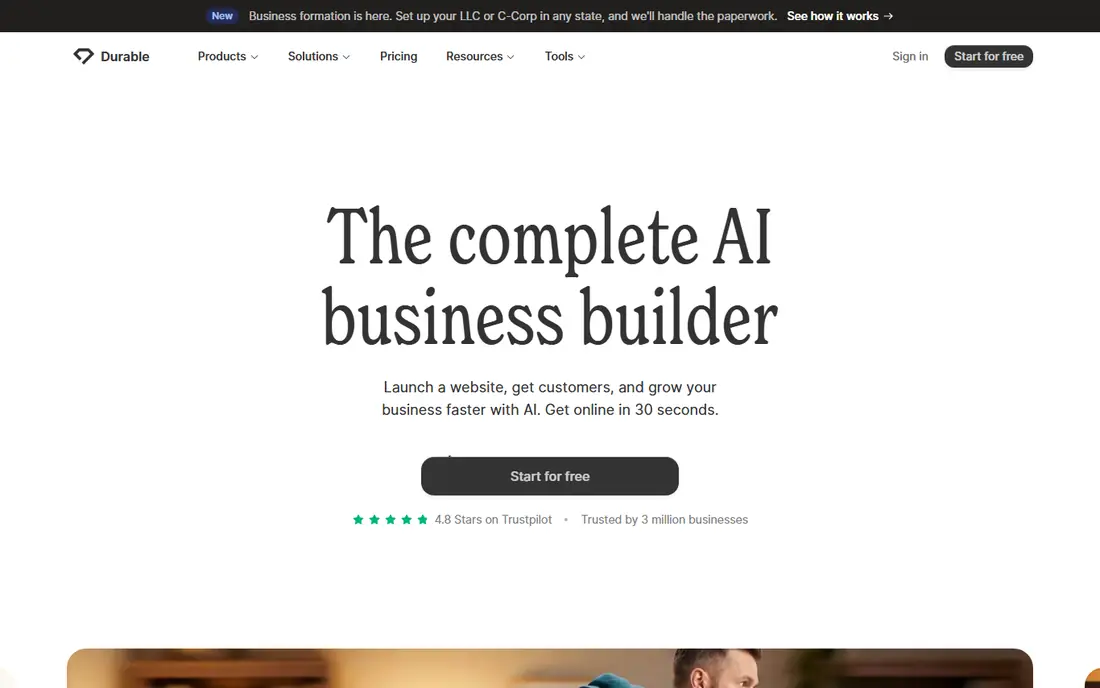
Durable is built for speed. Answer a few questions about your business and it produces a complete small site with copy, images, a contact form and service sections, which is a strong fit for plumbers, consultants, cleaners and other local services. It also bundles a CRM and booking tools on paid plans, so a one-person business can handle leads and appointments without adding separate software.
The trade-off is control. You can change text, colours and sections, but you will not get the fine layout freedom of Framer or Webflow, and a large site with many pages will quickly outgrow the format. Launch is listed at $22 per month on annual billing, with a free plan for a preview, so test the booking and contact flow before you commit to the paid plan.
- Very fast first draft
- Built-in CRM and booking tools
- Simple editing
- Limited design control
- Not suited to large or complex sites
10Web stands apart in this list because it builds on WordPress, which means you keep access to the WordPress plugin and theme world and you are not tied to a closed builder. Its AI generator creates the structure, copy and images, and managed hosting, security and backups are part of the package. For a content site, a blog-led business site or a project that may need specialist plugins later, that openness is a genuine advantage.
The limits to watch are visitors and AI credits, which are set per plan. AI Starter is listed at $10 per month on annual billing, with a trial period for testing the builder. WordPress also brings plugin updates and settings to manage, so 10Web suits people who want flexibility more than people who want a site they never touch again.
- Real WordPress sites you can move and extend
- Managed hosting included
- AI editing with credits
- Visitor and AI credit limits apply
- WordPress upkeep still needs attention
Hostinger is the budget pick, and the value is real if you read the term carefully. The AI builder creates a site from a short description, hosting is included, and the editor is simple enough for a first site. For a portfolio, a brochure site or a side project, that bundle can be hard to beat on price alone.
The headline $2.99 per month rate is tied to a 48-month upfront payment, and renewal is listed at a much higher monthly rate, so compare the total cost over four years and the renewal year before you judge it against monthly plans. There is no ongoing free plan, and AI actions use monthly credits, with top-ups available, so plan your edits rather than regenerating the whole site repeatedly.
- Lowest advertised starting price
- Hosting and domain bundled
- Simple chat-based editing
- Headline price needs a long upfront term
- Renewal price is much higher
- AI use is credit-based
Jimdo Dolphin is one of the simplest AI builders here, and that simplicity is the point. It asks a short set of questions, builds a starter site and lets you edit it block by block, with social links, contact sections and basic SEO included. For a personal site, a club page or a very small business site, Jimdo removes most early decisions and gets a clean result online quickly.
The limits show up as soon as you want more control. The AI editor does not allow custom code, and its AI tools are thinner than those in Wix or Framer, so expect more manual work on copy and layout. Start is listed at about $11 per month on annual billing, with a free plan limited to a small number of pages, and shop plans sit on a separate track, so check that track if selling is part of the plan.
- Short questionnaire setup
- Free plan for testing
- Clear pricing steps
- Limited AI depth
- No custom code in the AI editor
- Separate tracks for shops
Squarespace remains a strong choice when the site has to look refined from day one. Its Blueprint AI asks about the business and produces a guided draft, and the template system keeps typography, spacing and image treatment consistent, which helps portfolios, restaurants, studios and service brands. Blogging, scheduling and selling tools are built in, so a brand site can grow without adding many third-party apps.
The main limits are price structure and flexibility. There is no permanent free plan, only a trial, and paid plans start at $19 per month on annual billing in the pricing we checked. The editor is more structured than Framer or Webflow, so designers who want pixel-level freedom may feel boxed in, but most small businesses will find that structure helps rather than hurts.
- Strong templates and typography
- Blueprint AI gives a guided start
- Good portfolio and store tools
- No permanent free plan
- Less freedom than a canvas editor
Webflow is the pick for teams and designers who plan to build a larger site and keep refining it over time. Its AI Site Designer can generate a starting layout, but the long-term value is the visual builder, CMS collections and control over breakpoints, interactions and content structure. That depth suits agencies, startups and content-heavy sites that will add pages and sections for months, not just launch once.
That depth also means a slower start for beginners, and pricing needs care because site hosting plans and workspace plans are separate. The free Starter plan lets you design and stage a site, but publishing on a custom domain needs a paid site plan, so check the current pricing page for the plan that matches your page and CMS needs before you build too far.
- Deep layout and CMS control
- AI site designer for first drafts
- Code export options on some plans
- Steeper learning curve
- Site and workspace pricing can confuse first-time buyers
How we picked these
We compared official feature pages, pricing pages and app store listings, and we kept only tools that generate a site or major site sections from AI input and still work in October 2026. We favoured tools with a clear publishing route, honest pricing pages and a usable editing step after generation, and we noted where a tool keeps the site on its own platform, where credits limit generation, and where renewal prices differ from headline prices. We did not claim hands-on testing, and we treated vendor claims about speed and quality as starting points to verify against plan limits, not as results.
What to check before you pay
Start with the finished site, not the demo. Write down the pages you need, the forms and booking steps, and the selling features, then check each plan against that list. A cheap plan that lacks checkout or bookings will cost more in upgrades than a mid-tier plan bought first, and a plan with a tight page or CMS limit will force a rebuild later.
AI credits and editing
AI credits decide how many generations and rewrites you get each month, and they vary a lot between tools. Use the AI draft for structure and first copy, then edit by hand where you can, since manual edits usually cost no credits and give you tighter control over facts, prices and contact details. Save the AI budget for new pages or major rewrites, and rewrite any claim about services, prices or opening hours yourself before publishing.
Ownership and moving on
Hosted builders are convenient, but moving a site away later is often a rebuild, not an export. If you may need specialist plugins, a custom checkout or full code control in the next year, a WordPress-based tool like 10Web or a code-friendly tool like Webflow deserves a closer look. If you value speed and a single bill above portability, a hosted builder is a fair trade, as long as you make that choice with open eyes.
Total cost over two years
Add the plan, domain renewal, extra editor seats, AI credit top-ups and any app or selling fees, then compare two years, not month one. Promotional terms, annual billing and renewal jumps change the ranking fast, and Hostinger is the clearest example in this list. A short trial or free plan is worth using to test the editor, the mobile layout and the contact form before any annual payment.
Frequently asked questions
What is the best ai tool for website design for a small business?
Wix is our general pick for most small businesses because it combines AI drafting with bookings, selling and marketing tools in one account. Durable is faster for a simple service site, while 10Web is better if you want WordPress. Match the tool to the jobs the site must do after launch, not just to the first draft.
Which is the best ai website design software with a free plan?
Wix, Framer, Durable, Jimdo and Webflow all offer a free starting point, but free plans usually use a builder subdomain and limit pages, storage or selling features. Use the free plan to test the editor and the mobile layout, then pay for a custom domain and the features your business actually needs.
Can AI build a complete website without any editing?
AI can build a usable first draft, including pages, copy and images, but it still needs human checks for prices, services, contact details and legal pages. Plan time to rewrite copy in your own words, replace stock images where they mislead, and test every form and link before you share the site.
Is an AI website builder good for selling online?
Yes, if you pick a plan that includes checkout, product limits and payment options that fit your catalogue. Wix, Squarespace and Hostinger all offer selling on higher plans, while 10Web adds WordPress selling plugins. Check transaction fees, product limits and shipping options on the pricing page before you build the store.
What is the difference between the best ai website design tools and a template builder?
A template builder starts with a fixed design you fill in, while an AI builder creates the structure and copy from your answers or prompt. The AI route is faster at the start, but both routes need manual editing, and the best results come from treating the AI draft as a starting point rather than a finished site.
How much should an AI website builder cost per month?
Entry prices in this list run from $2.99 per month on a long Hostinger term to $19 per month for Squarespace on annual billing, with free plans and trials available on several tools. The right budget depends on selling features, page counts, editor seats and renewal prices, so compare the two-year total, not just the first month.
Sources we checked (8)

Online Jobs is an independent blog about careers, online work, learning new skills and the tools that help people earn. More about us.
Keep reading
All posts
n8n Alternatives
n8n alternatives compared for 2026, with Zapier, Make, Activepieces, and more, covering visual builders, code steps, self-hosting, and pricing models.

ZoomInfo Alternatives
The best ZoomInfo alternatives in 2026, compared on price, free plans, data coverage, and which tool fits small teams or large sales teams best in detail.

Yotpo Alternatives
Find cheaper alternatives to Yotpo for reviews and loyalty, with Judge.me, Loox, Stamped, and more compared for Shopify stores in 2026, all in one guide.