Best AI Tools for Web App Development in 2026: 8 Apps Compared

How we put this together: we compare official feature and pricing pages, app store listings, privacy policies and public user reviews. Prices change, so check the provider's site before you pay.
Key takeaways
- Cursor is our pick for developers who already code and want AI inside a real editor with full control of the codebase.
- Lovable and Bolt.new are the fastest routes from a written prompt to a working web app you can share, with Lovable producing the more polished result in our reading of vendor docs and public reviews.
- v0 by Vercel is best treated as a front-end specialist for React and Next.js interfaces, not as a complete back-end platform.
- Bubble remains the strongest no-code choice for complex multi-user apps with databases, logins and payments, at the cost of a steeper learning curve.
- Credit and token pricing makes monthly cost hard to predict, so check what a plan actually includes before you commit to a paid tier.
Quick comparison
| Name | Who it suits | Starting price | Free option | |
|---|---|---|---|---|
 Cursor Cursor | Professional developers | $20 per month | Yes | Visit |
 Lovable Lovable | Prompt-to-app building | $25 per month | Yes | Visit |
 Bolt.new Bolt.new | Fast browser prototypes | $25 per month | Yes | Visit |
 v0 by Vercel v0 by Vercel | React and Next.js interfaces | See website | Yes | Visit |
 Replit Replit | Full-stack apps in the browser | See website | Yes | Visit |
 Bubble Bubble | Complex no-code web apps | $29 per month | Yes | Visit |
 Windsurf Windsurf | AI coding on a budget | See website | Yes | Visit |
 GitHub Copilot GitHub Copilot | AI help inside your editor | See website | Yes | Visit |
The best AI tools for web app development
We compared prompt-to-app builders, AI code editors and no-code platforms on the same questions: what you actually get, how much control you keep over the code, and what the free plan lets you do before paying.
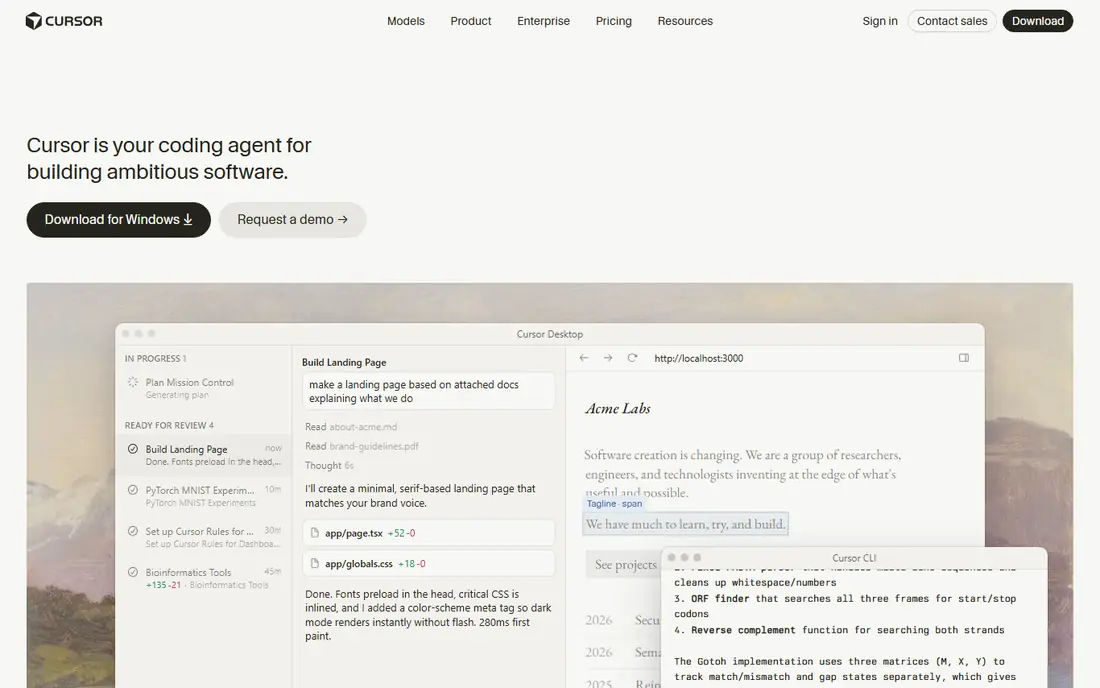
Cursor is an AI code editor built on the familiar Visual Studio Code experience, which is why it feels at home for working developers rather than for first-time builders. You open your own project, ask the agent to change several files at once, review the diff, and keep the result in your own repository. That control is the point. Nothing is locked to a vendor platform, and you can pair Cursor with any hosting, database or deployment setup you already use. For teams shipping production code, that freedom matters more than a flashy demo.
The trade-off is that Cursor does not remove the need for engineering judgement. It can write plausible code that is wrong in subtle ways, especially around authentication, data handling and edge cases, so code review still matters. Pricing also needs a careful read, since higher tiers add usage-based charges on top of the base plan. If you can code and you want speed without giving up ownership of the code, Cursor is our pick for this list.
- AI editing across a whole codebase
- Works with your own files and tools
- Strong agent mode for multi-file changes
- You still need to know how to code
- Usage-based pricing on higher tiers can be hard to predict
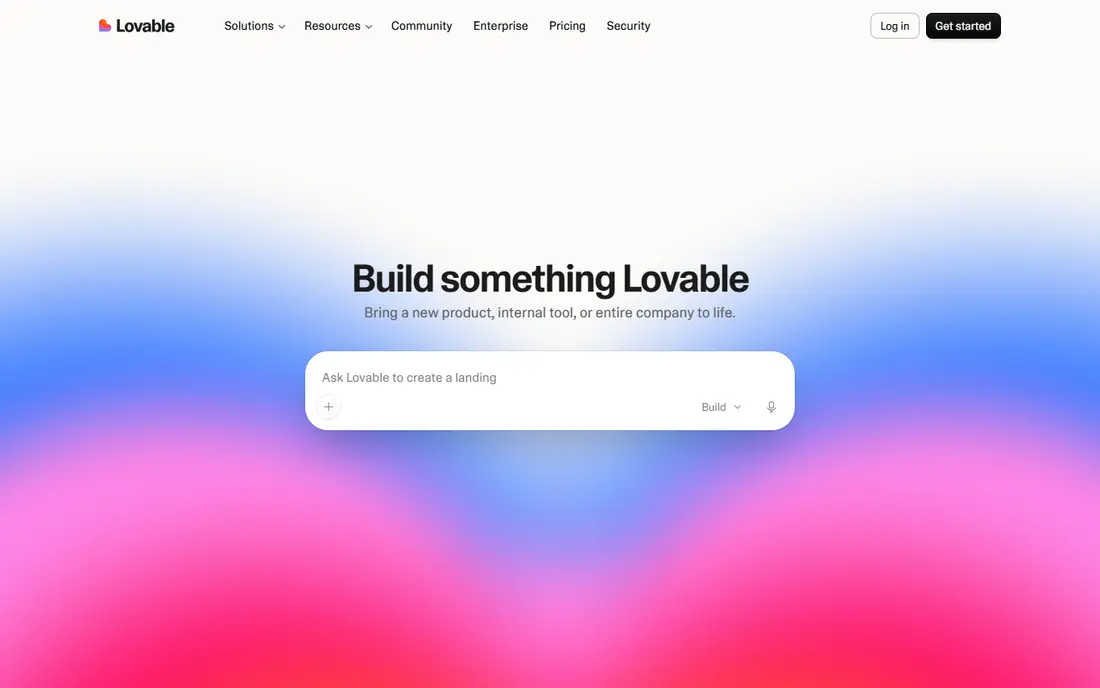
Lovable turns a description into a full-stack React app with a Supabase back end, then lets you refine it by chatting with the builder and editing the result. We rate it above most prompt builders because the output tends to look finished rather than like a wireframe, and because you can export the code to GitHub when you want to take over. Built-in hosting means you can share a live link quickly, which is useful for founders testing an idea with real users.
The catch is the credit system. Every prompt and fix consumes credits, so a long build with many revisions can run through a monthly allowance faster than expected. Lovable is also not a substitute for product thinking: vague prompts produce generic apps, and database rules, payments and permissions still deserve a careful check. If you do not code and you want a real app to show people this week, Lovable is the strongest starting point here.
- Polished apps from a written prompt
- Supabase back end and GitHub sync
- Built-in hosting and sharing
- Credit-based pricing
- Complex apps still need manual fixes and review
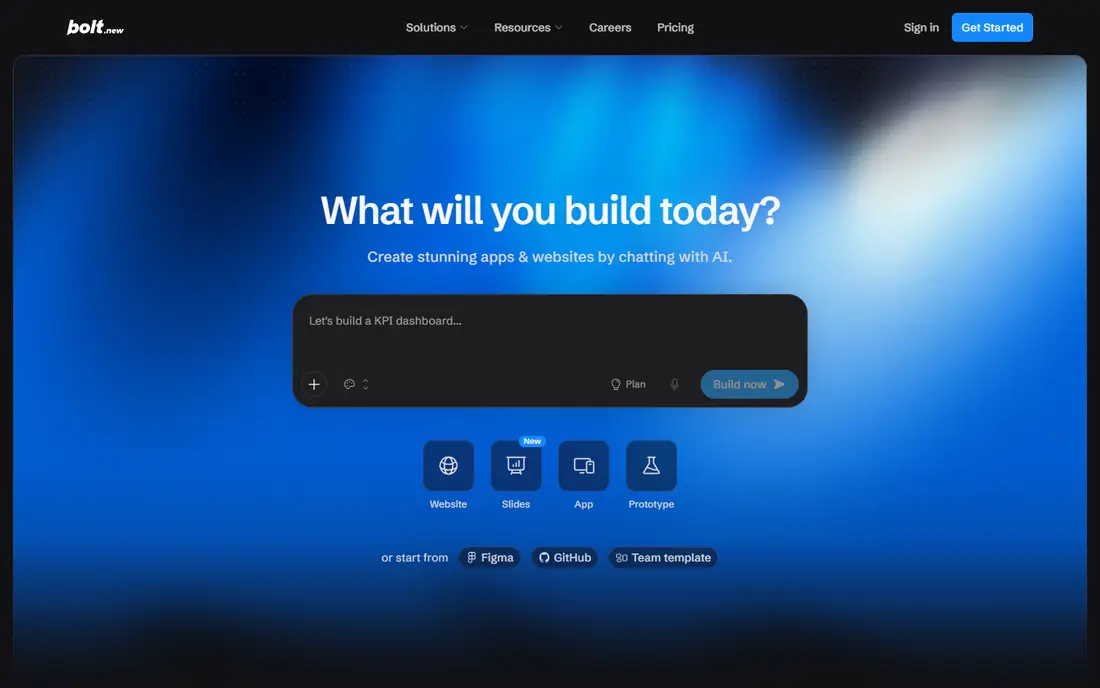
Bolt.new runs entirely in the browser and generates a full-stack app from a prompt, with every file visible in a built-in editor. That transparency is its main advantage over more closed builders. You can see what was generated, edit it directly, and take the code elsewhere, which makes Bolt.new a good fit for prototypes that might later become real projects. It also supports several frameworks rather than forcing one stack on every build.
Speed comes with limits. Token metering means long conversations cost more, and the first draft often needs follow-up prompts to fix layout, data handling or broken flows. For a pitch demo, a hackathon entry or a quick validation test, Bolt.new is hard to beat. For a product you plan to maintain for years, expect to move the code into your own workflow fairly early.
- Instant in-browser building with no setup
- Visible files and code you can edit
- Choice of frameworks
- Token-based pricing
- Styling can look less polished than Lovable out of the box
v0 by Vercel is a specialist, and it is best judged as one. Give it a prompt or an existing design and it produces React components and pages that look modern and are easy to drop into a Next.js project. If your team already builds on Vercel, the path from generated interface to a deployed preview is short, and the generated code is plain enough to hand to a developer for refinement.
What v0 does not do is build your whole product. Databases, authentication, payments and business logic still need separate decisions and tools, so buyers who expect a complete app from one prompt will be disappointed. Treat v0 as a front-end accelerator inside a larger stack, and it earns its place. Treat it as a full app builder, and you will hit its limits quickly.
- Strong React and Next.js interface generation
- Smooth path to Vercel deployment
- Copyable code
- Front-end focused, so back-end work needs other tools
- Credit limits on lower plans
Replit combines a cloud development environment, an AI agent and deployment, so you can go from a prompt to a live app without installing anything locally. That all-in-one setup suits solo builders, students and small teams who want back-end logic, a database and hosting without wiring several services together. Collaboration is also straightforward, since the project lives in the browser and teammates can work in the same workspace.
The honest catch is metering. Agent work runs on credits, and hosting plus usage charges sit on top of the plan price, so a popular app can cost more than the headline plan suggests. Replit is a strong choice when you want a working full-stack app fast and you are willing to watch usage. It is less attractive if you need tight cost control or a fully local development setup.
- Cloud IDE plus agent plus deployment in one place
- Built-in database options
- Good for collaboration
- Credit-based agent pricing
- Costs can grow as apps and usage grow
Bubble is the oldest and most capable no-code platform on this list, and it shows in what you can build: marketplaces, booking platforms, dashboards and internal tools with real user roles, databases and payment flows. The visual editor replaces code for most app logic, and the plugin library covers many common integrations. For a non-technical founder building a complex product, Bubble remains the most capable option that does not require writing code.
That capability comes with two costs. First, learning Bubble properly takes time, and early apps often need restructuring once the data model grows. Second, you cannot export a runnable codebase, so you are tied to the platform and its workload-based pricing. If your app is simple, a prompt builder will be faster. If it is genuinely complex and you do not code, Bubble is worth the learning time.
- Visual database, logins and payments for multi-user apps
- Large plugin and template library
- Built-in hosting
- Steep learning curve
- You cannot export runnable code
- Workload-based pricing needs planning
Windsurf is an AI code editor aimed at developers who want agent-style help without paying the highest prices in this category. Its Cascade agent can read across files, plan changes and run commands, which makes it useful for real refactoring work rather than just single-line completions. The free tier lets you test the workflow before paying, and the editor itself feels familiar to anyone who has used Visual Studio Code.
The trade-off is maturity and community size. Cursor has a larger user base and more public discussion, so Windsurf users may find fewer tutorials and third-party guides for edge cases. That gap matters less if you are already comfortable in an editor and mainly want a capable, cheaper agent. For budget-conscious developers, Windsurf is a credible alternative to the bigger names.
- AI agent with multi-file awareness
- Lower entry price than some rivals
- Works as a full editor
- Smaller community than Cursor
- Some advanced features sit on paid tiers
GitHub Copilot is different from the prompt builders on this list because it does not build an app for you. Instead, it sits inside your editor and suggests code, completes functions, answers questions about your codebase and helps with edits and reviews. That makes it a good fit for developers who already have a project and want to move faster without changing editors or workflows. Its GitHub integration also helps with pull requests and code review in team settings.
Buyers should be clear about what they are getting. Copilot will not design your product, choose your database or deploy your app, and its suggestions can be wrong or insecure if accepted without checks. Paired with a prompt builder for the first draft or with a full editor for ongoing work, it is a useful accelerator. On its own, it is a coding assistant, not a web app platform.
- Works in editors developers already use
- Strong code completion
- Deep GitHub integration
- Not an app builder on its own
- Suggestions still need review and testing
How we picked these
We started from vendor feature pages, pricing pages and app listings, then checked each product against the same bar: it had to build or materially speed up web app development, it had to be available to buy or try in 2026, and its official homepage had to describe the product clearly. We gave weight to code ownership, back-end support, deployment options and pricing transparency, and we kept both prompt builders and code editors because buyers in this category genuinely choose between those two paths. Public reviews helped us spot recurring complaints about credit metering and learning curves, but we did not treat any single review as proof, and we did not claim hands-on testing we did not do.
How to choose the right tool for your project
Start with your own skill level and with what happens after the first demo. If you can code and you plan to maintain the app for a long time, an AI editor such as Cursor or Windsurf keeps the code in your hands and fits normal deployment and review habits. If you cannot code and you need something real to share this week, Lovable or Bolt.new will get you further, faster, with Lovable ahead on polish and Bolt.new ahead on code transparency.
Match the tool to the app type
Simple marketing sites and prototypes do not need a full back-end platform, so a prompt builder or a front-end tool such as v0 is often enough. Multi-user products with accounts, payments and permissions are a different job, and that is where Bubble or a full-stack setup on Replit makes more sense. Write down the features you need in the first release, including logins, payments and admin screens, before you pick a plan.
Read the pricing meter before you pay
Most tools on this list meter something, whether credits, tokens, workload units or executions, and the headline monthly price rarely tells the whole story. Run a small real project on the free plan first, count how many prompts or fixes a typical change takes, and check what happens when you run out of allowance mid-month. If a vendor does not publish clear limits, treat that as a reason to test carefully rather than to assume the plan will cover your usage.
Plan the exit before you build
Ask how you would leave each platform. Code editors and prompt builders that sync to GitHub give you a clean exit. Closed no-code platforms do not, so the cost of switching later is higher even if the monthly price looks low. That question matters most for products you expect to grow, hire developers for, or sell one day.
Frequently asked questions
What are the best AI tools for web app development for beginners?
Lovable and Bolt.new are the easiest starting points, since both build from a written prompt in the browser. Bubble is more powerful for complex apps but takes longer to learn, so beginners with a simple idea should start with a prompt builder and move to Bubble only if the app outgrows it.
What is the best AI developer platform for professional teams?
Cursor is our pick for professional teams, because it works on your own codebase, fits normal code review and deployment habits, and does not lock you to a vendor platform. Windsurf is a cheaper alternative with a similar editor-based approach, while GitHub Copilot works well as an assistant inside editors teams already use.
What is the best web app development platform with no coding?
Bubble is the strongest no-code platform for complex multi-user apps, with a visual database, user accounts and payment support. Lovable is easier for a first version and gives you exportable code, so it suits founders who want speed now and the option to hire developers later.
Are there good open source AI tools for web development?
Yes, and the open source story here is mixed in a useful way. Some editors and agent tools are open source or have open source parts, and prompt builders often output standard code you can host anywhere. Check each vendor page for the licence and export terms, since open source code output is not the same as an open source platform.
What is the best website app builder for a quick prototype?
Bolt.new is our pick for a quick prototype, because it starts in the browser with no setup and shows you every file it creates. Lovable is close behind and usually produces a more polished first draft, so pick Bolt.new for speed and transparency and Lovable for presentation quality.
Do AI app builders replace developers?
No, not for products that need to last. They speed up first drafts, boilerplate and interface work, and they let non-developers test ideas. Production apps still need someone to check security, data handling, performance and edge cases, and complex products still benefit from experienced developers.
Sources we checked (8)

Online Jobs is an independent blog about careers, online work, learning new skills and the tools that help people earn. More about us.
Keep reading
All posts
Zoom Alternatives
Zoom alternatives compared for 2026: Google Meet, Microsoft Teams, Webex, Jitsi and more for free calls, large meetings and webinars for teams and classrooms.

Top Rated Poster Maker Software
Top rated poster maker software compared for 2026: Canva, Adobe Express, VistaCreate, PosterMyWall and more for events, sales and classrooms for US users.

Surfshark Alternatives
Looking for Surfshark alternatives? We compare 8 VPN services on price, privacy, streaming, and device limits to help you find a VPN that fits your needs.