Alternatives to Sass in 2026: 8 CSS Tools Compared

How we put this together: we compare official feature and pricing pages, app store listings, privacy policies and public user reviews. Prices change, so check the provider's site before you pay.
Key takeaways
- Less and Stylus are the closest like for like swaps for Sass, with variables, mixins, and nesting in a familiar preprocessor style.
- PostCSS and Lightning CSS suit teams that want to stay close to standard CSS while adding transforms, prefixes, and minification.
- Tailwind and Panda CSS change the workflow more, moving styling into utilities or typed recipes instead of a separate stylesheet language.
- Native CSS now covers variables, nesting, and cascade layers, so some projects no longer need a preprocessor at all.
Quick comparison
| Name | Who it suits | Starting price | Free option | |
|---|---|---|---|---|
 Less | Closest Sass style swap | Free | Yes | Visit |
 Stylus | Flexible syntax fans | Free | Yes | Visit |
 PostCSS | Plugin based CSS transforms | Free | Yes | Visit |
 Lightning CSS | Fast parsing and minification | Free | Yes | Visit |
 Tailwind CSS | Utility first styling | Free | Yes | Visit |
 Panda CSS | Typed design recipes | Free | Yes | Visit |
 Emotion | CSS in JavaScript projects | Free | Yes | Visit |
 Native CSS | No build step styling | Free | Yes | Visit |
The best alternatives to sass
Sass remains popular, but it is no longer the only way to get variables, nesting, and shared styles. We compared preprocessors, transformers, utility frameworks, and native CSS, judging them on syntax, build setup, speed, and how easy they are to adopt in an existing project.
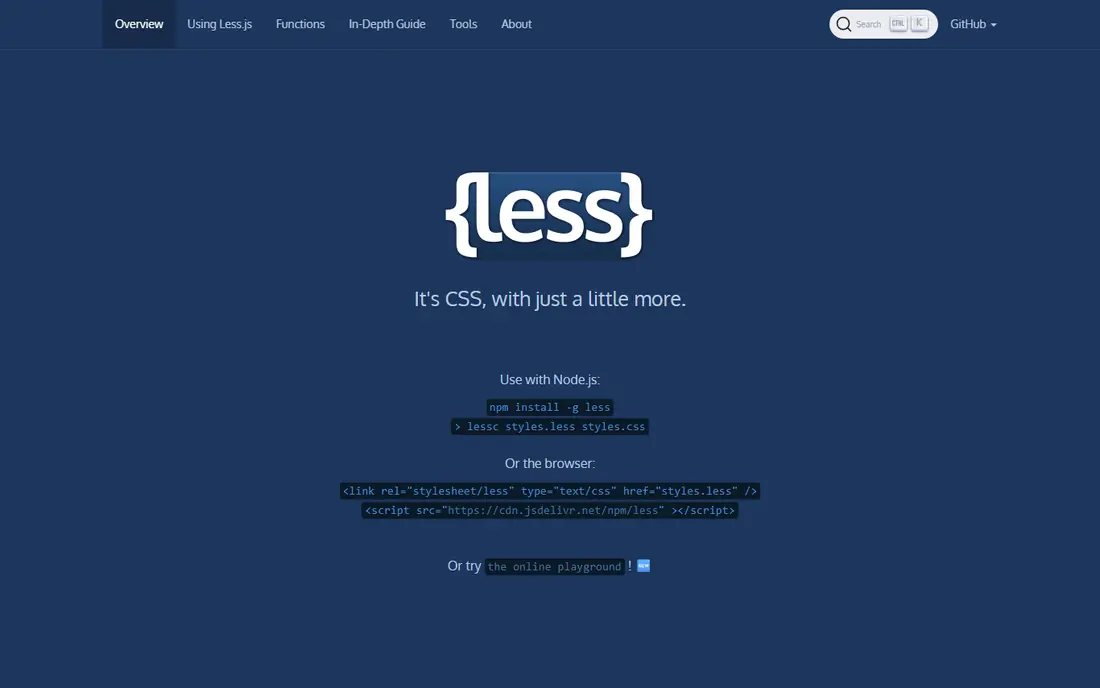
Less is the easiest move for a team that likes Sass but wants a different tool. Its syntax looks like CSS with extras, so variables, mixins, operations, and nesting feel familiar from day one. It runs in Node and in the browser for development, and it has been used in large codebases for many years.
The main drawback is momentum. Sass has the larger community and more current tutorials, so Less teams may find fewer new examples. If your project already uses Less, or you want the gentlest possible switch, that familiarity outweighs the smaller ecosystem.
- Syntax close to plain CSS
- Variables, mixins, and nesting
- Long history in large projects
- Smaller community than Sass today
- Fewer modern guides and plugins
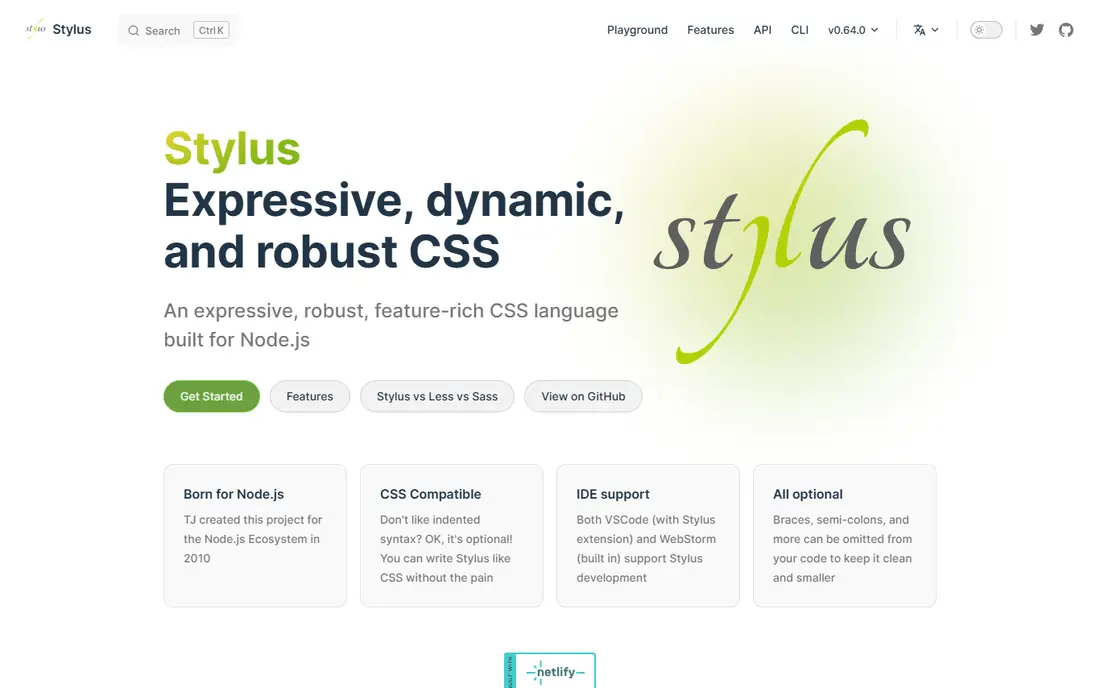
Stylus takes flexibility further than Sass or Less. You can drop braces, colons, and semicolons, use indentation, and write mixins that feel close to functions in a programming language. For developers who enjoy concise code, that freedom is appealing, and Stylus handles variables, nesting, and imports with ease.
That same freedom can hurt readability on a shared team. Two developers may write Stylus in very different styles, and newcomers face a steeper learning curve. It suits small teams with a shared style, or projects where the lead developer sets clear conventions from the start.
- Very flexible syntax with optional braces and colons
- Powerful mixins and functions
- Expressive for terse stylesheets
- Smaller community and fewer integrations
- Terse syntax can be hard for new team members to read
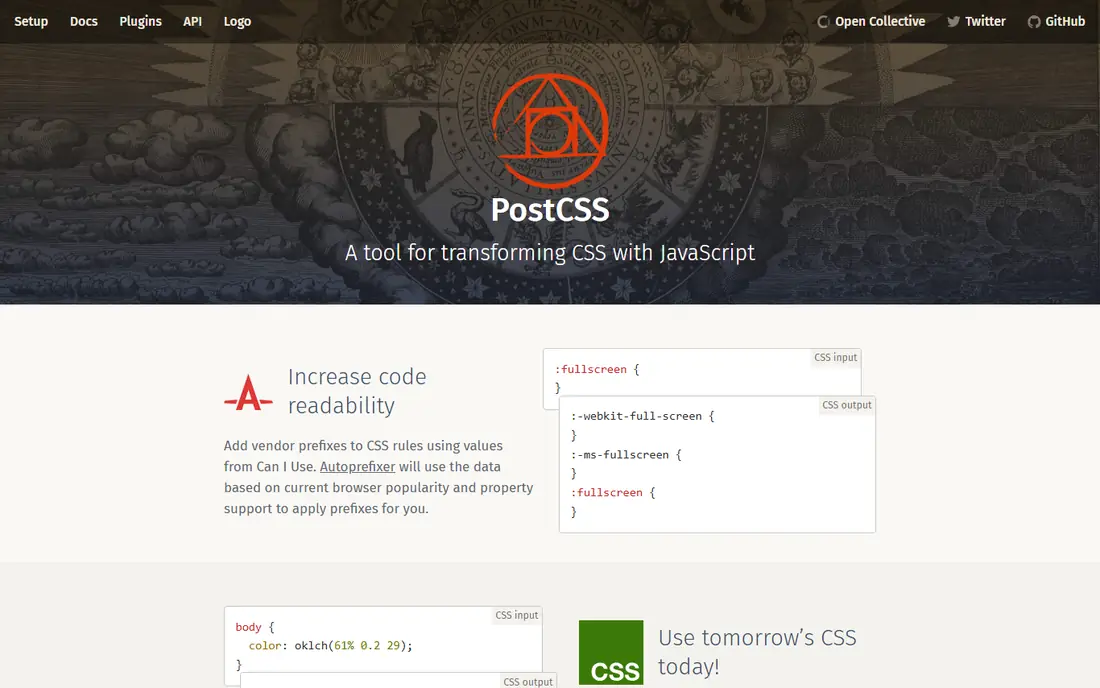
PostCSS is not a preprocessor in the Sass sense. It is a tool that parses CSS and lets plugins transform it, adding vendor prefixes, converting future syntax, linting, and minifying. With the right plugins, you can get nesting, variables, and mixins, while staying close to standard CSS that browsers will eventually support on their own.
The trade off is choice. There is no single PostCSS language to learn, so you must pick and configure plugins, and different projects may end up with different setups. For teams that already use Vite, webpack, or a similar build tool, that modular approach is a strength, not a burden.
- Huge plugin ecosystem
- Lets you use future CSS syntax today
- Fits modern build tools well
- Setup is a set of plugins, not one language
- Choosing the right plugins takes research
Lightning CSS is a parser, transformer, bundler, and minifier written in Rust, and speed is its headline benefit. It handles vendor prefixing, syntax lowering for older browsers, nesting, custom media, and minification in one tool, without a long plugin chain. It also supports CSS Modules, which helps component based projects keep styles scoped.
Because it is newer than PostCSS, its plugin and tutorial ecosystem is smaller, and teams with unusual transforms may need to work around that. For performance sensitive builds, or new projects that want a fast default pipeline, Lightning CSS is a compelling modern choice.
- Very fast, built in Rust
- Handles prefixes, nesting, and minification
- Good CSS Modules support
- Newer ecosystem than PostCSS
- Fewer plugins and guides
Tailwind replaces the Sass stylesheet workflow with utility classes in HTML. Instead of writing a class and defining its rules in Sass, you compose spacing, colour, layout, and typography utilities directly where the element lives. That makes custom designs fast to build and keeps design tokens consistent across a site.
Teams coming from Sass should expect a change in habits. Markup gets longer, and shared patterns need to be extracted into components rather than Sass mixins. If you value custom design and fast iteration over traditional stylesheets, Tailwind is often the most productive Sass alternative, even though it is not a preprocessor.
- Rapid custom design in markup
- Unused styles removed in production
- Consistent spacing and colour scales
- Long class lists in markup
- Different mental model from Sass stylesheets
Panda CSS is a newer styling engine that generates styles from JavaScript and TypeScript code, with design tokens, recipes, and variants. You define a component style once, with variants for size or colour, and Panda produces the CSS. Type safety catches misspelled tokens early, which large teams appreciate.
Its scope is narrower than Sass. It works best in JavaScript heavy projects, and teams outside that world will get less value. For a TypeScript design system, though, Panda offers a structured, typed path that Sass, as a separate language, cannot match as directly.
- Type safe styles in JavaScript and TypeScript
- Recipes and variants for components
- Design tokens built in
- Newer tool with a smaller community
- Best fit is JavaScript and TypeScript projects
Emotion lets you write CSS inside JavaScript, using styled components or a css prop, so styles sit next to the component they belong to. Dynamic values from props, themes, and state become straightforward, and you avoid separate stylesheet files and global class name clashes.
The catch is runtime and framework fit. Emotion is aimed at React and similar JavaScript projects, and some setups add runtime work that a build time tool would avoid. If your team already thinks in components and wants styles co located with code, Emotion is a natural Sass alternative.
- Styles live beside React components
- Dynamic styles from props are simple
- Familiar CSS syntax in code
- Runtime cost in some setups
- Ties styling to JavaScript frameworks
Native CSS has closed much of the gap that once made Sass essential. Custom properties give you variables, native nesting handles grouped selectors, cascade layers help manage specificity, and container queries add responsive behaviour inside components. For many small and medium sites, that is enough without any preprocessor.
What native CSS still lacks is Sass style mixins, loops, and functions for generating large sets of rules. Teams with huge design systems may still want a build tool for that. But if your project is modest, or you want the simplest possible setup, starting with native CSS and adding a tool only when you feel pain is a sound plan.
- No build tool or dependency needed
- Custom properties, nesting, and layers are now standard
- Future proof
- No mixins or loops
- Large design systems still need discipline and organisation
How we picked these
We reviewed official docs, feature pages, and pricing or licence information for each tool, and we confirmed that each official site loads and matches the product named. We included direct preprocessor swaps, transformers, utility and CSS in JavaScript tools, and native CSS, because a Sass alternative can mean any of those depending on the project. We did not claim hands on testing; our comparison rests on published features, syntax, and ecosystem notes.
Choosing the right Sass alternative
Start by asking what you actually use Sass for. If it is mainly variables and nesting, native CSS or Less may be enough. If it is mixins and shared logic, Stylus or a CSS in JavaScript tool may fit better. If it is build pipeline control, PostCSS or Lightning CSS gives you that without a new language.
Also consider your team and stack. A React team will adapt to Emotion or Panda faster than a plain HTML team, while a team with a Vite setup will find PostCSS or Lightning CSS easy to add. Try the leading candidate on one real component, check the output CSS and build time, and only then move the rest of the project.
Frequently asked questions
Is Less better than Sass?
Less is not better in general, but it is closer to plain CSS and easier for some teams to read. Sass has a larger community, more guides, and more advanced features, so the best choice depends on your team and existing code.
Can PostCSS replace Sass completely?
PostCSS can replace many Sass features with plugins for nesting, variables, and mixins, but it is a plugin system, not a single language. Teams that want one consistent syntax may prefer Less, Stylus, or native CSS instead.
Do I still need Sass in 2026?
Many projects do not, thanks to native CSS variables, nesting, and layers. Large design systems, teams with heavy mixin use, and legacy codebases may still benefit from Sass, but new small projects can often start without it.
What is the fastest option here?
Lightning CSS is built for speed and is often the fastest in build benchmarks, thanks to its Rust implementation. PostCSS is also fast for typical projects, and the difference only matters on very large codebases or slow machines.
Should I switch an existing Sass project?
Only if you have a clear reason, such as a stack change, build speed, or team preference. A working Sass codebase is not a problem on its own, and a switch costs time for migration, testing, and retraining, even when the new tool is good.
Sources we checked (8)

Online Jobs is an independent blog about careers, online work, learning new skills and the tools that help people earn. More about us.
Keep reading
All posts
Best AI Tools for Web App Development
Compare the best ai tools for web app development, from prompt-to-app builders to AI code editors, with pricing, free plans and honest trade-offs for 2026.
Alternatives to Less
Looking for alternatives to less? We compare 8 tools, from Sass and Stylus to PostCSS, Tailwind, and native CSS, to help you choose the best fit today.

Alternatives to Flexbox
Looking for alternatives to flexbox? We compare 8 layout tools, from native CSS Grid to Bootstrap and Tailwind, to help you pick the right fit for your site.