Best AI Tools for Teachers in 2026: 8 Products Compared

How we put this together: we compare official feature and pricing pages, app store listings, privacy policies and public user reviews. Prices change, so check the provider's site before you pay.
Key takeaways
- MagicSchool AI is the broadest toolkit for lesson plans, rubrics and admin tasks, while Brisk Teaching works best inside Google Docs and Slides.
- Diffit leads for leveled reading and differentiation, and Khanmigo leads for guided student tutoring without giving away answers.
- Free plans are useful, but usage limits, school approval and student data rules matter more than the size of the toolkit.
- The best setup for most teachers is one broad tool plus one specialist, rather than a large stack of single purpose apps.
- Our pick for most teachers is MagicSchool AI for planning, paired with Brisk Teaching for feedback or Diffit for reading levels.
Quick comparison
| Name | Who it suits | Starting price | Free option | |
|---|---|---|---|---|
 MagicSchool AI MagicSchool AI | broad teacher toolkit | See website | Yes | Visit |
 Khanmigo Khanmigo | guided student tutoring | See website | Yes | Visit |
 Brisk Teaching Brisk Teaching | feedback in Google Docs | See website | Yes | Visit |
 Diffit Diffit | leveled reading passages | See website | Yes | Visit |
 Eduaide.AI Eduaide.AI | lesson and assessment resources | See website | Yes | Visit |
 SchoolAI SchoolAI | student chat and teacher dashboards | See website | Yes | Visit |
 Curipod Curipod | interactive live lessons | See website | Yes | Visit |
 Twee Twee | language teaching resources | See website | Yes | Visit |
The best AI tools for teachers
These eight tools cover planning, feedback, differentiation, tutoring and live lessons, with classroom safety in mind.
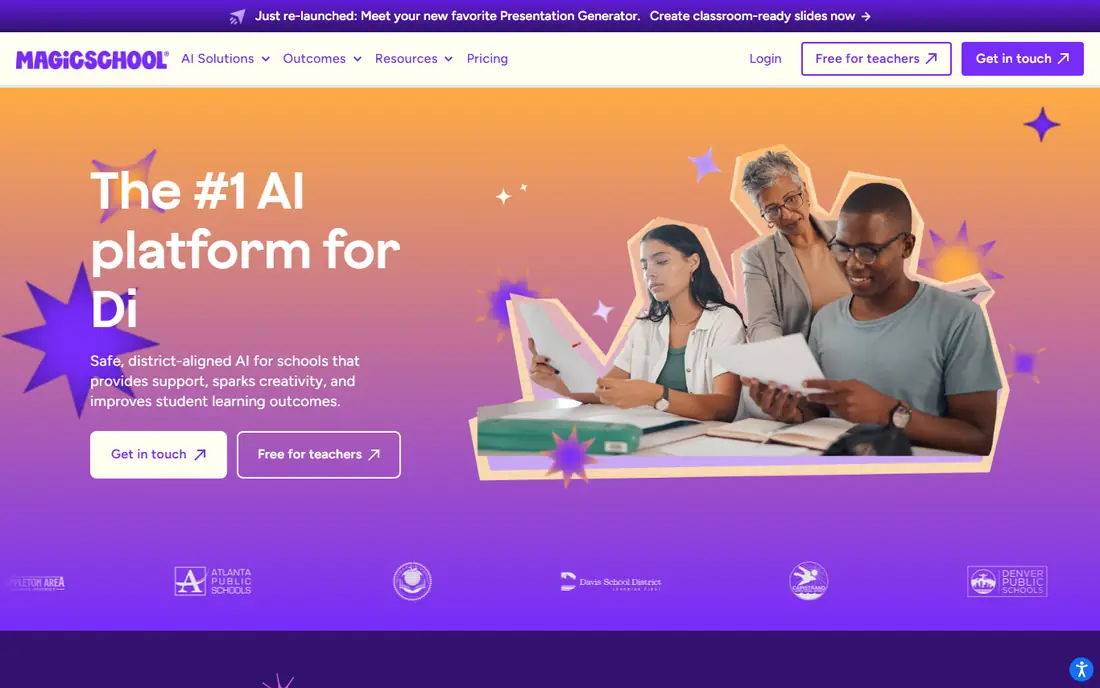
MagicSchool AI is the broadest tool on this list. It offers a large set of generators for lesson plans, rubrics, quizzes, writing feedback, report comments and admin tasks, all under one login. For a teacher who wants one place to start most planning jobs, that breadth saves time and reduces the need to learn a new app for each task. The catch is uneven depth. A tool that covers many jobs will not be the best at every one, and free usage limits can bite during a busy planning week. Check the school data policy before using student information, and treat AI output as a draft to review, not a finished lesson to use without checking.
- Many teacher tools in one place
- Lesson plans, rubrics and feedback
- School safety controls
- Depth varies across tools
- Usage limits on free plans
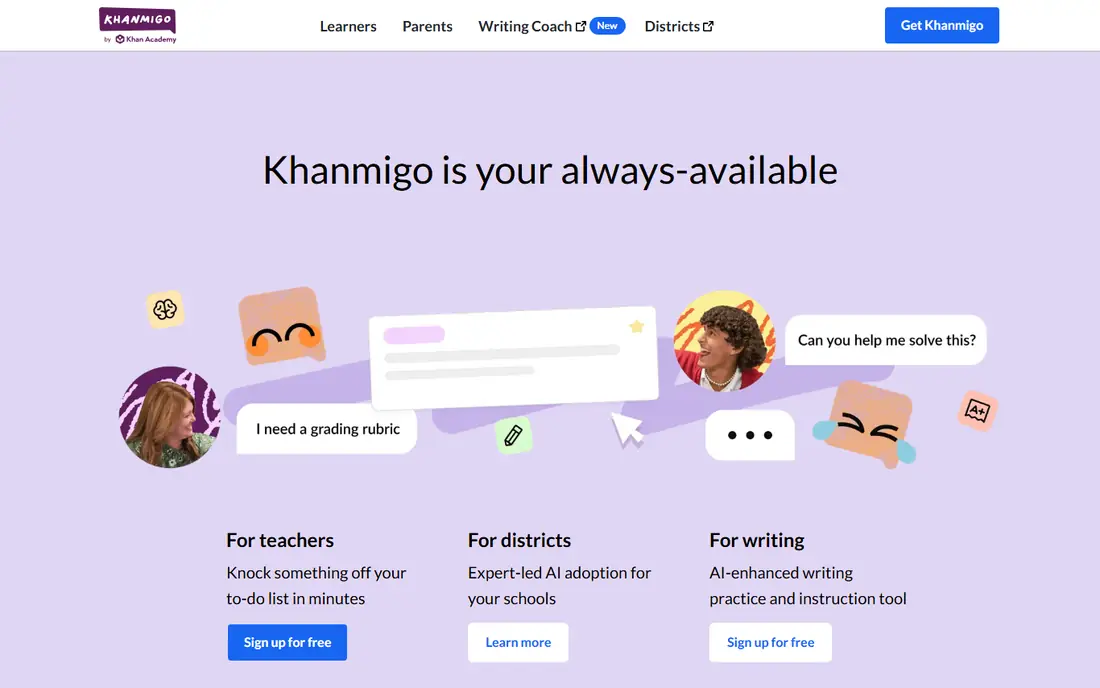
Khanmigo takes a different approach from a planning toolkit. It tutors students step by step, asking questions and guiding thinking rather than giving away answers. That style fits maths, science and writing practice, where the learning comes from working through a problem, not from reading a solution. The limit is scope. Khanmigo is strongest where Khan Academy content already exists, and student use may need district approval and setup. For teachers, the free teacher tools are a useful starting point. For student tutoring at scale, check district terms, age rules and data controls before rolling it out to a class.
- Socratic tutoring style
- Linked to Khan Academy content
- Free for teachers in many cases
- Tied to Khan Academy content
- District setup for student use
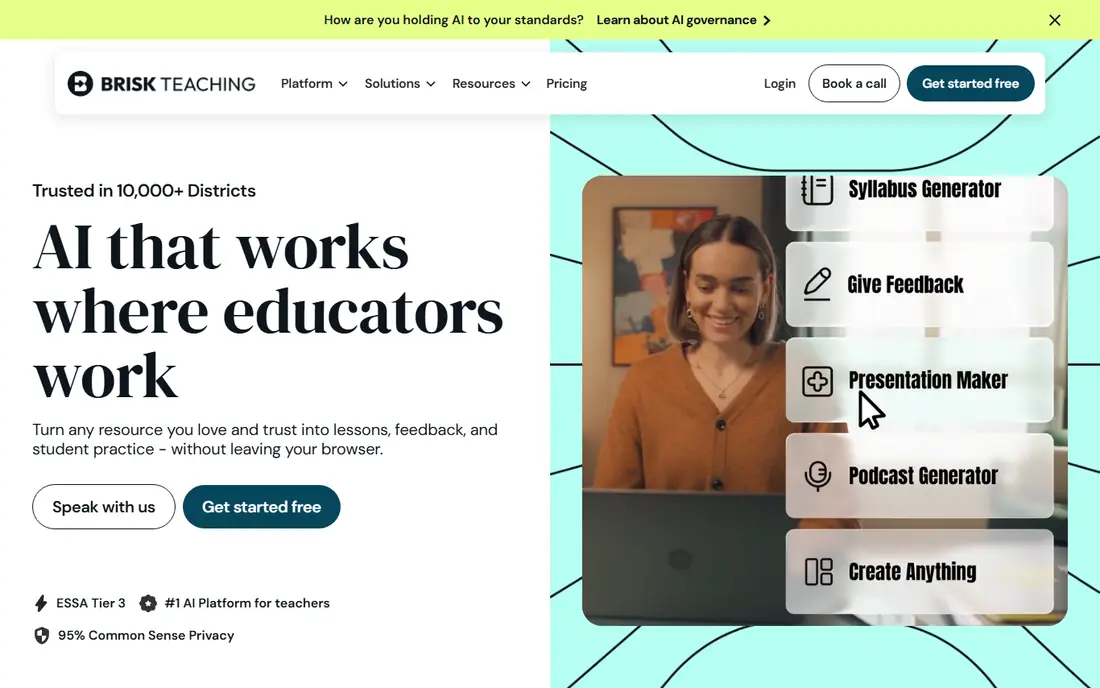
Brisk Teaching wins on workflow. As a Chrome extension, it works where teachers already write and mark: Google Docs, Slides and Forms. Feedback can be given against a rubric without opening a new app, and text can be leveled for different readers. That closeness to daily work is why many teachers keep using it after the first week. The trade-off is dependence on Google tools. Schools that do not use Google Workspace will get less value, and some advanced features sit on paid plans. For a Google school, Brisk is one of the easiest AI tools to adopt, since it adds help to existing documents rather than asking teachers to move their work.
- Works inside Docs and Slides
- Fast rubric based feedback
- Text leveling tools
- Tied to Chrome and Google tools
- Some features need a paid plan
Diffit solves one classroom problem well: one text, many reading levels. Paste or upload a passage, and Diffit can produce versions at different levels, plus questions and worksheets to match. That helps mixed ability classes, multilingual learners and students who need extra support without creating separate lessons from scratch. The limit is breadth. Diffit is not a full lesson planner or grading platform, so teachers will still need another tool for other jobs. For differentiation, though, it is the strongest specialist here. Check reading level accuracy against the class, since AI leveling still needs a teacher eye before use.
- Reading levels from one text
- Adapted worksheets and questions
- Translation options
- Narrower than a full planning platform
- Paid plan for heavy use
Eduaide.AI offers a wide set of generators for worksheets, rubrics, assessments, feedback and planning, with templates shaped around teaching practice. Teachers who like structured resources will find the range useful, and the output often needs less reshaping than a general chatbot draft. Free generations are limited each month, so heavy users will need a paid plan. The large template library can also feel busy at first. Start with two or three resource types that match a current unit, learn those well, and expand only when the routine is settled.
- Many resource types
- Pedagogy focused templates
- Feedback and planning tools
- Free generations are limited
- Interface takes time to explore
SchoolAI is built for student facing AI with teacher control. Teachers can set up spaces for tutoring, discussion or practice, monitor activity through dashboards, and keep student interactions inside a managed environment. That control matters for schools that want AI learning without open ended chat access. The catch is setup. Student use needs school approval, age checks and data review, and pricing for schools varies. For a single teacher trying a tool alone, SchoolAI may feel heavier than MagicSchool or Brisk. For a school rolling out AI to classes, the controls and dashboards are the reason to choose it.
- Teacher controlled student spaces
- Dashboards and insights
- Assignment tools
- Setup and approval needed for student use
- Pricing varies by school
Curipod turns a lesson into a live session. Teachers build interactive slides, students respond from devices, and AI feedback can support writing practice in real time. Polls, word clouds and open responses keep a class active, and the teacher can see responses as they arrive. The limit is device access. A live lesson needs student devices and a stable connection, which not every classroom has. Paid plans also matter for school wide use. For classes with devices, Curipod is a strong engagement tool. For paper first classrooms, a planning tool will be more useful.
- Interactive slides and polls
- Live student responses
- AI feedback on writing
- Needs devices for live use
- Paid plans for school wide use
Twee is a specialist for language teachers. It creates reading, listening, speaking and writing resources aligned to language levels, with support for many languages. English and foreign language teachers can build level appropriate tasks faster than starting from a blank page, and the templates reflect language teaching practice. The trade-off is focus. Twee will not cover maths, science or general planning, so it suits language departments rather than whole school use. Free limits also apply. For a language teacher, that focus is a strength. For a general teacher, a broader tool will cover more of the week.
- Language teaching templates
- Level aligned resources
- Many languages supported
- Narrower subject focus
- Free limits apply
How we picked these
We compared official feature pages, pricing pages, app store listings and public reviews for AI tools built for teachers and classrooms. We favoured tools that are actively maintained, that offer a free plan or free teacher access, and that address a clear classroom job such as planning, feedback, differentiation or tutoring. We also weighed student data controls, since classroom tools must handle student information with care. We did not claim hands-on testing for every tool, and we did not rank by user counts or review scores that change often. Instead, we looked at task fit, free plan limits and safety controls. Prices change, so check the vendor site before paying, and check school or district policy before using any tool with student data.
Choosing the right AI tool for your classroom
Start with one recurring job. If planning takes the most time, pick MagicSchool AI or Eduaide.AI. If marking takes the most time, pick Brisk Teaching. If reading levels are the pain, pick Diffit. If tutoring is the need, look at Khanmigo or SchoolAI. One tool used well beats a stack that nobody has time to learn.
Check safety before student use
Before students use an AI tool, check age rules, data handling, district approval and whether student data is used for model training. Prefer tools with education specific controls and clear privacy policies. Never enter sensitive student information into a general chatbot without school approval, and keep a human review step for all AI output.
Treat AI output as a draft
AI lesson plans, feedback and leveled texts still need teacher review for accuracy, bias, reading level and curriculum fit. Check facts, check examples, and adjust language for the class. A draft that saves an hour is valuable, but a draft used without checking can create more work than it saves.
Start small and share what works
Trial one tool with one class or one unit, note what actually saved time, and share templates with colleagues. A small pilot gives real evidence for a school decision, and it avoids paying for a tool that looks good in a demo but does not fit daily teaching.
Frequently asked questions
What are the best AI tools for teachers for free?
MagicSchool AI, Brisk Teaching, Diffit, Eduaide.AI and Khanmigo all offer free plans or free teacher access, though usage limits differ. Khanmigo is free for teachers in many cases, while MagicSchool and Brisk offer free tiers with limits. Check the current free terms and school policy before relying on a free plan for a whole term.
Which AI tools are best for teachers for lesson planning?
MagicSchool AI and Eduaide.AI are the strongest for lesson planning, with templates for plans, rubrics and assessments. Brisk Teaching helps inside Google Docs, while Diffit helps when a plan needs leveled reading. For a single planning tool, MagicSchool AI covers the most jobs in one place.
Are AI tools safe for students?
AI tools can be safe when used with school approval, age appropriate access and clear data controls, but safety depends on the tool and how it is used. Check privacy policies, district rules and whether student data is used for training. Prefer education specific tools with teacher controls, and avoid entering sensitive student details into general chat tools.
What is the best AI tool for grading and feedback?
Brisk Teaching is the best pick for feedback inside Google Docs, since it works against rubrics where teachers already mark. MagicSchool AI and Eduaide.AI also offer feedback generators. No AI tool should replace teacher judgement, and feedback should always be reviewed before it reaches students.
Can AI tools help with differentiation?
Yes, Diffit is built for differentiation, producing leveled passages, questions and worksheets from one text. Brisk Teaching can also level text inside Google tools. Differentiation still needs teacher review, since reading levels, vocabulary and cultural fit vary by class, and AI output should be checked before use.
Sources we checked (8)

Online Jobs is an independent blog about careers, online work, learning new skills and the tools that help people earn. More about us.
Keep reading
All posts
Best Tools for Virtual Tutoring
Compare the best tools for virtual tutoring, from one-to-one tutor marketplaces to free self-paced learning, with pricing, subjects and honest limits.
Best Study Apps for Young Children
Compare the best study apps for young children in 2026, from Khan Academy Kids and ABCmouse to Reading Eggs, Starfall, Duolingo ABC and PBS Kids, with prices.
Best Study Apps for Kids
Looking for the best study apps for kids? We compare Khan Academy Kids, ABCmouse, Prodigy, IXL and more on age, safety, price and subjects for home learning.