Best AI Tools for Studying in 2026: 8 Tools Compared


Everyday explanations and practice questions · Starting price: See website
How we put this together: we compare official feature and pricing pages, app store listings, privacy policies and public user reviews. Prices change, so check the provider's site before you pay.
Key takeaways
- ChatGPT, Claude, and Google Gemini cover most general study needs, so try their free plans before paying for any single assistant.
- NotebookLM stands out when you need answers tied to your own course readings rather than general web knowledge.
- Quizlet and Notion reward steady use across a term, with flashcards and organised notes doing work that a chat window alone cannot do.
- Grammarly and Perplexity are best used as specialists, for writing polish and source-checked research, rather than as all-purpose tutors.
- Check your school policy on AI use first, since rules on drafting, citation, and exam preparation vary by course and institution.
Quick comparison
| Name | Who it suits | Starting price | Free option | |
|---|---|---|---|---|
| ChatGPT | Everyday explanations and practice questions | See website | Yes | Visit |
 Claude | Long readings and writing feedback | See website | Yes | Visit |
 Google Gemini | Students already using Google Docs and Drive | See website | Yes | Visit |
 NotebookLM | Studying from your own notes and PDFs | See website | Yes | Visit |
 Quizlet | Flashcards and spaced recall | See website | Yes | Visit |
 Notion | Organising notes, deadlines, and study plans | See website | Yes | Visit |
 Grammarly | Polishing essays and emails | See website | Yes | Visit |
 Perplexity | Research that starts with cited sources | See website | Yes | Visit |
The best ai tools for studying
We compared general tutors, research tools, flashcard apps, and writing aids to find a set that covers a full study routine. The picks below work for different subjects and budgets, and most offer a free plan that is useful on its own.
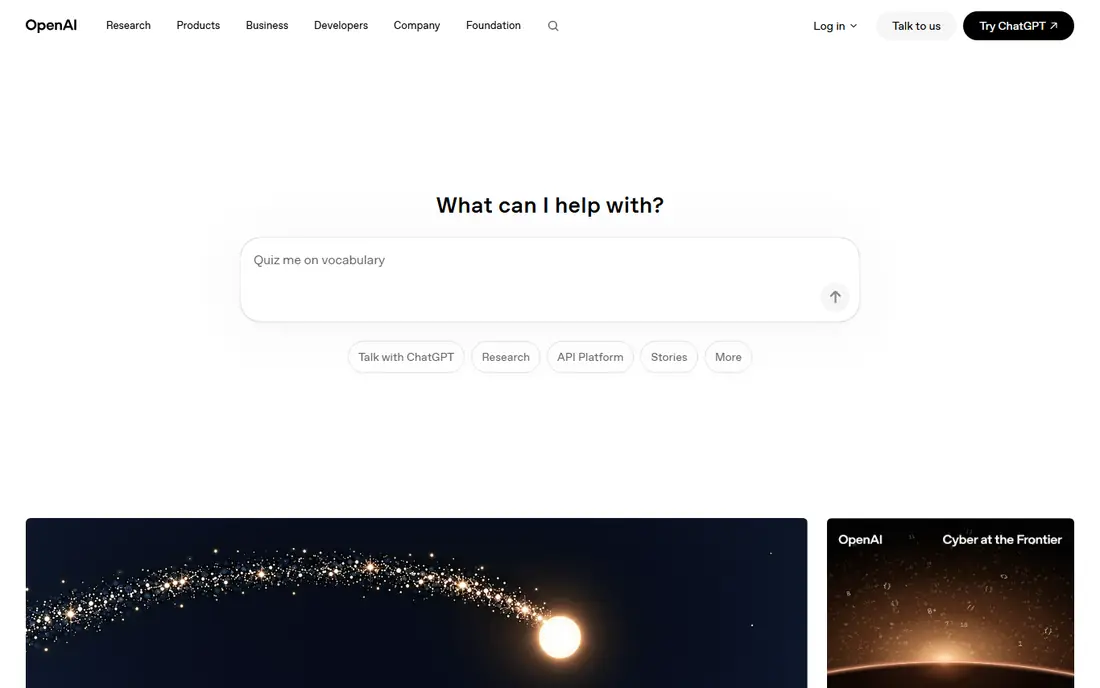
ChatGPT is our starting point for most students because it adapts to almost any study task. Ask it to explain a concept in plain language, turn a chapter into practice questions, or test you one question at a time. The back-and-forth format helps when a textbook explanation does not land on the first read, and you can ask for simpler examples or a different angle without starting over.
The limits matter as much as the strengths. ChatGPT can invent facts, dates, and citations, so treat its output as a draft to check against your course materials. It works best as a tutor for understanding and practice, not as a source to quote. Keep your prompts specific, ask it to show its working for maths and science problems, and verify anything you plan to submit.
- Flexible chat for many subjects
- Can create quizzes and outlines
- Works on web and mobile
- Answers can be confident and wrong
- Free plan has usage limits
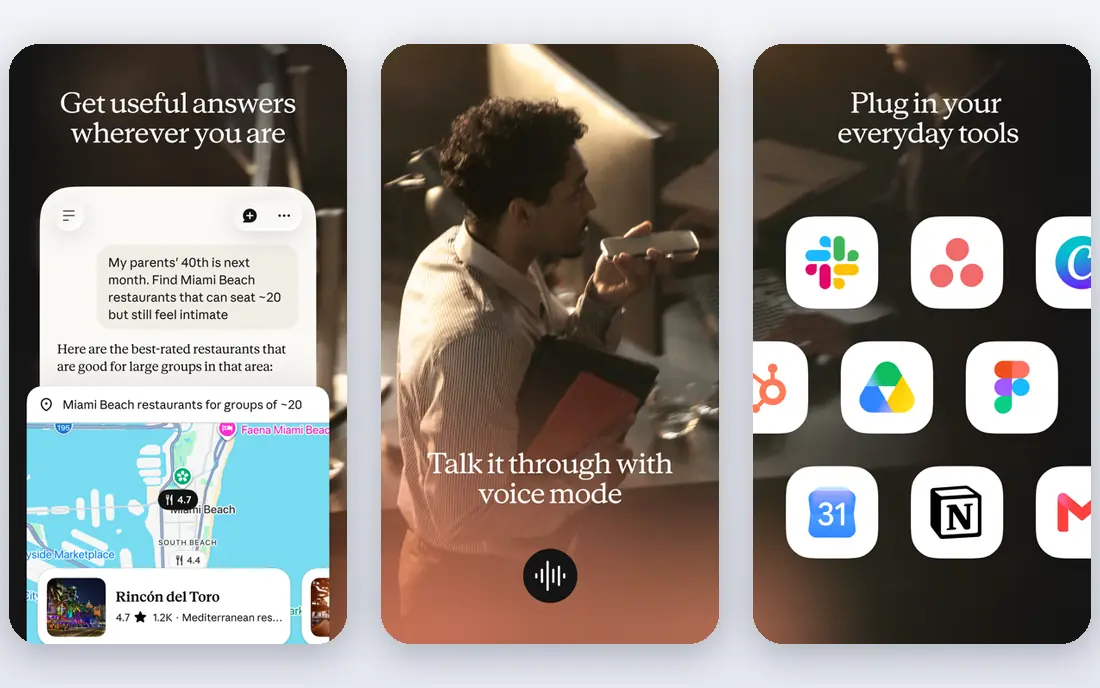
Claude earns its place for students who face heavy reading loads and long essays. It can work through a lengthy article or chapter, pull out the main argument, and help you turn rough notes into a structured study guide. When you paste in your own draft, its feedback tends to focus on clarity and structure, which is often more useful than a simple rewrite.
We would use Claude second, after a general chat tool, when the task involves a document rather than a quick question. It is a strong choice for law, history, literature, and social science students who need to compare sources and sharpen arguments. As with any AI tool, check its summaries against the original text, especially before you rely on a quoted point in an essay.
- Handles long documents well
- Clear, structured explanations
- Useful feedback on drafts
- Free usage is limited
- Fewer built-in study templates than some rivals
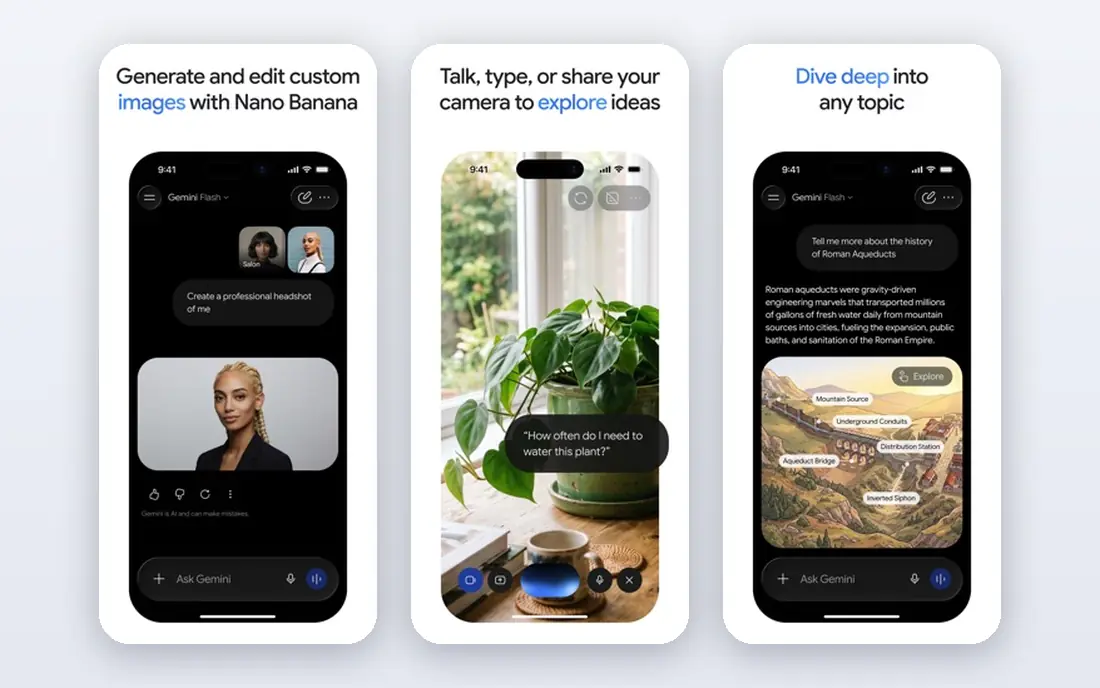
Gemini makes most sense if your school already runs on Google tools. Drafting in Docs, summarising a long email thread, or pulling ideas from files in Drive feels natural because the assistant sits close to where the work already happens. For group projects, that closeness can save time that would otherwise go to copying text between apps.
The trade-off is that Gemini is a general assistant, not a specialist study app. It will not replace a flashcard system or a citation-focused research tool, and its answers still need checking. Students who live outside the Google ecosystem may get more value from ChatGPT or Claude, but Google users should try Gemini first because the free tier covers everyday study tasks well.
- Fits into Google Docs, Gmail, and Drive
- Helpful for drafting and summarising
- Free tier is usable
- Quality varies by task
- Student offers and limits change by region
NotebookLM takes a different approach from a general chatbot. You add your own readings, lecture notes, and PDFs, and it answers questions based on those sources. That grounding makes it easier to trace an answer back to a specific reading, which is exactly what revision should do. When a tutor asks where an idea came from, you have a clearer path to the source.
This focus is also its limit. NotebookLM is only as good as the material you give it, and it is not the right tool for open-ended questions about topics outside your course. Use it in the revision phase, after lectures and readings are collected, to quiz yourself, summarise chapters, and spot gaps in your notes before an exam.
- Answers grounded in sources you upload
- Good for revision from course materials
- Audio overviews for review
- Depends on the quality of your uploaded sources
- Not a general web research tool
Quizlet remains the most practical tool on this list for memorisation. Flashcards, Learn mode, and practice tests turn passive rereading into active recall, which is the part of studying that most students skip. Shared sets can save time for common subjects such as biology terms, language vocabulary, and medical definitions, though you should still check them for errors.
The AI features that generate sets from your notes are useful, but the core value is older and simpler. Make your own sets for the topics you find hardest, review them in short sessions across several days, and use practice tests to find weak spots before exam week. Quizlet pairs well with a chat tutor: use the tutor to understand a topic, then use Quizlet to remember it.
- Large library of shared study sets
- Learn mode supports spaced recall
- Works well for vocabulary and facts
- Quality of shared sets varies
- Advanced AI features sit behind a paid plan
Notion is the organiser in this list, and organisation is where many study plans fail. A single workspace can hold lecture notes, assignment deadlines, reading lists, and a revision timetable, so you stop hunting through separate apps and folders. Databases let you track progress by topic, and templates give you a starting point without building a system from scratch.
The AI layer can summarise notes and turn rough bullets into a plan, but do not buy Notion for AI alone. Its real strength is structure: a place where notes stay linked to tasks and deadlines. Students who already keep tidy notes in another app may not need it, but students juggling several courses often find that one organised workspace reduces stress more than another chat tool would.
- Notes, tasks, and databases in one workspace
- Templates for study planning
- Free plan for students with a school email
- AI features cost extra on some plans
- Setup takes time to get right
Grammarly is best understood as an editor, not a writer. It checks grammar, punctuation, and clarity while you draft, and its suggestions help non-native English speakers and hurried writers alike produce cleaner work. Because it works inside browsers, Google Docs, and Word, it fits into the tools you already use for essays and applications.
The boundary matters. Grammarly can improve a sentence, but it cannot supply an argument, evidence, or original analysis. Use it after you have written a draft in your own words, review each suggestion rather than accepting them all, and keep your school policy in mind for AI-assisted writing. For students, the free plan covers the basics, and the paid plan mainly adds deeper rewrites and more AI help.
- Catches grammar and clarity issues in real time
- Works in browsers, Docs, and Word
- Tone suggestions help formal writing
- Free plan limits AI prompts
- It cannot fix weak arguments or missing evidence
Perplexity suits the research stage of an assignment, when you need to find reliable sources rather than a polished paragraph. Its answers come with links, so you can open the underlying pages, judge their quality, and cite the original source instead of the AI summary. That habit alone makes it a better starting point than a chatbot that answers without showing its sources.
We would not use Perplexity as a final authority. A citation in an answer is not proof that the source says what the summary claims, and weaker sources can slip into results. Open the best two or three sources, read the relevant sections, and build your notes from those pages. Used that way, Perplexity speeds up the search without replacing the reading.
- Answers include sources you can open and check
- Good for starting research
- Clear follow-up questions
- Free plan limits advanced searches
- Cited sources still need reading in full
How we picked these
We started with tools that students actually use in 2026, then checked each vendor homepage, pricing page, and app store listing to confirm the product exists, loads, and fits a study use case. We favoured tools with a usable free plan, clear pricing, and a distinct role in a study routine, rather than listing eight chatbots that do the same job. We also read public reviews and help pages to check limits such as free-plan caps, student offers, and platform support, and we left out tools whose pricing or core features could not be confirmed from the vendor site. Where a price could not be verified on the day of writing, we wrote See website instead of guessing.
Choosing the right study tool for your subject
Pick by the task in front of you, not by the longest feature list. A general tutor helps you understand a topic, a source-grounded tool helps you revise from course readings, flashcards help you remember facts, and an editor helps you polish the final draft. Most students need two or three of these, not all eight.
Start free, then pay for one bottleneck
Try the free plans for a week of real coursework before paying. Pay only when a specific limit keeps blocking you, such as running out of advanced searches, needing more AI help in Notion, or wanting full Quizlet features. One paid plan that removes a real bottleneck beats three subscriptions you barely open.
Protect academic integrity and privacy
Read your course rules before using AI for drafts, and do not upload exam papers, personal data, or unpublished work to a tool unless you understand its privacy policy. Use AI to explain, quiz, and edit, and keep the final analysis and wording your own. When in doubt, ask your tutor what is allowed for that assignment.
Build a simple weekly routine
A routine that works for many students is short and repeatable. Use a tutor to understand new material, add key facts to flashcards the same day, review them in brief sessions through the week, and use a source-grounded tool for revision in the final days before an exam. Organisation in Notion or a similar workspace holds the routine together across courses.
Frequently asked questions
What is the best ai tool for studying?
There is no single best tool for every student, because understanding, memorisation, and writing are different tasks. Start with a general tutor such as ChatGPT or Claude for explanations, add Quizlet for recall, and use NotebookLM or Perplexity for source-based revision. Test the free plans first and keep only the tools you use weekly.
What are the best ai apps for studying on a phone?
Most tools on this list offer iOS and Android apps, including ChatGPT, Claude, Gemini, Quizlet, Notion, Grammarly, and Perplexity. Quizlet and Notion work especially well on a phone for short review sessions and checking deadlines. For long reading and essay work, a laptop or desktop still gives you more room to compare sources side by side.
Are there free ai studying tools that are actually useful?
Yes, and the free plans here are usable for real coursework. ChatGPT, Claude, Gemini, NotebookLM, Quizlet, Notion, Grammarly, and Perplexity all offer free access with limits. The limits usually affect volume, advanced features, or AI credits, not basic use, so start free and upgrade only when a limit blocks your work.
Can AI tools help with exam revision?
They help most when you use them for active recall and source-based review. Ask a tutor to quiz you, turn notes into practice questions, and use NotebookLM to test yourself on your own readings. Passive rereading of AI summaries is weaker preparation, so mix AI help with timed practice, past papers, and your own flashcards.
Is it cheating to use AI for studying?
It depends on your school and course rules, which vary widely. Using AI to explain a concept, practise questions, or polish grammar is often allowed, while submitting AI-written work as your own may breach policy. Check the rules for each assignment, keep your own analysis central, and ask your tutor when the line is unclear.
Sources we checked (8)

Online Jobs is an independent blog about careers, online work, learning new skills and the tools that help people earn. More about us.
Keep reading
All posts
Best Vocabulary Apps
We compare 8 vocabulary apps in 2026, free and paid, for English learners, students, and test prep, with honest notes on what each one does best for daily use.

Best Udemy Alternatives
Explore the best Udemy alternatives for 2026, including Coursera, Skillshare, and LinkedIn Learning, with pricing, certificates, and who each platform suits.

Best Tools for Virtual Tutoring
Compare the best tools for virtual tutoring, from one-to-one tutor marketplaces to free self-paced learning, with pricing, subjects and honest limits.