Best AI Tools for Research in 2026: 9 Products Compared

How we put this together: we compare official feature and pricing pages, app store listings, privacy policies and public user reviews. Prices change, so check the provider's site before you pay.
Key takeaways
- Elicit and Consensus are the strongest pair for academic work, with Elicit for extraction and Consensus for evidence checks.
- Perplexity is the fastest general research search, but its answers still need checking against original sources.
- NotebookLM suits synthesis from your own files, since answers stay tied to sources you upload.
- Semantic Scholar and Research Rabbit remain excellent free discovery tools, even before any paid AI layer.
- Scite adds citation context that other tools miss, showing whether later papers support or dispute a claim.
Quick comparison
| Name | Who it suits | Starting price | Free option | |
|---|---|---|---|---|
 Elicit | literature review extraction | See website | Yes | Visit |
 Consensus | evidence based yes or no questions | See website | Yes | Visit |
 Perplexity | fast cited web and academic search | $20 per month | Yes | Visit |
 NotebookLM | synthesis from your own sources | Free | Yes | Visit |
 Semantic Scholar | free large scale paper search | Free | Yes | Visit |
 Research Rabbit | visual citation exploration | Free | Yes | Visit |
 Scite | citation context and claim checks | $20 per month | Free trial | Visit |
 Connected Papers | citation network maps | $6 per month | Yes | Visit |
 SciSpace | reading and questioning PDFs | $12 per month | Yes | Visit |
The best AI tools for research
Research is several jobs at once: finding papers, screening them, extracting data, checking claims, and writing a report that others can verify. We compared tools that are live in October 2026 and fit at least one of those jobs well. The order follows a typical workflow, from discovery to extraction to checking, rather than a single winner for every task.
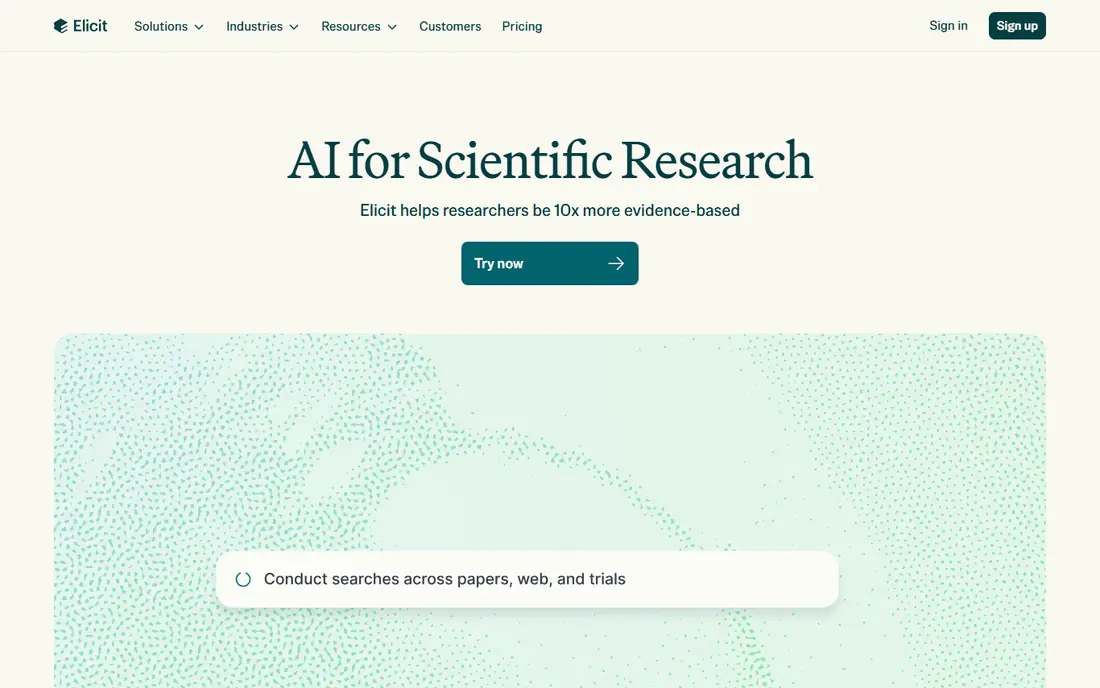
Elicit is the workhorse for literature reviews. You ask a research question, screen papers, and extract the same fields from each one into a table, such as population, method, and main result. That structure saves hours of manual note taking, especially on reviews with dozens of papers.
The catch is verification. Extraction can miss nuance, misread a table, or flatten a careful result into a short phrase. Use Elicit to build the first draft of a review, then open the original papers for any claim that will appear in your final report. For systematic reviews, that habit is not optional, it is the quality control step.
- Structured extraction tables across many papers
- Screening and research agent workflows
- Large academic paper index
- Paid pricing varies by plan and needs a check
- Extraction still needs human review for key claims
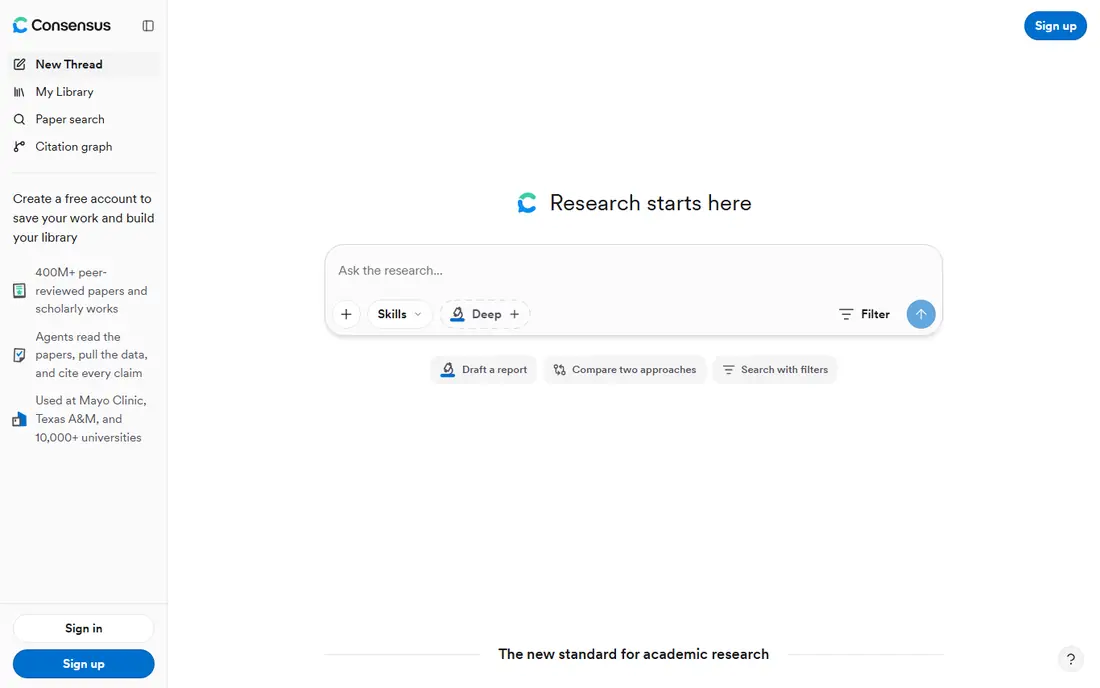
Consensus answers a focused question with evidence, not opinion. Ask whether a treatment helps, whether a method works, or whether an effect holds, and it returns a summary tied to papers, with a meter showing how the top studies lean. That format is useful when you need a fast evidence check before a deeper review.
Broad questions work less well, since the tool needs a clear claim to test. Use Consensus at the start of a project to test a hypothesis, then move to Elicit for full extraction. Check the current free search limit and paid plan before relying on it for a large review, since limits have changed over time.
- Answers grounded in peer reviewed papers
- Evidence meter over top papers
- Study snapshots for quick reading
- Best for focused questions, not broad topic browsing
- Free searches are limited
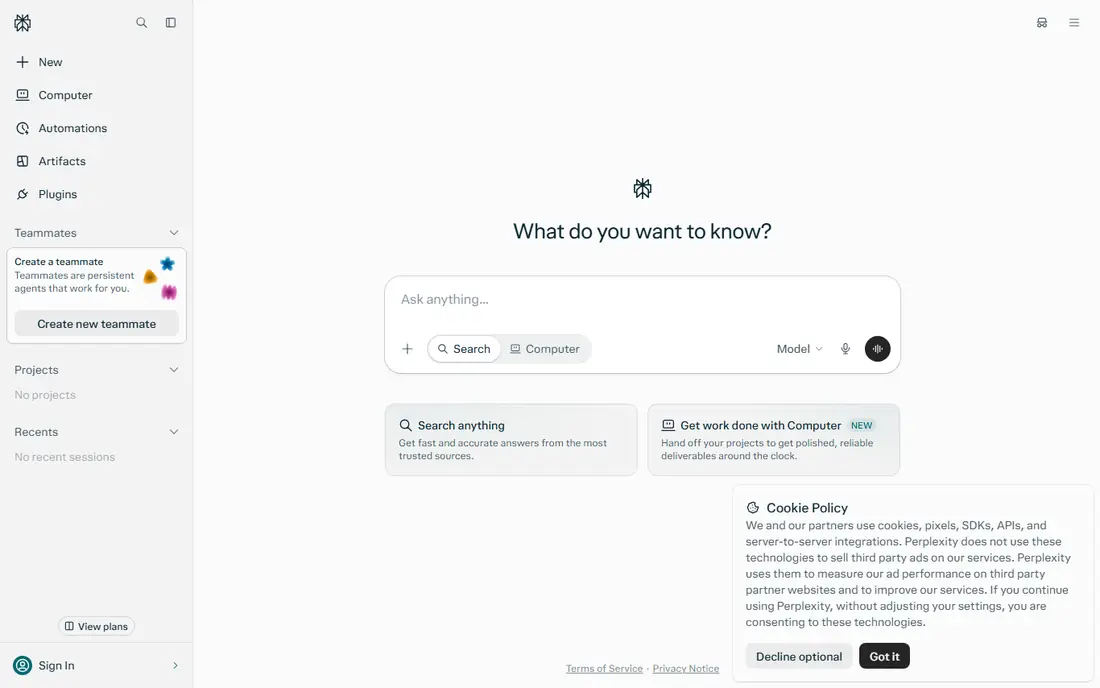
Perplexity is the fastest way to get an orienting answer with sources attached. You can narrow a search to academic papers, ask a follow up, and get a short report with links to check. For market research, policy topics, and cross discipline questions, that speed is hard to beat.
Quality control still falls on you. A linked source may be a blog, a press release, or a weak study, even when the answer reads well. Open the strongest sources, check their methods, and do not cite Perplexity itself in academic work. Cite the original paper or report after you have read it.
- Fast answers with linked sources
- Academic focus mode for papers
- Deep research mode for longer reports
- Web sources vary in quality
- Free Pro searches are limited each day
NotebookLM, from Google, works differently from the search tools above. You load PDFs, docs, and links, then ask questions that it answers from those sources, with citations back to the material. That grounding makes it useful for exam revision, report drafting from a set of sources, and team briefings where everyone should work from the same documents.
It does not find papers for you, so pair it with Semantic Scholar or Elicit for discovery. Also check the source set before trusting a summary. If you load a weak or biased set of sources, the synthesis will reflect that set, even if the writing sounds balanced. Load primary sources first, then add commentary.
- Answers grounded in files you upload
- Audio overviews and study guides
- Free tier is generous for personal projects
- Quality depends on the sources you load
- Not a paper discovery tool on its own
Semantic Scholar remains the best free starting point for academic discovery. It indexes a huge number of papers, shows citation counts and related work, and lets you save papers and set alerts. Students and researchers on a tight budget can build a solid reading list here without paying anything.
AI help is lighter than in paid tools, so expect more manual reading. Use Semantic Scholar to find papers, then move the best ones into Elicit, NotebookLM, or SciSpace for deeper work. That free plus paid mix often beats paying for discovery alone.
- Free search across a very large paper index
- Citation and author pages
- Alerts and library tools
- AI features are lighter than Elicit or Consensus
- No full extraction workflow
Research Rabbit helps you explore a field through citations. Start with one or two seed papers, and it maps papers that cite them, papers they cite, and related work you might have missed. That graph view often surfaces a key paper that a keyword search would miss, especially in a field with varied terminology.
The map is a starting point, not a review. Open the papers, read abstracts, and decide relevance yourself. Research Rabbit is free, so it pairs well with any paid tool on this list, and it is one of the first tools we suggest to students learning how a field fits together.
- Free visual maps of related papers
- Finds papers through citation links
- Easy collections for a project
- No extraction or full AI writing workflow
- Maps need careful reading, not just visual appeal
Scite answers a question other tools often skip: what did later papers actually say about this paper. A citation can support, dispute, or simply mention a result, and Scite classifies that context. That check is valuable before you cite a famous paper that later work may have qualified or overturned.
Price is the main limit. At $20 per month, Scite is a single purpose purchase, so it fits researchers who cite heavily or check claims for publication. Students can use a trial or a library access route where available, and use it on the most important references rather than every paper in a list.
- Shows supporting, mentioning, and disputing citations
- Helps check whether a claim still holds
- Useful for reference checks
- $20 per month for a single purpose tool
- Coverage varies by field
Connected Papers builds a graph of papers linked by co citation to a paper you choose. The result is a visual map of the core literature around a topic, which helps a researcher see clusters, key authors, and gaps. The free tier gives a few graphs each month, which is enough for a small project.
Pick the seed paper with care. A broad or weak seed gives a broad or weak graph, while a strong seminal paper gives a tighter map. Use Connected Papers beside Research Rabbit, since each graph method surfaces slightly different papers, and the overlap is often the core reading list.
- Clear co citation graphs for a seed paper
- Free graphs each month
- Good for finding the core papers in a niche
- Graph quality depends on the seed paper
- No extraction or chat workflow
SciSpace helps readers get through dense papers faster. You can upload a PDF, ask what a method means, request a summary of results, and get explanations in plainer language. For students facing a long methods section, that help can turn a stalled reading session into progress.
Simplification is also the risk. A plain language summary may drop a caveat that changes the result, so check the original text for any finding you plan to cite. Use SciSpace for first reading and for questions, then read the key sections yourself before writing. That order keeps speed without losing accuracy.
- Chat with PDFs and plain language explanations
- Literature review and citation tools
- Good for dense papers
- Explanations can simplify complex methods too far
- Paid features need a plan check
How we picked these
We started with tools that are live in October 2026 and fit a clear research job: discovery, screening, extraction, citation checking, or synthesis from sources. Each tool had to work with real papers or real uploaded sources, not just general chat. We checked vendor pricing pages for entry prices and free tiers, and we used See website where pricing varied by plan or had changed across sources.
We ranked by workflow fit, not by total paper count alone. A huge index with no extraction help is not better than a smaller tool that builds a clean review table. We left out general chatbots with no research workflow, tools that only generate text with no source links, and tools we could not verify as live products.
How to run a research project with these tools
A good stack uses each tool for one job. Use this workflow to avoid paying for five tools that all do the same search.
Start with discovery, not writing
Search Semantic Scholar and Research Rabbit first, and build a reading list from citations, not just keywords. Save papers in a shared library or folder, and note why each paper made the list. That list becomes the source set for every later step, which keeps the project traceable.
Screen and extract in a structured way
Move the shortlist into Elicit, and extract the same fields from each paper. Use Consensus for a fast evidence check on your main question, and Scite to check whether key papers were later disputed. This stage is where most errors creep in, so assign a second reader for important claims where possible.
Synthesise from your own sources
Load the screened papers into NotebookLM, and ask questions that stay tied to those sources. Draft from the extraction table and the source grounded answers, not from a general chatbot summary. Every strong claim in the draft should point to a paper you have opened, not just a tool output.
Verify before you cite
Open the original paper for each citation in your final draft, and check the result, sample, and limits. A tool summary is a finding aid, not a source. This final check takes time, but it is what separates a credible report from a fluent one that falls apart under review.
Frequently asked questions
What is the best AI tool for academic research?
Elicit is the strongest all round pick for academic reviews, because it screens papers and builds extraction tables. Pair it with Consensus for evidence checks and Scite for citation context. For free discovery, start with Semantic Scholar and Research Rabbit before paying for anything.
Is Perplexity good for academic research?
Perplexity is good for fast topic scans and for finding sources across the web and academic papers, but it is not a substitute for a literature review tool. Use it to orient yourself and find leads, then read the original papers and use Elicit or Consensus for structured evidence work. Do not cite Perplexity itself in academic work.
Can I use AI research tools for free?
Yes, for several jobs. Semantic Scholar and Research Rabbit are free, NotebookLM has a free tier, and Elicit, Consensus, Perplexity, Connected Papers, and SciSpace all offer free plans or trials with limits. A student can often complete a small project without paying, and pay only when volume or extraction needs grow.
How do I avoid AI errors in research?
Verify every key claim in the original paper, and treat tool summaries as drafts. Check sample size, method, and limits, and use Scite to see whether later work disputed a result. Keep a source list that links each claim to a paper you opened, and get a second reader for important findings where possible.
What is the difference between Elicit and Consensus?
Elicit is built for screening many papers and extracting structured data into tables, which suits literature reviews. Consensus is built for answering a focused question with an evidence summary over peer reviewed papers, which suits a fast evidence check. Many researchers use Consensus first to test a question, then Elicit to run the full review.
Is NotebookLM better than ChatGPT for research?
NotebookLM is better when you want answers tied only to sources you upload, with citations back to those files. A general chatbot can answer from broader training and web search, but it is harder to trace each claim to a source you chose. For a report that must be verifiable, NotebookLM plus original paper checks is the safer workflow.
Sources we checked (9)

Online Jobs is an independent blog about careers, online work, learning new skills and the tools that help people earn. More about us.
Keep reading
All posts
eBay Alternatives
Looking for ebay alternatives? We compared 9 marketplaces for sellers on fees, buyer reach, categories and ease of listing, to help you sell with confidence.

ZoomInfo Alternatives
The best ZoomInfo alternatives in 2026, compared on price, free plans, data coverage, and which tool fits small teams or large sales teams best in detail.

Zoom Alternatives
Zoom alternatives compared for 2026: Google Meet, Microsoft Teams, Webex, Jitsi and more for free calls, large meetings and webinars for teams and classrooms.