Best AI Tools for Image Creation in 2026: 10 Tools Compared

How we put this together: we compare official feature and pricing pages, app store listings, privacy policies and public user reviews. Prices change, so check the provider's site before you pay.
Key takeaways
- Midjourney leads on artistic quality, while ChatGPT image tools lead on following detailed prompts.
- Adobe Firefly is the safest pick for client work where licensed training data and clear terms matter.
- Ideogram is the best choice when words inside the image must be spelled correctly.
- Leonardo AI and Stable Diffusion suit creators who want control, custom styles and lower ongoing costs.
- Canva Magic Media is best for non designers who need usable images inside documents and social posts.
Quick comparison
| Name | Who it suits | Starting price | Free option | |
|---|---|---|---|---|
 Midjourney Midjourney | Artistic quality | See website | No | Visit |
 ChatGPT Images ChatGPT Images | Prompt accuracy and editing | See website | Yes | Visit |
 Adobe Firefly Adobe Firefly | Commercial safe brand work | See website | Yes | Visit |
 Ideogram Ideogram | Text inside images | See website | Yes | Visit |
 Leonardo AI Leonardo AI | Control and custom models | See website | Yes | Visit |
 Google Imagen Google Imagen | Photorealism in Google apps | See website | Yes | Visit |
 Flux Flux | Realistic detail and control | See website | Yes | Visit |
 Stable Diffusion Stable Diffusion | Local control and privacy | See website | Yes | Visit |
 Recraft Recraft | Vectors and brand assets | See website | Yes | Visit |
 Canva Magic Media Canva Magic Media | Everyday design content | See website | Yes | Visit |
The best AI tools for image creation
Image generators differ more than their homepages suggest. Some excel at beauty, others at accuracy, text or commercial safety, so the best tool depends on the image you need and where it will be published.
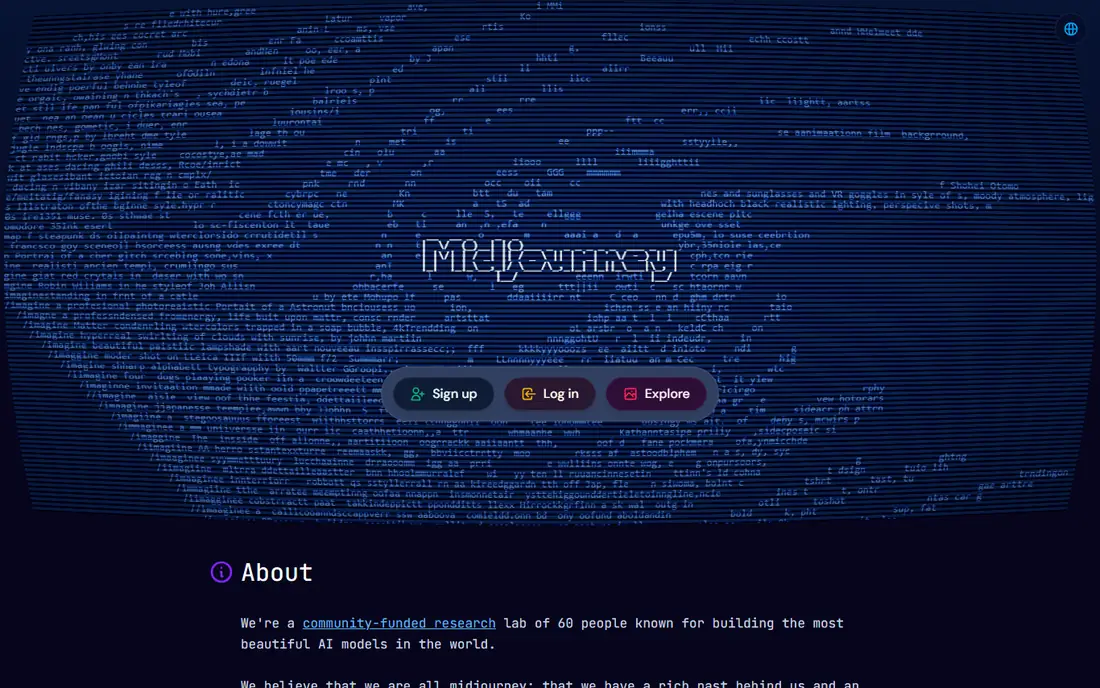
Midjourney remains the reference for images that need to look striking. Concept art, editorial illustrations and moodboards often come out with a polished, cinematic feel that is hard to match with a generic generator. The web app has made it easier to use than the early Discord only workflow, and style controls help you keep a consistent look across a set.
The limits are cost and literal accuracy. There is no free tier, so you pay to test it, and detailed briefs with many objects or exact text may drift from your prompt. Lower plans also keep images public, so client work may need a higher tier for privacy. If beauty matters most, Midjourney is our pick.
- Distinctive artistic look
- Strong style control
- Active community and web app
- No free tier
- Less literal on complex briefs than chat based tools
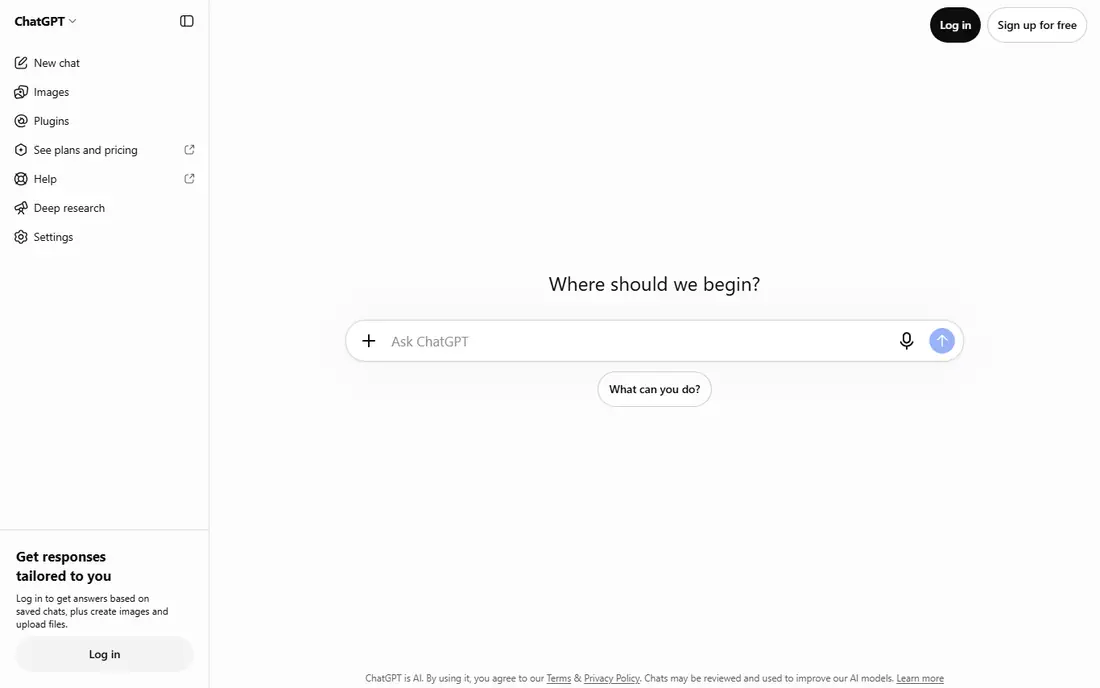
ChatGPT image generation suits people who think in words rather than style settings. You can describe a scene, ask for changes in plain language, and refine the result in the same chat. That makes it strong for blog heroes, product mockups and social posts where the brief matters more than a highly artistic finish.
The trade-off is distinctiveness. Images can look clean but generic, and heavy users will hit free limits quickly. Paid plans raise limits and add features, but the tool is still a general assistant rather than a specialist art studio. If you already use ChatGPT daily, this is the easiest image tool to start with.
- Follows complex prompts well
- Easy chat based edits
- Useful for social and blog images
- Artistic style can feel generic
- Higher limits need a paid plan
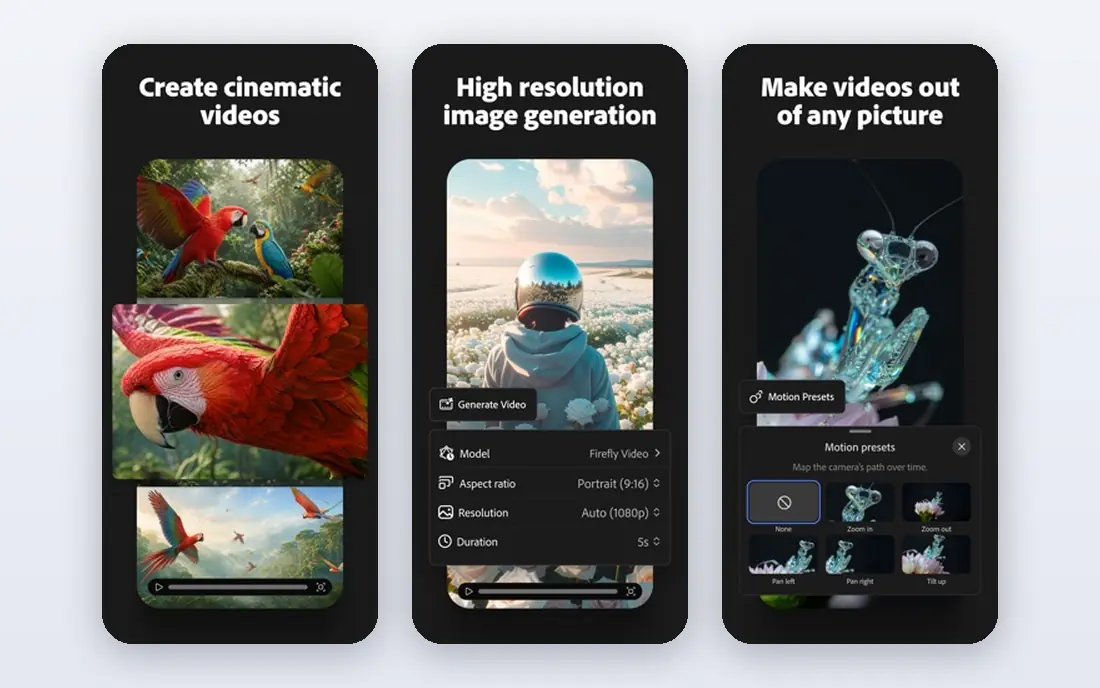
Adobe Firefly is the pick for teams that publish client work. Its training approach focuses on licensed content, and integration with Photoshop and Express means you can generate, edit and finish an image without leaving Adobe apps. Content credentials also help teams document how an asset was created.
Free generations are limited, and credits in some plans are shared with video and audio tools, so image only users should check the plan details. The artistic range is also more controlled than Midjourney, which suits brand work but may feel less adventurous for personal art. For commercial safety, Firefly leads this list.
- Licensed training approach
- Photoshop and Express integration
- Content credentials
- Credits shared across Adobe tools
- Style range is narrower than Midjourney
Ideogram solves a common frustration: words inside AI images that are misspelled or garbled. Posters, thumbnails, logos and social graphics with short phrases often come out readable here, which saves editing time. The prompt workflow is simple, and the free tier lets you test text accuracy on your own phrases.
For pure art, Ideogram is less striking than Midjourney, and free plan privacy terms should be checked before client work. Paid plans add privacy and higher limits. If your images need accurate text, start with Ideogram and use another tool only for art led work.
- Reliable text rendering
- Good for posters and logos
- Simple prompt workflow
- Artistic flair trails Midjourney
- Free images may be public
Leonardo AI balances quality, control and cost. Creators can use preset models, train custom styles and adjust settings for game assets, product mockups and character art. The free allowance makes it practical for regular use without a subscription, and paid plans add tokens and privacy.
The token system can confuse new users, since different models use credits at different rates. That makes cost planning less simple than a flat plan. Still, for creators who want control without paying Midjourney prices from day one, Leonardo AI is a strong choice.
- Useful free daily allowance
- Custom models and fine controls
- Good for game and product art
- Token system varies by model
- Free images may be public
Google Imagen, reached through Gemini and Google apps, excels at photorealistic images. Portraits, product shots and everyday scenes often look natural, with good lighting and detail. Access through a Google account makes it easy to try, and paid Google plans raise limits for heavier use.
Specialist controls for style, custom models and brand assets are less deep than Leonardo AI or Midjourney. That is fine for blog, social and presentation images, but less ideal for a studio with a fixed house style. If you already use Google apps, Imagen is a convenient and capable pick.
- Realistic photos and people
- Easy access through Gemini
- Good prompt understanding
- Full limits and features depend on Google plan
- Style control is less deep than specialist tools
Flux is known for realistic detail and for giving developers and advanced creators more control. Images often show fine texture, natural light and readable short text, which helps product and portrait work. Open weights and API options also let teams build Flux into their own tools.
That flexibility comes with complexity. Prices and access vary by host, and self hosting needs technical setup. Casual users may prefer a simple app like ChatGPT or Canva. For teams that want realism plus control, Flux is worth serious consideration.
- Strong realism and detail
- Flexible hosting options
- Good text rendering for a realistic model
- Pricing varies by host
- Setup can be complex for non technical users
Stable Diffusion is the open option in this list. You can run models locally, fine tune styles and keep images on your own machine, which suits privacy sensitive work and creators who want total control. Community models cover many styles, from photorealism to illustration.
The learning curve is real. Local setup needs capable hardware, and hosted versions vary in price and features. Results also depend heavily on model choice and settings, so beginners may need time to get consistent quality. If control and privacy matter most, Stable Diffusion is the pick.
- Local generation option
- Full control over models
- No ongoing cost if self hosted
- Needs capable hardware or a hosted service
- Learning curve is steeper
Recraft stands out because it produces vectors, not just flat images. Icons, illustrations and logo concepts can be edited after generation, which saves time for designers who need scalable assets. Brand tools help keep colours and styles consistent across a set.
Photorealistic photos are not its strength, so product photography and portraits belong elsewhere. Paid plans add more brand features and higher limits. If your work is graphic design rather than photography, Recraft fills a gap the other tools leave open.
- Editable vector output
- Good for icons and illustrations
- Brand set tools
- Photorealism trails leaders
- Higher tiers needed for full brand features
Canva Magic Media is best for people who need an image inside a finished design, not an art project on its own. You can generate an image, drop it into a social post, presentation or flyer, and edit text and layout in the same workspace. That speed matters for small teams and solo creators.
Specialist quality and control are lower than Midjourney, Ideogram or Leonardo AI, and free AI uses are limited. Paid Canva plans raise limits and add brand tools. If you already design in Canva, Magic Media is the most practical image tool in this list.
- Images inside a full design tool
- Templates and editing in one place
- Easy for non designers
- Image quality trails specialist generators
- AI uses are limited on free plan
How we picked these
We compared official feature pages, pricing pages, app store listings, privacy policies and public reviews for each tool. We looked at image quality, prompt accuracy, text rendering, editing controls, commercial terms and price. We did not claim hands-on lab testing, and we treated third party rankings as a guide rather than proof.
We also weighed commercial safety and privacy, since those decide whether an image can be published for a client. A beautiful image with unclear terms is less useful for brand work than a slightly plainer image with clear licensed training and usage rights. Prices shown as See website reflect plan and regional differences, so confirm the current figure on the official page.
How to choose for your work
Match the tool to the image type first. Use Midjourney for art led work, Ideogram for text led graphics, Firefly for client brand work, and ChatGPT or Canva for fast everyday content. Use Leonardo AI, Flux or Stable Diffusion when you need a consistent custom style or local control.
Test with a real brief, not a generic prompt. Generate the same poster, product shot or hero image on two tools, then check spelling, hands, faces, background detail and how much editing each result needs. Also check usage terms for commercial work, privacy for unpublished concepts, and whether you can keep the source file or vector version for later edits.
Prompt tips that help every tool
Write the subject, setting and style in short clear phrases, and put the most important detail first. Name the text exactly if words appear in the image, and use quotes around short phrases where the tool supports them. Generate a few variations, pick the closest result, and edit that one rather than starting over each time.
Commercial use checks
Read the licence for your plan before publishing client work. Check whether free images are public, whether paid images include commercial rights, and whether there are limits for large companies or trademarked content. Keep a note of the tool and plan used for each final image, so you can answer client questions later.
Frequently asked questions
What is the best ai image generator app for beginners?
Canva Magic Media and ChatGPT Images are the easiest starting points for beginners, because they use simple prompts and sit inside tools many people already use. Leonardo AI is the next step when you want more control and a useful free allowance. Try a real project brief on each before you pay.
Which tool is best for ai art?
Midjourney is the best pick for artistic quality in this list, with a distinctive look for concept art, illustration and moodboards. Leonardo AI and Flux are strong alternatives when you want more control or realism. For client brand work, Adobe Firefly is safer even if the style is more controlled.
What are the best ai apps for ai art with text?
Ideogram is the clear leader for readable text in posters, logos and thumbnails. ChatGPT Images and Flux also handle short phrases well, but Ideogram is more consistent on longer words and layouts. Always proofread generated text at full size before publishing.
Is there a best ai photo generator app for realistic images?
Google Imagen and Flux are strong picks for realistic photos, with natural light and detail. ChatGPT Images also produces clean realistic scenes for blog and social use. For full control and privacy, Stable Diffusion with a photorealistic model is another route, though setup takes more effort.
Can I use AI images commercially?
Often yes on paid plans, but terms differ by tool and plan. Adobe Firefly focuses on licensed training data for commercial use, while other tools add commercial rights on paid tiers and keep free images public. Read the licence for your exact plan before using an image for a client or product.
What is the best ai app to create images for social media?
Canva Magic Media is best if you need the finished post as well as the image, while ChatGPT Images is best for quick standalone images from a chat prompt. Ideogram suits social graphics with text, and Leonardo AI suits creators who post art regularly and want a free daily allowance.
Sources we checked (10)

Online Jobs is an independent blog about careers, online work, learning new skills and the tools that help people earn. More about us.
Keep reading
All posts
Surfshark Alternatives
Looking for Surfshark alternatives? We compare 8 VPN services on price, privacy, streaming, and device limits to help you find a VPN that fits your needs.
Spotify Alternatives
Looking for Spotify alternatives? We compare 8 music services on price, sound quality, free tiers, and catalogs to help you find a good alternative to Spotify.
NordPass Alternatives
We compared NordPass alternatives for families, solo users and teams, checking pricing, free plans, passkeys and sharing, so you can switch safely today.