Best AI Generator App in 2026: 8 Apps Compared

How we put this together: we compare official feature and pricing pages, app store listings, privacy policies and public user reviews. Prices change, so check the provider's site before you pay.
Key takeaways
- Midjourney remains the pick for artistic, cinematic images, though it has no free tier.
- ChatGPT and Gemini suit everyday users who already use a chat app and want image generation built in.
- Adobe Firefly suits commercial work where licensing safety and Photoshop integration matter.
- Ideogram is the strongest pick when an image must contain readable text, such as a poster or logo.
- Leonardo AI, Recraft, and Canva suit game art, vectors, and quick social graphics at lower cost.
Quick comparison
| Name | Who it suits | Starting price | Free option | |
|---|---|---|---|---|
 Midjourney | Artistic and cinematic images | $10 per month | No | Visit |
 ChatGPT | Everyday image generation in a chat app | Free | Yes | Visit |
 Gemini | Free photoreal images and editing | Free | Yes | Visit |
 Adobe Firefly | Commercial-safe images in Adobe tools | Free | Yes | Visit |
 Leonardo AI | Game art and design assets | Free | Yes | Visit |
 Ideogram | Posters, logos, and readable text | Free | Yes | Visit |
 Recraft | Vectors, icons, and brand graphics | Free | Yes | Visit |
 Canva Magic Media | Quick graphics inside Canva designs | Free | Yes | Visit |
The best ai generator apps
AI image apps now differ less on raw quality and more on fit. Some are best for art, some for readable text, some for vectors, and some for images inside a design tool you already use. The eight apps below cover those jobs, and most offer a free tier to test before paying.
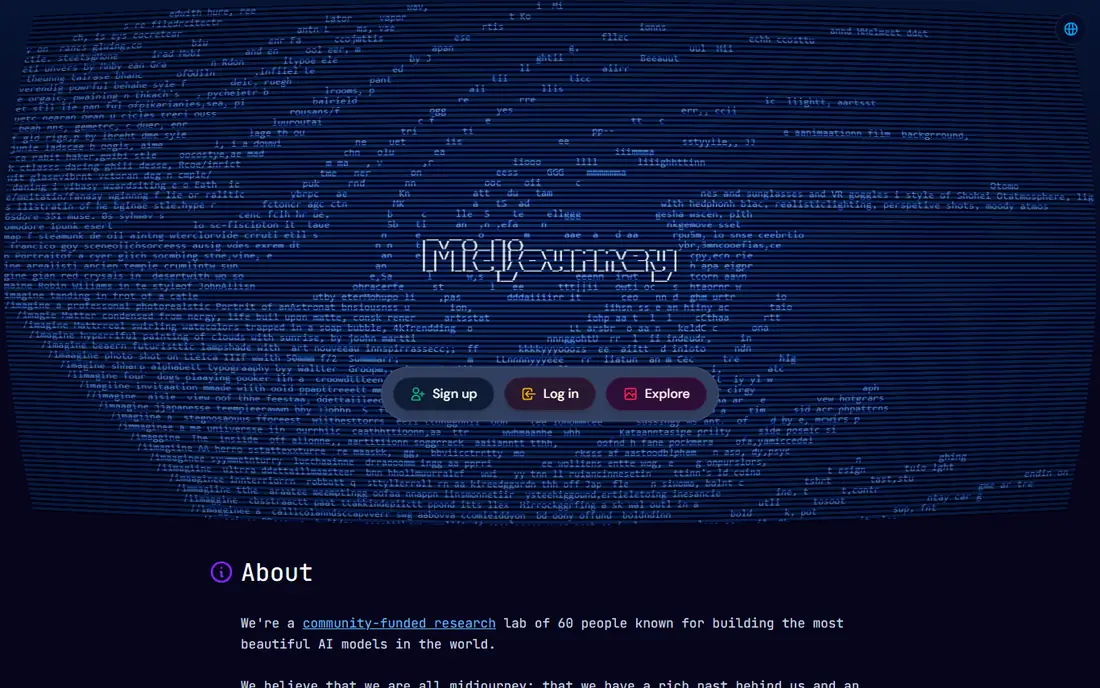
Midjourney is still the benchmark when the look of the image matters most. Its outputs have a polished, cinematic feel that suits concept art, book covers, moodboards, and stylized brand imagery. Style references and variation tools help you steer a series of images toward one consistent look.
The web app makes it far easier to start than in the early Discord-only days. You can prompt, vary, and upscale in a browser, which lowers the barrier for new users who were put off by chat commands.
The trade is cost and text. There is no free tier, with published plans starting at 10 dollars per month, and text inside images is often misspelled. If you need posters with exact wording, pair Midjourney with Ideogram or use ChatGPT for the text-heavy work.
- Strong aesthetic quality and style control
- Web app no longer needs Discord
- Good for moodboards and illustration
- No free tier
- Weaker at accurate text in images
- Prompt following is less literal than some rivals
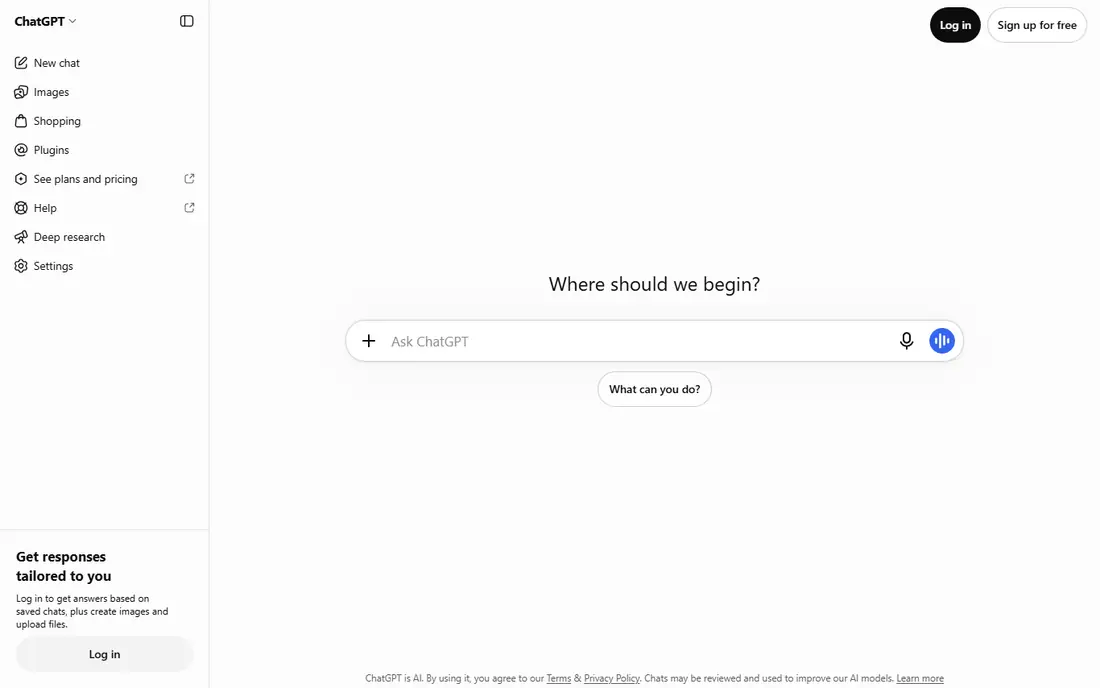
ChatGPT is the most convenient image generator for most people, because image creation sits inside the chat app many already use. You describe an image, ask for changes in plain language, and refine it through conversation rather than learning a new interface. Recent models also handle text inside images far better than older generators.
That convenience suits social posts, slide visuals, product mockups, and quick illustrations. You can also use the same app for writing, brainstorming, and research, which keeps your workflow in one place.
Free use is limited, and heavy creators will hit caps or need a paid plan. For pure art and style exploration, Midjourney still leads. For everyday images with correct wording, ChatGPT is hard to beat for simplicity.
- Image generation built into a familiar chat app
- Strong text accuracy in recent models
- Easy editing by conversation
- Free use has limits
- Style control is less deep than Midjourney
- Paid plan needed for heavy use
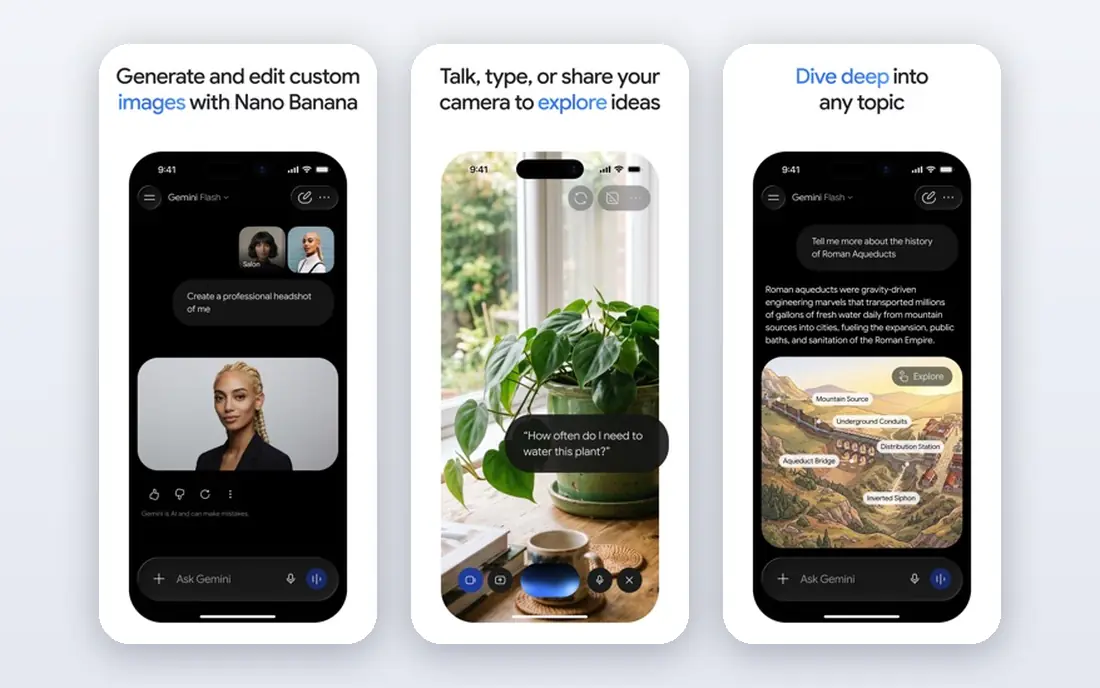
Gemini, through Google, has become one of the best free image generators. Its image models produce photorealistic scenes, handle edits such as changing lighting or removing an object, and keep a character looking consistent across images better than many rivals. For a free app, that combination is impressive.
The chat interface makes it approachable. You upload a photo, describe the change, and get a revised image without Photoshop skills. That suits product shots, social content, and personal projects where speed matters more than fine art control.
Gemini is less of a dedicated art studio than Midjourney, and some advanced features sit behind paid Google AI plans. If your main need is good, free, everyday images, start here before paying for anything else.
- Generous free image generation
- Strong photorealism and character consistency
- Editing by plain-language prompts
- Paid plans needed for highest-volume or pro features
- Style range is narrower than Midjourney for pure art
Adobe Firefly suits professionals who must be careful about licensing. Adobe positions Firefly as commercially safe, with indemnity on paid plans in many cases, which matters for client work, marketing, and published content. Integration with Photoshop and Express means you can generate, fill, and extend images inside tools you already use.
The free tier gives credits to test the system, and paid plans add more generations and higher resolution. For designers, marketers, and small businesses, that workflow can be faster than moving images between separate apps.
Firefly images can feel more restrained than Midjourney art, and free credits run out quickly for heavy users. If licensing safety is a priority, that trade is worth it. If pure art is the goal, Midjourney will feel freer.
- Trained with commercial safety in mind
- Integrates with Photoshop and Express
- Free credits to start
- Paid plans needed for high volume
- Artistic range is more restrained than Midjourney
Leonardo AI is popular with game developers, illustrators, and creators who need consistent characters, environments, and assets. The platform offers models tuned for different styles, plus tools for upscaling, editing, and training custom styles on your own references.
Free daily credits make it easy to test without a subscription. You can generate a set of character concepts, try a style, and see whether the output fits your project before paying. The community gallery also gives ideas for prompts and styles.
The number of settings can overwhelm a first-time user. Start with a preset model and a simple prompt, then explore advanced controls only when you need them. For game and fantasy art, Leonardo is a strong free-first choice.
- Free daily credits
- Fine-tuned models for game and fantasy art
- Good for characters and environments
- Interface has many options for beginners
- Paid plans needed for high-volume work
Ideogram solves the problem that frustrates many image users: text. Where other generators misspell words or garble letters, Ideogram renders posters, signs, logos, and social graphics with readable wording far more reliably. That single strength makes it essential for marketing graphics.
The interface is simple. Type a prompt, describe the text you need, pick a style, and generate. For small businesses, event posters, and social posts, that speed matters more than deep art controls.
Ideogram is not the best pick for pure fine art or photoreal portraits. Use it when words must be correct, and use Midjourney or Gemini when the image itself is the star.
- Best-in-class readable text inside images
- Good for posters, memes, and logos
- Free tier to test
- Artistic depth is less than Midjourney
- Paid plans needed for higher volume and faster generation
Recraft fills a gap most image generators ignore: vectors. Instead of a flat raster image, you can generate icons, illustrations, and brand graphics that scale cleanly and can be edited as shapes. That matters for logos, UI art, product icons, and print work.
Brand teams can build a consistent set of illustrations in one style, which is hard to do with a general photo generator. The tool also supports raster images, but vectors are where it stands out.
For photoreal scenes, Gemini or ChatGPT will do better. For a logo set, an icon library, or a matching illustration style, Recraft is the more practical pick.
- Generates editable vector graphics, icons, and illustrations
- Good for brand sets
- Free tier available
- Less suited to photoreal images
- Paid plans needed for higher volume
Canva Magic Media suits non-designers who already make social posts, presentations, and flyers in Canva. You prompt for an image, and it drops straight into your design, where you can add text, a logo, and a layout without exporting between apps.
That workflow is the main advantage. A small business owner can make a social graphic in minutes, without learning Midjourney or Photoshop. Free Canva includes limited Magic Media use, with more on paid plans.
Control is limited compared with dedicated generators, and free generation caps mean heavy users will need a paid plan. For quick, on-brand graphics, Canva is the fastest path. For art or complex images, use a dedicated app and import the result.
- Image generation inside Canva projects
- No new tool to learn
- Easy to add text, layouts, and branding
- Generation limits on free plan
- Less control than dedicated image apps
- Output quality varies by prompt
How we picked these
We compared official feature pages, pricing pages, app store listings, and public reviews for image generators still available in October 2026. We favored apps with a working free tier or a clear paid entry point, distinct strengths, and an official homepage. We left out apps that had shut down, apps with no clear homepage, and models that only worked through a developer API with no consumer app.
What to look for before you choose
Start with the job. If the image needs exact text, pick Ideogram. If it needs to scale as a logo or icon, pick Recraft. If it needs a cinematic look, pick Midjourney. If it just needs to be good and fast, ChatGPT or Gemini will cover most everyday work.
Check licensing before client work. Some apps offer commercial safety or indemnity on paid plans, while free tiers may have different terms. Read the vendor terms for your planned use, especially for ads, packaging, and resale.
Finally, test with the same prompt in two apps. Quality, style, and text accuracy differ enough that a five-minute comparison can save a subscription you do not need. Most apps here offer free use, so there is little reason to pay before testing.
Frequently asked questions
What is the best ai image generator app overall?
Midjourney leads for artistic quality, while ChatGPT leads for everyday convenience and text accuracy. Gemini is the strongest free option for photoreal images, so the best pick depends on whether you value art, convenience, or cost most.
What is the best free ai picture app?
Gemini offers generous free image generation with strong photorealism, and ChatGPT offers free image generation inside a chat app. Leonardo AI and Ideogram also offer free tiers for game art and text-heavy graphics.
What is the best ai app generator for logos?
Recraft suits logos and icons because it generates editable vectors that scale cleanly. Ideogram suits logo concepts with readable text, and Canva suits quick logo layouts inside a design project.
Which ai generator app is best for text in images?
Ideogram is the strongest pick for readable text in posters, signs, and social graphics. ChatGPT also handles text well in recent models, while Midjourney remains weaker at exact wording.
Can I use AI images commercially?
It depends on the app and plan. Adobe Firefly is positioned for commercial safety, and many paid plans include commercial use rights. Always check the vendor terms for your plan before using images in ads or products for sale.
What is the best ai image generator app for beginners?
ChatGPT and Canva Magic Media are the easiest starts, because they use plain prompts inside familiar tools. Gemini is also beginner-friendly, with free generation and simple editing by description.
Sources we checked (8)

Online Jobs is an independent blog about careers, online work, learning new skills and the tools that help people earn. More about us.
Keep reading
All posts
Best AI Tools for Image Creation
Looking for the best ai tool for image creation? We compared 10 image generators on quality, text accuracy, commercial terms and price to help you pick.

n8n Alternatives
n8n alternatives compared for 2026, with Zapier, Make, Activepieces, and more, covering visual builders, code steps, self-hosting, and pricing models.

eBay Alternatives
Looking for ebay alternatives? We compared 9 marketplaces for sellers on fees, buyer reach, categories and ease of listing, to help you sell with confidence.