Best AI Tool for Documentation in 2026: 8 Tools Compared

How we put this together: we compare official feature and pricing pages, app store listings, privacy policies and public user reviews. Prices change, so check the provider's site before you pay.
Key takeaways
- Mintlify, GitBook, and ReadMe lead for polished public docs, but their AI features sit on different tiers and at different prices.
- Fern and Theneo suit teams that want docs generated from a spec, rather than pages written and maintained by hand.
- Swimm and Archbee fit internal or mixed audiences, where code context or simple editing matters more than a public developer portal.
- AI answers need a clear allowance, because credit limits, answer caps, and add-on fees decide the real monthly cost.
- A free plan is useful for a trial, but check editor seats, custom domains, and AI access before you publish a production site.
Quick comparison
| Name | Who it suits | Starting price | Free option | |
|---|---|---|---|---|
 Mintlify | Polished docs-as-code sites | $450 per month | Yes | Visit |
 GitBook | Team-friendly hosted docs | $65 per site per month plus $12 per user | Yes | Visit |
 ReadMe | Interactive API developer hubs | $250 per month | Yes | Visit |
 Fern | Docs and SDKs from one spec | See website | Yes | Visit |
 Swimm | Code-coupled internal docs | $29 per user per month | Yes | Visit |
 Document360 | Support-led knowledge bases | See website | No | Visit |
 Archbee | Knowledge portals for mixed audiences | $80 per month | No | Visit |
 Theneo | AI-generated API portals | $120 per workspace per month | Yes | Visit |
The best AI tools for documentation
Documentation tools with AI features now do more than host pages. They answer reader questions from your docs, suggest edits, generate drafts from code or specs, and surface the pages readers cannot find. The tools below differ in who edits, who reads, and how AI use is charged, so the right pick follows your audience first.
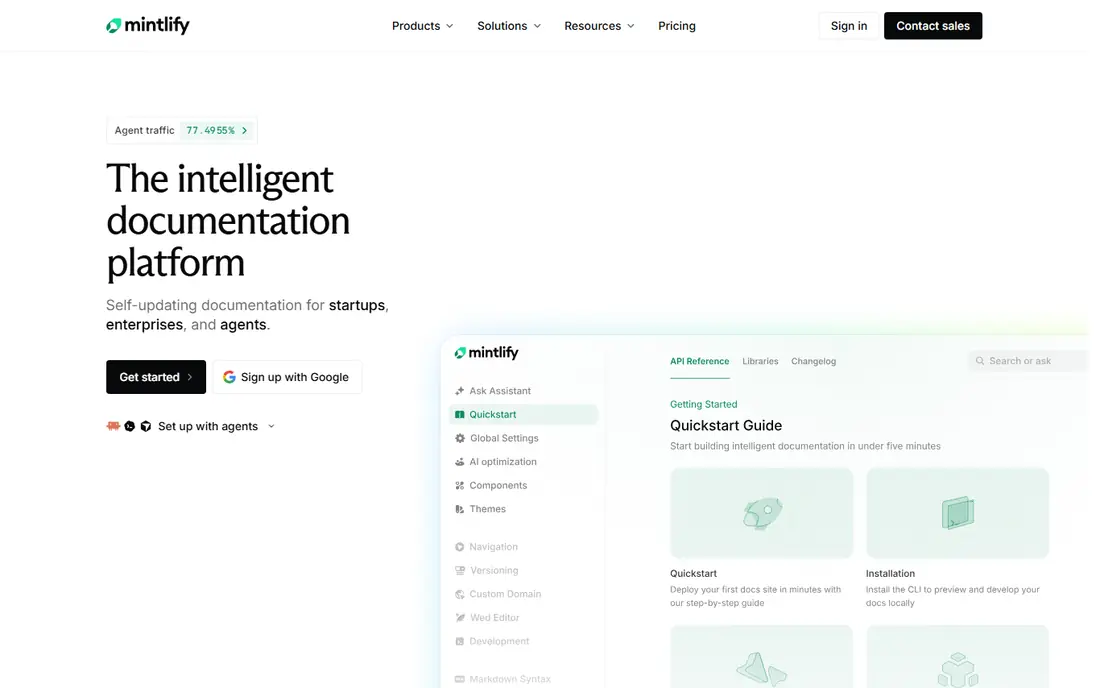
Mintlify suits teams that write docs in Markdown and keep them in Git. Editors work in files, previews update fast, and the published site looks polished without custom design work. That workflow fits developer-led products where docs live beside code and pull requests review content changes. The cost question is AI access. The free starter plan covers a site and several editors but not AI features, and the Pro plan that adds the assistant is priced at $450 per month in recent comparisons. If reader AI is the main reason for switching, confirm the included answer allowance and the price of extra credits before you migrate.
- Clean design, Git-based editing, and built-in AI assistant features on paid plans
- AI features jump to a high price tier, and small teams may outgrow the free plan quickly
GitBook works well when writers outnumber engineers. The visual editor lets product managers and support staff edit pages without learning Markdown, while Git sync keeps a versioned copy for engineers who prefer files. Search, navigation, and permissions cover the needs of a growing team without a custom build. Pricing needs a worked example for your real team. A single site at $65 per month plus $12 per user per month adds up as editors join, and AI assistant features sit on a higher tier. Model the cost at your current headcount and at the headcount you expect in six months, then compare that total with a flat-rate option.
- Visual editor, Git sync, and a mix of technical and non-technical editing
- Pricing has two dimensions at once, sites plus users, which makes comparison harder
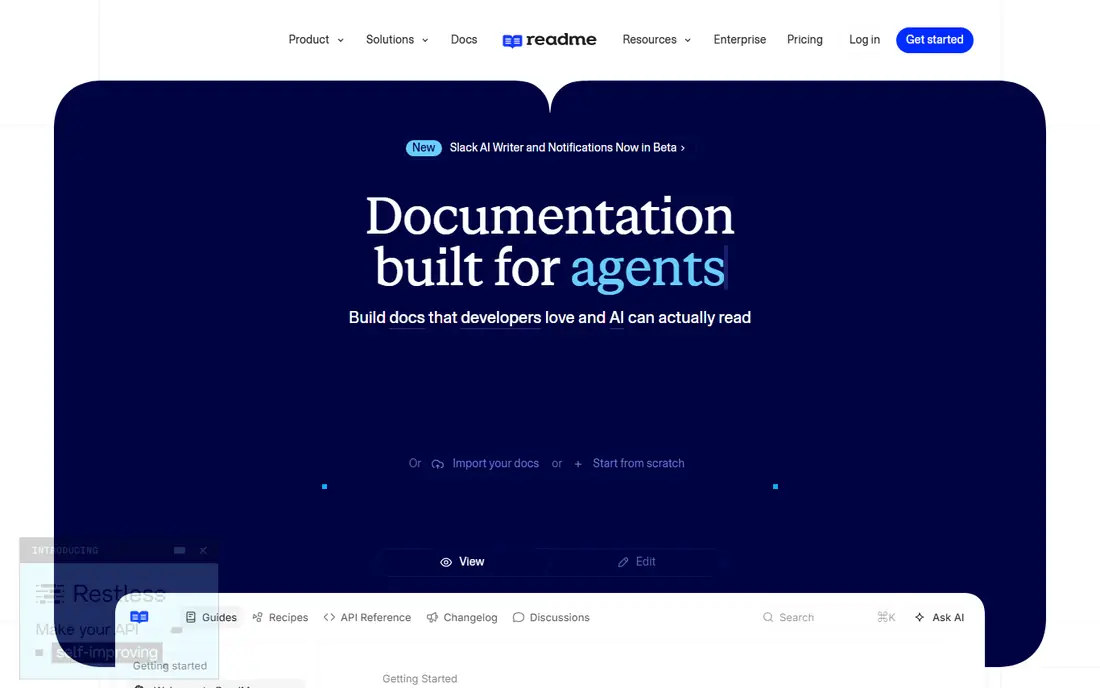
ReadMe is built for API-first products that need more than reference pages. Guides explain use cases, the API explorer lets developers try calls from the docs, and analytics show which endpoints and pages readers use. That combination helps a team learn where developers get stuck and which guides need a rewrite. The entry price is higher than a general wiki tool, and the full Ask AI feature has been listed as an add-on in recent comparisons. That structure suits a product with a clear developer audience and a budget for a developer portal. For internal docs or a simple help centre, a cheaper general tool may be a better fit.
- Strong interactive API reference, guides, and reader analytics
- Higher entry price, and full AI answers are a paid add-on
Fern takes a spec-first angle. You define the API once, and Fern generates a docs site plus SDKs, which keeps code samples and reference pages in step with the API itself. That reduces the drift that happens when docs are written by hand and the API changes in a later release. The free plan is useful for testing the workflow, and recent comparisons note AI credits on the free tier. Fern is less useful for a company whose docs are mostly guides, tutorials, and support articles with no API at the centre. Choose it when the API definition is the source of truth for your product.
- Generates docs and client libraries from an API definition
- Best fit is API products, not general product documentation
Swimm addresses a common internal problem, which is docs that go stale when code changes. By linking docs to code, it flags pages that may need attention after a change, and it keeps internal knowledge closer to the work itself. That approach suits engineering teams that onboard new developers and need reliable internal guides. It is not a direct replacement for a public docs site. The design and reader features are geared to internal use, and teams that need a branded public portal will likely pair Swimm with a public tool or choose a public-first platform instead. Use it where internal accuracy matters most.
- Docs linked to code, so outdated pages are easier to spot
- Focus on internal docs, not polished public developer portals
Document360 fits organisations where support owns the content and approval matters. Editors can draft, review, and publish through a workflow, and the knowledge base structure separates public help articles from internal notes. That governance helps larger teams avoid publishing unreviewed changes. The drawback is price transparency. Recent comparisons list Document360 pricing as quote-only, with AI search and answer features priced through that quote. That makes it hard to compare on a spreadsheet alone. Request a written quote that names AI allowances, editor seats, and knowledge base limits before you judge value.
- Approval workflows, versioning, and knowledge base structure for support teams
- Pricing is quote-based in recent listings, so comparison needs a sales conversation
Archbee suits a team that needs one portal for several audiences. Product docs, internal wikis, and onboarding guides can live in the same system, and the editor is accessible to non-technical staff. That breadth helps a small company avoid running three separate tools for docs, help, and internal notes. The entry price of $80 per month in recent comparisons is modest for a team tool, but there is no permanent free plan, so the trial period matters. Use the trial to test search quality, permissions, and AI answers on your real content, since those features decide whether a mixed portal stays useful as it grows.
- Simple editing for docs, wikis, and internal portals in one place
- No permanent free plan, and AI features vary by plan
Theneo appeals to teams that already have an API spec but no docs site. It generates a portal from the spec, which gives developers a starting point far faster than writing every endpoint page by hand. Recent comparisons note AI included in flat workspace tiers rather than metered by credit, which makes budgeting simpler for a predictable workload. Generated content still needs human review. Endpoint descriptions, examples, and guides should be checked for accuracy, tone, and missing context before publication. Theneo works best as a draft generator plus a publishing platform, not as a tool that can be left to publish without oversight.
- Fast first drafts from an existing API spec, with AI included in flat tiers in recent listings
- Generated docs still need review, and workspace limits need checking
How we picked these
We compared official feature pages, pricing pages, app listings, privacy policies, and public reviews for tools that offer AI features for documentation, not just static hosting. We looked for a real AI function, such as reader chat, AI search, draft generation, or code-linked updates, and for a pricing model we could describe without inventing figures. We also checked whether a free plan or trial let a team test the tool on real content. We did not run hands-on tests for this guide, and we did not claim accuracy scores for AI answers. AI output should be reviewed, especially for API details, code samples, and pricing claims. Where pricing sources disagreed, we used See website and noted the tier structure, so readers check the vendor page before buying.
Choosing the right AI documentation tool
Start with the reader, not the AI feature list. A public developer portal needs an interactive reference, search, and analytics. An internal wiki needs permissions, code links, and simple editing. A support knowledge base needs approval workflows and clear article structure. Matching the tool to the reader avoids paying for a developer portal when a wiki would do. Next, price AI on your real usage. Ask how many reader questions you expect each month, how many editors will work in the tool, and whether AI answers are included, capped, or sold as an add-on. A flat tier looks cheaper at low volume and can become costly at high volume, while a credit model does the reverse. Finally, test AI answers on your hardest pages, such as authentication, error handling, and rate limits, because those are the pages where a wrong answer costs trust.
Frequently asked questions
What is the best rated software documentation AI?
There is no single rated winner that fits every team, because ratings reflect different audiences. Mintlify and GitBook rate well for polished hosted docs, while Fern rates well for spec-driven API docs. Compare tools on your audience, your editing workflow, and your AI budget, rather than on a single review score alone.
What are the top AI tools for software documentation?
The top tools in this guide include Mintlify, GitBook, ReadMe, Fern, Swimm, Document360, Archbee, and Theneo. Each covers a different mix of public docs, internal docs, API reference, and AI answers. Shortlist two tools that match your reader type, then trial both on the same set of pages.
What is the best AI documentation software for a small team?
A small team should favour a tool with a free plan, simple editing, and a clear AI allowance. GitBook and Mintlify both offer free plans, while Archbee offers a modest entry price. Test editor seats and AI access on the free or trial tier, and confirm the cost at your next headcount before you commit.
What is the best AI documentation platform for API docs?
ReadMe, Fern, and Theneo are strong for API docs, because they centre the API reference and generated content. ReadMe suits guide-heavy portals, Fern suits spec-driven SDK generation, and Theneo suits fast generation from an existing spec. Check whether interactive try-it features and code samples match your API style.
How much does AI documentation software cost?
Costs range from free plans with limits to $450 per month for Mintlify Pro and $250 per month for ReadMe Pro in recent comparisons, with other tools priced per site, per user, or per workspace. AI answers can add credits or add-on fees, so ask for the total at your expected volume. Always confirm the current price on the vendor site before purchase.
Sources we checked (8)

Online Jobs is an independent blog about careers, online work, learning new skills and the tools that help people earn. More about us.
Keep reading
All posts
n8n Alternatives
n8n alternatives compared for 2026, with Zapier, Make, Activepieces, and more, covering visual builders, code steps, self-hosting, and pricing models.

eBay Alternatives
Looking for ebay alternatives? We compared 9 marketplaces for sellers on fees, buyer reach, categories and ease of listing, to help you sell with confidence.

ZoomInfo Alternatives
The best ZoomInfo alternatives in 2026, compared on price, free plans, data coverage, and which tool fits small teams or large sales teams best in detail.