Best AI Software Builder in 2026: 8 Tools Compared

How we put this together: we compare official feature and pricing pages, app store listings, privacy policies and public user reviews. Prices change, so check the provider's site before you pay.
Key takeaways
- Lovable and Bolt are the easiest starting points for non coders who want a working web app from a written prompt.
- Replit and v0 suit builders who want hosting and deployment in the same place, while Cursor suits developers who want AI help inside a real editor.
- Bubble and Softr are better when you need visual logic, databases and user accounts without writing much code.
- Credit and token limits matter more than headline prices, so check how much building and fixing you get each month before you commit.
Quick comparison
| Name | Who it suits | Starting price | Free option | |
|---|---|---|---|---|
 Lovable Lovable | Polished apps from prompts | $25 per month | Yes | Visit |
 Bolt Bolt | Fast full stack prototypes | $25 per month | Yes | Visit |
 Replit Replit | Build and host in one place | $20 per month | Yes | Visit |
 v0 v0 | Interface and front end builds | $30 per month | Yes | Visit |
 Cursor Cursor | AI help for developers | $20 per month | Yes | Visit |
 Bubble Bubble | Visual apps with complex logic | $32 per month | Yes | Visit |
 Base44 Base44 | Simple apps for non technical builders | $20 per month | Yes | Visit |
 Softr Softr | Portals built on your data | $25 per month | Yes | Visit |
The best ai software builder tools
We compared official feature pages, pricing pages, app store listings and public reviews to see which tools turn an idea into a usable app, and where each one struggles. The list below mixes prompt based builders, visual platforms and developer tools, because the best ai app builder depends on your skills and on what the app must do after launch.
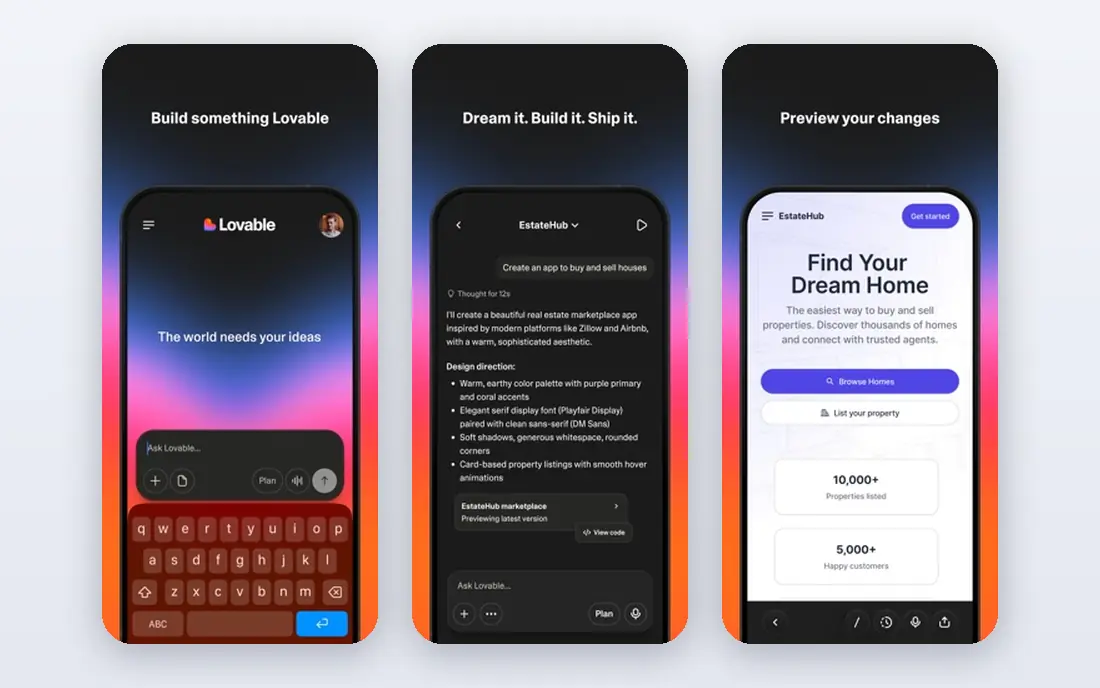
Lovable fits founders and small teams who want a presentable app quickly. You describe the app in plain language, watch it build the interface and logic, then refine it with follow up prompts. The result often looks finished enough to show to users or investors, which is a real advantage when you are testing an idea.
Hosting, authentication and deployment are handled in the same place, so you do not need to set up servers first. Integrations with Supabase add databases and user accounts, and Stripe can be connected for payments. That makes Lovable useful for simple software as a service products, internal tools and landing pages with real function behind them.
The catch is cost control. Monthly credits limit how much you can build and rebuild, and complex apps can use credits faster than expected. You also need to plan for data and security from the start, because an AI generated app still needs proper access rules. For a polished first version, Lovable is one of the strongest picks in this guide.
- Clean, polished output from plain language
- Built in hosting and deployment
- Code can be synced to GitHub for further editing
- Credit limits can bite on larger builds
- Back end work often needs an external service such as Supabase
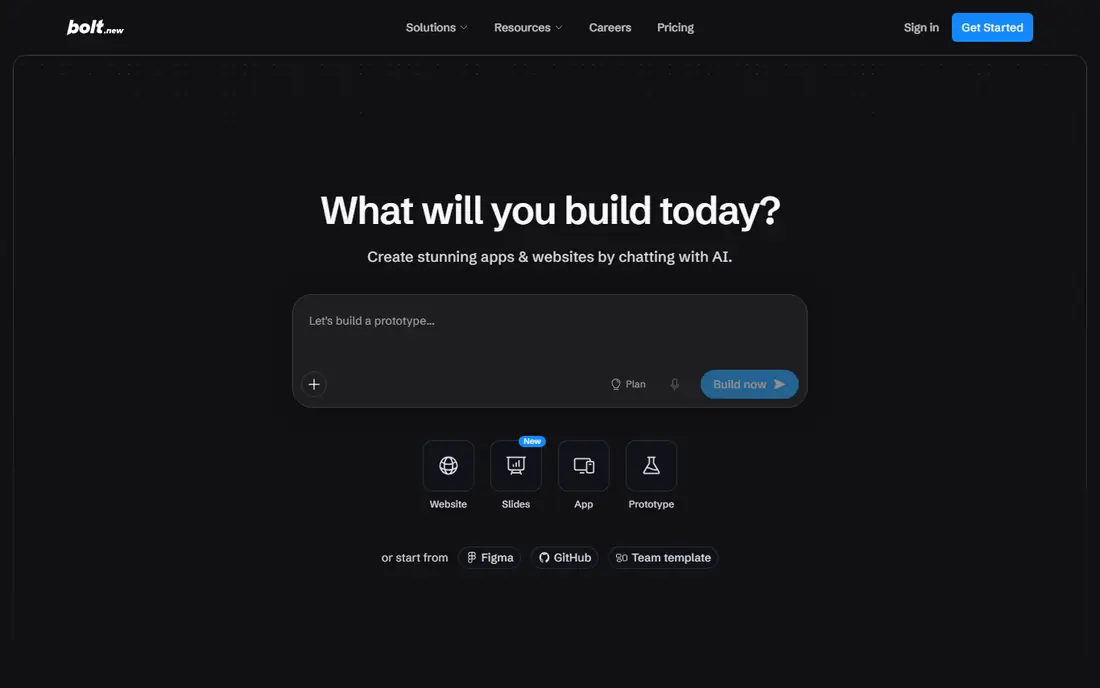
Bolt suits builders who want speed above all else. You open it in a browser, type a prompt and get a working app with a live preview, without installing tools on your computer. That low friction makes it ideal for prototypes, demos and weekend ideas that need to be seen, not just described.
The browser based system handles front end and back end code together, and you can deploy the result or push it to GitHub. For simple tools, calculators, dashboards and small business apps, Bolt often gets you most of the way in a single session. Editing by prompt feels natural, and you can point at a part of the app and ask for a change.
Token limits are the main limit. Each prompt and fix uses tokens, and a long project can run through a monthly allowance sooner than planned. Bolt also works best for simpler structures, so very complex logic, payments and permissions may need extra work. As a fast prototype tool, it is excellent. As a long term platform for a complex product, plan for a developer handover.
- Works fully in the browser
- Fast prompt to working app flow
- GitHub export for moving code elsewhere
- Token limits restrict complex projects
- Larger apps may need manual fixes by a developer
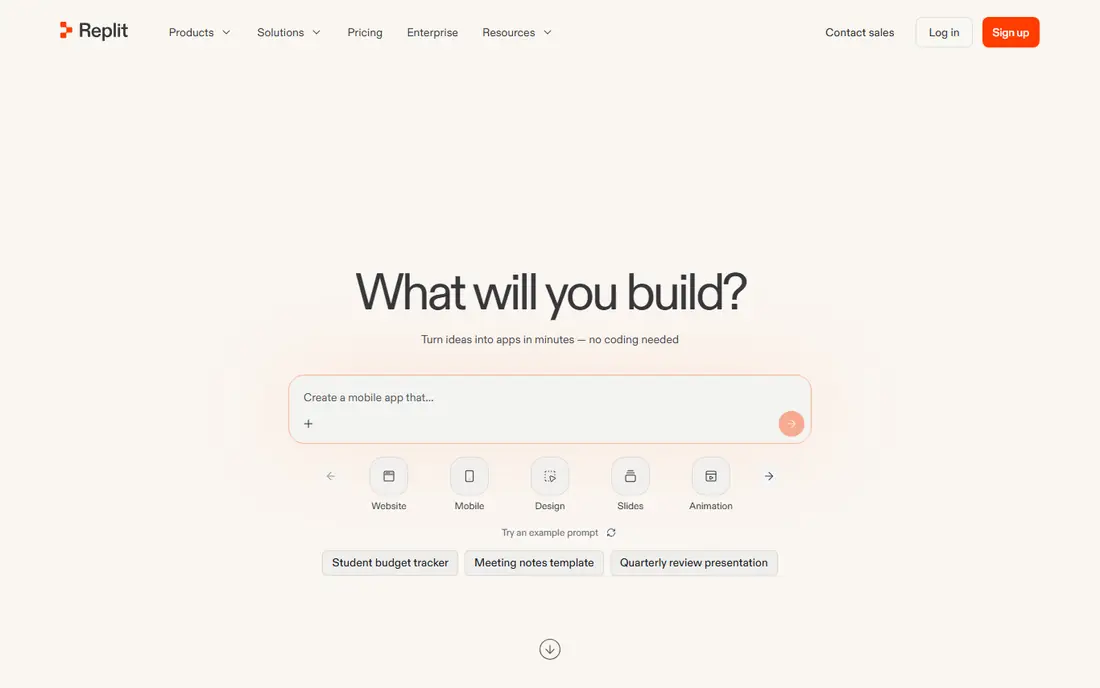
Replit is a good all rounder for solo builders and learners. Its AI agent can turn a prompt into an app, run it and deploy it, all inside the browser. You can also edit code directly, invite collaborators and use built in databases and hosting, which keeps a small project in one place.
That combination helps when you are learning to code or testing an idea with real users. You do not need to choose a separate host, set up deployment or manage a local setup. Replit also supports many languages and frameworks, so it is flexible for different kinds of small apps and tools.
Costs need care. Paid plans use credits and metered publishing in some cases, so a busy app can cost more than the headline price suggests. Heavy apps may also feel slower than a dedicated host. If you want one place to build, run and share a prototype, Replit is a practical pick, especially for beginners and small teams.
- Browser based coding and hosting together
- AI agent can build, test and deploy
- Good for learning and small team projects
- Metered usage can make costs hard to predict
- Performance can lag on heavy workloads
v0, by Vercel, is the pick when the interface is the main challenge. You describe a page, dashboard or component, and v0 generates clean React code with a modern look. That makes it useful for product teams, designers and developers who need a strong front end fast, without starting from a blank file.
Deployment is simple if you already use Vercel, and code can be synced to GitHub for further work. Teams can iterate on layout, copy and interactions by prompt, then hand the code to developers for back end connections. For marketing pages, dashboards and app interfaces, v0 often produces results that need less visual fixing than general builders.
The limit is scope. v0 does not replace a full app builder for databases, authentication and complex logic on its own. You will need to connect those parts yourself or with another tool. If your project is interface heavy and your team can handle the back end, v0 is a strong specialist choice.
- Strong interface generation for React
- Easy deployment through Vercel
- Good for design led prototypes
- Front end focused, not a full back end
- Best value inside the Vercel ecosystem
Cursor is different from the prompt builders above, because it is an AI coding editor rather than a no code platform. Developers open an existing project, or start a new one, and use an agent to write, edit and explain code across many files. That makes it the best ai app builder tool for people who already code and want to move faster.
Its strength is control. You own the code, you can review every change, and you can use your own hosting, database and deployment setup. Model switching, multi file edits and tab completion help with real projects, not just demos. For teams building a product that must last, that control matters more than a quick first screen.
Cursor is not a good pick for non coders who want an app without touching code. There is no simple prompt to finished product flow with hosting included. If you can code, or you work with a developer, Cursor can raise output a lot. If you cannot, start with Lovable, Bolt or Bubble instead.
- AI agent inside a familiar editor
- You own and control the code
- Strong for existing codebases
- Needs coding skill to use well
- No built in hosting or no code app flow
Bubble suits builders who need more than a simple prototype, but who do not want to write code for every feature. Its visual editor lets you design pages, set up a database, build workflows and manage user accounts. That makes it useful for marketplaces, booking tools, dashboards and internal apps with real logic.
AI features can help generate parts of an app, but Bubble still rewards learning its workflow system. Once you understand it, you can build branching logic, payments, emails and user roles without a traditional back end. Templates and plugins speed up common builds, such as directories and booking flows.
The trade offs are learning time and hosting lock in. Bubble apps run on Bubble, so moving away later is not simple. Performance and pricing also need planning as user numbers grow. For a serious no code product with complex rules, Bubble remains one of the most capable options available.
- Visual logic and database in one platform
- Good for customer facing web apps
- Large template and plugin library
- Learning curve is steeper than prompt builders
- Apps are hosted on Bubble, with limited code export
Base44 targets people who want a full app, including a back end, without learning a visual workflow system first. You describe what you need, and the platform generates the interface, data and logic together. That makes it appealing for small business tools, internal apps and simple customer products.
The setup feels lighter than Bubble, because you spend less time wiring databases and workflows by hand. Higher plans add GitHub sync, which helps if you later want a developer to take the code further. For a first version of a straightforward app, Base44 can save weeks of setup.
Flexibility is the limit. Very custom logic, unusual integrations or large scale needs may push you toward Bubble, Replit or Cursor. The community and plugin range is also smaller than older platforms. If simplicity matters more than deep customisation, Base44 is a solid, low friction choice.
- Back end included from a prompt
- Simple setup for non technical users
- GitHub sync on higher plans
- Less flexible than developer tools
- Smaller ecosystem than Bubble or Lovable
Softr is the specialist for portals, directories and internal tools built on data you already have. Connect Airtable or Google Sheets, pick blocks for lists, profiles and forms, and add user accounts with permissions. Ops teams use it for client portals, staff directories, resource hubs and simple marketplaces.
That data first approach is its strength. You do not rebuild a database from scratch, and changes in your sheet or base show up in the portal. Permissions let different users see different records, which is useful for client work and team tools. Setup is fast, and the result looks clean without design skill.
Softr is not the right tool for a fully custom consumer app with unique logic and screens. It works best when your app is mainly about viewing, searching and updating structured data. Within that job, it is one of the easiest AI assisted builders to ship and maintain.
- Fast portals from Airtable or Google Sheets
- Built in user accounts and permissions
- Good for ops teams
- Not a general purpose app builder
- Design options are more limited than Lovable
How we picked these
We compared official feature pages, pricing pages, app store listings, privacy policies and public reviews for each tool. We looked at how each tool handles prompts, code ownership, databases, authentication, hosting and deployment, because those factors decide whether a prototype can become a real product. We also checked that each homepage loaded and matched the product named.
We did not claim hands on testing for every build. Instead, we focused on published features, pricing limits and reviewer reports about credit use, code quality and handover. That keeps the advice practical: a tool that demos well but traps your code or burns credits fast is not the same as a tool you can grow with.
What to check before you build
Start by writing down what the app must do in its first version, and what it must do in six months. A landing page with a form has very different needs from a product with payments, user roles and private data. Match the tool to the second list, not just the first demo, or you may need to rebuild sooner than expected.
Check credit, token and user limits in detail. Ask how much rebuilding costs, what happens when you hit a limit, and whether you can export code or data. Also check security basics, such as authentication, data access rules and privacy policy terms, especially if the app will hold customer or health related data.
Prompts, code and ownership
Prompt builders save time, but you should still own the result. Prefer tools that let you sync code to GitHub, export data and move hosting if needed. Keep a copy of your prompts and key decisions, so a developer can continue the project without guessing how it was built.
Cost and scale
Free plans are good for learning and small prototypes, but they rarely cover a live product with many users. Work out the monthly cost at three stages: prototype, first users and steady growth. If the price jumps sharply at the second stage, choose a tool with a smoother path or plan for a move early.
Frequently asked questions
Which ai app builder is best for beginners?
Lovable and Bolt are the easiest for beginners, because you start with a written prompt and get a working app in the browser. Base44 is also friendly when you want a back end included. Choose Lovable for polished design, Bolt for fast prototypes, and Base44 for simple data driven apps.
What is the best ai app builder for a startup product?
For a startup, Lovable suits a polished minimum viable product, while Cursor suits a team with developers who need full code control. Bubble suits a no code product with complex workflows. The best choice depends on whether your team codes, and on how complex payments and user roles will be.
Are best ai app builder platforms free to start?
Most tools on this list offer a free plan or free credits, including Lovable, Bolt, Replit, v0, Cursor, Bubble, Base44 and Softr. Free plans are useful for testing, but they limit credits, users or features. Expect to pay once the app goes live or needs regular rebuilding.
Can I build an app with AI without coding?
Yes, Lovable, Bolt, Base44, Bubble and Softr all let non coders build apps from prompts or visual tools. You will still need to make product decisions, test the app and set up basic security and data rules. For complex or regulated apps, a developer review before launch is wise.
What is the best ai app builder software for developers?
Cursor is the strongest pick for developers, because it works inside a real editor and gives full control over code. Replit is useful for fast browser based work with hosting included. v0 is a good specialist for front end code, especially for teams already using Vercel.
How do AI app builder tools handle hosting and databases?
Some tools, such as Lovable, Replit and Base44, include hosting and database options in the same platform. Others, such as Cursor and v0, generate code that you host yourself. Bubble and Softr host the app for you, with data stored in their systems. Check hosting, backup and export options before you store real customer data.
Sources we checked (8)

Online Jobs is an independent blog about careers, online work, learning new skills and the tools that help people earn. More about us.
Keep reading
All posts
Best Web Scraping Tools
Compare the best web scraping tools in 2026, from no-code Octoparse and Browse AI to Apify, Firecrawl, Bright Data, Zyte, ScraperAPI and free Scrapy, with prices.

Best Web Hosting Services
Find the best web hosting services for your site in 2026. We compare prices, speed, support and ease of use across eight leading hosting providers today.

Best Video Conferencing Software
Looking for the best video conferencing software? We compare 8 meeting apps on price, meeting limits, features, security and ease of use. Read the guide.