Best AI Photo to Video Tools in 2026: 8 Products Compared


Realistic photo motion · Starting price: See website
How we put this together: we compare official feature and pricing pages, app store listings, privacy policies and public user reviews. Prices change, so check the provider's site before you pay.
Key takeaways
- Luma Dream Machine and Kling suit realistic motion from a single photo, with camera moves and subject detail kept fairly stable.
- Runway suits creators who want editing after generation, including motion controls and scene adjustments.
- Pika and Hailuo suit playful short clips and social experiments, where style matters more than strict realism.
- Free tiers are useful for learning, but they often limit credits, add a watermark, or restrict commercial use.
- The best prompt describes the photo, the motion, and the camera separately, and keeps the requested action simple.
Quick comparison
| Name | Who it suits | Starting price | Free option | |
|---|---|---|---|---|
| Luma Dream Machine | Realistic photo motion | See website | Yes | Visit |
 Runway | Editing and control | See website | Yes | Visit |
 Kling | Realistic people and scenes | See website | Yes | Visit |
 Pika | Playful short clips | See website | Yes | Visit |
 Hailuo | Cinematic short clips | See website | Yes | Visit |
 Kaiber | Stylised music and art clips | See website | Free trial | Visit |
 Hedra | Talking character videos | See website | Yes | Visit |
 PixVerse | Effect-led short clips | See website | Yes | Visit |
The best ai photo to video tools
We compared tools that turn a photo into a moving video clip, not tools that only edit existing video. Each tool below accepts an image as a starting frame and generates motion from a text prompt, with controls that vary by product.
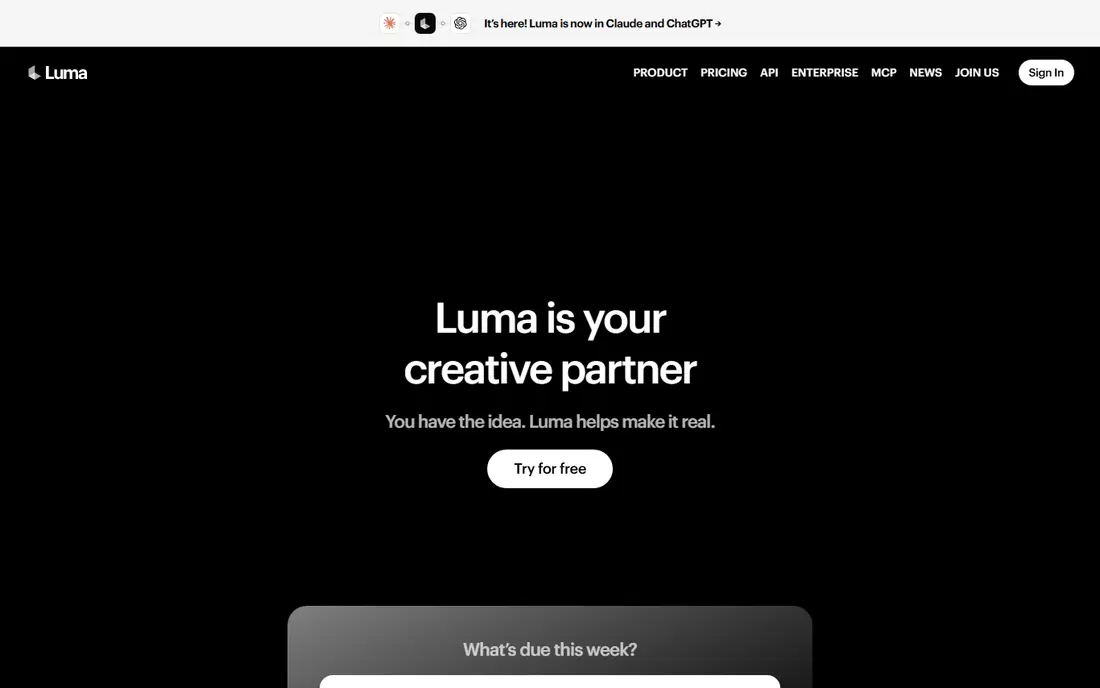
Luma Dream Machine, from Luma AI, is a strong starting point for photo-to-video work. Upload a photo, describe the motion you want, and it generates a short clip with camera movement and subject motion that often looks natural. Keyframe and modify tools help you guide a shot further when the first result is close but not exact.
Free use is useful for testing, but check the current credit limits and usage terms. Draft clips may carry a watermark and may be limited to personal use, while paid plans add credits, cleaner exports, and commercial rights. For social clips and concept tests, the free tier is a fair way to learn the tool.
- Natural camera motion
- Strong image-to-video quality
- Keyframe options
- Free clips can carry a watermark
- Commercial use needs a paid plan
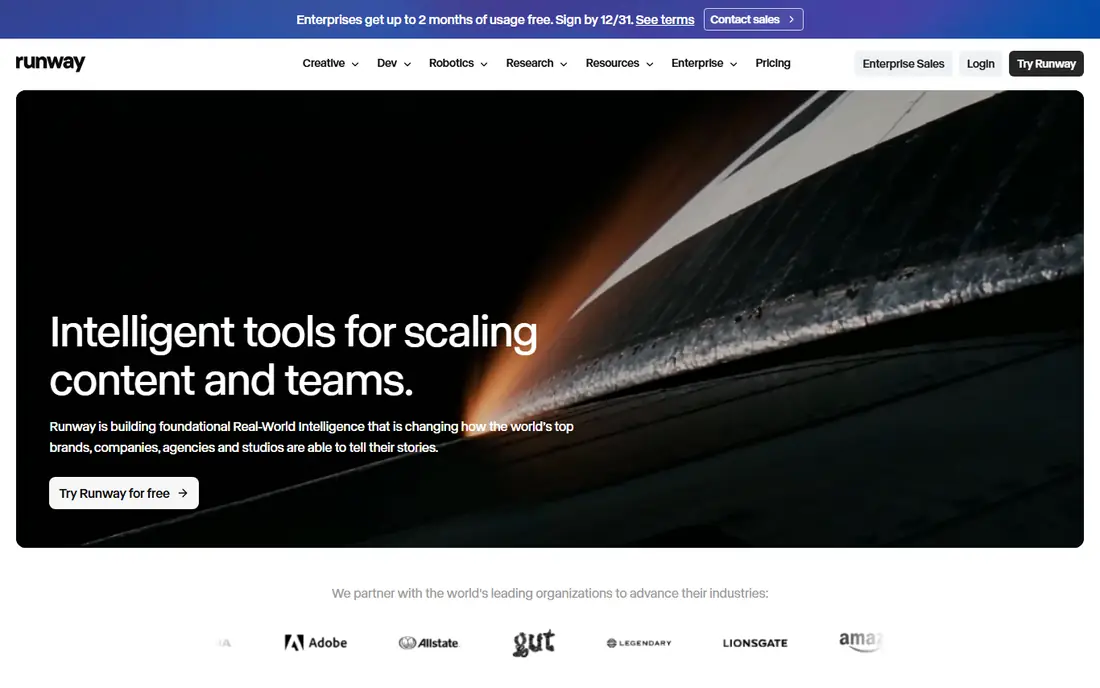
Runway is a broader video platform, and its photo-to-video tools sit inside a larger editing suite. You can generate a clip from an image, then adjust motion, edit scenes, and refine results with tools that go beyond a single prompt. That range suits creators who treat AI clips as part of a larger project, not as a finished post on their own.
Credit use depends on the model, length, and settings you choose, so a short test can cost less than a long, high-resolution render. Start with a simple prompt and a short clip, compare the result with the same photo in another tool, and only then commit credits to a longer version.
- Deep editing suite
- Motion and scene controls
- Strong model range
- Credit costs vary by model and length
- Learning curve for advanced tools
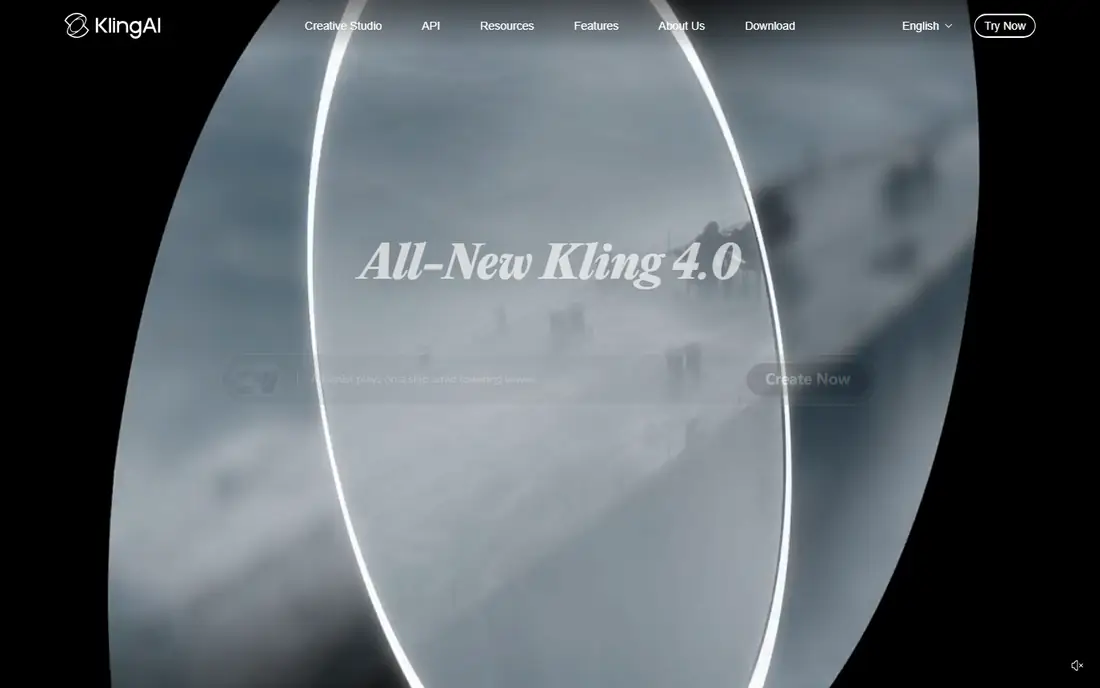
Kling, from Kuaishou, is known for realistic human motion and cinematic scenes from photos and text. It handles faces, walking, and everyday actions with more stability than many playful tools, which makes it useful for product shots, portraits, and short story scenes. Daily free credits on some plans help you test without paying at first.
As with other AI video tools, results vary by photo and prompt. A clear photo with a single subject and a simple action tends to work better than a busy scene with many moving parts. Check the current model version and credit terms, since Kling updates models and pricing fairly often.
- Strong human motion
- Longer clip options
- Good prompt following
- Queue times can vary
- Credit costs rise with quality settings
Pika is a social-first video tool that turns photos into short, stylised clips. It offers playful effects, character consistency features, and easy sharing, which suits creators who want a fun result quickly. If your goal is a light, eye-catching clip for social media, Pika is often faster than a realism-focused tool.
For a client project that needs exact likeness and natural motion, Pika may feel less precise. Use it for experiments, memes, and creative posts, and use Luma, Kling, or Runway when realism and control matter more. A free tier lets you test the style before you pay.
- Fun effects and styles
- Easy social clips
- Character tools
- Less suited to strict realism
- Clip length is short
Hailuo, from MiniMax, turns photos into short cinematic clips with smooth motion and detailed rendering. The flow is simple: upload a photo, write a prompt for motion and camera, and generate. That simplicity suits creators who want a good-looking clip without learning a large editing suite.
Free credits are limited, so use them on your best photos and simplest prompts first. Complex actions, multiple subjects, or fast camera moves can reduce quality, so keep the first prompt short and add detail only after a clean result. Paid plans add more credits and higher-quality options.
- Cinematic motion and detail
- Simple image-to-video flow
- Free testing
- Credit limits on free use
- Results vary with complex prompts
Kaiber takes a different route: it turns photos and video into stylised, art-led clips, often for music and creative projects. You can apply a visual style to a photo, guide motion with prompts, and build longer sequences with storyboard tools. That makes it a good pick for music videos, lyric visuals, and art experiments.
If you need a photo to move naturally and stay true to life, Kaiber is not the first pick. Its strength is transformation and style, not strict realism. Check the current trial terms, since regular use usually needs a paid plan, and test a short clip to see whether the style fits your project.
- Strong style transfer
- Music video focus
- Storyboard tools
- Less suited to realistic photo motion
- Paid plans for regular use
Hedra focuses on characters that talk, sing, or present from a photo and an audio track. Upload a portrait, add audio or a voice script, and it generates a talking character clip. That focus suits explainer videos, social presenters, and short character pieces where dialogue is the main content.
Hedra is less useful for wide scenes, outdoor views, or action shots, where other tools in this list do better. Also check usage rights for voices and likenesses: only use photos and audio you have the right to use, and avoid creating misleading videos of real people without permission.
- Talking photo characters
- Audio and voice tools
- Simple character flow
- Best for faces and dialogue
- Less suited to wide scenes
PixVerse turns photos into short clips with a wide range of effects, transitions, and styles. It is easy to use: upload a photo, pick an effect or write a prompt, and generate. That range suits social creators who want many quick variations from one photo, such as a product shot turned into several short posts.
Realism varies by effect, and some effects look better than others. Treat PixVerse as a fast experiment tool, and keep your best photos for a second pass in a realism-focused tool if the result needs to look natural. Free credits let you test several effects before paying.
- Wide effect range
- Fast social clips
- Simple photo upload
- Quality varies by effect
- Realism is uneven
How we picked these
We checked official product pages, pricing pages, and app listings for AI tools that offer image-to-video generation in 2026. We kept tools with a live product, a photo upload flow, and public pricing or credit terms, and we left out text-only video models and tools that only animate a narrow effect. We compared motion quality, control options, clip length, free credits, watermark rules, and commercial use terms, using vendor pages and public reviews rather than claimed test results.
How to get better photo-to-video results
AI video tools work best with a clear photo and a simple, specific prompt. A busy photo and a long prompt often produce a muddled clip, while a clean photo and a short action produce a usable result.
Choose the right photo
Use a sharp photo with good light, a clear subject, and little background clutter. Portraits work best when the face is visible and not too small in the frame. For a product or scene, use a photo where the main subject is easy to separate from the background.
Write a prompt in three parts
Describe the subject, then the motion, then the camera. For example, state who or what moves, what action they take, and whether the camera stays still, pans, or moves closer. Keep the action to one main movement, and avoid asking for several actions at once.
Test short, then extend
Generate a short clip first and check the face, hands, and background for warping or drift. If the short clip looks clean, try a longer or higher-quality version. If it does not, change one part of the prompt at a time, rather than rewriting everything, so you can see what helped.
Respect rights and likeness
Only animate photos you own or have permission to use. Do not create misleading videos of real people, and label AI-generated content where a platform or client asks for disclosure. Check each vendor's terms for commercial use, since free plans often limit that use.
Frequently asked questions
What is the best free ai photo to video app?
Luma Dream Machine, Kling, Pika, Hailuo, and PixVerse all offer free credits or a free tier for testing. Free clips may carry a watermark, limit credits, or restrict commercial use. Test the same photo in two or three tools, since free quality varies by photo and prompt.
What is the best ai photo to video tool for realism?
Luma Dream Machine and Kling are strong picks for realistic motion, with Runway close behind for controlled, edited results. Realism still depends on the photo: a clear, well-lit portrait with a simple action will look better than a busy scene with fast movement.
Can AI turn a photo into a video for free?
Yes, for short test clips. Free tiers give a limited number of credits each month or a trial period, which is enough to learn a tool and test a project. Regular publishing, longer clips, or commercial use usually need a paid plan with more credits and cleaner exports.
How long are AI photo-to-video clips?
Most tools generate short clips, often a few seconds long, with longer options on paid plans or newer models. Check the current model page for clip length, since this changes with model updates. For a longer video, join several generated clips in a video editor.
Why does my photo-to-video clip look distorted?
Distortion often comes from a low-quality photo, a busy scene, or a prompt that asks for too much motion. Try a sharper photo, a simpler action, and a still camera first. If hands, faces, or text warp, regenerate with a shorter prompt and fewer moving parts.
Can I use AI photo-to-video clips commercially?
It depends on the tool and plan. Many free tiers limit use to personal projects, while paid plans add commercial rights. Read the vendor terms for the plan you use, and check rights for the photo, music, and any likeness in the clip before publishing for business use.
Sources we checked (8)

Online Jobs is an independent blog about careers, online work, learning new skills and the tools that help people earn. More about us.
Keep reading
All posts
Best AI Image to Video Tools
Looking for the best ai image to video tools? We compared 10 image to video apps in 2026 on motion quality, controls, credits and price to help you choose.

n8n Alternatives
n8n alternatives compared for 2026, with Zapier, Make, Activepieces, and more, covering visual builders, code steps, self-hosting, and pricing models.

eBay Alternatives
Looking for ebay alternatives? We compared 9 marketplaces for sellers on fees, buyer reach, categories and ease of listing, to help you sell with confidence.