Best AI Phishing Detection Tools in 2026: 9 Tools Compared


Microsoft 365 teams · Starting price: $2 per user per month
How we put this together: we compare official feature and pricing pages, app store listings, privacy policies and public user reviews. Prices change, so check the provider's site before you pay.
Key takeaways
- The strongest tools combine behavioural AI with URL and attachment analysis, rather than relying on sender reputation or keyword filters alone.
- Native Microsoft 365 tools suit teams already on Microsoft, while API based layers such as Abnormal AI and Check Point Harmony add protection without changing mail flow.
- Business email compromise and impersonation need different signals from bulk spam, including writing style, sender history and payment request patterns.
- No tool catches every phish, so pair detection with multi factor authentication, user reporting and a clear incident response plan.
Quick comparison
| Name | Who it suits | Starting price | Free option | |
|---|---|---|---|---|
| Microsoft Defender for Office 365 | Microsoft 365 teams | $2 per user per month | No | Visit |
 Proofpoint Core Email Protection Proofpoint Core Email Protection | Enterprise email protection | See website | No | Visit |
 Mimecast Advanced Email Security Mimecast Advanced Email Security | Gateway protection plus archiving | See website | No | Visit |
 Abnormal AI Abnormal AI | Behavioural impersonation defence | See website | No | Visit |
 Check Point Harmony Email and Collaboration Check Point Harmony Email and Collaboration | API protection across email and apps | See website | No | Visit |
 Barracuda Email Protection Barracuda Email Protection | Unified email security for mid sized teams | See website | No | Visit |
 Cofense Cofense | Phishing reporting and response | See website | No | Visit |
 IRONSCALES IRONSCALES | AI detection with incident response | See website | No | Visit |
 KnowBe4 KnowBe4 | Phishing simulation and training | See website | Free trial | Visit |
The best AI phishing detection tools
Phishing has changed. Modern attacks use AI generated text that reads cleanly, spoofed or compromised accounts, and QR codes or fake login pages that slip past simple filters. The tools here use machine learning to compare each message against normal sender behaviour, scan links and attachments in a safe sandbox, and quarantine or rewrite threats before a user clicks. This list covers enterprise gateways, API layers and training platforms, since detection alone rarely solves the whole problem.
Microsoft Defender for Office 365
Who it suits: Microsoft 365 teams
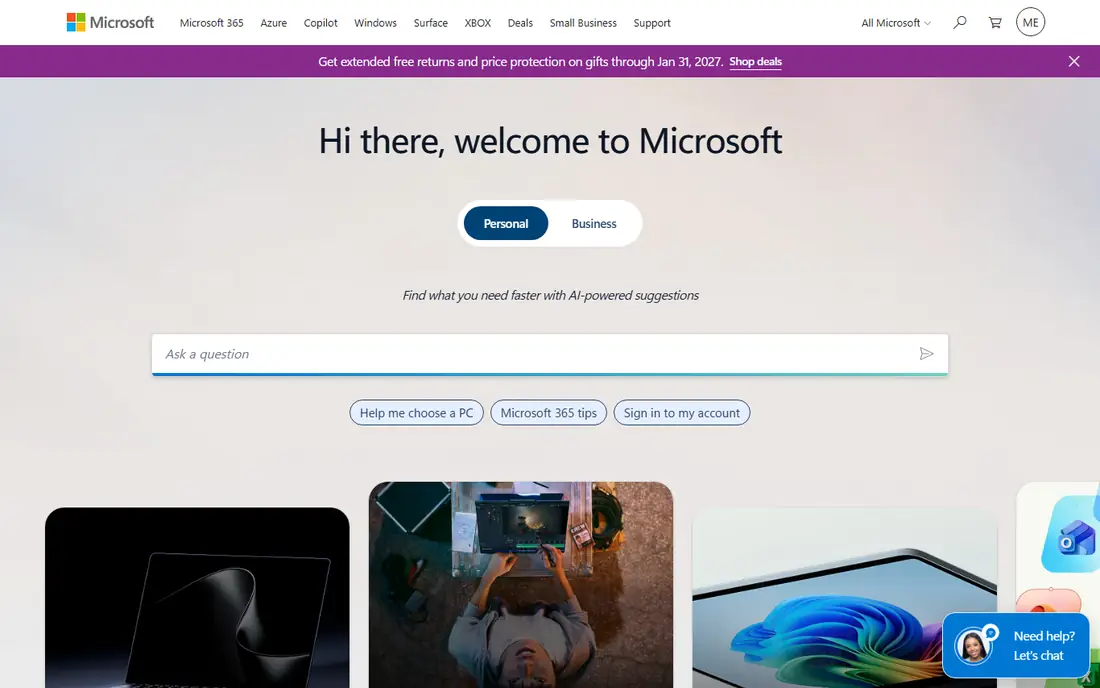
Microsoft Defender for Office 365 is the baseline most Microsoft shops should configure first, because it sits inside the mail system your users already use. It checks links at click time through Safe Links, detonates attachments in a sandbox through Safe Attachments, and applies anti phishing policies that catch spoofing and impersonation attempts. The higher plan adds Threat Explorer and automated investigation and response.
The limits are platform and plan. Defender is built for Microsoft 365, so Google Workspace teams will get less from it, and the most useful response automation sits on Plan 2 rather than Plan 1. Still, for a Microsoft team, the native fit, zero mail routing change and broad threat intelligence make it hard to beat as a starting layer. Add an API based tool below only if you need stronger impersonation defence or cross platform coverage.
- Native Microsoft 365 integration with no mail flow change
- Safe Links and Safe Attachments
- Automated investigation and response on higher plans
- Best value inside Microsoft 365, less useful for Google Workspace teams
- Advanced response features need the higher plan
Proofpoint Core Email Protection
Who it suits: Enterprise email protection
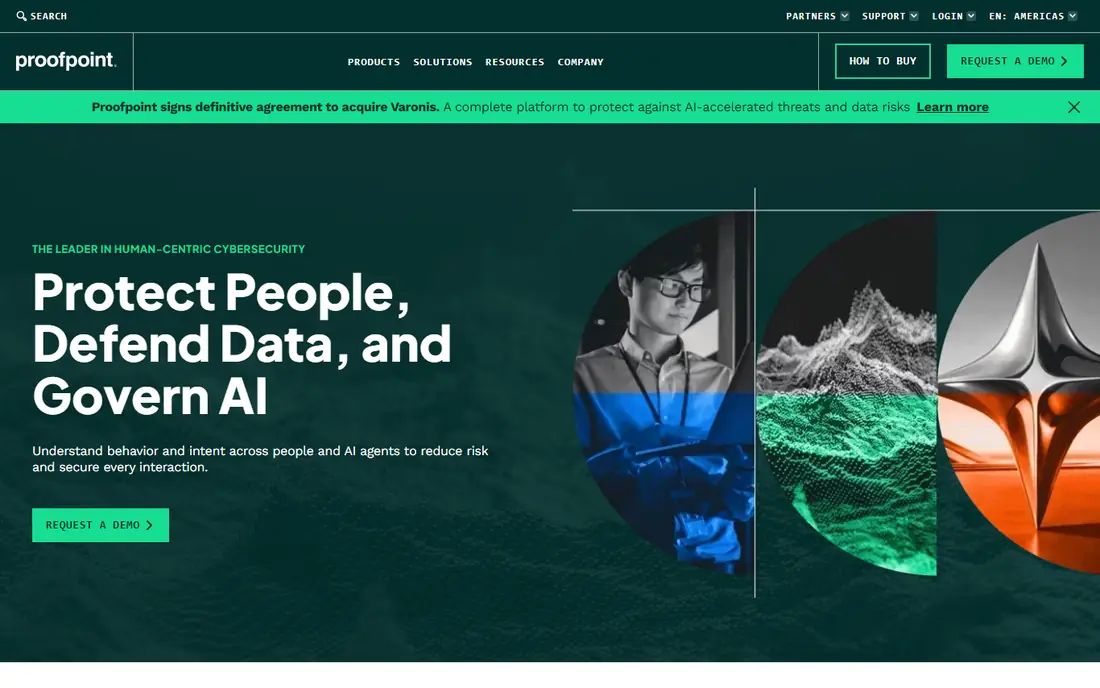
Proofpoint Core Email Protection is an enterprise grade gateway that combines AI detection with a large threat intelligence network, URL rewriting, attachment sandboxing and business email compromise detection. It can deploy as a gateway or as an API layer, which gives larger organisations flexibility as they move to cloud mail. Data loss prevention and a unified workbench also help teams handling regulated data.
The trade offs are cost and complexity. Pricing is quote based and aimed at larger organisations, and getting policies, allow lists and response workflows right takes skilled time. Small teams may find a simpler API tool faster to run. For enterprises with high risk users, finance teams and executives targeted by impersonation, Proofpoint remains one of the most complete options in this list.
- Deep enterprise threat intelligence
- Strong URL and attachment defence
- Business email compromise detection and data loss prevention
- Enterprise pricing is quote based and can be high for small teams
- Setup and tuning take time
Mimecast Advanced Email Security
Who it suits: Gateway protection plus archiving
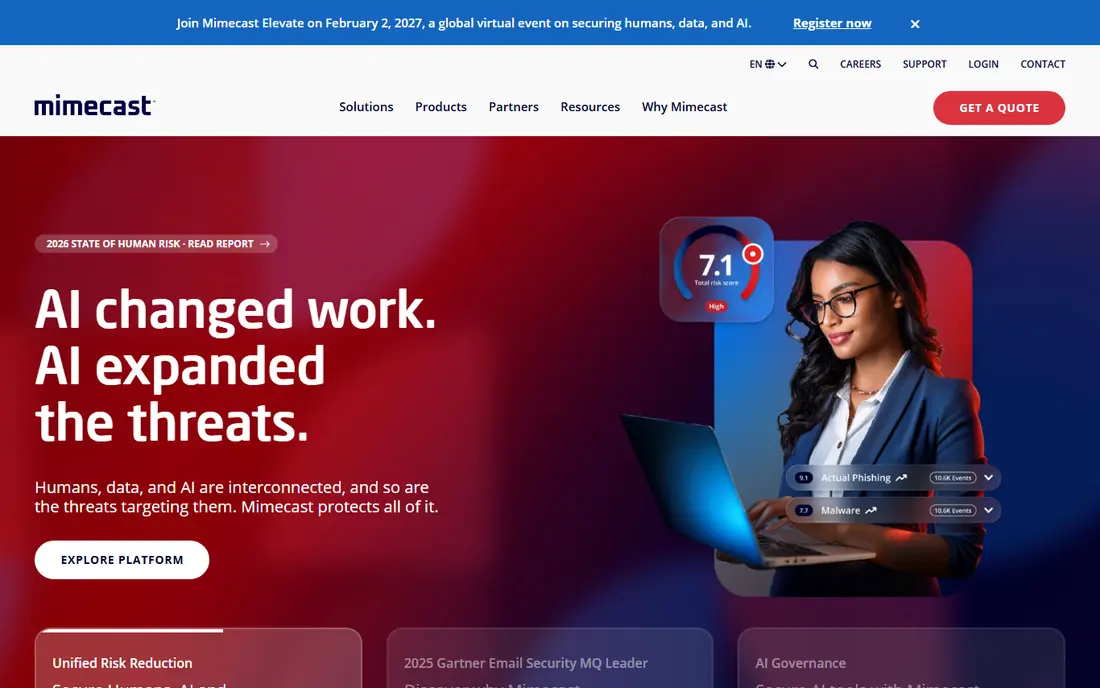
Mimecast Advanced Email Security offers gateway grade protection with multi vector detection, including AI analysis of content, links and attachments, plus sandboxing that checks files before delivery. Organisations can choose a cloud gateway or an API deployment. Continuity and archiving add ons are a practical bonus if mail goes down or a message is needed later.
The suite can feel large for a small team, and pricing is quote based, so budgeting requires a sales conversation. Teams that only need phishing detection may find a narrower API tool cheaper and simpler. Teams that want email security, archiving and continuity from one vendor, especially in regulated industries, will get more value from the full Mimecast package.
- Cloud gateway and API deployment options
- Deep URL and attachment sandboxing
- Continuity and archiving add ons
- Quote based pricing
- The full suite can be more than a small team needs
Abnormal AI takes an API based approach that inspects mail after it arrives in Microsoft 365 or Google Workspace, using behavioural models of who normally emails whom, how they write, and what kinds of requests they make. That makes it strong against business email compromise and account takeover, where a message may come from a compromised account. Deployment is fast by API, and it can auto contain a compromised account.
The catch is price and positioning. Abnormal AI is quote based and aimed at higher risk teams, and it is best viewed as an additional layer, not as a replacement for basic spam and malware filtering. For finance, executive and vendor payment teams, that extra behavioural layer catches the attacks that matter most. For a small team with low targeted risk, Defender or a gateway tool may be enough on its own.
- Behavioural AI that learns normal sender patterns
- Fast API deployment without mail flow changes
- Account takeover detection and auto containment
- Quote based pricing
- Works best as a layer on top of native mail security, not as a standalone gateway for every team
Check Point Harmony Email and Collaboration
Who it suits: API protection across email and apps
Check Point Harmony Email and Collaboration, formerly Avanan, inspects email and collaboration apps through APIs, rather than rerouting mail through a gateway. It uses AI engines to detect phishing, business email compromise, malware and account takeover across Microsoft 365 mail, Teams, SharePoint and OneDrive, which matters now that attacks arrive through shared files and chat as well as email.
The breadth is also the complexity. Covering several apps means more policies to tune, and pricing is quote based. Teams that only use email may not need the collaboration coverage, while teams heavily invested in Microsoft 365 collaboration will value it. For organisations worried about file sharing and Teams phishing, Harmony is a strong API layer to pair with Defender.
- API first inspection of mail, Teams, SharePoint and OneDrive
- AI engines for phishing, malware and account takeover
- Deploys behind native security
- Quote based pricing
- Breadth across apps adds configuration work for small teams
Barracuda Email Protection
Who it suits: Unified email security for mid sized teams
Barracuda Email Protection bundles AI based phishing and impersonation defence with data protection and incident response, aimed at mid sized teams that need one platform rather than several point tools. Automated response helps a lean team remove a malicious message from many inboxes at once.
The platform can grow complex as add ons accumulate, and pricing depends on the bundle you choose, so a small team should confirm the total before committing. For a mid sized organisation that wants email security, backup and response in one vendor relationship, Barracuda is a practical choice. For a very small team, a simpler API layer or Defender alone may be easier to run.
- Unified email security with threat and data protection
- AI based impersonation defence
- Incident response tools included
- Enterprise features and pricing scale with add ons
- Interface and policy depth can overwhelm very small teams
Cofense approaches phishing from the human side as well as the technical side. Its reporting button lets users flag a suspicious message in one click, and its triage platform clusters similar reports, checks indicators, and helps analysts remove confirmed threats from inboxes quickly. Crowdsourced intelligence from many customers adds context about campaigns, and its training and simulation products help users recognise the next attack. That combination suits organisations where user reports are a major detection source.
The limit is that Cofense is strongest as a reporting and response layer, not as a sole gateway. Pair it with Defender, Proofpoint or an API tool for blocking, and use Cofense to close the loop when something slips through. Adoption also needs work: if users do not trust or understand the report button, reports stay low. Run short training, praise good reports, and show users what happened to messages they flagged.
- Strong user reporting button and triage workflow
- Crowdsourced threat intelligence
- Training and simulation options
- Detection strength depends on pairing with a gateway or API layer
- Reporting adoption needs user training
IRONSCALES combines AI powered phishing detection with automated incident response at the mailbox level. When it detects a malicious message, it can remove it across affected inboxes and learn from analyst decisions, which reduces the manual triage load. Built in user training and simulation help close the human gap, so the platform covers both the technical block and the awareness side in one place. That integration appeals to teams that want fewer vendors and faster response.
The trade off is scale and familiarity. IRONSCALES is less widely known than Microsoft or Proofpoint in some enterprise procurement lists, which can slow approval in highly conservative organisations. Pricing is quote based, so small teams should confirm fit early. For teams that value fast, automated mailbox response over a large gateway brand, IRONSCALES is a credible alternative.
- Autonomous AI detection and incident response
- Mailbox level protection
- User training built in
- Quote based pricing
- Smaller brand footprint than Proofpoint or Microsoft in some enterprise shortlists
KnowBe4 is not a mail gateway, but it belongs on this list because detection tools work better when users recognise attacks. Its platform offers a large library of training content, realistic phishing simulations, and reporting that shows which teams click most and which topics need work. Security teams can run regular simulations, assign training to high risk users, and track improvement over time, which helps justify the programme to leadership.
The honest limit is that training does not block a message. A well trained user can still click a convincing phish on a bad day, so KnowBe4 must sit alongside a detection tool, not instead of one. Per seat pricing also grows directly with headcount, so large organisations should model the total cost. Used together, detection plus training gives you both a technical block and a human safety net.
- Large security awareness training library
- Realistic phishing simulations
- Detailed reporting on user risk
- Training alone does not block phishing
- Per seat pricing grows with headcount
How we picked these
We compared official product pages, public comparison guides and vendor documentation for email security in October 2026, and we kept only tools that are live, maintained and clearly use AI or machine learning for phishing detection, impersonation defence or response. We favoured tools with documented URL and attachment analysis, behavioural signals or automated response, not simple spam filters rebranded as AI. Where a price was not published on the vendor site during research, we wrote See website, and where a tool is quote based, we say so rather than inventing a figure.
How to layer phishing defence in practice
Start with your mail platform. Turn on native protections in Microsoft 365 or Google Workspace, enforce multi factor authentication, and block legacy authentication where you can. Next, add one detection layer that fits your platform: a gateway for central control, or an API layer for fast deployment and impersonation defence. Then add reporting and training, so users can flag what slips through and learn from simulations. That three layer pattern covers blocking, reporting and learning without buying every tool on the market.
Test the setup with real attacks, not only with vendor demos. Send a safe simulation to a small group, check whether the detection layer quarantined it, whether the report button worked, and how long removal took. Review false positives too, since an aggressive filter that blocks legitimate vendor invoices will push users to personal email, which is worse. Keep a simple incident playbook: who removes the message, who checks for clicks, who resets passwords, and who tells affected users. A tool is only as good as the response that follows its alert.
Frequently asked questions
What is AI phishing detection?
AI phishing detection uses machine learning models to compare each message against normal patterns, including sender behaviour, writing style, link destinations, attachment behaviour and request types. Traditional filters rely more on known bad senders and keywords, which AI generated phishing can evade. Behavioural and infrastructure signals help catch impersonation and compromised account attacks that look clean on the surface.
Can AI phishing tools stop business email compromise?
They reduce the risk, but no tool stops every business email compromise attempt. Behavioural tools such as Abnormal AI and Barracuda Sentinel are strongest here, since they learn who normally sends payment requests and flag unusual senders, amounts or urgency. Pair detection with payment verification by phone or a separate channel, dual approval for bank changes, and multi factor authentication.
Do I need a phishing tool if I already use Microsoft Defender?
Many Microsoft teams start with Defender and add a second layer only for higher risk users or for impersonation defence. Defender covers Safe Links, Safe Attachments and anti phishing policies well, while an API layer can add deeper behavioural analysis. If your risk is low and your team is small, Defender plus training may be enough. If executives or finance staff are targeted often, an extra layer is worth testing.
How do phishing simulations help detection?
Simulations do not block mail, but they show which users and teams are most likely to click, and they train people to report instead of clicking. Reporting is valuable because a user report can trigger removal of a message from many inboxes before others open it. Combine simulations with a one click report button and fast triage, so training leads to faster response, not only to a score.
What should users do when they receive a suspected phish?
Do not click links, open attachments or reply, and use the report button or forward the message to your security team following your company policy. If you already clicked, tell IT right away, change your password, and check for unusual account activity. Speed matters more than embarrassment: early reporting lets security remove the message from other inboxes and contain any account takeover.
Are AI phishing tools safe for privacy?
Reputable vendors state how they process mail content, how long they retain it, and where data is stored, and enterprise tools offer data residency and compliance options. Read the data processing terms before deployment, especially for regulated industries, and check whether AI models train on your mail or only score it. Ask the vendor directly if the policy is unclear, and document the answer for your security review.
Sources we checked (9)

Online Jobs is an independent blog about careers, online work, learning new skills and the tools that help people earn. More about us.
Keep reading
All posts
Surfshark Alternatives
Looking for Surfshark alternatives? We compare 8 VPN services on price, privacy, streaming, and device limits to help you find a VPN that fits your needs.
NordPass Alternatives
We compared NordPass alternatives for families, solo users and teams, checking pricing, free plans, passkeys and sharing, so you can switch safely today.
Best background check app
We compared the best background check app options in 2026 for employers, landlords and individuals, with published prices, coverage and compliance notes.