Best AI Job Search Tools in 2026: 8 Tools Compared

How we put this together: we compare official feature and pricing pages, app store listings, privacy policies and public user reviews. Prices change, so check the provider's site before you pay.
Key takeaways
- Teal and Careerflow are the best all-round AI job search tools for most people, combining matching, resume tailoring, and tracking in one workspace.
- Jobscan is the specialist pick for beating applicant tracking systems, with match scoring against a specific job description.
- Simplify, Jobright, and LoopCV add automation, but check caps, pricing inside the app, and match quality before paying.
- Huntr suits visual trackers, while Rezi suits job seekers who mainly need a clean, ATS-friendly resume.
- No AI tool replaces networking, referrals, and direct applications to employers you target by name.
Quick comparison
| Name | Who it suits | Starting price | Free option | |
|---|---|---|---|---|
 Teal | All-round search workspace | Free | Yes | Visit |
 Careerflow | Resume, LinkedIn, and tracker | $23.99 per month | Yes | Visit |
 Jobscan | ATS match scoring | $49.95 per month | Yes | Visit |
 Simplify | Free matching and autofill | Free | Yes | Visit |
 Jobright | AI matching and auto-apply | See website | Yes | Visit |
 Huntr | Visual job tracking board | $40 per month | Yes | Visit |
 LoopCV | Automated job search loops | $9.99 per month | Yes | Visit |
 Rezi | ATS-friendly AI resumes | $29 per month | Yes | Visit |
The best AI job search tools
AI job search tools promise to cut the busywork of searching: finding matched roles, tailoring resumes, tracking applications, and preparing for interviews. The tools below cover different parts of that job, so the best pick depends on whether your bottleneck is finding roles, writing resumes, staying organised, or getting interviews.
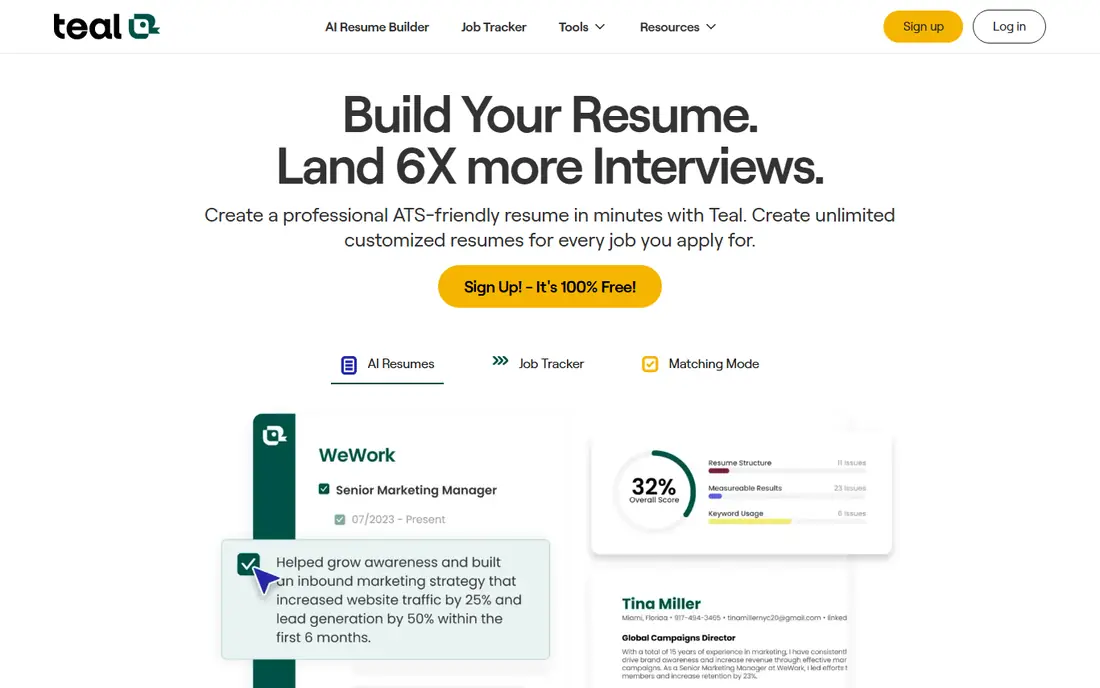
Teal is our pick for most job seekers starting an AI-assisted search. The free tier covers unlimited job tracking and resume versions, with keyword matching that shows how your resume lines up against a job description. Paid Teal+ at $29 per month adds unlimited AI generation, cover letters, and interview practice, which suits a longer search.
Teal does not auto-apply, so you still submit each application yourself, though autofill speeds up forms. Public reviews have also flagged its LinkedIn optimiser as unreliable at times, so do not rely on that feature alone. For organisation, tailoring, and honest match feedback, Teal is the most generous free starting point here.
- Unlimited tracking and resume versions free
- Keyword matching
- AI cover letters and interview prep
- No auto-apply
- LinkedIn optimiser has had reliability issues in public reviews
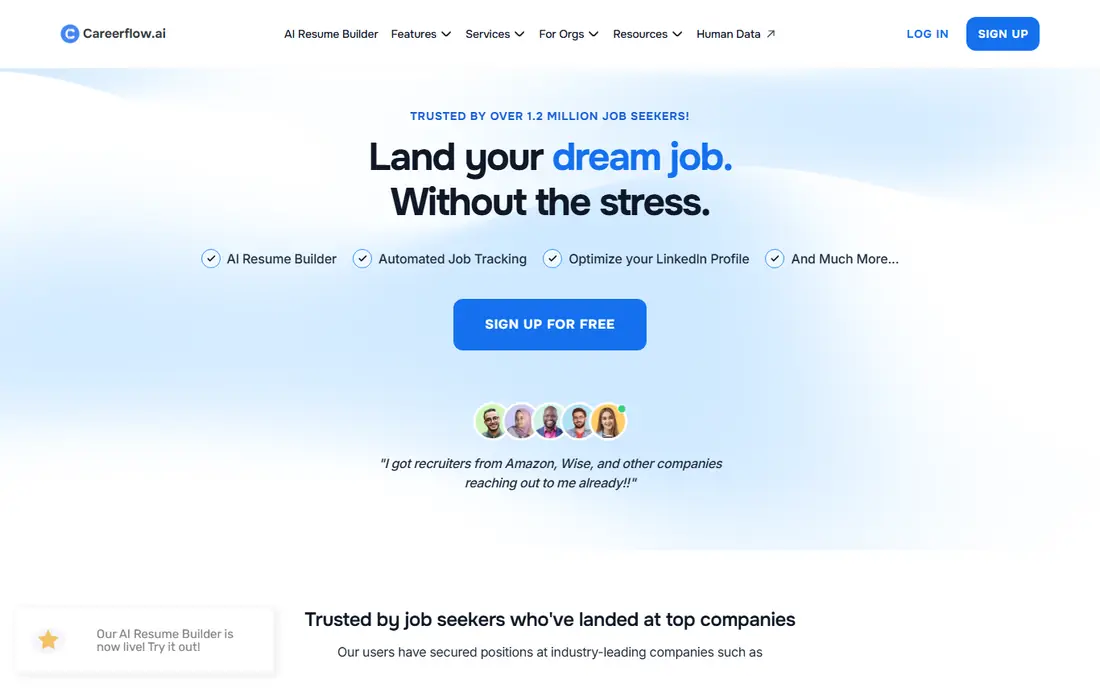
Careerflow builds on Teal strengths with a stronger LinkedIn optimiser and a kanban tracker that adds analytics on where your search is working. Import a LinkedIn profile, tailor a resume with one-click optimisation, track applications visually, and see which sources produce interviews. That breadth makes it a good single workspace for job seekers who use LinkedIn heavily.
The free tier is tight, so most users will need Premium at $23.99 per month, and interview prep sits on a separate Premium Plus tier at $44.99 per month. Factor both tiers into your budget if you need interview practice. For LinkedIn-led searches, Careerflow is the most complete toolkit on this list.
- LinkedIn optimiser that works through the extension
- One-click resume optimisation
- Kanban tracker with analytics
- Free tier limited to one resume and few tracked jobs
- Interview prep is a separate higher-priced tier
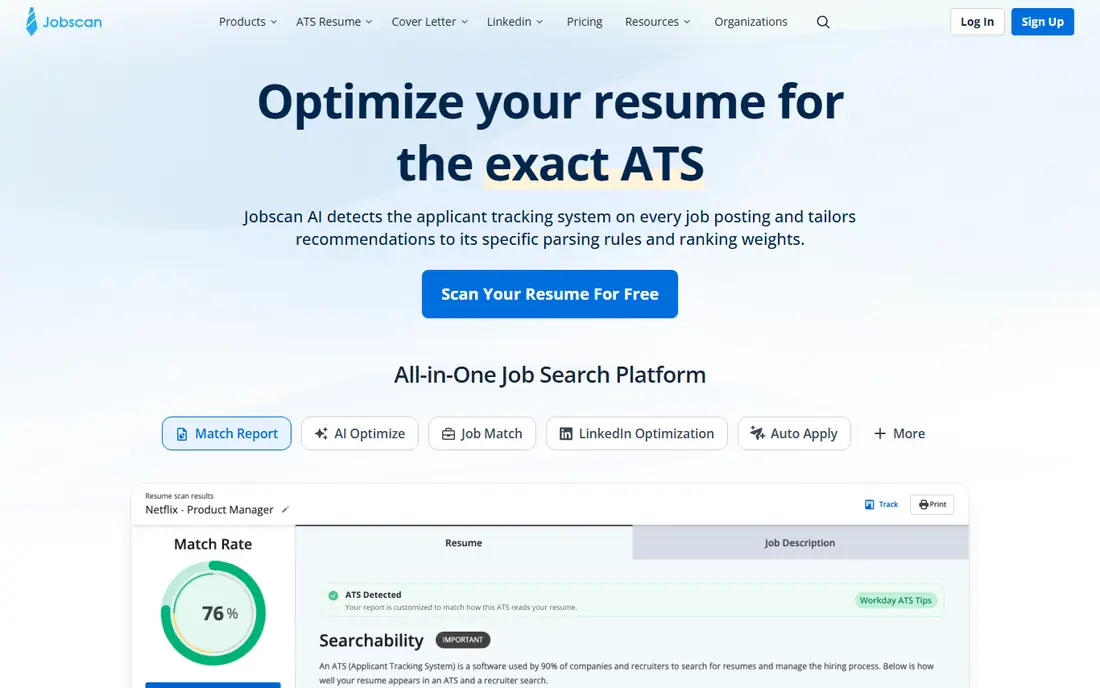
Jobscan answers one question well: how closely does your resume match this specific job description for applicant tracking systems? Paste in the description and your resume, get a match rate, and see missing keywords, skills, and formatting issues to fix. That focused feedback helps for roles where you know ATS screening is strict, such as large corporate hiring.
Jobscan is expensive at $49.95 per month, with a free tier of five scans a month and a quarterly plan that lowers the effective rate. It is not a tracker or a job board, so pair it with Teal or Huntr for organisation. Use Jobscan for your top roles, where a higher match rate is worth the cost, rather than for every application.
- Clear match rate against a job description
- Keyword and skill gap feedback
- Cover letter and LinkedIn tools
- Most expensive tool here
- Free tier allows only five scans a month
- Annual plan needs a large upfront payment
Simplify is the best free AI job search tool for job seekers who want matching plus faster applications. Its extension autofills forms on many career sites, its tracker organises applications, and its matching surfaces roles that fit your profile. The free tier is genuinely useful, which makes Simplify a low-risk first trial for any search.
Simplify+ adds Autopilot, which can submit on supported portals, though it remains in beta with a weekly allowance. Reported pricing for Simplify+ is $39.99 per month, but check inside the app for current terms. For a free, practical starting point that covers finding, filling, and tracking, Simplify is hard to beat.
- Free autofill and tracking
- AI matching
- Autopilot for supported portals in beta
- Paid plan pricing is shown inside the app for some users
- Autopilot is limited to supported portals
Jobright combines AI job matching, autofill, and auto-apply with an insider connections feature that surfaces people at target companies who might refer you. That referral angle is useful, because referrals often beat cold applications, and Jobright makes it easier to find the right contact. The free tier lets you test matching before paying for Turbo.
Pricing is the reason to check carefully: Jobright has no public pricing page, and third-party reports put Turbo around $39.99 per month, with weekly and quarterly options shown in app. Coverage is also US-focused, so international job seekers should prefer LoopCV or Teal. For US job seekers who want matching plus automation and referral leads, Jobright is worth a trial.
- AI matching with insider referral finder
- Autofill and auto-apply
- US-focused job coverage
- No public pricing page
- Paid Turbo pricing is only shown in app
- US-only coverage limits international users
Huntr suits visual planners who like a kanban board for their search: columns for wishlist, applied, interview, and offer, with cards you drag as roles progress. Its AI resume builder adds match scoring, and its extension autofills applications, so Huntr covers tracking, tailoring, and form filling in one place. The free plan tracks 100 jobs, enough for a focused search.
Pro at $40 per month adds unlimited tracking, unlimited AI resume generations, and advanced matching, which is steep if you only need a tracker. Public reviews have also noted that Huntr match scores can overstate alignment, so treat the score as a guide, not a guarantee. For visual trackers who want a board plus resume tools, Huntr is a strong pick.
- Kanban board for visual tracking
- AI resume builder with match scoring
- Autofill extension
- Free plan caps tracked jobs at 100
- Pro at $40 per month is pricey for tracking alone
- No interview prep tools
LoopCV runs automated search loops that apply to matched roles on LinkedIn, Indeed, Glassdoor, and other boards, with an option to email recruiters as a second channel. That automation suits job seekers targeting many similar roles, and its international coverage is broader than US-only tools such as Jobright. Paid plans from 9.99 euros per month raise monthly caps.
The free plan allows only 10 applications a month, so it is a trial rather than a full search tool. Match quality also depends heavily on your profile: vague titles and locations produce vague matches. Set tight filters, review the first loop closely, and keep direct applications for your top employers alongside LoopCV automation.
- Automated loops across many boards
- Recruiter email outreach
- Broader international coverage
- Free plan allows only 10 applications a month
- Match quality depends on profile setup
Rezi is the specialist pick for job seekers whose main problem is the resume itself. Its AI builder creates ATS-friendly resumes with clean formatting, keyword targeting for a specific role, and templates that parse well in tracking systems. That focus helps when your applications get few responses and you suspect formatting or keyword gaps are the cause.
Rezi is narrower than Teal or Careerflow: it does not offer a full tracker, job matching, or interview prep suite. The free tier covers one resume, with Pro at $29 per month for unlimited resumes and features. Pair Rezi with a tracker such as Teal or Huntr, and use it to build a strong base resume, then tailor versions for each role family.
- AI resume builder focused on ATS formatting
- Keyword targeting
- Clean templates
- Narrower than a full search workspace
- Free tier covers only one resume
- No job tracking suite
How we picked these
We compared official product pages, pricing pages, help centres, and public reviews for AI job search tools that cover matching, resume tailoring, tracking, autofill, auto-apply, or interview prep. We favoured tools with a free tier or trial, published or in-app pricing we could describe honestly, and a track record in 2026. Where pricing was only shown inside an app, we list it as See website rather than repeating a figure we could not verify from the vendor. We did not claim hands-on testing; our comparison rests on vendor pages and public documentation.
How to get interviews from AI job search tools
Use AI tools to widen the top of your funnel and sharpen your documents, then add human effort where it counts most. Tailor your resume for each role family, write a short, specific cover note for top employers, and follow up on applications after a week. Network in parallel: referrals, recruiter outreach, and direct messages to hiring managers often convert better than any automated application stream.
Track results by source, not just by count. Record applications, responses, interviews, and offers for each tool, and shift effort toward the source with the best interview rate. If a tool produces volume without interviews, tighten its filters, improve your resume, or pause it. A search that produces ten interviews from fifty focused applications beats one that produces one interview from five hundred generic ones.
A note on honesty and automation
AI tailoring should present your real skills and experience in the language of the job description, not invent jobs, qualifications, or dates. Employers check resumes against interviews and references, and a mismatch can end a process that was going well. Also respect job board rules on automation and application limits, and never apply to the same role twice through different tools. Keep a master resume you control, and review AI output before it reaches an employer.
Frequently asked questions
What is the best AI job search tool?
Teal is the best all-round free starting point, while Careerflow is best for LinkedIn-led searches and Jobscan is best for ATS match scoring. Simplify is the best free tool for matching plus autofill. The best tool depends on whether your bottleneck is finding roles, tailoring resumes, or tracking applications.
What is the best AI job search app for free?
Teal offers the most generous free tier, with unlimited tracking and resume versions, while Simplify offers free autofill, matching, and tracking. Jobscan free tier gives five scans a month, and Huntr free tier tracks 100 jobs. Start with Teal and Simplify free, then pay only for a feature you use weekly.
What is the best AI tool for job search and resume tailoring?
Careerflow and Teal are strongest for tailoring plus tracking, while Jobscan and Rezi are strongest for resume scoring and ATS formatting. Use Jobscan or Rezi to fix a specific resume for a top role, and Teal or Careerflow to manage versions across a whole search.
Do AI job search tools guarantee a job?
No tool can guarantee interviews or offers. AI tools save time, improve keyword match, and widen your search, but hiring depends on fit, experience, timing, and competition for each role. Combine AI tools with networking, referrals, and direct applications to employers you target by name.
Are AI job application tools safe to use?
Reputable tools are safe when you keep login details secure, review what they submit, and read their privacy policy for resume and application data handling. Avoid tools that ask you to misrepresent experience or share passwords insecurely. Check what data a tool stores, how long it keeps it, and how to delete your account.
Sources we checked (8)

Online Jobs is an independent blog about careers, online work, learning new skills and the tools that help people earn. More about us.
Keep reading
All posts
Companies With the Best Benefits
Companies with the best benefits in 2026: we compare eight employers on parental leave, health cover, flexible work, and perks staff actually use daily.

Best Resume Writing Services
Looking for the best resume writing service in 2026? We compared 9 top resume services on price, turnaround, guarantees and writer quality. Start here.

Best Resume Builder App
Find the best resume builder app for your next job search. We compare 9 resume builder apps, free plans, templates, and prices to help you choose well.