Best AI Job Application Tool in 2026: 8 Tools Compared

How we put this together: we compare official feature and pricing pages, app store listings, privacy policies and public user reviews. Prices change, so check the provider's site before you pay.
Key takeaways
- Auto-apply tools save time on forms, but they work best when you still review target roles and tailor your resume for the jobs you care about most.
- Simplify and Teal are the strongest starting points for most job seekers, because both offer a free tier and keep you in control of submissions.
- LazyApply and AIApply suit high-volume searches, with daily caps or credit packs that need careful budgeting.
- Sonara and JobCopilot automate more of the process, but check their current pricing inside the app, since published prices change often.
- No tool can guarantee interviews, and mass applying to poorly matched roles can hurt your chances more than a smaller, focused search.
Quick comparison
| Name | Who it suits | Starting price | Free option | |
|---|---|---|---|---|
 Simplify | Free autofill and tracking | Free | Yes | Visit |
 Teal | Organised search with resume tailoring | Free | Yes | Visit |
 LazyApply | High-volume auto-apply | $99 per year | No | Visit |
 AIApply | Credit-pack auto-apply | $49 per month | No | Visit |
 Sonara | Automated matching and applying | See website | Free trial | Visit |
 LoopCV | Automated loops across job boards | $9.99 per month | Yes | Visit |
 JobCopilot | Daily auto-apply with screening | See website | No | Visit |
 Careerflow | Resume, tracker, and LinkedIn tools | $23.99 per month | Yes | Visit |
The best AI job application tools
AI job application tools sit on a spectrum. At one end, autofill tools fill forms faster while you stay in charge. At the other end, auto-apply tools submit applications for you. The right choice depends on how much control you want to keep, how many roles you target, and whether you are applying in the US or elsewhere.
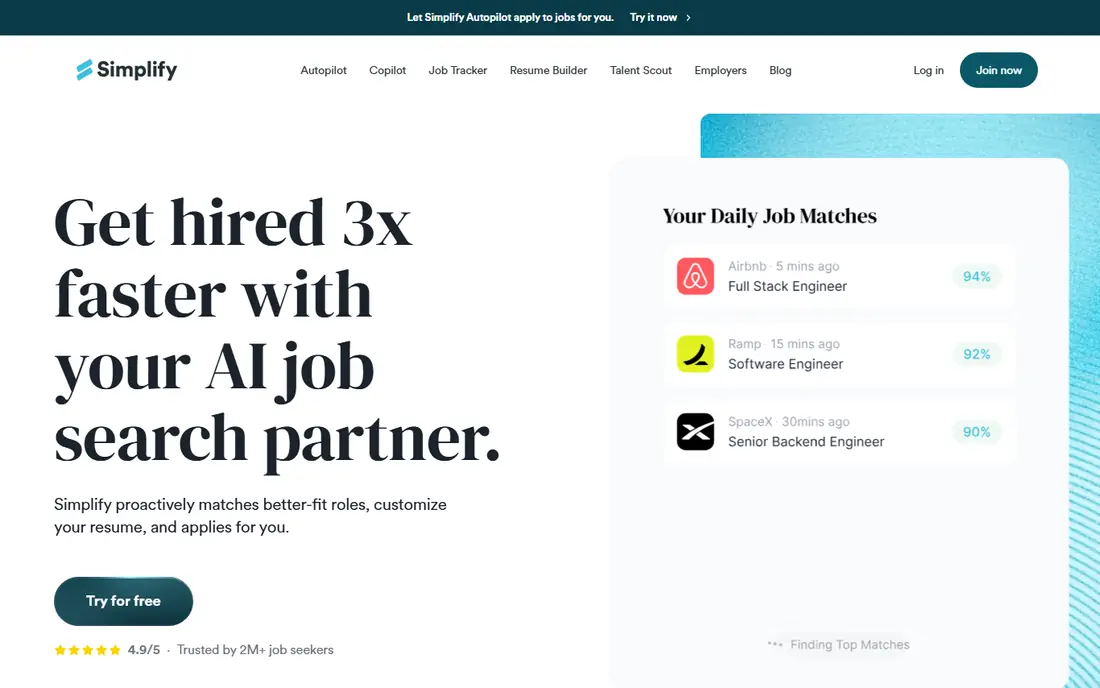
Simplify is the best place to start if you want AI help without paying first. Its browser extension autofills applications on many career sites, including Workday and Greenhouse forms that usually take the longest. The tracker keeps applications, deadlines, and follow-ups in one place, which matters once you pass twenty active applications.
The paid Simplify+ plan adds Autopilot, which can submit on supported portals, but it is still a beta feature with a weekly allowance. Treat Simplify as a time saver for manual applying first and an auto-apply helper second. For most job seekers, that balance is the right one, because you still see each role before it goes out.
- Free autofill on many career sites
- Job tracker included
- Autopilot option for supported portals
- Autopilot is in beta and limited to supported portals
- Paid plan pricing sits inside the app for some users
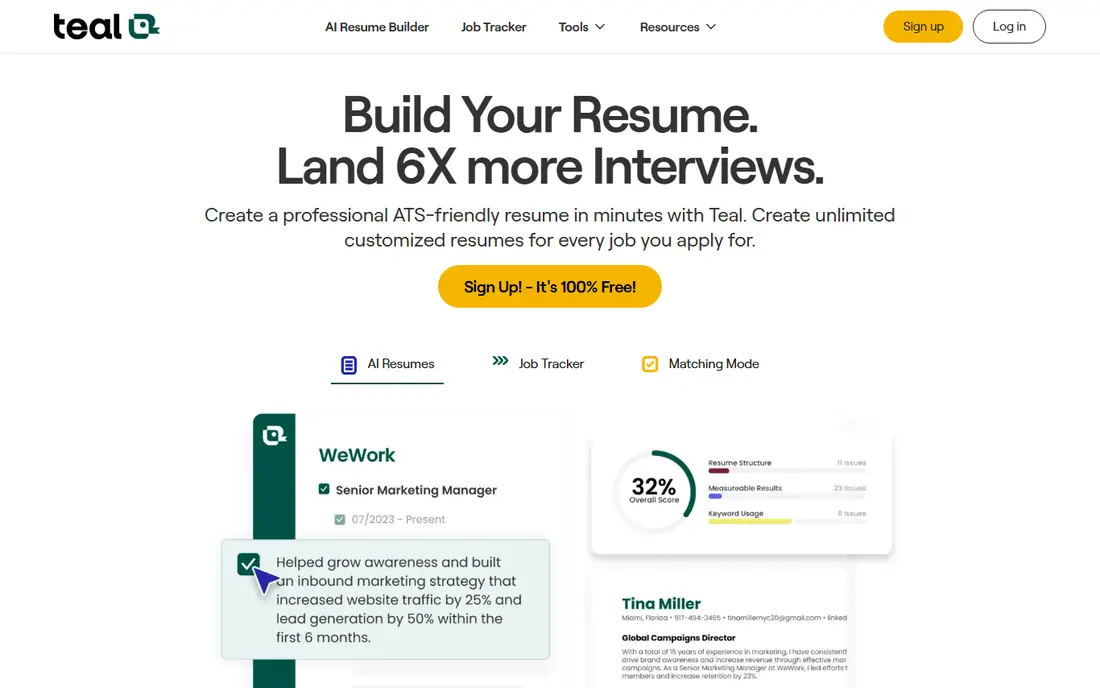
Teal is not an auto-apply tool, and we list it here because many searches for the best AI job application tool actually need organisation and tailoring more than volume. Its tracker is unlimited, its resume builder creates versions for different role families, and its keyword matching shows where your resume misses terms from a job description. That combination helps a focused search far more than blasting out generic applications.
The trade-off is effort. You still submit each application yourself, though Teal autofill speeds up the form filling. If you want full automation, pair Teal with a tool like LazyApply for volume, or use Teal alone for the roles you care about most and accept a slower pace.
- Unlimited job tracking and resume versions on the free tier
- Keyword matching
- Cover letter tools
- No auto-apply
- Paid plan is weekly or monthly, which adds up over a long search
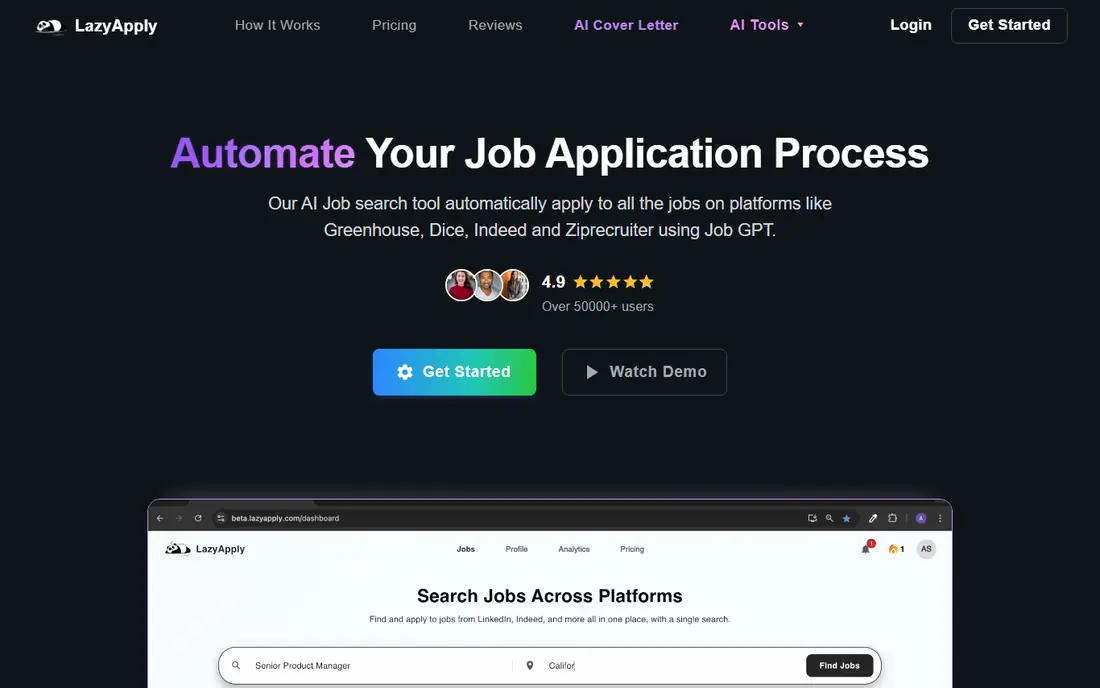
LazyApply is a Chrome extension that applies on Indeed, LinkedIn, ZipRecruiter, Dice, and Greenhouse, with daily caps that rise by plan. At $99 per year for the entry plan, it is one of the cheapest ways to apply at volume, and it suits job seekers who target a broad set of similar roles and want to cut form time to almost nothing.
Volume is also its risk. Loose filters produce applications to roles that do not fit, and some employers notice generic applications. Set tight filters for title, location, and seniority, review the roles LazyApply targets, and keep a separate tailored approach for your top ten employers. Used with discipline, it saves hours a week.
- Low annual cost
- Daily caps up to high volumes on higher plans
- Works on major job boards
- Annual billing only
- Volume can mean poorly matched applications if filters are loose
AIApply combines resume tailoring, cover letter generation, and auto-apply in credit packs, starting at $49 per month for 100 applications. Credits roll over while your subscription stays active, which helps if your search has busy and quiet weeks. Larger packs bring the per-application cost down, though you should only buy a large pack once you know the tool works for your target roles.
The catch is cost over time. A three-month search at the entry rate adds up, and credits vanish if you cancel. Start with the smallest pack, test it on roles you would genuinely accept, and track interview rates by source so you can tell whether AIApply is beating your manual applications or just adding volume.
- Resume and cover letter tailoring plus auto-apply
- Credits roll over while subscribed
- Clear credit packs
- Monthly cost is high for a long search
- Unused credits are lost once a plan lapses
Sonara aims to run your search in the background: it matches roles to your resume, salary expectations, and seniority, then applies on your behalf and tracks results in one dashboard. For job seekers who dread the daily grind of forms, that hands-off model is appealing, and it can land you in the early-applicant window for new postings.
We list pricing as See website because Sonara pricing pages have been inconsistent and hard to load, with third-party reports citing trial pricing that renews to a monthly subscription. Check the checkout terms carefully before paying, including the renewal price and cancellation steps, and set a reminder to review after the trial. Also confirm how much you can review or approve before applications go out.
- Automated matching from your resume and preferences
- Continuous submission
- Single dashboard
- Pricing is hard to verify from public pages
- Less control over each submission than manual tools
LoopCV runs automated job search loops on LinkedIn, Indeed, Glassdoor, and other boards, applying to matched roles and optionally emailing recruiters. The free plan gives 10 applications a month, which is enough to test whether the matching fits your profile, and paid plans from 9.99 euros per month raise the cap. For job seekers outside the US, LoopCV coverage is broader than some US-only rivals.
LoopCV still needs good inputs. A vague profile produces vague matches, so spend time on titles, skills, and locations before switching a loop on. Review the first batch of matches closely, tighten filters, and treat LoopCV as a supplement to direct applications at companies you target by name.
- Low entry price
- Loops run across many boards
- Recruiter email outreach option
- Free plan allows only 10 applications a month
- Paid caps still limit high-volume users
JobCopilot automates daily applications, handling screening questions and submitting to roles that match your profile. That daily rhythm suits job seekers who want steady output without opening job boards each morning, and it covers a wide set of boards and company pages. Reports show where applications went, so you can follow up on the ones that matter.
Pricing is the reason to check carefully. JobCopilot has no free tier, and its per-day pricing is shown inside the product rather than on a simple public pricing page. Budget for at least a month, test the match quality in the first week, and pause if the roles drift away from your target. A daily auto-apply tool only helps if the daily matches stay relevant.
- Applies daily to matched roles
- Screening questions handled
- Works across many boards
- No free tier
- Pricing is shown per day inside the product
- Volume needs monitoring
Careerflow is the most complete toolkit on this list for job seekers who want AI speed plus a human-facing profile. It imports from LinkedIn, tailors resumes with one-click optimisation, tracks applications on a kanban board with analytics, and offers interview prep. The LinkedIn optimiser is a genuine differentiator, since many recruiters find candidates there before they ever see an application.
The free tier is tight, with one resume and limited tracking, so most serious users will need the Premium plan at $23.99 per month. Interview prep sits on a separate, higher-priced tier, so factor that in if you need it. Careerflow suits job seekers who want one workspace for resume, tracker, and LinkedIn, rather than a pure auto-apply engine.
- LinkedIn optimisation plus resume tailoring
- Kanban tracker with analytics
- Interview prep tools
- Free tier is limited to one resume and few tracked jobs
- Interview prep is a separate higher-priced product
How we picked these
We compared official product pages, pricing pages, help centres, and public reviews for tools that automate or speed up job applications, including autofill, matching, tailoring, and auto-apply. We favoured tools with a published free tier or trial, clear caps on applications, and a track record in 2026. Where pricing was only shown inside an app or had changed across sources, we list it as See website rather than repeating a figure we could not verify. We did not claim hands-on testing; our comparison rests on vendor pages and public documentation.
How to use AI application tools without hurting your search
Set a weekly target by quality, not just count. A good starting point is five tailored applications to roles you truly want, plus a controlled volume stream from an auto-apply tool for similar roles. Track which source produces interviews, not just submissions, and shift effort toward the source that converts. If an auto-apply tool produces no interviews after fifty applications, tighten its filters or pause it.
Keep your resume honest and consistent across tools. AI tailoring should highlight real skills and experience in the language of the job description, not invent roles, dates, or qualifications. Check every tailored resume before it goes out for your top employers, and keep a master resume that you control. Employers and background checks will compare what you submitted against what you actually did.
Watch out for auto-apply risks
Some employers block or deprioritise applications that look automated, and some job boards limit how many applications an account can send in a day. Read the terms of the boards you use, avoid applying to the same role twice through different tools, and never let a tool apply to roles that require a licence, clearance, or location you do not meet. A smaller number of credible applications beats a large number of mismatched ones.
Frequently asked questions
What is the best AI platform for job applications?
Simplify and Teal are the best starting points for most job seekers, because both offer free tiers and keep you in control. Simplify is stronger for autofill and volume, while Teal is stronger for resume tailoring and tracking. For full auto-apply, LazyApply and AIApply are the most established paid options.
What are the best AI job application tools for free?
Simplify offers free autofill and tracking, Teal offers free unlimited tracking and resume versions, and LoopCV offers a free plan with 10 applications a month. Careerflow also has a free tier, though it is more limited. Start free, test match quality, and only pay once a tool proves it helps your search.
Do AI job application tools actually work?
They work best as time savers and organisers, not as a guarantee of interviews. Autofill and tailoring tools reliably cut form time and improve keyword match, while auto-apply tools increase volume but can lower relevance if filters are loose. Track interview rates by tool and keep tailored applications for your top employers.
Is it safe to let an AI tool apply for jobs on my behalf?
It is generally safe if you use a reputable tool, keep your login details secure, and review what it submits. Avoid tools that ask you to misrepresent experience, apply to roles you do not meet, or share passwords outside a secure extension. Check the tool privacy policy for how it stores your resume and application data.
How many jobs should I apply to with AI tools?
There is no magic number, but a focused search usually beats mass applying. Aim for a mix of tailored applications to top roles and a controlled volume stream for similar roles, and review results weekly. If volume rises but interviews do not, cut volume and improve targeting and resume tailoring instead.
Sources we checked (8)

Online Jobs is an independent blog about careers, online work, learning new skills and the tools that help people earn. More about us.
Keep reading
All posts
Companies With the Best Benefits
Companies with the best benefits in 2026: we compare eight employers on parental leave, health cover, flexible work, and perks staff actually use daily.

Best Resume Writing Services
Looking for the best resume writing service in 2026? We compared 9 top resume services on price, turnaround, guarantees and writer quality. Start here.

Best Resume Builder App
Find the best resume builder app for your next job search. We compare 9 resume builder apps, free plans, templates, and prices to help you choose well.