Best AI Interior Design App Free in 2026: 9 Apps Compared

How we put this together: we compare official feature and pricing pages, app store listings, privacy policies and public user reviews. Prices change, so check the provider's site before you pay.
Key takeaways
- Planner 5D and Homestyler suit floor plans and 3D rooms best, with free plans that keep working past a trial.
- RoomGPT, Interior AI, REimagineHome, and Spacely AI suit photo restyles best, where you upload a room photo and get new styles.
- IKEA Kreativ suits shoppers best, since it places real IKEA furniture in your actual room for free.
- Free limits differ a lot, from ongoing free plans to a few trial designs, so check credits, watermarks, and resolution before you rely on a tool.
- AI images are ideas, not measured plans, so measure furniture and rooms before you buy anything based on a render.
Quick comparison
| Name | Who it suits | Starting price | Free option | |
|---|---|---|---|---|
 Planner 5D Planner 5D | Free floor plans and 3D rooms | See website | Yes | Visit |
 Homestyler Homestyler | Free 3D planning and renders | See website | Yes | Visit |
 RoomGPT RoomGPT | Quick free photo restyle | See website | Yes | Visit |
 Interior AI Interior AI | Many photo restyles | See website | Free trial | Visit |
 REimagineHome REimagineHome | Fast room restyles | See website | Free trial | Visit |
 Spacely AI Spacely AI | Trial credits for staging | See website | Free trial | Visit |
 IKEA Kreativ IKEA Kreativ | Real furniture in your room | Free | Yes | Visit |
 DecorMatters DecorMatters | AR furniture preview | See website | Yes | Visit |
 RoomSketcher RoomSketcher | Measured floor plans | See website | Yes | Visit |
The best ai interior design app free
We split this list into two jobs, because photo restylers and floor planners solve different problems. Photo tools give fast style ideas from a room photo. Planners give measured layouts you can actually build from. We judged each app on free allowance, output quality, ease of use, furniture realism, and export options, and we note where a free offer is a trial rather than an ongoing plan.
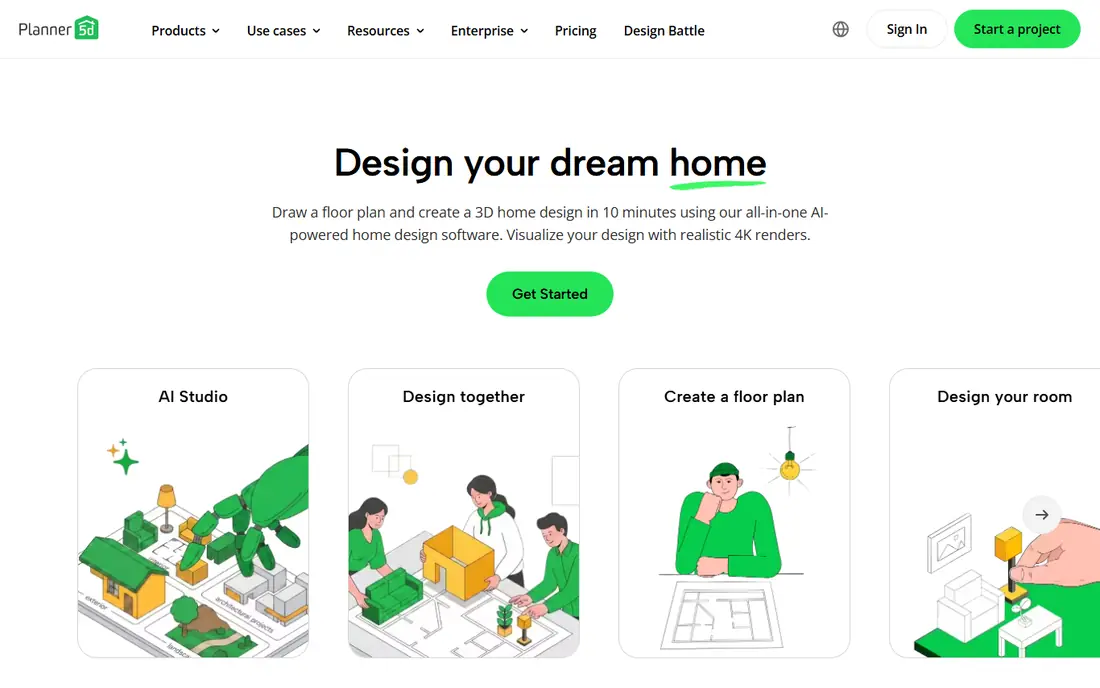
Planner 5D is our pick for homeowners who want a real plan, not just a pretty picture. The free plan covers unlimited projects, 2D floor plans, and 3D views, so you can test whether a sofa fits, a door swings clear, and a table leaves walking space. That measured view matters more than style when you are buying furniture. Paid plans add the full catalogue, higher renders, and AI studio credits. The catch is that AI photo tools sit behind paid credits, so treat Planner 5D as a planner first and a restyler second. For a room redo with real dimensions, start here.
- Free plan with unlimited projects
- 2D and 3D planning
- Large furniture catalogue on paid plans
- AI restyle tools need paid credits
- Free catalogue covers only part of the full range
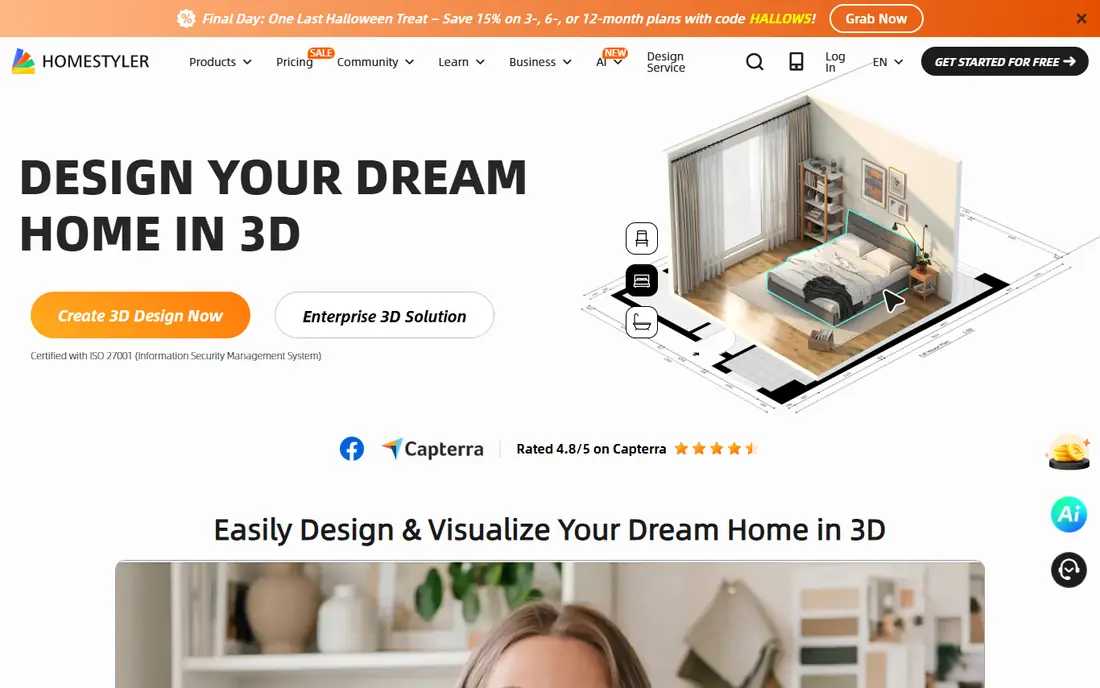
Homestyler suits users who want to build a room in 3D and see a lifelike render without paying first. The free plan covers cloud-based planning and basic renders, with a large library of models and materials to try. That combination beats photo-only tools when you need to move walls, try layouts, and compare furniture placements. The trade-off is render quality and watermarks. Sharper renders cost extra, and watermark-free output needs a paid plan, so check those costs when a render is for a client or a listing. For personal planning, the free tier goes a long way.
- Free 3D floor planner
- Many free renders at basic resolution
- Large model library
- Higher resolution renders cost extra
- Watermark removal needs a paid plan

RoomGPT suits anyone who wants a quick answer to a simple question, such as how a living room might look in a warm modern style. Upload a photo, pick a style, and get a restyled image in minutes, with no floor plan work needed. That speed makes it a good first test for colour, mood, and furniture direction. The catch is limits and accuracy. Free allowances are small and can change, and the result is a visual idea that may shift windows, scale, and layout. Use it for inspiration, then confirm sizes and colours with real samples and a planner app.
- Fast photo restyles from a single upload
- Simple style picker
- Useful for quick ideas
- Free allowance is limited and varies
- Output is a concept, not a measured plan
Interior AI suits users who want to try many styles on the same room photo. Style options cover modern, rustic, minimal, and more, and generation is fast enough to compare several looks in one sitting. That volume helps when you are stuck between two or three directions and want to see them side by side. The trade-off is the free tier. Free renders are limited and lower in resolution, so detailed decisions still need a paid plan or a planner app. Use the free renders to pick a direction, then refine with real furniture dimensions.
- Many style options for photo restyles
- Fast generation
- Useful for staging ideas
- Free renders are limited and lower resolution
- Full use needs a paid plan
REimagineHome suits homeowners and agents who want fast restyles with simple edits. Upload a photo, pick a style, and refine with chat-style prompts, such as keeping the fireplace or changing only the sofa. Shoppable product ideas help move from an image to a shopping list. The catch is that free designs are a trial allowance, so the free tier ends after a few designs. Treat those free designs as a test, check scale and fixed features carefully, and only pay when you need regular restyles for listings or projects.
- Fast restyles with chat-style edits
- Shoppable product ideas
- Free designs to start
- Free designs are a trial, not an ongoing plan
- Results need checking for scale and layout
Spacely AI suits designers and agents who want to test staging and concept renders with trial credits. It covers photo restyles, sketch-to-render work, and 3D tools, which helps when a project moves from a rough idea to a presentation image. Trial credits let you judge output quality before paying. The trade-off is that trial credits are finite, so plan your test shots well and save the best outputs. For ongoing listing work, compare the credit pack cost with a planner tool that offers an ongoing free plan, since the right choice depends on volume.
- Trial credits with no watermark on some outputs
- Sketch and 3D tools
- Useful for staging
- Trial credits run out
- Ongoing use needs a paid plan or credit pack
IKEA Kreativ suits shoppers who plan to buy from IKEA and want to see real items in their own space. Using a phone camera, you can place true-to-scale IKEA furniture in your room, check fit, and build a shopping list from items that actually exist. That practical link to buying beats a generic AI image when a purchase decision is close. The catch is catalogue scope. You only preview IKEA products, and AI redesign availability can vary by region, so check the IKEA site for your country. If your shortlist is IKEA furniture, this free tool is the most useful on this list.
- Free to use
- Places real IKEA furniture in your actual room
- True-to-scale preview for IKEA items
- Limited to the IKEA catalogue
- AI redesign features vary by region
DecorMatters suits users who want to preview furniture in their room with augmented reality and browse community designs for ideas. AR placement helps judge scale and style in your actual space, while community rooms give starting points when you are unsure what to try. Room planning tools add a basic layout option alongside AR. The trade-off is AI depth. Photo restyle features are thinner than in RoomGPT or Interior AI, so use DecorMatters for furniture preview and ideas, and a photo tool for full room restyles. For renters testing a few pieces, that mix works well.
- AR preview of furniture in your room
- Design community and ideas
- Room planning tools
- Free features vary
- AI restyle depth is thinner than photo-first tools
RoomSketcher suits users who need numbers, not just images. Floor plans can show measurements, room areas, and print-to-scale output, which helps when talking to a builder, an agent, or a contractor. That measured output sets it apart from photo restylers that change layout freely. The catch is the free plan, which is very limited, with only a small number of credits and no measurements on the free tier. Paid plans give the full value, so trial it on a project where measurements matter, and use Planner 5D or Homestyler when a free plan is the priority.
- Measured floor plans with scale output
- 3D views
- Useful for builders and agents
- Free plan is very limited
- Full features need a paid plan
- Desktop and tablet focus
How we picked these
We compared official feature pages, pricing pages, app store listings, and public user reviews for each app. We weighted free allowance type, output quality, floor plan accuracy, furniture realism, ease of use, and export options. We did not run hands-on design tests of every plan, and free limits change often, so we mark pricing as See website where we could not verify a current vendor price at the time of writing. Check the vendor pricing page and test with your own room photo before you pay.
How to get useful results from AI design apps
AI design apps give better ideas when you give them better inputs and check the output against real measurements.
Take a good room photo
Shoot in daylight, from a corner that shows the most floor, with clutter cleared. AI tools read piles of objects as furniture, so a tidy photo gives a cleaner restyle. Take two angles when the room is large or L-shaped.
Be specific about what to keep
Tell the tool what must stay, such as windows, flooring, fireplaces, and fixed cabinets. Name the style, colours, and materials you want, such as warm wood, linen, and black fixtures, rather than asking for a generic modern look. Generate several versions of the same prompt and compare them.
Measure before you buy
AI images are not to scale. Measure the room, doorways, and any furniture you like, and check those numbers in a planner app such as Planner 5D or Homestyler. Confirm paint colours against physical samples in your own light, since screens shift colour.
Know when to hire a designer
AI tools suit ideas, staging, and simple refreshes. Hire a designer for structural work, kitchens and bathrooms with plumbing or electrical changes, accessibility needs, or coordinated trades. A designer adds measurement, code knowledge, and procurement judgement that an app cannot replace.
Frequently asked questions
What is the best free AI interior design app?
Planner 5D and Homestyler offer the strongest ongoing free plans for floor plans and 3D rooms. RoomGPT offers a quick free photo restyle, while IKEA Kreativ offers a free way to preview real IKEA furniture in your room. Pick a planner for layouts and a photo tool for style ideas.
What is the best free AI app for interior design with photo restyles?
RoomGPT, Interior AI, and REimagineHome lead for photo restyles, where you upload a room photo and get new styles. RoomGPT suits a quick test, Interior AI suits trying many styles, and REimagineHome suits chat-style edits. Free allowances are limited, so check credits before you start a project.
Can AI design a room from a photo?
Yes, photo tools can restyle a room photo in a new style, colour scheme, or furniture layout. The result is a visual concept, not a measured plan, and it may change fixed features or furniture scale. Always measure the room and check fixed features before you act on an AI image.
Can AI interior design tools create floor plans?
Planner 5D, Homestyler, and RoomSketcher can create editable floor plans with dimensions and 3D views. Photo restylers may suggest a new arrangement visually, but they do not create an accurate measured floor plan. Use a planner app when a builder or contractor needs exact numbers.
Are free AI interior design tools really free?
Some are, and some offer trials. Planner 5D, Homestyler, and IKEA Kreativ offer ongoing free plans, while Interior AI, REimagineHome, and Spacely AI offer a limited number of free or trial designs. Check credits, watermarks, resolution, and export rules before you rely on a free tier.
Can I use AI interior images for real estate listings?
You can use them for staging ideas, but check the plan licence for commercial use, keep fixed architecture accurate, and disclose virtual staging where listing rules require it. Never use a generated image to hide damage, misrepresent a permanent feature, or imply that furniture is included in a sale.
Sources we checked (9)

Online Jobs is an independent blog about careers, online work, learning new skills and the tools that help people earn. More about us.
Keep reading
All posts
Zoom Alternatives
Zoom alternatives compared for 2026: Google Meet, Microsoft Teams, Webex, Jitsi and more for free calls, large meetings and webinars for teams and classrooms.

Workday Alternatives
We compared the best workday alternatives for HR, payroll, and global hiring, from BambooHR and Gusto to Rippling, Deel, and HiBob for growing teams in 2026.

WordPress Alternatives
WordPress alternatives guide: we compare 8 platforms for builders, designers, stores, and publishers to leave WordPress without losing your full site content.