Best AI Image Upscaling Tools in 2026: 8 Tools Compared


Professional photo enlargement · Starting price: See website
How we put this together: we compare official feature and pricing pages, app store listings, privacy policies and public user reviews. Prices change, so check the provider's site before you pay.
Key takeaways
- Local tools such as Topaz Gigapixel and Upscayl keep images on your computer, while cloud tools upload images for processing.
- Upscayl suits free local upscaling, while Topaz suits photographers who want control over models and output for print.
- Magnific and Lets Enhance suit creative and batch work, but creative settings can change details, so check outputs closely.
- Adobe Photoshop suits Creative Cloud users who already edit in Photoshop and need upscaling inside that workflow.
- Free and low-cost web tools suit occasional jobs, while batch and API work needs a paid plan with clear credit limits.
Quick comparison
| Name | Who it suits | Starting price | Free option | |
|---|---|---|---|---|
| Topaz Gigapixel | Professional photo enlargement | See website | No | Visit |
 Upscayl | Free local upscaling | $0 per month | Yes | Visit |
 Lets Enhance | Cloud batch upscaling | See website | Yes | Visit |
 Magnific AI | Creative AI art upscaling | $39 per month | No | Visit |
 Adobe Photoshop | Upscaling inside Creative Cloud editing | $22.99 per month | No | Visit |
 Upscale.media | Quick online upscaling | See website | Yes | Visit |
 Bigjpg | Artwork and photo upscaling online | See website | Yes | Visit |
 ImgUpscaler | Fast browser upscaling | See website | Yes | Visit |
The best AI image upscaling tools
AI upscaling enlarges an image by predicting detail, rather than simply stretching pixels. That distinction matters, because a good upscaler can sharpen edges and restore texture, while a weak one can smooth a face or invent text that was never in the original. The tools below differ in where processing happens, how much control you get, and whether the output stays faithful to the source or adds creative detail.
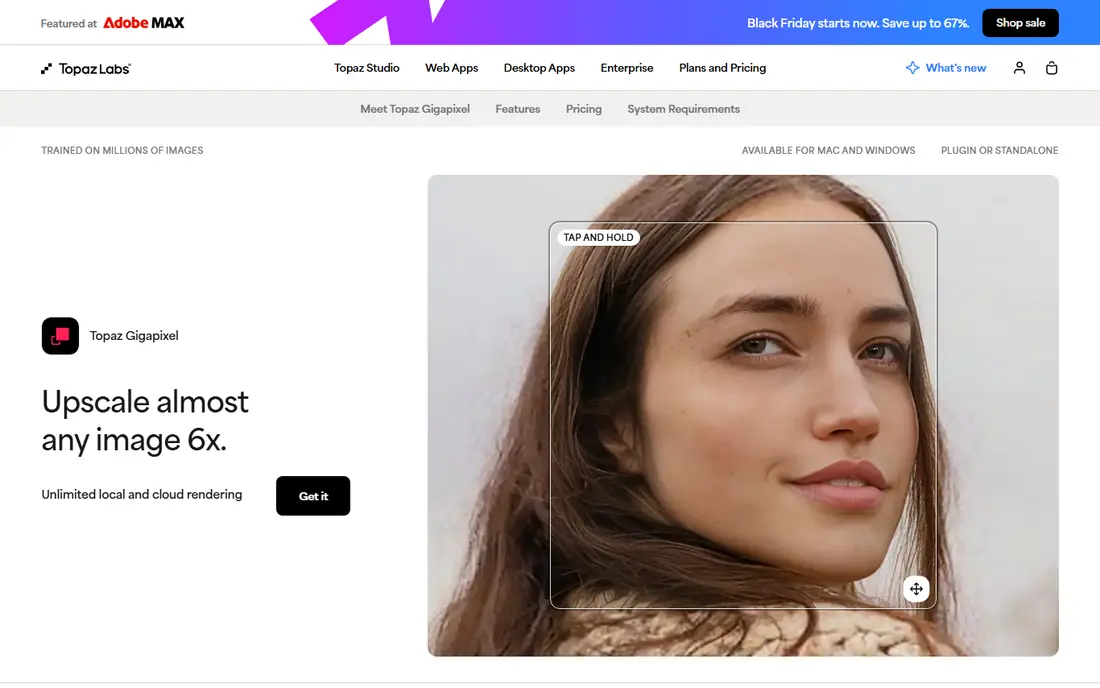
Topaz Gigapixel is the desktop standard for photographers who enlarge images for print or large display. It offers several models for different image types, including faces, outdoor scenes, and low-resolution sources, and it processes locally, so client images do not need to be uploaded to a cloud service. Batch processing helps photographers who need to enlarge many files at once. Pricing in recent comparisons varies widely, with figures from a monthly subscription to an annual Pro plan, so check the current Topaz pricing page for the plan that matches commercial use. A trial is available in some listings, but the free option is limited. Topaz fits photographers who enlarge images regularly and who want model control rather than a one-click web result.
- Multiple models, batch processing, and local processing for privacy and print work
- Pricing has changed over time and varies by personal and Pro plans, and it needs a capable computer
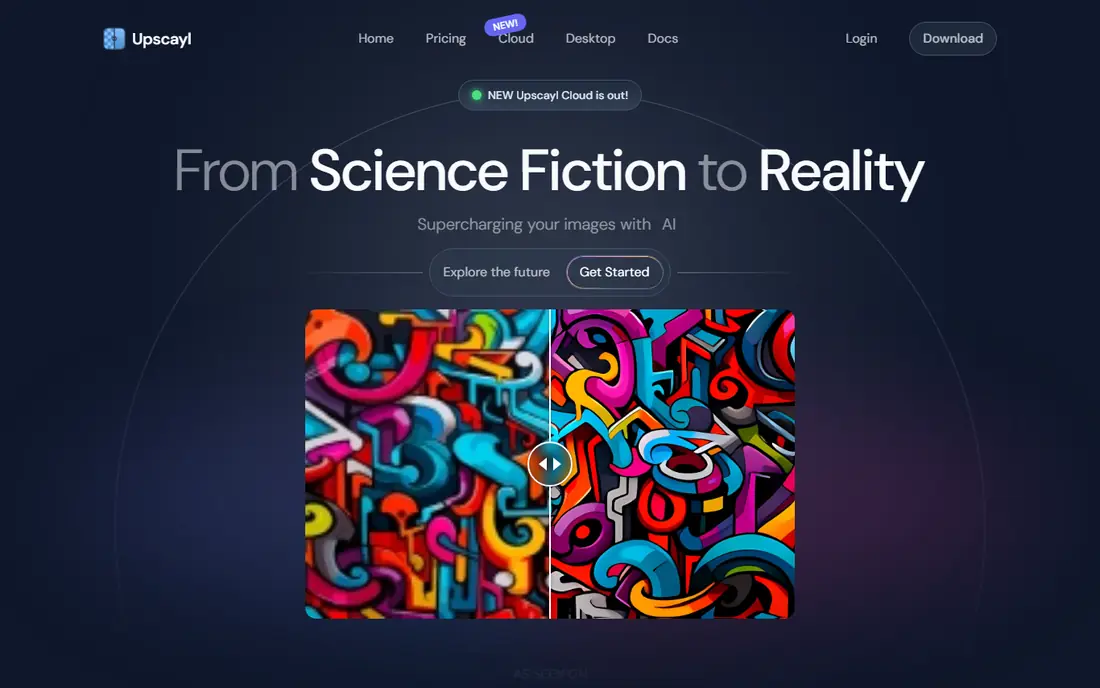
Upscayl is a free, open-source desktop app for Windows, macOS, and Linux. It runs locally, so images stay on your computer, and it supports batch processing, which is rare in a free tool. Models cover general photos, digital art, and other image types, and the app supports common formats such as PNG, JPG, and WEBP. The main limit is hardware. Upscaling is demanding, and older computers will process images slowly, especially at higher scale factors. Recent comparisons also note a paid cloud option beside the free desktop app, so check which version you are using before paying. Upscayl fits privacy-conscious users and anyone who upscales occasionally without wanting a subscription.
- Free and open-source desktop app, local processing, and batch support
- Needs a capable CPU or GPU, and results depend on the model chosen
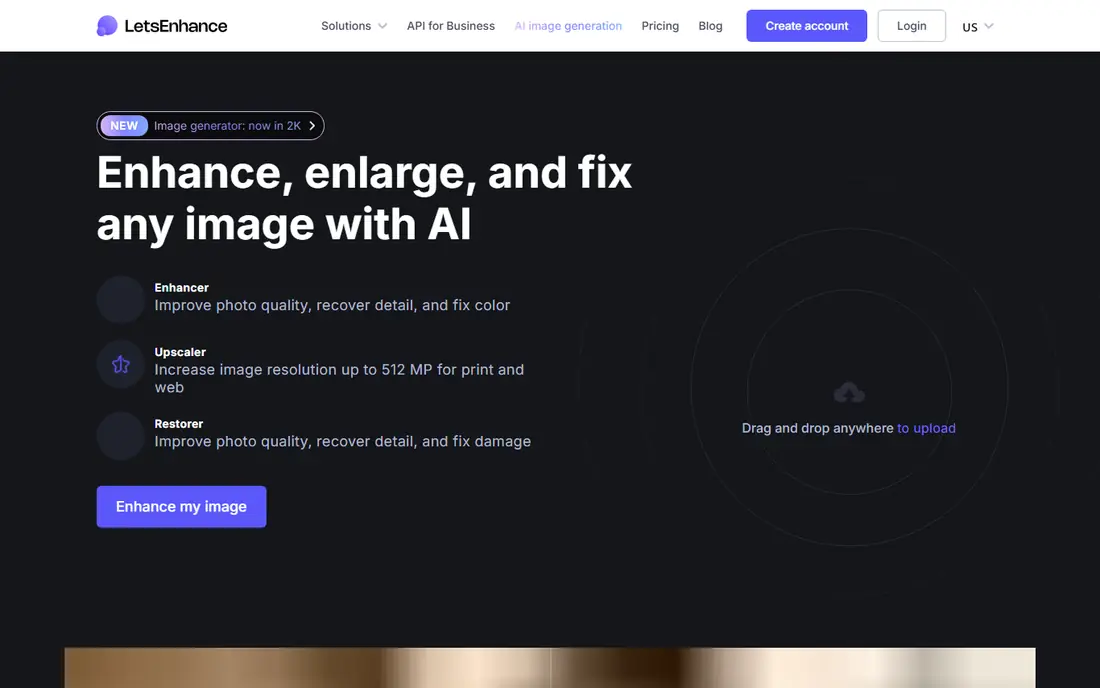
Lets Enhance is a cloud tool for enlarging and enhancing images in a browser, with batch processing for catalogues and archives. It suits ecommerce sellers, real estate listings, and print preparation, where many images need a consistent enlargement without installing desktop software. An API on some plans helps teams automate upscaling inside a larger workflow. Pricing is credit-based in recent listings, with a free credit allowance and paid plans from around $9 to $12 per month in different comparisons, so check the current pricing page for credit counts and output limits. Creative settings can change small details, so check text, logos, and faces in the output before publishing. Lets Enhance fits regular cloud batch work better than one-off jobs.
- Web-based batch processing, API access on some plans, and credits for occasional use
- Credit costs add up at scale, and creative reconstruction needs careful checking
Magnific AI is built for creative upscaling, especially AI-generated art, illustrations, and images where new detail is welcome. Adjustable creativity controls let you decide how much the tool reimagines texture and detail, and high-tier plans support very large outputs. That makes it popular with artists and designers who want to turn a small AI image into a large print or poster. The same creativity is a risk for product photos, documents, and portraits, where invented detail can mislead. Recent comparisons list Magnific from around $39 per month, with business plans higher. Use Magnific when creative reinterpretation is the goal, and use a faithful tool such as Topaz or Upscayl when the output must stay true to the source.
- High-resolution creative upscaling with adjustable creativity for AI art and illustrations
- Creative settings can change factual details, and it is a cloud tool with subscription costs
Adobe Photoshop suits users who already subscribe to Creative Cloud and edit images there daily. Super Resolution enlarges images inside Photoshop, so you can upscale, retouch, and export without switching apps. That workflow saves time for designers and photographers who already pay for Photoshop and need occasional enlargement as part of editing. Recent comparisons list Photoshop from around $22.99 per month, with a trial available. Specialist tools offer higher scale factors and more model control, so Photoshop is not the best choice for large print enlargement alone. It fits best when upscaling is a small part of a wider editing job and the subscription is already in place.
- Super Resolution and related tools inside a familiar editing workflow, with no separate app to learn
- Upscaling is one feature inside a wider subscription, and scale limits are lower than specialist tools
Upscale.media is a browser tool for quick upscaling without installing software. Upload an image, choose a scale, and download the result, which suits occasional jobs such as a social post, a listing photo, or a small print. The simple interface helps users who do not want to learn a desktop tool for a single image. Pricing in recent listings varies, with a yearly subscription figure and credit packs listed in different sources, so check the current pricing page for free allowance and credit counts. Free use in recent listings covers one image per day without signing up, with more on paid plans. Upscale.media fits quick web jobs, not large batch or print-critical work.
- Simple browser workflow, with a free image allowance in recent listings
- Credit and plan details have varied across listings, so check the current page before buying
Bigjpg is a web tool that offers separate modes for artwork and photos, which helps because anime, illustrations, and photographs respond differently to upscaling. The artwork mode suits line art and illustrations, while the photo mode suits portraits and outdoor scenes. That split makes Bigjpg a useful choice for illustrators and anime fans as well as photographers. Free use in recent listings covers 20 pictures per month, with paid plans from a low figure for longer periods and higher scale factors. Free processing runs on shared servers and can be slow, and the free upload limit is 5MB in recent listings. Bigjpg fits occasional online upscaling, especially for artwork, rather than high-volume professional work.
- Separate artwork and photo modes, with a free monthly allowance
- Free processing is slower, and upload size limits apply on the free plan
ImgUpscaler is a browser tool that upscales PNG and JPG images up to 4x in recent listings, with batch processing for multiple images. It suits quick jobs where installing software would take longer than the upscale itself, such as a single product photo, a profile image, or a small set of social images. Uploads are processed online and deleted within a day in recent listings. Paid plans in recent listings start from a low yearly figure and add credits and batch features, but check the current pricing page for exact limits. Free use limits resolution gains, so ImgUpscaler is best for quick, low-stakes jobs. For print work or large batches, a desktop tool such as Topaz or Upscayl gives more control.
- Fast browser workflow, batch support, and no software installation
- Free tier limits output resolution, and advanced batch features need a paid plan
How we picked these
We compared official feature pages, pricing pages, app listings, and public reviews for tools that upscale images with AI, not just tools that resize images by interpolation. We looked for a clear upscaling job, such as photo enlargement, artwork upscaling, creative reinterpretation, or batch processing, and for a pricing model we could describe without inventing figures. We also favoured tools with a free, trial, or low-cost entry point for testing. We did not run hands-on tests for this guide, and we did not claim quality scores for any tool. Upscaling quality depends on the source image, the model, and the scale factor, and creative tools can invent detail that was not in the original. Where pricing sources disagreed, we used See website and noted the pricing basis, so readers check the vendor page before buying.
Choosing between local and cloud upscaling
Local tools keep images on your computer, which matters for client work, unreleased products, and private portraits. They also avoid ongoing credit costs, though they need a capable computer and they process more slowly on older hardware. Cloud tools work on any device and handle batches without local hardware, but they upload your images and charge by credits or subscription. Next, decide whether you need faithful or creative output. Faithful tools aim to preserve the source, which suits photos, products, and documents. Creative tools aim to add detail, which suits AI art and illustrations but risks changing text, logos, and faces. Test both types on your own images at your target size, and inspect the output at full size before publishing or printing.
Frequently asked questions
What are the best rated AI image upscaling software options?
The best rated options in this guide include Topaz Gigapixel for professional photos, Upscayl for free local work, and Magnific for creative art. Ratings vary by use case, because a tool that excels at creative art may be wrong for a product photo. Shortlist by faithful versus creative output, then test on your own images.
What is the best AI image upscaling software for photographers?
Topaz Gigapixel suits photographers who need model control, batch processing, and local processing for print work. Upscayl suits photographers who want a free local option and who have a capable computer. Adobe Photoshop suits photographers who already subscribe to Creative Cloud and need upscaling inside editing.
Are AI image upscaling tools best for old photos?
AI upscaling can help old photos by enlarging and sharpening them, but results depend on the source quality and the model used. Tools such as Topaz Gigapixel and Upscayl offer face and photo models that suit old portraits, while creative tools may change facial details. Always keep the original file, and check the enlarged output closely before printing or sharing.
What is the best free AI image upscaling tool?
Upscayl is the strongest free option in this guide, because the desktop app is free, open-source, and runs locally with batch support. ImgUpscaler, Upscale.media, and Bigjpg also offer free tiers for quick web jobs, but with limits on resolution, speed, or monthly count. For regular free use, Upscayl gives the most control.
How much do AI image upscaling tools cost?
Costs range from free for Upscayl desktop to around $22.99 per month for Photoshop and $39 per month for Magnific in recent listings, with other tools priced by credits or subscription. Check whether the price covers commercial use, batch processing, and your target output size, since those factors change the plan you need.
Sources we checked (8)

Online Jobs is an independent blog about careers, online work, learning new skills and the tools that help people earn. More about us.
Keep reading
All posts
n8n Alternatives
n8n alternatives compared for 2026, with Zapier, Make, Activepieces, and more, covering visual builders, code steps, self-hosting, and pricing models.

eBay Alternatives
Looking for ebay alternatives? We compared 9 marketplaces for sellers on fees, buyer reach, categories and ease of listing, to help you sell with confidence.

ZoomInfo Alternatives
The best ZoomInfo alternatives in 2026, compared on price, free plans, data coverage, and which tool fits small teams or large sales teams best in detail.