Home / Customer Service Software
Best AI Chatbot for Customer Service in 2026: 9 Products Compared


large support teams on Zendesk · Starting price: $19 per month
How we put this together: we compare official feature and pricing pages, app store listings, privacy policies and public user reviews. Prices change, so check the provider's site before you pay.
Key takeaways
- Zendesk AI and Freshdesk Freddy AI suit teams that already run a help desk and want AI inside tickets, not as a separate tool.
- Intercom Fin charges per resolution in part, so cost tracks how much work the bot actually finishes, not just seat count.
- Tidio Lyro and Gorgias are the friendliest starting points for small stores, with free or low cost entry plans.
- Ada and Drift fit larger or sales led teams better, but both need a clear budget discussion before sign up.
- Every bot here still needs a clean help center and a clear handoff to a person, or customers will hit the same dead end faster.
Quick comparison
| Name | Who it suits | Starting price | Free option | |
|---|---|---|---|---|
| Zendesk AI | large support teams on Zendesk | $19 per month | Free trial | Visit |
 Intercom Fin | SaaS teams using Intercom | See website | Free trial | Visit |
 Freshdesk Freddy AI | small and mid-size teams on a budget | $19 per month | Yes | Visit |
 HubSpot Service Hub | teams already using HubSpot CRM | See website | Free trial | Visit |
 Tidio Lyro | small stores needing simple automation | Free | Yes | Visit |
 Gorgias | Shopify and ecommerce stores | $10 per month | Free trial | Visit |
 Ada | high volume and regulated teams | See website | Free trial | Visit |
 Drift | B2B teams focused on sales conversations | See website | Free trial | Visit |
 Help Scout | small human first support teams | $25 per month | Free trial | Visit |
The best AI chatbot for customer service
A good service chatbot answers the repeat questions, pulls order and account facts into the chat, and hands the hard cases to a person with context intact. We compared tools that do that job in live customer service, not general chatbots built for writing or coding. Price, handoff quality, and how much setup work each tool needs shaped the order below.
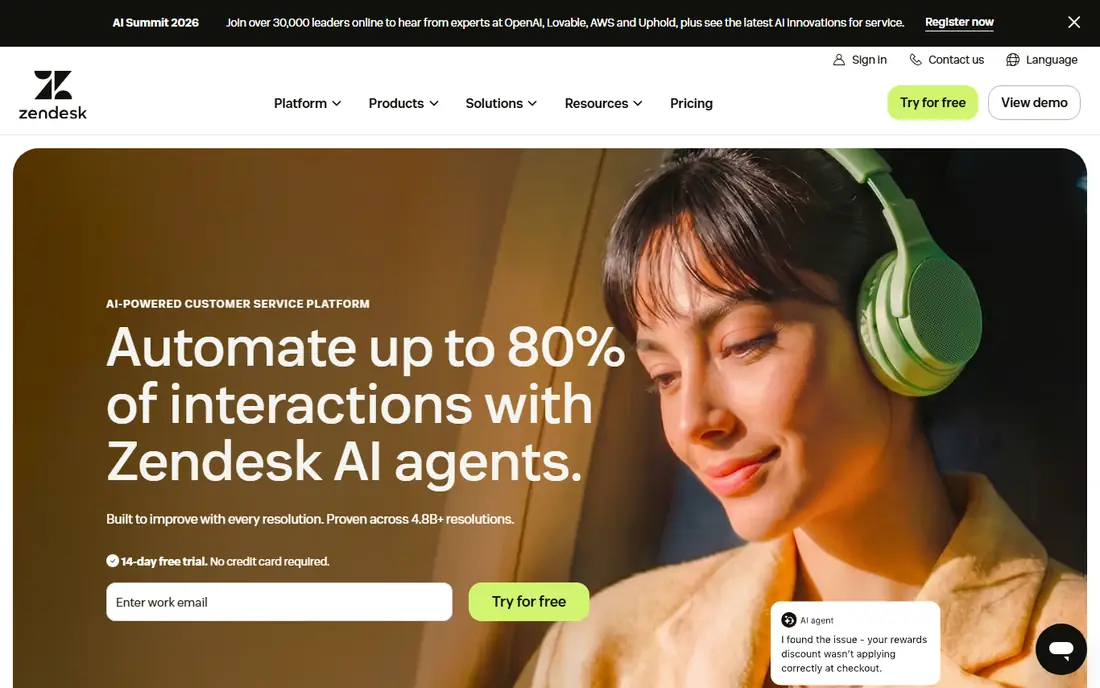
Zendesk AI makes the most sense when support is already a daily operation with tickets, email, chat, and social messages coming in together. The bot can answer from help center articles, create and update tickets, and route a chat to the right group with a summary attached.
The honest catch is scope. A team of two with a short question list may find the admin area large for the job, and pricing rises with agents and AI add-ons. Check the current pricing page for the plan that includes the AI features you want, rather than assuming the entry plan covers them. For larger teams, though, the depth is the point, and few rivals match the ticket workflow.
- Deep ticket, knowledge base, and channel links
- AI routing and summaries built for busy queues
- Strong reporting for managers
- Setup can feel heavy for a very small team
- The best AI features sit on higher plans
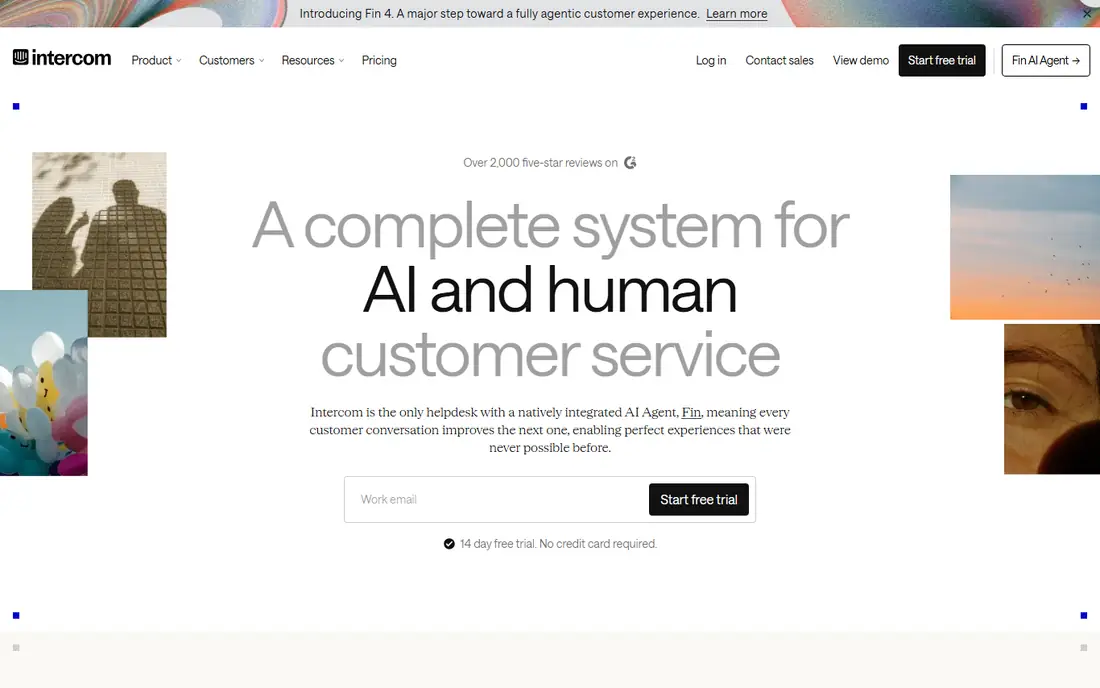
Fin is the AI agent inside Intercom, and it fits product led companies that already live in that inbox. It reads help center content, past replies, and connected sources, then answers in chat and hands over when confidence is low.
Cost needs care. Part of the model is priced per resolution, so a team should model monthly resolutions before judging it as cheap or dear. If most chats are simple how to questions, that model can be fair. If chats are long and messy, a seat based plan elsewhere may be easier to budget. Trial it on real tickets, not demo questions.
- Answers trained on help center and past conversations
- Clear confidence signals before handoff
- Works inside the Intercom inbox
- Per resolution pricing can add up at high volume
- Best value comes when the whole inbox is in Intercom
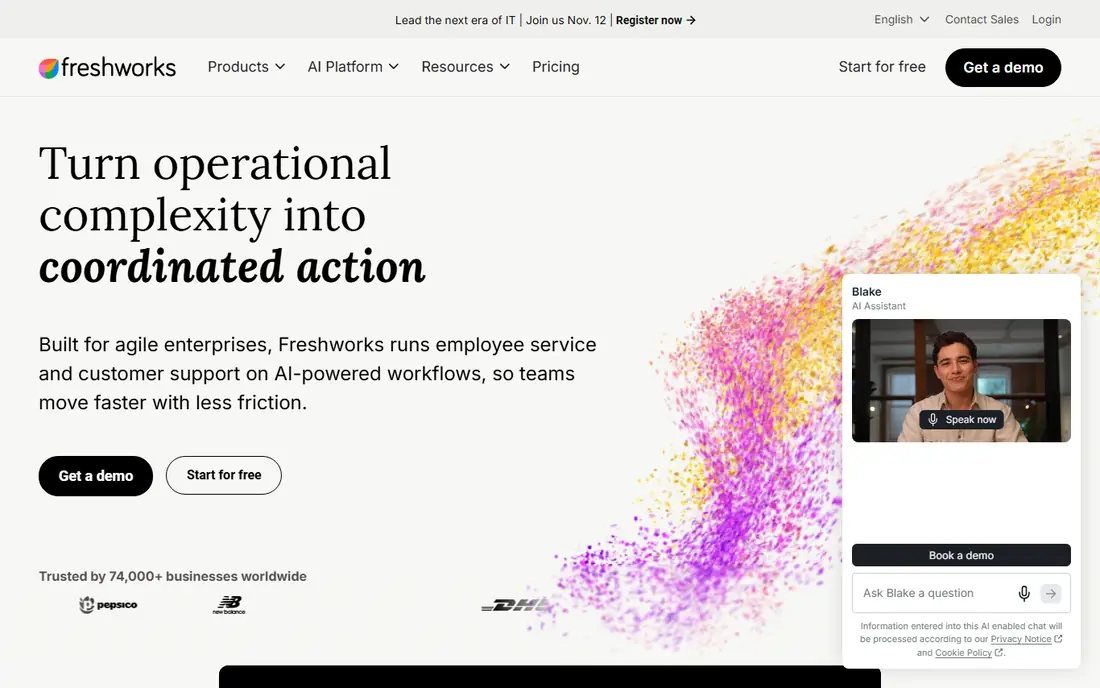
Freshdesk is a practical pick for teams that want AI without a large platform project. Freddy AI can answer common questions, suggest replies to agents, and sort tickets so urgent issues surface first. The free plan gives a small team room to test the inbox and basic bot flows before paying.
We would shortlist Freshdesk when budget is tight and the team still needs email, chat, and ticket tracking together. The trade off is depth. Complex routing, deep reporting, and heavy customization are stronger in Zendesk or Intercom. For many small and mid-size teams, that trade is worth it, because staff can learn the tool in days rather than weeks.
- Low entry price for a full help desk
- Freddy answers and agent assist in one place
- Simple bot builder for common flows
- Advanced automation needs higher tiers
- Very large teams may outgrow the simpler workflow tools
HubSpot Service Hub suits companies that already track contacts, deals, and marketing in HubSpot. The chatbot can pull CRM facts into a conversation, open a ticket, and leave a clean record for the next agent. That shared record is the main benefit, since support stops being a separate island from sales and marketing.
Teams outside HubSpot should weigh the switch cost. Buying Service Hub alone is possible, but the strongest case is when the CRM is already the source of truth. Check how AI credits are counted on the current plan, because usage based parts of the price can surprise a team that assumed a flat seat fee.
- Chatbot, tickets, and CRM records in one system
- Good knowledge base tools
- Easy handoff from bot to agent
- AI value is lower if you do not use HubSpot elsewhere
- Pricing depends on seats and credits
Tidio is the low friction entry point on this list. A small shop can add live chat, build a few flows for shipping, returns, and order status, and let Lyro answer the repeat questions in between. The visual builder helps staff who do not code, and the free plan is enough to test whether chat helps sales and support at all.
Limits show up as volume grows. Tidio is not a full enterprise ticket system, and teams with strict service level rules or deep reporting needs will want Zendesk or Freshdesk. For a small store, though, speed matters more than depth. Start with ten well written help articles, test Lyro on real chats, and expand flows only where customers keep asking the same thing.
- Visual flow builder that non technical staff can use
- Lyro answers from your help content
- Chat, email, and social in one inbox
- Less suited to complex ticket workflows
- AI accuracy depends heavily on the quality of your help pages
Gorgias is built around the inbox of an online store. Agents see order status, tracking, and refund options beside the customer message, so they do not need to open three other tools. The AI can draft replies and automate common intents such as where is my order, returns, and exchanges, which covers a large share of store support.
Pricing is tied in part to ticket volume, so a store with sharp seasonal peaks should check the tier limits. A quiet month and a sale month can sit in very different tiers. For stores on Shopify in particular, the integration depth makes Gorgias hard to beat, even if a general help desk looks cheaper on paper.
- Strong Shopify, Magento, and WooCommerce links
- Order facts inside the ticket view
- AI replies tuned for store questions
- Ticket based pricing can rise with volume
- Less ideal for non ecommerce support teams
Ada fits companies that handle thousands of chats and need the bot to hold up under that load. It supports many languages, keeps answers tied to approved content, and gives teams rules for when a chat must reach a person. Regulated teams often value that control, since a wrong answer in finance or health care costs more than a slow answer.
The main drawback is the sales process. With quote based pricing, a small team cannot compare Ada on price in an afternoon. It is best suited to teams that already know their monthly chat volume and can run a structured trial. If your volume is modest, start with Tidio or Freshdesk and revisit Ada when automation becomes a core cost issue.
- Strong multilingual automation
- Designed for high chat volume
- Controls for brand voice and escalation rules
- Quote based pricing makes comparison slow
- Setup needs solid help content and clear ownership
Drift, now part of Salesloft, is a sales conversation tool first and a support bot second. It qualifies visitors, routes high intent buyers to the right rep, and books meetings without a long email chain. B2B teams that live on pipeline will get more from Drift than a pure support team would.
That focus is also the limit. If the main job is answering existing customers about orders or accounts, a help desk bot will fit better and cost less. Drift earns its place here for companies where the chat window is a sales channel, and where instant routing to a person is the feature that closes deals.
- Conversational routing to sales reps
- Meeting booking inside chat
- Strong CRM links for B2B pipelines
- Priced for sales teams, not small support desks
- Support only use cases waste much of its strength
Help Scout suits teams that want AI to help, not to replace the human tone of their support. The inbox is calm, docs are easy to maintain, and the AI can resolve simple questions or draft replies for an agent to send. Customers get a person quickly when the question is sensitive or unusual, which suits brands that sell on service quality.
We would pick Help Scout over a larger platform when the team is small, the inbox is email and chat heavy, and nobody wants to run a complex admin console. Larger teams with heavy routing rules or many channels may need more.
- Clean shared inbox that staff learn fast
- AI answers with a clear path to a person
- Good docs and knowledge base tools
- Fewer deep automation options than Zendesk
- Per user pricing adds up as the team grows
How we picked these
We started with tools that offer a live AI chatbot for customer service in October 2026, not a demo or a general chatbot with no support workflow. Each product had to handle real customer chats, connect to a help center or knowledge source, and hand a conversation to a person with context. We checked vendor pricing pages and product pages for current plans, free options, and the main limits, and we used See website where a price was quote based or changed by usage.
We then ranked by fit for a stated team type, rather than by feature count alone. A tool can have more features and still be the wrong pick for a small store, just as a simple tool can fail a large team. We left out tools that only offer lead capture, tools with no clear service workflow, and tools we could not verify as live products in October 2026.
What to check before you buy
A chatbot purchase fails most often on content, not on software. Read this section before a trial, and use it as a checklist for the team that will own the bot after launch.
Start with your top 20 questions
Pull the last few months of tickets and chats, then list the questions that repeat. If one bot cannot answer at least half of those from your help center, fix the help center first. A bot trained on thin or outdated pages will give confident wrong answers, and customers will lose trust faster than if no bot existed.
Test the handoff, not just the answer
Send the bot a hard question, an angry message, and a request that needs account access. Watch what the customer sees, what the agent receives, and how long the wait feels. A good handoff includes the full chat, the articles used, and the customer record. A poor handoff forces the customer to start again, which defeats the purpose of automation.
Model the real monthly cost
Seat fees are only part of the bill for several tools here. Per resolution, per ticket, and AI credit models change the total as volume rises. Run your last three months of chat volume through the pricing page, add seasonal peaks, and compare that total across two or three shortlisted tools. A trial should include a cost review at the end, not just a feature review.
Decide who owns the bot
Assign one owner for help content, one for bot rules, and one for weekly review of failed chats. Without owners, answers drift out of date and the bot keeps repeating old policy. A short weekly review catches most problems early.
Frequently asked questions
What is the best AI chatbot for customer service for a small business?
Tidio Lyro and Freshdesk Freddy AI are strong starting points, because both offer a free plan or low entry price and a simple setup. Pick Tidio for a small store that mainly needs chat automation, and Freshdesk when you also need a full ticket inbox. Test both on your real top questions before committing to a paid plan.
How much does an AI customer service chatbot cost?
Entry prices on this list run from free to about $25 per user per month, but the total often depends on agents, tickets, resolutions, or AI credits. Zendesk and Freshdesk start at $19 per agent per month, while Intercom, Ada, and Drift use usage or quote based models that need a direct check. Model your monthly volume before you compare headline prices.
Can an AI chatbot replace a support team?
No, and buyers should be wary of any vendor that claims otherwise. A good bot resolves repeat questions and drafts replies, but people still handle refunds with judgment calls, sensitive complaints, and unusual account issues. The best setup is a bot plus a clear handoff, with staff reviewing failed chats each week.
Do I need a help center before I buy a chatbot?
Yes, in practice. Most AI service bots answer from your help articles, past tickets, and product pages, so weak content leads to weak answers. Write or update articles for your top 20 questions first, then train the bot on that set. You can add more articles after launch, but the core set should be ready on day one.
Which AI chatbot works best with Shopify?
Gorgias is the strongest fit for Shopify stores on this list, because order, tracking, and refund facts appear inside the ticket view. Tidio is a good lower cost option for smaller stores that need chat and simple automation. Both still need accurate shipping and returns pages to answer well.
Is Intercom Fin better than Zendesk AI?
It depends on the system you already use. Fin fits teams that run their inbox in Intercom and want per resolution pricing tied to work finished. Zendesk AI fits larger teams that need deep ticket workflows across many channels. Choose by your current help desk and your monthly chat volume, not by a single feature comparison.
Sources we checked (9)

Online Jobs is an independent blog about careers, online work, learning new skills and the tools that help people earn. More about us.
Keep reading
All posts
eBay Alternatives
Looking for ebay alternatives? We compared 9 marketplaces for sellers on fees, buyer reach, categories and ease of listing, to help you sell with confidence.

ZoomInfo Alternatives
The best ZoomInfo alternatives in 2026, compared on price, free plans, data coverage, and which tool fits small teams or large sales teams best in detail.

Zoom Alternatives
Zoom alternatives compared for 2026: Google Meet, Microsoft Teams, Webex, Jitsi and more for free calls, large meetings and webinars for teams and classrooms.