Best AI Automation Tools in 2026: 9 Tools Compared

How we put this together: we compare official feature and pricing pages, app store listings, privacy policies and public user reviews. Prices change, so check the provider's site before you pay.
Key takeaways
- Zapier is best for fast, no-code automation across the widest range of apps.
- Make offers better value for complex visual workflows with branching and data handling.
- n8n is best for technical teams that want self-hosting, code control, and AI agent workflows.
- Lindy, Gumloop, and Relevance AI suit teams that want AI agents rather than simple trigger-and-action flows.
- Price models differ sharply, so compare tasks, operations, and executions for your actual volume before choosing.
Quick comparison
| Name | Who it suits | Starting price | Free option | |
|---|---|---|---|---|
 Zapier | Fast no-code automation | Free | Yes | Visit |
 Make | Visual value workflows | $9 per month | Yes | Visit |
 n8n | Self-hosted AI agents | Free | Yes | Visit |
 Microsoft Power Automate | Microsoft 365 teams | See website | Free trial | Visit |
 UiPath | Enterprise automation | See website | Free trial | Visit |
 Lindy | No-code AI employees | See website | Free trial | Visit |
 Gumloop | Visual AI workflows | See website | Yes | Visit |
 Relevance AI | Custom AI agents | See website | Yes | Visit |
 HubSpot Workflows | HubSpot users | See website | Yes | Visit |
The best AI automation tools
AI automation now covers two jobs, moving data between apps and letting AI agents reason, draft, and decide inside a workflow. We compared orchestration platforms and AI-native agent tools, and kept only products live in October 2026.
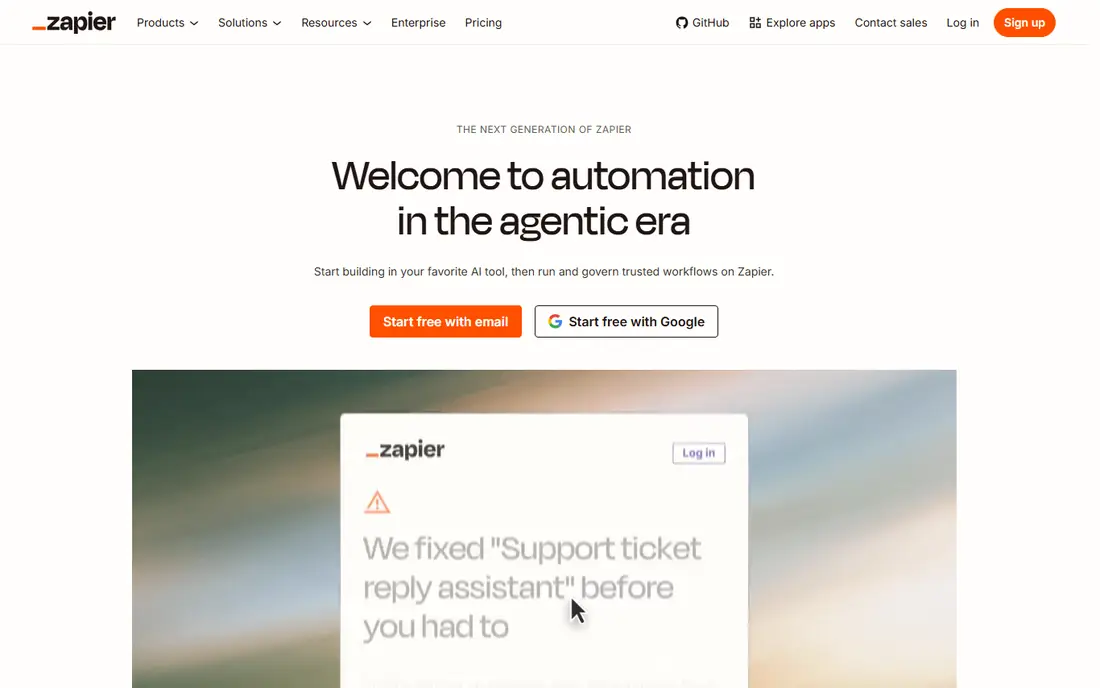
Zapier remains the easiest way to connect two apps without code. You pick a trigger, add actions, and test in minutes, with thousands of apps available. Newer AI features let a workflow draft replies, sort messages, and run goal-based agents, which extends Zapier well beyond simple data moves. The limit is cost at scale. Per-task billing, with extra charges for some AI steps, adds up when a workflow runs thousands of times a month. For small teams and quick internal tools, Zapier is still the fastest start. For high-volume or deeply branched workflows, Make or n8n will usually cost less.
- Largest app library
- Very fast setup
- AI agents and AI steps for drafting and sorting
- Per-task pricing gets costly at high volume
- Complex logic is harder than in Make or n8n
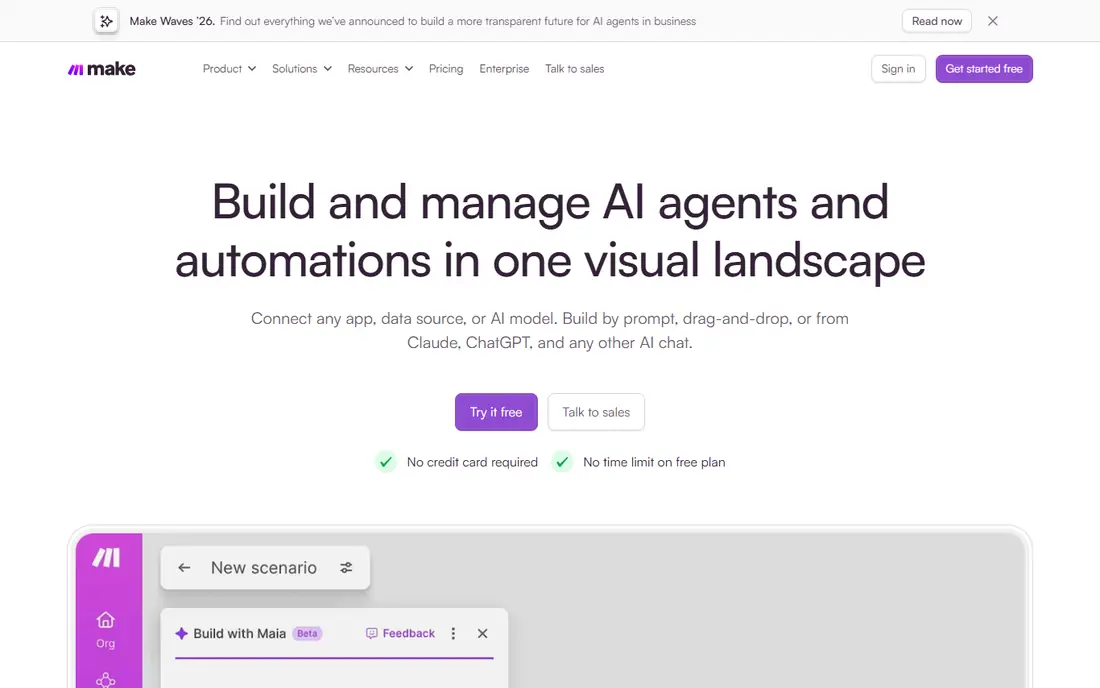
Make shows your whole workflow on a canvas, with branching, filters, and data tools visible at a glance. That visual layout makes complex logic easier to follow than a long list of steps. Operations-based pricing also gives better value for multi-step workflows, since one run can do more work for less money than a per-task model in many cases. The app library is smaller than Zapier, so check that your key apps have full Make modules before switching. For operations teams that build and maintain workflows weekly, Make is often the best balance of power, clarity, and price.
- Clear visual builder with routers and filters
- Lower cost per operation than Zapier for many teams
- AI modules for text and image work
- Smaller app library than Zapier
- Learning curve for advanced data handling
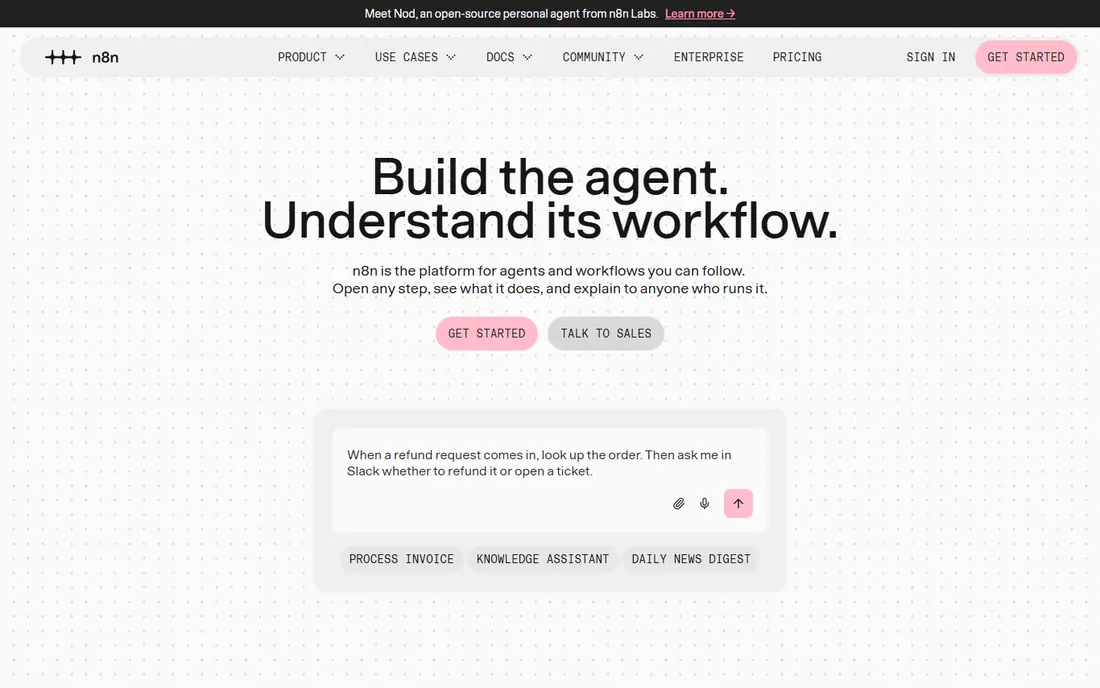
n8n is the pick for technical teams building AI agents, not just simple automations. It offers AI agent nodes, language model connections, memory, and tool use, so an agent can read documents, call apps, and take multi-step actions. Self-hosting gives full control over data, which matters for regulated work and privacy-sensitive teams. That power comes with responsibility. You need someone who can set up, update, and monitor the system, especially if you self-host. For non-technical teams, Zapier or Make will get results faster. For developers and data teams, n8n offers flexibility and scale that no-code tools cannot match.
- Self-hosting for data control
- Code nodes and AI agent building blocks
- Execution-based billing on cloud plans
- Needs technical skill for setup and upkeep
- Self-hosting adds maintenance work
Power Automate makes sense when your work already lives in Outlook, Teams, SharePoint, and Dynamics. Flows can approve documents, move files, and update records without leaving the Microsoft system. Copilot helps describe a flow in plain language and build a first version, while AI Builder extracts data from forms and documents. Outside Microsoft, the value drops. Some premium connectors need higher plans, and licensing terms change with your Microsoft agreement. Check which flows are included in your current plan before paying separately, and test one approval flow end to end during the trial.
- Deep Microsoft 365 and Teams integration
- Copilot help for building flows
- AI Builder for documents and forms
- Best value only inside Microsoft licensing
- Connector limits vary by plan
UiPath handles the systems that APIs cannot reach. Its robots can open desktop apps, read screens, and complete steps in older software, which is why banks, insurers, and large operations teams use it. Newer AI agents and document tools extend that reach into invoices, forms, and unstructured data. Small teams should not start here. Pricing is quote-based for most enterprise use, and building reliable robots takes training. For large teams with legacy systems, compliance needs, and a dedicated automation owner, UiPath is the most capable platform on this list.
- Strong robotic process automation for legacy systems
- AI agents and document understanding
- Enterprise governance
- Overkill and costly for small teams
- Setup needs specialist skills
Lindy pitches AI agents as digital staff for specific jobs, such as qualifying leads, booking meetings, or triaging support messages. You describe the job, connect your apps, and set guardrails for what the agent can and cannot do. Templates help you start without designing an agent from scratch. The honest catch is oversight. An agent with broad app access can send the wrong message or update the wrong record, so start with read-only or draft-only tasks and review outputs daily. Lindy suits teams that want agent help without hiring developers, provided someone owns the agent and checks its work.
- Build AI agents without code
- Agents for sales, support, and recruiting tasks
- Templates for common jobs
- Agent quality depends on instructions and data access
- Credit pricing needs careful tracking
Gumloop combines a visual workflow builder with AI nodes for web research, document reading, and data extraction. You can build a flow that gathers information, summarises it, and pushes a result to a sheet or CRM, all without code. That mix suits research, lead enrichment, and content operations. As a newer tool, its app library is smaller than Zapier or Make, so check your key integrations first. Pricing and credit limits should also be confirmed on its site, since AI-heavy workflows use credits faster than simple data moves. For AI-first research workflows, Gumloop is a strong and approachable pick.
- Visual builder for AI workflows
- Web scraping and document nodes
- No-code agent steps
- Newer platform with a smaller app library
- Pricing tiers change as the product grows
Relevance AI lets teams build custom agents that use tools, read knowledge bases, and complete multi-step tasks. You can share agents across a team, reuse templates, and connect common business apps. That structure helps support, sales, and operations teams that repeat the same research or drafting jobs every week. Credit pricing means you should test with a small, well-defined task first and track credits per run. Agents also need clear instructions and good source data, or they will produce confident but wrong answers. With those guardrails, Relevance AI is one of the most flexible no-code agent platforms available.
- Agent builder with tools and knowledge bases
- Multi-step reasoning
- Team sharing and templates
- Credit-based pricing can be hard to predict
- Agent setup takes testing time
HubSpot Workflows are the best automation choice if your customer data already lives in HubSpot. You can route leads, enrol contacts in sequences, create tasks, and update records based on CRM changes, without syncing data to another tool. AI features inside HubSpot help draft emails and summarise records as part of those flows. The limit is scope. Workflows shine inside HubSpot and fade outside it, and the most useful automation features sit on paid tiers. If HubSpot is your hub, start here before adding Zapier or Make. If your stack is mixed, a general automation platform will connect more systems.
- Native CRM automation
- Lead routing, email, and task workflows
- AI features inside HubSpot
- Full workflow power needs paid HubSpot tiers
- Weaker outside the HubSpot system
How we picked these
We compared official feature pages, pricing pages, app-store listings, privacy policies, and public reviews for each product. We kept platforms that are live in October 2026, that offer real AI steps or agent features beyond simple triggers, and that publish a free plan or trial route. We left out tools that were only chatbots, only single-app macros, or that had no clear pricing or support path. Prices come from vendor pages and recent vendor-linked comparisons; where a price could not be confirmed in full we used "See website" rather than guessing, and we flagged the billing model so readers can compare fairly.
What to check before you pick
Start with one painful workflow
Pick a single repeated job, such as lead routing or inbox triage, and automate it end to end. A working flow teaches you more about a platform than a feature list, and it gives you a clear cost per run to compare across tools.
Set guardrails for AI agents
Limit what an agent can send, change, or delete. Start with draft-only outputs, review them daily, and widen access only after a week of clean results. An agent without guardrails can create more work than it saves.
Compare billing on your real volume
Zapier bills tasks, Make bills operations, and n8n bills executions, so the cheapest tool at 100 runs a month may not be cheapest at 10,000 runs. Estimate your monthly runs, steps per run, and AI usage, then price all three models before you commit.
Frequently asked questions
What is the best ai automation platform for a small team?
Zapier is best for fast no-code starts, while Make offers better value for complex workflows. Small teams that already use HubSpot should check HubSpot Workflows first, since native CRM automation avoids extra syncing and cost.
Which are the best ai automation platforms for developers?
n8n is best for developers who want self-hosting, code nodes, and AI agent building blocks. Make is a strong second choice for visual workflows with data handling. Zapier suits developers only for quick prototypes and niche app connections.
What is the best ai automation software for enterprise teams?
UiPath is best for enterprise automation involving legacy systems, governance, and document processing. Microsoft Power Automate is best for enterprises already standardised on Microsoft 365. Both need a dedicated owner and a clear approval process for AI actions.
What is the best platform for ai automation with agents?
Relevance AI and Lindy are best for no-code AI agents, while n8n is best for technical agent builds. Gumloop suits visual AI research workflows. In every case, start with draft-only tasks and review outputs before giving an agent write access.
Are there good best ai tools for automation that are free?
Zapier, Make, n8n, Gumloop, Relevance AI, and HubSpot all offer free plans or trials. Free tiers usually cap runs, operations, or credits, so they suit testing and small workflows rather than high-volume production use.
How do best ai automations tools differ from old rule-based automation?
Old automation moved data when a trigger fired, with fixed steps every time. AI automation can read unstructured text, draft replies, classify items, and make multi-step decisions based on context. That flexibility helps, but it also needs human review, since AI decisions can be wrong in ways a fixed rule never would be.
Sources we checked (9)

Online Jobs is an independent blog about careers, online work, learning new skills and the tools that help people earn. More about us.
Keep reading
All posts
n8n Alternatives
n8n alternatives compared for 2026, with Zapier, Make, Activepieces, and more, covering visual builders, code steps, self-hosting, and pricing models.

ZoomInfo Alternatives
The best ZoomInfo alternatives in 2026, compared on price, free plans, data coverage, and which tool fits small teams or large sales teams best in detail.

Yotpo Alternatives
Find cheaper alternatives to Yotpo for reviews and loyalty, with Judge.me, Loox, Stamped, and more compared for Shopify stores in 2026, all in one guide.