Best AI Apps to Create Images in 2026: 9 Apps Compared

How we put this together: we compare official feature and pricing pages, app store listings, privacy policies and public user reviews. Prices change, so check the provider's site before you pay.
Key takeaways
- Midjourney leads for artistic and cinematic image quality, but it has no free tier.
- ChatGPT image generation and Google Gemini are the easiest starting points for most people.
- Adobe Firefly suits commercial and brand work where training data and licensing matter.
- Ideogram leads for readable text inside posters, logos and social graphics.
- Leonardo AI, Flux and Recraft suit creators who want more control, style consistency or vector output.
Quick comparison
| Name | Who it suits | Starting price | Free option | |
|---|---|---|---|---|
 Midjourney | Artistic image quality | $10 per month | No | Visit |
 ChatGPT Images | Easy all-round creation | Free | Yes | Visit |
 Adobe Firefly | Commercial-safe images | Free | Yes | Visit |
 Google Gemini | Photoreal images and edits | Free | Yes | Visit |
 Leonardo AI | Game and concept art | Free | Yes | Visit |
 Ideogram | Text in images | Free | Yes | Visit |
 Canva Magic Media | Design-ready images | Free | Yes | Visit |
 Flux | Realistic detail and control | Free | Yes | Visit |
 Recraft | Vectors and brand sets | Free | Yes | Visit |
The best AI apps to create images
AI image apps turn a written prompt into a picture, but they differ in style, realism, text handling, editing and commercial terms. The list below covers the main options for art, marketing, product shots and design, so a reader can match the app to the job rather than chasing one overall winner.
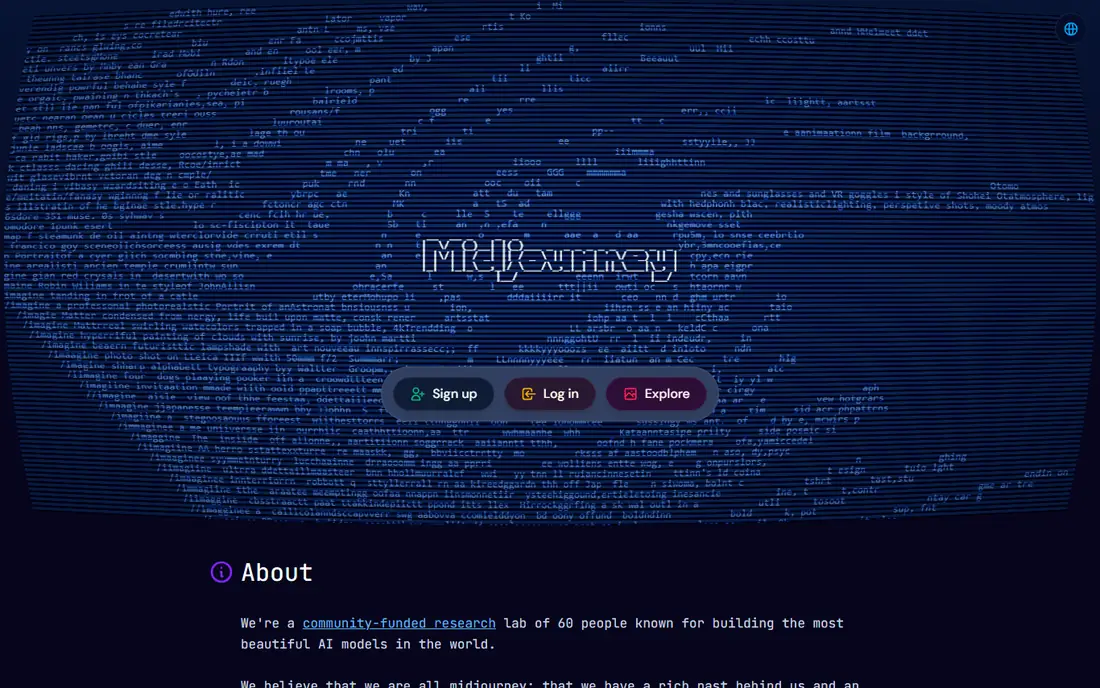
Midjourney remains the benchmark many creators judge other image tools against, because its output often looks polished, cinematic and rich in texture. It now runs through a web app as well as Discord, which makes it easier for new users than in its early Discord-only days. Style controls, variations and upscaling help a creator refine a look across a series of images.
The lack of a free tier is the main barrier, and Midjourney can interpret a prompt more artistically than literally, so exact layouts or text may need several tries. For illustrators, concept artists and creators who value visual quality above literal prompt matching, it is still the first app to trial on a paid plan.
- Strong artistic and cinematic quality
- Good style control
- Active community and web app
- No free tier
- Prompt style takes learning
- Less literal than some rivals
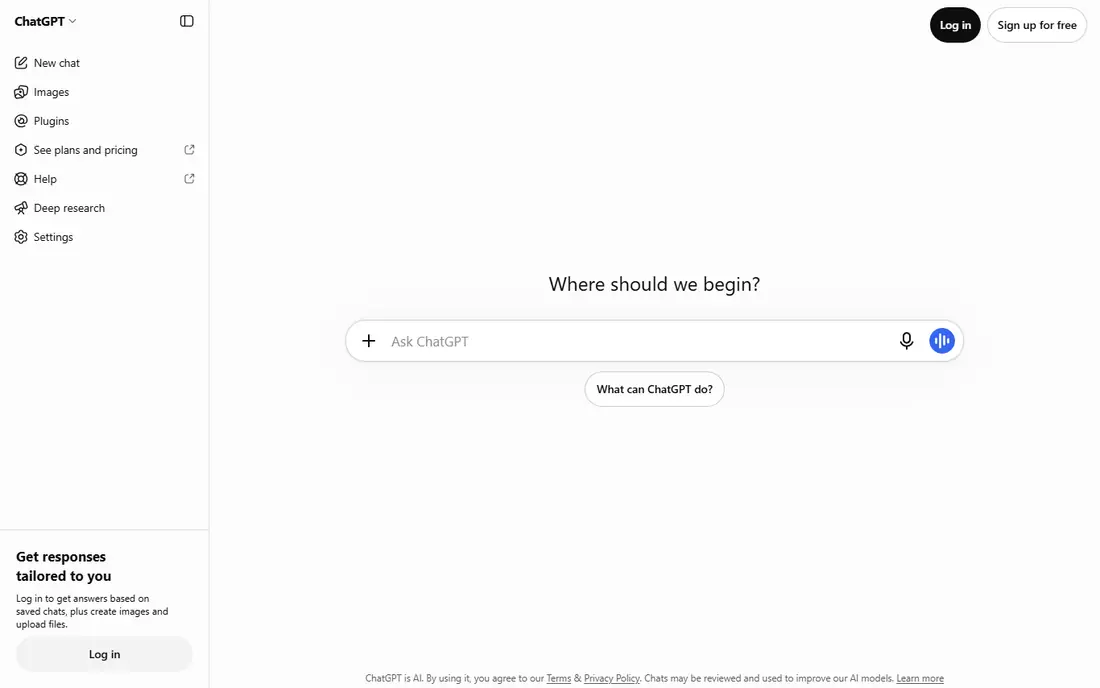
ChatGPT image generation, the successor to DALL-E inside ChatGPT, suits people who want to create images in the same place they already chat and write. A user can describe an image in plain language, ask for a change, and iterate in conversation without learning a specialist prompt format. That ease makes it a good starting point for blog images, social posts, mockups and simple illustrations.
Free access is limited, so regular creators need a paid ChatGPT plan for higher volume. Output quality is strong for general use, but Midjourney often wins on pure artistic style and Ideogram wins on text accuracy. For everyday creation inside an existing workflow, ChatGPT Images is hard to beat on convenience.
- Conversational prompting and editing
- No separate image app to learn
- Useful for quick visuals
- Free tier has tight usage limits
- Paid plan needed for higher volume
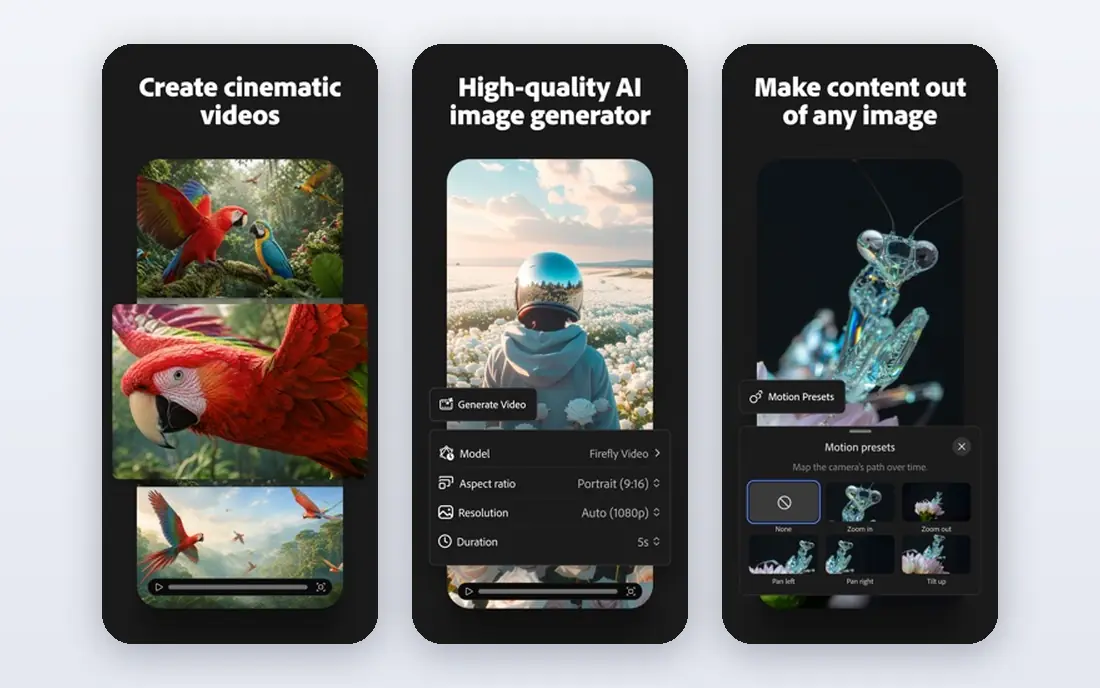
Adobe Firefly is built for professional and brand work, with training focused on licensed and public domain content and tools that sit inside Photoshop, Illustrator and other Adobe apps. Generative Fill lets a user extend or edit a photo, while text-to-image generation supports marketing, product and social assets that need to be safe for client use. That commercial focus is the main reason agencies and brand teams choose Firefly.
Free credits are limited, and the artistic range can feel more restrained than Midjourney for purely creative work. For teams that publish images for clients, need Adobe workflow links and want clearer commercial terms, Firefly is the safer default.
- Commercially focused training approach
- Photoshop and Creative Cloud links
- Generative fill and editing tools
- Free credits are limited
- Artistic range can feel more restrained than Midjourney
Google Gemini, with its Nano Banana image models, has become a strong free option for creating and editing images. Users can generate a new image from a prompt or edit an existing photo in conversation, which suits social posts, product mockups and quick visual ideas. The free tier makes it easy to try without a new subscription, and Google app links help for everyday use.
Usage limits and model details change over time, so a heavy user should check current terms. Gemini also offers fewer specialist controls than Midjourney, Leonardo AI or Flux for style consistency and detailed art direction. For most casual and marketing users, though, it is one of the best free starting points.
- Free image generation and editing in the Gemini app
- Strong photoreal results
- Conversational edits
- Usage limits can change
- Fewer fine-grained controls than specialist tools
Leonardo AI appeals to game developers, concept artists and creators who need a consistent style across many images. Its library of fine-tuned models covers fantasy, sci-fi, anime, product and photographic styles, and its canvas and editing tools help refine a chosen look. A daily free token allowance lets new users create regularly without paying at first.
The token budget is the limit. Heavy users will use it up quickly and need a paid plan, and quality varies by model, so a creator should test several models for a given style. For style-led work, especially game and concept art, Leonardo AI offers more control than a general chatbot image tool.
- Daily free tokens
- Many fine-tuned models for styles
- Good for consistent character and game art
- Token budget limits free use
- Quality varies by model
Ideogram stands out for one job that most image tools still struggle with: rendering readable text inside an image. Posters, logos, social graphics, book covers and product labels come out with far fewer spelling and letter errors than on many rivals. That makes Ideogram the practical pick for any design where the words must be right, not just the picture.
The feature set is narrower than Adobe Firefly or Canva, and free credits limit volume. For text-heavy work, though, the trade is worth it, because a beautiful image with garbled text is unusable. Many creators use Ideogram for text graphics and another tool for pure art or photos.
- Readable text in posters, logos and graphics
- Free tier to try
- Clean design output
- Smaller feature set than larger suites
- Free credits are limited
Canva Magic Media, inside Canva, suits non-designers who need an image for a social post, presentation, flyer or blog header without leaving their design tool. A user can prompt an image, place it in a template, add text and export the finished design in one workflow. That end-to-end ease matters more for everyday content than maximum artistic quality.
Free generations are capped, and specialist models such as Midjourney produce stronger art for standalone illustration. For teams that already use Canva for content, Magic Media is the fastest route from prompt to published design, and it avoids exporting images between apps.
- Images go straight into Canva designs
- Very easy for non-designers
- Templates and editing in one place
- Free generations are capped
- Image quality is below specialist models for art
Flux, from Black Forest Labs, is known for realistic detail and strong prompt handling, and it powers image generation in many other apps and platforms. Users can access Flux through hosted apps, APIs and partner tools, or run open-weight versions locally for full control. That flexibility suits developers, advanced creators and teams that want to build Flux into a product or workflow.
Access is the complication, because pricing and limits depend on the host or platform chosen. Local use also needs a capable computer. For creators who want realism with more control than a closed chatbot tool offers, Flux is a strong option to explore through a hosted app first.
- Strong realism and detail
- Open-weight options for local use
- Used by many other apps and platforms
- Access varies by host
- Local use needs capable hardware
Recraft focuses on design output that other image tools handle poorly: vectors, illustrations, icons and brand sets. A team can generate a logo concept, an icon set or a marketing illustration in a consistent style, with controls for brand colours and image style. Vector output is especially useful, because it can be resized and edited in design tools without losing quality.
Photorealism is not Recraft's strength, so product photos and realistic portraits are better made elsewhere. For brand, UI and marketing design work where clean, editable graphics matter, Recraft fills a gap that Midjourney and Gemini do not cover as well.
- Vector and illustration output
- Brand colour and style controls
- Good for logos and icon sets
- Less suited to photoreal work
- Free credits are limited
How we picked these
We compared official product pages, pricing pages, app listings and documentation, and we checked that each app is still available in October 2026. We looked for image quality, prompt handling, text rendering, editing controls, free tier terms and commercial use clarity, and we mixed artistic, photoreal, design and vector tools so different creative jobs are covered. Where a price could not be confirmed from the vendor's own page, we wrote See website, and we did not claim hands-on trials that did not take place.
What to check before you buy
Check commercial terms for your use
If images will be used for clients, products or advertising, read the commercial use terms and training approach for each tool. Adobe Firefly and paid plans from other vendors often give clearer commercial terms than free tiers, and terms vary by plan.
Test text, people and your own style
Run the same prompts through two or three tools: a text-heavy poster, a portrait, a product shot and a style you use often. Text accuracy, faces and style consistency differ more than marketing pages suggest, and a short test reveals the gaps quickly.
Count credits, not just monthly price
Many tools charge by credits, tokens or generations, not by unlimited use. Check how many images a plan actually produces, what a variation or upscale costs, and whether unused credits roll over.
Keep prompts and originals
Save prompts, settings and original files for work you may need to reproduce or edit. AI output can change when a model updates, so a saved original and prompt are the only reliable way to recreate a look later.
Frequently asked questions
What is the best AI app to create images?
Midjourney leads for artistic quality, ChatGPT Images and Google Gemini lead for ease, Adobe Firefly leads for commercial work, and Ideogram leads for text. The best app depends on whether the job is art, marketing, branding or quick everyday visuals.
What is the best app to create AI images for free?
Google Gemini, ChatGPT on a free tier, Adobe Firefly with free credits, Leonardo AI with daily tokens and Ideogram with a free tier are the main free starting points. Each free tier has limits, so the best free app depends on volume and whether text accuracy matters.
Which AI image tool is best for text in images?
Ideogram is the strongest choice for readable text in posters, logos and social graphics. ChatGPT Images and Gemini have also improved text handling, but Ideogram remains the specialist pick for text-heavy designs.
Can I use AI images commercially?
It depends on the tool and plan. Paid plans and commercially focused tools such as Adobe Firefly usually give clearer commercial terms, while some free tiers restrict commercial use. Read the terms for the exact plan before publishing client or product work.
Is Midjourney still worth paying for?
Yes for creators who value artistic quality and style control above ease or free access. Casual users who only need occasional images will usually get enough from Gemini, ChatGPT or Firefly free tiers.
How do I get consistent characters or styles?
Use a tool with style controls, reference images or fine-tuned models, such as Leonardo AI, Midjourney or Recraft, and keep prompts, settings and seed details consistent. No tool guarantees perfect consistency, so expect to generate several options and refine the best ones.
Sources we checked (9)

Online Jobs is an independent blog about careers, online work, learning new skills and the tools that help people earn. More about us.
Keep reading
All posts
n8n Alternatives
n8n alternatives compared for 2026, with Zapier, Make, Activepieces, and more, covering visual builders, code steps, self-hosting, and pricing models.

iPhone Alternatives
Looking for iPhone alternatives in 2026? Compare 9 Android phones from Samsung, Google, OnePlus, and more, with cameras, battery life, and honest trade-offs.

eBay Alternatives
Looking for ebay alternatives? We compared 9 marketplaces for sellers on fees, buyer reach, categories and ease of listing, to help you sell with confidence.