Best Accounting Software for Inventory Management in 2026: 8 Tools Compared


Most small firms with inventory · Starting price: $38 per month
How we put this together: we compare official feature and pricing pages, app store listings, privacy policies and public user reviews. Prices change, so check the provider's site before you pay.
Key takeaways
- Inventory features often sit on higher tiers, so check the tier that includes stock tracking, not just the entry price.
- QuickBooks Online and Xero suit most small firms, while Zoho Books offers the best value for cost-conscious teams.
- Odoo and NetSuite suit firms that need manufacturing, multi-location, or deeper enterprise inventory.
- Keep stock movements and accounting in sync, because a sale recorded without a stock change will misstate profit.
Quick comparison
| Name | Who it suits | Starting price | Free option | |
|---|---|---|---|---|
| QuickBooks Online | Most small firms with inventory | $38 per month | Free trial | Visit |
 Xero | Multi-user teams with inventory | $25 per month | Free trial | Visit |
 Zoho Books | Value seekers with inventory needs | Free | Yes | Visit |
 Sage Accounting | Simple firms wanting stock control | See website | Free trial | Visit |
 FreshBooks | Service firms with light inventory | $23 per month | Free trial | Visit |
 Odoo Accounting | Firms wanting customizable inventory | $9.10 per user per month | Free trial | Visit |
 NetSuite | Mid-size firms needing deep inventory | See website | No | Visit |
 Dynamics 365 Business Central | Microsoft-based firms with inventory | See website | Free trial | Visit |
The best accounting software for inventory management
Accounting software with inventory management should track stock levels, record cost of goods sold, handle purchase orders, and keep the books in sync when items sell. The eight tools below cover small firms through mid-size firms, with different strengths on stock depth, users, and price. Check the inventory tier carefully, because entry plans often exclude it.
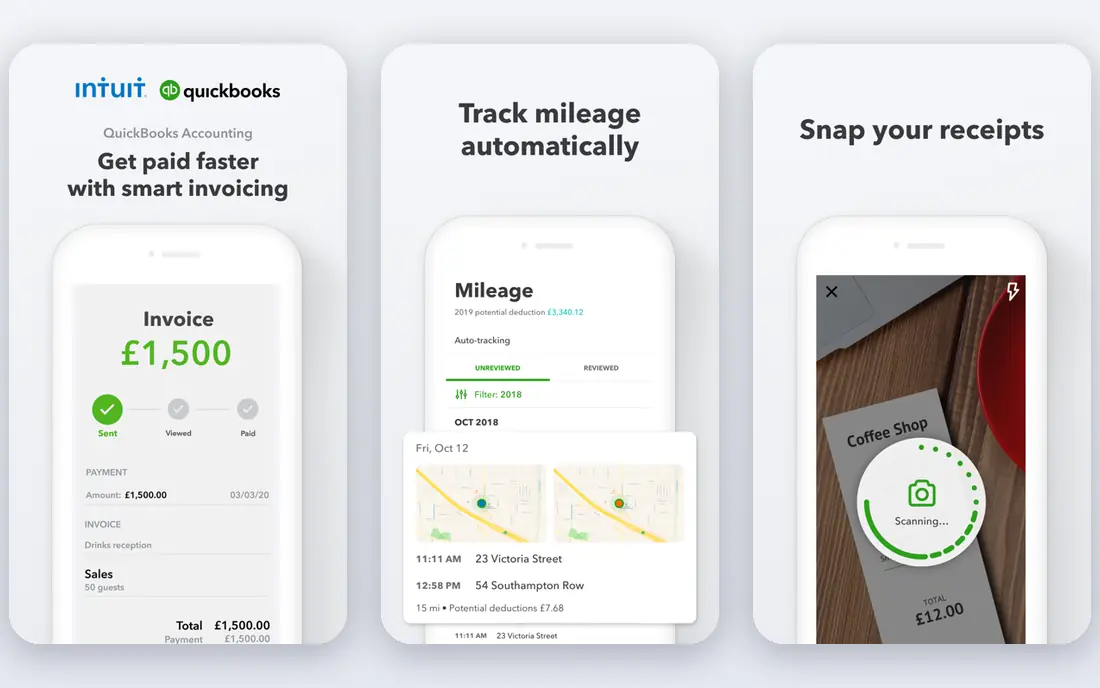
QuickBooks Online is the most widely used small business accounting tool in the United States, which means most accountants already know it. Inventory tracking, including stock levels, purchase orders, and cost of goods sold, is available on the Plus tier and higher, not on the entry Simple Start plan. That tier distinction matters for budgeting, because the inventory price is higher than the headline starting price.
Reporting and integrations are strengths, with many inventory, ecommerce, and payment tools connecting to QuickBooks. Price rises across tiers, with Plus and Advanced costing much more than Simple Start, so firms should price the tier they need. For a small firm that works with an accountant and needs solid inventory, QuickBooks Online remains the safest default.
- Widely known by accountants
- Inventory tracking on Plus
- Strong reporting and integrations
- Inventory needs the Plus tier or higher
- Price rises sharply across tiers

Xero suits growing teams because every plan includes unlimited users, unlike QuickBooks and FreshBooks, which charge per seat past the first. Bank reconciliation, invoicing, and reporting are strong, and inventory tracking is available on higher tiers, with stock control improving as plans rise. Multi-currency handling is also a strength for firms selling abroad.
Entry pricing starts at $25 per month, but firms needing full inventory should price the Established tier or higher rather than assuming entry covers stock. Payroll support varies by region, so United States firms should check current payroll options. For a multi-user team that wants inventory plus easy collaboration, Xero is a strong pick.
- Unlimited users on every plan
- Strong bank reconciliation
- Good inventory on higher tiers
- Inventory depth sits on higher tiers
- Payroll is limited in some regions
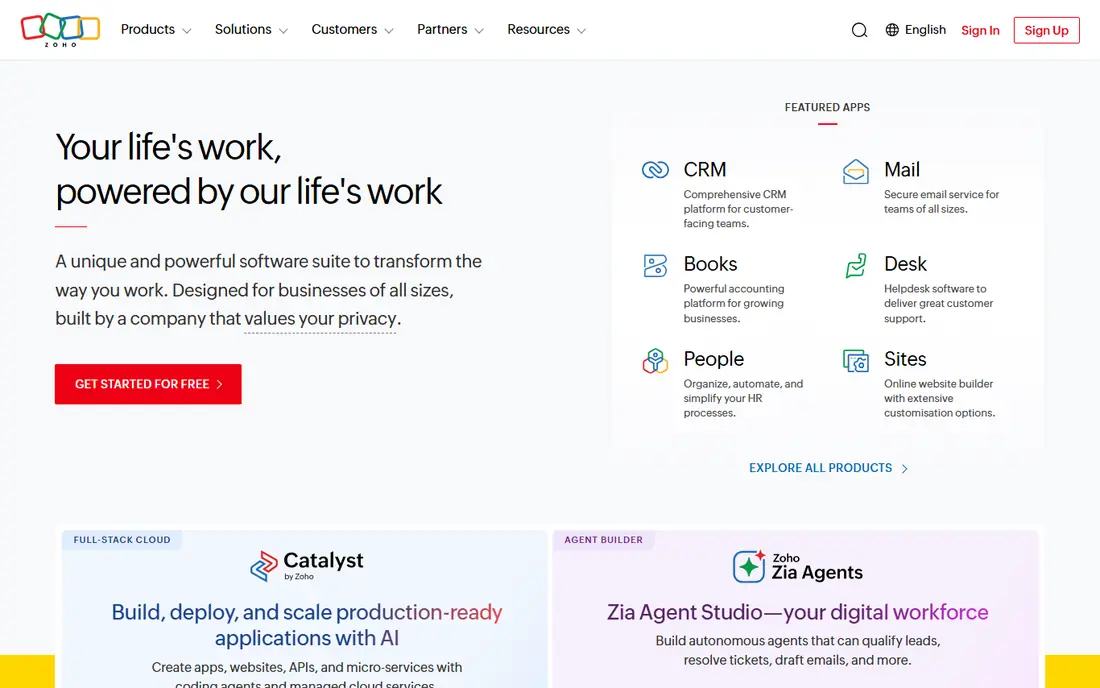
Zoho Books offers a genuine free plan for businesses under $50,000 in annual revenue, with full double-entry accounting, invoicing, and bank reconciliation. Inventory management sits on the Professional tier and higher, with paid plans starting around $20 per month for Standard. Zoho Inventory syncs natively with Zoho Books, which helps firms that sell online and need order and stock management together.
The free plan is not a full inventory solution on its own, since inventory requires a paid tier, and the free revenue limit applies. For a cost-conscious firm that wants accounting plus inventory without QuickBooks prices, Zoho Books offers the best value in this guide. Check the Professional tier price for your user count before committing.
- Free plan for small firms
- Inventory on Professional tier
- Native Zoho Inventory sync
- Inventory needs a paid tier
- Free plan limited by revenue
Sage Accounting covers invoicing, expense tracking, cash flow, and inventory controls for small firms that want a simple system. Stock features help firms track items and quantities without moving to a full enterprise system. Plans scale as a firm grows, with features opened on higher tiers.
Pricing varies by plan and region, and advanced inventory features are not on every tier, so firms should confirm the inventory tier on the vendor site. Sage suits firms that want straightforward accounting with stock control, rather than manufacturing depth. For a small firm that values simplicity over a huge feature list, Sage is worth a trial.
- Straightforward invoicing and stock control
- Scalable plans
- Strong for small firms
- Advanced inventory features sit on higher plans
- Pricing varies by region and plan
FreshBooks is built around invoicing, time tracking, and client billing, which makes it ideal for service firms. Inventory features are more limited than QuickBooks or Xero, covering basic stock needs rather than deep warehouse control. Lite starts at $23 per month, with higher plans adding users and features.
Service firms with a small product line, such as a consultancy selling a few items, may find FreshBooks inventory enough. Product-heavy firms with many stock items, purchase orders, and multi-location needs should choose QuickBooks, Xero, or Zoho instead. FreshBooks is the pick when invoicing matters more than inventory depth.
- Excellent invoicing and time tracking
- Easy interface
- Good client tools
- Inventory is limited compared with QuickBooks or Xero
- User limits on entry plans
Odoo Accounting is part of a wider business suite, with inventory, manufacturing, ecommerce, and sales modules that share one database. That integration suits firms that need accounting plus warehouse and order workflows in one system. Entry pricing starts around $9.10 per user per month, which looks low beside other tools here.
Setup is the catch. Odoo needs configuration and, for complex needs, technical help, and customization costs can raise the total well above the entry price. Firms with an internal technical team or a good implementation partner will get the most from Odoo. Firms that want a simple out-of-box system may prefer QuickBooks or Xero.
- Highly customizable
- Inventory plus manufacturing and ecommerce modules
- Low entry price
- Setup needs technical skill
- Customization costs can add up
NetSuite is an enterprise resource planning system, not just accounting software, with deep inventory, warehouse, order, and financial controls. Multi-location stock, advanced costing, and consolidated reporting suit mid-size firms that have outgrown small business tools. That depth is why firms move to NetSuite when inventory complexity grows.
Pricing is quote-only, and implementation is a major project with partner costs, so NetSuite is not a small firm purchase. Firms should only consider it when small tools clearly limit growth, such as multi-warehouse needs or complex manufacturing. For those firms, NetSuite offers inventory depth that the other tools here do not match.
- Deep inventory, warehouse, and multi-location control
- Strong financial reporting
- Scalable
- Quote-only enterprise pricing
- Implementation is a major project
Dynamics 365 Business Central
Who it suits: Microsoft-based firms with inventory
Dynamics 365 Business Central, from Microsoft, combines accounting with inventory, warehouse, sales, and purchasing in one system. It suits firms already using Microsoft 365, because integration with Office tools and Microsoft services is natural. Inventory features cover stock, locations, and order workflows at a depth beyond small business accounting tools.
Pricing varies by plan and licensing, so firms should get a quote at their user count and module needs. Setup for complex inventory also needs planning, though less than a full enterprise system for many firms. For a Microsoft-based firm outgrowing QuickBooks or Xero, Business Central is a logical next step.
- Strong inventory and warehouse features
- Microsoft 365 integration
- Scalable for growth
- Quote and plan pricing varies
- Setup needs planning for complex needs
How we picked these
We compared official feature pages, pricing pages, and public reviews for accounting tools with inventory features in 2026. We favored tools that track stock, record cost of goods sold, handle purchase orders, and sync stock changes with the books. We included small firm tools and mid-size systems, because inventory needs range from a few items to multi-location warehouses. Prices shown are vendor-published where available, and we wrote See website where pricing varies by plan or is quote-based.
How to choose accounting software with inventory
Start by listing what you actually stock: item count, locations, variants, and whether you manufacture, assemble, or just resell. A reseller with 100 items needs different depth than a manufacturer with components and finished goods. Match that list to the inventory tier, not to the marketing page, because entry plans often exclude the features you need.
Cost of goods, purchase orders, and stock counts
Check how each tool records cost of goods sold when an item sells, and whether it supports the costing method your accountant prefers. Purchase orders should flow into stock when goods arrive, without manual double entry. Stock counts should be easy to run, with adjustments recorded in the books. Test those three flows during a trial with real items, because a tool that handles invoicing well may still handle stock poorly.
Ecommerce, warehouse, and multi-location needs
If you sell online, check integrations with your store, marketplace, or shipping tool, and whether stock syncs in both directions. Multi-location firms need location-level stock, transfers, and reporting by site, which only some tools here offer well. Warehouse features such as barcode scanning help once item counts grow into the hundreds. Do not pay for warehouse depth you do not need yet, but do not buy a tool you will outgrow in a year either.
Total cost and accountant fit
Add the inventory tier price, extra users, and any inventory add-on to get the true monthly cost. Ask your accountant which tools they support, because a tool your accountant knows will save time at year end. Run a parallel month if possible, with old and new systems side by side, to catch stock and profit differences before you switch fully. A careful switch beats a fast switch when stock and money are both involved.
Frequently asked questions
What is the best accounting software for inventory management?
QuickBooks Online is best for most small firms, Xero is best for multi-user teams, and Zoho Books is best for value. Odoo suits customizable needs, while NetSuite and Business Central suit mid-size firms with deeper inventory. Pick by item count, locations, and the tier that actually includes inventory.
What is the best accounting software with inventory management for small business?
QuickBooks Online Plus, Xero on a higher tier, and Zoho Books Professional are the strongest small business picks. QuickBooks is most familiar to accountants, Xero offers unlimited users, and Zoho offers the lowest cost. Check the inventory tier price for each, because entry plans often exclude stock tracking.
What is the best inventory accounting software for small business?
For small firms that sell products, QuickBooks Online and Zoho Books offer the best balance of accounting and stock control. Xero is close behind for teams with many users. Service firms with light inventory may manage with FreshBooks, but product-heavy firms should choose a tool with full inventory on its paid tier.
Does QuickBooks have inventory management?
Yes, QuickBooks Online includes inventory tracking on the Plus tier and higher, with stock levels, purchase orders, and cost of goods sold. Simple Start does not include full inventory, so firms needing stock should price Plus or higher. Desktop QuickBooks also offers inventory features, with different pricing.
Is Xero good for inventory management?
Yes, for small to mid-size firms, with inventory tracking on higher tiers and strong bank reconciliation and multi-user support. Xero suits teams that need unlimited users and good integrations. Firms with manufacturing or multi-warehouse depth may need Odoo, NetSuite, or Business Central instead.
Can accounting software replace a separate inventory system?
For many small firms, yes, because accounting tools with inventory cover stock, orders, and cost of goods in one place. Larger firms with warehouses, manufacturing, or many locations often keep a dedicated inventory or enterprise system beside accounting. The right answer depends on item count, locations, and how complex your stock workflows are.
Sources we checked (8)

Online Jobs is an independent blog about careers, online work, learning new skills and the tools that help people earn. More about us.
Keep reading
All posts
Top AI Financial Software
Searching for top AI financial software? We compared 9 AI finance tools for AP, spend, close, forecasting and bookkeeping to help teams choose wisely.

Quicken Alternatives
Compare the best quicken alternatives for Mac, Windows, and small business owners, from Monarch Money and YNAB to Copilot, Tiller, and Banktivity in 2026.
QuickBooks Online Alternatives
Looking for quickbooks online alternatives? We compared 8 accounting tools on invoicing, bank feeds, payroll, pricing and fit for small businesses today.