Business
Best Accounting Software for Freelancers in 2026: 7 Options Compared
 Online Jobs·Updated Oct 24, 2026·12 min read
How we put this together: we compare official feature and pricing pages, app store listings, privacy policies and public user reviews. Prices change, so check the provider's site before you pay.
Key takeaways
- Four of the seven tools have a real free tier: Wave Starter, Zoho Books Free (for revenue under a $50,000 threshold), Found, and QuickBooks Solopreneur Free (limited to 2 invoices a month).
- Launch discounts are large but temporary. FreshBooks advertises 80 percent off for 4 months, Xero lists 90 percent off for 6 months until November 2, 2026, and QuickBooks lists 50 percent off for 3 months. Budget for the regular price.
- Regular monthly prices for an entry paid plan run from $19 (Wave Pro) to $27 (Xero Early), with FreshBooks Lite at $23 and Zoho Books Standard at $20 on monthly billing.
- Found is the only option here that combines a business bank account, invoicing and tax estimates, but the free tier works best if your money flows through its account.
- Bonsai is a client-work suite more than an accounting package, so most freelancers will pair it with a true bookkeeping tool.
Quick comparison
| Name | Best for | Starting price | Free plan |
|---|
 QuickBooks Solopreneur QuickBooks Solopreneur | One-person businesses that file a Schedule C | Free | Yes |
 FreshBooks FreshBooks | Invoicing-first freelancers with a small client list | $23 per month | Free trial (30 days) |
 Wave Wave | Freelancers who want free invoicing and bookkeeping | Free | Yes |
 Xero Xero | Freelancers who expect to outgrow a simple invoicing tool | $27 per month | No |
 Zoho Books Zoho Books | Budget-minded freelancers who want a full ledger | Free | Yes |
 Found Found | Freelancers who want banking, invoicing and tax estimates together | Free | Yes |
 Bonsai Bonsai | Freelancers who want proposals, contracts and invoices in one place | $15 per month | Free trial (7 days) |
The best accounting software for freelancers
We sorted this list by how well each tool handles the core freelance jobs: sending invoices, sorting expenses, and setting money aside for taxes. Prices are US prices as of October 2026. This is general information, not tax or financial advice, so check your own situation with a CPA or enrolled agent.
Starting priceFree
Free planYes
QuickBooks is the name most US accountants know, and Solopreneur is Intuit's product for people running a one-person business. Intuit's page says it is designed for self-employed individuals and focuses on automatic transaction sorting, goals and tax readiness. Review sites list the older QuickBooks Self-Employed as discontinued, with Solopreneur as its replacement.
The plan ladder is the thing to understand. The Free plan allows 2 invoices a month, 5 mileage trips a month and 2 receipt uploads a month. Lite lists at $20 per month (shown at $10 for the first 3 months) and removes those caps on invoices, receipts and mileage. Simple Start lists at $38 per month (shown at $19 for 3 months) and adds accountant access, recurring payments and unlimited contractors.
The honest catch is that the free tier is more of a trial than a working setup if you bill more than two clients a month. Also, the page does not explicitly describe tax estimates, so do not assume quarterly estimates are built in. It does mention Schedule C support and an Expert Assisted Tax service that you pay for only when you file.
What we like- Free plan available
- Mileage tracking on every plan
- Expert Assisted Tax option powered by TurboTax
Watch out for- Free plan caps invoices at 2 per month
- Accountant access only on the top tier
Starting price$23 per month
Free planFree trial (30 days)
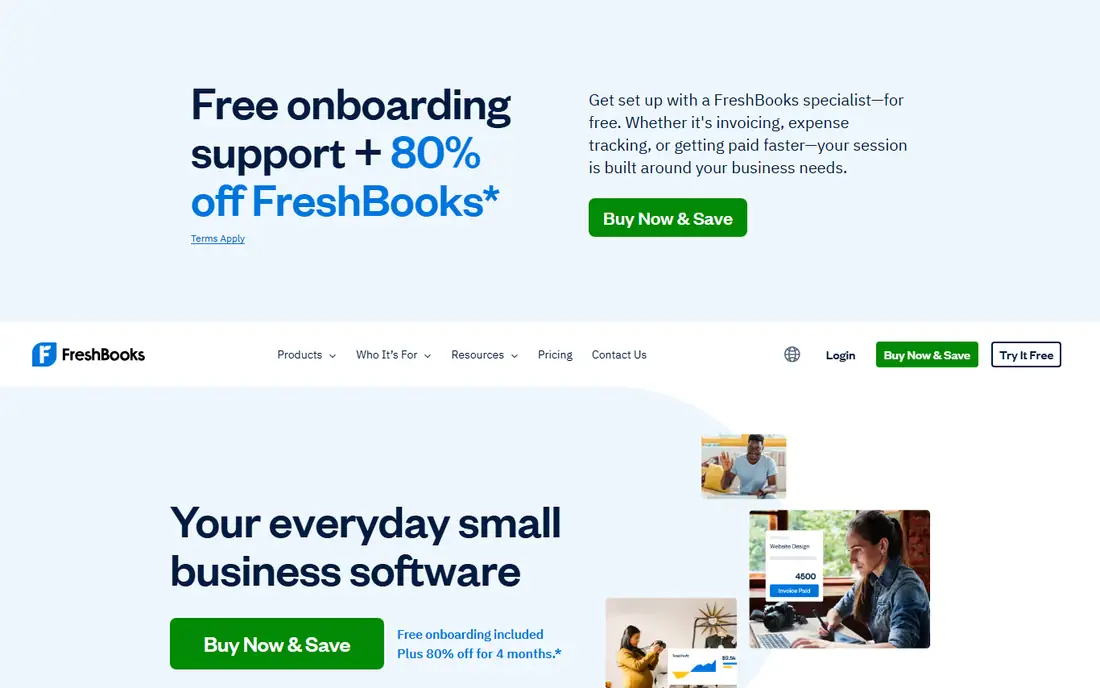
FreshBooks has long been a favorite among freelancers because the invoice comes first and the bookkeeping follows. Its homepage says invoices can automatically include tracked time and expenses and calculate taxes, and it lists mobile receipt scanning, bank imports and automated expense categorization.
The pricing page shows Lite at $23 per month, Plus at $43 and Premium at $70, each shown at a steep promotional discount (Lite is $4.60 for the first four months under the current offer). The client limits matter: Lite covers 5 billable clients, Plus covers 50, and Premium is unlimited. A freelancer with six regular clients will land on Plus fast, so compare at $43, not $23.
The trial lasts 30 days with no credit card required, and the page lists a 30-day money-back guarantee. FreshBooks is a good pick if clients pay you in many small invoices and you value a clean, friendly interface. It is a weaker pick if you mainly want the cheapest ledger available.
What we like- Invoices can pull in tracked time and expenses
- Up to 10 accountants on Plus and Premium at no extra cost
- 30-day money-back guarantee
Watch out for- Lite is limited to 5 billable clients
- Regular prices are higher than most rivals
Starting priceFree
Free planYes
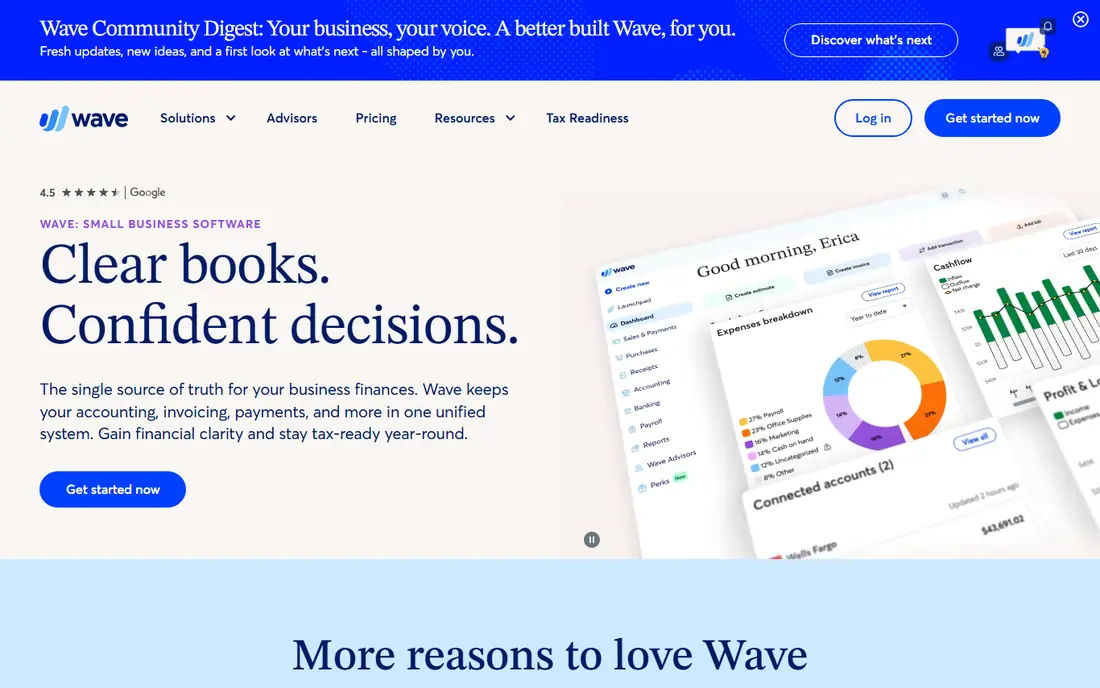
Wave is the classic zero-dollar answer. Its Starter plan is free and includes unlimited estimates, invoices, bills and bookkeeping records, plus a mobile app and a dashboard for cash flow and customers. For a freelancer who sends a few invoices a month and can enter or upload transactions by hand, that may be all you need.
The trade-off shows up when you want automation. Pro is $19 per month (or $190 per year) and adds automatic bank import, automatic transaction categorization, unlimited receipt capture and late-payment reminders. Wave makes its money partly from payments: Starter charges 2.9% + $0.60 per credit card transaction, and Amex is 3.4% + $0.60. Pro waives the $0.60 for the first 10 card transactions in each month.
Wave also sells Wave Advisors, a done-for-you bookkeeping service listed from $149 per month. Wave's own pricing page had some confusing tables when we compared it, so confirm the plan-to-price details for payroll and receipts before you commit.
What we like- Starter plan includes unlimited invoices and bookkeeping records
- Pro adds automatic bank import and unlimited receipt capture
- Mobile app on the free plan
Watch out for- Card payments cost 2.9% + $0.60 on Starter
- Automatic bank import needs the paid Pro plan
#4Xero
Best for: Freelancers who expect to outgrow a simple invoicing tool
Visit xero.com
Starting price$27 per month
Free planNo

Xero is a full small-business accounting platform that happens to scale down to a solo operator. The Early plan lists at $27 per month, with Growing at $59 and Established at $97. The Early plan allows 20 invoices and quotes and 5 bills, which is plenty for many freelancers but easy to outgrow if you have a recurring bill load.
New US customers can currently get 90 percent off for six months, bringing Early to $2.70 and Growing to $5.90. The page says the offer ends at 11:59pm UTC on November 2, 2026, and excludes add-ons and payment fees. Treat it as a way to try the product, then plan around $27 or $59 afterward.
We would point freelancers to Xero when they have, or soon expect, a bookkeeper or accountant working in the same file. It is more ledger than a sole proprietor strictly needs, and its introductory price can make the long-term cost look lower than it is.
What we like- Early plan includes 20 invoices and 5 bills a month
- Growing and Established list no invoice or bill limit
- New US customers get a launch discount until November 2, 2026
Watch out for- No ongoing free plan
- Early plan is capped at 20 invoices and 5 bills
#5Zoho Books
Best for: Budget-minded freelancers who want a full ledger
Visit zoho.com
Starting priceFree
Free planYes
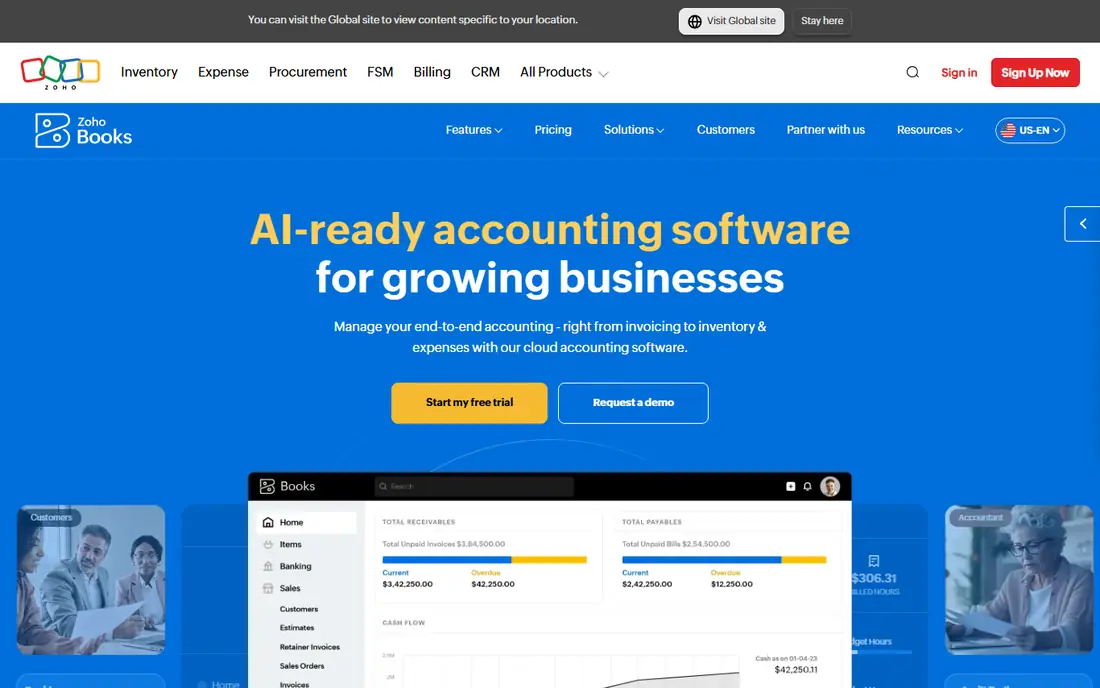
Zoho Books is the quiet value pick. The Free plan is available while revenue stays under a $50,000 threshold for the financial year, and it includes 1 user, 1 accountant and up to 1,000 invoices and 1,000 bills or expenses a year.
If you outgrow it, Standard costs $20 per month billed monthly or $15 per month billed annually, with 3 users and 5,000 invoices a year. Professional is $50 monthly or $40 annually. The page notes that prices exclude local taxes and that extra users cost $3 per user per month ($2.50 if billed annually).
The catch is the revenue ceiling. A freelancer who has a strong year will need to move to Standard, so check the threshold against your projected income. Zoho Books is also more accounting-focused than FreshBooks, so expect a bit more setup around chart of accounts and bank rules.
What we like- Free plan covers 1 user plus 1 accountant and 1,000 invoices a year
- Paid plans start at $15 per month billed annually
- 14-day trial on paid plans
Watch out for- Free plan has a $50,000 revenue threshold
- Paid plans bill per organization, so extras can add up
#6Found
Best for: Freelancers who want banking, invoicing and tax estimates together
Visit found.com
Starting priceFree
Free planYes
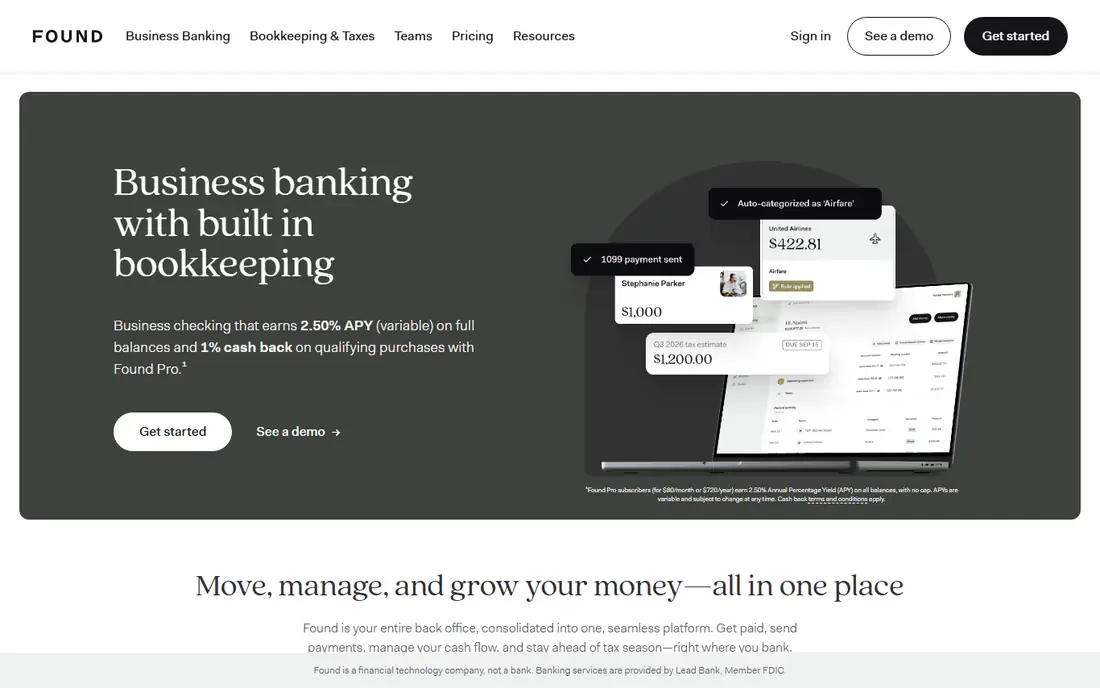
Found is the odd one out because it is a financial app first. Banking services are provided by Lead Bank, Member FDIC, and the company states it is a financial technology company, not a bank. Funds are FDIC-insured up to $250,000 per depositor for each account ownership category.
What you get on the free tier is substantial: unlimited invoices, estimates, automatic expense categorization, receipt scanning, profit and loss reports, a balance sheet, and real-time tax estimates with an automatic Taxes Pocket for savings. Plus costs $35 per month ($315 per year) and Pro costs $80 per month ($720 per year). In-app quarterly federal tax payments are limited to Plus and Pro for customers who file a Schedule C.
The practical limit is that the free plan assumes your business money moves through Found. Importing transactions from other banks, apps and cards, and auto-categorizing with rules, is a Plus or Pro feature. If you already have a business account you like, that restriction matters. If you are starting fresh, Found may be the simplest setup on this list.
What we like- Unlimited invoices on every plan
- Real-time tax estimates and Schedule C form generation on every plan
- 30-day free trial of Plus or Pro
Watch out for- Importing transactions from other banks is limited to Plus and Pro
- Found is not a bank itself
#7Bonsai
Best for: Freelancers who want proposals, contracts and invoices in one place
Visit hellobonsai.com
Starting price$15 per month
Free planFree trial (7 days)
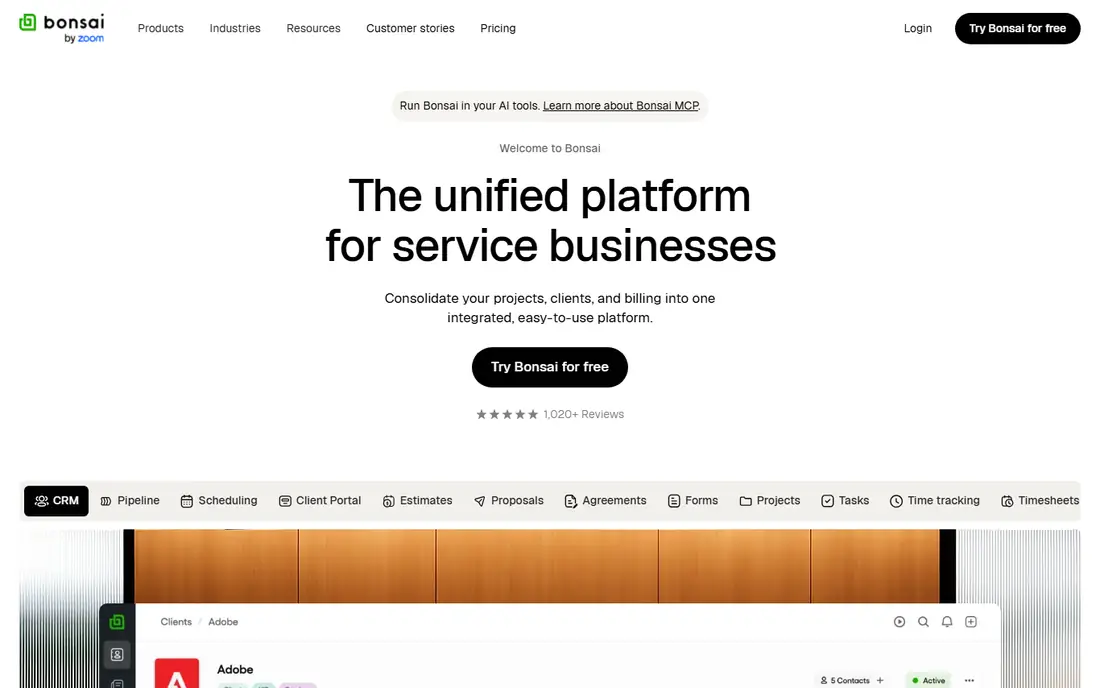
Bonsai is a freelancer operating system, not a pure accounting product. Its Basic plan covers time tracking, tasks, projects, a CRM and a service library. Invoices and payments, proposals, contracts, the client portal and expense tracking all start at Essentials, listed at $25 per month ($19 billed annually).
Premium is $39 monthly ($29 annually) and adds project insights, profit and productivity reports and integrations with QuickBooks and Xero. The page lists the subscription price per user and gives a 7-day free trial. It does not list tax calculation as a plan feature, and Bonsai's bookkeeping is a separate product page, so expect to pair it with a ledger.
Pick Bonsai if client work is the messy part of your week and the books are simple. Skip it if you want one app that does everything from contracts to a balance sheet.
What we like- Contracts, proposals and scheduling in one system
- Client portal on Essentials and up
- Mobile app on all plans
Watch out for- Basic plan has no invoicing or expense tracking
- Not a full accounting package
How we picked these
We looked for accounting and bookkeeping products that US freelancers can sign up for today, and we compared each one's official pricing page, plan limits and features. Prices came from vendor pages as of October 2026, and we marked any figure we could not confirm. We did not run hands-on tests, so this list reflects published plans, not personal experience with each interface.
We gave extra weight to the freelance basics: invoicing, expense tracking, mileage or receipts, and some way to plan for taxes. We also looked at what a free or entry plan actually allows, because several vendors advertise a low price that only applies to a short promotional period. Where a page showed conflicting figures, we said so.
How to choose accounting software as a freelancer
Start with how you get paid. If you send a handful of invoices a month, a free tier from Wave, Zoho Books or Found is probably enough. If you have dozens of clients, plan on a paid plan from the start.
Check the client and invoice limits
Limits are where cheap plans get expensive. FreshBooks Lite stops at 5 billable clients, QuickBooks Solopreneur Free stops at 2 invoices a month, and Xero Early stops at 20 invoices and 5 bills. Count your realistic monthly activity and pick the plan that fits, not the one with the best headline price.
Plan for taxes separately
Accounting software organizes the numbers, but it does not replace tax advice. If you file a Schedule C, look for tools that produce the reports your preparer needs and that let an accountant log in. FreshBooks (Plus and Premium), Zoho Books and QuickBooks Simple Start all offer accountant access.
Watch payment fees
Free software often earns its keep through payment processing. Wave charges 2.9% + $0.60 per card transaction on Starter, so a $500 invoice paid by card costs about $15.10 in fees. You can usually avoid that by letting clients pay by bank transfer or check, so check which payment methods each tool supports.
Frequently asked questions
What is the best accounting software for freelancers?
It depends on your volume and budget. For most people starting out, we would try Wave or Zoho Books first because both have a real free plan. FreshBooks suits freelancers who want an invoice-first experience, and Found fits those who want banking and tax set-asides in one app.
What is the best bookkeeping software for freelancers on a budget?
Wave Starter and Zoho Books Free are the two zero-cost ledgers on this list. Zoho Books limits free use to revenue under a $50,000 threshold, while Wave limits automation (bank import and unlimited receipts) to its $19 per month Pro plan.
Is there a good accounting app for freelancers that also handles taxes?
No app replaces a tax professional. Found includes real-time tax estimates and Schedule C form generation on every plan, and QuickBooks Solopreneur offers an Expert Assisted Tax option powered by TurboTax, paid only when you file. Treat both as aids and confirm the numbers with a preparer.
Do I need accounting software if I only have a few clients?
Not always. A spreadsheet and a free invoicing tool can work early on. Software becomes worth it when you need to separate business and personal spending, track mileage and receipts, or hand clean records to a tax preparer.
Can I switch accounting apps later?
Usually yes, but plan ahead. Most tools can export invoices and transactions, though the format and detail vary. Starting with a platform your accountant already uses, such as QuickBooks or Xero, can make a future handoff easier.
Sources we checked (10)
- https://quickbooks.intuit.com/solopreneur/
- https://quickbooks.intuit.com/pricing/
- https://www.trustradius.com/products/quickbooks-self-employed
- https://www.freshbooks.com/pricing
- https://www.freshbooks.com/
- https://www.waveapps.com/pricing
- https://www.xero.com/us/pricing-plans/
- https://www.zoho.com/us/books/pricing/
- https://found.com/pricing
- https://www.hellobonsai.com/pricing
Online JobsOnline Jobs is an independent blog about careers, online work, learning new skills and the tools that help people earn. More about us.