Best Accounting Software in 2026: 8 Tools Compared

United States small business default · Starting price: See website
How we put this together: we compare official feature and pricing pages, app store listings, privacy policies and public user reviews. Prices change, so check the provider's site before you pay.
Key takeaways
- QuickBooks Online is the safest default for United States small businesses, because many accountants already use it and it covers payroll, inventory, and reporting.
- Xero suits teams that want unlimited users and clean bank reconciliation, while FreshBooks suits service businesses that live on invoicing and time tracking.
- Wave and Zoho Books are the strongest low cost starting points, with free tiers for eligible small businesses, though limits apply.
- Sage suits businesses with inventory and operational needs, while Bench suits owners who want a bookkeeper to handle the books for them.
- The cheapest plan is not always the cheapest choice, since user limits, invoice caps, and payroll add-ons change the total cost fast.
Quick comparison
| Name | Who it suits | Starting price | Free option | |
|---|---|---|---|---|
| QuickBooks Online | United States small business default | See website | No | Visit |
 Xero Xero | Multi user teams and reconciliation | See website | No | Visit |
 FreshBooks FreshBooks | Service invoicing and time billing | See website | No | Visit |
 Wave Wave | Free starter bookkeeping | See website | Yes | Visit |
 Zoho Books Zoho Books | Value and automation | See website | Yes | Visit |
 Sage Accounting Sage Accounting | Inventory and operations | See website | No | Visit |
 Bench Bench | Done for you bookkeeping | See website | No | Visit |
 FreeAgent FreeAgent | Freelancers and small teams | See website | No | Visit |
The best accounting software
We compared official pricing pages, feature pages, and app store listings for accounting tools that work today for small businesses in the United States. The best accounting software for you depends on whether you sell products or services, how many people touch the books, and whether your accountant has a preference.
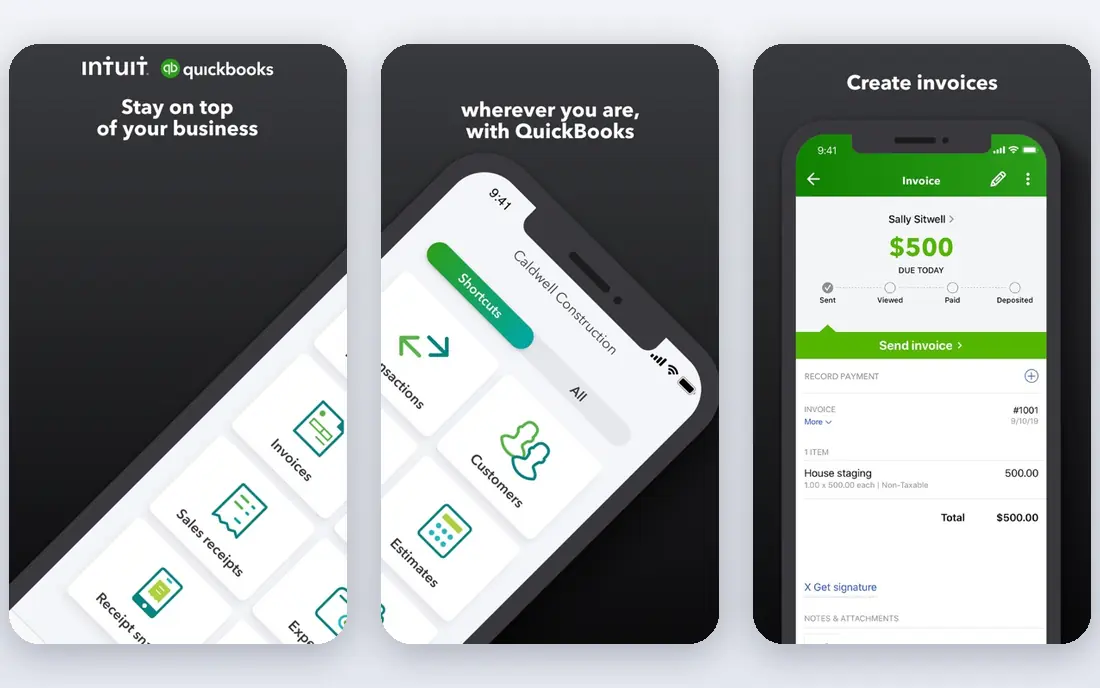
QuickBooks Online is the default for a reason. It covers invoicing, expenses, bank reconciliation, sales tax, payroll as an add-on, and reporting in one place, and most United States accountants know it well. That matters at tax time, because your accountant can review, adjust, and file from a system they already understand, without a long migration.
The cost is the catch. Entry plans limit users, higher plans add inventory and project tools, and payroll is an extra charge. Solo freelancers may find it more than they need, and the menus can feel crowded. For a growing small business that needs a system an accountant can trust, QuickBooks Online remains the first quote to get.
- Deep United States accounting and tax reporting
- Many accountant users
- Payroll and inventory options
- Price rises with users and features
- Interface can feel busy for solo freelancers
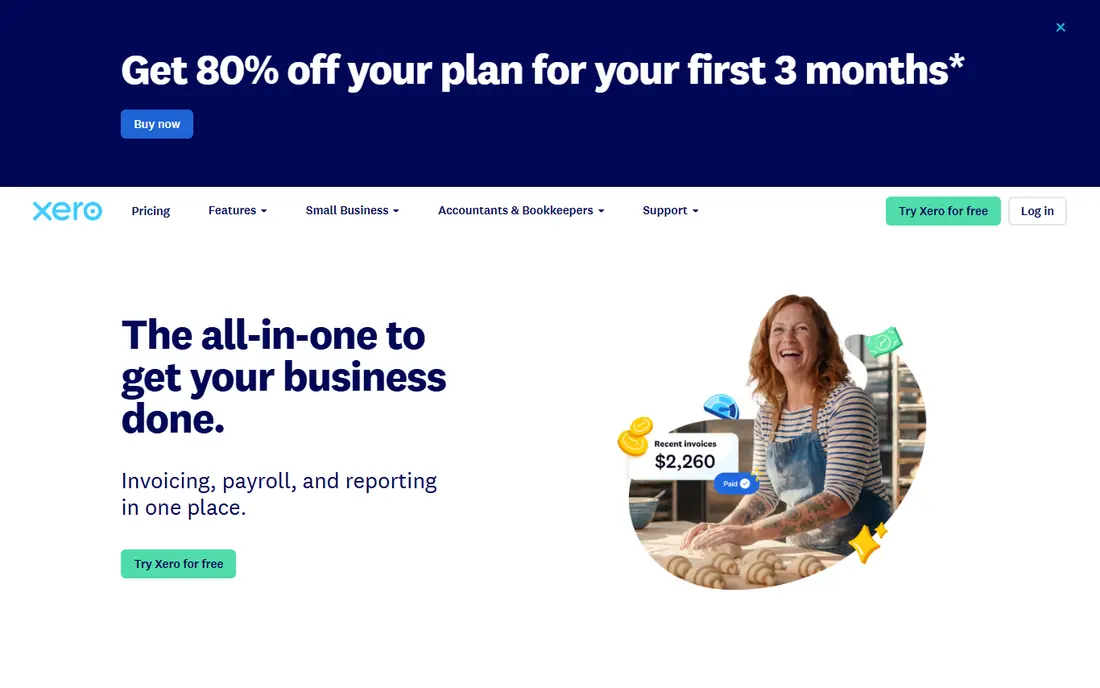
Xero is the cleanest alternative to QuickBooks for teams. Every plan allows unlimited users, so an owner, a bookkeeper, and an accountant can all work in the same books without paying per seat. Bank reconciliation is a particular strength, with clear matching and rules that save time each month. Multi currency support also helps businesses that buy or sell abroad.
Entry limits matter. The lowest plan caps the number of invoices and bills, so a busy business may need to move up a tier sooner than expected. United States payroll is handled through a partner, rather than built in, which adds a step. If you work in a team and value a clean interface, Xero is a strong best small business accounting software choice.
- Unlimited users on plans
- Clean bank reconciliation
- Strong multi currency support
- Entry plan caps invoices and bills
- United States payroll needs a partner service

FreshBooks is built for service businesses. Invoicing looks professional, clients can pay online, time can be tracked against projects, and expenses can be attached to a job with little effort. For freelancers, agencies, and consultants, that workflow is often more important than a full general ledger with inventory controls.
The limits are client counts on lower plans and a lighter accounting core than QuickBooks or Xero. A product business with stock, complex tax, or many users may outgrow FreshBooks. A service business that bills by hour or project, and wants to get paid faster, will likely find FreshBooks the easiest tool in this list to use every day.
- Excellent invoicing and client portals
- Time tracking and expenses
- Easy for non accountants
- Client limits on lower plans
- Inventory and deep accounting features are limited
Wave is the best free accounting software starting point for very small businesses. The starter plan covers invoicing, income and expense tracking, and basic bookkeeping without a monthly fee, and there is no cap on the number of invoices you can send. That makes it ideal for a new freelancer or side business that needs clean records without a subscription.
Wave is not a full replacement for QuickBooks for a growing company. Payroll is available as a paid add-on in eligible states, advanced reporting is lighter, and support options are more limited. Still, for a best small business software for accounting on a tight budget, Wave lets you start properly and upgrade later if you need more.
- Free starter plan for invoicing and bookkeeping
- Unlimited invoices
- Simple setup
- Payroll is an add-on in eligible states
- Support and advanced reporting are more limited
Zoho Books offers a lot for the price. Automation rules can chase overdue invoices, categorise recurring expenses, and send payment reminders, which saves time for a small team. The free tier, for businesses under a revenue threshold set by Zoho, covers core invoicing and accounting, and paid plans add users, workflows, and inventory features.
The free tier is not for every business, since revenue and user limits apply, and United States payroll sits in a separate Zoho product. If you already use Zoho CRM, Zoho Inventory, or other Zoho tools, the integration is a strong reason to choose Zoho Books. If you use Google or Microsoft tools mainly, check the integrations list before you commit.
- Free tier for eligible low revenue businesses
- Strong automation and workflows
- Good Zoho integration
- Free tier has revenue and user limits
- United States payroll needs a separate module
Sage Accounting suits businesses that need more than invoicing and bank feeds. Inventory tracking, project and job costing, and operational reporting are stronger here than in freelancer focused tools, which helps product businesses and growing service firms. Sage also has a long history in accounting, so its reports and controls feel familiar to many bookkeepers.
The design is more traditional than Xero or FreshBooks, and plan names and prices vary by country, so United States readers should check the current Sage United States offer page. If your business holds stock, manages jobs, or needs deeper operational reports, Sage is worth a trial. If you only send a few invoices a month, a simpler tool will be faster.
- Strong inventory and operational features
- Solid reporting
- Long history in business accounting
- Interface can feel more traditional
- Pricing and plan names vary by region
Bench is different because it is a service, not just software. A dedicated bookkeeper categorises transactions, reconciles accounts, and prepares monthly reports, so an owner who hates bookkeeping can hand it over. That is valuable if your books fall behind every quarter, or if you need clean, tax ready financials without learning accounting.
The price reflects the service, so Bench costs more per month than QuickBooks or Xero alone, and owners who enjoy doing their own books may find it less flexible. Bench also works best for straightforward small business books, rather than complex inventory or multi entity accounting. If time matters more than software control, Bench is the best small business financial software option in this list for a hands-off approach.
- A bookkeeper handles monthly books
- Clear monthly reports
- Tax ready financials for many owners
- Monthly cost is higher than software alone
- Less hands-on control for owners who like to do books themselves
FreeAgent is built for freelancers and small service businesses. Invoicing, expenses, time tracking, and tax estimates sit in a simple dashboard, and the app explains what you owe in plain terms rather than accounting jargon. That clarity helps sole traders and small teams who want to stay on top of cash flow without a bookkeeper.
FreeAgent is not designed for a large company with stock, many departments, or complex reporting needs. Feature availability also differs by region, so United States readers should check the current FreeAgent offer before signing up. For a freelancer who wants a tidy, focused tool, FreeAgent is a calm alternative to the larger platforms.
- Simple freelancer focused design
- Invoicing, expenses, and tax estimates
- Time tracking included
- Less suited to large or inventory heavy businesses
- United States feature set differs from other regions
How we picked these
We compared official pricing pages, feature pages, and app store listings for accounting tools available in the United States today. We looked for invoicing, expense tracking, bank reconciliation, reporting, and a clear path to payroll or accountant access. We left out tools that only offer invoicing with no bookkeeping, and tools that were no longer maintained. Prices change often and promotions are common, so where we could not confirm a current price on the vendor site at the time of writing, we wrote See website.
How to choose accounting software
Start with your accountant. If your accountant already uses QuickBooks or Xero, matching their system can save fees and reduce errors at year end. If you do not have an accountant, start with your workflow: invoicing for services, inventory for products, or simple records for a side business.
Invoicing, payroll, and inventory
Check three limits before you pay: how many users you need, how many clients or invoices the plan allows, and whether payroll is included or an add-on. A low headline price can rise fast once you add a second user, a payroll service, or inventory tracking. Trial the invoicing flow with a real invoice, not just a demo, since that is the task you will repeat most.
Migration and tax time
Ask how easy it is to import bank history, open invoices, and customer lists, and how easy it is to export your data if you leave. A tool that locks your data in is a risk, even if the monthly price looks good. At tax time, you want clean profit and loss reports, sales tax summaries, and accountant access, so test those reports during the trial, not in April.
Frequently asked questions
What is the best accounting software for small business?
QuickBooks Online is the best accounting software for many United States small businesses, thanks to depth and accountant familiarity. Xero is better for multi user teams, FreshBooks is better for service invoicing, and Wave is better for a free start.
What is the best software for small business accounting on a budget?
Wave is the best free starting point, with invoicing and bookkeeping at no monthly cost on its starter plan. Zoho Books is also strong on value, with a free tier for eligible low revenue businesses and affordable paid plans.
What is the best accounting app for freelancers?
FreshBooks and FreeAgent are strong freelancer choices, thanks to invoicing, time tracking, and expense tools. QuickBooks Solopreneur, a separate QuickBooks product, is also worth checking if you want simple tax tracking for a solo business.
Is QuickBooks or Xero better for a small business?
QuickBooks is better if your accountant uses it, if you need United States payroll, or if you need inventory depth. Xero is better if you want unlimited users, a cleaner interface, and strong multi currency support. Trial both with your real bank and invoice data.
What are the top 10 accounting software options?
This list covers eight leading options, and the wider market also includes tools such as QuickBooks Solopreneur, Sage 50, and specialist industry systems. The right top ten for you depends on your business type, so shortlist by invoicing, payroll, inventory, and accountant fit, not by popularity alone.
Can accounting software replace an accountant?
No, software records and reports, but an accountant advises on tax, structure, and compliance. Many owners use software daily and an accountant quarterly or yearly, which keeps costs down while keeping tax and reporting decisions in expert hands.
Sources we checked (8)

Online Jobs is an independent blog about careers, online work, learning new skills and the tools that help people earn. More about us.
Keep reading
All posts
Best Trading Apps for Beginners
Compare the best trading app for beginners, with $0 stock commissions, fractional shares, education, paper trading and account types explained in 2026 now.
Best Trading App
We compared the best trading apps for beginners and active traders on fees, tools, accounts and ease of use, so you can pick a platform that fits your plan.
Best Tax Software
Compare the best tax software in 2026 for simple returns, investors, freelancers, and preparers, with free options, state fees, and honest limits for filing.