Home / Experimentation Software
Best AB Testing Software in 2026: 8 Products Compared


Enterprise web and feature experimentation · Starting price: See website
How we put this together: we compare official feature and pricing pages, app store listings, privacy policies and public user reviews. Prices change, so check the provider's site before you pay.
Key takeaways
- Optimizely and Adobe Target suit enterprise experimentation programs with web and feature testing.
- VWO and AB Tasty suit mid-market teams that want visual editing, personalisation, and heatmaps in one place.
- Convert suits agencies and privacy-focused teams that want published pricing.
- Kameleoon suits teams that want AI personalisation alongside testing.
- Statsig and GrowthBook suit product and engineering teams that test features and rollouts, not just web pages.
Quick comparison
| Name | Who it suits | Starting price | Free option | |
|---|---|---|---|---|
| Optimizely | Enterprise web and feature experimentation | See website | Free trial | Visit |
 VWO | Mid-market conversion optimisation | See website | Yes | Visit |
 AB Tasty | AI personalisation alongside testing | See website | Free trial | Visit |
 Adobe Target | Enterprise personalisation and testing | See website | No | Visit |
 Convert | Agencies and privacy-focused testing | See website | Free trial | Visit |
 Kameleoon | Personalisation-led experimentation | See website | Free trial | Visit |
 Statsig | Product experimentation and analytics | See website | Yes | Visit |
 GrowthBook | Open-source-friendly feature testing | Free | Yes | Visit |
The best ab testing software
A/B testing software splits visitors or users into groups, shows each group a different version, and measures which version performs better. Modern tools also cover multivariate tests, split URL tests, feature flags, and personalisation. The picks below cover web, product, and enterprise use, so the right choice depends on who runs tests and where they run.
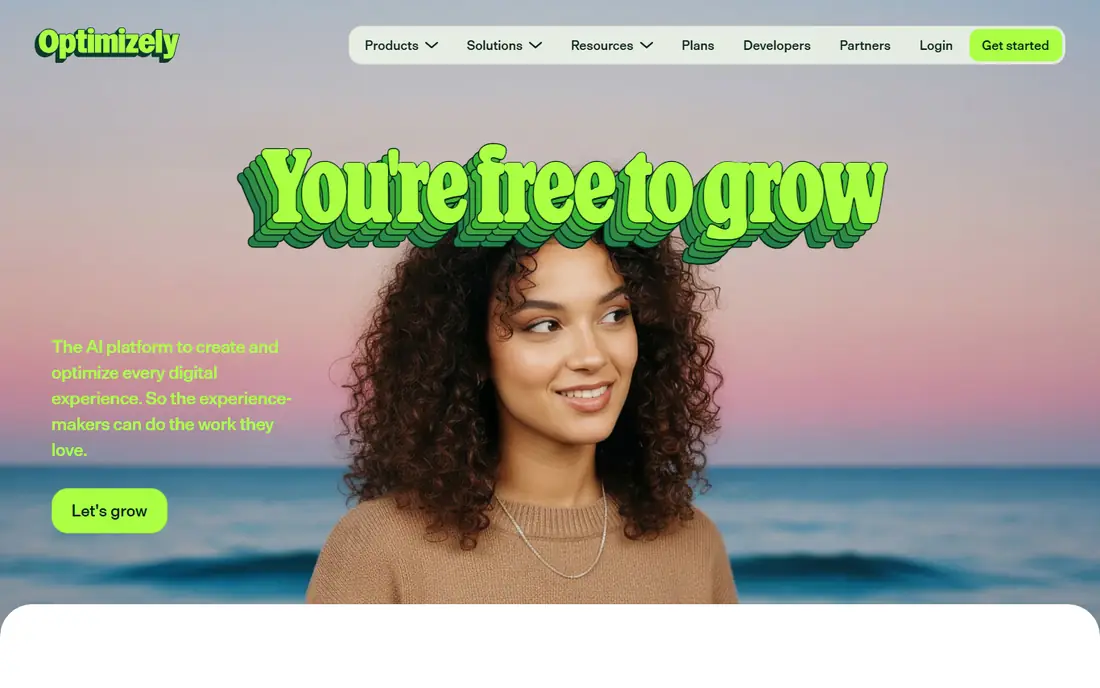
Optimizely is an enterprise experimentation platform covering web experimentation, feature experimentation, personalisation, and content management. Marketing teams can run visual web tests, while product teams can run server-side feature tests and staged rollouts. That breadth helps large companies run one experimentation program across web and product, with shared governance and reporting.
Optimizely suits companies with steady traffic and a team that can run tests each week. Small sites with low traffic will struggle to reach reliable results, whatever tool they use. Buyers should ask for a quote based on traffic and users, and for examples of governance, stats settings, and integration with their analytics stack.
- Web and feature experimentation in one platform
- Strong stats and governance
- Content and personalisation links
- Pricing is by quote and high for small teams
- Setup needs a dedicated experimentation owner
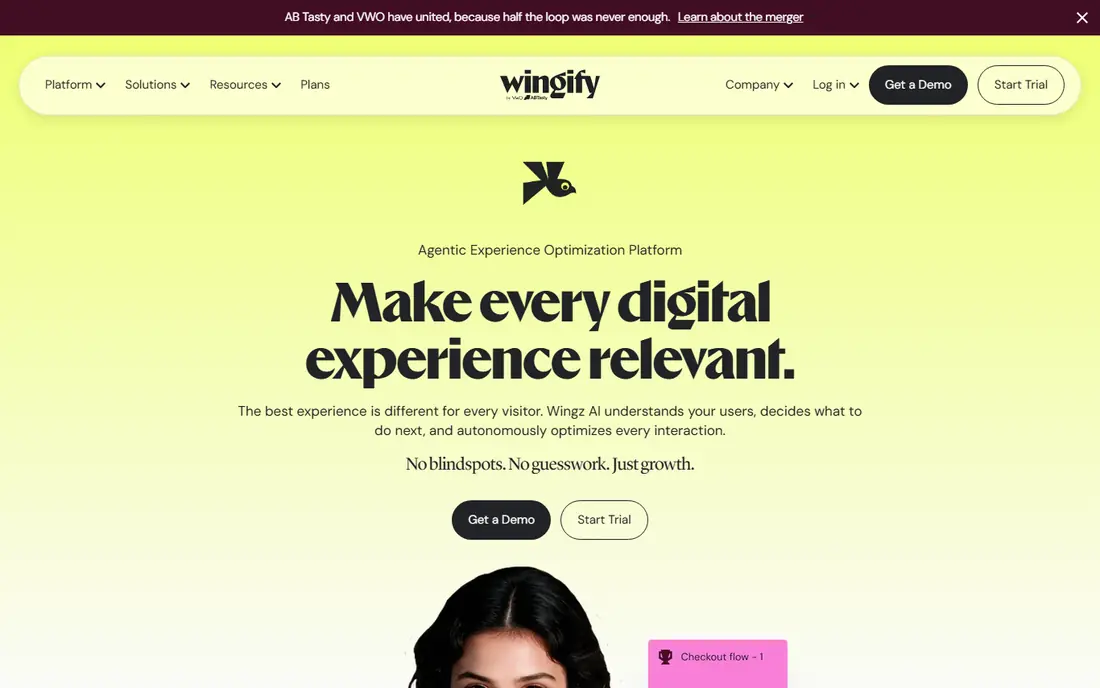
VWO, from Wingify, is a conversion optimisation platform that combines testing with heatmaps, session recordings, funnels, and personalisation. Marketing teams can build tests with a visual editor, run multivariate and split URL tests, and review behaviour data in the same platform. That combination helps teams find test ideas and measure results without juggling several tools.
VWO suits mid-market teams that want a full optimisation toolkit, not just a testing engine. A free starter tier helps small teams test the basics, while paid plans scale with tracked users and features. Check traffic limits, which test types are included, and how stats are calculated before committing to a plan size.
- Visual editor and heatmaps
- A/B, multivariate, and split URL tests
- Personalisation tools
- Pricing rises with traffic and features
- Enterprise features need higher plans
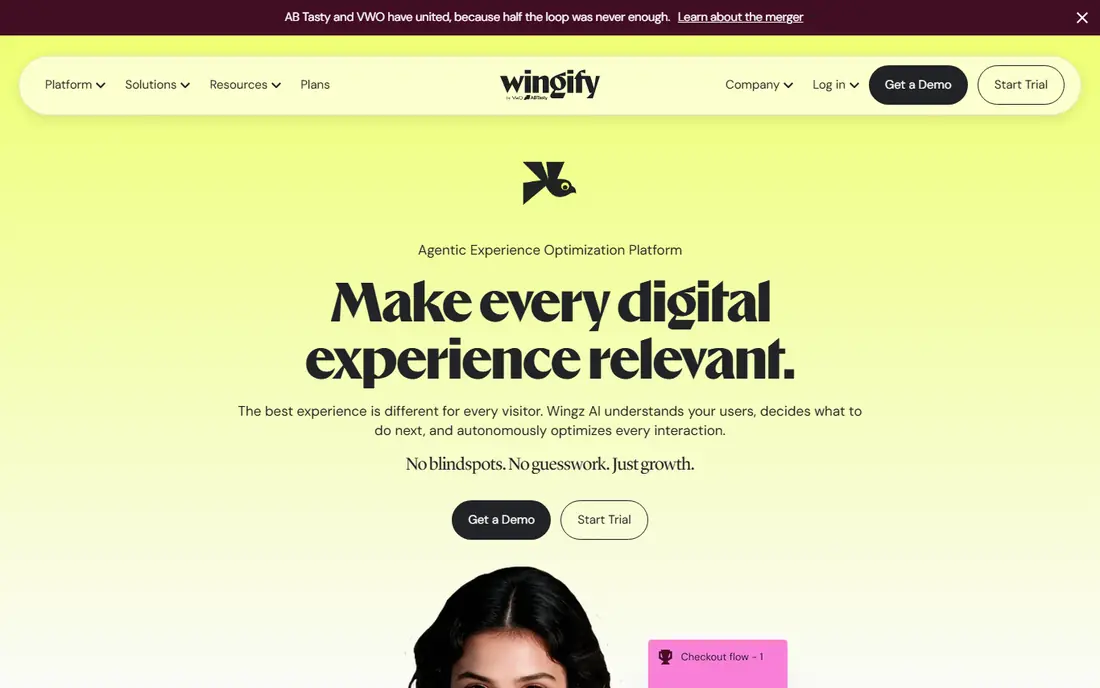
AB Tasty, now part of Wingify alongside VWO, combines experimentation with personalisation, recommendations, and feature management. Teams can run A/B, multivariate, and split URL tests, then personalise experiences for segments based on behaviour and context. AI features help generate test ideas and variations, which can speed up a testing program.
AB Tasty suits teams that want testing and personalisation together, rather than testing alone. Buyers should clarify how AB Tasty and VWO are positioned within Wingify, since both now sit under the same parent, and confirm which product and plan fits their use. Ask for a demo that covers both a web test and a personalisation rule.
- Visual testing and personalisation
- AI-assisted recommendations
- Feature management tools
- Pricing is by quote
- The full suite can be large for a single testing need
Adobe Target is an enterprise testing and personalisation tool inside Adobe Experience Cloud. It supports A/B and multivariate tests, automated personalisation, and recommendations, with links to Adobe Analytics and other Adobe tools. Large companies use it to test and personalise experiences across web and mobile, with central control over audiences and reporting.
Adobe Target fits best when a company already uses Adobe Experience Cloud, since the integrations and data links are strongest there. Standalone buyers should compare the total Adobe cost against a dedicated testing tool. Ask how Target uses Adobe Analytics data, how audiences are built, and what implementation help is included.
- Deep Adobe Experience Cloud links
- A/B, multivariate, and automated personalisation
- Strong enterprise governance
- Pricing is by quote
- Best value inside Adobe Experience Cloud
Convert Experiences is a privacy-focused A/B testing platform with published pricing, which helps agencies and mid-size teams budget without a sales quote. It covers A/B, split URL, multivariate, and full-stack tests, with integrations for analytics and tag managers. The privacy focus suits teams in regulated markets or with strict data policies.
Convert suits agencies that run tests for several clients, since plan structure and reporting support that model. Buyers should check tested-user limits, trial terms, and how stats handle low-traffic tests. A trial on a real client site will show whether the editor and reporting fit the agency workflow.
- Published pricing on its site
- Privacy-focused design
- A/B, multivariate, and full-stack tests
- Pricing scales with tested users
- Visual editor is less broad than some rivals
Kameleoon combines A/B testing, feature experimentation, and personalisation, with AI tools that help target experiences and predict outcomes. Teams can run web tests with a visual editor, server-side tests for product features, and personalised experiences for segments. That range helps companies that want to move from simple tests to targeted experiences over time.
Kameleoon suits mid-market and enterprise teams with enough traffic to support personalisation. Small sites should check whether traffic volume can support reliable personalisation, or whether simple A/B tests are enough for now. Ask for a quote based on traffic, and for examples of personalisation rules in your sector.
- A/B and feature testing plus personalisation
- AI-assisted optimisation
- Web and server-side tests
- Pricing is by quote
- Smaller teams may not need the full personalisation suite
Statsig is a product experimentation platform for engineering and product teams. It covers feature flags, A/B and multivariate experiments, staged rollouts, and analytics, with stats methods built for product decisions. Teams use it to test features inside apps and web products, measure impact on product metrics, and roll out or roll back changes safely.
Statsig suits product-led companies more than marketing teams that need a visual web editor. Developers will value the SDKs, event tracking, and experiment configuration, while marketers may prefer a visual tool. Check the free tier limits, event volume pricing, and how experiment results link to your analytics stack.
- Feature flags and product experiments
- Strong analytics and stats
- Developer-friendly setup
- Web visual editing is less central than in VWO or Optimizely
- Pricing scales with usage
GrowthBook is an open-source-friendly experimentation platform for feature flags, A/B tests, and staged rollouts. Teams can self-host the open-source version or use the cloud version, and connect it to their data warehouse and analytics tools for experiment analysis. That flexibility suits engineering teams that want control over data and experiment logic.
GrowthBook fits product and engineering teams that are comfortable with technical setup. Marketing teams that need a drag-and-drop web editor may find it less convenient than VWO or Optimizely. Check cloud pricing, self-hosting requirements, and which stats methods are used for your experiment types before choosing.
- Open-source option
- Feature flags and experiments
- Warehouse and analytics links
- Self-hosting needs technical care
- Visual web editing is limited
How we picked these
We reviewed official feature pages, pricing pages, and product documentation for A/B testing platforms, plus public comparisons in 2026. We kept tools that are actively sold, that run controlled experiments with stats reporting, and that cover web, product, or enterprise use. Where pricing is by quote or varies by traffic and users, we wrote See website rather than repeating an old rate card. That keeps the comparison honest for a category where many vendors moved to quote-based pricing in 2026.
Choosing by who runs the test
Start with the team. Marketing teams usually need a visual editor, heatmaps, and simple stats. Product teams usually need feature flags, SDKs, and warehouse analysis. Enterprise teams usually need governance, permissions, and audit trails. A tool built for one team will frustrate the other, even if the feature list looks similar. Shortlist by team first, then by test type.
Check traffic and stats before you buy
A/B testing needs enough visitors to reach a reliable result. A small site may need weeks or months for one test, whatever tool it uses. Check how each tool calculates significance, handles peeking at results early, and deals with low traffic. A tool with clear stats guidance will save more time than a tool with more test types but weak stats.
Test the editor and the rollout path
Run a real test end to end during a trial: build a variant, set a goal, launch to a small share, check results, and roll out the winner. That workflow reveals editor limits, goal setup friction, and how rollouts work. Also check how the tool handles flicker, page speed, and single-page apps, since those issues affect user experience and results.
Plan for governance and data privacy
As testing grows, teams need permissions, naming rules, and a test backlog to avoid conflicting tests. Check role controls, test documentation, and data handling, especially for personalisation. A privacy-focused tool such as Convert may suit regulated teams, while enterprise tools add governance for large programs. Set a simple rule: no test launches without a hypothesis, a goal, and an owner.
Frequently asked questions
What is the best AB testing tool for small business?
VWO and GrowthBook are strong starting points for small teams. VWO offers a free starter tier and a visual editor, while GrowthBook offers a free open-source path for product teams. Convert is also worth checking for published pricing. The best choice depends on traffic volume and whether tests run on web pages or inside a product.
What is the best AB testing platform for enterprise?
Optimizely and Adobe Target lead for enterprise programs, because both cover web and feature testing with governance and personalisation. Optimizely suits companies that want a dedicated experimentation platform, while Adobe Target suits companies already on Adobe Experience Cloud. Both are priced by quote, so request a quote based on traffic and users.
What is the difference between A/B testing and multivariate testing?
A/B testing compares two versions of a page or feature, while multivariate testing compares combinations of several changes at once, such as a headline, image, and button together. Multivariate tests need more traffic to reach a reliable result, since each combination needs enough visitors. Start with A/B tests, and use multivariate tests only when traffic allows.
How long should an AB test run?
A test should run until it reaches the sample size and significance level set before launch, not until a result looks good. That time depends on traffic, conversion rate, and the size of the change. Low-traffic sites may need several weeks, while high-traffic sites may need days. Avoid stopping early based on a single day of results.
Do AB testing tools slow down a website?
Testing tools can add page load time and flicker if not set up well. Check how each tool loads, whether it offers anti-flicker options, and how it performs on your site during a trial. Keep test scripts lean, limit concurrent tests, and measure page speed before and after launch.
What is the best free AB testing tool?
GrowthBook offers a free open-source option, and VWO offers a free starter tier for limited tracked users. Statsig also offers a free tier for product experimentation. Free tiers suit learning and small tests, but check traffic, user, and feature limits before relying on them for a full program.
Sources we checked (8)

Online Jobs is an independent blog about careers, online work, learning new skills and the tools that help people earn. More about us.
Keep reading
All posts
n8n Alternatives
n8n alternatives compared for 2026, with Zapier, Make, Activepieces, and more, covering visual builders, code steps, self-hosting, and pricing models.

eBay Alternatives
Looking for ebay alternatives? We compared 9 marketplaces for sellers on fees, buyer reach, categories and ease of listing, to help you sell with confidence.

ZoomInfo Alternatives
The best ZoomInfo alternatives in 2026, compared on price, free plans, data coverage, and which tool fits small teams or large sales teams best in detail.