Best 2D Animation Software in 2026: 9 Products Compared


Professional studios · Starting price: $28.50 per month
How we put this together: we compare official feature and pricing pages, app store listings, privacy policies and public user reviews. Prices change, so check the provider's site before you pay.
Key takeaways
- Toon Boom Harmony is our pick for professional studios, with deep rigging, compositing, and traditional animation tools from $28.50 per month.
- Adobe Animate suits designers and web animators, with vector tools and Creative Cloud integration from $22.99 per month.
- OpenToonz, Pencil2D, Synfig Studio, and Krita are all free, and OpenToonz is the strongest free pick for serious hand-drawn work.
- Moho Pro is the best one-time purchase for rigged character animation, at $399.99 with no subscription.
- TVPaint remains the favorite for traditional, hand-drawn animation that needs a natural drawing feel.
Quick comparison
| Name | Who it suits | Starting price | Free option | |
|---|---|---|---|---|
| Toon Boom Harmony | Professional studios | $28.50 per month | Free trial | Visit |
 Adobe Animate Adobe Animate | Designers and web animation | $22.99 per month | Free trial | Visit |
 TVPaint Animation TVPaint Animation | Traditional hand-drawn work | See website | Free trial | Visit |
 Moho Pro Moho Pro | Rigged character animation | $399.99 one-time | Free trial | Visit |
 OpenToonz OpenToonz | Free professional toolset | Free | Yes | Visit |
 Pencil2D Pencil2D | Beginners and students | Free | Yes | Visit |
 Synfig Studio Synfig Studio | Free vector animation | Free | Yes | Visit |
 Krita Krita | Drawing plus animation | Free | Yes | Visit |
 Cartoon Animator Cartoon Animator | Fast character animation | See website | Free trial | Visit |
The best 2d animation software
2D animation splits into hand-drawn, rigged, and cut-out styles, and each tool on this list favors one of them. Pick by style first, then by budget, since a great rigging tool will frustrate a traditional animator and vice versa.
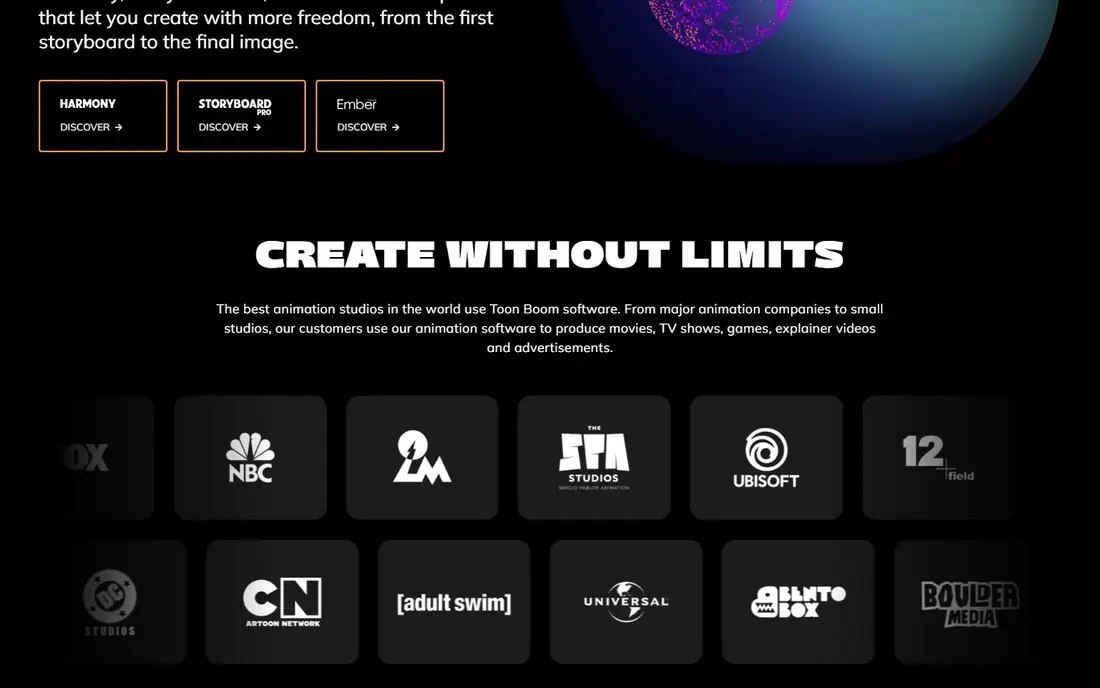
Toon Boom Harmony is the professional standard for TV and film animation, and it covers more styles in one package than any rival here. It handles traditional hand-drawn animation, paperless drawing, cut-out rigs, and hybrid approaches, with vector artwork that stays crisp at any zoom and rigging tools for complex character movement. Studios choose it because the pipeline from storyboard to compositing lives in one place.
That power comes with a learning curve and a subscription starting at $28.50 per month, with higher editions for larger productions. Beginners can feel overwhelmed by the interface and the depth of the toolset. If you are committing to 2D animation as a craft or joining a studio pipeline, Harmony is the tool to learn. If you animate occasionally, a cheaper or free option fits better.
- Industry-standard toolset for studios
- Advanced rigging and deformation
- Traditional, paperless, and cut-out styles in one tool
- Steep learning curve
- Subscription cost adds up
- Needs a capable machine for complex scenes
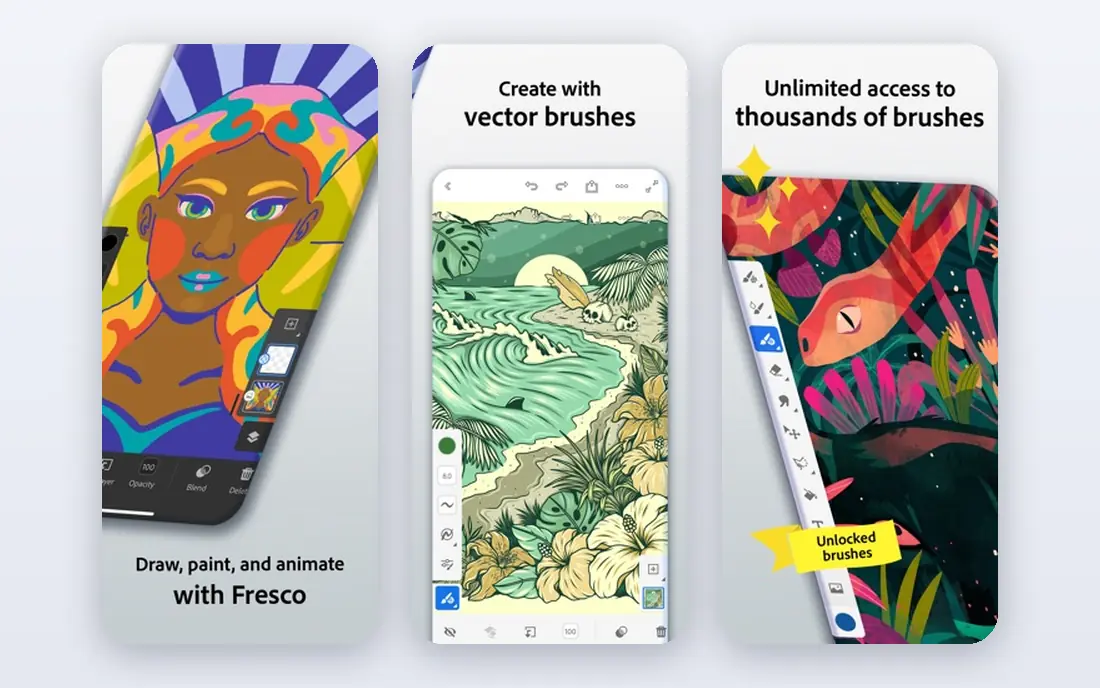
Adobe Animate fits designers and web animators who already live in Creative Cloud. It offers vector drawing, onion skinning, motion tweening, and rigging in an approachable interface, with export to HTML5 Canvas, WebGL, and video. The Asset Warp tool brings static images to life, and sharing assets with Photoshop and Illustrator is painless.
The subscription costs $22.99 per month for a single app, which adds up for hobbyists, and Animate is not the first choice for studio TV pipelines. Its strength is broad creative output: web banners, explainer videos, educational content, and interactive animations. If you already pay for Creative Cloud, Animate is the easy addition. If you do not, compare it with Moho or the free tools first.
- Vector animation with onion skinning and tweening
- Creative Cloud integration
- HTML5 and video export
- Subscription adds up over time
- 3D and compositing tools are limited
- Less suited to studio pipelines
TVPaint is the tool traditional animators reach for when the drawing itself matters most. It is bitmap-based, so brushes and pencils feel natural, and it is built around frame-by-frame hand-drawn animation for film and TV. Animators who learned on paper often find TVPaint the closest digital equivalent, with a timeline and lightbox approach that respects traditional craft.
Pricing varies by edition, so check the vendor site for the current figure, and a trial version is available with limits. TVPaint lacks the deep vector rigging of Harmony or Moho, so rigged character work is not its strength. If your animation is drawn frame by frame and the line quality matters, TVPaint is a superb, if specialized, pick.
- Natural bitmap drawing feel
- Beloved by traditional animators
- Strong for film and TV hand-drawn work
- Quote and edition pricing varies
- No vector rigging depth of Harmony
- Smaller community than Adobe
Moho Pro, formerly Anime Studio, is the best one-time purchase for rigged character animation. Its bone-based rigging system, Smart Bones, and mesh tools let you build a character once and animate it for many scenes, which suits YouTube series, explainer videos, and indie productions. The Pro license costs $399.99 one-time, with a cheaper Debut edition at $69.99 for simpler work.
The 30-day trial cannot import or export files, so judge it on work made inside the program. Debut limits Smart Bones, meshes, and PSD import, which pushes serious rigged work toward Pro. If you animate characters with rigs rather than drawing every frame, Moho Pro offers professional rigging without a subscription.
- Powerful bone rigging and Smart Bones
- One-time license with no subscription
- Good for cut-out animation
- Trial cannot import or export
- Debut edition limits advanced rigging
- Traditional drawing is thinner
OpenToonz is the strongest free pick for serious animators. It is open source and free for commercial and non-commercial use, with a professional toolkit shaped by Studio Ghibli's production needs, including GTS scanning, MyPaint brushes, and a node-based effects system. It runs on Windows, macOS, and Linux, and supports plugins and Python scripting.
The learning curve is steep, and users report that tutorials are scarce compared with commercial tools, so beginners often struggle early on. Occasional lag and bugs also surface in complex projects. If you have animation experience and want a free, professional hand-drawn tool, OpenToonz rewards patience. If you are brand new, Pencil2D is a gentler start.
- Free and open source
- Professional hand-drawn toolset shaped by Studio Ghibli production
- Plugin and scripting support
- Steep learning curve
- Tutorials are thinner than commercial rivals
- Occasional bugs reported
Pencil2D is the friendliest way to learn 2D animation. It is free, open source, and deliberately simple, with bitmap and vector drawing, onion skinning, and a timeline that stays out of your way. Students and hobbyists can start animating in an afternoon without wading through menus built for studios.
Simplicity is also the limit. Pencil2D lacks the rigging, effects, and compositing depth of Harmony, Moho, or OpenToonz, so larger productions will outgrow it. Treat it as a sketchbook for animation: learn timing, spacing, and drawing here, then move to OpenToonz or a commercial tool when your projects demand more.
- Free and open source
- Simplest interface here
- Great for learning hand-drawn animation
- Fewer features than full studios
- Not suited to large productions
- Limited effects and compositing
Synfig Studio is a free, open source vector animation tool built around tweening, which means you set key poses and the software fills in the motion between them. That approach cuts down on frame-by-frame drawing for many styles, and the bone system supports cut-out character animation. It is a solid choice for budget animators who like vector artwork.
The interface feels dated, and the parameter-driven workflow takes time to learn. The community is smaller than Krita's or OpenToonz's, so tutorials are thinner. If you want free vector animation and you are willing to learn a distinctive workflow, Synfig is capable and completely free.
- Free and open source
- Vector tweening reduces frame-by-frame work
- Bone system for cut-out animation
- Interface feels dated
- Learning curve for the bone and parameter system
- Smaller community
Krita is primarily a digital painting app, but its animation tools make it a genuine option for 2D animators who draw. You get excellent brushes, onion skinning, a timeline, and storyboard tools in a free, open source package, with a large community and many tutorials. Animators who already paint in Krita can animate without learning a second program.
Dedicated animation features are simpler than Harmony or TVPaint, and large or long scenes can strain performance. Krita suits short animations, animatics, and hand-drawn pieces where drawing quality leads. For a full series pipeline, pair Krita's drawing with a dedicated animation tool.
- Free and open source
- Excellent brushes for drawing
- Animation timeline included
- Animation tools are simpler than dedicated studios
- Large scenes can strain performance
Cartoon Animator, from Reallusion, is built for speed. It animates 2D characters from templates, rigs, and motion libraries, with lip-sync and motion capture options that turn a script or performance into animation quickly. Content creators, educators, and marketers use it for explainer videos and social content where turnaround matters more than bespoke craft.
The template-driven approach can look generic if you lean on stock characters and motions, and pricing varies by edition, so check the vendor site. Hand-drawn animators should look elsewhere. If you need watchable character animation fast, with minimal drawing, Cartoon Animator is the most productive tool on this list.
- Fast 2D character animation from templates and rigs
- Motion capture and lip-sync options
- 30-day trial
- Template-driven results can look generic
- Pricing varies by edition
- Less suited to hand-drawn styles
How we picked these
We compared official feature pages, pricing pages, and public reviews for 2D animation software that is actively maintained in 2026 and runs on current desktop systems. We weighted animation style fit, rigging and drawing tools, pricing model, platform support, and free or trial availability, and we favored tools with a real user base rather than abandoned projects. Prices are entry-level vendor figures where published; edition pricing varies, so confirm on the vendor site.
Buying guide: pick by animation style
Style decides the tool more than price does. Match your style first, then choose within that group.
Hand-drawn animation
TVPaint and OpenToonz lead for traditional frame-by-frame work, with Krita and Pencil2D as free starting points. TVPaint feels most natural for drawing, OpenToonz offers the deepest free toolset, and Pencil2D is the gentlest introduction. Expect to draw a lot, and budget time for learning the timeline in any of them.
Rigged and cut-out animation
Moho Pro is the best one-time purchase for rigged characters, Harmony covers rigging plus studio compositing, and Synfig offers a free vector route. Cartoon Animator suits fast template-based character work where originality matters less than speed. Test rigging on a real character during the trial, since rig quality decides your daily experience.
Web and explainer animation
Adobe Animate is the natural pick for designers, with vector tools and HTML5 export, while Cartoon Animator suits fast explainer production. If budget is tight, Synfig and Krita can produce web-ready animation for free, though export and workflow need more manual work. Start with the free tools to learn timing, then buy the commercial tool that matches your paid work.
Frequently asked questions
What is the best 2d animation software?
Toon Boom Harmony is our pick for professional studios, Adobe Animate for designers and web work, Moho Pro for one-time rigged character animation, and OpenToonz for free professional hand-drawn work. The best pick depends on whether you draw frame by frame, rig characters, or animate for the web.
What is the best free 2d animation software?
OpenToonz is the strongest free option for serious work, with a professional hand-drawn toolset and no cost for commercial use. Pencil2D is best for beginners, Synfig Studio is best for free vector tweening, and Krita is best if you already draw digitally and want animation in the same app.
What is the best 2d animation software for PC?
All nine tools on this list run on Windows PC, with Harmony, Animate, Moho, TVPaint, and Cartoon Animator as the commercial picks and OpenToonz, Pencil2D, Synfig, and Krita as the free picks. Check system requirements, since Harmony and TVPaint need more capable hardware for complex scenes.
Is Toon Boom Harmony or Adobe Animate better?
Harmony is better for studio animation, with deeper rigging, compositing, and traditional tools. Animate is better for designers and web animation, with an approachable interface and Creative Cloud integration. Harmony costs slightly more per month, while Animate suits broader creative output beyond TV pipelines.
Can I make professional animation with free software?
Yes. OpenToonz has been used in professional productions, and Krita, Synfig, and Pencil2D can all produce finished work. Free tools demand more patience for learning and troubleshooting, and they lack commercial support, but they do not limit the quality of animation you can make.
Do I need a drawing tablet for 2D animation?
A drawing tablet helps greatly for hand-drawn animation in TVPaint, OpenToonz, Krita, and Pencil2D, since it gives pressure-sensitive line control. Rigged and template-based tools like Moho and Cartoon Animator work well with a mouse. Start with a basic tablet if you plan to draw, and upgrade only when its limits show.
Sources we checked (9)

Online Jobs is an independent blog about careers, online work, learning new skills and the tools that help people earn. More about us.
Keep reading
All posts
Zoom Alternatives
Zoom alternatives compared for 2026: Google Meet, Microsoft Teams, Webex, Jitsi and more for free calls, large meetings and webinars for teams and classrooms.

Workday Alternatives
We compared the best workday alternatives for HR, payroll, and global hiring, from BambooHR and Gusto to Rippling, Deel, and HiBob for growing teams in 2026.

WordPress Alternatives
WordPress alternatives guide: we compare 8 platforms for builders, designers, stores, and publishers to leave WordPress without losing your full site content.