Best Alternatives to Mint in 2026: 10 Tools Compared


Closest all-round Mint replacement · Starting price: $14.99 per month
How we put this together: we compare official feature and pricing pages, app store listings, privacy policies and public user reviews. Prices change, so check the provider's site before you pay.
Key takeaways
- Mint closed in 2024, so the closest replacements now split into paid all-rounders and free tools with clear limits.
- Monarch Money is our pick for most former Mint users because it covers accounts, budgets, and shared household views in one place.
- YNAB suits people who want a strict plan for every dollar, while Rocket Money and Empower suit people who mainly want tracking for free.
- Free tiers usually mean manual entry, fewer connected accounts, or no full budgeting, so check what is included before you switch.
- Prices for paid budgeting tools cluster around $75 to $110 a year, and most offer a trial before you commit.
Quick comparison
| Name | Who it suits | Starting price | Free option | |
|---|---|---|---|---|
| Monarch Money | Closest all-round Mint replacement | $14.99 per month | Free trial | Visit |
 YNAB | Strict zero-based budgeting | $14.99 per month | Free trial | Visit |
 Copilot Money | Apple users who want a clean tracker | $13 per month | Free trial | Visit |
 Rocket Money | Finding and cancelling subscriptions | Free | Yes | Visit |
 Quicken Simplifi | Simple spending plan on a budget | $5.99 per month | Free trial | Visit |
 EveryDollar | Zero-based budgeting with manual entry | Free | Yes | Visit |
 Goodbudget | Envelope budgeting for couples | Free | Yes | Visit |
 PocketGuard | A single safe-to-spend number | $12.99 per month | Free trial | Visit |
 Empower Personal Dashboard | Free net worth and investment tracking | Free | Yes | Visit |
 NerdWallet | Free tracking plus credit score checks | Free | Yes | Visit |
The best alternatives to Mint
Mint combined account tracking, budgets, and alerts for free. No single tool copies it exactly, so the best choice depends on whether you want a full budget, a simple tracker, or a free dashboard. The tools below all connect accounts or support manual tracking, and each one is still actively offered in October 2026.
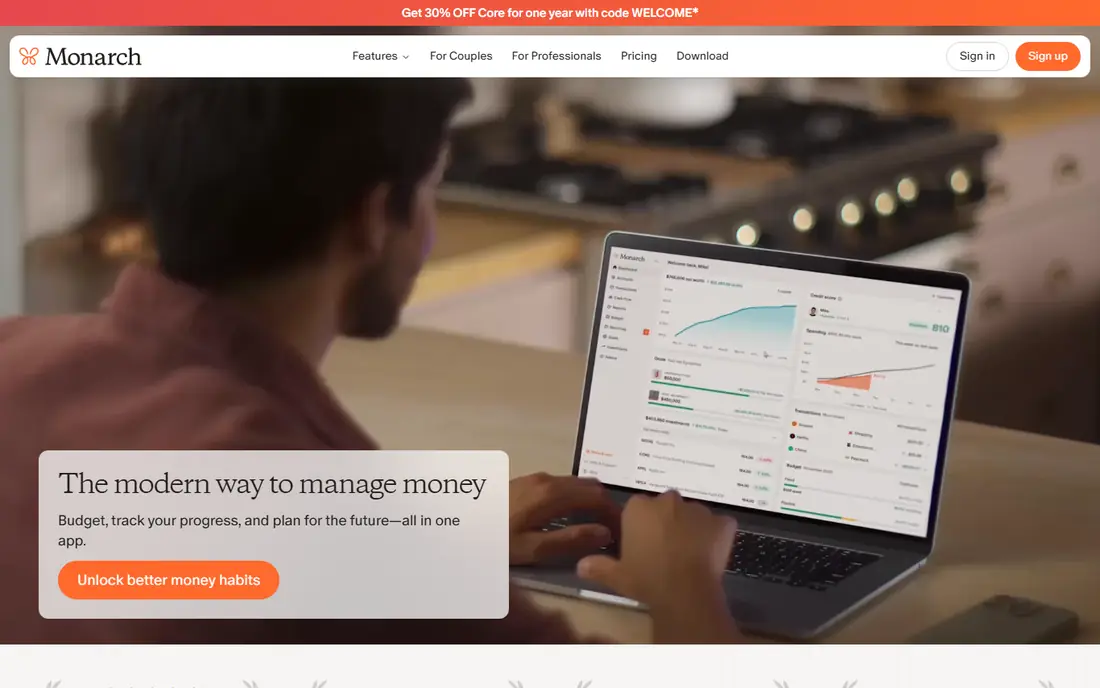
Monarch Money feels familiar to former Mint users from the first week. You connect bank, card, loan, and investment accounts, then see spending, cash flow, and net worth in one dashboard. Categories and rules keep transactions tidy, and custom budgets let you set monthly targets by category or group.
What sets Monarch apart is how well it works for a household. A partner can join at no extra cost, and you can set shared goals for a home deposit, a holiday, or paying down debt. The catch is the price, and there is no free tier to fall back on. If you only check balances once a month, a free tracker may be enough. If you want Mint-style coverage with stronger budgeting, Monarch is our pick.
- Wide account coverage
- Flexible budgets and goals
- Shared household access at no extra cost
- No free tier
- Higher price than simpler trackers
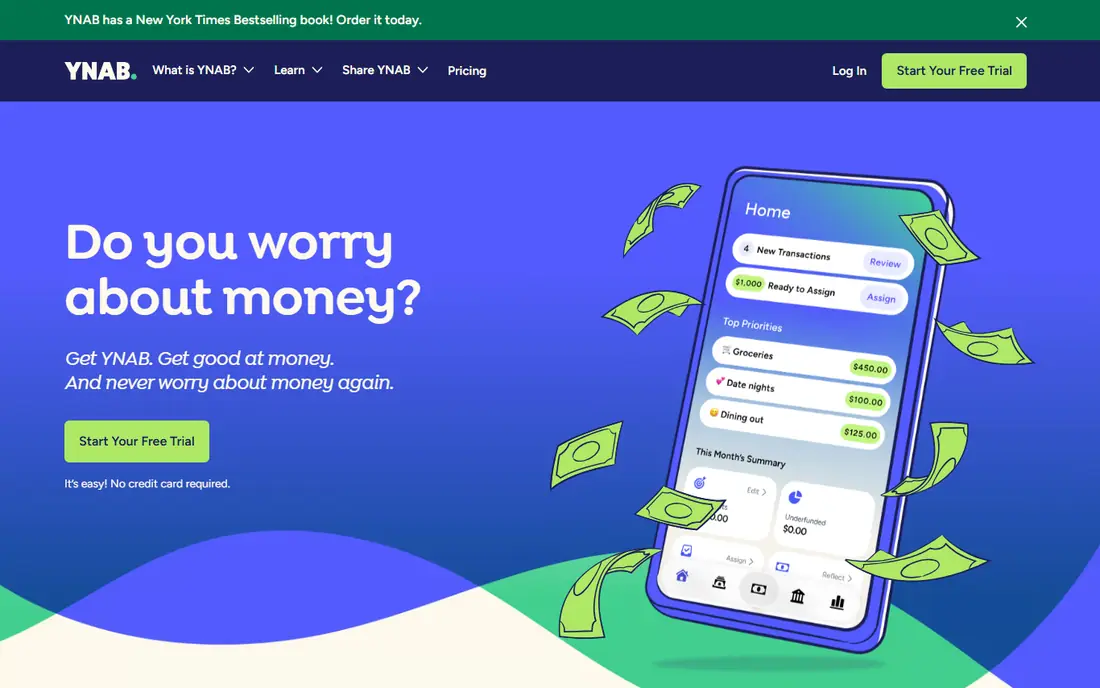
YNAB, short for You Need A Budget, takes a different approach from Mint. Instead of only showing past spending, it asks you to assign each dollar you have to a category before you spend it. That habit can change how you handle irregular bills, because you set money aside in months when income is higher.
Bank sync is available, and the app also supports manual entry for people who prefer full control. Targets help you build up funds for annual bills, and loan tools show how extra payments change your payoff date. The trade-off is effort. YNAB rewards people who open it often and adjust categories during the month. If that sounds like a chore, a lighter tracker will suit you better. If you live paycheck to paycheck or want to break an overspending pattern, YNAB gives you the strongest structure here.
- Clear method for giving every dollar a job
- Strong goal and debt tools
- Good learning resources
- Steep learning curve
- Overkill for passive trackers
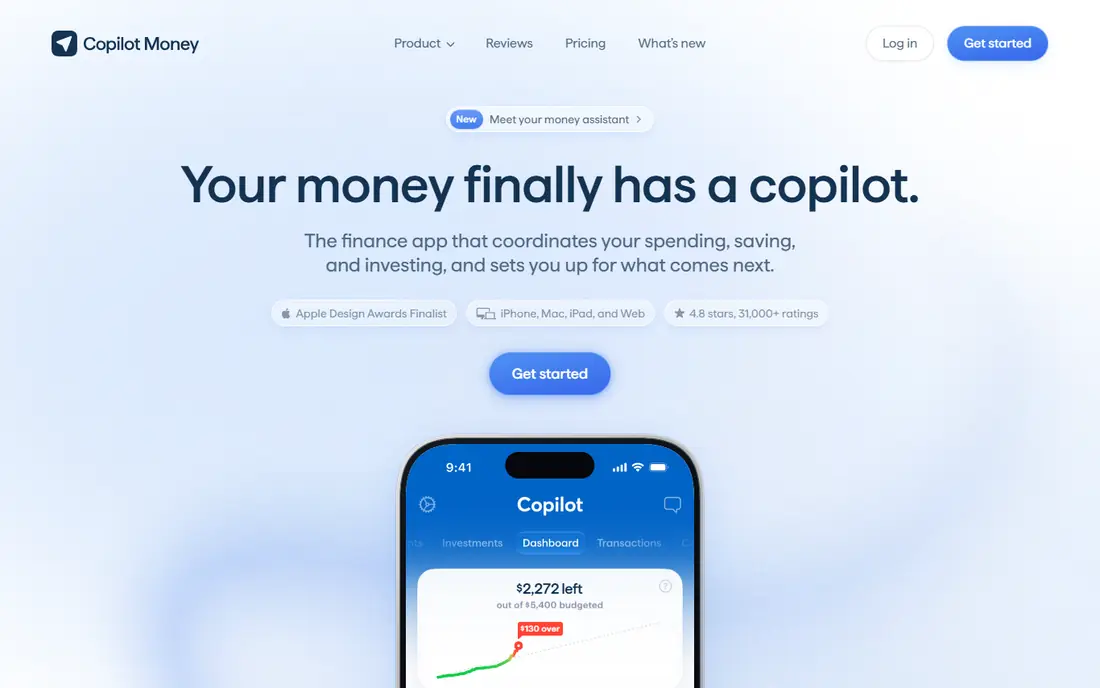
Copilot Money is built for Apple devices, with iPhone, iPad, Mac, and web access. Its design is calm and easy to read, and automatic categorisation does much of the sorting work for you. Cash flow views show income against spending, and you can track investments and net worth alongside daily transactions.
For people who liked Mint for quick checks, Copilot is a pleasure to open. The limits are clear. Android users cannot use it, and there is no free tier, so you need the trial to judge it. If you live inside the Apple ecosystem and want tracking that looks good and stays out of your way, Copilot is a strong choice.
- Polished design
- Smart transaction categorisation
- Strong cash flow views
- No Android app
- No free tier
Rocket Money starts where many people actually lose money, which is recurring charges. Connect an account and it lists subscriptions, flags price rises, and helps you cancel ones you no longer use. The free tier covers basic tracking and alerts, which is enough for a first switch from Mint.
Paid plans add more budgeting tools and bill negotiation, where Rocket Money takes a share of the savings it finds. Budgeting here is lighter than Monarch or YNAB, with less depth for detailed category plans. Still, if your main goal is to stop paying for things you forgot about, Rocket Money earns its place. Start free, then decide if the paid tools add value.
- Useful free tier
- Subscription detection
- Spending alerts
- Budgeting is thinner than paid rivals
- Bill negotiation takes a share of savings
Quicken Simplifi comes from the long-running Quicken stable, but it feels modern and light. Its spending plan is the centre of the app. It shows income, planned bills, and savings, then gives you a safe amount left to spend. That single view answers the question most people ask each week, which is whether they are on track.
Account sync covers banks, cards, and investments, and reports break spending down by category. Simplifi does not push a strict budgeting method, so it suits people who found YNAB too rigid. The honest catch is depth. Power users who want detailed envelope rules or complex goal planning may outgrow it. For a low-cost, beginner-friendly Mint replacement, Simplifi is hard to beat on price.
- Low price for a paid tool
- Clear spending plan
- Good for beginners
- Less depth for complex budgets
- Annual billing in practice
EveryDollar follows the zero-based method made popular by Ramsey Solutions. You plan income, assign every dollar to a category, and track spending against that plan. The free version uses manual entry, which slows you down in a useful way if you want to notice each purchase.
Paid EveryDollar Premium adds bank sync, which removes much of that manual work. Without it, you need to enter transactions yourself or import them, and that habit fades for some users. EveryDollar also focuses on budgeting rather than investment tracking or net worth. If you want a free, simple budget and you are willing to enter spending by hand, it is a solid start. If you want automatic Mint-style tracking, look at the paid plan or a different tool here.
- Free manual budgeting
- Clear zero-based layout
- Simple to learn
- Bank sync requires the paid plan
- Fewer tracking features than Mint
Goodbudget turns the old cash envelope system into an app. You divide money into envelopes for groceries, transport, fun, and bills, then spend down each envelope during the month. Seeing an envelope run low is a clear signal to pause, and that simplicity helps many couples stay aligned.
Sharing works well, with a partner able to see the same envelopes and transactions. Goodbudget does not sync with banks, so you enter transactions by hand. Some people see that as a drawback, and others see it as the point, because manual entry keeps spending visible. If you liked Mint for automatic tracking, this is a different style. If you want a shared envelope plan, Goodbudget does it well.
- Genuine envelope method
- Easy sharing
- Works without bank sync
- Free tier caps envelopes and accounts
- No automatic sync
PocketGuard answers one question and answers it well, which is how much you can safely spend right now. It takes income, subtracts bills, savings goals, and planned spending, then shows the amount left. That number is useful before a big purchase, because it already accounts for money set aside for bills.
Bill tracking and subscription views add context, and the app connects to banks and cards on paid plans. The free tier is limited, so the full picture needs a subscription. PocketGuard also offers less budgeting depth than Monarch or YNAB, with fewer tools for long-term planning. If you want a simple daily guide rather than a full financial plan, PocketGuard fits. If you want detailed category control, pick a deeper tool.
- Clear in-my-pocket figure
- Bill and subscription tracking
- Simple layout
- Free tier is limited
- Less depth for detailed budgets
Empower Personal Dashboard
Who it suits: Free net worth and investment tracking
Empower Personal Dashboard, formerly Personal Capital, is the best free option if you care more about net worth than monthly budgets. Connect accounts and you get a clear view of investments, asset mix, fees, and retirement projections.
The dashboard is free, and Empower earns money partly by offering paid wealth management. That means you may see prompts or calls about advisory services, which some users find intrusive. You can ignore those offers and keep using the free tools. If your Mint habit was mainly checking net worth and investments, Empower is a strong free replacement. If you need strict monthly budgets, pair it with a budgeting tool or choose a paid all-rounder instead.
- Free dashboard
- Strong investment and retirement views
- Wide account coverage
- Not a full budgeting tool
- Expect prompts about paid wealth services
NerdWallet is best known for money guides, and its app adds free account tracking, spending views, and credit score checks. That mix is close to what many people used Mint for, which was a free overview plus a credit snapshot. You can link accounts, see recent transactions, and track net worth without paying.
The trade-off is the business model. Budgeting is also basic compared with paid tools, with less room for detailed plans. Still, for a free starting point, NerdWallet is practical. Use it first, then move to a paid tool only if you need deeper budgeting.
- Free to use
- Credit score and report views
- Helpful money guides
- Ads and product offers
- Budgeting is basic
How we picked these
We compared official feature pages, pricing pages, app store listings, privacy policies, and public reviews for tools that still offer account tracking or budgeting in October 2026. We kept tools that cover at least one core Mint job, which is account tracking, budgeting, or net worth views, and we dropped tools that had closed, stopped updating, or only handled one narrow job such as receipt scanning. Prices shown are starting prices from vendor pages or recent pricing checks, and we used "See website" in other articles in this series where a vendor does not publish a clear starting price. We did not test bank connections ourselves, so check that your own banks connect during a free trial before you pay for a year.
Choosing a Mint replacement without regret
Start with the job you miss most. If it is a monthly budget, shortlist Monarch, YNAB, and EveryDollar, then test how each one handles your real categories for two weeks. If it is tracking, shortlist Empower, NerdWallet, and Rocket Money, and see which dashboard you actually open. If you share money with a partner, test sharing early, because some tools charge extra or limit household access.
Check bank connections first
A budgeting tool is only useful if your main accounts connect and stay connected. Link your current account, main credit card, and savings account during the trial, then watch for duplicate or missing transactions. Manual entry can fill gaps, but it only works if you enjoy the habit.
Match the method to your patience
Zero-based budgeting gives you control, but it asks for weekly attention. Envelope budgeting gives you clear limits, but it asks for manual entry in Goodbudget. A spending plan gives you a quick answer, but it gives you less control over each category. Pick the method you will still use in month three, not the one that sounds best on day one. The best tool is the one you open, and a simple tool you use beats a powerful tool you avoid.
Watch the yearly cost
Monthly prices look small, but yearly totals add up. A $14.99 monthly plan costs far more over a year than a $5.99 plan, so compare annual billing where it is offered. Write down the renewal date when you subscribe, and set a reminder to review the tool after three months.
Frequently asked questions
What is the best free alternative to Mint?
Empower Personal Dashboard and NerdWallet are the strongest free starting points, because both offer account tracking and net worth views at no cost. Rocket Money also offers a useful free tier for subscription tracking. None of them matches Mint exactly, since free tools tend to offer basic budgeting or show product offers. Try a free tool first, then pay only if you need deeper budgets or household sharing.
Did Mint shut down?
Yes. Intuit closed Mint in 2024 and pointed users toward Credit Karma, which focuses on credit monitoring and lending rather than full budgeting. That is why former Mint users still search for replacements. Credit Karma kept some spending and net worth views, but it does not offer the same monthly budgets or custom categories that Mint did.
Is Monarch Money worth paying for after Mint?
For many former Mint users, yes, because it covers accounts, budgets, goals, and household sharing in one place. The price is higher than free tools, and there is no free tier. Use the trial to link your accounts and test the budget layout. If you only need a quick balance check, a free dashboard may be enough, and you can save the subscription cost.
Can I use YNAB if I hated budgeting before?
YNAB works best if you are willing to learn a method and open the app often. Its zero-based approach can feel strict at first, and the learning curve is real. If you prefer a light tracker, start with Simplifi or Rocket Money instead. If you want to change spending habits and you will stick with a weekly check-in, YNAB gives you the clearest structure.
Do these apps sell my financial data?
Vendor privacy policies differ, so read the policy for any tool before you link accounts. Most budgeting tools state that they do not sell personal transaction data, but they may share aggregated or de-identified data and show offers from partners. Check settings for data sharing, ad personalisation, and account deletion. If a policy is unclear, contact the vendor or choose a tool with clearer terms.
Can couples share one budgeting account?
Monarch Money and Goodbudget both support shared access, with Monarch offering partner access at no extra cost on its main plan. Other tools vary, so check sharing rules before you subscribe. Sharing works best when both people agree on categories and who enters cash spending.
Sources we checked (10)
- https://www.monarchmoney.com/pricing
- https://www.ynab.com/pricing
- https://www.copilot.money/pricing
- https://www.rocketmoney.com/pricing
- https://www.simplifi.quicken.com/pricing
- https://www.everydollar.com/pricing
- https://www.goodbudget.com/pricing
- https://www.pocketguard.com/pricing
- https://www.empower.com/pricing
- https://www.nerdwallet.com/pricing

Online Jobs is an independent blog about careers, online work, learning new skills and the tools that help people earn. More about us.
Keep reading
All posts
Top AI Financial Software
Searching for top AI financial software? We compared 9 AI finance tools for AP, spend, close, forecasting and bookkeeping to help teams choose wisely.

Quicken Alternatives
Compare the best quicken alternatives for Mac, Windows, and small business owners, from Monarch Money and YNAB to Copilot, Tiller, and Banktivity in 2026.
QuickBooks Online Alternatives
Looking for quickbooks online alternatives? We compared 8 accounting tools on invoicing, bank feeds, payroll, pricing and fit for small businesses today.