Best Alternatives to CSS Animations in 2026: 8 Tools Compared

How we put this together: we compare official feature and pricing pages, app store listings, privacy policies and public user reviews. Prices change, so check the provider's site before you pay.
Key takeaways
- Hand-written CSS still wins for simple fades, hovers, and entrance effects, so only add a library when CSS cannot do the job cleanly.
- GSAP is the strongest choice for complex timelines, scroll choreography, and SVG work.
- Motion, formerly Framer Motion, is the most natural fit for React interfaces with layout and exit animations.
- Lottie and Rive suit designer-made animations that need to play identically across web and mobile.
- The best alternative depends on your framework, your animation complexity, and your bundle budget.
Quick comparison
| Name | Who it suits | Starting price | Free option | |
|---|---|---|---|---|
 GSAP | Complex timelines and scroll work | Free | Yes | Visit |
 Motion | React layout and exit animations | Free | Yes | Visit |
 Anime.js | Lightweight tweens and SVG | Free | Yes | Visit |
 Lottie | Designer-made vector animations | Free | Yes | Visit |
 Animate.css | Ready-made entrance effects | Free | Yes | Visit |
 AOS | Scroll reveal effects | Free | Yes | Visit |
 Rive | Interactive state-driven animation | Free | Yes | Visit |
 React Spring | Physics-based interface motion | Free | Yes | Visit |
The best alternatives to CSS animations
CSS animations are excellent for simple work, but they struggle with sequencing, scroll-linked motion, physics, and animations that depend on application state. The libraries below replace hand-written CSS in those cases, each with a different strength. Some are code libraries, some are designer tools, and a few are ready-made effect collections you can drop into a project.
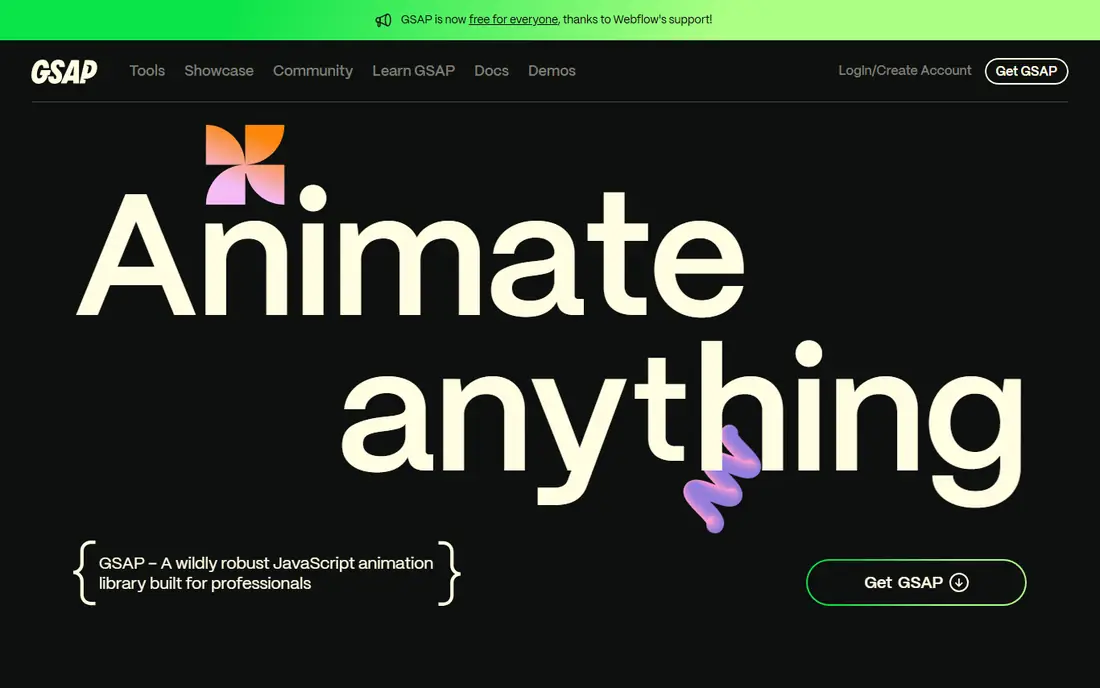
GSAP, from GreenSock, is the library many animation-heavy sites rely on when a project outgrows CSS. It gives you timelines, easing, staggering, and scroll-triggered sequences that stay in sync, even when many elements move at once. Its ScrollTrigger plugin links motion to scroll position, which is the kind of effect that is painful to build by hand and fragile in pure CSS.
The honest catch is that GSAP is overkill for a fade-in. If your site only needs entrance effects and hover states, Animate.css or plain CSS will be faster and lighter. GSAP earns its place when you are building a hero sequence, a product story told through scroll, or an SVG illustration that draws itself on screen. Since version 3.13, GSAP and its plugins have been free, which removes the old licensing question.
- Precise timeline control
- ScrollTrigger for scroll-linked motion
- Strong SVG support
- More code than a CSS class for simple effects
- Larger learning curve for advanced plugins
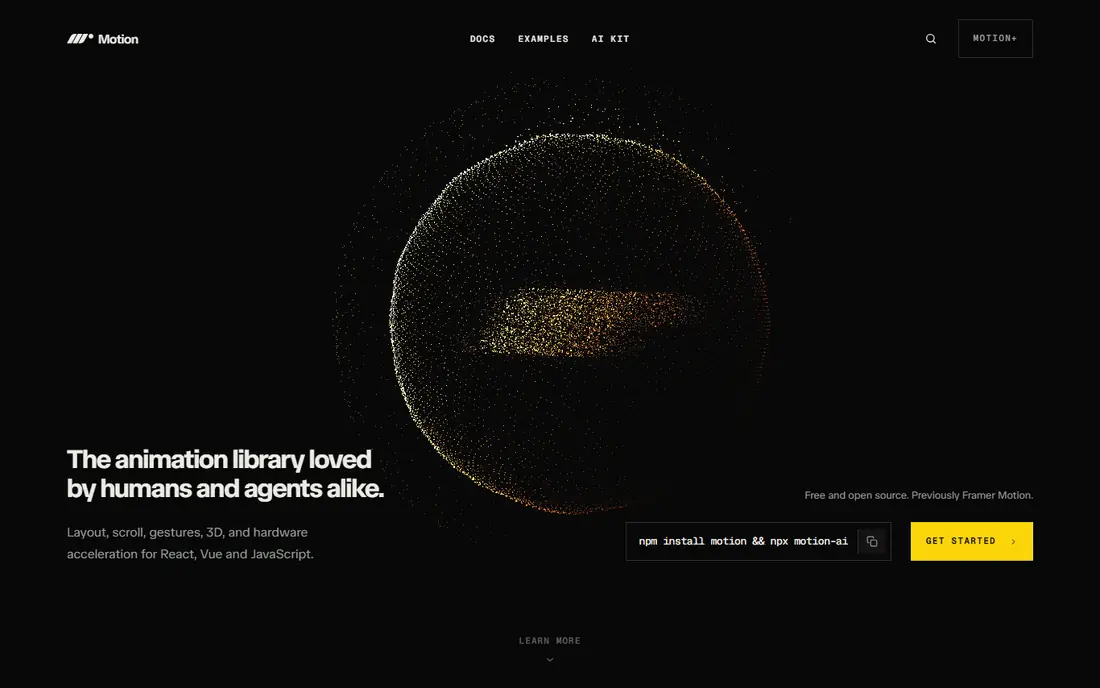
Motion is the current name for the library formerly known as Framer Motion, and it remains the most natural animation choice for React apps. You describe motion as props on a component, and Motion handles layout changes, shared element transitions, and exit animations when a component leaves the page. Those exit animations are a classic CSS weakness, because CSS has no clean way to animate an element that is about to unmount.
The limitation is focus. Motion is built for interface animation in React, not for long scroll stories or complex SVG timelines. If your project is React-heavy and your animations support the interface, Motion will save code and feel familiar. If you need scroll choreography across a marketing page, pair it with GSAP or use GSAP for that section.
- Declarative React API
- Layout and exit animations built in
- Good gesture support
- React focused
- Less suited to scroll choreography than GSAP
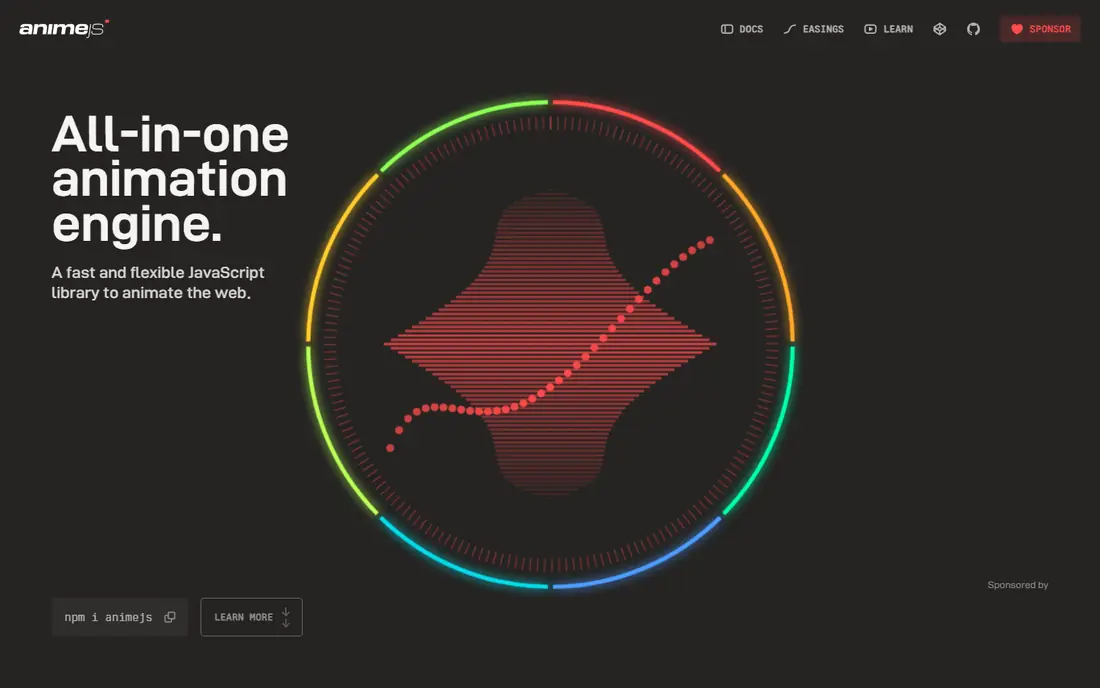
Anime.js is a lightweight JavaScript library for animating CSS properties, SVG, DOM attributes, and JavaScript objects. It is a good middle ground: more control than CSS classes, less weight and complexity than a full animation platform. Timelines, staggering, and easing are straightforward, which makes it a strong pick for small to medium projects that need a few polished sequences.
The trade-off is scope. Anime.js does not include a scroll system as complete as GSAP ScrollTrigger, and it does not offer React-specific layout handling like Motion. Choose it when you want JavaScript control without committing to a larger library, especially for SVG icons, illustrations, and staggered lists. For a single-page site with a handful of sequences, Anime.js often hits the sweet spot.
- Small and framework agnostic
- Good timeline and stagger support
- Works well with SVG
- No built-in scroll plugin like ScrollTrigger
- Less guidance for large React apps
Lottie takes a different route: instead of writing animation code, a designer creates motion in After Effects, exports it as JSON, and a player renders it on web, iOS, or Android. That pipeline preserves design detail, including easing, masks, and layered motion, far better than recreating the same effect by hand in CSS. LottieFiles adds a library of ready-made animations, a player, and tools for editing and previewing files.
The catch is flexibility. A Lottie file is a fixed animation, so it cannot easily react to live data or user input beyond playback controls like speed, loop, and progress. It is perfect for loaders, onboarding illustrations, empty states, and branded micro-interactions. It is not the right tool for layout animations or physics-based gestures, where Motion or React Spring fit better.
- Plays After Effects animations as JSON
- Consistent across web and mobile
- Large community library
- Animations are pre-made, not code driven
- Complex files can be heavy
Animate.css is the closest thing to CSS animations with less writing. It ships a library of cross-browser entrance, exit, and attention effects as simple classes, so you add a class and an animation runs. For a marketing page, a portfolio, or a prototype that needs quick polish, that simplicity is hard to beat. You can also import only the effects you use to keep the bundle small.
The limitation is obvious: you are choosing from presets, not designing motion from scratch. Sequencing many elements, linking motion to scroll, or building physics-based interactions will push you toward GSAP or Motion. Use Animate.css for the 90 percent of effects that are standard, and reserve a code library for the few moments that need custom choreography.
- Huge set of ready-made classes
- No JavaScript needed
- Easy to add to any project
- Limited to preset effects
- Combining effects can look messy
AOS, which stands for Animate On Scroll, does one job well: it reveals elements as they enter the viewport, with fade, slide, zoom, and flip effects. Setup is minimal, usually a few data attributes per element, which makes it a favourite for marketing sites and landing pages that need polish without a large JavaScript investment. The defaults are sensible, and the options cover duration, delay, easing, and anchor placement.
The honest limit is scope. AOS will not build timelines, physics, or interactive gestures, and scroll-linked motion that tracks progress needs GSAP ScrollTrigger instead. Think of AOS as a reveal tool, not a replacement for a full animation library. If your page mainly needs sections to fade and rise as the reader scrolls, AOS is the fastest path to a professional result.
- Very easy scroll reveals
- Small setup
- Good defaults for marketing pages
- Limited to reveal-style effects
- Not a general animation library
Rive goes beyond playback: its editor lets designers build animations with state machines, so an animation can respond to input, switch states, and blend between poses. A game character, a loading indicator that reacts to progress, or an interactive icon can all live in one small Rive file, with a runtime that plays it consistently on web, iOS, and Android. That interactivity is the key difference from Lottie, which mainly plays a fixed timeline.
The catch is the learning curve. You need to learn the Rive editor and its state machine concepts, which is more work than adding a CSS class. Rive also makes little sense for a simple fade or hover. Choose Rive when your animation must react, such as a mascot that changes expression, a control that animates through states, or a character that responds to a game or app event.
- State machines for interactive motion
- Small runtime files
- Works across web and mobile
- Requires learning the Rive editor
- Overkill for simple CSS-style effects
React Spring animates with springs rather than fixed durations, which gives interface motion a natural, fluid feel. Elements settle, overshoot slightly, and respond to interruptions in a way that feels physical, which suits draggable cards, expanding panels, and gesture-driven interfaces. Because it is built for React, it integrates well with component state and hooks.
The trade-off is control. Spring physics can be harder to tune precisely than a GSAP timeline, especially when you need exact sequencing or scroll choreography. React Spring shines for interactive UI, where feel matters more than frame-perfect timing. If your React app needs motion that responds to the user in real time, React Spring is a strong alternative to both CSS and Motion.
- Natural spring physics
- Good for gestures and fluid interfaces
- React focused
- Physics model takes adjustment
- Less direct timeline control than GSAP
How we picked these
We compared official documentation, project pages, and community usage for libraries that are actively maintained and widely used in production in 2026. We looked for clear differences in purpose, so the list covers timelines, React interfaces, SVG, designer-made files, preset effects, scroll reveals, interactive state machines, and physics. We favoured libraries with free, open-source availability and documentation that a working developer can follow without a paid course.
We did not claim hands-on testing of every library in a production build, and we did not invent bundle sizes, performance scores, or feature claims. Check the current version, bundle size, and framework support for your stack before you commit, because animation libraries evolve quickly and tree-shaking options change the real cost.
Choosing the right library for your stack
Start with the simplest option that works. If CSS handles it, use CSS. If you need a preset effect, use Animate.css. If you need scroll reveals, use AOS. Move to Anime.js or GSAP when you need timelines, to Motion or React Spring for React interfaces, and to Lottie or Rive when a designer is authoring the motion.
Keep performance and accessibility in mind
Animation should support the content, not distract from it. Respect reduced-motion preferences, avoid animating large areas on low-power devices, and test on real phones, not just a desktop browser. Lazy-load heavy animation libraries, and keep the number of simultaneous animated elements modest. A fast, restrained site with a few well-chosen effects usually beats a heavy page with motion everywhere.
Frequently asked questions
What is the best alternative to CSS animations for React?
Motion is the best default for React, because it handles layout, gestures, and exit animations with a declarative API. React Spring is a strong second choice if you want physics-based motion. GSAP also works in React, but it is best reserved for timelines and scroll work rather than everyday interface animation.
Is GSAP free in 2026?
Yes, GSAP and its plugins, including ScrollTrigger, have been free since version 3.13. That change removed the old Club GSAP paywall for plugins that were once paid. Check the current GSAP site for licence terms, but for most web projects, GSAP is free to use.
What is the difference between Lottie and Rive?
Lottie plays pre-made animations exported from After Effects as JSON, which is ideal for fixed illustrations and loaders. Rive uses state machines, so animations can react to input and switch between states. Choose Lottie for faithful playback of a designed animation, and Rive for interactive motion that must respond in real time.
Can I use multiple animation libraries in one project?
Yes, and many production sites do. A common mix is Motion for interface animation, GSAP for scroll sequences, and Lottie for designer-made illustrations. Keep the total bundle in check, lazy-load heavier libraries, and avoid using two libraries for the same job, which adds confusion without benefit.
Do I still need CSS animations if I use a library?
Yes, for simple work. CSS transitions and keyframes are ideal for hovers, fades, and small state changes, with no JavaScript cost. Libraries earn their place when you need sequencing, scroll linking, physics, or state-driven motion that CSS handles poorly. Use both, each for what it does best.
What is the lightest alternative to CSS animations?
Animate.css, imported by effect, and AOS are among the lightest options for preset and reveal effects. Anime.js is also light for code-driven tweens. The lightest choice overall is still plain CSS, so measure your bundle and only add a library when it solves a problem CSS cannot solve cleanly.
Sources we checked (8)

Online Jobs is an independent blog about careers, online work, learning new skills and the tools that help people earn. More about us.
Keep reading
All posts
n8n Alternatives
n8n alternatives compared for 2026, with Zapier, Make, Activepieces, and more, covering visual builders, code steps, self-hosting, and pricing models.

eBay Alternatives
Looking for ebay alternatives? We compared 9 marketplaces for sellers on fees, buyer reach, categories and ease of listing, to help you sell with confidence.

ZoomInfo Alternatives
The best ZoomInfo alternatives in 2026, compared on price, free plans, data coverage, and which tool fits small teams or large sales teams best in detail.