AI Alternatives in 2026: 8 Products Compared

How we put this together: we compare official feature and pricing pages, app store listings, privacy policies and public user reviews. Prices change, so check the provider's site before you pay.
Key takeaways
- Claude suits long writing, careful reasoning, and large documents, while Gemini fits Google Workspace users best.
- Perplexity is the strongest pick when you need cited web research and a clear source trail for each answer.
- Microsoft Copilot makes most sense inside Word, Excel, Outlook, and Teams, where it can work on your documents directly.
- DeepSeek and Le Chat offer strong free and low-cost options, especially for coding, maths, and privacy-conscious users.
- Try two assistants free for a week with your real tasks, because model quality varies by task more than by brand ranking.
Quick comparison
| Name | Who it suits | Starting price | Free option | |
|---|---|---|---|---|
 Claude | Writing and long documents | Free | Yes | Visit |
 Gemini | Google Workspace users | Free | Yes | Visit |
 Microsoft Copilot | Microsoft 365 work | Free | Yes | Visit |
 Perplexity | Cited research | Free | Yes | Visit |
 Mistral Le Chat | Speed and open models | Free | Yes | Visit |
 DeepSeek | Free reasoning and coding | Free | Yes | Visit |
 Poe | Many models in one app | Free | Yes | Visit |
 Grok | Real-time news and social trends | Free | Yes | Visit |
The best AI alternatives
We compared AI assistants that can answer questions, write and edit text, help with code, and search the web, as alternatives to ChatGPT. The list covers general assistants, research-focused tools, and multi-model apps, because the best alternative depends on whether you write, research, code, or work inside Google or Microsoft tools.
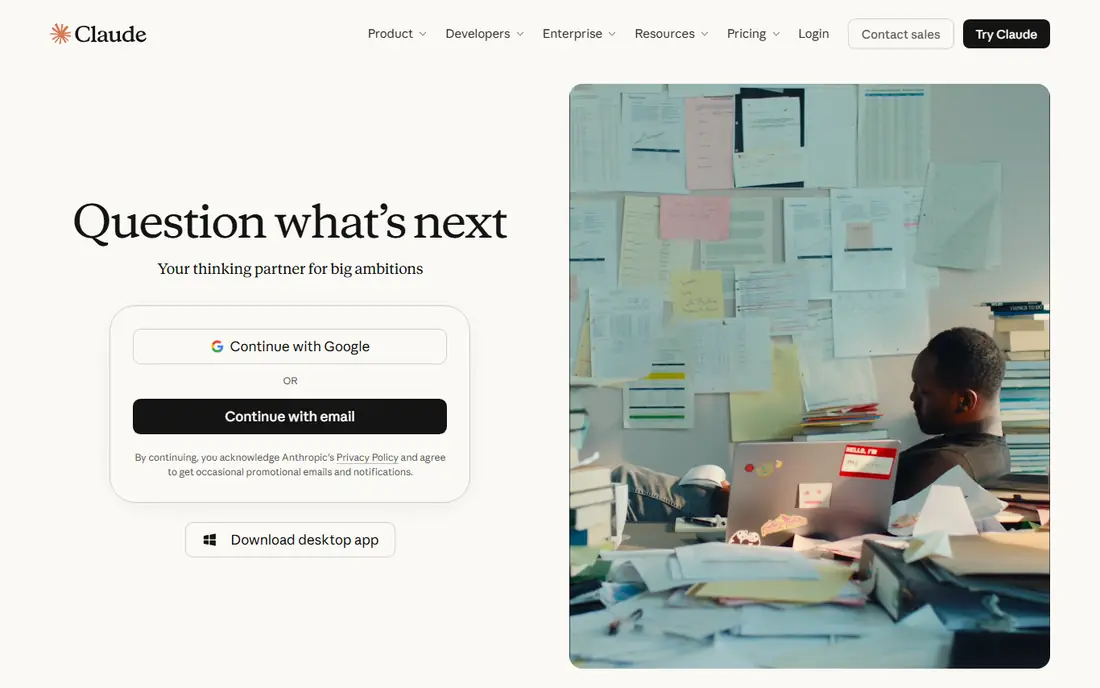
Claude, from Anthropic, is our top pick for writing and analysis. It holds structure across long documents, explains reasoning in a clear order, and edits drafts without losing tone or intent. For reports, essays, research summaries, and code review, Claude often gives the most usable first draft, which saves editing time later.
The catch is that Claude is less of a live web research tool than Perplexity, and free usage limits can bite during heavy days. If your work is mainly writing, coding, and thinking through complex material, Claude is a strong default. If you need fresh news or cited web answers every hour, pair it with a research tool.
- Strong writing and reasoning
- Handles long documents well
- Clear, structured answers for complex tasks
- Web search and real-time data are not its main strength
- Usage limits apply on free and paid plans
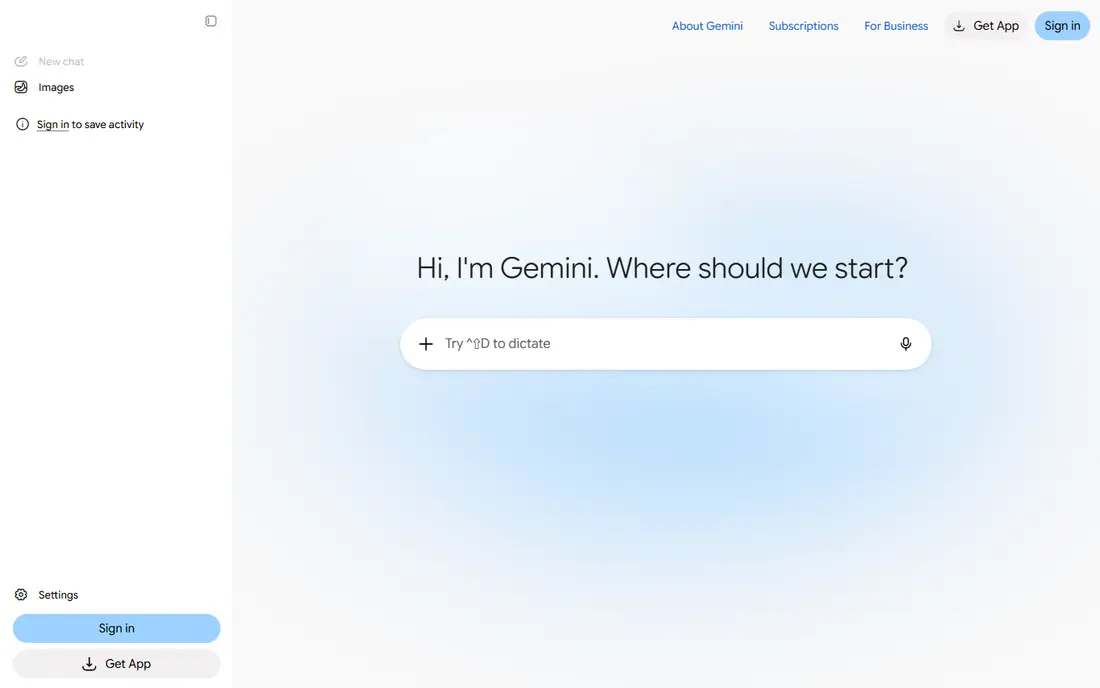
Gemini, from Google, makes most sense if your work already lives in Google Workspace. It can summarise emails, draft documents, work with sheets, and search across Drive files on suitable plans, which cuts copy-and-paste work. Multimodal input, including images, audio, and video, is also a strength for varied tasks.
For deep, niche analysis, Gemini can feel less precise than Claude, and you should still check important facts against sources. If you use Gmail and Docs daily, though, the integration alone can justify Gemini as your main assistant, with Claude or Perplexity as a second check for hard tasks.
- Works inside Gmail, Docs, Sheets, and Drive on paid plans
- Strong multimodal input
- Generous free tier for many users
- Answers can be generic on complex niche questions
- Best features sit behind Google AI plans
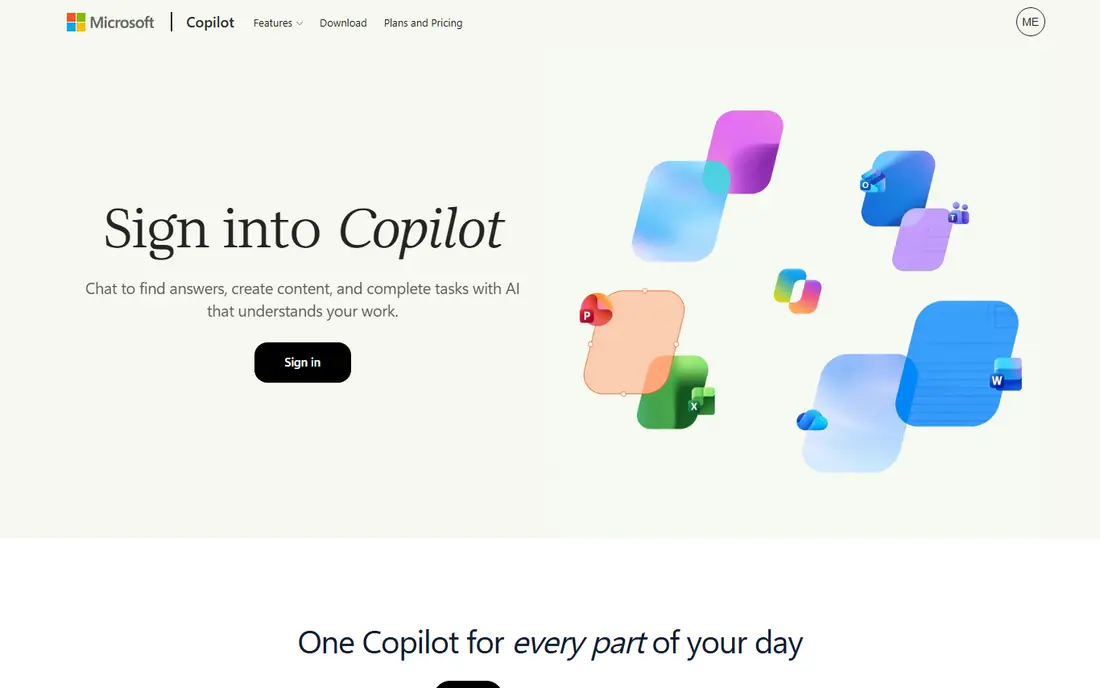
Microsoft Copilot suits people whose documents live in Word, Excel, and Outlook. It can draft emails, summarise threads, build tables from text, and help with presentations, all without leaving Microsoft apps on suitable plans. Free Copilot chat also covers everyday questions, brainstorming, and image help for casual users.
The limit is ecosystem. If you do not use Microsoft 365, Copilot offers less than a general assistant, and its research answers should still be checked for important work. For office workers in a Microsoft shop, Copilot is the most practical ChatGPT alternative, because it meets you where your work already happens.
- Works inside Word, Excel, Outlook, and Teams on suitable plans
- Free chat for everyday questions
- Strong for office documents
- Full value needs a Microsoft 365 plan
- Web research depth trails Perplexity
Perplexity is the best pick when the source matters as much as the answer. Every answer links to sources, so you can verify claims, read the original page, and cite it in your own work. That makes it ideal for research, news checks, product comparisons, and any task where a wrong fact has real cost.
Perplexity is not the best tool for long fiction, detailed code projects, or extended brainstorming, where Claude or Gemini may do better. Use Perplexity as your research assistant, and keep a general assistant for writing and coding, and you will get the best of both styles.
- Answers include sources you can open and check
- Strong for research, fact-checking, and learning new topics
- Deep research mode on paid plans
- Less suited to long creative writing or complex coding projects
- Free Pro searches are limited
Mistral Le Chat, from French company Mistral AI, suits users who value speed, open models, and a European data posture. It answers quickly, handles coding and reasoning tasks well, and offers model choice that appeals to technical users. For teams that want to avoid lock-in to a single large US platform, Mistral is a credible alternative.
The ecosystem is thinner, with fewer office integrations and third-party apps than Gemini or Copilot. If you mainly chat, code, and reason, that gap may not matter. If you need deep Docs or Office integration, pair Le Chat with a workspace assistant rather than relying on it alone.
- Fast responses
- Open model options
- European company with a focus on privacy and data control
- Smaller ecosystem than Google, Microsoft, or Anthropic
- Fewer integrations for office work
DeepSeek suits users who want strong reasoning and coding without paying for a subscription. Its chat app is free, its models handle maths, logic, and code well, and developers can use its API at low cost or run open weights themselves. For students, developers, and curious users on a budget, DeepSeek is a strong free alternative.
For general office work, document integration, and polished voice or image features, larger assistants may feel smoother. DeepSeek is best as a free reasoning and coding tool, and as a second opinion when you want to check a hard problem from another angle.
- Free chat with strong reasoning and coding
- Open weights for developers
- Low-cost API for builders
- Less polished for general office work
- Web and integration features are thinner than larger rivals
Poe suits users who do not want to pick one model and stick with it. You can ask the same question to different models, compare answers, and use the best one for each task, all inside one app and one subscription if you pay. That flexibility is useful for writers, students, and developers who want to test models side by side.
The trade-off is that Poe is a middleman, so model access, limits, and features can differ from using a model directly. If you use one assistant heavily every day, a direct subscription may give you more usage. If you want variety and comparison, Poe is a practical way to get it.
- Access to models from several labs in one app
- Easy model switching for the same prompt
- Useful for comparison and testing
- You pay Poe, not the model makers directly, so limits and pricing differ
- Depth per model can vary
Grok, from xAI, suits users who follow breaking news, live events, and social trends closely. Its links to real-time web and X data help it catch fast-moving stories before traditional indexes update, and its tone is more informal than most rivals. For journalists, traders, and social media watchers, that speed can matter.
For careful research, Grok should not be your only source. Check important claims against Perplexity or original reporting, because social posts can be wrong, out of context, or biased. Used as a fast signal tool plus a checked research tool, Grok earns a place in a multi-assistant setup.
- Access to real-time web and X posts
- Useful for breaking news and trending topics
- Conversational and informal style
- Citation quality can trail Perplexity
- Social data can mix signal with noise
How we picked these
We chose AI assistants with free access, general chat, writing, and reasoning ability, and we checked official vendor sites and app listings for free plans, core features, and platform links. We left out single-purpose tools, such as image-only generators, and tools that require a business contract before any free use. We then balanced general assistants, research tools, workspace assistants, and multi-model apps, so the list fits different work styles.
AI models change often, with new versions, limits, and prices, so confirm current plans and limits on the vendor site before you pay. We did not benchmark every model on every task, and results vary by prompt, language, and task type, so test with your own real work.
How to pick a ChatGPT alternative that fits your work
Start with your most common task. If you write long documents, test Claude first. If you research and cite sources, test Perplexity first. If you live in Google Docs or Microsoft Word, test Gemini or Copilot first, because integration will save you more time than a slightly better model elsewhere. If you code, test Claude, DeepSeek, and Le Chat on your real code, not on toy examples.
Next, test limits, not only quality. Use each assistant free for a week, track how often you hit usage caps, how often answers need heavy editing, and how often you must verify facts. Also check privacy terms, data retention, and whether your employer allows the tool for work documents. A great model that you cannot use for work data is not a great work tool.
Finally, consider a two-tool setup. Many people do best with one general assistant for writing and coding, plus Perplexity for research, or one workspace assistant plus Claude for hard writing. That mix costs little if both have free plans, and it covers the weaknesses of any single model. Revisit your choice every few months, because models improve fast and the best pick today may change.
Frequently asked questions
What are the best alternatives to ChatGPT?
Claude is best for writing and long documents, Gemini is best for Google Workspace users, Microsoft Copilot is best for Microsoft 365 users, and Perplexity is best for cited research. DeepSeek, Le Chat, Poe, and Grok add free, multi-model, and real-time options. The best alternative depends on your main task, not on a single ranking.
Is there a free alternative to ChatGPT?
Yes, all the tools in this list offer free plans, including Claude, Gemini, Copilot, Perplexity, Le Chat, DeepSeek, Poe, and Grok. Free plans have usage limits, slower access at peak times, or fewer features than paid plans, but they are enough for regular personal use. Try free plans first, and pay only when limits block your real work.
Which AI alternative is best for research?
Perplexity is the best research alternative, because it cites sources under each answer and lets you open and check them. Gemini and Copilot also offer web search, but their citation depth is less consistent for research work. For important decisions, still open the original sources and check key facts yourself, rather than trusting any AI summary alone.
Which AI is best for coding?
Claude and DeepSeek are strong coding picks, with Claude often giving clearer explanations and DeepSeek offering strong free reasoning. Le Chat also handles coding well, and Poe lets you compare code answers across models. Test each one on your own codebase, because code quality varies by language, task, and prompt style.
Are AI alternatives safe for work documents?
Safety depends on the vendor, plan, and your employer rules, so check data retention, training use, and enterprise terms before you paste sensitive work. Business and enterprise plans usually offer stronger controls than free consumer plans. When in doubt, avoid pasting confidential, personal, or regulated data into a free AI chat, and ask your IT team which tools are approved.
Can I use more than one AI assistant?
Yes, many people use two assistants, such as one for writing and one for research, and that mix often works better than a single tool. Free plans make this easy to test, and Poe offers several models in one app if you prefer a single subscription. Keep notes on which tool you trust for which task, so you do not waste time re-testing every week.
Sources we checked (8)

Online Jobs is an independent blog about careers, online work, learning new skills and the tools that help people earn. More about us.
Keep reading
All posts
n8n Alternatives
n8n alternatives compared for 2026, with Zapier, Make, Activepieces, and more, covering visual builders, code steps, self-hosting, and pricing models.

iPhone Alternatives
Looking for iPhone alternatives in 2026? Compare 9 Android phones from Samsung, Google, OnePlus, and more, with cameras, battery life, and honest trade-offs.

eBay Alternatives
Looking for ebay alternatives? We compared 9 marketplaces for sellers on fees, buyer reach, categories and ease of listing, to help you sell with confidence.