Best AgencyAnalytics Alternatives in 2026: 8 Tools Compared

How we put this together: we compare official feature and pricing pages, app store listings, privacy policies and public user reviews. Prices change, so check the provider's site before you pay.
Key takeaways
- AgencyAnalytics charges per client, so agencies with many small clients often save money with a flat-rate tool like DashThis or Databox.
- Whatagraph and Klipfolio suit larger agencies that want polished, custom dashboards and can pay for that polish.
- Looker Studio is free, but you will build every report yourself and may need paid connectors for non-Google data.
- Count clients, dashboards, and data sources before you compare prices, since each vendor meters a different thing.
Quick comparison
| Name | Who it suits | Starting price | Free option | |
|---|---|---|---|---|
 Databox | KPI dashboards and goals | See website | Yes | Visit |
 DashThis | Fast client-ready reports | $44 per month | Free trial | Visit |
 Whatagraph | Polished cross-channel reports | See website | Free trial | Visit |
 Swydo | PPC-focused agency reporting | See website | Free trial | Visit |
 Klipfolio | Custom dashboards and metrics | See website | Free trial | Visit |
 Looker Studio | Free Google-based reporting | Free | Yes | Visit |
 Supermetrics | Moving data into Sheets and dashboards | See website | Free trial | Visit |
 ReportGarden | Budget pacing plus reporting | $75 per month | Free trial | Visit |
The best AgencyAnalytics alternatives
AgencyAnalytics is a strong all-rounder for SEO and marketing reporting, but its per-client pricing adds up as you grow. The tools below take different approaches: flat monthly fees, per-dashboard pricing, or a free builder you assemble yourself. The right one depends on how many clients you serve and how much custom work you want to do.
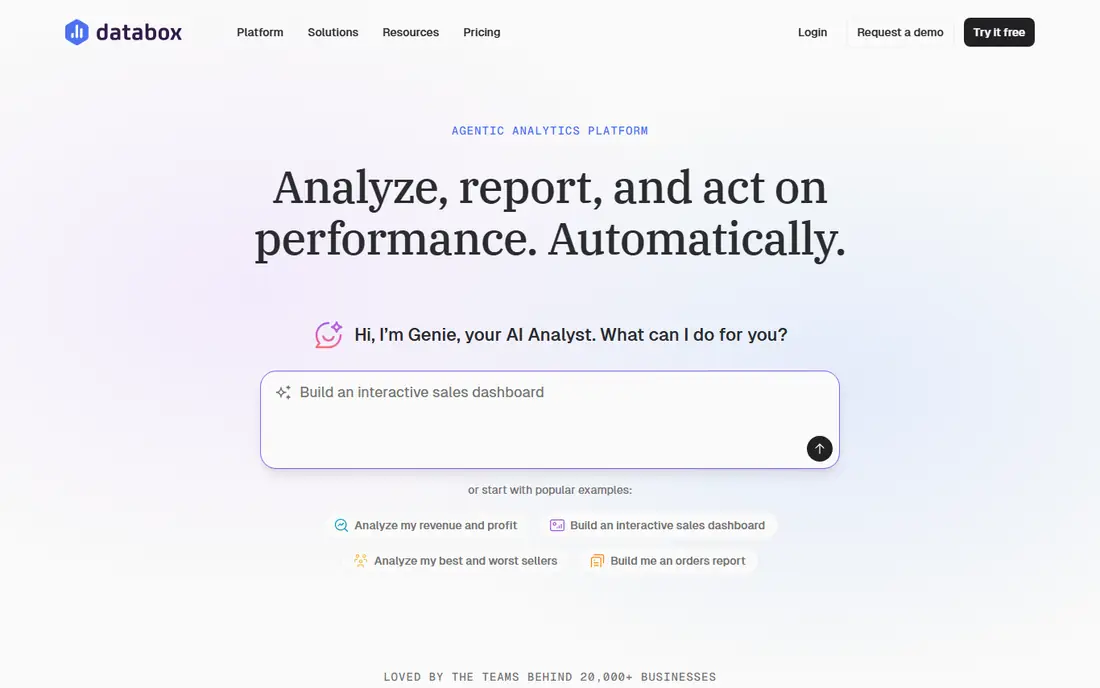
Databox works well for agencies that want clients to see progress against goals, not just a pile of charts. You can set targets for leads, traffic, or ad spend, and the dashboard shows whether each client is on track. Alerts flag a drop before the monthly report lands, which gives you time to fix a problem instead of explaining it later. The integration list covers the usual ad, analytics, and social platforms, plus many CRMs.
The pricing model needs care. Paid plans scale with accounts and data sources, and white-label branding is an add-on below the top plan, so a small agency should price the branded version, not the base version. Still, the free tier is a real way to test the product with a few sources, and the goal features set it apart from prettier but dumber dashboards.
- Large integration library
- Goal tracking and alerts built in
- Free tier for small setups
- White-labeling costs extra on lower plans
- Per-source pricing can grow with client count
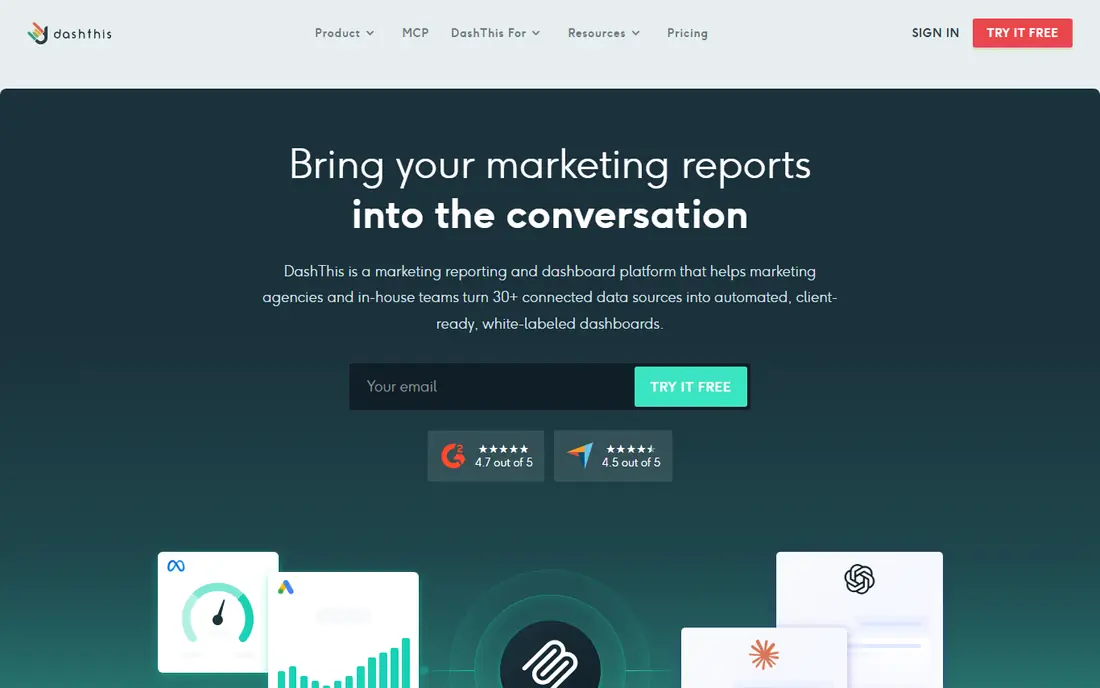
DashThis is the tool to pick when setup speed matters more than endless customization. Templates for Google Ads, GA4, social, and SEO give you a presentable report in an afternoon, and scheduled email delivery keeps monthly reporting on rails. Pricing by dashboard count is easy to explain to clients and easy to forecast, which helps when you are pricing retainers.
The limit is depth. If you need custom calculations, blended metrics across many sources, or a live client portal with deep drilling, DashThis will feel plain. For most small agencies sending a monthly PDF or link, though, plain is a feature: fewer choices, fewer broken reports, and less time spent fixing a dashboard nobody asked to redesign.
- Ready-made templates speed up setup
- Simple per-dashboard pricing
- Easy scheduled sending
- Less flexible than a full dashboard builder
- Source caps apply per plan
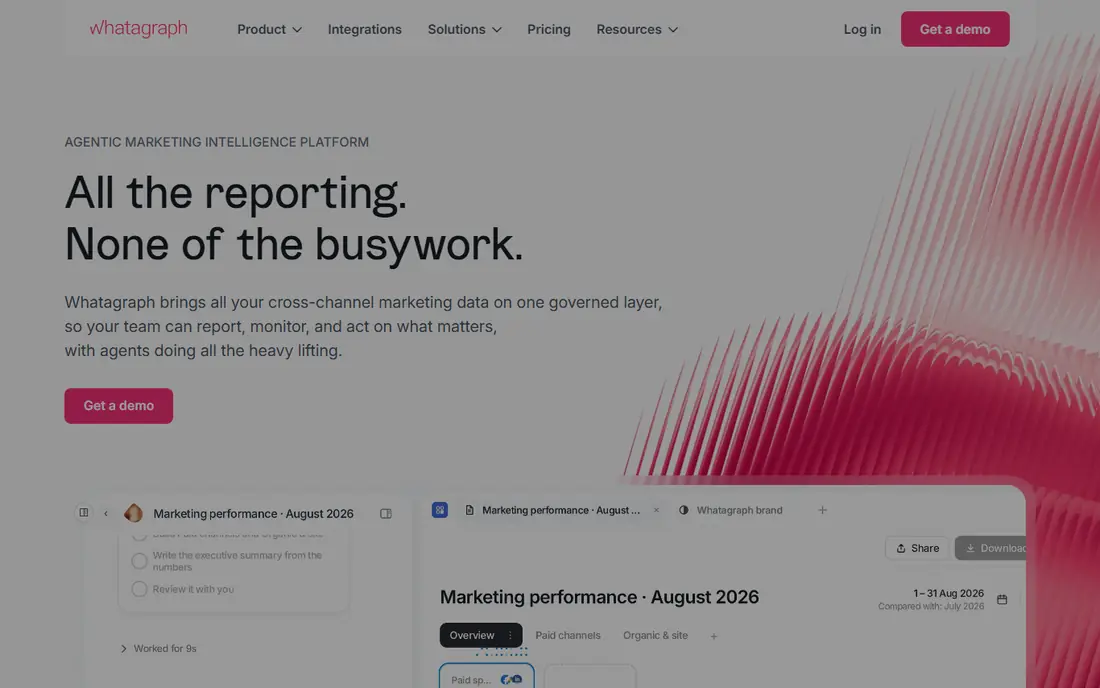
Whatagraph suits agencies where the report itself is part of the pitch. Reports look designed rather than assembled, with consistent branding, clean layouts, and cross-channel views that put paid, organic, and social side by side. Custom metrics let you define a conversion or cost figure once and reuse it across clients, which keeps reporting honest when platforms define things differently.
The cost is the honest catch. Entry pricing sits well above DashThis or Databox, and the credit system means you must plan how many sources and reports each client needs. A large agency with 20 or more clients can spread that cost and benefit from the polish. A five-client agency will likely find the same money buys more elsewhere, unless report design wins you work.
- Very polished report design
- Wide source coverage
- Custom metrics and branding options
- Entry price is high for small agencies
- Credit-based pricing needs careful planning
Swydo is built around the rhythm of paid media agencies: weekly pacing checks, monthly client reports, and alerts when spend or performance drifts. Its templates for Google Ads, Meta, and Microsoft Ads cover the metrics PPC clients actually ask about, and you can add commentary and branding without rebuilding each report. White-labeling helps smaller PPC shops look bigger than they are.
It is less complete for SEO-led agencies. Rank tracking and organic reporting exist, but they are not the product's center, so an SEO-heavy roster may need a second tool. Pricing also scales with data sources, so count the ad accounts and platforms per client before you quote. For PPC-first teams, that focus is a strength rather than a gap.
- Strong paid-media templates
- Scheduled reports and alerts
- White-label options
- SEO and social coverage is narrower than all-rounders
- Pricing rises with data sources
Klipfolio fits agencies and in-house teams that want to define a metric once and trust it everywhere. Its formula and metric layer lets you blend data from ads, analytics, and spreadsheets into one number, then reuse that number across dashboards. That discipline pays off when clients compare figures from different platforms and ask why they differ. The dashboard builder is flexible, with many visualization choices.
Flexibility costs time. You will spend longer on the first build than with DashThis, and the learning curve is real for non-technical staff. Pricing also grows with dashboards, so a large client roster needs a plan check. If your agency sells custom measurement as a service, Klipfolio earns its setup time. If you just need monthly reports out the door, a template tool will be faster.
- Flexible metric builder and formulas
- Central metric definitions
- Good for mixed data sources
- Setup takes longer than template tools
- Pricing can climb with dashboards and users
Looker Studio, formerly Google Data Studio, is the budget answer that many agencies start with and some never leave. It connects natively to GA4, Google Ads, Search Console, and Sheets, and you can design reports exactly as you want them. For a Google-heavy client base, it costs nothing and does most of what paid tools do, with calculated fields for custom metrics.
The hidden cost is your time. Every template, connector, and fix is yours to build, and Meta, TikTok, or LinkedIn data usually needs a paid third-party connector. There is also no agency-friendly client management layer, so permissions and scheduling need manual care. If your team is comfortable building reports and your clients are mostly Google-based, Looker Studio is hard to argue against on price.
- Free to use
- Deep Google integration
- Full control over layout and calculations
- You build everything yourself
- Non-Google sources often need paid connectors
- No built-in client portal polish
Supermetrics solves a different problem: getting data out of ad and social platforms and into a place you control. You can pipe Meta, Google, LinkedIn, and many other sources into Google Sheets, Excel, Looker Studio, or a warehouse on a schedule, then build reports or models on top. For agencies with analysts who like spreadsheets, this control is valuable, and it avoids being locked into one dashboard vendor's limits.
Be clear about what you are buying. Supermetrics does not produce a client-ready report on its own, so you still need Looker Studio, Sheets formatting, or another front end. Pricing is per source and destination, so a broad source list adds up. It shines when the agency already has a reporting layer and just needs reliable data feeding it.
- Wide connector library
- Feeds Sheets, Looker Studio, and warehouses
- Scheduled refreshes
- It is a data pipeline, not a finished report
- You still need a visualization tool
ReportGarden appeals to agencies that manage ad spend closely. Alongside standard reports, it tracks budget pacing, so you can see whether a client is on course to spend the monthly budget or heading for an overspend. That single feature saves awkward end-of-month conversations. It also includes invoicing and client dashboard features that small agencies otherwise handle in separate tools.
The integration list is narrower than Databox or Whatagraph, so check that your clients' platforms are covered before you commit. The design is functional rather than striking, which is fine for internal pacing and monthly updates but less impressive as a sales piece. At $75 per month to start, it is a practical middle option for PPC agencies that care about spend control.
- Budget pacing alongside performance reports
- Client dashboards and invoicing features
- Straightforward pricing
- Smaller integration list than the leaders
- Interface is plainer than Whatagraph
How we picked these
We compared official feature and pricing pages, integration lists, and public reviews, and kept only tools that are live today and built for recurring client reporting or dashboard work. We excluded generic business intelligence tools that need heavy engineering, and we favored products with a free tier, a trial, or published pricing so an agency can test before committing.
How to compare reporting tools without guessing
The fastest way to pick wrong is to compare headline prices. One vendor charges per client, another per dashboard, another per data source, and another by credits. The same agency can look cheapest on one model and dearest on another, so model your own roster first.
Model your real roster
List your clients, then for each one note the dashboards, data sources, and users needed. Price that exact shape on each shortlisted tool, including white-label add-ons if clients will see the reports. A tool that looks cheap without branding may cost far more once your logo is on it.
Test with a difficult client
Trial the tool with your messiest client, not your tidiest. If it handles odd metrics, multiple ad accounts, and a custom conversion definition, it will handle the rest. If it only works on a clean demo account, you will discover the gaps during a live reporting week.
Check the monthly workflow
Ask who builds the report, who checks it, and who sends it. A tool that needs an analyst for every change will cost more in staff time than a template tool with a higher subscription. Pick the workflow your team will actually maintain when reporting week gets busy.
Frequently asked questions
What is the best alternative to AgencyAnalytics?
Databox suits goal-led reporting, DashThis suits fast monthly reports, and Whatagraph suits polished cross-channel work for larger agencies. There is no single winner, since pricing models differ so much, so model your client count first.
Are there free alternatives to AgencyAnalytics?
Looker Studio is free, and Databox offers a free tier for small setups. Both need more manual building than AgencyAnalytics, and non-Google connectors in Looker Studio often carry their own fees, so free does not always mean zero cost.
Why do AgencyAnalytics alternatives price so differently?
Vendors meter different units: clients, dashboards, data sources, or credits. Your cheapest option depends on which unit you use most, so a per-client tool can be cheap for a few large clients and costly for many small ones.
Can I white-label reports with these tools?
Yes, most of them offer white-labeling, but it often sits on a higher plan or a paid add-on. Check the exact plan that includes your logo, domain, and client portal before you promise branded reports to clients.
Do I still need Looker Studio if I buy a reporting tool?
Not necessarily, but many agencies keep it for one-off analysis or Google-only clients. A paid tool replaces the monthly reporting grind, while Looker Studio stays useful for quick, custom questions that do not need a scheduled report.
Sources we checked (8)

Online Jobs is an independent blog about careers, online work, learning new skills and the tools that help people earn. More about us.
Keep reading
All posts
Constant Contact Alternatives
Compare the best constant contact alternatives for small businesses, creators and nonprofits, with free plans and automation notes to guide your switch.
Best keyword difficulty tool
Looking for the best keyword difficulty tool? We compare 9 SEO tools on difficulty scores, SERP data, price, and ease of use for sites of all sizes in 2026.
Best Visibility Tracking Tools
Looking for the best visibility tracking tool? We compared nine visibility and rank tracking tools on keyword tracking, competitor views, and reporting.