Best Zeffy Payment Processor Stripe Alternatives in 2026: 8 Options Compared

How we put this together: we compare official feature and pricing pages, app store listings, privacy policies and public user reviews. Prices change, so check the provider's site before you pay.
Key takeaways
- Givebutter is our pick for most small nonprofits, with free platform fees when donor tips are on and modern peer-to-peer tools.
- Donorbox suits nonprofits that want fast setup and strong recurring giving, though platform fees add up on the free tier.
- Stripe suits nonprofits that need a general payment processor, but it is not a fundraising platform on its own.
- Read the full fee stack, since platform fees plus card processing together decide what your nonprofit actually keeps.
Quick comparison
| Name | Who it suits | Starting price | Free option | |
|---|---|---|---|---|
 Givebutter Givebutter | Small nonprofits and peer-to-peer | Free | Yes | Visit |
 Donorbox Donorbox | Fast setup and recurring giving | See website | Yes | Visit |
 Stripe Stripe | General payment processing | See website | No | Visit |
 GoFundMe GoFundMe | Broad reach for campaigns | Free | Yes | Visit |
 PayPal PayPal | Donation buttons donors trust | See website | Yes | Visit |
 Classy Classy | Larger nonprofit campaigns | See website | No | Visit |
 Fundraise Up Fundraise Up | High-converting donation checkout | See website | No | Visit |
 Give Lively Give Lively | Free platform for member nonprofits | Free | Yes | Visit |
The best Zeffy payment processor Stripe alternatives
Zeffy is a free fundraising platform for registered nonprofits, funded by optional donor tips, while Stripe is a general payment processor used by businesses of every kind. This list covers both sides: fundraising platforms that replace Zeffy, and payment tools that replace or sit behind Stripe. We compared official pricing pages, fee pages, and feature pages to build this list. Fees change, so confirm the live fee stack before launching a campaign.
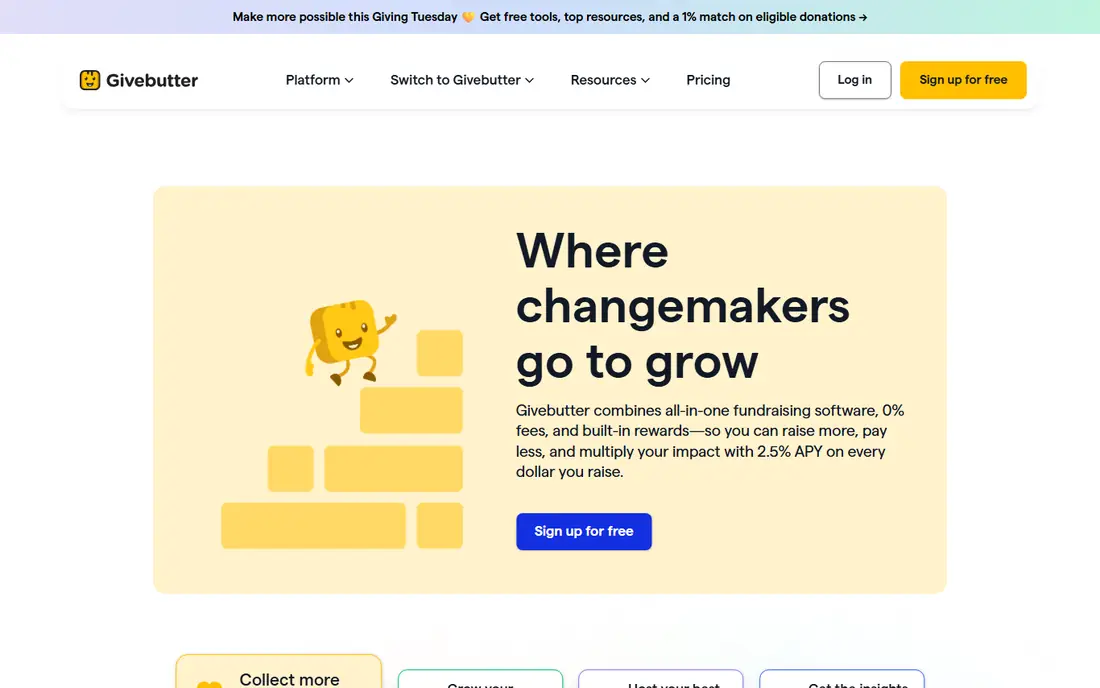
Givebutter is the closest free-feeling alternative to Zeffy for small and mid-size nonprofits. With donor tips on, the platform fee is zero, and you get modern donation pages, peer-to-peer fundraising, events, and a free donor CRM. The interface feels current, and setup is fast enough for a small team without a developer.
Card processing fees still apply, and turning tips off adds a flat platform fee, so your true cost depends on donor behavior. Givebutter also lacks some enterprise depth of Classy or Fundraise Up. For a small nonprofit that wants Zeffy-style free tools with stronger peer-to-peer features, Givebutter is our pick.
- No platform fee with donor tips on
- Modern donation pages
- Peer-to-peer and event tools
- Card processing still applies
- Platform fee applies if tips are turned off
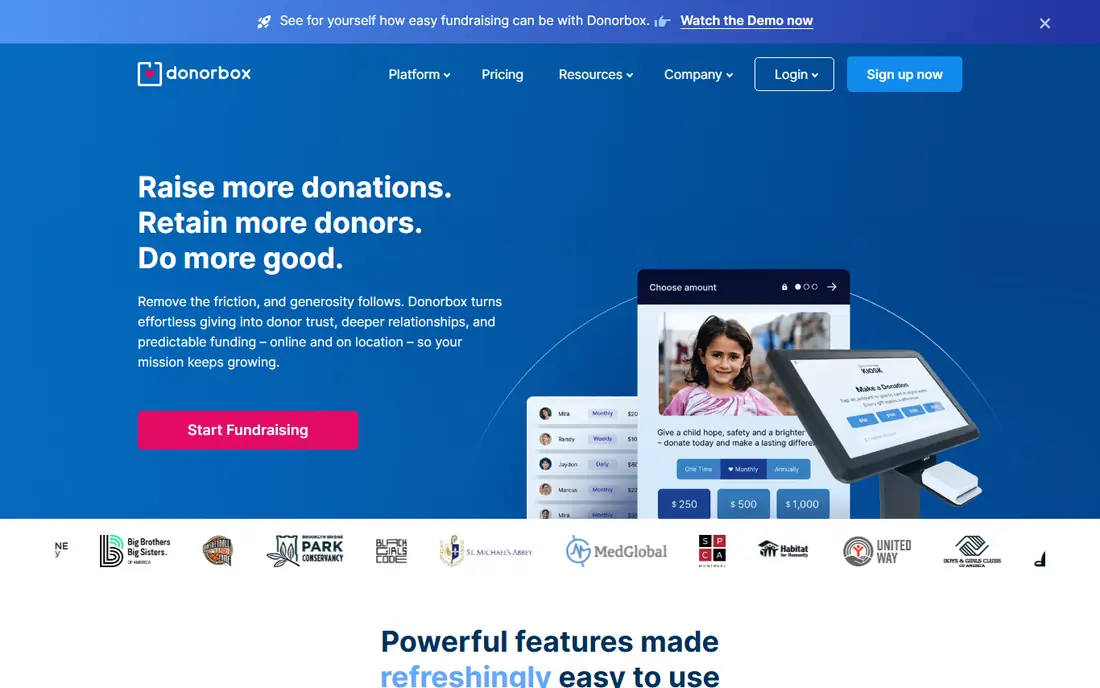
Donorbox is known for fast setup. You can embed a donation form on your site in minutes, turn on recurring giving, and start collecting without a long implementation. Integrations with common CRM and email tools help small teams track donors without manual exports.
The free tier carries a platform fee on top of card processing, so the effective cost per gift is higher than Zeffy or Givebutter with tips on. A paid Pro plan lowers the platform fee but adds a monthly bill. Donorbox suits teams that value speed and recurring giving, and that accept the fee trade-off for that simplicity.
- Quick embeddable forms
- Strong recurring giving
- Integrations with Salesforce and Mailchimp
- Platform fees on the free tier
- Lower fees need a paid monthly plan
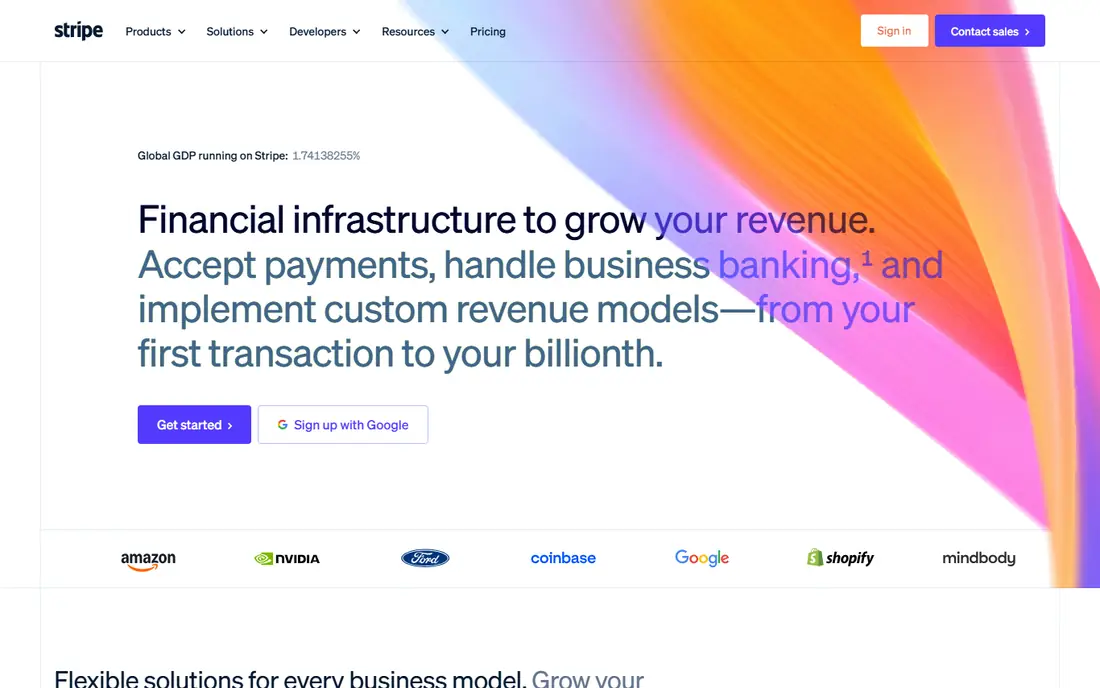
Stripe is the payment processor behind many fundraising platforms, including Zeffy-style tools. It handles cards, wallets, and bank payments at global scale, with developer tools for custom checkout flows. Nonprofits can ask about discounted processing rates, though eligibility and rates vary.
Stripe alone is not a donation page, CRM, or campaign tool. You need a form builder, a fundraising platform, or custom code on top of it, which adds cost and work. Pick Stripe when you need raw payment processing or you already have a platform, and pick a fundraising tool when you need donor pages and campaigns out of the box.
- Global payment processing
- Wide developer tools
- Nonprofit discount available in some cases
- Not a fundraising platform alone
- Needs a form or platform on top
GoFundMe gives a campaign instant reach, since donors already know and trust the platform. Setup is simple, and sharing tools help a campaign spread beyond your existing list. For emergency appeals and community campaigns, that audience is a real advantage over a form on your own site.
GoFundMe is not a nonprofit CRM, and regular campaign tools lack the donor management depth of Givebutter or Donorbox. GoFundMe Pro, formerly Classy, adds nonprofit features but pricing is quote-based. Use GoFundMe for reach-driven campaigns, and a fundraising platform for ongoing donor relationships.
- Huge donor audience
- Simple campaign setup
- GoFundMe Pro adds nonprofit tools
- Regular campaigns are not built for nonprofit CRM
- Pro pricing is quote-based
PayPal is a trusted name for donors, and a donate button can be live quickly without a full platform migration. Many donors already have PayPal accounts, which can lift completion rates for small gifts. Nonprofit rates may apply to eligible organizations, so check the current terms for your account type.
PayPal alone does not give you peer-to-peer campaigns, event ticketing, or a donor CRM of the kind Givebutter offers. Fees also vary by product, so confirm the rate for donations specifically. Use PayPal as a payment option alongside a fundraising platform, rather than as the whole platform.
- Donors already have accounts
- Quick donate buttons
- Nonprofit rates may apply
- Not a full fundraising platform
- Fees vary by product and account type
Classy, now sold as part of GoFundMe Pro, is built for larger nonprofits running peer-to-peer campaigns, events, and major appeals. Campaign pages look polished, peer-to-peer tools are deep, and donor management goes beyond a simple form. Mid-size and large teams benefit most from that depth.
Pricing is quote-based and demo-gated, which puts it out of reach for many small nonprofits. Setup also takes longer than Givebutter or Donorbox. If your nonprofit runs large campaigns and needs enterprise-grade tools, Classy is worth a demo. If you raise under a modest annual total, a free tool will serve you better.
- Strong peer-to-peer and event tools
- Now part of GoFundMe Pro
- Donor management depth
- Quote-based pricing
- Overkill and costly for very small nonprofits
Fundraise Up focuses on one job: turning more visitors into donors. Its checkout uses AI-driven prompts, recurring gift upsells, and wallet payments to lift conversion, and enterprise teams report meaningful revenue gains from that optimization. Analytics show where donors drop off and which prompts work.
The platform fee is higher than free tools, so small nonprofits may not raise enough extra to cover it. It also suits larger teams with steady traffic, since optimization needs volume to show results. For a nonprofit with strong web traffic and a focus on conversion, Fundraise Up can pay for itself.
- AI-optimized checkout
- Strong recurring upsell tools
- Enterprise-grade analytics
- Platform fee is higher than free tools
- Best suited to larger nonprofits
Give Lively is a free fundraising platform for member nonprofits, with no platform fee and tools for donation pages, text-to-give, and peer-to-peer fundraising. Card processing goes through Stripe at nonprofit rates, which the nonprofit pays, but there is no platform charge on top. That makes it a true Zeffy-style free alternative.
Membership requires approval, which can take days, and support is lighter than a paid platform. The toolset is also narrower than Classy or Fundraise Up. If you qualify and can wait for approval, Give Lively gives small nonprofits a free platform with solid core tools.
- No platform fee
- Text-to-give and peer-to-peer included
- Stripe processing at nonprofit rates
- Membership approval can take time
- Support is lighter than paid platforms
How we picked these
We compared official pricing pages, fee pages, and feature pages for fundraising platforms and payment processors that work today for US nonprofits. We favored tools with clear fee structures, current products, and a real nonprofit use case, and we included free platforms, general processors, and enterprise tools so different nonprofit sizes are covered. We did not claim hands-on testing, and fees change, so confirm live rates before launching.
How to compare the true cost
Add platform fees and card processing together for a $100 gift, since either fee alone misleads. A free platform with standard card processing keeps more than a low platform fee with high processing, and a donor-tip model shifts cost to donors rather than removing it. Also check whether donors can cover processing fees, since that option changes the net amount your nonprofit keeps.
Also match the tool to your campaign type. Peer-to-peer and events need different tools than a simple donate button, and a CRM matters once repeat donors grow. A free tool that lacks recurring giving may cost more in lost repeat gifts than a paid tool that keeps donors giving monthly.
Frequently asked questions
What is the best free alternative to Zeffy?
Givebutter and Give Lively are the strongest free alternatives to Zeffy. Givebutter charges no platform fee with donor tips on, while Give Lively charges no platform fee for member nonprofits. Both still pass card processing costs to the nonprofit or donor, so check the full fee stack.
Is Zeffy really free for nonprofits?
Zeffy states that registered nonprofits keep 100 percent of donations, with no platform or processing fees charged to the nonprofit, funded by optional donor tips at checkout. Eligibility is limited to registered nonprofits in the US and Canada, and individual campaigns are not supported. Check Zeffy terms for your organization type before assuming eligibility.
What is the best Stripe alternative for nonprofits?
Givebutter and Donorbox are the best Stripe alternatives when you need a fundraising platform, not just a processor, since they include donation pages and donor tools. PayPal is the best alternative for a trusted donate button. Stripe itself remains strong for raw payment processing behind another platform.
Does Givebutter charge fees?
Givebutter charges no platform fee when donor tips are on, and a flat platform fee when tips are off, plus standard card processing in both cases. Donors can also cover processing fees in many setups. Confirm the current fee page before launching, since fee terms change.
Which fundraising platform is best for recurring donations?
Donorbox is strong for recurring giving, with simple monthly options and one-click repeat gifts. Givebutter and Give Lively also support recurring donations, and Fundraise Up adds recurring upsell prompts at checkout. Pick the tool whose recurring flow your donors find easiest, since a confusing monthly option loses repeat gifts.
Sources we checked (8)

Online Jobs is an independent blog about careers, online work, learning new skills and the tools that help people earn. More about us.
Keep reading
All posts
Who Is the Best Company to Get Travel Insurance
Compare the best travel insurance companies, including World Nomads, Allianz Travel, SafetyWing and AXA, with coverage types, limits and who each suits.

Top AI Financial Software
Searching for top AI financial software? We compared 9 AI finance tools for AP, spend, close, forecasting and bookkeeping to help teams choose wisely.
Quicken Alternatives
Compare the best quicken alternatives for Mac, Windows, and small business owners, from Monarch Money and YNAB to Copilot, Tiller, and Banktivity in 2026.