Best AI Dubbing Tools in 2026: 8 Compared

How we put this together: we compare official feature and pricing pages, app store listings, privacy policies and public user reviews. Prices change, so check the provider's site before you pay.
Key takeaways
- HeyGen suits creators who want lip-synced dubbing and avatar video in one tool, with a free plan for short tests.
- ElevenLabs suits voice-first teams who need strong cloning, dubbing, and an API, with a free tier for evaluation.
- Rask AI suits audio-first dubbing and multi-speaker projects, but lip sync sits on higher plans.
- Synthesia and Dubverse suit training and short-form teams, while Kapwing and VEED suit editors who dub inside a wider editing workflow.
Quick comparison
| Name | Who it suits | Starting price | Free option | |
|---|---|---|---|---|
 HeyGen HeyGen | Lip-synced video dubbing | $24 per month | Yes | Visit |
 ElevenLabs ElevenLabs | Voice cloning and audio dubbing | $6 per month | Yes | Visit |
 Rask AI Rask AI | Audio-first dubbing at volume | $60 per month | Free trial | Visit |
 Synthesia Synthesia | Training video dubbing | $29 per month | No | Visit |
 Dubverse Dubverse | Low-cost short dubbing | $18 per month | Yes | Visit |
 Kapwing Kapwing | Dubbing inside browser editing | See website | Yes | Visit |
 VEED VEED | Subtitles plus dubbing | See website | Yes | Visit |
 Murf AI Murf AI | Voiceover-led dubbing | See website | Yes | Visit |
The best AI dubbing tools
We compared official feature pages, pricing pages, app store listings, privacy policies, and public reviews to answer whether we can recommend the best AI dubbing tool for your project. Dubbing is not one job: some teams need lip sync for talking-head video, others need clean audio for podcasts or training, and pricing models differ sharply by minutes, credits, or seats.
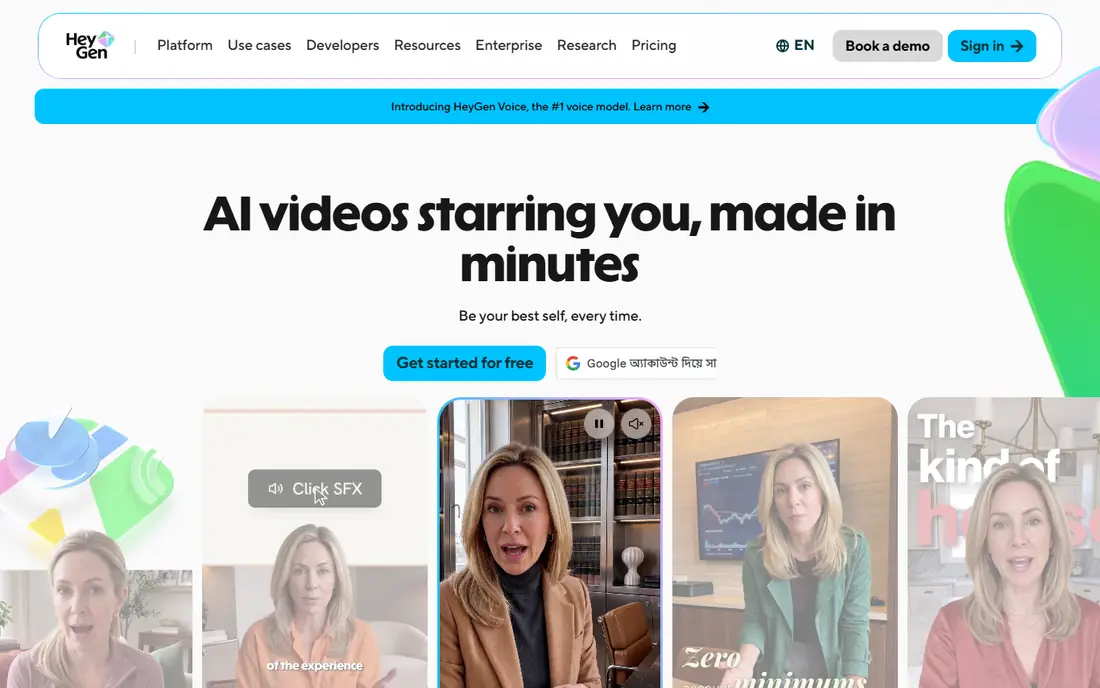
HeyGen fits creators who publish talking-head video and want the dubbed voice to match lip movement. Its Creator plan includes lip-synced translation, voice cloning, and 1080p output, with a free plan for short tests. That combination suits YouTube creators, course makers, and marketing teams who localise the same presenter across languages. The catch is credit sharing. Dubbing minutes draw from the same credit pool as avatar video, so heavy users must track usage across both jobs. Teams that only need audio dubbing may also find HeyGen broader than necessary, but for visible presenters, lip sync is a clear advantage.
- Lip-synced dubbing
- Voice cloning
- Avatar video in the same platform
- Credits are shared with avatar video
- Higher plans needed for some enterprise exports
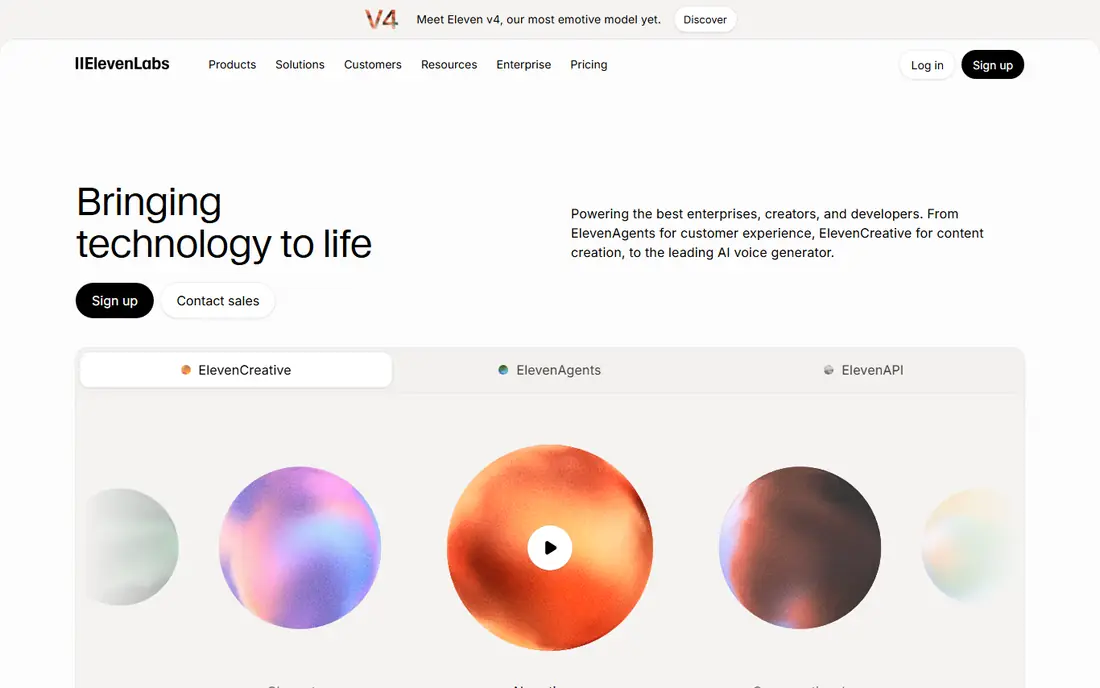
ElevenLabs fits voice-first teams who need dubbing as part of a wider audio program. It combines dubbing with text to speech, voice cloning, and an API, so developers can automate localisation without a separate voice vendor. The Starter plan is low cost, and the free tier allows evaluation before paying. The honest trade-off is video. ElevenLabs dubbing focuses on audio quality and cloned voices, and it does not match HeyGen for lip-synced talking-head video in the same workflow. If your video shows a presenter speaking to camera, test lip sync early. If audio quality matters most, ElevenLabs is a strong first pick.
- Strong voice cloning
- Dubbing plus text to speech
- Developer API
- Video lip sync is limited compared with HeyGen
- Credit maths takes care
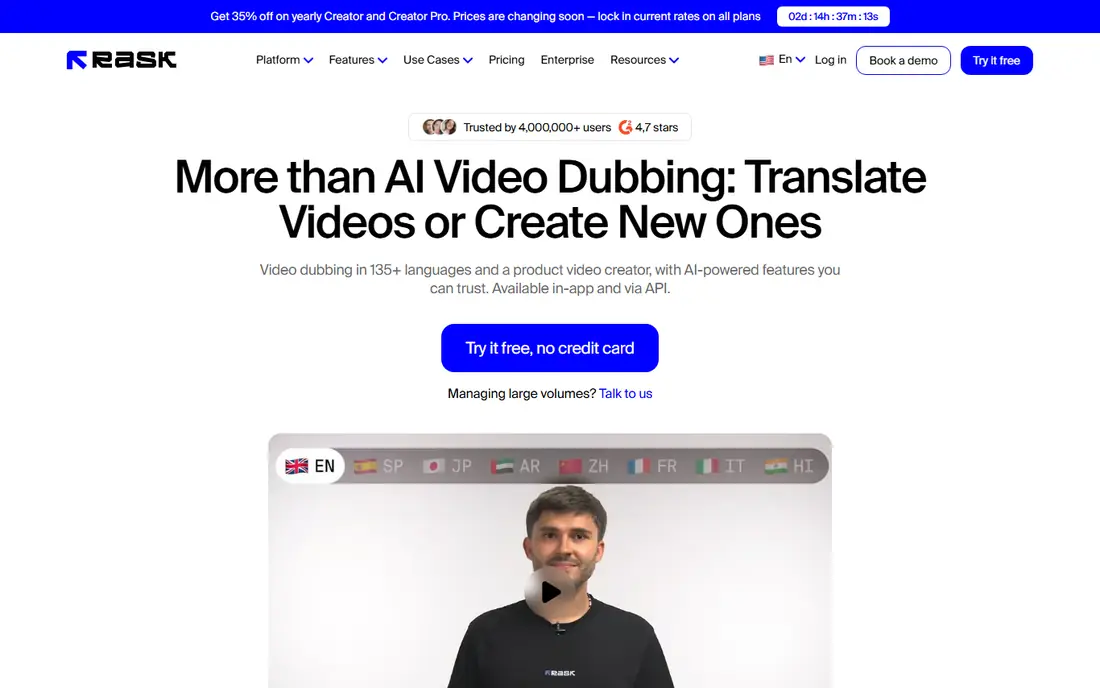
Rask AI fits teams that dub podcasts, screen recordings, and training where lip sync matters less than clear audio. It supports many languages, detects speakers, and lets editors adjust transcripts and timing. That workflow suits content teams that publish long audio or video with voiceover rather than visible presenters. The catch is cost for lip sync. Standard lip sync and enhanced lip sync sit on higher tiers and consume extra minutes, so a talking-head project can cost far more than the entry plan suggests. Price a full project, including lip sync, before you commit to Rask for video.
- Wide language coverage
- Multi-speaker handling
- Transcript editing
- Lip sync needs higher plans
- Entry price is higher than rivals
Synthesia fits learning teams that create training videos with avatars and need them in several languages. Dubbing sits inside a platform built for structured courses, templates, and consistent presenter style. That helps teams that update training often and want a repeatable format. The trade-off is that Synthesia is built around avatars first. Teams dubbing real footage of a human presenter may prefer HeyGen or Rask, depending on lip sync needs. For corporate training with avatars, though, the combined creation and dubbing workflow saves separate production steps.
- Avatar training videos
- Dubbing in many languages
- Templates for corporate learning
- Avatar-first workflow
- Dubbing minutes are credit-based
Dubverse fits small creators who dub short videos and want a low starting price. The Pro plan covers basic dubbing needs, and the free tier allows a first test before paying. It is a sensible pick for social clips, short explainers, and occasional localisation. The honest limit is volume. Entry plans include a limited number of credits, and each dubbed minute consumes several credits, so a 10-minute video can use most of a monthly allowance. Count minutes per language before you choose Dubverse for regular publishing.
- Low entry price
- Simple dubbing workflow
- Multiple languages
- Minutes are limited on entry plans
- Voice cloning sits on higher plans
Kapwing fits editors who want dubbing inside a wider editing tool. You can cut video, add subtitles, translate, and dub without moving files between apps. That suits social teams and small marketing teams who publish often and value speed over specialist dubbing depth. The catch is caps and lip sync. Free and entry plans limit dubbing minutes and add watermarks in some cases, and lip sync does not match HeyGen for talking-head video. Use Kapwing when editing speed matters most, and a specialist when lip sync is the main requirement.
- Browser editing
- Subtitles and dubbing together
- Easy sharing and resizing
- Dubbing minutes are capped
- Lip sync quality is limited compared with specialists
VEED fits teams that start with subtitles and add dubbing as a second step. It generates subtitles, translates them, and supports voiceover and dubbing workflows in the browser. That is useful for marketing, education, and social teams that already edit in VEED. The trade-off is voice control. VEED does not offer the same cloning depth as ElevenLabs, and lip sync is not its main focus. If you need a cloned presenter voice or precise lip movement, shortlist a specialist. If you need fast subtitled and dubbed versions, VEED is efficient.
- Subtitle generation
- Translation
- Browser editing for teams
- Less control over cloned voices
- Lip sync is not the core strength
Murf AI fits teams that lead with voiceover rather than lip-synced presenters. It offers a studio for script editing, voice selection, and timing, which suits e-learning, explainer videos, and corporate narration. The free tier allows testing voices before paying. The honest catch is metering. Dubbing minutes are tied to credits, and headline free minutes do not always match the plan table, so read the current pricing page carefully. Murf is strongest when a clean voiceover matters more than matching a presenter's lips on screen.
- Large voice library
- Studio editing
- Voice cloning options
- Dubbing is metered in credits
- Lip sync is limited in current listings
How we picked these
We compared official feature pages, pricing pages, and privacy policies, then checked public reviews for voice quality, lip sync, language coverage, and editing workflows. We gave weight to lip sync for talking-head video, cloned voice quality, language count, minute and credit pricing, and review tools. We did not claim hands-on testing, and we treated credit-based pricing with care, because minutes per plan vary by mode and language.
How to choose an AI dubbing tool
Start with the shot, not the brand. If a presenter speaks to camera, lip sync is essential, and HeyGen should lead your shortlist. If the video is a screen recording, podcast, or voiceover, ElevenLabs, Rask AI, or Murf AI may give better audio value for the same budget.
Price a real project, not a demo minute
Dub a 10-minute video into one language, then multiply by languages and videos per month. Check whether lip sync doubles credit use, whether credits are shared with other features, and what extra minutes cost. A low monthly price can hide a high per-minute cost.
Have a native speaker review the result
Machine translation and cloned voices can sound fluent while missing tone, names, or local phrasing. Ask a native speaker to review translation accuracy, pronunciation, and timing before publishing, especially for training, sales, or public-facing content. That review step matters more than any feature list.
Frequently asked questions
Can you recommend the best AI dubbing tool for YouTube?
HeyGen is a strong pick for YouTube talking-head videos because it includes lip sync and voice cloning. ElevenLabs suits YouTube creators who focus on narration, podcasts, or voiceover, where audio quality matters more than lip movement.
What is the best AI dubbing tool for training videos?
Synthesia suits avatar-based training, while HeyGen and Rask AI suit real-footage training depending on lip sync needs. Choose Synthesia for repeatable avatar courses, and HeyGen when a human presenter must stay on screen.
Does AI dubbing include lip sync?
Some tools do, and some do not. HeyGen includes lip sync on its Creator plan, while Rask AI requires higher plans for lip sync. ElevenLabs focuses on audio dubbing, so check lip sync support on the current feature page before buying.
How much does AI dubbing cost per minute?
Cost varies by tool, plan, and mode, from under a dollar per minute inside some plans to several dollars for extra lip-synced minutes. Price a full 10-minute project in your target language, including credits, before comparing headline monthly prices.
Can AI dubbing clone my voice?
Yes, HeyGen, ElevenLabs, Rask AI, and Murf AI offer voice cloning, with language and plan limits. Cloning usually needs a clear voice sample and consent, and you should only clone a voice you own or have permission to use.
Is AI dubbing good enough for professional publishing?
It can be, when a native speaker reviews translation and timing, and when lip sync fits the shot type. For high-stakes sales, legal, or broadcast content, budget for human review, even when the first draft is machine generated.
Sources we checked (8)

Online Jobs is an independent blog about careers, online work, learning new skills and the tools that help people earn. More about us.
Keep reading
All posts
Best ai video generation apps
Looking for the best ai video generation apps? We compare 9 free and paid tools on quality, clip length, audio, credits, and commercial use for creators.
Best ai text to video app for creators
Searching for the best ai text to video app for creators? We compare 8 leading tools on clip quality, length, audio, credits, and price for creators for you.
Best AI Video Creation Tools
Looking for the best AI video creation tools in 2026? We compare 9 platforms for avatars, scripts, social clips, editing and generated footage for creators.