Best AI Video Creation Tools in 2026: 9 Apps Compared

How we put this together: we compare official feature and pricing pages, app store listings, privacy policies and public user reviews. Prices change, so check the provider's site before you pay.
Key takeaways
- Synthesia and HeyGen suit presenter-led training and explainers, while Runway and Luma suit original generated footage and creative clips.
- Pictory, InVideo and VEED suit teams turning scripts, articles or long recordings into finished social and marketing videos.
- Colossyan and Fliki are worth a closer look for learning teams and small content teams that need simple, repeatable video production.
- Credit and minute systems matter more than the headline monthly price, because retries and longer videos can use an allowance fast.
- A short trial with a real script, in the language and format you will actually publish, will reveal more than a demo video.
Quick comparison
| Name | Who it suits | Starting price | Free option | |
|---|---|---|---|---|
 Synthesia Synthesia | Avatar training videos | See website | Free trial | Visit |
 HeyGen HeyGen | Avatar marketing videos | See website | Yes | Visit |
 Runway Runway | Generated footage and editing | See website | Yes | Visit |
 Pictory Pictory | Script to social video | See website | Free trial | Visit |
 InVideo InVideo | Fast social video creation | See website | Yes | Visit |
 VEED VEED | Online editing with AI help | See website | Yes | Visit |
 Luma Luma | Text to video clips | See website | Yes | Visit |
 Colossyan Colossyan | Learning team avatars | See website | Free trial | Visit |
 Fliki Fliki | Blog to narrated video | See website | Yes | Visit |
The best AI video creation tools
AI video tools fall into different groups, and comparing them as if they do the same job leads to poor choices. Some create a presenter from text, some generate footage from a prompt, and some assemble a script with stock clips, voiceover and captions. The list below separates those jobs, so you can shortlist by output first and price second.
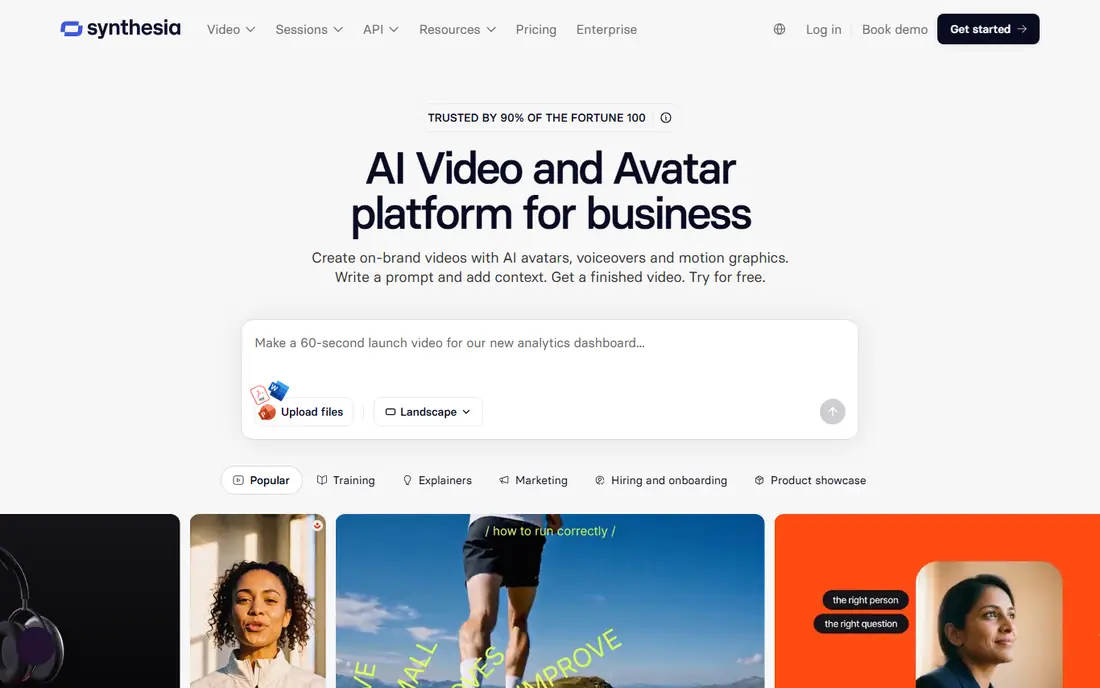
Synthesia fits teams that need the same training, onboarding or explainer video in several languages. You write a script, choose an avatar and voice, and update the text when a process changes, without booking a studio or a presenter. That repeatability is the main reason learning teams choose it over a general video generator.
The catch is tone and use. Avatar delivery suits clear, structured content better than humour, drama or fast social trends. Advertising rules for stock avatars also need checking before a campaign. For internal learning, product explainers and compliance updates, Synthesia is a practical and controlled choice.
- Large avatar and language range
- Script edits without refilming
- Templates for training and internal communication
- Avatar video can feel formal for casual social content
- Stock avatar use has limits in paid advertising
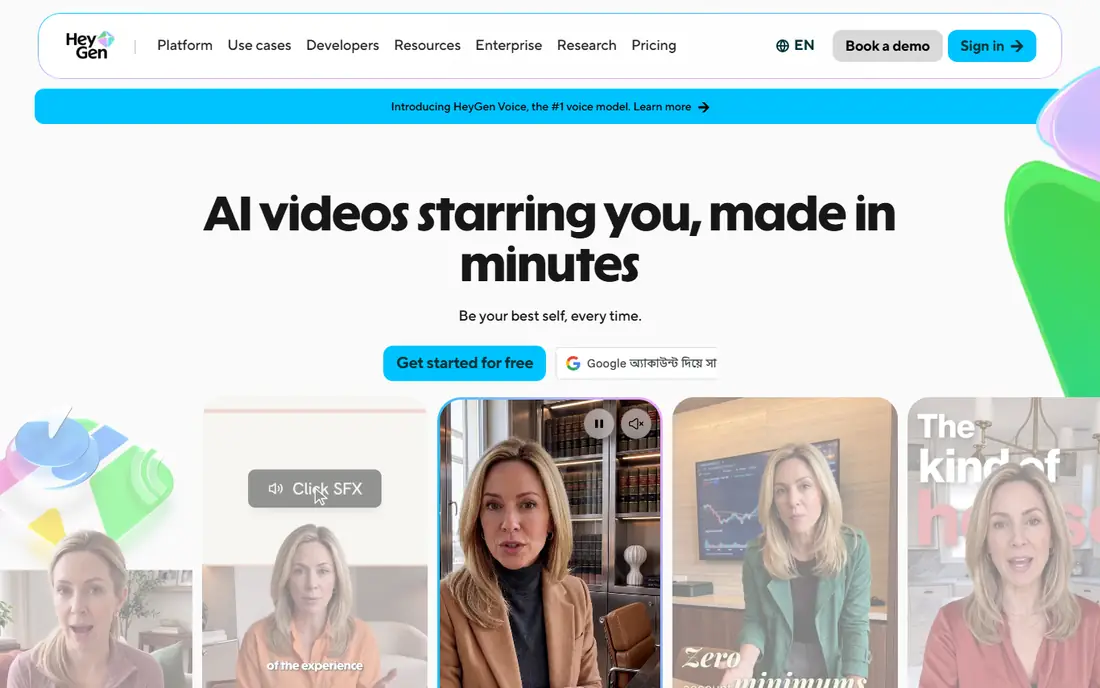
HeyGen suits marketers and small teams that want a presenter-led video without filming. Templates speed up product explainers, social clips and localised versions, and the interface is easier to learn than a full editing suite. For a team producing regular short explainers, that speed matters.
The honest catch is that not every avatar or voice will suit every brand. Lip sync, pacing and tone need a test with your own script, not just a sample. Voice cloning also needs consent and careful handling, and it should never be used for a real person without clear permission. Used for a brand presenter or a clearly labelled AI presenter, HeyGen is a strong option.
- Quick avatar videos from text or templates
- Voice cloning options on higher plans
- Useful for marketing and localisation
- Realism varies by avatar and script
- Higher-quality voices and avatars sit on paid plans
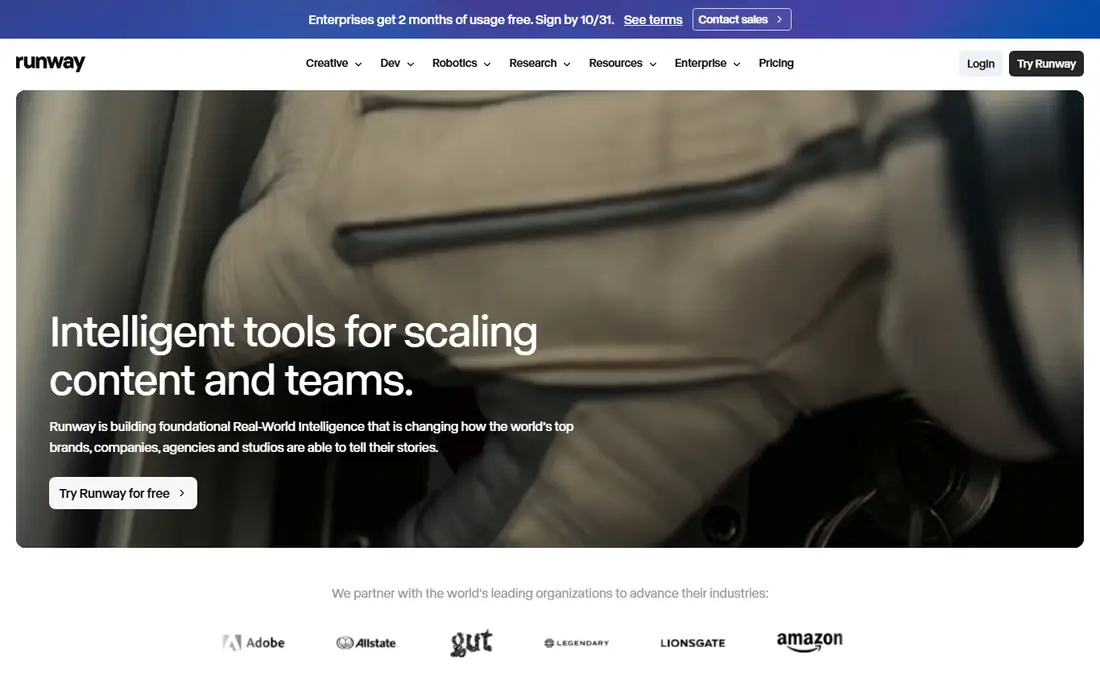
Runway fits creators who need original footage, B-roll or visual ideas that stock libraries do not cover. Text prompts, image animation and editing tools sit in one workspace, which helps when a clip needs trimming, masking or a style change after generation. For short creative work, it offers more control than a script-to-video assembler.
The catch is cost per usable clip. A prompt may need several attempts before motion, faces or camera movement look right, and each attempt uses credits. Runway rewards users who test prompts in small batches and keep clips short. For long, presenter-led training, an avatar tool will usually be cheaper and more predictable.
- Strong text and image to video generation
- Editing tools beyond generation
- Useful for B-roll and creative footage
- Credit costs rise with retries and longer clips
- Results need prompt skill and review
Pictory suits content teams repurposing work they already have. A blog post can become a narrated video, a webinar can become short clips, and a script can become a social post with captions. That reuse is valuable for teams with more written content than video time.
The limit is originality. When every scene comes from a stock library, videos can look similar to other brands using the same clips. Choosing strong opening lines, custom branding and careful caption checks helps, but Pictory is best for volume and repurposing, not for a flagship brand film.
- Turns scripts, articles and long videos into short clips
- Automatic captions and stock visuals
- Simple editing
- Stock visuals can feel generic
- Fine control over pacing and style is limited compared with a full editor
InVideo fits small teams that need social videos quickly and often. Templates cover product promos, explainers and social formats, and script tools can draft a first version from a short brief. For a team publishing several clips a week, that starting point saves hours of blank-page work.
The catch is sameness. Templates help speed, but they also make it easy to publish videos that look like many others. Custom footage, brand colours, original voiceover and tighter editing are needed to stand out. InVideo is best judged on how fast it gets a team to a good first draft, not on whether the first draft is ready to publish untouched.
- Large template library
- Script-based video creation
- Useful for social, ads and product clips
- Template-heavy output can look familiar
- Advanced generative features may use credits fast
VEED suits teams that want an online editor first and AI help second. Captions, subtitles, translations and basic editing are in one browser workspace, which is useful for social teams, educators and small marketing teams. It is easier to learn than desktop editing software, and collaboration does not need file transfers.
The limit is scale. Very long or effects-heavy projects may suit desktop software better, and some AI features need a paid plan to be useful at volume. For short social videos, interviews, tutorials and captioned clips, VEED offers a good balance of control and speed.
- Browser-based editing with captions and templates
- AI tools for subtitles, silence removal and translation
- Easy sharing
- Heavy projects can feel slower in a browser
- Advanced AI features sit on paid plans
Luma fits creators who want short, visually strong clips from text or images. Product shots, mood clips, transitions and social B-roll are its natural uses. The output can look striking for a few seconds, which is often enough for a social post or a cutaway in a longer edit.
The catch is story length. Luma is not a tool for a ten-minute presenter video, and keeping the same character or setting across many clips takes work. Treat it as a footage source inside a larger edit, rather than a complete video maker, and budget time for retries and selection.
- Strong motion and visual quality for short clips
- Image to video options
- Useful for creative and product visuals
- Short clip lengths suit B-roll more than long stories
- Consistency across clips needs careful prompting
Colossyan suits learning and development teams that need clear, repeatable training videos. Script editing, avatar presentation and translation support the same workflow as larger avatar platforms, but with a focus on workplace learning rather than broad marketing. That focus can make course production simpler for internal teams.
The limit is range. If a team also needs social ads, product demos and creative footage, Colossyan alone will not cover every job. It is best shortlisted when training is the main output and consistency across courses matters more than a large avatar catalogue.
- Avatar videos built for workplace learning
- Script and translation workflow
- Templates for training content
- Smaller avatar range than the largest rivals
- Casual marketing use may feel too formal
Fliki suits small content teams turning written posts into narrated videos. A blog article can become a voiceover video with scenes, captions and music, without recording audio or hiring a narrator. That makes it useful for publishers, educators and social teams with a steady stream of text.
The catch is voice and visual fit. A voice that sounds fine in a sample may feel flat over a longer script, and stock scenes may not match a specialist topic. Testing a full article, not just a short paragraph, gives a fairer view. For short explainers and repurposed posts, Fliki is a low-friction choice.
- Turns text into narrated video with realistic voices
- Useful for blogs, social posts and explainers
- Simple workflow
- Voice quality varies by language and voice choice
- Visual variety depends on stock and uploaded media
How we picked these
We reviewed official feature pages, pricing pages, app store listings, privacy policies and public user reviews. We included avatar platforms, generative footage tools and script-to-video assemblers, because the keyword covers all three jobs. We did not treat a demo clip as proof of quality, and we marked prices as See website where plans, credits and allowances vary by tier or change often.
Choosing the right AI video tool for your output
Start with the finished video you need. If a presenter must say exact words in several languages, shortlist avatar tools. If you need original footage or B-roll, shortlist generative tools. If you need many social clips from existing content, shortlist script-to-video tools. Choosing by output first avoids paying for a powerful generator when a simple assembler would do, or buying an assembler when you need original footage.
Budget for retries and allowances
Check whether a plan charges by video minutes, credits, clips or seats, and whether unused allowance carries over. Run the same test script on two or three tools, count how many attempts produced a usable clip, and divide total cost by usable output. That effective cost matters more than the monthly price on a pricing page.
Check rights, consent and disclosure
Confirm who owns the output, whether stock avatars can be used in ads, and how voice cloning consent is handled. Label AI presenters clearly when viewers might assume a real person is speaking. For training and internal use, keep a record of scripts, versions and approvals, so an update does not create a compliance problem later.
Frequently asked questions
Which AI tool is best for video creation?
It depends on the job. Synthesia and HeyGen suit avatar-led explainers and training, Runway and Luma suit generated footage, and Pictory, InVideo and VEED suit script-based social videos. Pick by the output you need most, then test with a real script before committing to a yearly plan.
What is the best AI app for video creation for beginners?
Pictory, InVideo, VEED and Fliki are easier starting points for beginners, because templates and script workflows produce a first draft quickly. Runway and Luma offer more creative control but need more prompting skill. Start with a short project and a free tier or trial where available.
Can AI video tools replace filming?
They can replace filming for many explainers, training videos and social clips, but not for every job. Real footage, real people and real locations still matter for brand stories, testimonials and product proof. AI tools work best for repeatable, script-led content and for B-roll that supports real footage.
How much do AI video tools cost?
Prices vary by minutes, credits, seats and features, so a single figure can mislead. Some tools offer free tiers, while paid plans range from low monthly fees for light use to much higher plans for teams. Check the allowance, renewal rules and cost per usable clip before choosing.
Do AI-generated videos look realistic?
Avatar and generative video has improved, but close viewing can still reveal odd hand movement, lip sync issues or inconsistent faces. Short clips, clear scripts and careful review help. For training and explainers, clarity matters more than perfect realism, while for ads and brand films, extra review time is worth it.
Is it legal to clone a voice or face with AI video tools?
Voice and face cloning needs consent from the person involved, and platform rules vary. Do not clone a real person without clear permission, and check the terms for commercial use, advertising and distribution. When in doubt, use a stock avatar or an original voice, and label AI content clearly.
Sources we checked (9)

Online Jobs is an independent blog about careers, online work, learning new skills and the tools that help people earn. More about us.
Keep reading
All posts
Best ai video generation apps
Looking for the best ai video generation apps? We compare 9 free and paid tools on quality, clip length, audio, credits, and commercial use for creators.
Best ai text to video app for creators
Searching for the best ai text to video app for creators? We compare 8 leading tools on clip quality, length, audio, credits, and price for creators for you.
Best AI Dubbing Tools
Can you recommend the best AI dubbing tool? We compare 8 tools on lip sync, voice cloning, languages, pricing, credits, and editing for busy video teams today.