Best AI Dubbing Tools in 2026: 9 Tools Compared

How we put this together: we compare official feature and pricing pages, app store listings, privacy policies and public user reviews. Prices change, so check the provider's site before you pay.
Key takeaways
- HeyGen is the strongest pick when lip-synced video matters, while ElevenLabs leads on voice quality and language range for audio-first dubbing.
- Rask AI suits teams localizing into many languages, but lip-sync sits on its higher tiers.
- Dubverse and Perso offer lower entry prices, yet per-minute costs and credit limits decide the real bill.
- Always test with a short clip in your target language before buying a monthly plan.
- Check whether a tool dubs existing video, creates new avatar video, or only produces audio, because those are different jobs.
Quick comparison
| Name | Who it suits | Starting price | Free option | |
|---|---|---|---|---|
 HeyGen | Lip-synced video dubbing | $24 per month | Yes | Visit |
 ElevenLabs | Voice quality and dubbing | See website | Yes | Visit |
 Rask AI | Team localization | $60 per month | Free trial | Visit |
 Dubverse | Low-cost dubbing | $18 per month | Yes | Visit |
 Murf AI | Training and e-learning dubbing | $19 per month | Yes | Visit |
 Synthesia | Corporate training video | See website | No | Visit |
 VEED | Subtitles and quick translation | See website | Yes | Visit |
 Perso AI | Low-cost per-minute dubbing | $6.99 per month | Yes | Visit |
 Kapwing | Browser editing and dubbing | See website | Yes | Visit |
The best AI dubbing tools
AI dubbing replaces the speech in a video with a translated version, often in a cloned voice, and sometimes with lip movements adjusted to match. The tools below differ in a key way: some focus on realistic voices, others on lip-sync, and others on team review. We compare them on that basis, not on headline language counts alone.
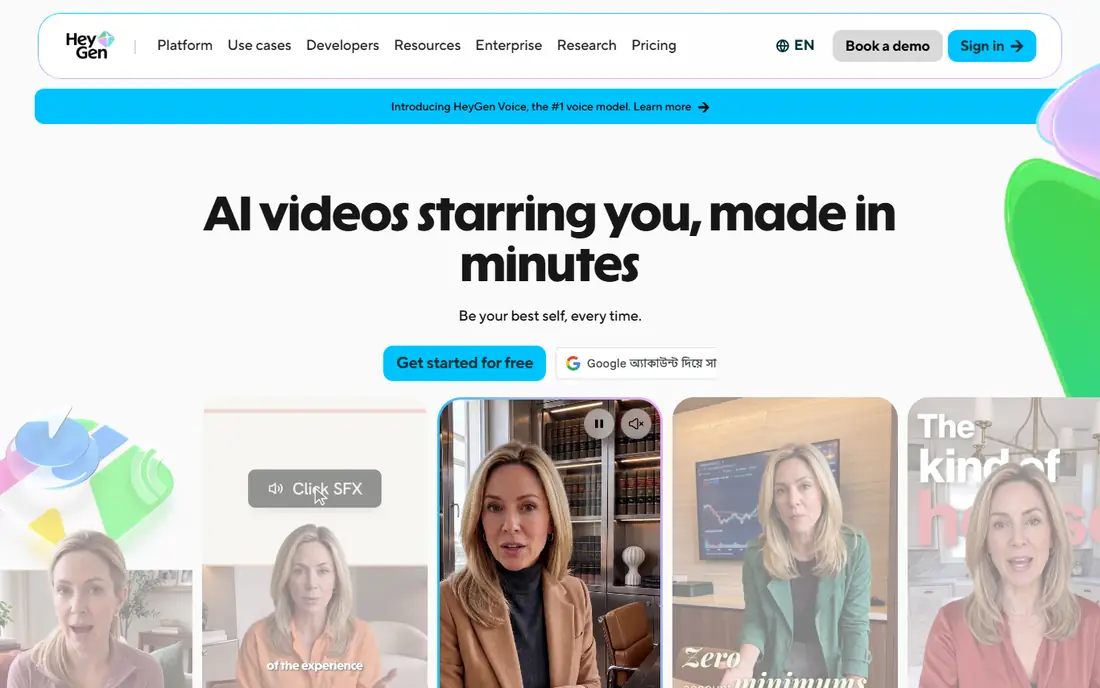
HeyGen is our first pick for creators who need the finished video to look natural. Its video translation feature dubs speech and adjusts lip movements, which matters for talking-head videos, training clips, and marketing content where the viewer watches the speaker's face. The platform also creates avatar videos from scripts, so a team can produce new localized presenters as well as dub existing footage.
The pricing model is credit-based, and translation consumes credits per minute, so a long video in several languages can use a plan faster than expected. We suggest testing one short video, checking the lip-sync quality in your target language, and then estimating credits for a full project before committing to a higher tier.
- Lip-sync built into video translation
- Wide language range
- Avatar video in the same platform
- Credit-based pricing needs careful tracking
- Higher tiers needed for advanced export options
ElevenLabs began as a voice platform, and that shows in its dubbing. Its voices sound natural across languages, and its dubbing tool handles transcription, translation, and voice generation in one flow. For podcasts, narration, and videos where the audio carries the message, it is hard to beat on voice quality alone.
Where it falls short is lip-sync. If you need the speaker's mouth to match the new language closely, HeyGen or Rask AI on a higher tier may serve you better. ElevenLabs is the better pick when you want strong voices, an API for automation, and dubbing as part of a wider voice workflow.
- High-quality voices and cloning
- Dubbing across many languages
- Text to speech and API in the same account
- Video lip-sync is not the core strength
- Credit limits shape how much you can dub each month
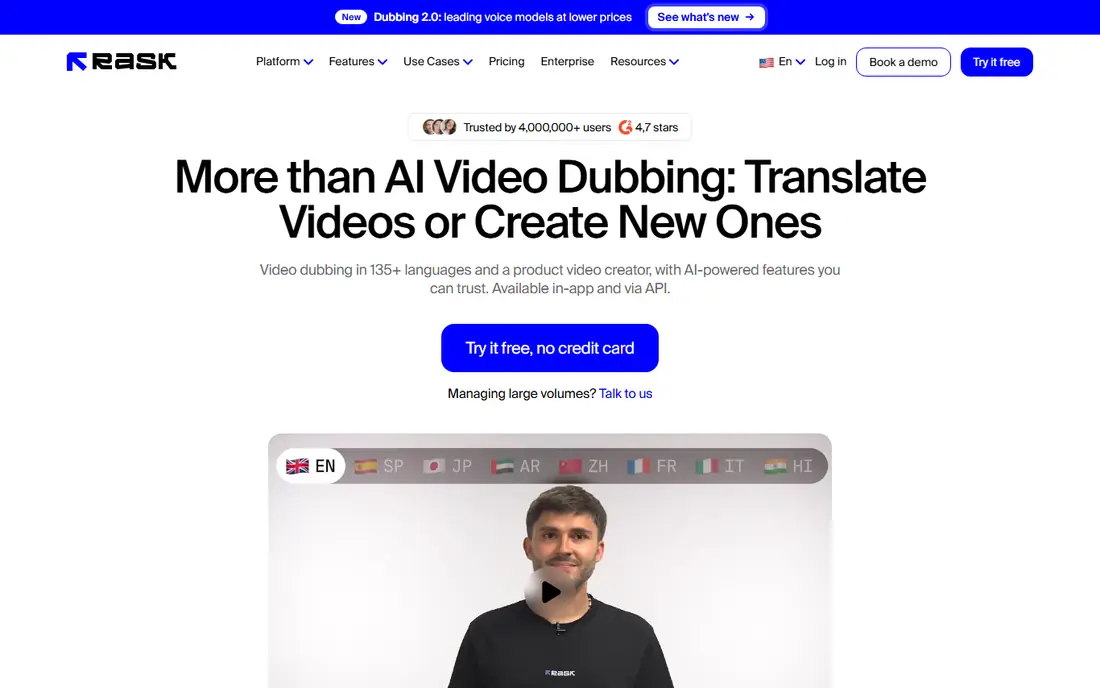
Rask AI is built for teams that localize content at volume. It supports a wide language range, handles multiple speakers, and gives reviewers a workflow for checking translations before export. That structure suits course providers, media teams, and companies that publish the same video in ten or more languages.
The entry price is higher than some rivals, and lip-sync is not included on the lowest tier, so teams that need it should price the tier that includes it, not the entry tier. For audio-only or subtitle-led localization, the entry tier may be enough, but for polished talking-head output, budget for the step up.
- Localization into many languages
- Team review tools
- Speaker handling for multi-speaker video
- Lip-sync requires higher tiers
- Per-minute costs add up on longer projects
Dubverse appeals to creators who want a low monthly starting price, and it has particular strength in Hindi and other Indian languages. The workflow is straightforward: upload a video, pick a target language, and generate a dubbed version. For short social clips and occasional localization, that simplicity is a real advantage.
The limit is volume. Entry plans include a modest credit allowance, and each dubbed minute consumes several credits, so a creator with weekly long videos will outgrow the entry tier quickly. Treat Dubverse as a good low-cost starting point, and check the credit math for your typical video length before you rely on it for regular output.
- Lower entry price
- Useful for Indian languages
- Simple dubbing workflow
- Credit limits mean few finished minutes per month on the entry plan
- Lip-sync is limited
Murf AI is known for narration, and its dubbing feature fits training, e-learning, and corporate video. Voices are clear and steady, which suits instructional content where clarity matters more than dramatic delivery. The editor lets you adjust timing and pronunciation, which helps when a translated script needs to fit on-screen action.
Murf is less suited to creators who need full lip-sync for on-camera presenters. If your videos are mostly voiceover-led, slides, or screen recordings, that limit may not matter. If the speaker is on camera throughout, compare Murf's output with HeyGen on the same clip before deciding.
- Clear narration voices
- Dubbing aimed at training content
- Editing tools for timing and pronunciation
- Lip-sync is limited
- Dubbing is metered in credits, so costs vary by project
Synthesia is primarily an avatar video platform, and its dubbing features serve teams that already make training videos with avatars. A company can create a presenter video once, then translate it for offices in other countries, keeping the same presenter and branding. That workflow is efficient for compliance training and internal updates.
For dubbing existing footage of real people, Synthesia is less direct than HeyGen or Rask AI, and its translation features are tied to higher plans. It earns a place here for corporate buyers, but creators who mainly dub real footage should test the dedicated dubbing tools first.
- Avatar videos for training at scale
- Translation features for corporate content
- Template and brand controls
- Dubbing of existing video sits on higher tiers
- Pricing is credit-based and needs careful planning
VEED is an online video editor with translation and dubbing features built in. That makes it handy for social teams that need subtitles, translated audio, and a quick edit in the same browser tab, without moving files between tools. Short-form creators and marketers will find the workflow fast and familiar.
The trade-off is depth. VEED does not match the voice cloning or lip-sync control of the dedicated dubbing platforms, and its translation allowance on lower plans limits longer projects. Use VEED when speed and editing matter most, and use a dedicated dubbing tool when voice quality or lip-sync is the priority.
- Browser-based editing
- Subtitles and translation in one editor
- Fast for short-form video
- Voice and lip-sync control is weaker than dedicated dubbing tools
- Translation minutes are capped on lower plans
Perso AI, also called Perso Dubbing, has gained attention for low per-minute costs on its higher plan, where a larger minute allowance brings the effective rate down. For creators with steady but modest dubbing needs, the low entry price makes it easy to test without a large commitment. Language coverage is broad, and the tool handles standard dubbing workflows well.
Lip-sync is not included on every plan in the same way, so check the plan details for the output you need. As with all credit and minute-based tools, the real cost depends on how many finished minutes you produce, not just the monthly price. Run a test clip, then compare the effective cost per finished minute across two or three tools.
- Low entry price
- Per-minute pricing that suits small projects
- Wide language range
- Lip-sync is an optional extra on some plans
- Plan allowances need checking before larger jobs
Kapwing is a browser-based editor that includes dubbing among its AI features. Teams that already edit in Kapwing can add dubbed audio without exporting to another tool, which saves time on social and marketing videos. Collaboration features help when several people review a video before it goes live.
Dubbing is not Kapwing's core product, and minute caps on lower plans mean it is best for occasional use rather than high-volume localization. For creators who dub every week, a dedicated tool will usually offer better voice control and clearer per-minute pricing.
- Full browser editor
- Dubbing alongside subtitles and editing
- Team collaboration features
- Dubbing minutes are capped
- Voice quality varies by language and plan
How we picked these
We compared tools that actively sell AI dubbing in October 2026, checking their homepages, pricing pages, and feature descriptions. We weighted language range, lip-sync, voice quality, team workflow, and transparent pricing, and we left out tools that only offer text to speech without a dubbing workflow for existing video. Where pricing differed between sources, we used the vendor's own published entry price or marked the price as See website.
We did not test every language pair, because quality varies by language, speaker, and audio quality. That is why we stress testing with your own clips. A tool that sounds excellent in Spanish may sound flat in another language, and only a test with your footage will show that.
What to check before you buy
Start by defining the output you need. Audio-only dubbing, lip-synced video, and new avatar video are different products, and buying the wrong one wastes a month of subscription. Next, check the language pair you actually need, including dialect and voice options, because headline language counts hide gaps in specific pairs.
Then work out the cost per finished minute. Add the monthly price to any extra credit or minute charges, and divide by the finished minutes you expect to produce. Finally, check export quality, subtitle options, and whether you can edit the translated script before final export. A tool that locks the script early will cost you time on corrections.
Frequently asked questions
Which AI tools are best for dubbing?
HeyGen is best for lip-synced video, ElevenLabs is best for voice quality, and Rask AI is best for team localization at scale. The right choice depends on whether you need lip-sync, audio quality, or a review workflow most. Test the same clip in two tools before you commit.
What is the best AI dubbing software for beginners?
Dubverse and Perso offer low entry prices and simple workflows, which suit beginners with short videos. VEED and Kapwing also suit beginners who already edit video in a browser. Start with a free plan or trial, dub one short video, and only upgrade when you hit a minute or credit limit.
Is there a best AI dubbing tool with a free plan?
Yes. HeyGen, ElevenLabs, Dubverse, Murf, VEED, Perso, and Kapwing all offer a free plan or trial, but free tiers usually limit minutes, add watermarks, or restrict voices. Free plans are useful for testing quality, not for publishing finished work at volume.
How much does AI dubbing cost per minute?
It varies widely by tool, plan, and whether lip-sync is included. Entry plans can work out to well over a dollar per finished minute once credits are counted, while higher plans with larger allowances can bring the rate down. Always calculate the cost per finished minute for your own video length and language count.
Can AI dubbing clone the original speaker's voice?
Many tools offer voice cloning, but results depend on audio quality, consent, and the tool's cloning rules. Only clone a voice you have the right to use, and check the vendor's consent and verification steps. For public or commercial work, get written permission from the speaker.
Does AI dubbing work for all languages?
No. Language quality varies, and some pairs sound far more natural than others. Tools publish large language counts, but the voice quality, lip-sync accuracy, and translation quality for your specific pair matter more than the total count. Test your pair before buying.
Sources we checked (9)

Online Jobs is an independent blog about careers, online work, learning new skills and the tools that help people earn. More about us.
Keep reading
All posts
Best ai video generation apps
Looking for the best ai video generation apps? We compare 9 free and paid tools on quality, clip length, audio, credits, and commercial use for creators.
Best ai text to video app for creators
Searching for the best ai text to video app for creators? We compare 8 leading tools on clip quality, length, audio, credits, and price for creators for you.
Best AI Video Creation Tools
Looking for the best AI video creation tools in 2026? We compare 9 platforms for avatars, scripts, social clips, editing and generated footage for creators.