Best YouTube SEO software in 2026: 8 options compared


creators who want tools inside YouTube Studio · Starting price: See website
How we put this together: we compare official feature and pricing pages, app store listings, privacy policies and public user reviews. Prices change, so check the provider's site before you pay.
Key takeaways
- TubeBuddy and vidIQ remain the default pair for most creators, because both work inside YouTube and cover keywords, titles, and audits.
- TubeRanker and Morningfame suit creators who want a simpler, cheaper workflow and do not need bulk tools.
- YouTube Studio is free and should stay in your routine, since it shows real search and retention data from your own channel.
- No tool can rescue a weak topic, so use keyword scores to choose between good ideas, not to invent one.
Quick comparison
| Name | Who it suits | Starting price | Free option | |
|---|---|---|---|---|
| TubeBuddy | creators who want tools inside YouTube Studio | See website | Yes | Visit |
 vidIQ | creators focused on ideas and trends | See website | Yes | Visit |
 TubeRanker | creators wanting a simple audit tool | See website | Yes | Visit |
 Morningfame | small creators wanting growth analytics | See website | No | Visit |
 Keyword Tool | creators mining YouTube autocomplete | See website | Yes | Visit |
 YouTube Studio | every creator, as the free baseline | Free | Yes | Visit |
 1of10 | creators studying outlier videos | See website | Yes | Visit |
 Ahrefs | creators and teams needing search data | See website | Free trial | Visit |
The best YouTube SEO software
We compared tools that help a channel get found on YouTube, not general social media schedulers. The list below covers keyword research, title and tag help, audits, and thumbnail testing, with free options alongside paid plans for working creators.
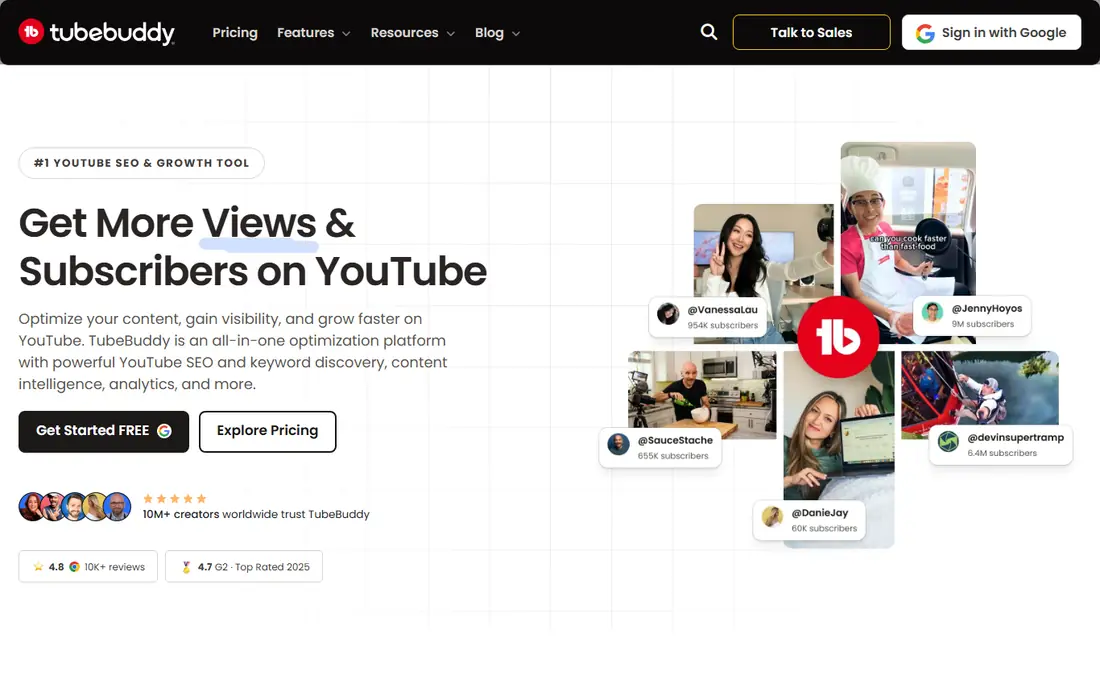
For schools that need a creator who publishes regularly and wants keyword, title, and tag help in one browser extension. its Keyword Explorer and SEO Studio score titles, tags, and descriptions as you upload, and bulk tools help larger channels update older videos. We place it here because its core job matches that need closely, and its limits are clear rather than hidden behind a long feature list.
In day to day use, the free plan is limited, and A/B testing and bulk processing need higher tiers, so small channels should check which tier covers their routine That trade is worth naming before you sign up, because it shapes how much admin time the tool saves and how much it adds to a busy week.
Before you commit, check the parts you will touch every week: how data is imported, who can change a record, and how support responds when something breaks. A short trial with real records and a real weekly task will tell you more than a demo with sample data.
- Works inside YouTube Studio
- Keyword explorer and SEO studio
- Thumbnail A/B testing on higher plans
- Best features sit on paid plans
- Pricing varies by billing period
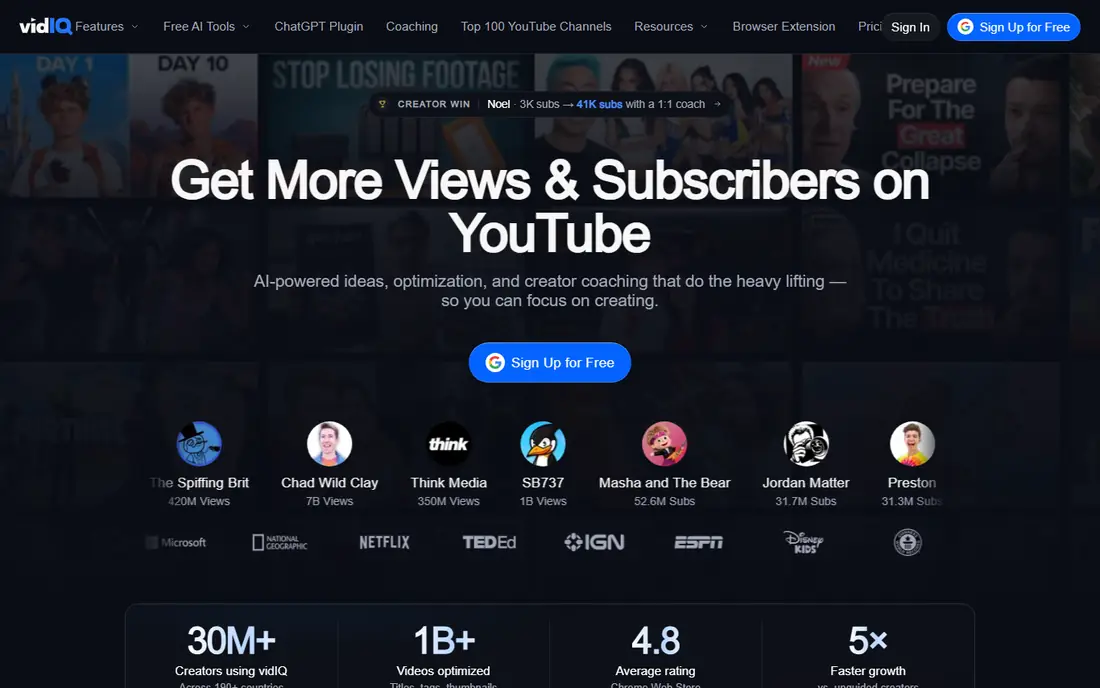
If your team wants a creator who struggles most with topic choice and wants trend and competitor data. its keyword scores combine demand and competition into one view, and its daily ideas and audit point to gaps in a channel before the next upload. We place it here because its core job matches that need closely, and its limits are clear rather than hidden behind a long feature list.
In day to day use, the free tier limits keyword results, so creators who research many topics each week will need a paid plan to use it fully That trade is worth naming before you sign up, because it shapes how much admin time the tool saves and how much it adds to a busy week.
Before you commit, check the parts you will touch every week: how data is imported, who can change a record, and how support responds when something breaks. A short trial with real records and a real weekly task will tell you more than a demo with sample data.
- Keyword scores and daily video ideas
- Channel audit
- Competitor tracking
- Free plan limits keyword results
- Higher plans cost more per month
This option suits a creator who wants a quick channel audit and keyword help without a large suite. its audit and keyword tools give a fast read on titles, tags, and descriptions, which suits creators who review a channel before planning new videos. We place it here because its core job matches that need closely, and its limits are clear rather than hidden behind a long feature list.
In day to day use, creators who manage many videos or need bulk editing and A/B testing will find it thinner than the two leaders That trade is worth naming before you sign up, because it shapes how much admin time the tool saves and how much it adds to a busy week.
Before you commit, check the parts you will touch every week: how data is imported, who can change a record, and how support responds when something breaks. A short trial with real records and a real weekly task will tell you more than a demo with sample data.
- Channel audit and keyword tools
- Tag generator
- Simple pricing
- Smaller feature set than TubeBuddy or vidIQ
- Fewer bulk tools
When the priority is a small creator who wants clear analytics and keyword help at a low monthly cost. its analytics focus on growth over time, and its keyword research draws on phrases used by top-ranking videos in a niche. We place it here because its core job matches that need closely, and its limits are clear rather than hidden behind a long feature list.
In day to day use, invite-only access is a real barrier, and it lacks thumbnail testing and bulk tools, so larger channels may outgrow it That trade is worth naming before you sign up, because it shapes how much admin time the tool saves and how much it adds to a busy week.
Before you commit, check the parts you will touch every week: how data is imported, who can change a record, and how support responds when something breaks. A short trial with real records and a real weekly task will tell you more than a demo with sample data.
- Simple growth analytics
- Keyword research based on top videos
- Low monthly price
- Invite-only sign-up
- Narrower feature set than larger tools
For teams that prefer a creator who builds topic lists from real search phrases people type into YouTube. its autocomplete mining surfaces long-tail phrases that broader keyword tools can miss, which helps with titles and video ideas. We place it here because its core job matches that need closely, and its limits are clear rather than hidden behind a long feature list.
In day to day use, the free version shows keywords without volume, so judging demand needs a paid plan or a check against YouTube Studio data That trade is worth naming before you sign up, because it shapes how much admin time the tool saves and how much it adds to a busy week.
Before you commit, check the parts you will touch every week: how data is imported, who can change a record, and how support responds when something breaks. A short trial with real records and a real weekly task will tell you more than a demo with sample data.
- YouTube autocomplete keyword mining
- Large keyword lists
- Search volume on paid plans
- Free results lack volume data
- Paid plans are priced for professionals
If budget control matters most every creator who needs real data from their own channel before paying for estimates. its analytics show which search terms, videos, and audience segments actually drive views, which no third-party estimate can replace. We place it here because its core job matches that need closely, and its limits are clear rather than hidden behind a long feature list.
In day to day use, it does not score new keywords or test thumbnails for you, so pair it with a keyword tool when you plan new topics That trade is worth naming before you sign up, because it shapes how much admin time the tool saves and how much it adds to a busy week.
Before you commit, check the parts you will touch every week: how data is imported, who can change a record, and how support responds when something breaks. A short trial with real records and a real weekly task will tell you more than a demo with sample data.
- Real channel analytics
- Search terms that led viewers to videos
- Retention and audience data
- No competitor keyword scores
- No title A/B testing built in
This pick works well for a creator who plans videos by studying what outperformed its channel average. its outlier database shows videos that beat their channel norm, which helps with titles, angles, and thumbnail ideas grounded in real performance. We place it here because its core job matches that need closely, and its limits are clear rather than hidden behind a long feature list.
In day to day use, it is a research and ideation tool first, so creators still need a keyword and upload tool for tags, audits, and bulk work That trade is worth naming before you sign up, because it shapes how much admin time the tool saves and how much it adds to a busy week.
Before you commit, check the parts you will touch every week: how data is imported, who can change a record, and how support responds when something breaks. A short trial with real records and a real weekly task will tell you more than a demo with sample data.
- Outlier video research
- Title and thumbnail ideas from high-performing videos
- Trend tracking
- Research depth needs paid credits
- Narrower than a full SEO suite
For a setup where a team that already uses search data and wants YouTube keywords alongside web search research. its keyword explorer includes YouTube search data, and its content tools help teams compare topics, competitors, and search demand in one place. We place it here because its core job matches that need closely, and its limits are clear rather than hidden behind a long feature list.
In day to day use, the price is hard to justify for YouTube alone, so it fits best when a team also needs web SEO research That trade is worth naming before you sign up, because it shapes how much admin time the tool saves and how much it adds to a busy week.
Before you commit, check the parts you will touch every week: how data is imported, who can change a record, and how support responds when something breaks. A short trial with real records and a real weekly task will tell you more than a demo with sample data.
- YouTube keyword data inside a larger SEO suite
- Competitor and content research
- Rank tracking
- Priced for professionals, not hobby creators
- YouTube data is one part of a larger tool
How we picked these
We compared official feature pages, pricing pages, app store listings, privacy pages, and public user reviews for each option in this guide. We checked that each product is live, that its stated purpose matches the topic of the article, and that its pricing or free tier could be stated plainly or marked as See website where the vendor does not publish a price. We did not claim hands-on testing. Where vendors describe a feature in different words, we used the plain meaning of that feature and left out claims we could not tie to a vendor page or a widely reported public review.
How to use these tools without wasting money
Start in YouTube Studio and write down the search terms that already bring viewers to your channel, plus the videos with the best retention. Use a keyword tool to test three or four topic angles for your next video, and pick the angle with a mix of demand you can see and competition you can plausibly beat. Score the title and description before you publish, then check the video after a week and note what changed. Avoid buying two full suites at once. Pick one main tool, use its free tier for a month, and only upgrade when you hit a limit in your weekly routine, such as keyword searches, audits, or A/B tests. For thumbnail testing, run one test at a time and wait for enough views before judging a winner, since early results on a small channel can mislead. Keep a simple log of topic, keyword score, title, and result, because that log becomes your own keyword research over time.
Frequently asked questions
What is the best YouTube SEO tool for beginners?
TubeBuddy and vidIQ both offer free tiers that suit beginners, with TubeBuddy fitting creators who want tools inside YouTube Studio and vidIQ fitting creators who want ideas and trend data. Start free, learn one workflow, and upgrade only when you hit a limit. YouTube Studio should stay in use alongside either tool.
What is the best tool for YouTube SEO keyword research?
For YouTube-specific keyword scores, TubeBuddy and vidIQ are the most direct choices, while Keyword Tool is useful for mining autocomplete phrases. Ahrefs adds broader search data but costs more. Compare scores across two sources before you commit to a title, since each tool estimates demand differently.
Is there a best SEO app for YouTube that is free?
YouTube Studio is free and gives real data from your own channel, which makes it the best free starting point. TubeBuddy, vidIQ, TubeRanker, and Keyword Tool all offer free tiers with limits. A free stack of YouTube Studio plus one free keyword tool covers most small channels.
What is the best YouTube ranking software for a growing channel?
TubeBuddy suits growing channels that need bulk tools and thumbnail A/B testing, while vidIQ suits channels that need competitor tracking and daily ideas. TubeRanker is a simpler, cheaper option for audits. Choose based on whether your bottleneck is topic choice, upload workflow, or thumbnail testing.
Do YouTube SEO services replace good videos?
No tool replaces a clear topic, a strong opening, and good retention. SEO tools help viewers find a video and help you choose between topics, but a video that viewers leave early will still struggle. Use scores to guide titles and topics, then judge success by watch time and subscriber growth, not by score alone.
Sources we checked (8)

Online Jobs is an independent blog about careers, online work, learning new skills and the tools that help people earn. More about us.
Keep reading
All posts
n8n Alternatives
n8n alternatives compared for 2026, with Zapier, Make, Activepieces, and more, covering visual builders, code steps, self-hosting, and pricing models.

eBay Alternatives
Looking for ebay alternatives? We compared 9 marketplaces for sellers on fees, buyer reach, categories and ease of listing, to help you sell with confidence.

ZoomInfo Alternatives
The best ZoomInfo alternatives in 2026, compared on price, free plans, data coverage, and which tool fits small teams or large sales teams best in detail.