Best Tax Software for Small Business in 2026: 9 Tools Compared


Guided filing for companies and LLCs · Starting price: See website
How we put this together: we compare official feature and pricing pages, app store listings, privacy policies and public user reviews. Prices change, so check the provider's site before you pay.
Key takeaways
- TurboTax Business suits owners who want guided filing for a corporation, partnership, or multi-member LLC, while H&R Block suits owners who want in-person help as a backup.
- TaxAct Business and FreeTaxUSA are the value picks to check first if cost matters, and QuickBooks Online suits owners who want bookkeeping and tax preparation to share the same numbers.
- Sole proprietors and single-member LLCs often need a different product from a corporation, so confirm which business forms each plan supports before you buy.
- Free filing usually covers federal returns only, with state filing, expert review, and audit support priced separately, so check the total checkout cost.
- This is not financial advice, and tax rules change, so owners with complex returns, payroll issues, or an audit notice should talk to a qualified tax professional.
Quick comparison
| Name | Who it suits | Starting price | Free option | |
|---|---|---|---|---|
| TurboTax Business | Guided filing for companies and LLCs | See website | No | Visit |
 H&R Block Business | Guided filing with human help | See website | No | Visit |
 TaxAct Business | Lower-cost business filing | See website | No | Visit |
 QuickBooks Online | Bookkeeping plus tax-ready reports | See website | Free trial (30 days) | Visit |
 FreeTaxUSA | Low-cost federal filing | Free | Yes | Visit |
 TaxSlayer | Budget filing for small businesses | See website | Yes | Visit |
 FreshBooks | Freelancers who invoice and track expenses | See website | Free trial (30 days) | Visit |
 Xero | Growing businesses that need cloud accounting | See website | Free trial (30 days) | Visit |
 Cash App Taxes | Free federal and state filing | Free | Yes | Visit |
The best tax software for small business
Small business tax software has two jobs: it should keep your books tidy through the year, and it should turn those books into a correct return at filing time. Some tools do both, some focus on filing alone, and the right pick depends on your business type, your comfort with tax forms, and how much help you want from a human.
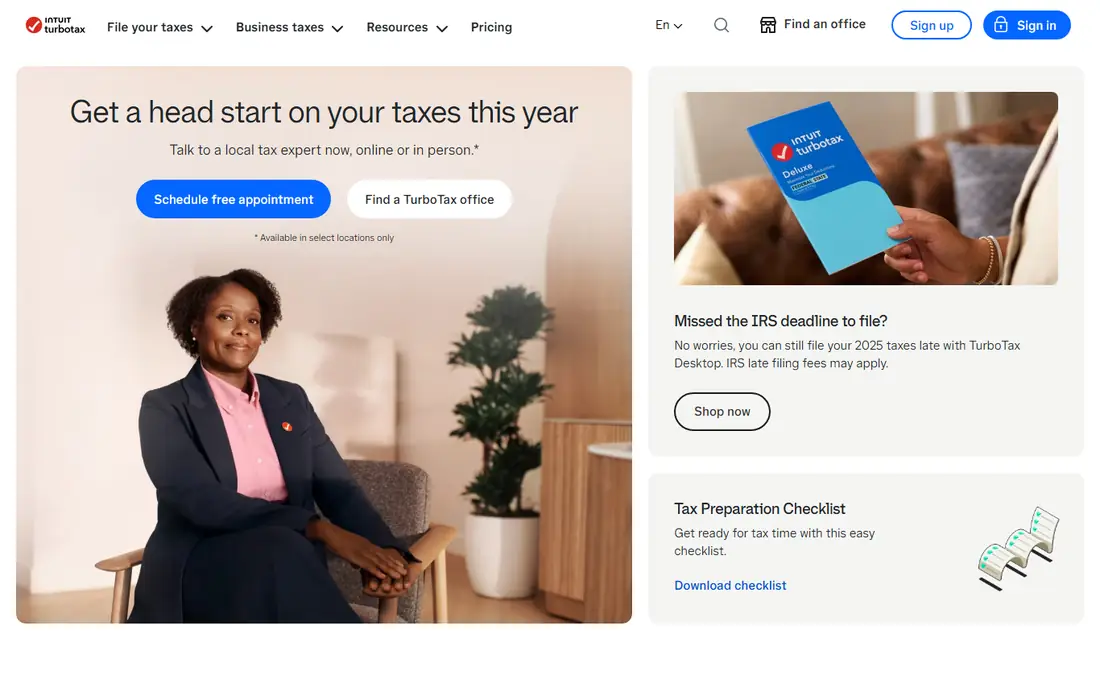
TurboTax Business is the most familiar name in this list, and that familiarity shows in the filing flow. The software walks owners through business income, expenses, assets, and deductions question by question, rather than asking them to pick forms first. For partnerships, S corporations, C corporations, and multi-member LLCs, that guided path reduces the chance of missing a schedule or entering a figure in the wrong place. The main drawback is cost. TurboTax Business sits at the higher end of filing software, and add-ons for state filing or expert review raise the total further. Owners who already use QuickBooks get the most value, because bookkeeping data can flow into the return without retyping. If you want a guided, widely used filing tool and you are willing to pay for it, TurboTax Business is the default to compare everything else against.
- Step-by-step guidance for business forms
- Imports data from QuickBooks
- Expert review options on some plans
- Higher price than budget rivals
- Upsell prompts during checkout can be distracting

H&R Block Business appeals to owners who like software but want a human nearby. The online product guides you through business forms, and the company also runs physical offices, so an owner with a tricky question can talk to a tax professional rather than relying only on help articles. That combination matters for first-time filers, owners who changed business structure during the year, and anyone who feels uneasy filing alone. Pricing depends on the product, the forms you need, and state filing, so the checkout total matters more than any headline price. H&R Block is not the cheapest filing option, but for owners who value backup from a person, it is a sensible middle ground between pure do-it-yourself software and hiring a full-service firm for the whole return.
- Online filing plus access to tax professionals
- Office support for complex questions
- Clear step-by-step flow
- Prices vary by product and state filing
- Some features need higher tiers
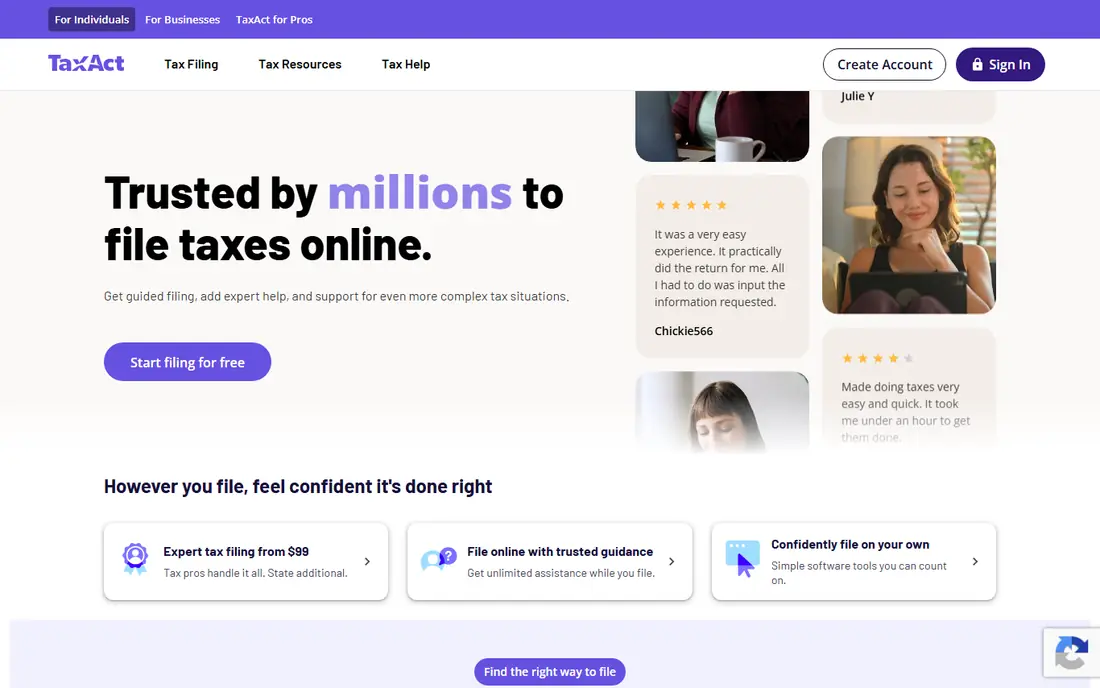
TaxAct Business is the value pick for owners who know roughly what they are doing and want to pay less for filing. It covers business returns, including corporations, partnerships, and LLCs, and it supports multi-state filing for businesses that operate in more than one state. The flow is more form-focused than TurboTax, which suits owners who prefer to see the forms and enter figures directly. The trade-off is polish and hand-holding. Guidance is present but less conversational, and owners who need extensive expert help may prefer H&R Block or TurboTax. For a small business with clean books and a straightforward return, TaxAct Business often delivers the same filed return for less money, which is why it belongs on every shortlist for LLCs and small companies watching costs.
- Lower price than leading rivals
- Supports business returns and multi-state filing
- Straightforward form-based flow
- Interface feels less polished than TurboTax
- Expert help is more limited
QuickBooks Online is accounting software first, and that is exactly why it matters for taxes. When income, expenses, receipts, and bank transactions are categorised through the year, tax time becomes a reporting exercise rather than a scramble through paper and spreadsheets. The software produces profit and loss reports, expense breakdowns, and tax summaries that an owner or accountant can use to prepare a return, and it connects to many banks and business apps. It is important to be clear about the limit: QuickBooks Online alone is not a complete tax filing package for every business type, and many owners pair it with TurboTax Business or an accountant. That pairing costs more than a filing-only tool, but it buys tidier books all year. If your books are messy, start with QuickBooks or a similar accounting tool before shopping for filing software alone.
- Year-round expense tracking and invoicing
- Reports that feed directly into tax preparation
- Wide bank and app integrations
- Filing itself usually needs a separate product or service
- Monthly subscription adds up over a year
FreeTaxUSA is the budget option that surprises owners who expect free software to be thin. Federal filing is free for many returns, including self-employed returns with Schedule C, and the interface walks through income, deductions, and credits without pushing expensive upgrades at every step. For sole proprietors, freelancers, and single-member LLCs with straightforward returns, it is often the cheapest route to a filed return. The limits are real but honest. State returns cost extra, and support is more limited than the expert-review services offered by TurboTax or H&R Block. Owners with a corporation, a partnership, or a complex multi-state return should check which forms FreeTaxUSA supports for their business type before relying on it. For simple small business returns, it is hard to argue with the price.
- Free federal filing for many returns
- Supports self-employed and Schedule C filing
- Simple, no-frills interface
- State filing costs extra
- Support options are narrower than premium rivals
TaxSlayer sits between FreeTaxUSA and the premium brands on price and guidance. It offers a free tier for simple individual returns, plus paid plans that cover self-employed and small business filing, with e-filing and prior-year import on many plans. The flow is direct and form-aware, which suits owners who want to move through a return without a long interview for every line. The drawback is depth. Business coverage and expert support are not as broad as TurboTax Business or H&R Block Business, so owners with partnerships, corporations, or unusual deductions should verify form support first. For sole proprietors and small LLCs that want a low-cost, no-nonsense filing tool, TaxSlayer is a solid alternative to the free-only options, with a bit more structure for a modest price.
- Low-cost plans for individuals and small businesses
- Prior-year import on some plans
- E-filing included on paid plans
- Business support is narrower than TurboTax
- Interface can feel dated
FreshBooks is built for service businesses and freelancers who live by invoices. It handles invoicing, expense capture, time tracking, and client payments in a clean interface, and its reports give owners and accountants a clear view of income and expenses at year end. For a consultant, designer, or contractor, that day-to-day simplicity often matters more than full double-entry accounting features. Like QuickBooks, FreshBooks is not a replacement for filing software. Owners still need a filing product or an accountant to prepare and submit the return, but the numbers they hand over will be far tidier. If your business is service-based, you invoice clients, and you want tax time to be less painful, FreshBooks is a strong year-round companion, even though it does not file the return itself.
- Easy invoicing and expense tracking
- Time tracking for service businesses
- Clean reports for tax time
- Not a tax filing package on its own
- Accounting depth is lighter than QuickBooks or Xero
Xero is a cloud accounting platform for businesses that have outgrown spreadsheets and simple invoicing tools. It handles bank reconciliation, invoicing, expenses, payroll add-ons in some regions, and reporting, and it connects to a large ecosystem of business apps. Growing businesses that sell in more than one currency, hold stock, or work with an accountant who already uses Xero will find it a natural fit. For tax, the same caveat applies as with QuickBooks and FreshBooks: Xero keeps the books tax-ready, but preparing and filing the return is a separate step, often done with an accountant or a filing product. The value is in accuracy through the year and in reports that make filing faster and less error-prone. If your business is growing and your books are getting complex, Xero is worth a trial before tax season arrives.
- Strong cloud accounting and bank reconciliation
- Good multi-currency and inventory features
- Large app ecosystem
- Filing still needs an accountant or separate tool in many cases
- Learning curve for new users
Cash App Taxes, formerly Credit Karma Tax, offers free federal and state filing, which makes it one of the cheapest ways for sole proprietors and freelancers to file. The flow is mobile-friendly and covers many common forms, including Schedule C for self-employed income, and it includes audit support information on its site. For an owner with a simple return and no corporation or partnership, it can remove the filing fee entirely. The limit is business scope. Owners with a corporation, a partnership, or a complex multi-entity return should not assume Cash App Taxes covers their forms, and there is no premium tier with the same expert-review depth as TurboTax or H&R Block. Check form support on the vendor site first. For simple small business returns, though, free federal and state filing is a genuine saving, year after year.
- Free federal and state filing
- Supports many common forms for individuals and sole proprietors
- Simple mobile-friendly flow
- Business entity support is limited
- No premium expert-review tier like larger rivals
How we picked these
We compared official feature pages, pricing pages, app store listings, privacy policies, and public user reviews, focusing on products that small business owners can actually buy and use for the current tax year. We included filing software for companies and LLCs, low-cost filing for sole proprietors, and accounting tools that make filing easier, because small business taxes involve both jobs. We did not claim hands-on testing, and we used See website for prices that vary by plan, state, or business type, so readers should confirm the checkout total before filing. We also avoided treating accounting tools and filing tools as the same thing. A tool that tracks expenses all year can be just as valuable as a tool that files the return, but buyers should know which job each product does. That distinction shapes the list, and it is why the buying guide below starts with business type and filing scope before it touches price.
What to check before you choose tax software
Start with your business type. A sole proprietor files differently from a partnership, an S corporation, or a multi-member LLC, and not every product supports every form. List the forms you filed last year, including state forms, and check each shortlisted product against that list before you compare prices. A cheap product that cannot file your return is not a bargain. Next, decide how much help you need. Confident filers with clean books can use a low-cost or free product, while first-time filers, owners who changed structure, and owners with rental, investment, or multi-state income often benefit from guided filing or expert review. Factor in state filing, audit support, and prior-year import, because those add-ons change the total cost more than the headline federal price. Finally, fix the books before filing season. Connect bank accounts, categorise expenses monthly, and keep receipts and contractor payment records in one place. Accounting software helps here, but even a simple monthly routine in a spreadsheet beats a year-end scramble. This is not financial advice, and tax rules vary by location and business type, so when a return involves payroll problems, an audit, a sale of the business, or a large deduction you are unsure about, talk to a qualified tax professional before you file.
Frequently asked questions
What is the best tax software for a small business LLC?
It depends on the LLC type. A single-member LLC often files like a sole proprietor and can use FreeTaxUSA, TaxSlayer, or Cash App Taxes for a simple return. A multi-member LLC files as a partnership and usually needs a business product such as TurboTax Business, H&R Block Business, or TaxAct Business. Check which forms each product supports for your LLC, and confirm state filing costs before you choose.
What is the best tax software for a small business with employees?
Businesses with employees need payroll records, contractor payments, and employment tax forms handled correctly, which goes beyond basic filing software. QuickBooks Online or Xero can keep payroll and expense records tidy through the year, paired with a business filing product or an accountant for the return itself. If payroll is complex or you have multi-state employees, talk to a payroll provider or tax professional rather than relying on filing software alone.
Is free tax software safe for a small business?
Free products from established vendors use encryption and standard security practices, and FreeTaxUSA and Cash App Taxes are widely used for individual and sole proprietor returns. Safety also depends on the owner: use strong passwords, keep software updated, and never file from a shared computer without signing out. Read the privacy policy for data use and retention, and keep a copy of each filed return and its confirmation.
Can tax software find deductions for my small business?
Filing software can prompt you for common deductions, such as home office, vehicle, equipment, and business expenses, and accounting software can surface expenses you already categorised. No software can guarantee it finds every deduction you qualify for, and it cannot judge whether a deduction is defensible for your situation. Keep records for every deduction you claim, and ask a tax professional about large or unusual items.
Sources we checked (9)

Online Jobs is an independent blog about careers, online work, learning new skills and the tools that help people earn. More about us.
Keep reading
All posts
Top AI Financial Software
Searching for top AI financial software? We compared 9 AI finance tools for AP, spend, close, forecasting and bookkeeping to help teams choose wisely.

Quicken Alternatives
Compare the best quicken alternatives for Mac, Windows, and small business owners, from Monarch Money and YNAB to Copilot, Tiller, and Banktivity in 2026.

GoFundMe Alternatives
Looking for GoFundMe alternatives? We compared 8 fundraising platforms on fees, campaign types, donor tools and who each platform suits best in 2026 today.